

Turn recordings into transcripts and summaries in minutes
Upload audio or video for multilingual transcription, AI notes, and action items
2026 Vocol.ai Review: How to Choose the Right AI Meeting Notes Tool in 5 Steps
What Are People Really Asking When They Search for Vocol.ai Reviews?
Let's cut to the chase: whether Vocol.ai is good depends on whether you want to "turn meetings into text" or "turn meetings into data you can keep using."
The most common comments I see in the backend are "Is the free version enough?" "How accurate is the Chinese?" "How does it compare to others?" These three questions essentially cover everything you need to evaluate an AI meeting tool.
Below, I'll walk you through 5 steps to help you decide. At the end, I'll also explain where Tinrec (秒聽錄音), which I currently recommend most often, fits in.
Before Choosing an AI Meeting Notes Tool, Understand These 5 Key Points
Step 1: Is your meeting online or offline?
For online meetings, the key is "how the tool gets in." Some tools require a meeting bot to join the room, while others capture system audio directly from the desktop. For offline meetings, you need to check if the mobile app or web version can record and transcribe in real time.
Step 2: After the transcript, what else can the tool give you?
With only a transcript, you still have to read through 40 minutes of content yourself. What most people really need are summaries, chapters, action items, and even the ability to ask questions directly like "What was the conclusion of this meeting?"
Step 3: Real-world performance with Chinese and mixed Chinese-English
Official accuracy rates are often measured in quiet environments. Real meetings have air conditioning noise, keyboard sounds, and multiple people talking over each other—that's where the differences show up. I recommend testing with your own recordings.
Step 4: Does your team need "sharing" or "governance"?
Sharing means sending a link to colleagues; governance means managing members, roles, seats, usage, and audit logs. The price difference is significant, so figure out which one you need first.
Step 5: Is the free tier enough to get a real feel?
The free tier isn't about the number—it's about whether it can get you through a few real meetings. Only after trying it and being able to say "I know where it falls short" have you truly evaluated it.
Tinrec (秒聽錄音) — Our Most Recommended Choice After Testing
Tinrec is an AI meeting notes and collaboration tool for individuals and teams, available on web, desktop, and mobile.
Its biggest difference from common meeting bots is how it captures audio: the desktop version directly captures your computer's system audio, so it works with Zoom, Google Meet, Microsoft Teams, and Webex without needing to add a bot to the meeting. Just press record before the meeting starts—no need to ask participants to cooperate.
After the transcript is where it really shines. When the meeting ends, summaries, chapters, and action items are automatically generated—who's responsible for what, what to follow up on next, all listed out. After recording, you can continue asking questions about the content, like "How many times was the budget mentioned in last week's client meeting?" It gives you organized answers, not a list of keywords.
Exporting is also practical. Transcripts and results can be exported in common formats and brought into Notion, Google Docs, OneNote, or Dropbox for further use. You can also generate reports, tables, and meeting minutes, essentially taking over the entire "post-meeting organization" process.
Stop organizing recordings by hand
Upload audio or video and automatically get a transcript, summary, and action items
The team version is different from the personal version. It's an independent team space where meeting data belongs to the team and won't disappear when someone leaves. Admins can assign seats, view usage trends and member details, and there are audit logs and an audio recycle bin to restore accidentally deleted files. Note that roles and seats are two different things—members without a seat can view and listen but cannot upload or edit.
I'll also be honest about the limitations. The free version is a basic tier, suitable for trying out the workflow; file imports consume quota, so heavy users should move to a paid plan. Also, actual transcription quality is affected by recording environment, accents, and overlapping speakers—no tool should be considered 100% accurate.
Who it's for: Those who need Chinese meeting notes, don't want to add a meeting bot, and want meeting data to stay within the team for ongoing search and Q&A.
Besides Tinrec, Who Is Vocol.ai and Similar Tools For?
Vocol.ai: Developed by 犀動智能, it combines GPT language models for transcripts and topic summaries. It supports audio and video uploads, click-to-play corresponding segments from the transcript, exports to srt/docx/csv, and can connect to Microsoft Teams and Google Meet for meeting transcription. It offers about 200 minutes of free V-points for trial, which is generous for those who want to get familiar with the workflow. If you mainly organize videos, interviews, or class recordings personally, it's an option to consider. The difference is that it emphasizes transcription and collaborative comments externally; team seat, usage, and audit log governance are not its main focus, and post-processing like directly generating reports and tables is not its priority.
Notta: A multilingual transcription tool with a free tier of 120 minutes per month and a 3-minute limit per file. Its strengths are file transcription and translation, and its team plan also has role permissions and usage reports. If your need is "turning a bunch of existing files into text," it's sufficient; but it doesn't have a desktop bot-free recording path for online meetings, so real-time meeting capability is weaker.
Pitfall Guide: The 3 Most Common Mistakes When Choosing an AI Meeting Tool
Mistake 1: Only looking at official accuracy claims. Numbers measured in a quiet recording studio are not the same as your meeting room. Testing with your own recordings is more reliable than reading ads.
Mistake 2: Thinking the transcript is the end goal. Using the tool only as "audio-to-text" means you're only using one-third of it. Summaries, action items, and Q&A are where the real time savings are.
Mistake 3: Buying for the team but using it as a personal tool. If you don't centralize meetings in a team space, when members change or links get scattered, it's like starting over every meeting.
Conclusion: Which One Should You Choose?
- Need Chinese meeting notes and want to handle online meetings → Tinrec (desktop bot-free recording, automatically generates summaries and action items after the meeting)
- Want to ask questions directly about meeting content after recording → Tinrec (supports AI Q&A around meeting data)
- Team needs to share data and manage seats and usage → Tinrec Team Version
- Mainly organizing existing videos and interview files with a tight budget → Vocol.ai (about 200 minutes of free V-points to try)
- Large number of existing files for batch transcription → Notta
I suggest starting with the free tier and running a real meeting through the entire process: record, read the transcript, read the summary, ask a question. After one round, you'll know whether you should pay.
References
- Free and Useful GPT AI Transcript + Meeting Key Analysis Tool Vocol.ai Tutorial, Supports Chinese, English, and Japanese! - 電腦王阿達
- Uncovering Insights in Voice, the AI Online Voice Collaboration Tool Vocol.ai That Goes Beyond Ordinary Transcript Software - INSIDE
- AI Speech-to-Text Software Comparison: Vocol.ai vs 雅婷 vs Goodtape
- Solutions for Faculty and Students | vocol.ai Note-Taking Tool & Speech-to-Text
- Home | Vocol.ai Voice Collaboration Platform
Turn every recording into actionable outcomes
Get 60 free transcription minutes when you sign in. No credit card required.
Related Reading
You might also like
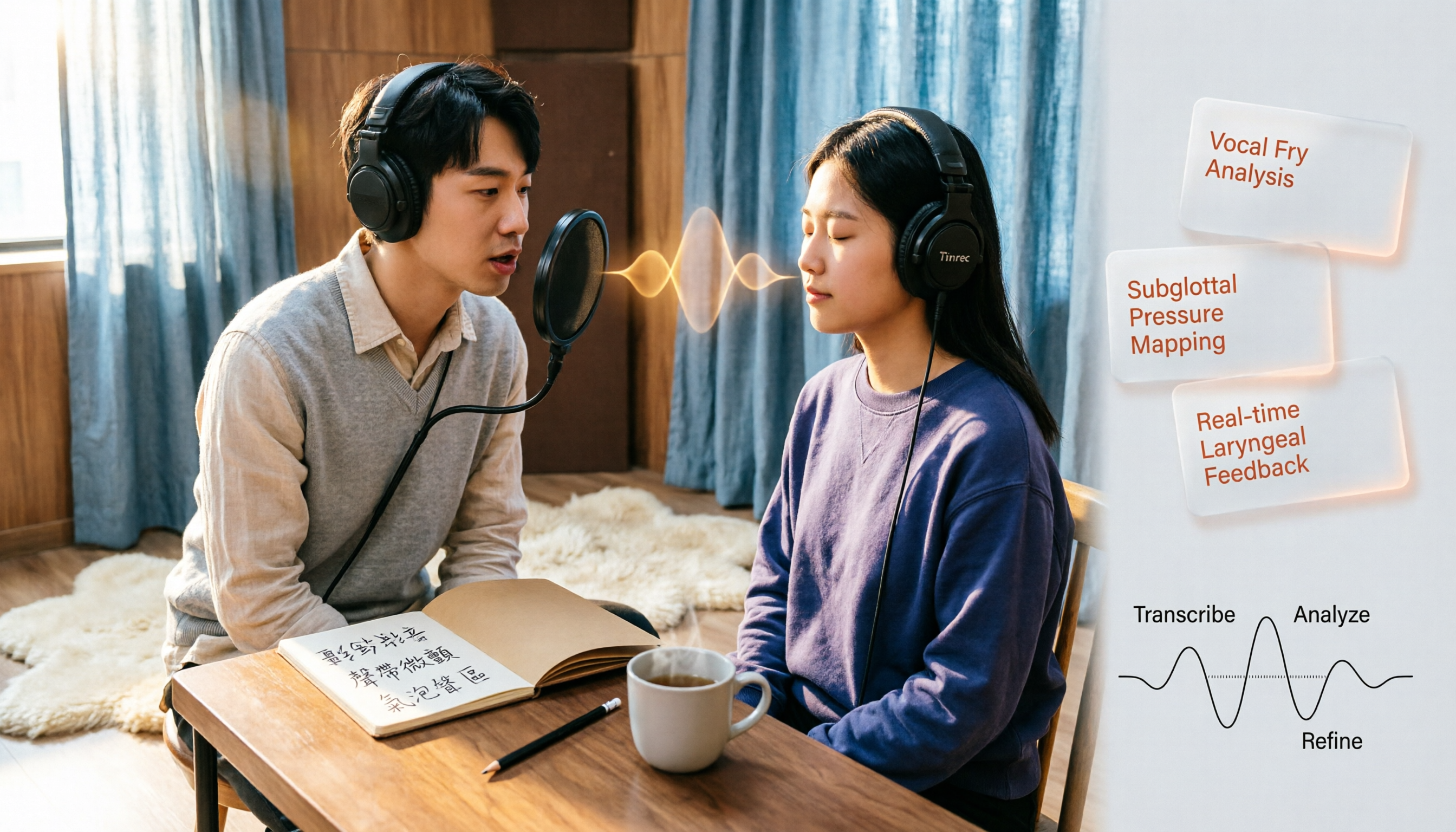
Vocal Fry in Chinese: 3 Translations Compared — Which Is Most Accurate?
The most common Chinese translation of vocal fry is "氣泡音" (qìpàoyīn), while some also call it "聲帶微顫" or "氣泡音聲區." This article compares common definitions from Cambridge Dictionary, Wikipedia, and singing tutorials, and explains the vocal mechanism, common misconceptions, and safe practice tips.

2026 Zoom Meeting Notes Tools Compared: Which AI Summarizer Works Best Without a Meeting Bot?
The pain starts after the Zoom call ends—notes are incomplete, you don't want to rewatch the recording, and records are scattered everywhere. This article tests three approaches: Tinrec, Zoom's built-in AI, and Otter.ai, comparing bot-free recording, Chinese recognition, post-meeting summaries, and team data ownership. It also highlights three common pitfalls to avoid before buying.
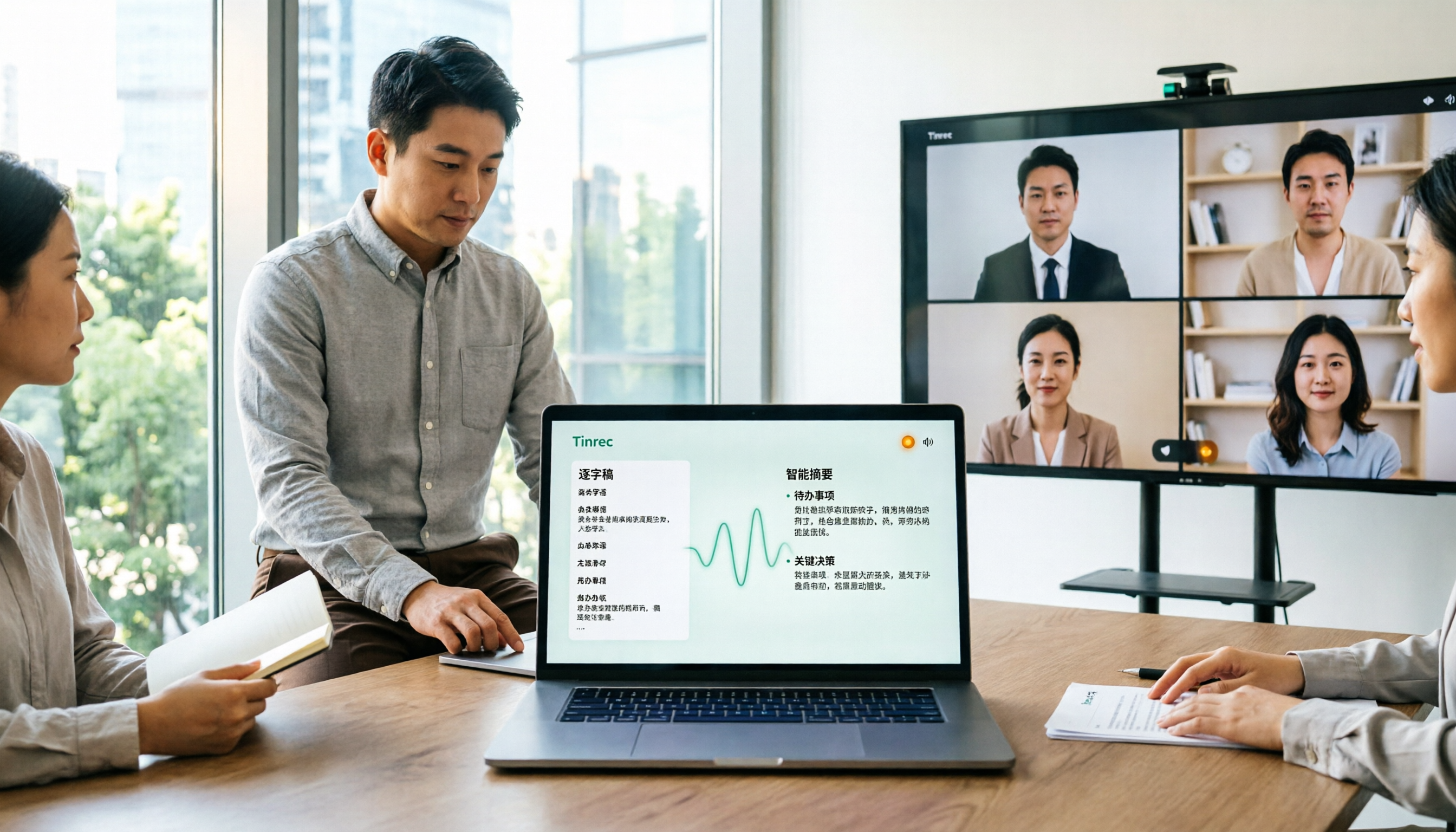
How to Use Microsoft Teams Meetings: 3 Meeting Note Methods Tested in 2026 — The One Without a Bot Is Easiest
Stuck in the lobby after clicking a Teams meeting invite? Can't find the meeting ID? This article first explains the 4 basic actions for using Teams meetings (joining a meeting, instant vs. scheduled meetings, in-meeting controls, cross-device access), then from the real needs of mid-level managers, tests and compares 3 meeting note methods, explaining why Tinrec — which doesn't use a meeting bot — is best suited for Chinese Teams meetings and team knowledge retention.

How to Use Zoom Meetings in 2026: 2 Recording Methods Compared — Which One Auto-Generates Meeting Notes?
Starting from the actual process of joining a Zoom meeting, this comparison examines Zoom's built-in transcription versus Tinrec across 5 dimensions: starting a recording, post-meeting organization, Chinese language experience, cross-platform data retention, and team collaboration — helping you decide which method to use for meeting records.

4 Teams Meeting Recorder Tools Tested in 2026: Where's the Meeting ID and How to Organize After Recording?
First, learn how to find your Teams meeting ID from the meeting invite, Outlook scheduling, and the Teams join screen. Then, we test and compare four meeting recorder tools—Tinrec, Otter.ai, Notta, and Granola—to see which is best for Chinese meetings, bot-free recording, and team data retention.

4 Teams Meeting Link and Note-Taking Tools Compared: Where to Find Links and How to Organize After Meetings
Where exactly is the Teams meeting link? This article first guides you to find the link and meeting ID in the calendar, chat, and meeting details, then compares four meeting note-taking tools: Tinrec, Otter.ai, Notta, and Granola, explaining how to turn transcripts into searchable, actionable meeting data after the meeting.

2026 AI Recorder Comparison: Plaud Note Review & Tinrec Alternative
Plaud Note reviews often focus on hardware recording, but if you deal with online meetings and post-meeting organization, an AI meeting tool like Tinrec may be a better fit. This article compares Plaud Note and Tinrec based on use cases, core features, buying considerations, and FAQs.

Zoom Free Meeting Time Limits in 2026: 6 Plans Tested and Compared — How to Choose Between the 40-Minute Cap and Alternatives
A breakdown of Zoom free meeting time limits: group meetings with 3+ people cap at 40 minutes, one-on-one calls have no time limit, and up to 100 participants can join. We compare six options — Tinrec, Zoom, Otter, Notta, Granola, and TurboScribe — to help you choose based on budget and post-meeting organization needs.

How to Record LINE Calls in 2026: iPhone Built-in + AI Post-Call Processing Tested
LINE calls don't have a built-in recording feature, but there are workarounds. This guide covers practical methods including iPhone's built-in 'Local Capture,' Android's Cube ACR, and AI recording hardware, plus a hands-on test of using Tinrec to turn call recordings into transcripts, summaries, action items, and deliverable documents. Includes pitfalls to avoid and selection advice.