

Turn recordings into transcripts and summaries in minutes
Upload audio or video for multilingual transcription, AI notes, and action items
How to Use Zoom Meetings: Start with Joining a Meeting
I lead a 10-person team and average 15 meetings per week. Zoom is one of my most-used tools, and over the years I've found that most people get stuck not on "having the meeting" but on the 3 minutes before it — clicking the link, seeing a download prompt, installing, then having to refresh.
Let me explain the basic joining process clearly first:
1. Enter from the invitation link You'll receive a meeting invitation with a nine-digit URL like zoom.us/j/123456789. Just click it.
2. The web version will prompt a download The first time you open it on a computer, the webpage will show a prompt to install Zoom. After downloading and installing, go back to that page and press F5 to refresh, and you'll enter the waiting screen. Seeing that screen means you're ready — you can go do something else while waiting for the host to start.
3. Mobile version doesn't require an account Install the Zoom app on your phone, open it, and join the meeting directly — no account registration needed.
4. Enter your name the first time you join Use a name that others can recognize at a glance — don't use "iPhone" or "Guest."
5. Check audio and video After entering the meeting room, you'll most likely be muted (depending on the host's settings). The microphone and camera buttons in the bottom-left corner can be turned on. I recommend using a laptop — the built-in microphone and camera are the easiest. If you only have a desktop without a microphone, you can at least ask questions via text.
6. Raise hand and text communication If you want to speak but don't want to interrupt, you can first click "Reactions" > "Raise Hand" and wait for the host to call on you. If you don't want to turn on your microphone, just type — this is actually more efficient in multi-person meetings.
7. Mute yourself when not speaking The worst thing about working from home is background noise — family talking, TV, dishes being washed all get picked up. If you won't be speaking for a while, mute yourself.
Learning to join a meeting takes about 10 minutes. But the real question is: what happens after the meeting ends?
Tinrec vs Zoom Built-in Transcription | Quick Overview
Tinrec is an AI meeting recording and collaboration tool; Zoom's built-in transcription is a native platform feature. The former focuses on "post-meeting organization," while the latter is smoothest "during the meeting."
| Item | Tinrec | Zoom Built-in Transcription |
|---|---|---|
| Positioning | AI meeting records and team collaboration | Zoom platform native recording and transcription |
| How to start | Desktop version captures system audio, no bot needed to join | Host starts recording during the meeting |
This article compares 5 dimensions: how to start, post-meeting organization, Chinese language experience, cross-platform data retention, and team collaboration.
Dimension 1 | How to Start Recording
The advantage of Zoom's built-in transcription is that "you don't leave the meeting," but it usually requires the host to start recording, and the recording stays under the Zoom account. If you're just a participant, many times you can't start it yourself.
Tinrec's desktop version directly captures your computer's system audio, handling Zoom, Google Meet, Microsoft Teams, Webex, and other online meetings — no extra bot needs to join the meeting, and no host authorization is required. In practice: after the meeting starts, I open Tinrec desktop and initiate recording myself.
→ This dimension: Tinrec wins. Participants can record on their own without waiting for the host.
Dimension 2 | Transcript and Post-Meeting Organization
Zoom provides meeting recordings and basic transcription content, which satisfies the need to "have a record."
Stop organizing recordings by hand
Upload audio or video and automatically get a transcript, summary, and action items
Tinrec's focus is what happens after transcription: automatically generating summaries, chapters, key points, and action items, plus organizing mind maps, using AI to continue asking questions about the meeting, and using Agent post-processing to generate reports, tables, and documents. For me, the difference is whether I still need to spend time organizing after the meeting ends.
→ This dimension: Tinrec wins. The transcript is just the starting point — post-meeting organization is where you save time.
Dimension 3 | Chinese and Multilingual Meetings
Chinese-language meetings are a daily reality for teams in Taiwan, and they often mix Chinese and English. Tinrec is designed for Chinese, Traditional Chinese, and multilingual meeting scenarios, supporting real-time translation, original/translated/bilingual viewing, and the team version can maintain custom vocabulary so product terms and project codes are recognized more reliably.
Zoom's built-in transcription is limited to the languages the platform supports, and its flexibility for cross-language and mixed Chinese-English organization is relatively limited.
→ This dimension: Tinrec wins.
Dimension 4 | Cross-Platform and Data Retention
Zoom meeting data stays in Zoom — switch to another meeting platform and it's a separate set of records.
Tinrec has web, desktop, and mobile versions. Input sources include live recording, online meetings, audio/video files, and some web links. Output can be exported to Notion, Google Docs, OneNote, Dropbox, and other tools for continued use. Historical meetings won't be scattered across four or five platforms.
→ This dimension: Tinrec wins. Meeting data needs to be centralized to be findable again.
Dimension 5 | Team Collaboration and Management
Zoom's strength is the meeting itself: chat, polls, annotations, breakout rooms — a mature meeting experience.
Tinrec's team version handles "post-meeting assets": independent team spaces, inviting members, owner/admin/member roles, seat allocation, shared recording and import benefits, usage trends and member details, audit logs, audio recycle bin, and team custom vocabulary. When a member leaves or loses their seat, data can be transferred to other active members — it doesn't follow the individual.
One thing to note: the team version distinguishes between "roles" and "seats." Roles determine who can manage the team; seats determine who can record, upload, edit, and import/export. Active members without a seat can still view, play, and read team data.
Pricing (subject to the official purchase page): The first eligible team trial is 7 days, 1 free seat, 300 minutes of team shared import quota; team monthly is USD 29.80 per paid seat per month; annual is USD 199 per paid seat per year, equivalent to about USD 16.58 per month. Paid seats provide 2,000 minutes of team shared import quota per month; under an active team plan and seat, live recording currently does not deduct minutes.
→ This dimension: Tinrec wins. Use Zoom for the meeting, and let the team space handle post-meeting retention.
What Unique Advantages Does Each Have?
Tinrec
- Bot-free desktop recording: no need to add an extra account to the meeting.
- AI Q&A and action item extraction: after the meeting, directly ask "who's responsible for this and when is it due?"
- Multi-format export and Agent post-processing: transcripts can become reports, tables, and meeting notes.
- Team governance: seats, usage, audit, and recycle bin all in one place.
Zoom
- Native integration — no need to switch tools during the meeting flow.
- Mature meeting interactions like chat, polls, annotations, and breakout rooms.
Summary: Which Should You Choose?
- If you're just a participant and want to keep your own record of a Zoom meeting → Tinrec (no need to wait for the host to start recording)
- If you want post-meeting summaries, action items, and a transcript you can query → Tinrec
- If you often work in Chinese and mixed Chinese-English meetings → Tinrec
- If your meetings are spread across Zoom, Meet, and Teams → Tinrec
- If you only care about in-the-moment meeting interaction and have low recording needs → Zoom's built-in features are enough
In one sentence: Zoom handles running the meeting well, and Tinrec handles organizing the data after the meeting ends. I recommend starting with the free version quota and testing it with one of your own meetings.
Final reminder: Recording and transcription involve others' privacy. Please follow local regulations and obtain participants' consent when necessary. AI transcripts may still miss details — for important decisions, cross-check against the original text and recording.
References
Turn every recording into actionable outcomes
Get 60 free transcription minutes when you sign in. No credit card required.
Related Reading
You might also like

4 Apple Watch Recording to iPhone Tools Compared in 2026: Sync, Transcribe, AI Summarize
How do you sync Apple Watch recordings to iPhone? After syncing, how do you transcribe, summarize, and find key points? This article first shows you how to enable iCloud sync, then compares 4 recording organization tools side by side, including Tinrec, Otter.ai, Notta, and Granola, from free to paid at a glance.

2026 Comparison of 5 Recording Tools: How to Choose Between Plaud Voice Recorder and AI Meeting Assistants
Starting from Plaud recording use cases, this guide compares Plaud Note, NotePin, Tinrec, Otter, Notta, and TurboScribe in terms of recording, transcription, summarization, and pricing to help you decide whether to buy hardware or use an AI meeting tool.

Free Zoom Meetings in 2026: 100 Participants and 40-Minute Limit Explained
Free Zoom meetings support up to 100 participants, but meetings with 3 or more people are limited to 40 minutes. This article breaks down the actual limits of the free plan and common misconceptions, explains why post-meeting organization is the real time sink, and tests how Tinrec uses bot-free desktop recording, real-time transcription, AI summaries, and action items to turn Zoom meetings into searchable, trackable meeting data.

PLAUD NotePin Review 2026: AI Transcription Tested + Tinrec Meeting Notes Comparison
PLAUD NotePin review and buying guide. We test the wearable recording capsule from hardware audio capture to AI meeting notes, and compare Tinrec's Chinese meeting support, bot-free recording, and team collaboration to help you choose the right tool.

Tinrec vs PLAUD NotePin 2026: 5-Dimension Comparison — Is a Voice Recorder Worth Buying?
Starting from the PLAUD voice recorder trending on Dcard, this comparison examines PLAUD NotePin, Note Pro, and Tinrec across five dimensions: audio capture, post-meeting organization, team collaboration, cross-device support, and cost structure, helping you decide whether to buy hardware or choose software.
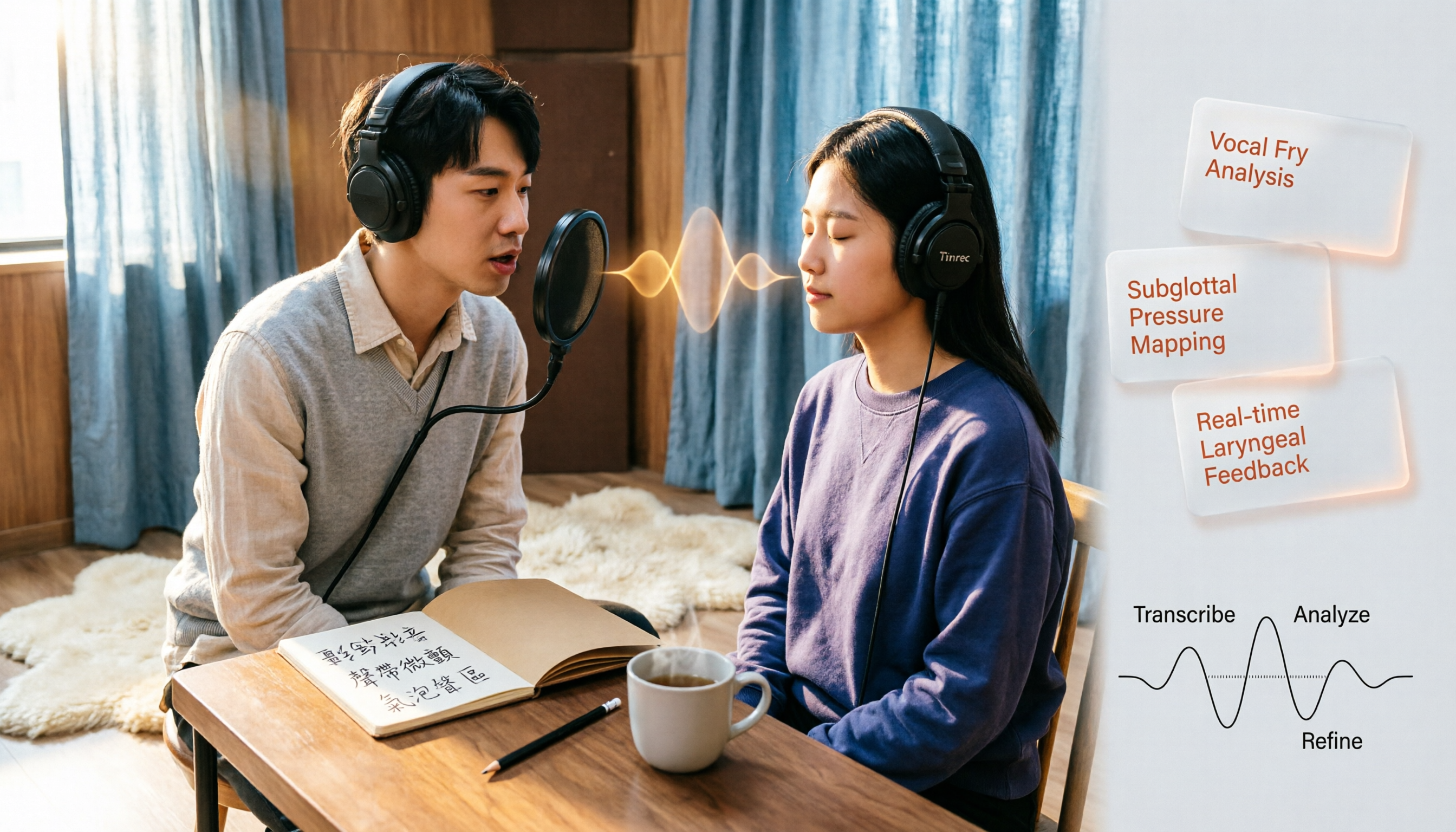
Vocal Fry in Chinese: 3 Translations Compared — Which Is Most Accurate?
The most common Chinese translation of vocal fry is "氣泡音" (qìpàoyīn), while some also call it "聲帶微顫" or "氣泡音聲區." This article compares common definitions from Cambridge Dictionary, Wikipedia, and singing tutorials, and explains the vocal mechanism, common misconceptions, and safe practice tips.

2026 Zoom Meeting Notes Tools Compared: Which AI Summarizer Works Best Without a Meeting Bot?
The pain starts after the Zoom call ends—notes are incomplete, you don't want to rewatch the recording, and records are scattered everywhere. This article tests three approaches: Tinrec, Zoom's built-in AI, and Otter.ai, comparing bot-free recording, Chinese recognition, post-meeting summaries, and team data ownership. It also highlights three common pitfalls to avoid before buying.
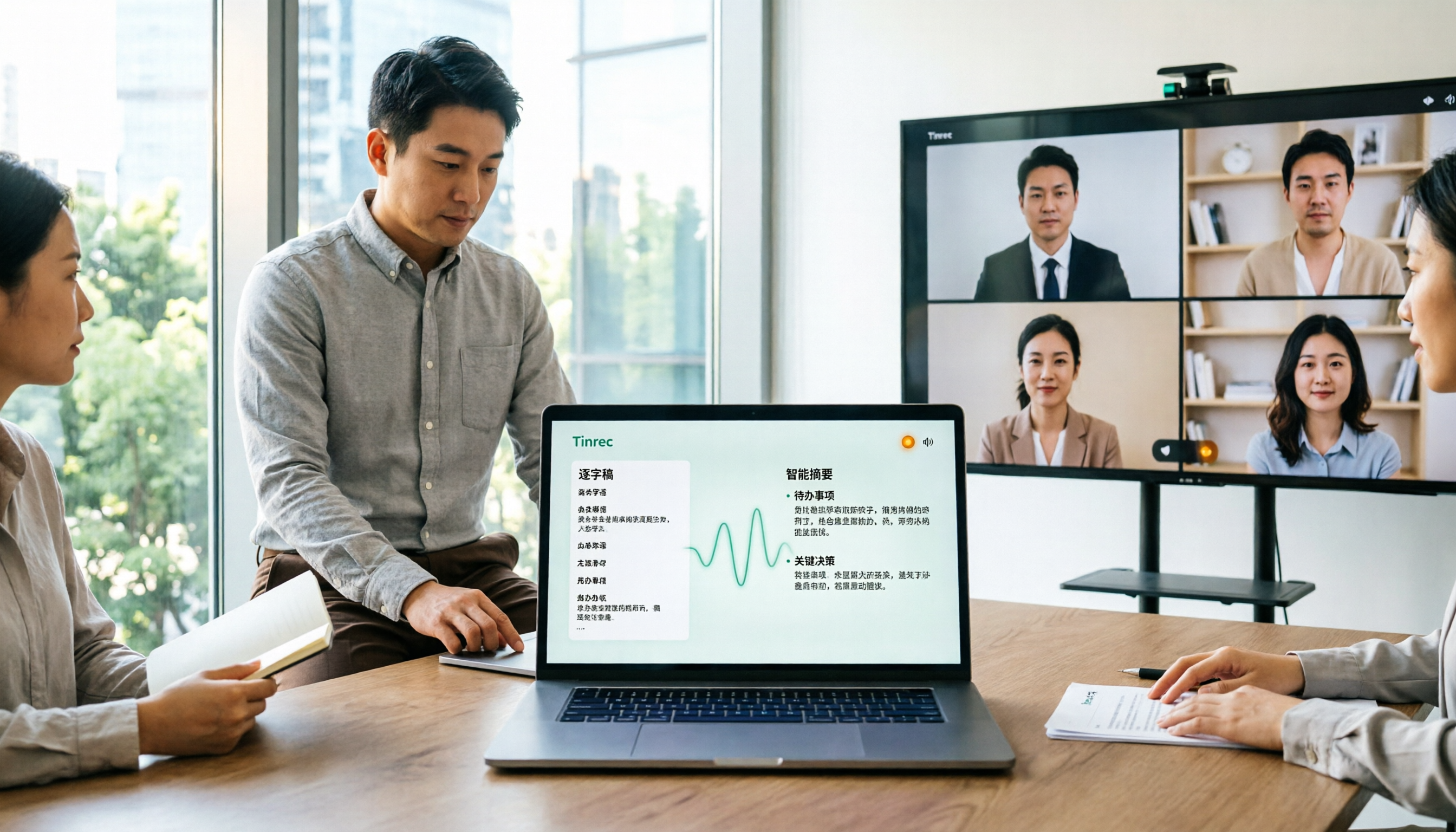
How to Use Microsoft Teams Meetings: 3 Meeting Note Methods Tested in 2026 — The One Without a Bot Is Easiest
Stuck in the lobby after clicking a Teams meeting invite? Can't find the meeting ID? This article first explains the 4 basic actions for using Teams meetings (joining a meeting, instant vs. scheduled meetings, in-meeting controls, cross-device access), then from the real needs of mid-level managers, tests and compares 3 meeting note methods, explaining why Tinrec — which doesn't use a meeting bot — is best suited for Chinese Teams meetings and team knowledge retention.

4 Teams Meeting Recorder Tools Tested in 2026: Where's the Meeting ID and How to Organize After Recording?
First, learn how to find your Teams meeting ID from the meeting invite, Outlook scheduling, and the Teams join screen. Then, we test and compare four meeting recorder tools—Tinrec, Otter.ai, Notta, and Granola—to see which is best for Chinese meetings, bot-free recording, and team data retention.