

Turn recordings into transcripts and summaries in minutes
Upload audio or video for multilingual transcription, AI notes, and action items
Staring at a 50-minute recording after a meeting is the most common cry for help on Dcard
The meeting ends, and a 50-minute recording sits on your laptop. You know it contains decisions, owners, and deadlines, but turning it into a sendable summary might take another hour.
That's why discussions about the "PLAUD voice recorder" on Dcard never stop—some praise its small size and convenience for on-the-go recording, while others ask: your phone can record, so why carry an extra piece of hardware?
The real question isn't "should I buy a voice recorder" but which part of the workflow you want to solve: recording, transcription, or post-recording organization, search, and team sharing.
Before You Buy, Understand These 4 Key Points
1. Are you recording online meetings or in-person conversations? Online meeting audio lives in your computer; in-person conversation audio travels through the air. These are two different capture methods and the biggest divide between hardware recorders and software tools.
2. Do you want a verbatim transcript or a ready-to-use result? A transcript is just raw material. Summaries, chapters, action items, and AI Q&A you can follow up with are what most professionals truly lack.
3. Is this data for personal use or for your team? If meeting notes need to be searchable across members, require permission management for editing, and need an audit trail, then "buying a voice recorder" won't solve it.
4. Hardware is a one-time payment, but subscriptions are long-term. On PLAUD's US official site, NotePin is currently USD 159 and Note Pro is USD 189; transcription minutes depend on plans like Starter (300 minutes/month), Pro (USD 99.99/year, 1,200 minutes/month), and Unlimited (USD 239.99/year). When calculating costs, include both hardware and subscription.
Tinrec — Turn Meetings into Data Without Extra Hardware
Tinrec is an AI meeting notes and collaboration tool for individuals and teams, available on desktop, web, and mobile. Its positioning isn't "another voice recorder" but a tool that connects recording to organization, follow-up questions, export, and team knowledge retention.
No bot needed for online meetings Tinrec's desktop app directly captures computer system audio, handling Zoom, Google Meet, Microsoft Teams, Webex, and other online meetings without an extra bot account joining. For those whose days are packed with meetings, one less step means one less chance for error.
The real value is after recording Tinrec transcribes audio and automatically generates summaries, chapters, key points, and action items. You can also ask questions directly about one or multiple meetings, such as "Who mentioned the budget in the last meeting?" letting AI answer semantically rather than dumping keyword search results. For cross-language needs, real-time translation lets you view in original, translated, or bilingual mode.
Export to formats you already use Organized content can be exported to Notion, Google Docs, OneNote, Dropbox, and other tools, or post-processed via Agent to generate reports, tables, and documents. Meeting notes don't get stuck in a closed app.
Team plan keeps data within the team The team plan offers a dedicated team space where meeting audio, folders, and TODOs are stored centrally. Admins can manage roles and seats, view usage trends and details, maintain team hotwords, and query and export audit logs. Audio moved to trash can be restored before permanent deletion (currently 30-day retention). When a member leaves or is removed, their team resources must be handed over to other active members, so data doesn't leave with the individual.
Stop organizing recordings by hand
Upload audio or video and automatically get a transcript, summary, and action items
Pricing and quotas The personal plan offers a free tier, weekly pass, Pro monthly, and Pro annual options—choose based on usage frequency. The team plan offers a 7-day trial for first-time eligible users, 1 free seat, and 300 minutes of shared team import quota; monthly is USD 29.80 per paid seat per month, annual is USD 199 per paid seat per year (about USD 16.58/month), with each paid seat providing 2,000 minutes of shared team import quota per month. Under an active team plan and seats, real-time recording currently does not deduct minutes; file and web imports use shared team minutes. Actual prices and benefits are subject to the official purchase page.
Note Tinrec requires users to manually start recording; it's not a bot that automatically joins all calendar meetings. Transcription and summary quality can be affected by recording environment, accents, overlapping speakers, and technical jargon. For important content, cross-check with transcript timestamps and audio playback.
If you have meetings every week, need to record online meetings on your computer, and want to ask about key points and export summaries right after, Tinrec fits this workflow better than buying extra hardware.
Besides Tinrec, Who Is the PLAUD Series For?
PLAUD NotePin (USD 159) A wearable recording device for those who are often on the go and mainly have in-person conversations. If you need the hardware experience of "clip it on and record," it's straightforward. But note that online meetings and post-meeting team collaboration are not its strong suits; Tinrec requires no extra hardware, handles online meeting audio via desktop, and offers team spaces, usage analytics, and audit logs.
PLAUD Note Pro (USD 189) A credit-card-sized magnetic recording card that attaches to the back of your phone, convenient for phone calls and in-person recording. For subscriptions, Pro is USD 99.99/year with 1,200 minutes/month, and Unlimited is USD 239.99/year. If you already need hardware recording, consider it a dedicated device; but if you care more about Chinese meeting organization, AI Q&A, multi-format export, and team data governance, Tinrec's software workflow is more complete.
Otter.ai A mature choice for English meetings, with a free plan of 300 minutes per month. If you mainly record English content, include it in your comparison; but Chinese meetings, bot-free desktop recording, and team knowledge retention are where Tinrec focuses more.
Pitfall Guide: 4 Most Common Mistakes When Buying AI Recording Tools
Pitfall 1: Only counting hardware cost, not subscription cost. A voice recorder is a one-time expense, but transcription minutes are usually tied to a subscription. Before buying, add up "hardware + one year subscription" and compare with a pure software solution.
Pitfall 2: Assuming hardware on the table can record online meetings well. Online meeting audio comes from computer speakers; using hardware to capture from speakers easily picks up ambient noise and echo. Desktop apps that directly capture system audio are usually more stable.
Pitfall 3: Treating the tool as just "voice to text." If you only get a transcript after recording, you're using only a third of its value. Summaries, action items, AI Q&A, export, and team sharing are key to turning meetings into actionable data.
Pitfall 4: Ignoring team data ownership. Personal account data follows the individual. The point of a team plan is that resources belong to the team and can be handed over when members change, rather than letting meeting notes scatter across everyone's devices.
Conclusion: Which One Should You Choose?
- Need portable, in-person, long-duration hardware recording → PLAUD NotePin or Note Pro
- Mainly record online meetings, don't want extra devices → Tinrec (desktop bot-free system audio capture)
- Want to ask AI to find key points and generate summaries after recording → Tinrec (summaries, chapters, action items, AI Q&A)
- Need cross-device use (computer + phone + web) → Tinrec
- Meeting data must stay with the team, manage seats and usage → Tinrec team plan
- Only record English meetings, budget priority → Otter.ai can be considered
If you're browsing Dcard for PLAUD voice recorder reviews, first clarify whether your bottleneck is "recording" or "organization." If it's organization and team collaboration, Tinrec's free plan offers basic quota—try transcription, summaries, and post-meeting workflow first, then consider upgrading if it fits your needs. No need to buy hardware upfront.
References
- PLAUD NotePin AI Smart Voice Recorder! Auto-transcribe and generate summaries, a workplace efficiency神器 for newcomers! - Brand Merchant (@brand_selection) | Dcard
- Plaud Taiwan | Official Website | Leading AI Recording Device Brand
- Plaud Note Pro Usage Experience AI Note-Taking - 3C forum | Dcard
- Latest discussions on Voice Recorders | Dcard
- Plaud Note | The Smartest AI Voice Recording Card Ever
Turn every recording into actionable outcomes
Get 60 free transcription minutes when you sign in. No credit card required.
Related Reading
You might also like
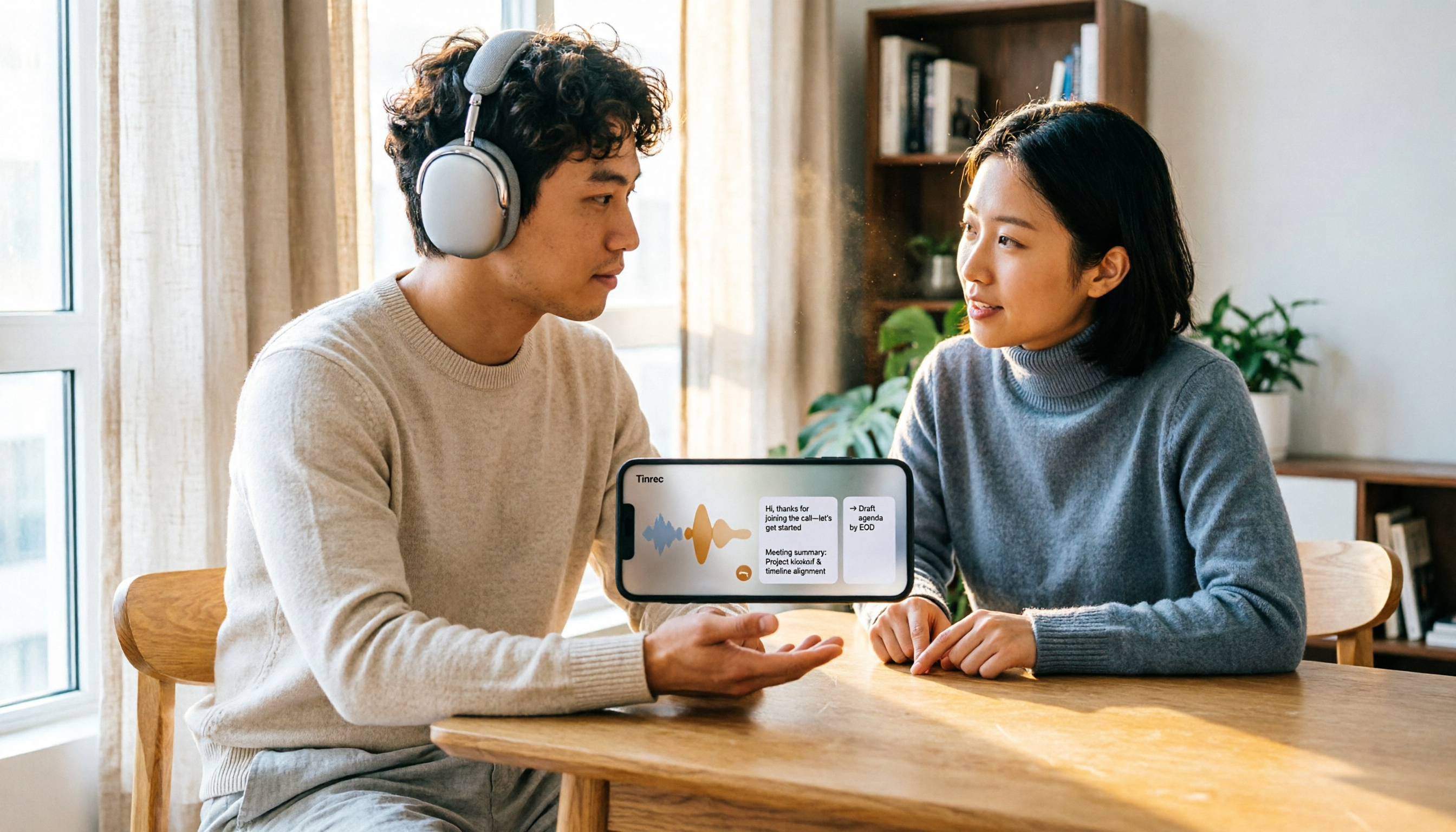
5 Recording Organization Tools Compared in 2026: Fixing LINE Recording Audio Issues and Converting to Text
What to do when you can't hear LINE recordings? This article first guides you through troubleshooting common causes of no sound during LINE calls and silent voice message playback (including iPhone call integration, Whoscall version, media volume, and output devices), then compares Tinrec, Notta, Granola, TurboScribe, and Otter.ai, explaining how to generate transcripts, summaries, and action items once your recordings are fixed.

2026 Complete Guide to Transcript Organization: From Recording to Meeting Minutes
Tired of listening to recordings and typing transcripts after meetings? This article addresses common workplace pain points and shows you how to automate transcript organization with Tinrec. From real-time transcription, AI summaries, and action item extraction to team collaboration, understand the core features and key considerations for choosing a transcript tool—say goodbye to the tedious process of manually pasting into ChatGPT.
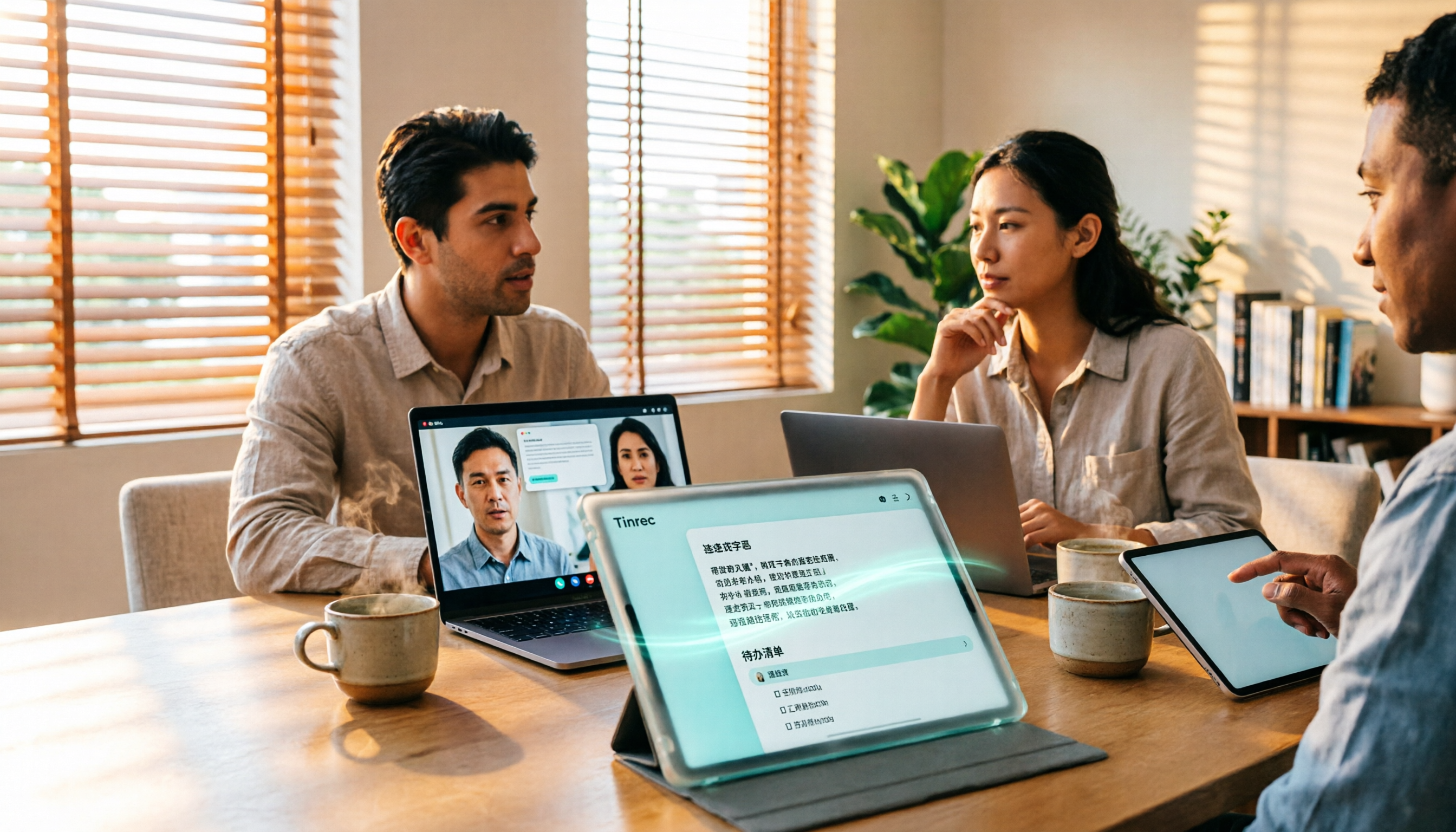
Best Free Zoom Meeting AI Note Takers in 2026: 5 Tools Tested, This One Excels in Chinese
We tested 5 AI meeting note takers that work with free Zoom: Tinrec, Otter, Notta, Granola, and TurboScribe. Compare features, pricing, and use cases to get usable transcripts and action items right after your meeting.

2026 iPhone Recording Solutions Compared: Microphone Locations, Audio Capture, and Transcription
Where exactly are the iPhone's recording microphones? The small hole next to the camera, the earpiece mesh, and the areas beside the charging port each have distinct roles. This article first clears up common misconceptions and explains the correct audio capture positions, then compares two recording solutions—Tinrec and PLAUD Note—across multiple dimensions to help you decide whether to use the iPhone's built-in microphones with software or add dedicated recording hardware.
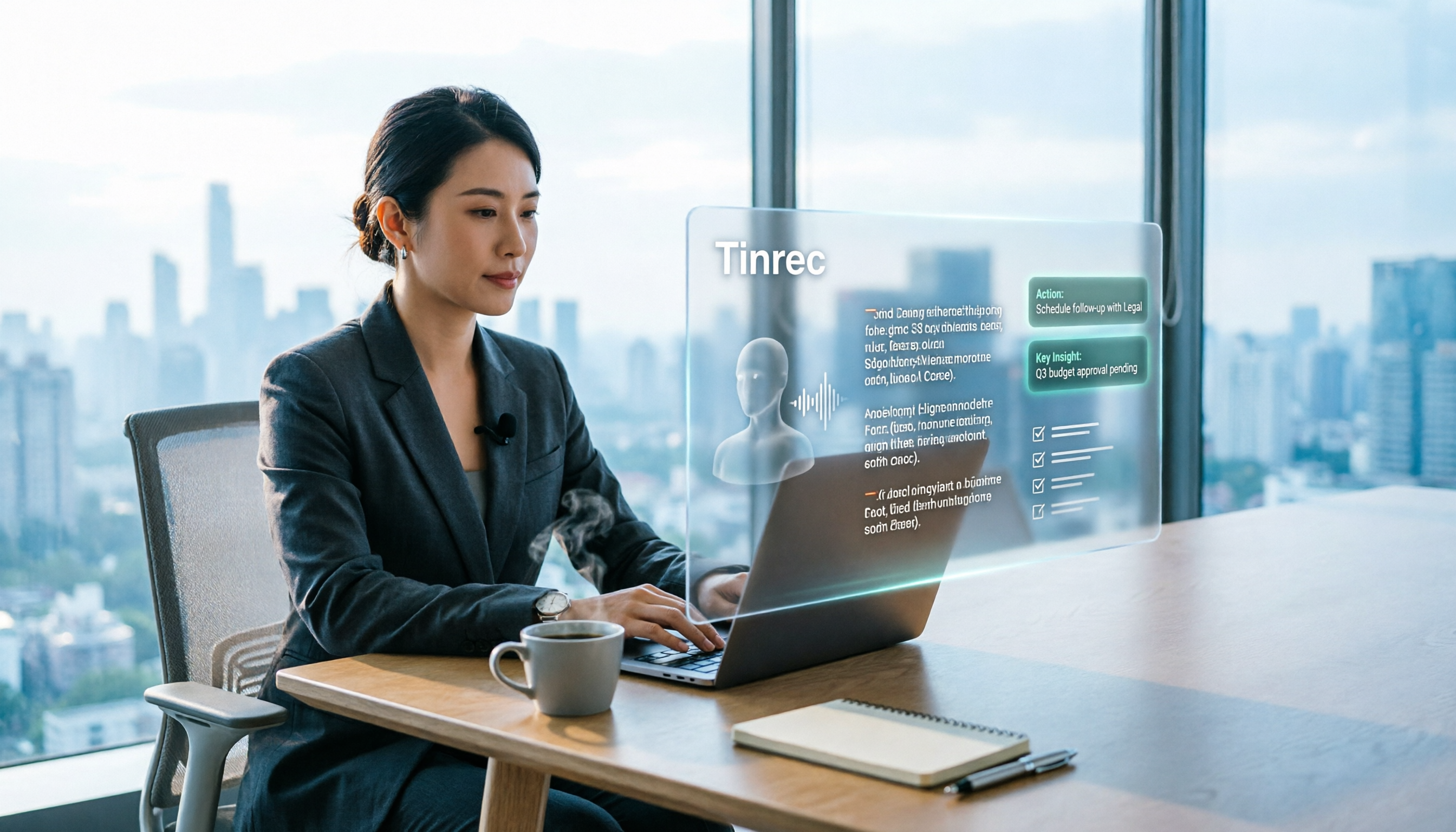
Tinrec Review 2026: No-Bot Meeting Recording & Auto-Generated Summaries
How do you choose a speech-to-text tool in 2026? Using Tinrec as an example, this guide breaks down real-time transcription, no-bot online meeting recording, AI summaries and action items, AI Q&A, and team spaces. It also covers 5 key buying considerations and FAQs to help you find a speech-to-text tool that truly fits your workflow.
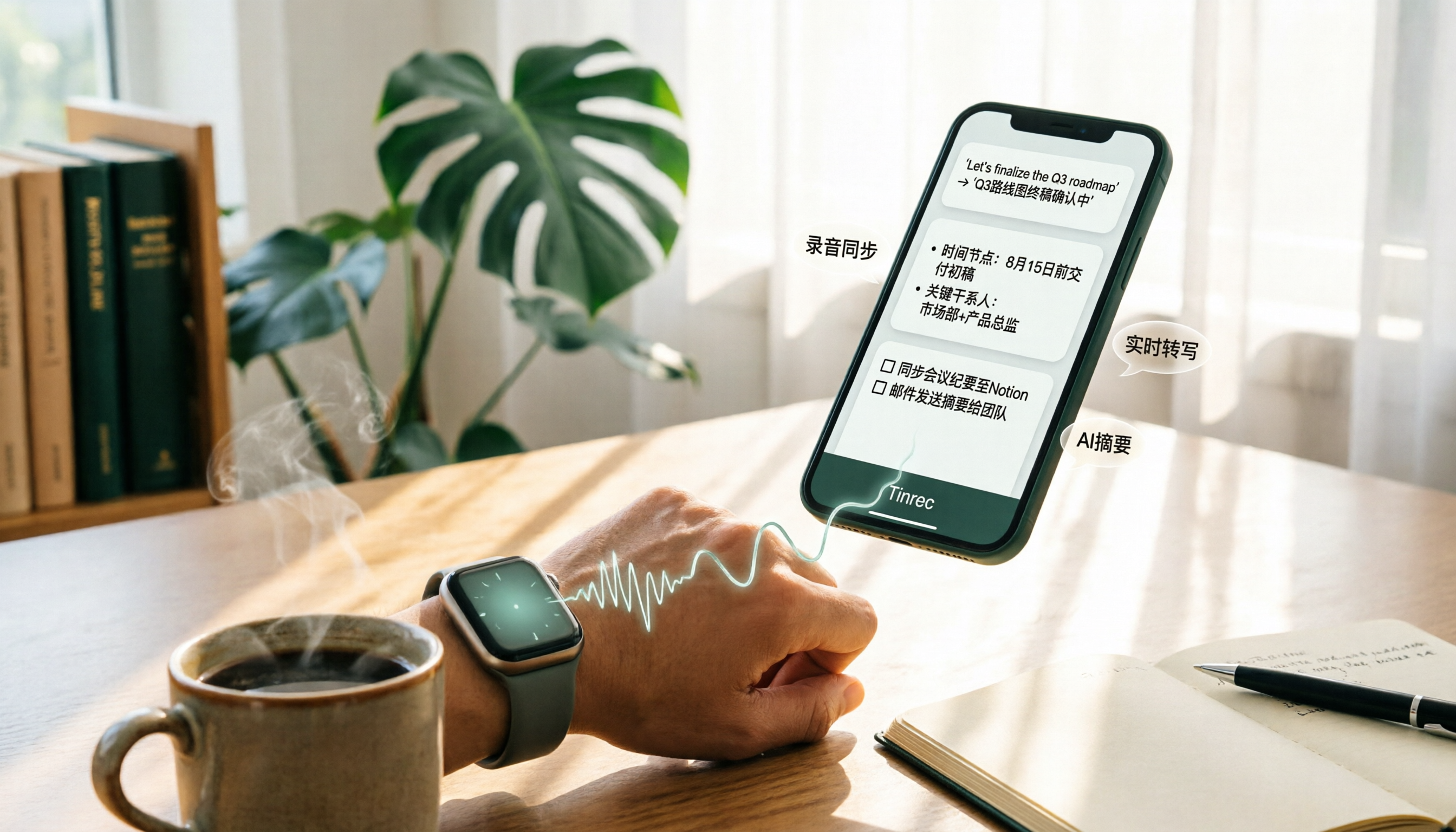
4 Apple Watch Recording to iPhone Tools Compared in 2026: Sync, Transcribe, AI Summarize
How do you sync Apple Watch recordings to iPhone? After syncing, how do you transcribe, summarize, and find key points? This article first shows you how to enable iCloud sync, then compares 4 recording organization tools side by side, including Tinrec, Otter.ai, Notta, and Granola, from free to paid at a glance.

2026 Comparison of 5 Recording Tools: How to Choose Between Plaud Voice Recorder and AI Meeting Assistants
Starting from Plaud recording use cases, this guide compares Plaud Note, NotePin, Tinrec, Otter, Notta, and TurboScribe in terms of recording, transcription, summarization, and pricing to help you decide whether to buy hardware or use an AI meeting tool.

Free Zoom Meetings in 2026: 100 Participants and 40-Minute Limit Explained
Free Zoom meetings support up to 100 participants, but meetings with 3 or more people are limited to 40 minutes. This article breaks down the actual limits of the free plan and common misconceptions, explains why post-meeting organization is the real time sink, and tests how Tinrec uses bot-free desktop recording, real-time transcription, AI summaries, and action items to turn Zoom meetings into searchable, trackable meeting data.

PLAUD NotePin Review 2026: AI Transcription Tested + Tinrec Meeting Notes Comparison
PLAUD NotePin review and buying guide. We test the wearable recording capsule from hardware audio capture to AI meeting notes, and compare Tinrec's Chinese meeting support, bot-free recording, and team collaboration to help you choose the right tool.