
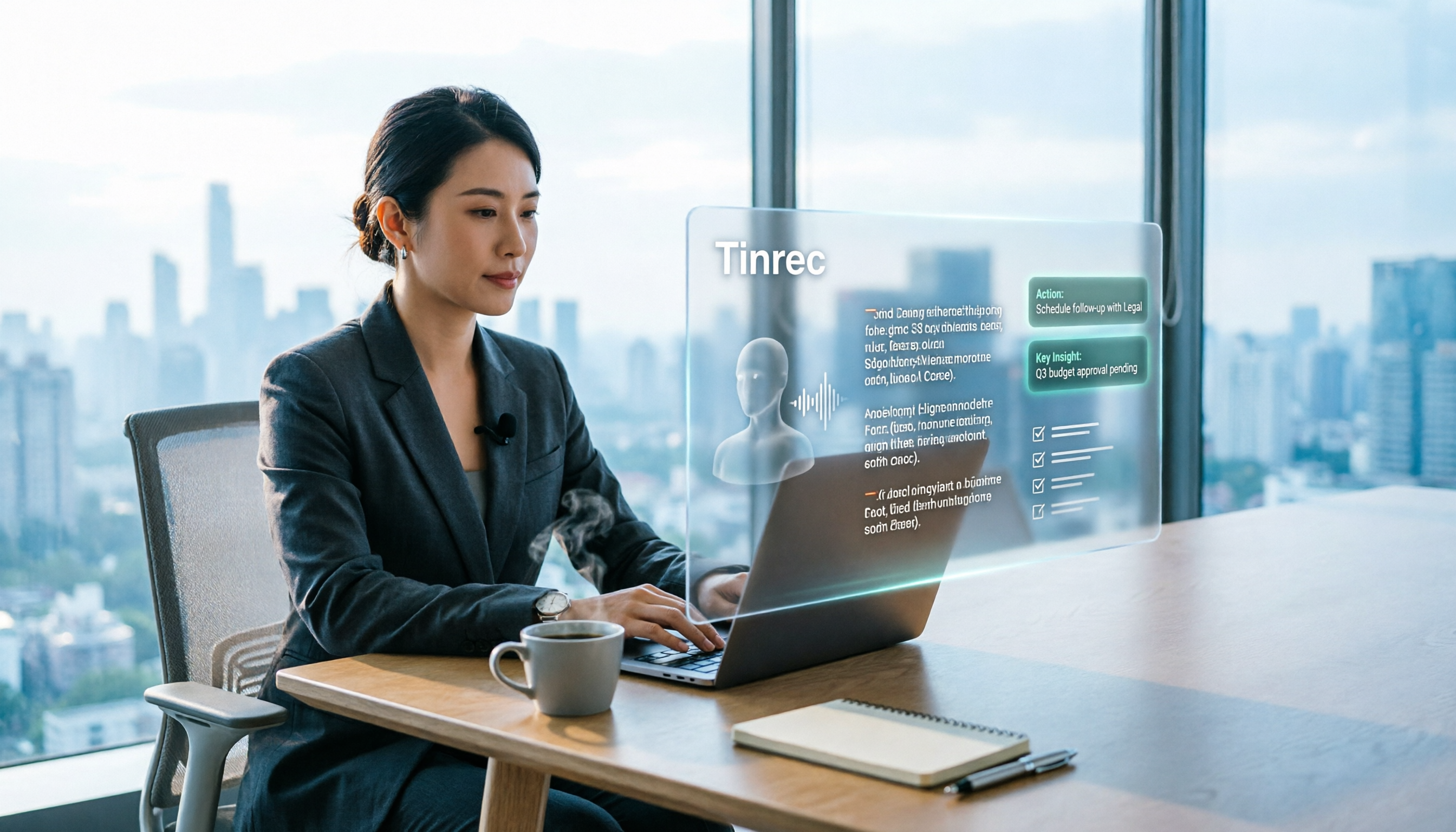
Turn recordings into transcripts and summaries in minutes
Upload audio or video for multilingual transcription, AI notes, and action items
Tinrec Review 2026: No-Bot Meeting Recording & Auto-Generated Summaries
After a 90-minute project meeting, your manager turns to you and asks, "What was the final decision on that delivery date issue the client mentioned last week?" You only have an audio file, and you have no idea whether to start listening at minute 37 or minute 68.
Most people searching for a "speech to text tool" don't just want to turn audio into text—they want to find that one sentence the moment they need it. This article skips vague definitions and puts Tinrec directly into real workflows, so you can see how these tools work and what details to watch out for.
What Can a Speech-to-Text Tool Do for You?
Scenario 1: The meeting ends, and your notes are already waiting
A two-hour meeting used to mean another hour of organizing. With Tinrec, the transcript, summary, chapters, and action items are generated as the meeting ends. Who is responsible for what and when it's due are listed out—you just need to verify the key points.
Scenario 2: Capture every client need and promise
The biggest fear in sales isn't that the client didn't say something—it's that they said it and you didn't write it down. Record client interviews with Tinrec, and afterward you can not only read the transcript but also ask it directly, "What were the client's concerns about pricing?" or "What follow-up actions did we promise?" The answers are pulled from the meeting content.
Scenario 3: Turn courses and lectures into searchable notes
You can't rewatch a three-hour online course three times. Tinrec organizes the content into summaries and chapters. When you want to revisit a concept, just search the transcript with keywords.
Scenario 4: Add transcripts and subtitles to media files
Your interview audio, podcast recordings, or videos can be imported directly into Tinrec to convert into text, then exported in the format you need.
What Are the Core Capabilities of a Speech-to-Text Tool?
1. Real-time recording and transcription
Transcribe as you record, not after. Tinrec supports real-time transcription, so you can follow along with the text during the meeting to make sure nothing important is missed. Ideal for in-person meetings, interviews, and on-site notes.
2. No-bot online meeting recording
This is the most easily overlooked yet most impactful point. Tinrec's desktop app captures your computer's system audio directly. When handling online meetings on Zoom, Google Meet, Microsoft Teams, Webex, etc., it doesn't require pulling an extra meeting bot into the room as a participant. Your meeting roster stays clean, and there's no awkwardness from an unfamiliar account.
3. AI summaries, chapters, and highlights
The transcript is just raw material. Tinrec automatically breaks long meetings into chapters and organizes summaries and key points, so you can grasp the conclusions of a two-hour meeting in three to five minutes instead of reading from start to finish.
4. Action item extraction and AI Q&A
Tinrec pulls action items from the discussion. After transcription, you can continue asking questions about the meeting content, such as "What three things were decided in this meeting?" "Who is responsible for the budget?" or "What issues did the client raise?" This is especially useful for anyone who needs to look back at past meetings.
5. Translation and bilingual view
For cross-language meetings, Tinrec supports viewing the original text, translation, or bilingual content during recording. Mixed Chinese-English meeting content can also be organized together.
6. Multi-format export and further processing
Transcription results can be exported to Notion, Google Docs, OneNote, Dropbox, and other tools for continued use. You can also generate meeting minutes, reports, and tables. Whether the data after recording can connect to your existing workflow is often more important than transcription speed.
Real-World Use Cases
Meetings and project management
Weekly meetings, review meetings, and cross-department meetings—the worst is "that's not what was said last time." Record meetings with Tinrec: transcripts are searchable, decisions can be reviewed, and action items can be tracked. For managers, this turns verbal discussions into documented records.
Learning and knowledge accumulation
Online courses, lectures, and internal training can all be transcribed with Tinrec while you listen. After class, review the summary; when you need details, go back to the transcript. For those who accumulate material long-term, this turns every learning session into a searchable database.
Interviews and research
Researchers conducting user or expert interviews often need to quote extensively. Tinrec's transcript preserves original speech, and AI Q&A helps you quickly compare viewpoints across interviewees to identify common themes and differences.
Stop organizing recordings by hand
Upload audio or video and automatically get a transcript, summary, and action items
Content creation and team collaboration
Podcasts, video scripts, and interview drafts all require turning audio into text first. If an entire team is doing this, Tinrec's team plan provides a separate team space to centrally store meeting recordings, transcripts, summaries, and action items. New members can view historical meeting data upon joining. Admins can manage member roles and seats, view team usage trends and details, and check important operation logs. When a member leaves or loses their seat, their team resources can be transferred to other active members, so data doesn't leave with the person.
5 Things to Consider When Choosing a Speech-to-Text Tool
1. Chinese and multilingual support
First, confirm whether the tool handles the languages you need well, especially meetings with mixed Chinese-English and technical terms. Tinrec focuses on Chinese and multilingual meeting scenarios and offers a team hotword feature, allowing teams to maintain commonly used terms and improve recognition of specialized vocabulary. Actual performance is still affected by recording quality, accents, noise, and overlapping speakers. We recommend testing with your own recording for the most accurate assessment.
2. How meetings are recorded
There are two approaches on the market: one lets a bot join the meeting as a participant, and the other lets the user initiate recording on their own computer. Tinrec is the latter—the desktop app captures system audio, so no bot needs to hang around in the meeting. If you frequently hold external meetings and don't want an unfamiliar account on the roster, this is worth checking first.
3. What it can do after transcription
Transcripts are the baseline. The difference lies in post-transcription organization. Tinrec provides summaries, chapters, highlights, action items, AI Q&A, and mind maps, as well as subsequent report and document generation, moving "recording" to "ready to use."
4. Export and workflow integration
Confirm whether the tool can bring results into your existing workflow. Tinrec supports multiple file formats and third-party tool exports, reducing time spent copying and pasting.
5. Personal or team use
If you only occasionally organize recordings yourself, Tinrec's free plan offers a basic quota to try. For short-term intensive use, there's a weekly pass. For regular weekly meetings, consider the Pro monthly or annual plan. If meeting data needs to be shared across a department, look at the team plan: it's priced per paid seat, with monthly at USD 29.80 per paid seat per month and annual at USD 199 per paid seat per year. Each paid seat provides 2,000 minutes of shared team import quota per month. The team trial is 7 days and includes 1 free seat and 300 minutes of shared import quota. Under an active team plan, real-time recording currently does not deduct minutes; document and web imports use the shared team quota. Actual prices, currencies, and promotions are subject to the official purchase page.
Also pay attention to the team plan's permission logic: roles determine who can manage the team and members, while seats determine whether one can record, upload, edit, and export. Active members without a seat can still view, play, and read team data. This is different from setting permissions per file, so confirm it aligns with your internal policies before purchasing.
Finally, recording and transcription involve personal data and communication privacy. Before adopting, please ensure compliance with local regulations and obtain participant consent when necessary.
Frequently Asked Questions
Q1: Is a free speech-to-text tool enough?
It depends on your usage frequency. For occasional recording organization, a free quota is enough to test the waters. If you have weekly meetings or need to process longer audio files, a paid plan's quota and features will be more practical. Tinrec's free plan offers a basic quota—you can test transcription quality and organization with a real meeting before deciding whether to upgrade.
Q2: Do I need a meeting bot to join my online meetings?
Not necessarily; it depends on the tool's design. Tinrec's desktop app captures computer system audio to record online meetings, so no extra bot participant is needed. However, you need to initiate recording on your computer yourself—it doesn't automatically join every meeting on your calendar.
Q3: Can it handle meetings with mixed Chinese-English and technical terms?
You can try, but results depend on recording conditions. Tinrec supports Chinese and multilingual meeting content organization and offers team hotwords for technical terms. However, actual recognition is still affected by accents, noise, and simultaneous speakers. For important content, we recommend cross-checking with audio playback.
Q4: Can the transcript be exported or reused?
Yes. Tinrec supports multiple export formats and can be brought into Notion, Google Docs, OneNote, Dropbox, and other tools for further editing. For actual use cases and licensing scope, please refer to your plan's terms.
Q5: What should I consider when sharing meeting data with a team?
The key is data ownership and governance. Tinrec's team plan stores meeting data in a team space, owned by the team, so it doesn't disappear when a member leaves. It also provides management capabilities such as roles, seats, usage analytics, audit logs, and an audio recycle bin. After audio enters the recycle bin, it can be restored before permanent deletion begins; the current retention period is 30 days.
Conclusion
The value of a speech-to-text tool isn't turning audio into a pile of text—it's making meeting, course, and interview content into data that is "findable and usable." Tinrec's approach connects no-bot online meeting recording, real-time transcripts, AI summaries and action items, AI Q&A, multi-format export, and team spaces into one workflow: record, organize, act, and look back.
If you have at least three meetings a week, or already have a backlog of unorganized recordings, we suggest running a real meeting through Tinrec's free plan first to see if the transcript and summary are what you need. If the whole team has needs, then evaluate the team plan's seats and shared quota. The best way to know if a tool works is to test it with one of your own meetings.
References
Turn every recording into actionable outcomes
Get 60 free transcription minutes when you sign in. No credit card required.
Related Reading
You might also like

2026 Team Meeting Tools Compared: The One Without a Meeting Bot Is the Easiest
From the perspective of a mid-level manager leading a 10-person team with 15 meetings a week, we tested and compared four team meeting tools: Tinrec, Granola, Otter.ai, and Notta. We examined five key points: how recordings are captured, post-meeting outputs, Chinese and mixed Chinese-English recognition, role and seat governance, and quota calculation. We also summarized the four most common purchasing mistakes to help you choose the one that truly preserves meeting assets.

2026 AI Meeting Minutes Tools Compared: Which One Generates a Word Report in One Click?
We tested 4 AI meeting minutes tools, comparing transcription, post-processing, Word export, and team data governance. Find out why Tinrec saves the most time for Chinese meetings and report output, plus 4 common buying mistakes to avoid.

Laxis vs Tinrec 2026: Which AI Meeting Tool Is Right for You? 5 Steps to Choose
Laxis and Tinrec both turn meetings into text, but they are built for different purposes. This article compares them across five dimensions—Chinese meeting handling, online meeting recording, post-meeting workflow, team data governance, and pricing—and provides a 5-step framework to help your team decide which one to choose.
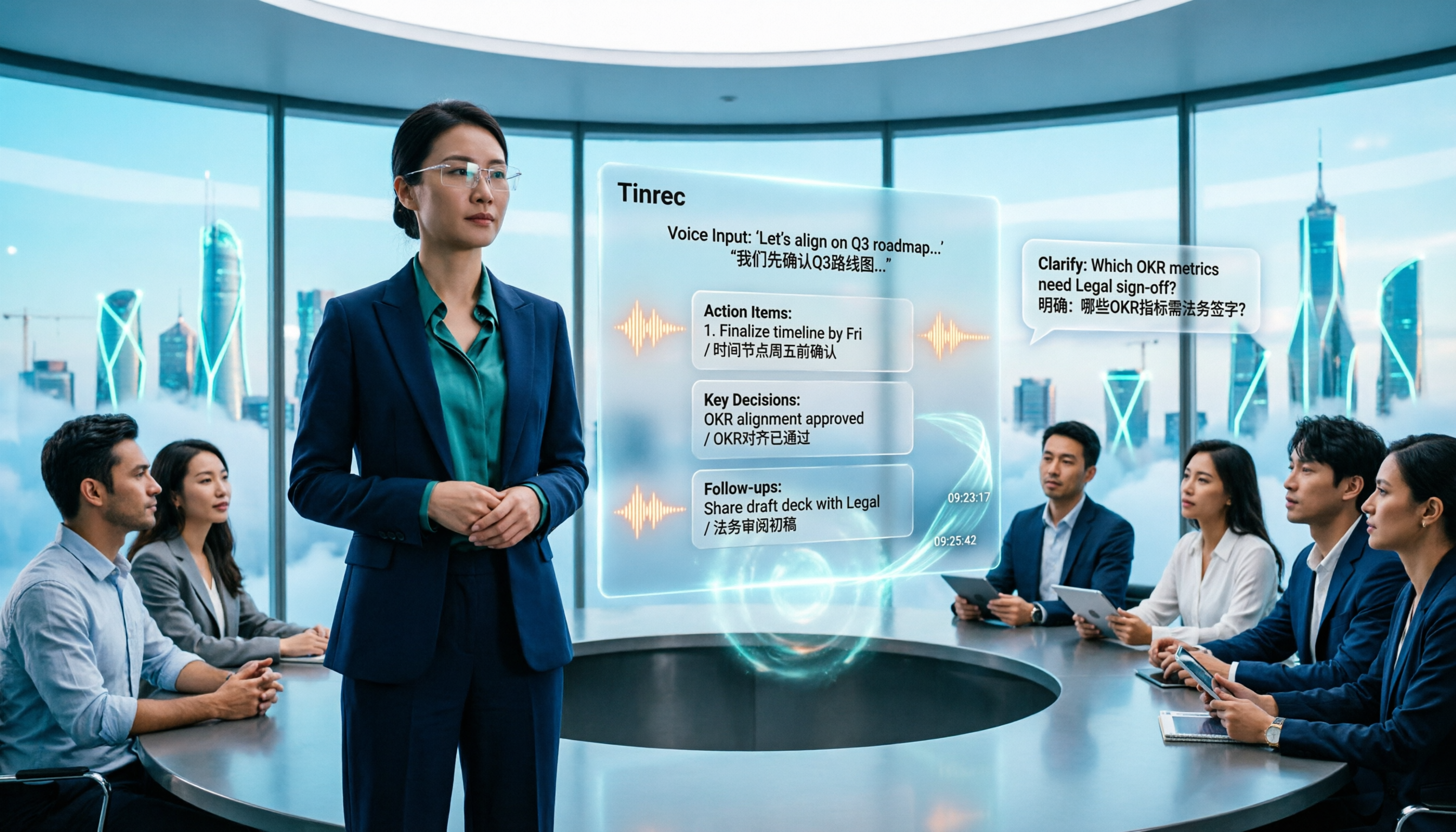
2026 AI Meeting Note Tools Compared: Granola vs Tinrec for Chinese Meetings
We tested four AI meeting note tools including Granola and Tinrec, comparing Chinese and mixed Chinese-English recognition, audio retention and historical file import, post-meeting AI queries, and team data management. We also cover selection criteria and common pitfalls to help you choose the right tool for your meeting scenario.

Tutorial: Tinrec vs Notta Teams in 2026 — Bot-Free Recording + Team Knowledge Retention
Evaluating Notta Teams or Tinrec for your team? This comparison covers five dimensions: meeting recording methods, Chinese language experience, post-meeting workflows, team seat governance, and plan quotas to help you decide which AI meeting notes tool fits your team best.
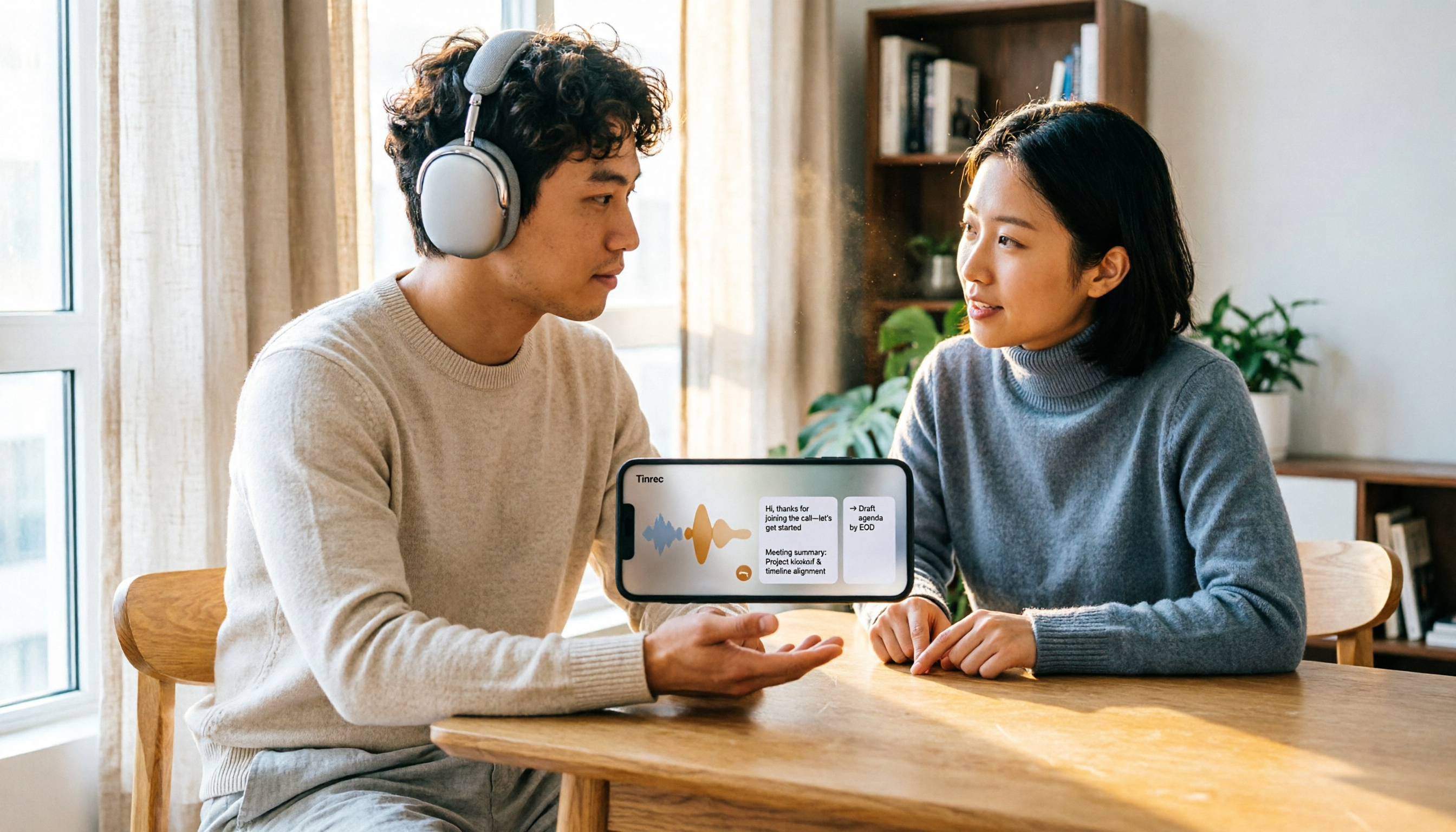
5 Recording Organization Tools Compared in 2026: Fixing LINE Recording Audio Issues and Converting to Text
What to do when you can't hear LINE recordings? This article first guides you through troubleshooting common causes of no sound during LINE calls and silent voice message playback (including iPhone call integration, Whoscall version, media volume, and output devices), then compares Tinrec, Notta, Granola, TurboScribe, and Otter.ai, explaining how to generate transcripts, summaries, and action items once your recordings are fixed.

2026 Complete Guide to Transcript Organization: From Recording to Meeting Minutes
Tired of listening to recordings and typing transcripts after meetings? This article addresses common workplace pain points and shows you how to automate transcript organization with Tinrec. From real-time transcription, AI summaries, and action item extraction to team collaboration, understand the core features and key considerations for choosing a transcript tool—say goodbye to the tedious process of manually pasting into ChatGPT.
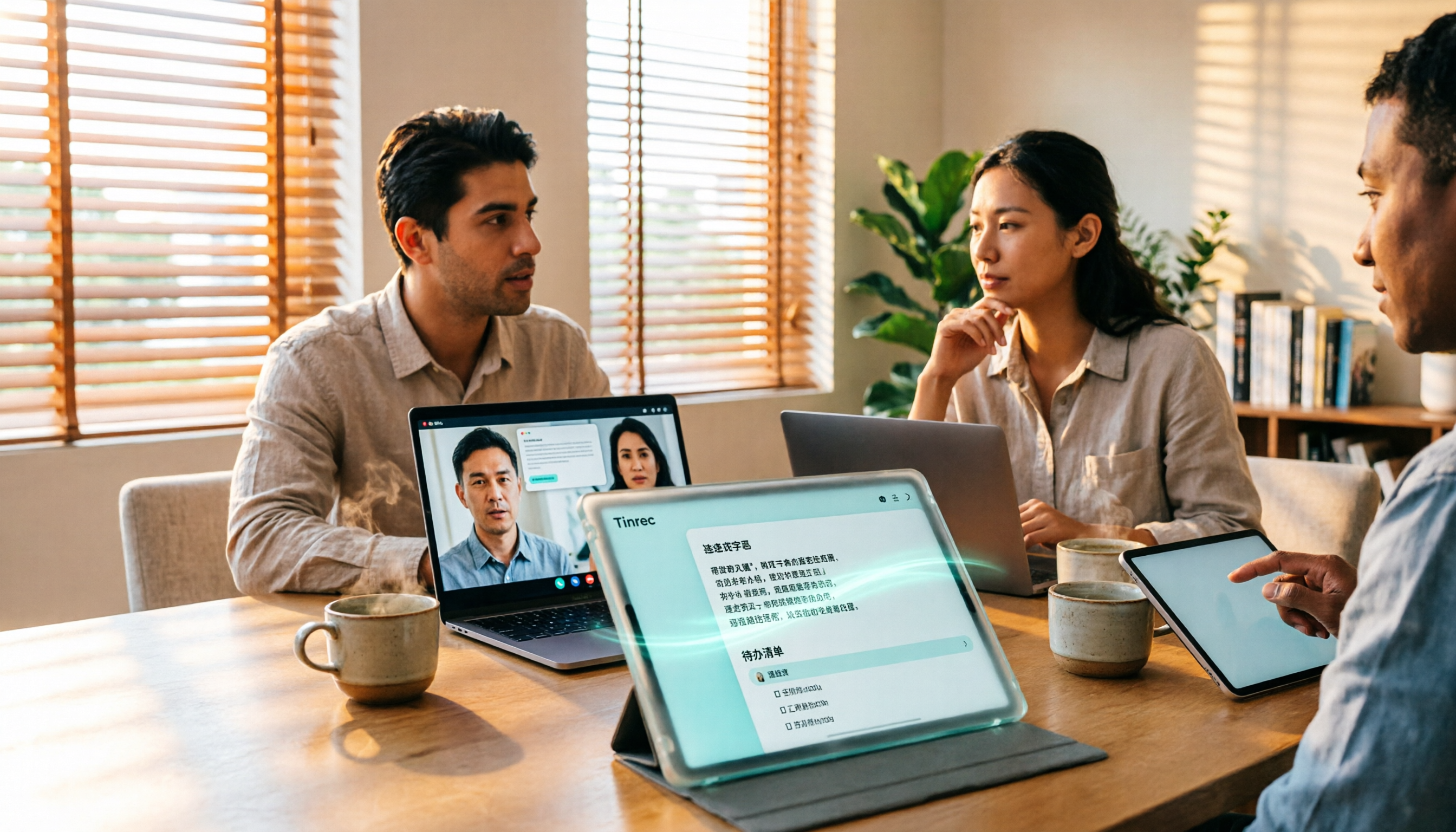
Best Free Zoom Meeting AI Note Takers in 2026: 5 Tools Tested, This One Excels in Chinese
We tested 5 AI meeting note takers that work with free Zoom: Tinrec, Otter, Notta, Granola, and TurboScribe. Compare features, pricing, and use cases to get usable transcripts and action items right after your meeting.

2026 iPhone Recording Solutions Compared: Microphone Locations, Audio Capture, and Transcription
Where exactly are the iPhone's recording microphones? The small hole next to the camera, the earpiece mesh, and the areas beside the charging port each have distinct roles. This article first clears up common misconceptions and explains the correct audio capture positions, then compares two recording solutions—Tinrec and PLAUD Note—across multiple dimensions to help you decide whether to use the iPhone's built-in microphones with software or add dedicated recording hardware.