

Turn recordings into transcripts and summaries in minutes
Upload audio or video for multilingual transcription, AI notes, and action items
Why Are More People Looking for Alternatives to AI Meeting Transcription Tools?
It's 6 PM on a Thursday, the meeting room is empty, and you have two recordings on your phone—one is a Mandarin meeting with a client from China, and the other is a mix of English and Japanese with a supplier. You've tried using an app to transcribe, but the output was so full of errors you didn't dare send it to your boss. In the end, you had to stay in the office and listen to the recording to type it out slowly.
Common AI meeting tools on the market actually each have free plans: Tinrec offers basic quota to experience recording, import, summary, and transcription; Notta's free version gives 120 minutes per month, max 3 minutes per session; Otter.ai Basic offers 300 minutes per month; Fireflies has a Free plan; Granola Basic is free. Sounds good, but when you have meetings every day and need to handle mixed Chinese-English content, the free quota runs out quickly, and cross-language and post-meeting organization needs may not be fully met.
If you have similar struggles, Tinrec is worth checking out.
Tinrec vs Notta: What's Different in Core Experience?
Notta and Tinrec overlap quite a bit, both covering multi-platform transcription, meeting minutes, document import, and translation. The following dimensions are what users should pay most attention to when choosing a tool.
Meeting Capture Method: Notta mainly joins online meetings as a meeting bot or processes uploaded files. Tinrec's desktop version directly captures computer system audio, without needing an extra bot to join Zoom, Google Meet, Teams, or Webex as a participant—no sudden "recording bot" appears in the meeting, which is important for client meetings.
Chinese and Cantonese Experience: Notta's multilingual ability is not weak, but Tinrec covers Chinese, Traditional Chinese, and multilingual meeting scenarios, supports real-time translation and bilingual viewing, and can manage professional terminology through team hotwords. For teams that frequently mix Chinese and English in meetings, this is a practically useful feature.
Post-Meeting Organization Depth: Notta's output is mainly transcripts, subtitles, and summaries. Tinrec further provides chapters, action item extraction, AI Q&A, and Agent post-processing, which can generate reports, tables, and documents based on the meeting—turning "reviewing recordings" into "directly usable information."
Free Plan Flexibility: Notta's free version offers 120 minutes per month, max 3 minutes per session, suitable for short meetings. Tinrec's free version provides basic quota to experience recording, import, summary, and transcription, suitable for trying out the effect before deciding on long-term use.
Team Collaboration: Notta's role permissions and usage reports are concentrated in Business or Enterprise plans. Tinrec's team version provides independent team spaces, member and seat management, usage analytics, audit logs, and audio recycle bin. Meeting data belongs to the team, and members leaving won't take it away.
Overview of Tinrec's Core Features
Real-time Recording to Text: Open Tinrec, and text appears as you record. During the meeting, you can simultaneously check if any key points are missed, and the transcript is ready the moment the meeting ends.
Bot-free Online Meeting Recording: The desktop version captures system audio without inviting a bot, and can handle meetings on Zoom, Meet, Teams, and Webex.
Stop organizing recordings by hand
Upload audio or video and automatically get a transcript, summary, and action items
AI Summary, Chapters, and Action Items: Long meetings are automatically split into chapters, and key points and action items are organized at once, so you don't have to manually flip through dozens of pages of transcripts.
AI Conversational Query: After recording a one-hour meeting, directly ask "What was the conclusion?" "Who is responsible for what?" Tinrec will answer based on semantic understanding—this is the most commonly used feature for many people.
Multi-format Export and Agent Post-processing: Can export to Notion, Google Docs, OneNote, Dropbox, etc., for further processing, and can also generate reports, tables, and meeting minutes.
Team Space: Centrally store and share team meeting data. Administrators can view usage, seats, and audits, turning scattered meeting content into team assets.
Practical Use Cases
Weekly Meeting at Central Office: Record weekly meetings with Tinrec desktop version, and get summaries and action items immediately after the meeting, no need to stay late typing.
Client Interviews: When meeting at a client's office, record with your phone, and by the time you return to the office, the transcript is ready. You can even ask AI "What objections did the client mention?" for a quick review.
Classes and Lectures: Students or lifelong learners record lecture content, automatically generate key points and structure, and review directly from the summary.
Personal Notes: Inspiration, conference calls, and casual recordings all become searchable, queryable text data. Past recordings are no longer "dead files."
Points to Note When Choosing an Audio-to-Text Tool
Language Support Range: Mixed Chinese-English meetings are the norm. When choosing a tool, test its performance with mixed Mandarin, Cantonese, and English—don't just look at the official language list. Tinrec covers Chinese and multilingual scenarios and can improve professional term recognition through team hotwords.
Meeting Capture Method: Whether a bot joins the meeting or system audio is captured directly affects the impression in client meetings. Tinrec's desktop version is the latter, without an extra participant.
Post-Meeting Organization Capability: Transcripts are just the starting point. Summaries, chapters, action items, and Q&A determine how much time you save.
Team Collaboration and Governance: If used by a team, check whether there are independent spaces, member and seat management, usage, and audits. Tinrec's team version separates roles (management permissions) and seats (usage qualifications).
Privacy and Compliance: Recording and transcription involve sensitive content. Before use, confirm compliance with local laws and obtain participant consent when necessary.
Conclusion: Is Tinrec Worth a Try?
If you're looking for an audio-to-text tool that supports Chinese, is cross-platform, and allows you to directly use AI to find key points after recording, Tinrec is one of the few choices on the market that satisfies these points simultaneously. Bot-free recording, post-meeting summary Q&A and export, plus team space for data accumulation, are what set it apart from ordinary transcription tools.
Compared to Notta, both can handle basic transcription, but if you value the Chinese experience, don't want a bot joining meetings, and want to turn meetings into team assets, Tinrec is more suitable. It's recommended to try Tinrec's free version first and test with your own recordings—reading reviews is never as direct as trying it yourself.
References
- AI Meeting Minutes Software Recommendations: 5 Major Apps Tested and Compared, Automatic Transcription Makes Meetings Super Easy!
- Meeting Ink - 2026 AI Meeting Minutes Tools Tested | 7 Voice-to-Text and Summary Speed Comparison | Meeting Ink - AI Meeting Minutes Assistant Automatically Transcribes and Summarizes Meeting Minutes
- [AI Meeting Minutes Tool Kit] How to Choose Enterprise-level AI Meeting Tools? 5 Key Aspects: Features, Security, Integration
- No Time Limit! 3 Free AI Transcript Tools, Highly Recommended! AI Voice Notes Generate Meeting Minutes, Presentations, Mind Maps | 104 Career Power
- 2026's Most Recommended AI Meeting Minutes Tool, Time-saving and Effort-saving Must-have for Meetings!
Turn every recording into actionable outcomes
Get 60 free transcription minutes when you sign in. No credit card required.
Related Reading
You might also like

2026 Top 5 Post-Meeting Automation Software Compared: Which One Actually Turns Meetings into Action Items?
After a meeting ends, who's responsible for organizing the transcript, summary, and action items? This article uses Tinrec as an example to break down what post-meeting automation software can do for you, its core capabilities, four practical use cases, and 5 key factors to consider when choosing one, along with pricing and plan details for personal and team versions.
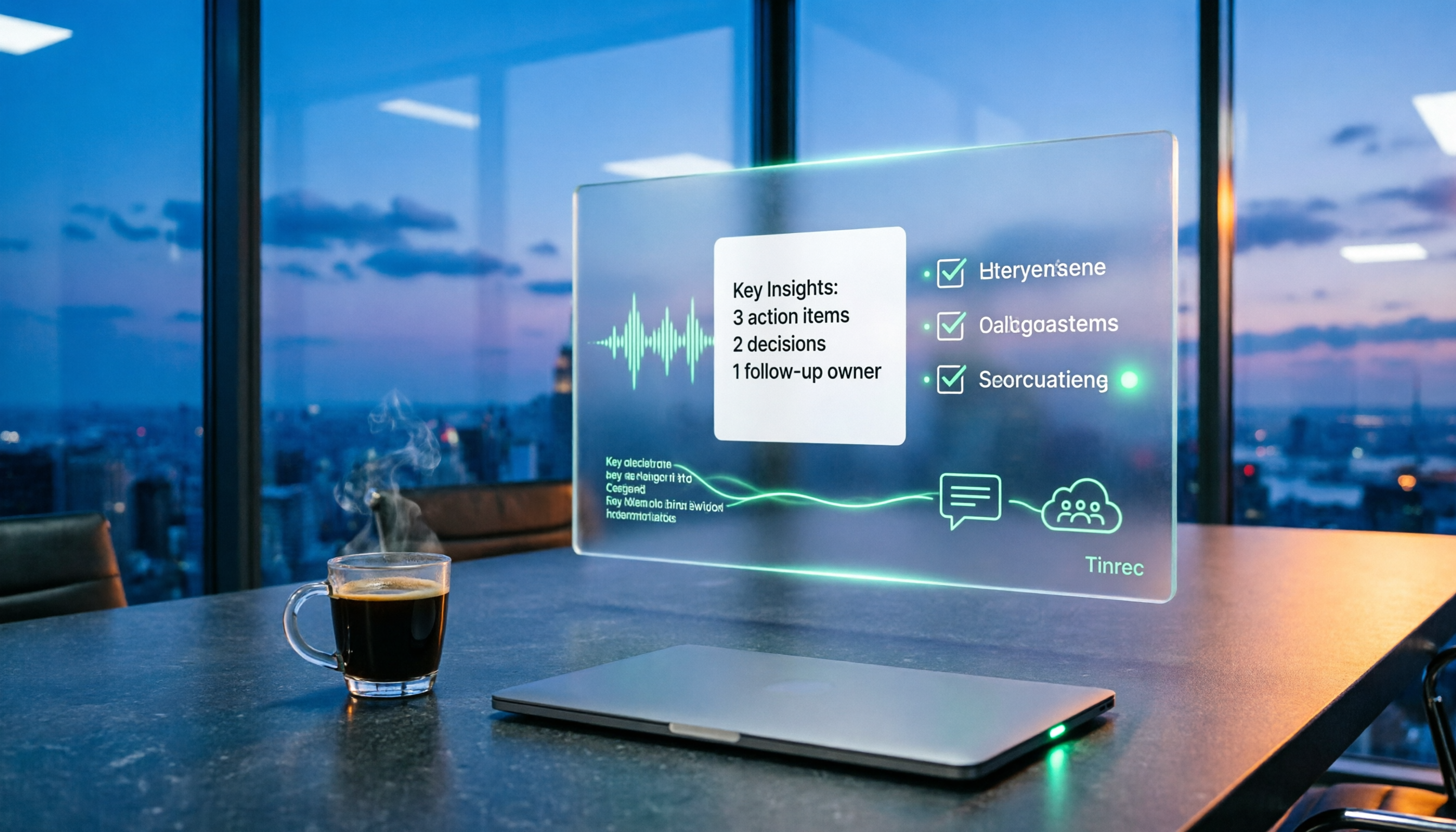
Best Post-Meeting Automation Tools in 2026: We Tested 5, and This One Turns Meetings into Action Items
The meeting ending is just the beginning of the nightmare. This article starts from the pain points of post-meeting organization, breaks down what post-meeting work automation can do for you, its core capabilities, and four practical use cases. It also uses 5 buying tips and FAQs to explain how Tinrec connects transcripts, summaries, to-dos, AI Q&A, and team knowledge retention into a single post-meeting workflow.

2026 Comparison of 5 Meeting Report Generators: Free Tiers and AI Summaries Tested
Based on a student's real experience with a graduation project, this hands-on comparison tests 5 meeting report generators. It explains the core capabilities these tools should have, the 5 most overlooked pitfalls when choosing one, and uses Tinrec as an example to demonstrate the full workflow from recording, transcription, AI summary to action item extraction, while clarifying whether free tiers are sufficient for students.

2026 Best Meeting Collaboration Software: 4 Tools Tested for Post-Meeting Efficiency
From the perspective of a mid-level manager juggling 15 meetings a week, we tested and compared Tinrec, Otter.ai, Granola, and Notta—four meeting collaboration and note-taking tools. We break down the differences between 'having the meeting' and 'post-meeting wrap-up,' key buying factors like bot-free recording, mixed Chinese-English recognition, team seats, and data ownership, plus a pitfalls guide and scenario-based recommendations.

4 AI Meeting Notes Tools Compared for 2026: From Transcripts to Meeting Reports
How do you write a meeting report? I've distilled my methods from recent years into 4 key points and tested four AI meeting notes tools—Tinrec, Otter.ai, Notta, and Granola—comparing their differences in transcripts, summaries, action item extraction, AI Q&A, and team knowledge retention, guiding you from meeting notes to a deliverable meeting report.

Free Management Meeting Report Solutions in 2026: A Look at 4 Types of Tools
Starting from common pitfalls, this article reviews free solutions and tool types for management meeting reports, and explains how Tinrec uses real-time transcription, AI summaries, action items, and team spaces to turn meeting content into trackable decision data.
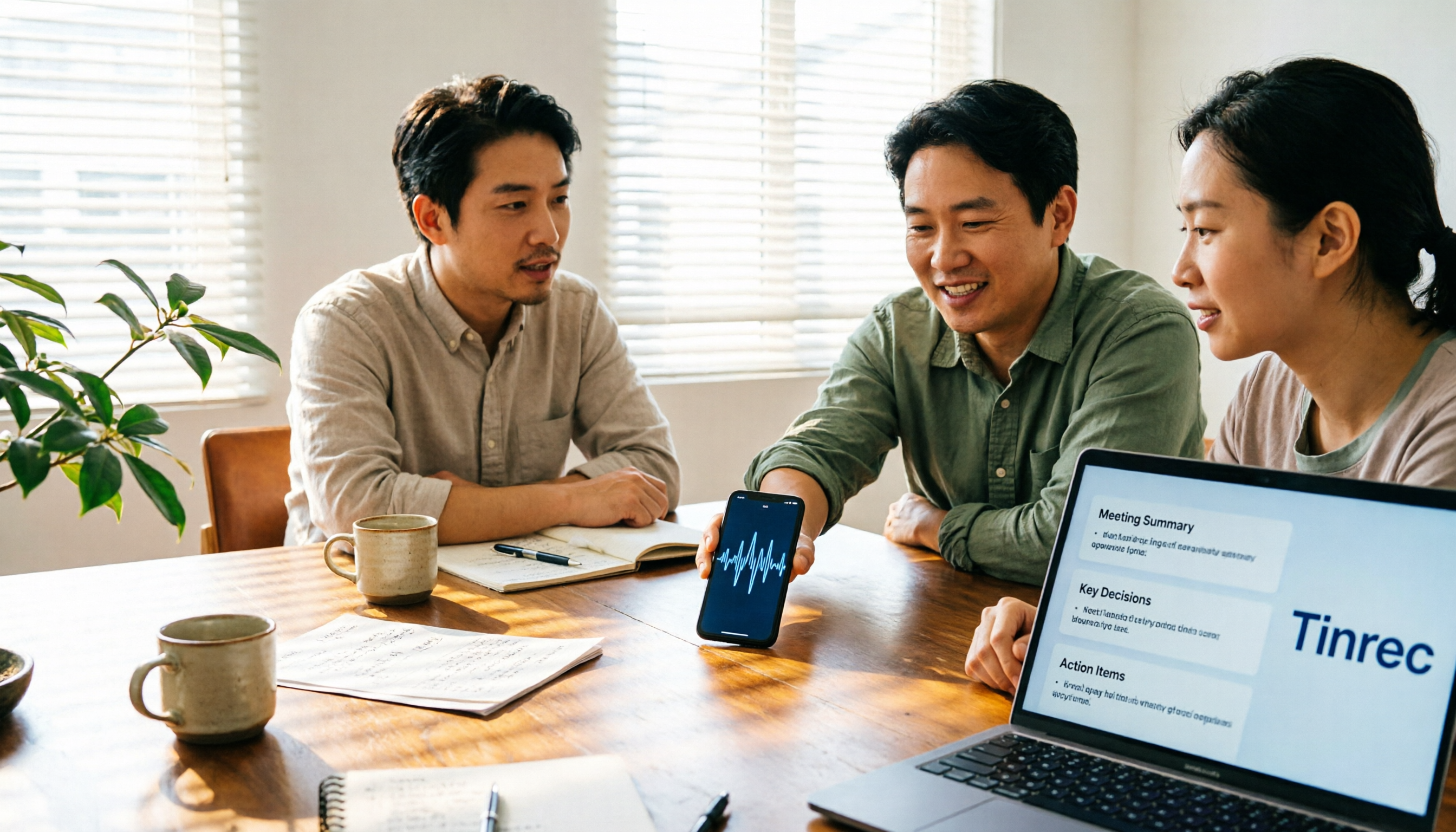
How to Turn Meeting Notes into Work Reports in 2026: 5 Steps from Recording to AI Output
Meeting notes are not transcripts. This article compares Tinrec and Otter.ai on Chinese meetings, bot-free recording, post-meeting report generation, and team knowledge retention, and outlines a 5-step process to turn meeting recordings into deliverable work reports.

Tinrec vs Notta 2026: 5-Dimension Comparison — Which Generates Meeting Minutes PDFs More Easily?
Generating deliverable PDF meeting minutes isn't just about transcription accuracy; it also involves format output, post-meeting organization, and team data retention. This article reviews 6 common solutions, covering recording methods, transcription, summarization, export, and team management, and helps you choose based on budget and use case.

2026 Meeting Notes Tool Comparison: Tinrec vs Notta, Otter.ai, Granola — Which Should You Choose?
How do you choose between Tinrec and other meeting note tools? This article compares Tinrec with Notta, Otter.ai, and Granola based on 4 key criteria: Chinese meeting transcription, bot-free recording, post-meeting organization, and team collaboration. We also cover selection standards and common pitfalls to help you find a meeting notes tool that truly saves time.