
Turn recordings into transcripts and summaries in minutes
Upload audio or video for multilingual transcription, AI notes, and action items
Looking for "speech-to-text" open-source tools on GitHub is often driven by frustration with high subscription fees of traditional paid software or privacy concerns about confidential meeting notes. However, faced with open-source projects that often require environment configuration and code compilation, many non-technical office workers or students are intimidated and end up spending a lot of time manually typing meeting summaries and key points.
This article will review the most popular speech-to-text GitHub projects of 2025, providing detailed evaluation dimensions, a complete tool comparison table, and practical step-by-step instructions without writing code. We'll also answer common questions about iPhone recording limitations, Teams/Meet meeting notes, and free quotas.
Quick navigation tip: If you are a technical person with programming skills, OpenAI's Whisper or WhisperX (for blazing speed) is your best bet. If you have no technical background and just want a cross-platform, out-of-the-box AI recording summarization tool with a complete workflow, Tinrec is an ideal candidate solution.
Why Look for Speech-to-Text Solutions on GitHub? Common Pain Points and Needs
Traditional recording tools have extremely low information density, making re-listening very costly. While there are many speech-to-text services on the market, they often face the following issues:
- Data privacy concerns: Many commercial platforms upload audio to the cloud for processing, which is a major concern for confidential business meetings or personal interviews.
- High subscription costs: Long-term reliance on per-minute cloud services can be a significant expense for students or creators.
- Lack of actionable items: Most tools only produce a long transcript without a "decision summary," requiring users to spend significant time extracting key points.
This drives many people to turn to GitHub for open-source alternatives. While open-source tools are free and support offline operation (ensuring privacy), they often lack user-friendly interfaces and require considerable technical background for deployment and maintenance.
Review of 4 Popular Speech-to-Text GitHub Open-Source Projects in 2025
1. Whisper (OpenAI)
Developed by OpenAI, this powerful speech recognition model supports dozens of languages. It can handle various accents and background noise, making it the mainstream choice in the open-source community. However, to achieve optimal performance, basic knowledge of Python or Docker deployment is required, and larger model versions have certain hardware resource requirements (especially GPU).
2. WhisperX
This is an advanced version with significant optimizations over Whisper. It boasts blazing speed (up to 70x faster than real-time) and introduces precise word-level timestamps and speaker diarization. The downside is more dependencies and a more complex setup process.
3. Vosk
This is a lightweight, offline speech recognition toolkit. Its model size is very small (about 50MB), allowing it to run smoothly on Raspberry Pi, Android, and even low-end devices, supporting over 20 languages. Ideal for IoT devices or low-latency scenarios.
4. Kaldi
Developed by Johns Hopkins University, this veteran speech recognition framework is widely used in academia and research. It offers high flexibility and control, but has a steep learning curve and relies entirely on command-line operations, making it unsuitable for general non-technical users.
Speech-to-Text Tool Comparison: Open-Source Projects vs. Out-of-the-Box Solutions
For general users and professionals, when evaluating tools, in addition to "transcription accuracy," it's also important to consider "subsequent usage efficiency." Below is a multi-dimensional comparison of several popular open-source projects and a no-deployment AI solution:
| Evaluation Dimension | Whisper (Open-source) | WhisperX (Open-source) | Vosk (Open-source) | Tinrec (No-deployment AI Solution) |
|---|---|---|---|---|
| Deployment & Ease of Use | Technical background needed (Docker/Python) | High (requires GPU and dependencies) | Medium (requires programming integration) | Very low (cross-platform out-of-the-box) |
| Real-time Recording to Text | Supported | Supported (best for batch processing) | Supported (no latency) | Supported (record and transcribe simultaneously) |
| AI Summary & Action Items | No (only outputs transcripts) | No (only outputs timestamped text) | No | Supported (auto extracts key points and to-dos) |
| Semantic Chat Query | No | No | No | Supported (query like talking to a person) |
| Multilingual Support | Supports translation and transcription in many languages | Depends on specific language models | Supports 20+ languages | Supports automatic recognition of 10 languages including Chinese, Japanese, English |
| Pricing & Free Quota | Completely free (requires own hardware) | Completely free (requires own hardware) | Completely free | Free tier: 100 mins/month; Paid: $4.9/mo for 600 mins |
Stop organizing recordings by hand
Upload audio or video and automatically get a transcript, summary, and action items
Zero-Code Deployment Alternative: In-depth Review of Tinrec
If after reviewing the GitHub projects above, you find you don't want to spend time debugging and compiling code, then Tinrec, with its complete workflow, is an excellent alternative solution.
Tinrec's core differentiation is that it is not just a "recording-to-text tool," but covers the complete workflow from "recording → understanding → action." Traditional tools stop at producing transcripts, resulting in still-high re-listening and reading costs. Tinrec uses AI to transform time-based content into a "scannable, searchable, actionable" knowledge base. It supports multi-device sync on iOS, Android, and web. For cross-language meetings and foreign language courses, its automatic language identification significantly lowers the comprehension barrier.
Practical Tutorial: 4 Steps to Complete Speech-to-Text and AI Summarization
Whether you are in a meeting room or taking online courses, you can quickly turn speech into concrete action items through the following steps:
1. Real-time Recording to Text (For in-person meetings, class notes)
When in a meeting or class and unable to type, you can enable real-time recording conversion.
- Step 1: Open the real-time transcription interface (e.g., go to Tinrec's real-time recording portal).
- Step 2: Click the record button; the system will instantly convert speech to text, allowing you to grasp the content without waiting.
- Step 3: After recording, the system not only saves the transcript but also automatically generates meeting conclusions and to-do lists.

2. Audio File to Text (For existing recordings of interviews or records)
If you have accumulated audio files from the past, you can quickly process them by uploading.
- Step 1: Prepare your audio file (supports various common audio formats).
- Step 2: Go to the audio file to text feature page and drag and drop the file to upload.
- Step 3: The system will automatically perform high-precision recognition and generate a transcript and AI summary.

3. Podcast/Online Video to Text (For self-study, content material organization)
When learning online courses or organizing YouTube material, you can convert without downloading the video first.
- Step 1: Copy the URL of the target YouTube video or podcast.
- Step 2: Go to the video to text processing area and paste the URL.
- Step 3: The system will automatically parse the link and quickly convert it to text, turning audiovisual content into a readable text library.

4. AI Chat Query (Replaces traditional Ctrl+F search)
When a transcript is tens of thousands of words long, querying through conversation can significantly improve data retrieval efficiency.
- Step 1: Open the transcribed record document.
- Step 2: Use the AI chat query function to directly input natural language questions, e.g., "What is the project deadline mentioned in the meeting?"
- Step 3: The AI will intelligently answer based on the recording content, providing precise answers and sources.

Frequently Asked Questions (FAQ)
Q1: Can these speech-to-text GitHub projects be used directly when recording on an iPhone? Most open-source projects (e.g., Kaldi, DeepSpeech) do not have ready-made iOS apps; they usually need to be deployed on a computer. For seamless recording on iPhone, consider a cross-platform tool with an iOS app (e.g., Tinrec) that allows recording directly on the phone and syncing to the web.
Q2: How to use open-source tools to record Teams or Google Meet meetings? For online meetings, if using open-source tools like Whisper, you need to use a virtual audio cable (e.g., BlackHole) to capture system audio, then batch transcribe. A more efficient solution is to use a cross-platform assistant with AI meeting notes, allowing you to get transcripts and action items immediately after the meeting.
Q3: How to evaluate the free quotas and costs of various speech-to-text tools? GitHub open-source tools are free in code, but using large models requires bearing the cost of high-end GPU hardware. If opting for a no-deployment software service, Tinrec offers up to 100 minutes of free recording per month; the Basic plan at $4.9/month gives 600 minutes, making the overall cost much lower than maintaining your own server.
Q4: Does the generated transcript support automatic speaker diarization? It depends on the tool. Open-source projects like WhisperX can support speaker diarization by integrating other packages, but setup is cumbersome. Mature AI voice applications usually have this feature built-in, automatically analyzing audio tracks and labeling different speakers' segments.
Q5: How good is the recognition rate for non-English speech (e.g., Chinese, Japanese, Taiwanese)? Whisper has strong multilingual support, with excellent Chinese recognition. Moreover, many advanced tools (including Tinrec) now support automatic recognition of up to 10 languages including Chinese, Japanese, English, Korean, Taiwanese, Cantonese, effectively reducing the barrier to organizing cross-border meetings.
Q6: Traditional transcripts are too long to grasp key points; besides Ctrl+F, what other ways to find information? In the past, you could only search by keywords, easily missing synonyms. Now, next-generation workflows have introduced "AI semantic search" technology. You can ask the AI like you would talk to a person, and the AI will reason based on the entire recording context and provide accurate answers directly.
Turn every recording into actionable outcomes
Get 60 free transcription minutes when you sign in. No credit card required.
Related Reading
You might also like
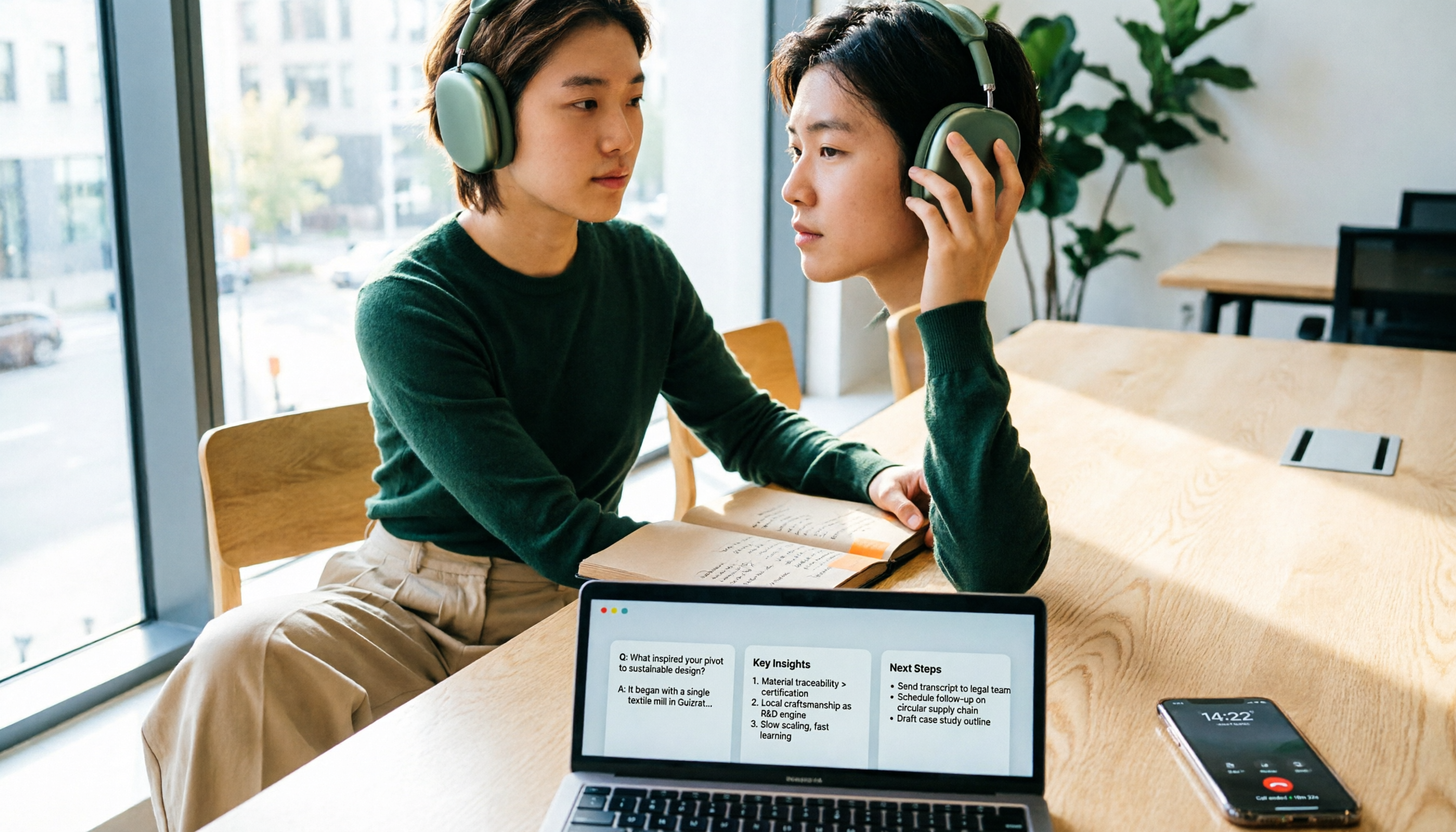
4 iPhone Call Recording Apps Tested in 2026: Free Download Doesn't Mean Free Recording
The biggest trap when recording calls on iPhone is mistaking 'free download' for 'free recording.' This article compares the real limitations of 4 iPhone call recording apps, including three-way calling, subscription unlocks, and where recordings are stored. It also explains that call recording and meeting notes should be handled separately: use Tinrec to turn meetings, interviews, and online calls on your computer into transcripts, summaries, and action items.
4 iPhone Call Recording Apps Tested in 2026: Free Download Doesn't Mean Free Recording
The biggest trap when recording calls on iPhone is mistaking 'free download' for 'free recording.' This article compares the real limitations of 4 iPhone call recording apps, including three-way calling, subscription unlocks, and where recordings are stored. It also explains that call recording and meeting notes should be handled separately: use Tinrec to turn meetings, interviews, and online calls on your computer into transcripts, summaries, and action items.

2026 iPhone Recording Microphone Comparison: Capture Is Just the Start—Organizing Is Key
A student's hands-on guide to choosing an iPhone recording microphone: connectors, power, dual wireless, noise reduction, and monitoring—plus why most people buy a mic but never use their recordings, and how Tinrec turns audio files into transcripts, summaries, and action items.

6 iPhone Call Recording Apps Tested for 2026: Which Free Option Is Actually Enough?
Recording iPhone calls has been easy since iOS 18—the hard part is organizing them afterward. This guide breaks down 6 options based on what you're really trying to solve: iOS 18 built-in call recording, Rev Call Recorder, TapeACall, Call Recorder ™, Voice Recorder, and Tinrec for post-call organization. Free and paid tiers are listed honestly, along with selection guidance and 4 things to know before you start.

Tinrec vs iPhone Voice Memos in 2026: 5-Dimension Comparison — Which Free Audio-to-Text Tool Is Right for You?
iPhone's built-in Voice Memos can already transcribe recordings for free — do you really need another tool? This article compares Tinrec and iPhone's built-in features across 5 dimensions: free tier limits, online meeting handling, post-meeting organization, Chinese recognition, and team knowledge retention. It also includes brief positioning notes on Aiko and Notta, plus 4 key pitfalls to avoid when choosing a tool, helping you decide which one to use.

Best iPhone Audio Transcription Tools in 2026: 4 Tested, This Free One Is Enough
Is iPhone audio transcription really free? This article tackles the common 'fake free' trap by comparing 4 options: iPhone's built-in Voice Memos transcript, Aiko, Notta, and Tinrec. It also outlines 4 key buying criteria and 4 pitfalls to help you choose the one that's truly sufficient without wasting money.

Best iPhone Two-Way Call Recording Methods in 2026: 5 Tested Options, This Free Method Wins
The days of iPhone lacking built-in call recording are over—but can 'free, two-way, and good quality' really coexist? We tested 5 methods: iOS 18.1 built-in call recording, screen recording, merged call services, hardware recorders, and jailbreak tweaks. We compare free limits, audio quality, file formats, and post-processing costs, plus a hands-on test of Tinrec turning call audio into transcripts, summaries, and action items—so you can pick the best combo for your needs.

3 iPhone Recording Transcription Tools Tested: Where Are Voice Memos & How to Get Transcripts (2026)
iPhone voice memos are saved only in the Voice Memos app by default—they don't appear in Files or Photos unless you manually export them. This guide first explains where recordings actually live and how to export them, then hands-on compares three recording organization methods: Tinrec, Granola, and TurboScribe, plus common pitfalls and selection advice.

5 iPhone Recording Apps Tested for 2026: Is the Built-in Free App Enough, or Does AI Transcription Save Time?
How to choose an iPhone recording app? This article starts with the most common misjudgments when selecting one, then tests and compares Voice Memos, Tinrec, Otter.ai, Notta, and other tools. It covers the differences between free and paid plans, how to record online meetings, and what to watch out for when sharing with a team—helping you find the one that truly saves time.