

Turn recordings into transcripts and summaries in minutes
Upload audio or video for multilingual transcription, AI notes, and action items
After the Meeting: Most People Get the First Step of Organizing Meeting Notes Wrong
"Let's save the recording first and organize it later." This is probably the most commonly broken promise in the workplace. By the time you actually have time to open the file, the first ten minutes are small talk, three people are talking over each other in the middle, and the key decisions are buried in the last five minutes. You have no choice but to listen from the beginning again.
Another common misconception is equating "having a transcript" with "having meeting notes." Transcripts can easily run tens of thousands of words, with who is responsible for what and when it's due all buried inside. You still have to read through it again.
Some people also choose the wrong tool from the start: using a meeting bot that must join as a participant to record internal discussions, using a service that only excels in English to transcribe Chinese meetings, or leaving all the data in a colleague's personal account. The time spent on proofreading and chasing down data afterwards often takes longer than typing it manually.
The problem usually isn't that you're not diligent enough, but that the process and tools weren't chosen correctly. Below, I've compiled the approaches I've tried, key evaluation points, and several pitfalls that are easy to fall into.
Before Choosing a Meeting Notes Tool, Understand These 4 Key Points
1. How the meeting audio gets into the tool. There are three common methods: a meeting bot joining as a participant, a desktop app directly capturing the computer's system audio, and uploading the audio file after the meeting. Bots are convenient, but some client meetings aren't suitable for having an unfamiliar account on the participant list; desktop apps capturing system audio don't have this problem and are worth prioritizing.
2. What else can be done after the transcript. Tools that only provide a transcript are essentially handing the organizing work right back to you. What truly saves time is summaries, chapters, action item extraction, and AI Q&A that lets you continue asking questions about the content. This is where the real difference lies.
3. Handling Chinese and mixed Chinese-English. Meetings in Taiwan are rarely pure Chinese; product names, proper nouns, and technical terms are often in English. The actual recognition accuracy for mixed Chinese-English is more informative than the officially stated number of supported languages.
4. Who ultimately owns the data. Data in personal accounts follows the person; data in team spaces belongs to the team. If the meeting content is the basis for company decisions, you need to check whether the tool has governance capabilities like members, roles, seats, usage, and auditing.
5. Free quota and actual cost. Free versions are usually only enough for a trial. Pay attention to how the "per-session limit" and "monthly limit" are calculated, and whether the team plan is per-seat or shared quota.
Tinrec – The Smoothest Tool After Testing
Tinrec is an AI meeting notes and collaboration tool for individuals and teams, available on web, desktop, and mobile. It's not just "audio-to-text"; it turns meetings into searchable, queryable, and reprocessable data.
During the meeting, you don't need to invite an extra bot. The desktop app directly captures the computer's system audio, handling meeting audio played on Zoom, Google Meet, Microsoft Teams, and Webex on the computer, without an unfamiliar account appearing on the participant list. This is especially noticeable in client meetings.
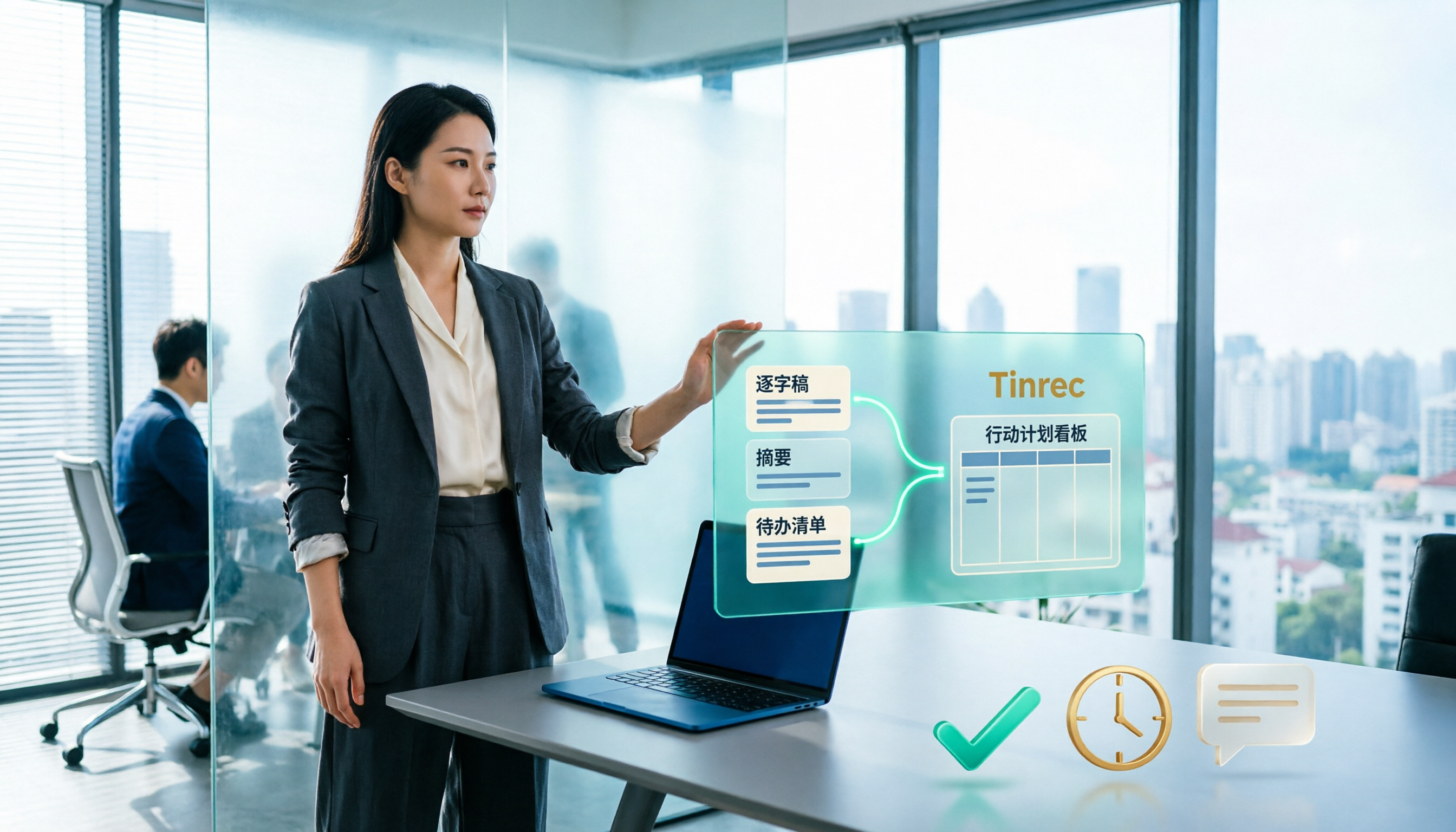
After the meeting, you get more than just a transcript. The system generates summaries, chapters, and action items. Who promised what and when it's due is much faster than Ctrl+F in the transcript. If there's a foreign language in the discussion, you can view it in the original, translation, or bilingual format.
The most distinctive feature is the AI Q&A after recording. You can directly ask it "What was the conclusion about the budget in the last meeting?" or "What were the three concerns the client mentioned?" It will answer based on semantics, not just throw a list of keyword search results. Few tools in the same price range have this capability.
The team version solves the data ownership problem. After creating a team space, meeting recordings, transcripts, and action items belong to the team. When a member leaves, the data is handed over to other members, not taken away. Administrators can manage roles and seats, view usage trends, and export audit logs; members without seats can still view and play existing data but cannot upload, edit, or export. Eligible teams get a 7-day trial, 1 free seat, and 300 shared import minutes for the first time; paid plans are USD 29.80/seat/month, or USD 199/seat/year (about USD 16.58/month), with each paid seat providing 2,000 shared import minutes per month. Real-time recording under an active team plan currently does not deduct minutes; document and web imports use the team shared quota.
Stop organizing recordings by hand
Upload audio or video and automatically get a transcript, summary, and action items
Things to note: The free version's quota is only enough for a trial; long-term use requires an upgrade. Also, AI-generated summaries and action items must be checked against the transcript and recording, especially in sections with proper nouns or multiple people talking over each other. Actual transcription quality is also affected by the recording environment, accent, noise, and terminology. It's recommended to test with a real recording of your own first.
Who it's for: Those who need Chinese and mixed Chinese-English meeting notes, don't want a meeting bot to join, want to use AI to find key points directly after the meeting, or want to accumulate meeting data as a team asset.
Besides Tinrec, What Other Options Are There?
Otter.ai: A mature option for English business meetings. The free Basic plan offers 300 minutes per month, which is generous. Pro annual billing is about USD 8.49/user/month. If your meetings are almost entirely in English, it's a very reasonable choice. Chinese and mixed Chinese-English are not its strong suit, and it doesn't have a combination of "bot-free desktop audio capture + team database."
Granola: Also takes the bot-free route, focusing on "your handwritten notes + AI enhancement," and does a good job organizing context across meetings. Note that it doesn't retain meeting audio and doesn't support uploading pre-recorded audio files; if you need to replay recordings for verification or organize existing audio files, it won't help.
Notta: Good multilingual transcription and offers team plans. The free version has 120 minutes per month, but the per-session limit is only 3 minutes. It's fine for a trial, but you'll quickly hit the limit in actual meetings. It also lacks Tinrec's bot-free online meeting recording and post-meeting output process.
Pitfall Guide: The 4 Most Common Mistakes When Choosing a Meeting Notes Tool
Pitfall 1: Only looking at the officially claimed accuracy. Under what conditions was the accuracy measured? A quiet recording studio, or your meeting room with air conditioning noise, keyboard sounds, and people talking over each other? It's best to test the free version with a real recording of your own, not just look at advertising numbers.
Pitfall 2: Thinking a transcript equals meeting notes. A transcript is raw material, not a finished product. When choosing a tool, see if it can go one step further: summaries, chapters, action items, Q&A. Using it only as audio-to-text means you're only using one-third of its capabilities.
Pitfall 3: Ignoring "who owns the data." Recording a year's worth of project meetings on a personal account means the data scatters when the person leaves. This is a pitfall many teams have fallen into. If meetings are the basis for company decisions, you should use a team space from the start.
Pitfall 4: Treating the team version as "multiple people sharing one account." The point of the team version is separate management of spaces, roles, and seats. Also remember that roles (who can manage) and seats (who can use resources) are two different things. Pricing is usually based on paid seats, so calculate the number of people clearly when planning.
Conclusion: Which One Should You Choose?
- Need Chinese/mixed Chinese-English meeting notes → Tinrec (Chinese experience and multilingual meetings are its strong suit)
- Don't want a meeting bot to join online meetings → Tinrec (desktop app captures system audio)
- Want to use AI to ask "What was the last decision?" directly after the meeting → Tinrec (AI Q&A is its differentiator)
- Want to accumulate meetings into a searchable team asset → Tinrec team version (spaces, seats, usage, auditing)
- Meetings are almost entirely in English, budget is zero → Otter.ai free version (the only exception recommended in this article)
It's recommended to first try Tinrec's free version with a recording of your own meeting to get a feel for the accuracy of summaries and action items. If it works for you, consider upgrading. Teams can apply for a trial, run through one or two meetings, and then decide how many seats to buy.
Frequently Asked Questions
"Is the free version enough?" — It's suitable for experiencing the process first. If you have stable weekly meetings, it's recommended to go straight to a paid plan.
"Can AI summaries be sent directly to a manager?" — They can serve as a draft, but important numbers and commitments should be checked against the transcript and recording before sending.
"Do I have to use the desktop version?" — Recording, uploading audio files, or videos can also be done on the web and mobile versions; the desktop advantage is directly capturing system audio from online meetings.
"Will data disappear after a team member leaves?" — Meeting resources belong to the team. When a member exits or is removed, their responsible team resources are handed over to other active members.
References
- How to use AI for meeting minutes? How to organize meeting transcripts? | AI speech-to-transcript tutorial | 104 Workplace
- Meeting Minutes Guide: Examples, Tips, and Templates | Lark
- AI Meeting Minutes Tools | Real-time Recording, Summary Organization! 3 Tools to Help You Focus on Meetings
- Top AI Meeting Notes Tools of 2026: Must-Have for Time-Saving Meetings!
- AI Meeting Notes Generator
Turn every recording into actionable outcomes
Get 60 free transcription minutes when you sign in. No credit card required.
Related Reading
You might also like

Tinrec vs Otter.ai 2026: 5-Dimension Comparison for Chinese Meeting Task List Generation
Automatically generating meeting task lists isn't just copying down to-dos. This article compares Tinrec and Otter.ai from a mid-level manager's practical perspective across five dimensions: Chinese meeting recognition, bot-free recording, to-do and task list generation, post-meeting processing, and team data retention. It honestly explains each tool's limitations and ideal users.
Best Meeting Minutes Tools in 2026: Tested 3 Categories, This One Auto-Generates Action Plans and Saves the Most Time
Meeting minutes record decisions, while action plans determine who follows up. This article breaks down the difference between the two and uses Tinrec as an example to demonstrate how to generate transcripts, summaries, and to-do lists in one go. It also compiles 5 key considerations and common questions for choosing a meeting minutes tool.

Best Meeting Minutes Follow-Up Email Tools? 2026 Test of 5 Methods, Key Is Within 24 Hours
Writing meeting minutes doesn't mean things will move forward. This article starts from the most common inefficient practices, breaks down the three-layer process of 'minutes → action → follow-up email,' includes AI prompts and email structures you can copy directly, and compares the applicable scenarios and limitations of 5 methods including template assignment, automated integration, and transcript plus AI summary, helping you send decisions out within 24 hours after the meeting.
2026 Meeting Action Item Management Tools Buying Guide: 4 Hands-On Tests and Selection Advice
The worst part of a meeting isn't missing notes—it's action items with no owner or deadline. Starting from real meeting scenarios, this article outlines 4 key points for choosing a meeting action item tool, hands-on tests Tinrec's bot-free recording, action item extraction, and AI Q&A, compares the positioning differences of Otter.ai, Notta, and Fireflies.ai, and finally offers selection advice based on use cases.

5 AI Post-Meeting Follow-Up Email Tools Compared: Which Workflow Actually Saves Time?
Meeting's over, but the notes aren't organized and the follow-up email hasn't been sent. This article breaks down the two approaches to AI-generated post-meeting follow-up emails—Gmail generation plugins and automated trigger workflows—across 5 dimensions, with ready-to-use prompt formulas and implementation steps to help you decide which method truly saves wrap-up time.

Tinrec vs Otter.ai 2026: 5-Dimension Comparison — Which Free Meeting Minutes Template Works Better?
How do you find free meeting minutes templates? This article compares Tinrec and Otter.ai across 5 dimensions — Chinese-language minutes and table output, free plan entry points, bot-free online meeting recording, post-meeting follow-up and output, and team data retention — to help you decide which one fits your meeting scenario better.
2026 Comparison of 3 Project Meeting Task List Templates: Which Saves the Most Time Without Missing Key Points?
After a project meeting ends, the task list is where the real work begins. This article breaks down the essential fields of a good project meeting task list template and tests Notta, Granola, PLAUD, and Tinrec in real scenarios for meeting notes, action item extraction, and team handoff, helping professionals choose the most time-saving approach that doesn't miss key points.
2026 Comparison of 2 Automatic Meeting Summary Report Generators: Tinrec vs Otter — Which Better Auto-Generates Action Minutes?
Automatic meeting summary report generation isn't just about feeding a recording into AI. This article compares Tinrec and Otter across dimensions—Chinese meetings, bot-free recording, post-meeting outputs, and team knowledge retention—to help you decide which tool better produces usable meeting reports automatically.
Meeting Minutes vs. Meeting Reports in 2026: 3 Key Differences and How to Write Each One
Confused about meeting minutes, meeting reports, and meeting notes? This article breaks down the differences using 3 key criteria, explains when to submit minutes versus a report, and tests how the AI meeting tool Tinrec generates summaries, action items, and reports from a transcript. It also includes selection advice and pitfalls to avoid for Otter.ai and Notta.