

Turn recordings into transcripts and summaries in minutes
Upload audio or video for multilingual transcription, AI notes, and action items
Tinrec vs Otter.ai 2026: 5-Dimension Comparison for Chinese Meeting Task List Generation
I manage a team of 10 and have about 15 meetings a week. I used to think a "meeting task list" was just copying down the to-dos people mentioned verbally after the meeting—until I sat down at 8 PM to organize them and realized two things had no owner and one thing was never written down at all.
The problem isn't how fast you write; it's that the to-dos are generated too late. By the time the meeting ends and memories start to fade, you're only capturing the "remembered version," not the "actual version." Over the years I've cycled through several audio-to-text tools, and I finally settled on Tinrec. This article compares it with Otter.ai, which I used first, to see how they differ in "automatic meeting task list generation."
Tinrec vs Otter.ai | Quick Overview
I started with Otter.ai. It's mature for pure English online meetings, covering Zoom, Microsoft Teams, and Google Meet, with transcription, AI Chat, workflows, and team management. But most of my team's meetings are "Chinese with English technical terms," and after each meeting I still had to go back to the transcript to fill in names and deadlines. The task list never generated itself. Later I switched to Tinrec, and the key isn't that it's better at everything—it's that its workflow connects the part that takes me the most time.
| Item | Tinrec | Otter.ai |
|---|---|---|
| Core positioning | AI meeting notes and team collaboration, with Chinese meetings as a key focus | Mature AI meeting assistant, strong for English business meetings |
| Meeting capture | Desktop app captures system audio without a bot; supports live recording, audio/video file import, and mobile | Covers Zoom, Teams, Meet, and also offers desktop capabilities |
| Pricing | Personal plans include free, weekly, Pro monthly and annual; team plan USD 29.80 per paid seat per month, annual USD 199 per year | Basic free 300 minutes/month; Pro annual equivalent to USD 8.49 per user per month; Business based on official page |
The pricing rows aren't directly comparable (Tinrec is per team seat, Otter is per individual account). Don't subtract them directly. For actual benefits and amounts, refer to each vendor's official purchase page. Below I'll look at five dimensions: Chinese recognition, recording method, task list generation, post-meeting processing, and team data retention.
Dimension 1 | Recognition Experience for Chinese and Mixed Chinese-English Meetings
Otter.ai has long focused on English business meetings and is mature for standard English pronunciation; for Chinese scenarios, test it yourself with a meeting recording.
Tinrec focuses on Chinese, Traditional Chinese, and mixed Chinese-English meetings, and offers team hotwords to maintain technical terms, reducing the chance of product names and abbreviations being misheard. A common sentence in my team's meetings is "This feature needs to go into UAT next week"—this kind of mixed sentence is most prone to transcription errors.
Actual results still depend on recording quality, accents, background noise, and overlapping speakers. No tool should promise a fixed accuracy rate.
→ This dimension: For Chinese-dominant teams, Tinrec is clearly smoother; for all-English meetings, the difference is small.
Dimension 2 | How to Record Online Meetings: Do You Need a Meeting Bot?
Otter primarily uses a meeting bot to join online meetings, and also has desktop capabilities, covering a wide range of meeting platforms.
Tinrec's desktop app captures the computer's system audio, initiated by the user, without pulling an extra bot into the meeting room. For scenarios like ours where 20 people are already on the meeting link, one less "has joined the meeting" notification is more polite in front of clients. To be clear: Tinrec is not currently a calendar-based meeting bot; it won't automatically join all your meetings—you have to press start yourself.
Stop organizing recordings by hand
Upload audio or video and automatically get a transcript, summary, and action items
→ This dimension: If you want bot-free recording and control over when to start, Tinrec fits better.
Dimension 3 | Automatic Meeting Task List Generation: From "Mentioned" to "Trackable"
Otter organizes action items in summaries and lets you ask follow-up questions via AI Chat, which is enough for teams mainly in English meetings.
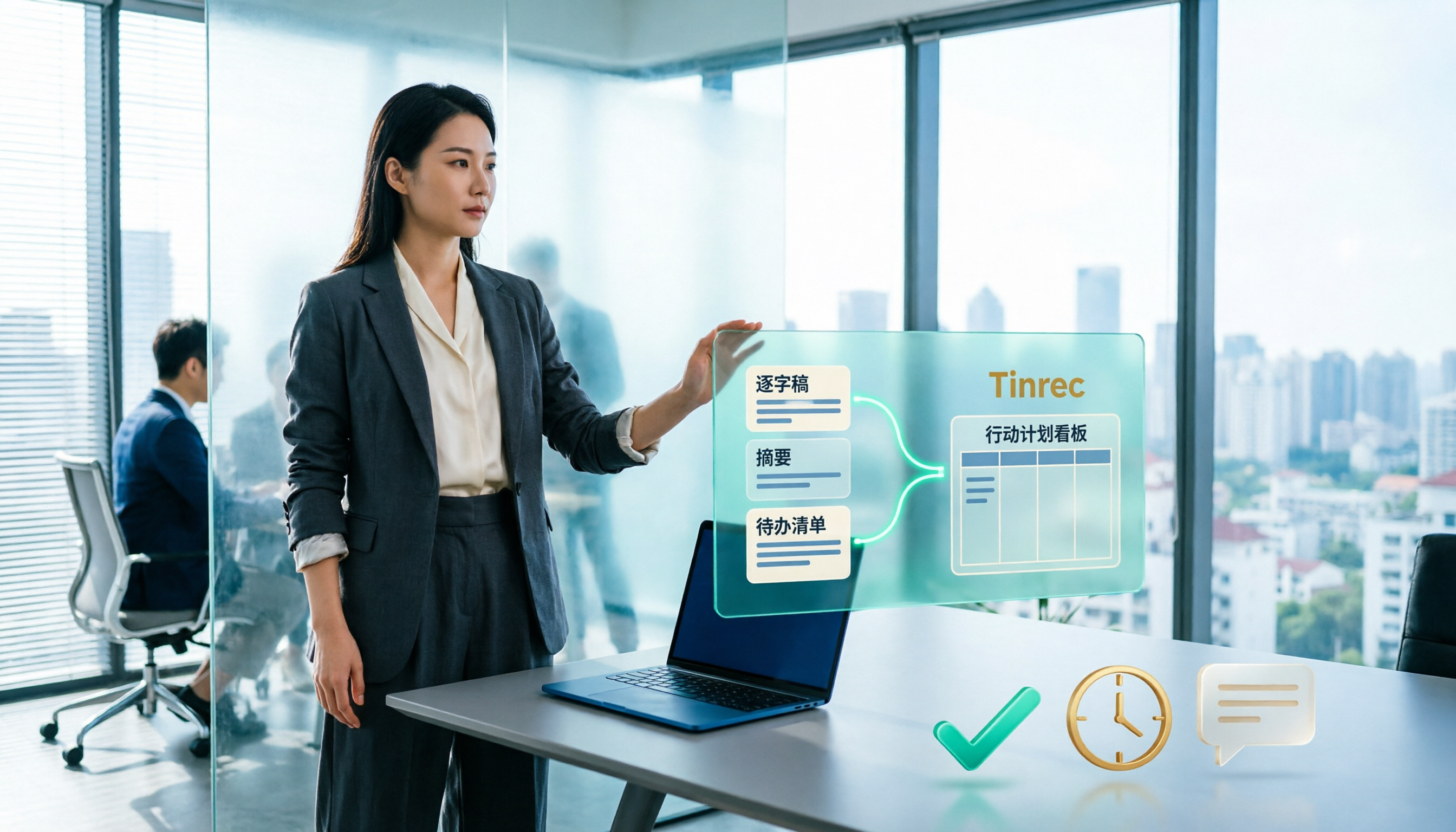
But for a task list to be actionable, it usually needs three things: who's responsible, by when, and which discussion it relates to. Tinrec, beyond AI summaries and chapters, extracts to-dos from meeting content and can further generate reports, tables, and documents through Agent post-processing. The transcript preserves original speech and timestamps, so you can check back on "who said this." My weekly meeting to-dos used to be typed from memory after the meeting; now they're transcribed live during the meeting, and afterward I confirm owners and deadlines from the organized content. AI can still miss or misinterpret details, so I double-check important items against the transcript.
→ This dimension: If you want a trackable task list to emerge directly after the meeting, Tinrec's workflow is shorter.
Dimension 4 | Post-Meeting Processing: AI Q&A, Reports, and Export
Otter offers AI Chat, workflows, and integrations—a complete ecosystem, suitable for teams already tied to its entire meeting process.
Tinrec lets you ask questions across single or multiple meetings and export results to Notion, Google Docs, OneNote, Dropbox, etc. for further processing. It can also use Agent to produce meeting minutes, reports, and tables. For someone like me who reports upward, "one meeting becomes multiple deliverables" is very practical—same meeting: transcript for self-check, summary for the team, table for the tracking list.
→ This dimension: Both have AI Q&A; if you value diverse output formats, Tinrec has a slight edge.
Dimension 5 | Team Data Retention and Member Governance
Otter's Business plan offers team and management capabilities, a relatively mature business choice; actual benefits are subject to the official page.
Tinrec's team plan is a separate team space: meeting data belongs to the team, with roles, seats, sharing rights, usage analytics, audit logs, and an audio recycle bin. A common misunderstanding: "members" and "seats" are different. Active members without a seat can view, play, and read team data, but to record, upload, edit, or export, they need a seat. When a member leaves or loses a seat, their team resources must be handed over to other active members; data isn't taken away by individuals.
→ This dimension: If you need long-term retention of Chinese meeting data and want to check usage and activity logs, Tinrec is more suitable.
What Unique Advantages Does Each Have?
Tinrec's advantages:
- Desktop bot-free recording, eliminating the social cost of "pulling a bot into the meeting."
- Chinese, Traditional Chinese, and mixed Chinese-English meeting experience is a key focus, with team hotwords for technical terms.
- Multiple post-meeting outputs: summaries, chapters, to-dos, mind maps, and further reports, tables, and documents.
- Team space manages members, roles, seats, usage, and audits; data belongs to the team, not individuals.
Otter.ai's advantages:
- Mature product mindset for English business meetings, high acceptance among international teams.
- Rich workflow and integration ecosystem, suitable for organizations already deeply tied to its process.
Conclusion: Which Should You Choose?
- If your meetings are mainly Chinese, Traditional Chinese, or mixed Chinese-English → Tinrec
- If you want trackable to-dos and task lists directly after the meeting → Tinrec
- If you don't want to pull a meeting bot into the room every time → Tinrec (desktop captures system audio)
- If you need meeting data to stay in a team space and want to check usage and activity logs → Tinrec team plan
- If your meetings are almost all English and your team is already tied to Otter → Keep using Otter.ai
In one sentence: For those who mainly work in Chinese and want to turn meetings into actionable team data, Tinrec is a more complete choice. I suggest running a test with your own meeting recording first to see if the transcript and to-do quality fit your scenario, then decide whether to go for a paid version.
Final reminder: Meeting recording and transcription involve others' privacy. Please comply with local laws and obtain consent from participants when needed. Competitor prices and benefits change; before comparing, refer to both vendors' official pages.
References
- How to Create a Meeting Agenda? Free Efficient Meeting Agenda Examples! - ProjectManager
- Free Online Custom Agenda Creator | Adobe Express
- Meeting Agenda Template 2026: 3 Ready-to-Use Examples + AI Meeting Notes Integration Process | Subanana
- Agenda Template | Microsoft Create
- [Example Form - General Affairs] Meeting Minutes | 101EIP.net
Turn every recording into actionable outcomes
Get 60 free transcription minutes when you sign in. No credit card required.
Related Reading
You might also like

How to Extract Meeting Notes in 2026: 5 Steps from Recording to AI Summary
Tired of dealing with meeting notes after the meeting? This article tackles common pitfalls, outlines 4 key evaluation points for choosing an AI meeting notes tool, tests Tinrec's bot-free online meeting recording, AI summaries and Q&A, and team spaces, and compares it with Otter.ai, Granola, and Notta, highlighting differences and pitfalls to avoid.
Best Meeting Minutes Tools in 2026: Tested 3 Categories, This One Auto-Generates Action Plans and Saves the Most Time
Meeting minutes record decisions, while action plans determine who follows up. This article breaks down the difference between the two and uses Tinrec as an example to demonstrate how to generate transcripts, summaries, and to-do lists in one go. It also compiles 5 key considerations and common questions for choosing a meeting minutes tool.

Best Meeting Minutes Follow-Up Email Tools? 2026 Test of 5 Methods, Key Is Within 24 Hours
Writing meeting minutes doesn't mean things will move forward. This article starts from the most common inefficient practices, breaks down the three-layer process of 'minutes → action → follow-up email,' includes AI prompts and email structures you can copy directly, and compares the applicable scenarios and limitations of 5 methods including template assignment, automated integration, and transcript plus AI summary, helping you send decisions out within 24 hours after the meeting.
2026 Meeting Action Item Management Tools Buying Guide: 4 Hands-On Tests and Selection Advice
The worst part of a meeting isn't missing notes—it's action items with no owner or deadline. Starting from real meeting scenarios, this article outlines 4 key points for choosing a meeting action item tool, hands-on tests Tinrec's bot-free recording, action item extraction, and AI Q&A, compares the positioning differences of Otter.ai, Notta, and Fireflies.ai, and finally offers selection advice based on use cases.

5 AI Post-Meeting Follow-Up Email Tools Compared: Which Workflow Actually Saves Time?
Meeting's over, but the notes aren't organized and the follow-up email hasn't been sent. This article breaks down the two approaches to AI-generated post-meeting follow-up emails—Gmail generation plugins and automated trigger workflows—across 5 dimensions, with ready-to-use prompt formulas and implementation steps to help you decide which method truly saves wrap-up time.

Tinrec vs Otter.ai 2026: 5-Dimension Comparison — Which Free Meeting Minutes Template Works Better?
How do you find free meeting minutes templates? This article compares Tinrec and Otter.ai across 5 dimensions — Chinese-language minutes and table output, free plan entry points, bot-free online meeting recording, post-meeting follow-up and output, and team data retention — to help you decide which one fits your meeting scenario better.
2026 Comparison of 3 Project Meeting Task List Templates: Which Saves the Most Time Without Missing Key Points?
After a project meeting ends, the task list is where the real work begins. This article breaks down the essential fields of a good project meeting task list template and tests Notta, Granola, PLAUD, and Tinrec in real scenarios for meeting notes, action item extraction, and team handoff, helping professionals choose the most time-saving approach that doesn't miss key points.
2026 Comparison of 2 Automatic Meeting Summary Report Generators: Tinrec vs Otter — Which Better Auto-Generates Action Minutes?
Automatic meeting summary report generation isn't just about feeding a recording into AI. This article compares Tinrec and Otter across dimensions—Chinese meetings, bot-free recording, post-meeting outputs, and team knowledge retention—to help you decide which tool better produces usable meeting reports automatically.
Meeting Minutes vs. Meeting Reports in 2026: 3 Key Differences and How to Write Each One
Confused about meeting minutes, meeting reports, and meeting notes? This article breaks down the differences using 3 key criteria, explains when to submit minutes versus a report, and tests how the AI meeting tool Tinrec generates summaries, action items, and reports from a transcript. It also includes selection advice and pitfalls to avoid for Otter.ai and Notta.