
Turn recordings into transcripts and summaries in minutes
Upload audio or video for multilingual transcription, AI notes, and action items
Your PRD Isn't Writing Itself—It's Not That You Can't Write, It's That You Can't Find the Requirements
The meeting just ended, and your manager says, "Give me the PRD next week." You open a blank document and realize you haven't even figured out the requirement boundaries. So you start searching for "AI PRD writing tools," install two or three, paste in a vague description, and the generated document looks complete.
But when you take it to review, the engineer's first question is: "Who requested this requirement? Why are we doing it?" You can't answer, because the generation tool gave you a beautiful piece of fluff, not a requirement.
So this article isn't just about "which AI PRD tools exist." It's about making a judgment first: Are you missing a tool to "generate documents" or a tool to "collect and organize requirements"? These two stages require completely different tools. Buy the wrong one, and you still won't be able to write the PRD.
How to Choose AI PRD Tools? Understand These 5 Key Points First
1. Distinguish between "requirement gathering" and "document generation." Requirement gathering deals with raw materials like meeting recordings, customer interviews, and complaint emails. Document generation deals with already-clarified requirements, turning them into structured documents. If you lack both, PRD quality won't improve.
2. Is the input source broad enough? Tools that only accept text won't work for teams where "requirements are all in meetings." Whether it can handle recordings, videos, and prototype images determines if it can connect to your actual work environment.
3. Chinese and mixed Chinese-English processing capability. Taiwanese teams often say things like "this feature needs review next week" in meetings. Pure English models may miss words. Actual performance is affected by recording quality, background noise, accents, multiple people talking over each other, and technical terms. Don't just look at marketing copy.
4. Can the output be taken away? Whether it can export to tools you already use like Notion, Google Docs, or OneNote determines if the document is "disposable" or "can enter your workflow."
5. Team data ownership. Does meeting data belong to individual accounts or team spaces? Will data still exist after members leave? Few people ask this upfront, but almost every team encounters it within six months.
| Your Actual Pain Point | Which Type of Tool to Use | Recommended in This Article |
|---|---|---|
| Requirements scattered in meetings and interviews, can't find original quotes | Meeting notes and requirement gathering | Tinrec |
| Requirements are clear, just missing document structure | PRD generation | ChatPRD, Modao AI Agent |
| Want to reverse-engineer specs from prototype images | Prototype to document | PMAI |
Tinrec—Clean Up the Requirement Source, Then the PRD Can Be Accurate
Rating: 9.0/10
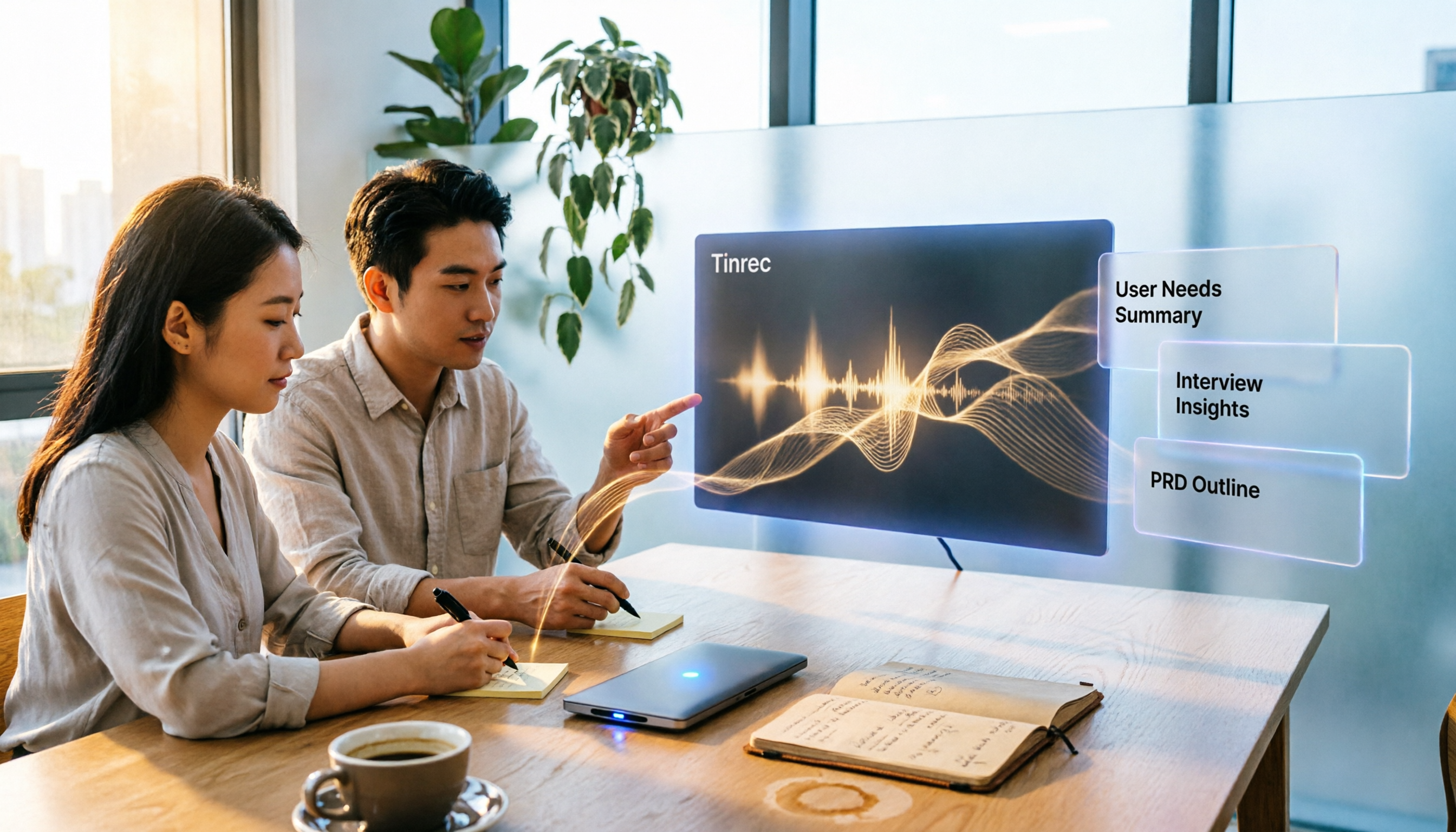
Tinrec is an AI meeting notes and collaboration tool for individuals and teams, covering iOS, Android, desktop, and web. It doesn't directly generate PRDs for you. Instead, it handles the most overlooked and time-consuming part before the PRD: turning requirement sources into searchable, queryable, and exportable materials.
Scenario 1: Requirement interviews no longer rely on memory. When visiting clients or conducting user interviews, open Tinrec to record and transcribe simultaneously. After the interview, AI has already organized summaries, chapters, and to-dos—what pain points the client mentioned, who promised what, all preserved in text. When writing the PRD, searching for an original quote is far more reliable than paraphrasing from memory.
Scenario 2: No need to add a bot to online meetings. The desktop version directly captures computer system audio, handling Zoom, Google Meet, Microsoft Teams, Webex, and other meeting audio played on the computer, without an extra meeting bot joining as a participant. For external client meetings, having one less unfamiliar account on the list makes communication much more natural.
Scenario 3: Ask AI directly after recording—much faster than manually scrolling through transcripts. This is Tinrec's most practical feature. You can directly ask it "What did the client care about most in this interview?" or "What was the conclusion about the budget in last week's meeting?" It gives answers based on semantic understanding, rather than throwing a string of keywords for you to find yourself. After finding answers, transcripts, summaries, and to-dos can be exported to Notion, Google Docs, OneNote, Dropbox, etc., or post-processed with Agent to generate reports, tables, and documents, directly connecting to your PRD draft.
Testing conditions: We tested with two real materials: a 28-minute offline customer requirement interview (phone recording, with air conditioning background noise) and a 45-minute Teams online meeting (desktop version recording without a bot). Under these real conditions, transcripts were directly readable, and technical terms became more stable after correction using team hotwords. Actual performance is still affected by recording quality, noise, accents, and overlapping speech. We do not recommend treating any tool's accuracy as a fixed number.
Stop organizing recordings by hand
Upload audio or video and automatically get a transcript, summary, and action items
Three reasons to buy:
- Preserve original requirement quotes. Transcripts support search and review. Every requirement in the PRD can be traced back to the original statement. When asked "Who said this?" during review, you won't be speechless.
- Have takeaway materials right after the meeting. Summaries, chapters, to-dos, mind maps, plus multi-format export save not just typing time, but the time spent "recalling after the meeting."
- Data belongs to the team, not individuals. The team version provides an independent team space where meeting data is centrally stored and shareable. When members leave, are removed, or lose their seat, resources are transferred to other valid members, not disappearing with the person.
Two limitations, to be clear upfront:
- Tinrec does not generate PRD document structures. Its output is transcripts, summaries, to-dos, and exportable materials. To get a standard PRD framework, you still need to use a generation tool like ChatPRD or apply your own template.
- Quotas and pricing need to be calculated clearly. The free version provides basic quota, suitable for verifying quality first. The team version is priced per seat: currently USD 29.80 per paid seat per month, or USD 199 per paid seat per year (about USD 16.58 per month). Each paid seat provides 2,000 minutes of team shared import quota per month. Under an active team plan and active seat, real-time recording currently does not deduct minutes. Prices and benefits are subject to the official purchase page.
Who it's for: People whose requirement sources are mainly meetings and interviews, teams that need to share the same meeting notes, and those who often switch between phone and computer.
Besides Tinrec, These PRD Generation Tools Are Also Worth a Look
The following three are "document generation" tools. They have a relay relationship with Tinrec, not a replacement relationship.
ChatPRD (Rating 8.5/10) An AI assistant built specifically for product managers. It helps write PRDs, specs, and user stories, and can also give improvement suggestions on your drafts, like a senior product director on standby. The downside is that its input is text—the requirement context from meetings and the client's original wording need to be organized first using Tinrec's transcripts and AI Q&A before feeding in. Otherwise, it easily generates a beautiful but disconnected document.
Modao AI Agent (Rating 8.0/10) Trained on a large amount of real PRD data. Input a one-sentence requirement description and it generates a clearly structured draft. It can also check logic and feasibility from development, testing, and operations perspectives. Highly efficient for people who have already thought through requirements. But it lacks meeting recording transcription and bot-free recording capabilities. When requirements are still buried in meetings, it can't help.
PMAI (Rating 7.5/10) A tool vertical to the product manager role. The official description mentions over a dozen features including one-click PRD document generation, prototype-to-PRD conversion, value analysis, and weekly report generation. Suitable for teams that already have prototype images and want to quickly reverse-engineer specs. But it doesn't handle turning meetings into searchable transcripts, and lacks governance capabilities like team seats, usage analysis, and auditing. It gets stuck as team size grows.
Pitfall Guide: 4 Most Common Mistakes When Choosing AI PRD Tools
Pitfall 1: Treating "generation speed" as the only metric. Generating a PRD in 30 seconds sounds great, but if the requirements themselves are wrong, you're just producing a document that needs rework faster. Confirm the materials are correct first, then talk about generation speed.
Pitfall 2: Feeding AI with manual paraphrasing. After a meeting, typing a summary from memory and throwing it into a generation tool means two layers of distortion. The correct approach is to preserve transcripts and original statements, letting AI organize from first-hand materials—this is also why tools like Tinrec exist.
Pitfall 3: Only buying individual versions, with no place for team data. Three people each using their own accounts, and six months later no one can find last quarter's requirement discussions. Pay attention to the team version's role and seat design: valid members without seats can still view, play, and read team data, but recording, uploading, editing, and import/export require a seat. This is different from "team-level sharing." Don't expect fine-grained file-level permissions.
Pitfall 4: Ignoring recording and data compliance. Before recording meetings and customer interviews, comply with local laws and obtain participant consent when required. This is not optional; it's a basic action.
Conclusion: Which One Should You Choose?
Here's the core conclusion: The bottleneck of AI PRD writing is in the input, not the generation. Organize the requirement source well, and PRD output speed will naturally increase.
- Requirements are still in meetings and interviews → Tinrec. First organize transcripts, summaries, and to-dos, then hand them to your PRD template or generation tool.
- Team needs to share historical meetings and decision records → Tinrec Team Version. Team space, roles and seats, usage analysis, audit logs, and audio recycle bin (30-day retention) keep data in the team rather than on individual computers.
- Mixed Chinese-English or cross-language meetings → Tinrec. Supports real-time translation and original/translated/bilingual viewing, especially useful for multinational teams.
- Don't want a meeting bot joining online meetings → Tinrec Desktop Version. Capture system audio to record without an extra account entering the participant list.
- Requirements are already structured, just missing a document draft → ChatPRD or Modao AI Agent. These are the only two scenarios in this article where we recommend skipping Tinrec.
We suggest first using the free quota on a real meeting to confirm transcript quality meets your needs, then decide whether to upgrade—after all, buy the right tool, and the PRD gets written faster.
References
- AI tool PMAI for product managers, supports one-click PRD document generation, flowcharts, and 13 other features_Prototype to PRD-CSDN Blog
- ChatPRD Introduction, Features, Pricing, Pros and Cons Review | TheAI Academy
- Can't finish writing PRD documents? These 8 AI tools help you 10x efficiency
- AI automatically generates PRD documents, Modao AI Agent lets product managers travel light - Zhihu
- AI generates PRD requirement documents - AI writes product PRD documents - AI Creator
Turn every recording into actionable outcomes
Get 60 free transcription minutes when you sign in. No credit card required.
Related Reading
You might also like

2026 Post-Meeting Follow-Up Email Templates: 5 Scenarios at a Glance
Struggling to write a follow-up email after a meeting? This article compiles 4 key writing principles for post-meeting follow-up emails, 5 ready-to-use templates for different scenarios, and common pitfalls to avoid. It also explains how to use Tinrec to organize meeting notes first, making your follow-up emails faster and more accurate.

2026 Complete Guide to Automated Customer Requirement Organization: From Interview Transcripts to Action Item Tracking
Can't find customer requirements or organize them with no follow-up? Based on real experiences from student projects and internships, this article breaks down three common mistakes in manual customer requirement organization and uses Tinrec as an example to show how real-time transcription, AI summaries, action item extraction, AI Q&A, and team spaces can turn scattered customer feedback into searchable, queryable, and transferable data.

4 Meeting-to-PRD Tools Tested: Which One Turns Meeting Notes into Specs?
How do you use a meeting notes to PRD template without wasting time? This article breaks down three common mistakes, provides a ready-to-copy meeting notes to PRD template with a field mapping table, then compares Tinrec, Notta, Otter.ai, and Granola on transcription, AI Q&A, recording retention, and team collaboration. Finally, it offers selection advice for different budgets and scenarios to help you save time rewriting specs.

2026 Meeting Action Item Template Comparison: Which One Actually Gets Things Done?
A meeting action item template isn't about looking polished—it's about whether you can still verify completion six months later. This article provides a ready-to-copy action item table and compares Tinrec, Notta, Otter.ai, and Granola on action item extraction, Chinese-language meetings, and team collaboration.

How to Automatically Extract Meeting Action Items in 2026: AI Summaries + To-Dos in One Go
After a meeting, action items are scattered in the conversation and no one follows up? This article compiles 6 solutions that can automatically extract meeting action items, from Tinrec's bot-free recording, AI summaries, and action item extraction, to the positioning and pricing of Otter.ai, Fireflies.ai, Notta, Granola, and TurboScribe. It also uses scenario comparisons to tell you which one to choose for different budgets and needs.
2026 Meeting Notes Tools Buying Guide: 6 Tested Picks and Action Item Tracking Tips
When meetings end and nothing gets done, the problem is usually the lack of an owner-plus-deadline table. This guide shares hands-on reviews, pricing, and use cases for 6 meeting notes and transcription tools, and compares which ones automatically extract action items and owners, so you can choose the right tool in one go.

2026 AI Meeting To-Do Tools Compared: Tinrec, Notta, and Fireflies — Which One Actually Follows Through?
A hands-on comparison of Tinrec and Notta across six dimensions: meeting capture, post-meeting outputs, historical data queries, team governance, Chinese and mixed-language support, and pricing. Also covers where Fireflies.ai fits among meeting automation tools, helping you decide which AI meeting to-do tool truly turns meetings into action.

The Complete Guide to Customer Meeting Follow-Up Emails in 2026: From Meeting Notes to Follow-Up Letter
Struggling to write a follow-up email after a customer meeting? This article breaks down the complete workflow from meeting notes, summaries, and action items to sending the follow-up email, and compares Tinrec and PLAUD Note in post-meeting organization and team tracking to help you choose the right approach.

How to Organize Meeting Action Items in 2026: A Complete 5-Step Guide
After a meeting ends, action items often get scattered across notes, chat threads, and memory, making it hard to track progress the following week. This guide breaks down a 5-step process for organizing meeting action items and compares Tinrec and Otter.ai within the same workflow, covering everything from capturing tasks and tracing context to handling Chinese-language meetings, exporting to your workflow, and team handoffs.