

Turn recordings into transcripts and summaries in minutes
Upload audio or video for multilingual transcription, AI notes, and action items
2026 Complete Guide to Automated Customer Requirement Organization: From Interview Transcripts to Action Item Tracking
When I did my first customer interview for my graduation project, I thought "organizing customer requirements" just meant saving the audio file into a folder and copying the key points I heard into Excel. But before the midterm demo, my professor asked me: "The export format issue the customer mentioned last time—how did you end up handling it?" I searched through two Excel files, three LINE groups, and a 47-minute audio recording. After nearly 40 minutes, I still couldn't find that one sentence.
Later I realized it wasn't because I wasn't diligent enough—it was because the method itself was flawed. This article compiles the pitfalls I encountered and how I later used Tinrec to connect the process into a complete guide.
Manual customer requirement organization usually gets stuck in three places:
The first pitfall is "sources are too scattered." Customer requirements can come from online meetings, phone calls, LINE messages, emails, surveys, or even a casual comment from a teacher in class like "that's how the industry does it." When stored separately, you can never find them when you need them.
The second pitfall is "storing without structuring." Saving the recording and pasting the transcript into a document looks diligent, but that's just "preservation," not "organization." Without summaries, sections, or action items, you have to re-read from scratch every time.
The third pitfall is "no next step." After organizing requirements, if they don't become action items, have no owner, and aren't tracked, then the organization is just a document sitting in the cloud.
A more reasonable approach is to connect the entire process into one line: collect → convert to text → automatic summary and segmentation → ask for details when needed → turn into action items → export to where the team works. Take Tinrec as an example—it's an AI meeting notes and collaboration tool that puts this line into a single tool.
What Can Automated Customer Requirement Organization Do for You?
Scenario 1: As soon as the interview ends, the transcript and summary are ready Previously, after an interview, I had to spend over an hour re-listening to the recording and typing while listening. Now I use Tinrec's real-time audio-to-text, and the text appears synchronously during the interview. After it ends, the AI summary is generated—which pain points the customer mentioned, which are "must-haves," and which are "nice-to-haves" can be captured directly from the summary.
Scenario 2: Just want to confirm one sentence without re-listening to the whole recording This is the feature I find most time-saving. When the professor asks "What did the customer say about the budget?" I no longer need to drag the timeline. I just type "What budget range did the customer mention?" into Tinrec's AI Q&A, and it answers based on semantic understanding and can even reference the transcript segment where it appeared. Finding information went from 40 minutes to 40 seconds.
Scenario 3: Turn requirements into action items and assign them to team members After organizing customer requirements, the biggest fear is "what then?" Tinrec extracts action items from discussions. I can assign "adjust export format" to the responsible team member, and next meeting we can directly compare progress without relying on memory.
Scenario 4: Team data in one space During my junior year internship, our department's customer interview recordings were scattered across four people's computers. When someone left, the whole batch disappeared. Tinrec's team version keeps meeting recordings, transcripts, summaries, and action items in a team space. Data belongs to the team and won't be lost when someone leaves.
What Are the Core Capabilities of Automated Customer Requirement Organization?
Real-time audio-to-text: Transcribes while recording, not after. With Tinrec, for example, text is synchronized as the meeting proceeds. You can watch the transcript to confirm you haven't missed any key words the customer said.
Bot-free online meeting recording: This is very practical for students. Tinrec's desktop version directly captures the computer's system audio to handle online meetings on Zoom, Google Meet, Microsoft Teams, Webex, etc., without inviting an extra bot account to join. When meeting with customers or teachers, there's no awkwardness of "why is there an unknown participant in the meeting?" Note that this doesn't mean "automatically join all meetings"—you still need to actively open Tinrec to start recording.
AI summary and chapters: Not just condensing the transcript into one big paragraph, but structured organization. A one-hour interview is split into chapters, with meeting topics, discussion conclusions, and constraints mentioned by the customer listed separately, so you don't have to read from the beginning when reviewing.
Action item extraction: Captures "who needs to do what" from the conversation. The most common phrase in customer interviews is "then you go back and revise it"—if this doesn't become an action item, it will be forgotten in two weeks.
AI Q&A and cross-meeting queries: After transcription, you can directly ask Tinrec questions, such as "Did this customer's statements about payment methods in the two interviews match?" It will organize the answer based on semantic understanding. This is nearly impossible to do manually by flipping through Excel.
Real-time translation and bilingual viewing: If the customer's presentation includes English or if a cross-national team is meeting, Tinrec supports viewing the original text, translation, or bilingual content during recording.
Multi-format export and post-meeting output: The organized results can be exported to Notion, Google Docs, OneNote, Dropbox, etc. for further processing; you can also use Agent post-processing to generate reports, tables, or meeting minutes, which is very convenient for those who need to submit project reports or internship weekly reports.
Stop organizing recordings by hand
Upload audio or video and automatically get a transcript, summary, and action items
Practical Application Scenarios
Industry-academia collaboration interviews for graduation projects Our group worked on a project between the department and a manufacturer, with three interviews per semester. After the first interview, I used Tinrec to generate transcripts and summaries, categorizing customer requirements into "essential features," "bonus features," and "out of budget." Before the second meeting, I directly used AI Q&A to review the commitments from last time. The professor said our group's requirement document was much clearer than other groups'.
Online requirement confirmation meetings When a customer spontaneously scheduled a Google Meet to discuss specifications, I used Tinrec's desktop version for bot-free recording. By the end of the meeting, the summary and action items were already generated. Afterward, I exported the transcript to Google Docs for my team members, so no one had to watch the replay.
Campus group requirement convergence meetings The most common problem in group discussions is "everyone talks over each other, and no one remembers the conclusion afterward." We later consistently used Tinrec to record discussions, list action items, and clearly see who was responsible for what, so no one could say "I thought you were going to do that."
Historical data retrieval At the end of the semester, writing the final report is most painful when trying to recall "when was this decision made?" Tinrec stores a whole semester's meeting data in the team space, searchable by keywords and queryable, turning scattered conversations into a searchable database.
5 Things to Note When Choosing an Automated Customer Requirement Organization Tool
1. Recognition performance for Chinese and mixed Chinese-English Customers often say things like "this UI flow needs to be smoother." Pure English tools can easily mess up the whole segment. It's best to test with your own interview recordings. Tinrec covers Chinese, Traditional Chinese, and multilingual meeting scenarios, but actual performance is affected by recording quality, accent, noise, and overlapping speakers. Don't trust any claims of fixed accuracy rates.
2. Does it retain audio files? No matter how accurate the transcript is, you still need to listen to the original audio in case of disputes. Some tools only keep text and not audio, leaving you helpless when you want to verify later. Tinrec supports audio retention and playback, and the team version has a recycle bin mechanism for audio, so accidentally deleted files can be restored within the retention period.
3. What can you do after transcription? This is a key differentiator. Tools that only provide transcripts still require you to read through an hour of text yourself. Tinrec can generate summaries, chapters, action items, and mind maps after transcription, and you can continue to use AI Q&A for follow-up questions, greatly reducing the workload of organizing requirements.
4. Can it integrate into your existing workflow? Students most commonly use Google Docs and Notion. Tinrec supports multi-format export, so organized content can be directly brought into these two places to continue writing reports without copy-pasting.
5. Team collaboration and data ownership If it's a group project or internship team, pay attention to whether the tool is "multiple people sharing one account." Tinrec's team version is an independent team space where members can be invited via a join link, and roles and seats are distinguished—roles determine who can manage team settings, seats determine who can record, upload, edit, and export; members without seats can still view, play, and read team data. Additionally, team resources belong to the team. When a member leaves or is removed, they can hand over their responsible data to other members instead of taking everything with them.
One more point students care about: Tinrec's personal version has a free version to experience basic recording, import, summary, and transcription. If you only occasionally organize an interview, the free version is enough; for short-term intensive interviews, consider a weekly pass; if you have regular weekly meetings, the Pro monthly or annual plan is more cost-effective. Actual prices and quotas are subject to the official purchase page.
Frequently Asked Questions
Q1: Is the free version enough for students? It depends on your usage frequency. If you only have three or four interviews to organize per semester, the free version's basic quota is usually sufficient; but if you have weekly group meetings to record, a paid plan is more practical. It's recommended to run through the complete process with the free version first to confirm it really saves you time before deciding whether to upgrade.
Q2: Which online meeting platforms are supported? Tinrec's desktop version handles online meetings by capturing the computer's system audio, so meeting audio played on a computer from Zoom, Google Meet, Microsoft Teams, Webex, etc. can be recorded. Note that this is "supporting the processing of meeting audio from these platforms," not implying official partnerships with these platforms.
Q3: How accurate is the transcription? It's not advisable to pursue a fixed number. Actual results are affected by the recording environment, microphone quality, speaker accent, speech rate, simultaneous speakers, and technical terminology. A better approach is to treat Tinrec as a tool that "greatly reduces manual organization costs," and verify important information by checking the transcript timestamps and audio playback.
Q4: Will recordings and transcripts be lost? Tinrec's team version provides an audio recycle bin. Accidentally deleted audio can be restored before permanent cleanup begins (currently a 30-day retention period). However, team dissolution or permanent cleanup still follows a defined data lifecycle. It's recommended to regularly export and back up important data.
Q5: What's the difference between the personal and team versions? The personal version's data is managed by the individual account; the team version is an independent team space where meeting data belongs to the team, with additional capabilities such as member invitations, role and seat management, team shared quotas, usage analytics, audit logs, team hotwords, and audio recycle bin. If it's a group project or internship team sharing data, the team version is much clearer than everyone using their own personal accounts.
Conclusion
Customer requirement organization is often a headache not because the requirements are too complex, but because the process breaks in several places—scattered sources, storing without organizing, and no next step after organizing. Connect these lines, and you'll find that the real time-consuming part isn't "meeting," but "finding data after the meeting."
Take Tinrec as an example—it puts real-time transcription, summaries, action items, AI Q&A, export, and team space into one process, turning customer requirements from a recording into searchable, queryable, and transferable data. If you're working on a project, internship, or leading a group project, it's recommended to run through the complete process with the free version first and feel what it's like not having to re-listen to recordings—the time saved is enough for several more rounds of sleep.
References
- r/ProductManagement on Reddit: What do you use to capture and organize customer feedback?
- From Data Collection to Customer Service: 5 Major Use Cases of CRM Automation to Drive Business Growth! | KSC Think Tank | Enterprise Training and Digital Transformation Leader
- How to Build an AI Automation Workflow? One Person Can Do the Work of Ten (2026)
- r/ProductManagement on Reddit: What tools (if any) actually help automate customer feedback into actionable fixes or new features? Is your team still very manual?
- How to Manage Customer Lists? 9 Customer List Sources + 4 Major Organization Tips! - Growth Strategy—Your Growth Performance Strategy Department
Turn every recording into actionable outcomes
Get 60 free transcription minutes when you sign in. No credit card required.
Related Reading
You might also like

2026 Post-Meeting Follow-Up Email Templates: 5 Scenarios at a Glance
Struggling to write a follow-up email after a meeting? This article compiles 4 key writing principles for post-meeting follow-up emails, 5 ready-to-use templates for different scenarios, and common pitfalls to avoid. It also explains how to use Tinrec to organize meeting notes first, making your follow-up emails faster and more accurate.
AI PRD Tools 2026: How to Combine Requirement Gathering and PRD Generation
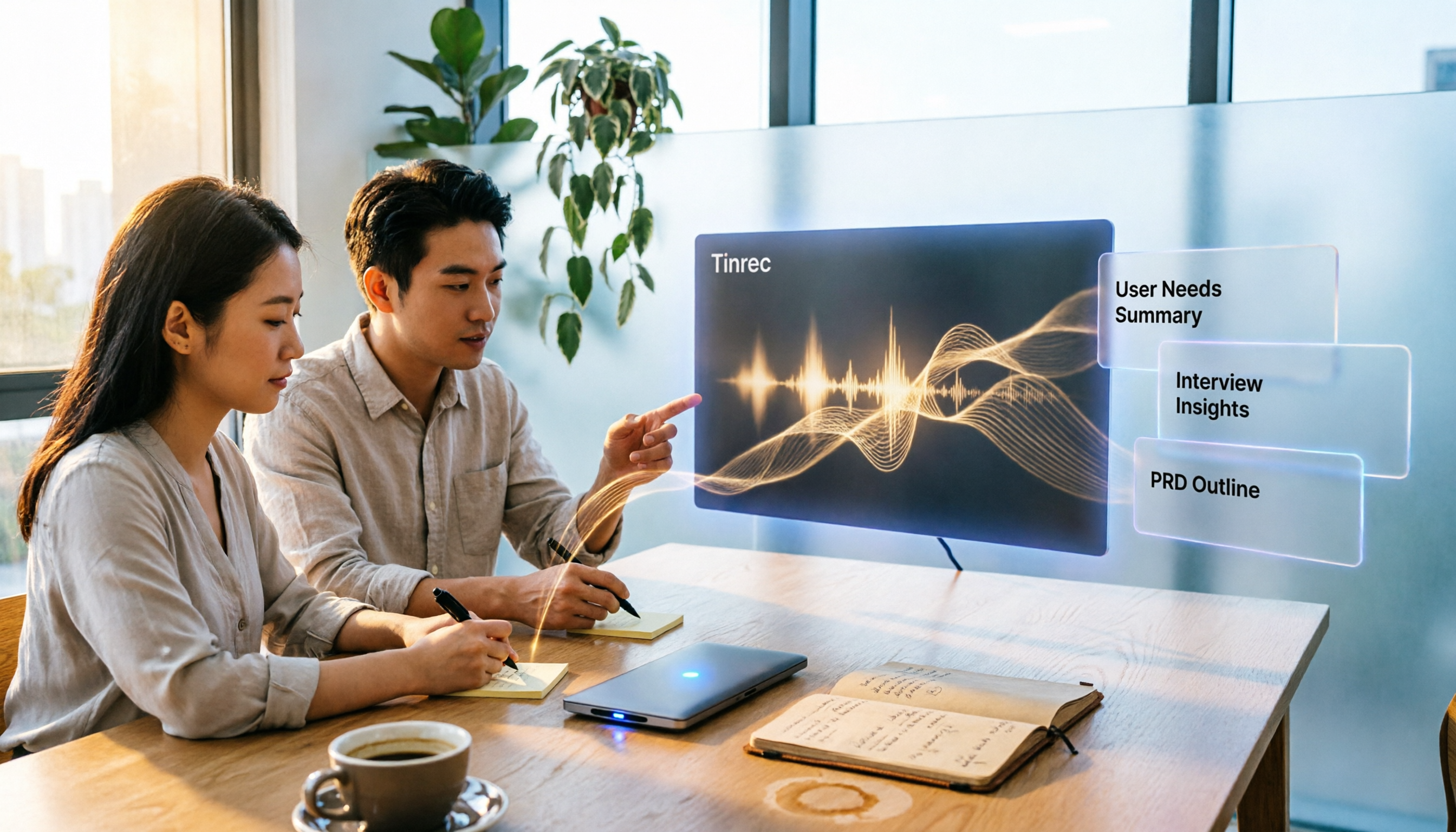
Struggling with PRDs? The problem is usually not the generation tool, but unorganized requirement materials. This guide breaks down AI PRD tool selection into two parts: requirement gathering and document generation. We tested how Tinrec turns meetings and interviews into usable requirement materials, then pairs with generation tools like ChatPRD, Modao AI Agent, and PMAI. Includes ratings, limitations, pitfalls to avoid, and selection advice for different budgets and scenarios.

4 Meeting-to-PRD Tools Tested: Which One Turns Meeting Notes into Specs?
How do you use a meeting notes to PRD template without wasting time? This article breaks down three common mistakes, provides a ready-to-copy meeting notes to PRD template with a field mapping table, then compares Tinrec, Notta, Otter.ai, and Granola on transcription, AI Q&A, recording retention, and team collaboration. Finally, it offers selection advice for different budgets and scenarios to help you save time rewriting specs.

2026 Meeting Action Item Template Comparison: Which One Actually Gets Things Done?
A meeting action item template isn't about looking polished—it's about whether you can still verify completion six months later. This article provides a ready-to-copy action item table and compares Tinrec, Notta, Otter.ai, and Granola on action item extraction, Chinese-language meetings, and team collaboration.

How to Automatically Extract Meeting Action Items in 2026: AI Summaries + To-Dos in One Go
After a meeting, action items are scattered in the conversation and no one follows up? This article compiles 6 solutions that can automatically extract meeting action items, from Tinrec's bot-free recording, AI summaries, and action item extraction, to the positioning and pricing of Otter.ai, Fireflies.ai, Notta, Granola, and TurboScribe. It also uses scenario comparisons to tell you which one to choose for different budgets and needs.
2026 Meeting Notes Tools Buying Guide: 6 Tested Picks and Action Item Tracking Tips
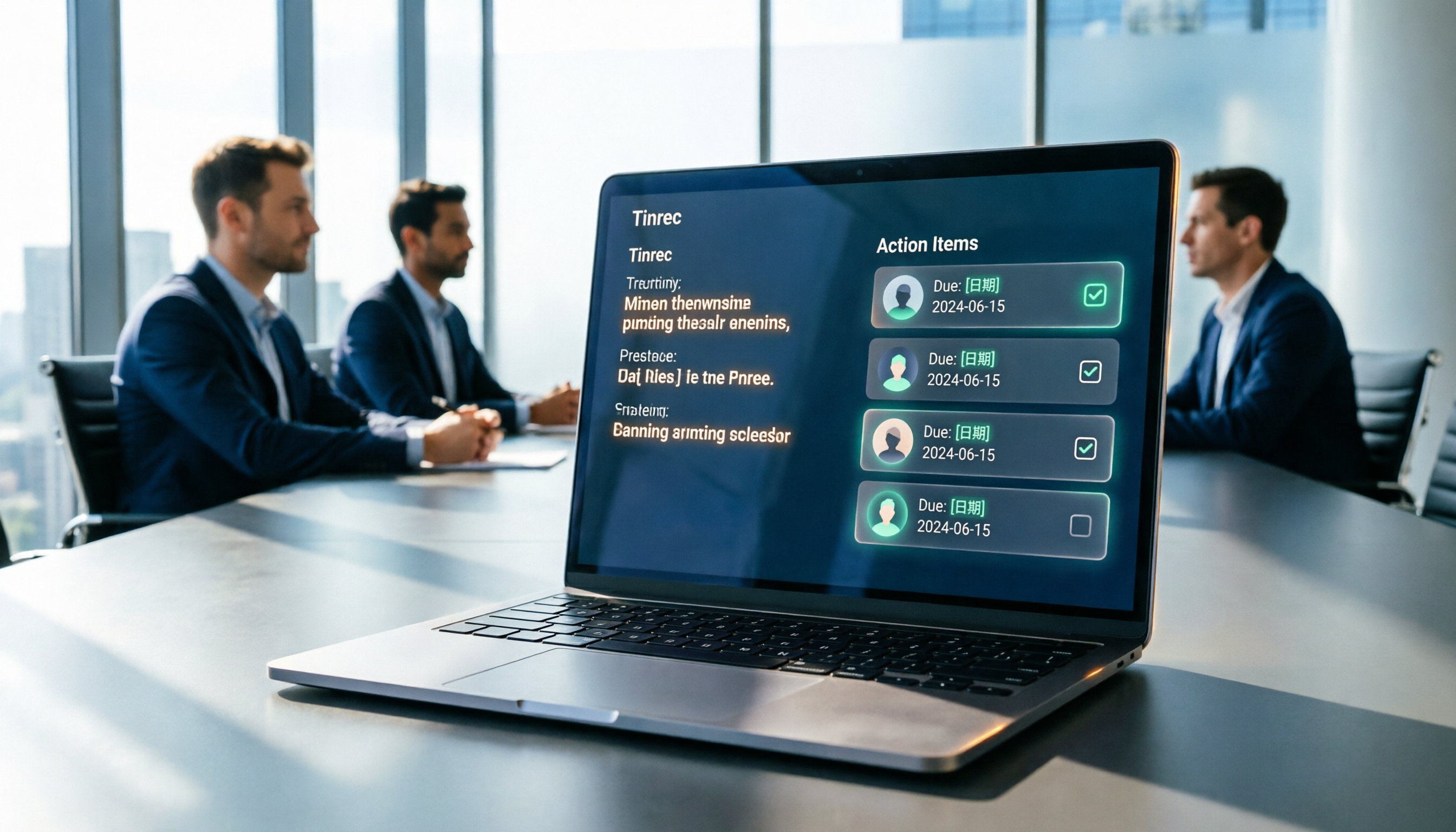
When meetings end and nothing gets done, the problem is usually the lack of an owner-plus-deadline table. This guide shares hands-on reviews, pricing, and use cases for 6 meeting notes and transcription tools, and compares which ones automatically extract action items and owners, so you can choose the right tool in one go.

2026 AI Meeting To-Do Tools Compared: Tinrec, Notta, and Fireflies — Which One Actually Follows Through?
A hands-on comparison of Tinrec and Notta across six dimensions: meeting capture, post-meeting outputs, historical data queries, team governance, Chinese and mixed-language support, and pricing. Also covers where Fireflies.ai fits among meeting automation tools, helping you decide which AI meeting to-do tool truly turns meetings into action.

The Complete Guide to Customer Meeting Follow-Up Emails in 2026: From Meeting Notes to Follow-Up Letter
Struggling to write a follow-up email after a customer meeting? This article breaks down the complete workflow from meeting notes, summaries, and action items to sending the follow-up email, and compares Tinrec and PLAUD Note in post-meeting organization and team tracking to help you choose the right approach.

How to Organize Meeting Action Items in 2026: A Complete 5-Step Guide
After a meeting ends, action items often get scattered across notes, chat threads, and memory, making it hard to track progress the following week. This guide breaks down a 5-step process for organizing meeting action items and compares Tinrec and Otter.ai within the same workflow, covering everything from capturing tasks and tracing context to handling Chinese-language meetings, exporting to your workflow, and team handoffs.