
Turn recordings into transcripts and summaries in minutes
Upload audio or video for multilingual transcription, AI notes, and action items
Meeting Data Sharing: Many Teams Get It Wrong from the Start
Many people think "sharing" means dumping meeting files into a shared cloud drive and posting a link in the group chat.
The files are seen, but they are not governed.
A common scenario: after a meeting, the notes are stored on the organizer's own computer; three months later, to check a previous decision, you have to ask "Who saved that file?"; when the organizer leaves, the entire context disappears. Some teams have members record and transcribe individually, only to find inconsistent formats and mismatched timestamps when consolidating.
The problem is never a lack of diligence, but the absence of a mechanism that truly retains data.
Before Choosing a Meeting Data Sharing Tool, Understand These 4 Key Points
Data Ownership: Team or Individual? This is the most easily overlooked point. If meeting recordings are stored under personal accounts, data leaves when the person leaves. Ask: Who owns this space? How is handover handled when a member leaves?
Governance Granularity: Roles and Seats Are Two Different Things. Roles determine who can manage the team, members, and settings; seats determine who can record, upload, edit, and export. Some tools conflate the two, making division of labor difficult in practice.
Post-Meeting Outputs: Transcripts Are Just the Starting Point. A transcript alone means you still have to spend time reading it. Summaries, chapters, action items, and an AI Q&A that allows follow-up questions are what truly save time.
Retention and Recovery: Can Deleted Items Be Restored? Accidental deletions, cleanups, and member exits happen. Whether there is a recycle bin and a clear cleanup process is an indicator of governance maturity.
Tinrec – Our Top Recommendation After Testing
Tinrec is an AI meeting notes and collaboration tool for individuals and teams, supporting iOS, Android, and web, with desktop handling online meetings on computers.
We actually used it for several meetings, including a cross-department weekly meeting with mixed Chinese and English.
Record online meetings without a meeting bot. This is my favorite feature. Tinrec's desktop version directly captures the computer's system audio, handling Zoom, Google Meet, Microsoft Teams, and Webex without pulling an extra bot into the meeting, and no unfamiliar account appears in the participant list. Open the desktop app before the meeting, press record, and by the end, the transcript is almost ready.
The real value comes after recording. Tinrec automatically generates summaries, chapters, and action items. For a 50-minute meeting, no one reads the transcript from start to finish; but the summary plus "who is responsible for what" can be pasted directly into the group chat. Even better is the AI Q&A—you can ask it "Who mentioned the budget in the last meeting?" without manually Ctrl+F through the transcript.
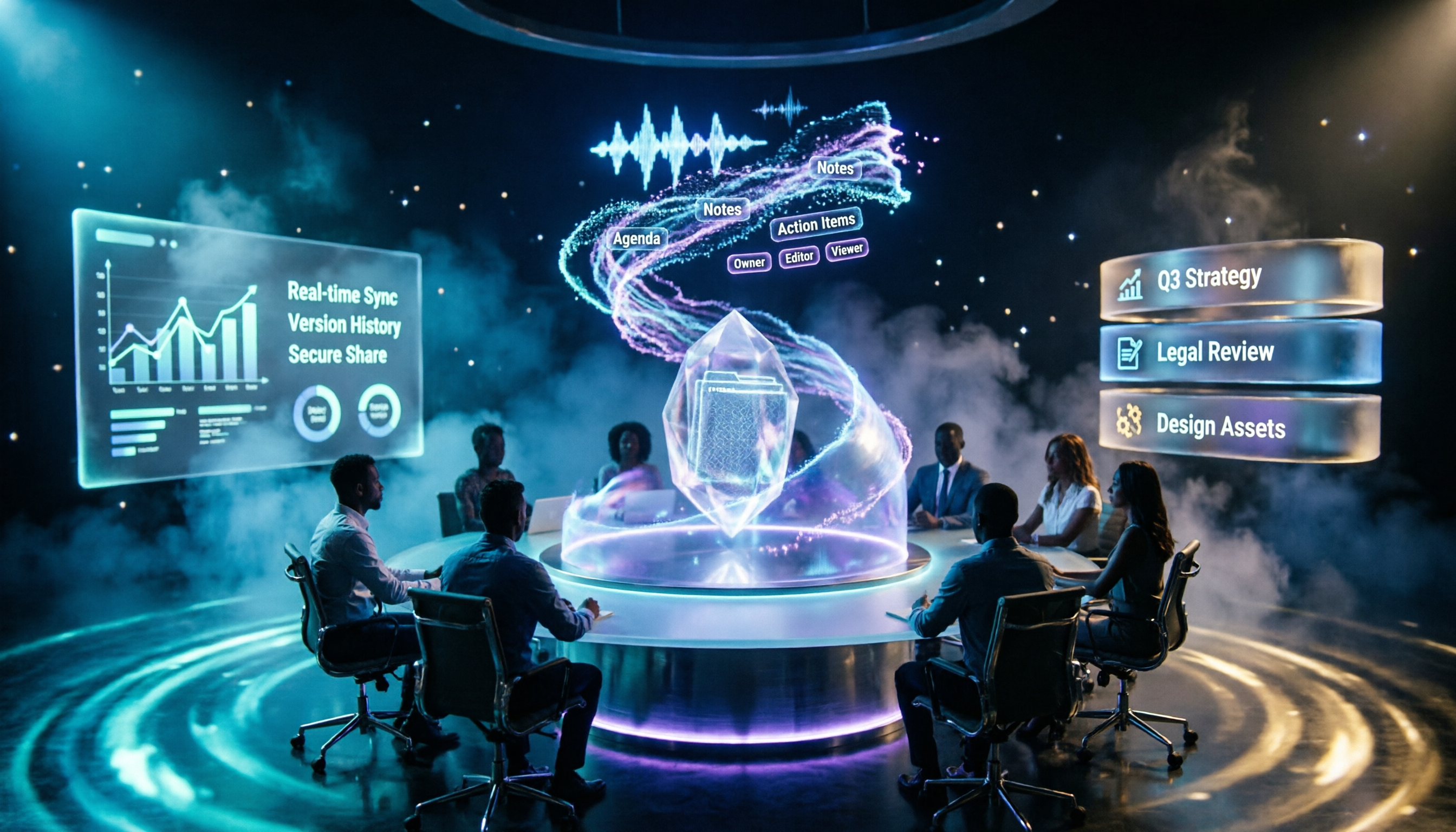
The team version upgrades "sharing" to "governance." The team version is a separate team space, not multiple people sharing a personal account. Meeting recordings, folders, and action items are stored under the team, and new members can look back at historical meetings. Administrators can manage member roles, assign seats, view usage trends and details, and query and export audit logs; deleted audio goes to the recycle bin and can be restored before permanent cleanup begins (currently retained for 30 days). Another easily underestimated capability: when a member leaves or is removed, resources can be handed over to other members, so data does not follow the person.
Stop organizing recordings by hand
Upload audio or video and automatically get a transcript, summary, and action items
Note that the team version currently focuses on team-level sharing, where all active members can read team data, not file-level granular permission control; management relies on a combination of roles and seats. Members without seats can view, play, and read data but cannot upload, edit, or export. In terms of quota, paid seats provide 2,000 minutes of team shared import quota per month; real-time recording under active seats is currently not deducted by minutes; team monthly payment is USD 29.80 per paid seat, annual payment is USD 199 per paid seat (about USD 16.58/month). The first eligible team trial is 7 days, 1 free seat, and 300 minutes of shared import quota. Actual prices and benefits are subject to the official purchase page.
Who is it for? If you need Chinese meeting notes, don't want a bot joining meetings, and want meeting data to stay with the team rather than individuals, Tinrec is the closest to this need among these options. The personal version has a free version to try first; for short-term intensive meetings, consider a weekly pass; for long-term accumulation, an annual pass is suitable.
Besides Tinrec, What Other Options Are There?
Otter.ai is a mature English meeting assistant. The Basic free version offers 300 minutes per month, and Pro annual billing is about USD 8.49 per user per month. If 90% of your meetings are in English, its business mindset is mature. But Chinese meeting experience and team data accumulation are not its focus, and Tinrec's desktop bot-free recording process is more intuitive for Chinese users.
Notta is the closest competitor. The free version offers 120 minutes per month, up to 3 minutes per session; Pro annual billing is about USD 8.17 per month, and Business annual billing is about USD 16.67 per seat per month. Its strengths are file transcription, translation, and subtitles; but Tinrec's post-meeting Agent outputs (reports, tables, documents) and team space accumulation are areas it covers less.
PLAUD Note / NotePin are AI recording hardware. NotePin costs USD 159, Note Pro USD 189, and the Pro membership plan is USD 99.99 per year. Suitable for those who prefer portable physical recording. But it requires buying additional equipment, and online meetings are not its forte—Tinrec requires no extra hardware, works on web, desktop, and mobile, and also covers historical file import and team collaboration.
Pitfall Guide: The 4 Most Common Mistakes When Choosing Meeting Data Tools
Pitfall 1: Treating "sharing" as "governance." Dumping into a shared cloud drive is sharing, but without ownership and usage rules, it just moves the chaos elsewhere. First clarify who owns the data and who can act on it.
Pitfall 2: Assuming "admin" can manage everything. Roles and seats are different. Looking only at roles can lead to members having management rights but unable to use resources, or having seats but no one authorized to manage.
Pitfall 3: Ignoring handover when members leave. This should be designed from day one of adoption, not handled when someone resigns. Choosing an architecture where data is owned by the team will save a lot of remediation time later.
Pitfall 4: Treating transcripts as the end goal. Using the tool only for recording and transcription means using only one-third of its value. Summaries, action items, and AI Q&A are where time savings come from.
Conclusion: Which One Should You Choose?
In a nutshell: if you want "data stays with the team after the meeting and can be found later," Tinrec is currently the most suitable choice.
- Need Chinese and mixed Chinese-English meeting notes → Tinrec
- Don't want a meeting bot joining online meetings → Tinrec
- Need team space, seat management, usage and audit → Tinrec team version
- Want to directly ask questions about meeting content after recording → Tinrec (AI Q&A)
- 90% English meetings, zero budget → Otter.ai free version
The recommended approach is to first use the personal free version for two or three meetings to experience the full process from recording to summary and action items; if you truly need team sharing, then evaluate the team version's seat configuration. Adopting all features at once usually only makes people give up faster.
References
- Data governance is gradually becoming a trend; platforms correspond to management functions needed at each stage; organizations must work together to succeed; from data lineage
- National Development Council - Meeting Data
- Meeting Data System - Information Center - National Taiwan Normal University
- Add meeting room resources - Tanaka System
- Ministry of the Interior Global Information Network - Chinese - Meeting Minutes
Turn every recording into actionable outcomes
Get 60 free transcription minutes when you sign in. No credit card required.
Related Reading
You might also like

2026 Comparison of 4 Meeting Transcription Tools: Who Does Permission Management Best?
Who should see meeting notes? This article examines four key points—roles and seats, team-level sharing, data ownership after member departure—and compares the permission management designs of Tinrec, Otter.ai, Fireflies.ai, and Granola, plus four common pitfalls to help you think clearly before adoption.

2026 Comparison of 4 Tencent Meeting AI Notes Alternatives: Which Handles Bot-Free Recording and Post-Meeting Q&A Best?
Tencent Meeting's built-in AI notes are sufficient for single-platform users, but when meetings span Zoom, Meet, and Teams, or when you need to process client-sent audio files, the issue isn't accuracy—it's whether the tool can handle all your sources. This article uses the same set of meeting materials to test four approaches, comparing input sources, recording methods, post-meeting Q&A, and team data retention, and highlights the three most common mistakes when choosing a tool.

2026 Tinrec Meeting Data Governance Tutorial: Bot-Free Recording + Team Data Retention
After the meeting ends, does the data really stay? This article starts from the decision-making focus of 'meeting data governance,' guiding you through four key decision points. It tests Tinrec's bot-free recording, AI Q&A, and team space, compares the applicable scenarios of Otter.ai, Notta, and Granola, and includes a pitfall avoidance guide and a quick-start checklist.
Tinrec Personal vs Team Space: What's the Difference? 2026 Comparison
What's the difference between Tinrec Personal and Team Space? This article compares data ownership, sharing permissions, member seats, usage governance, and real-world scenarios to help you decide whether to use Personal or Team.

Tinrec vs Notta 2026: 5-Factor Comparison for Enterprise Meeting Data Management
Enterprise meeting data is scattered across recordings, chat rooms, and personal laptops. Which tool should you choose to centralize management? This article compares Tinrec and Notta across 5 key purchasing dimensions, with brief reviews of Otter.ai and Granola, to help you find the best solution for your team's meeting assets.

2026 AI Meeting Agent Guide: How Tinrec Turns Meetings into Searchable, Actionable Data
A hands-on guide to AI meeting agents for college students. It starts with common pitfalls, explains why meeting bots or transcripts alone aren't enough, and compares Tinrec with Otter, Notta, and Granola on meeting capture, Chinese recognition, AI Q&A, recording retention, and free tiers. It also covers practical uses for lectures, group discussions, project interviews, and internship meetings.

2026 Comparison of 4 Meeting Notes Tools: Which One Has the Best Team Audit Logs?
From team audit logs and seat management to Chinese meeting transcription, we compare Tinrec, Otter, Fireflies, and Notta to help you find the best meeting notes tool for team governance.

2026 Meeting Audio Recycle Bin Guide: Recover Deleted Recordings Within 30 Days + Handover When Team Members Leave
Can deleted meeting recordings really be recovered? This guide starts with three common misconceptions, explains how a meeting audio recycle bin works, retention periods, and team data handover considerations. It also compares Tinrec, Granola, Otter.ai, and PLAUD in terms of audio file retention and post-meeting organization, with 4 key buying tips to avoid pitfalls.

2026 AI Meeting Notes Free Plans: 6 Tools Including Otter and Tinrec Compared
Finished an online meeting but still need to organize the transcript and action items? This article reviews 6 common AI meeting note tools in 2026, covering free tiers, paid pricing, and team collaboration. It also explains the differences between Otter's team plan and Tinrec, which many people compare, to help you decide which one fits your meeting scenario.