

Turn recordings into transcripts and summaries in minutes
Upload audio or video for multilingual transcription, AI notes, and action items
2026 Smart Meeting Agent Comparison: Tinrec vs Otter.ai — Which Is Better for Chinese-Speaking Teams?
It's 2 PM on a Wednesday, and your department's weekly meeting just ended. You look at the 45-minute recording on your phone and wonder: how long will it take to turn this into a meeting summary everyone can understand?
What's worse, even after you organize it, when you need to check next week who said they'd handle a certain task, you'll still have to listen to the whole thing again.
That's why "smart meeting agents" have become so popular this past year—they don't just convert speech to text; they also summarize, extract action items, answer questions, and even save data to your team workspace.
In this article, I'm comparing two of the most frequently asked-about options: Tinrec and Otter.ai. One focuses on Chinese-language meetings and bot-free recording, while the other is a veteran choice for English business meetings. Here's a breakdown across five dimensions.
Tinrec vs Otter.ai | Quick Overview
Tinrec is an AI meeting notes and collaboration tool for individuals and teams, designed to turn meetings into searchable, summarizable, queryable, and exportable team data.
Otter.ai is a mature AI meeting assistant that covers Zoom, Microsoft Teams, and Google Meet, with real-time transcription, speaker identification, AI Chat, workflows, and team management.
| Item | Tinrec | Otter.ai |
|---|---|---|
| Meeting capture | Desktop app captures system audio; no bot needed | Meeting bot, desktop app, and other methods |
| Chinese experience | Chinese, Traditional Chinese, mixed Chinese-English, and multilingual meetings | Stronger for English business meetings |
| Team capabilities | Spaces, roles, seats, usage, audit, recycle bin | Mature team and enterprise management |
| Free plan | Free version includes recording, import, summary, and transcription | Basic free, 300 minutes per month |
Next, we'll compare across five dimensions: meeting capture, Chinese experience, post-meeting organization, team governance, and pricing.
Dimension 1 | Meeting Capture: Bot Joining or Direct Audio Capture?
Otter.ai's most well-known approach is having a meeting bot join online meetings as a participant to automatically transcribe and summarize—this works smoothly for fully online, all-English meetings. It also offers desktop capabilities, so it's not limited to just a bot.
Tinrec takes a different path: the desktop app directly captures your computer's system audio, handling Zoom, Google Meet, Microsoft Teams, Webex, and other online meetings without adding a bot to the participant list.
Note that Tinrec currently isn't an "auto-join all calendar meetings" model; users need to actively open the desktop app to start recording.
→ For this dimension: If you often get asked "Who is this bot?", Tinrec's bot-free approach is more hassle-free.
Dimension 2 | Chinese and Multilingual Meeting Experience
Otter.ai's strength is English business meetings—its English transcripts and summaries are its signature.
Tinrec focuses on Chinese-language meetings as its primary scenario: Chinese and Traditional Chinese transcription, mixed Chinese-English content organization, multilingual meeting transcription, and real-time translation during recording, with options to switch between original text, translation, or bilingual view. The team version also offers team hotwords to maintain internal product names and technical terms.
Actual performance is still affected by recording quality, noise, accents, overlapping speakers, and technical terminology—this applies to both. It's not advisable to treat any provider's accuracy rate as a fixed number.
→ For this dimension: If your meetings are mainly in Chinese or mixed Chinese-English, Tinrec is a better fit.
Dimension 3 | Post-Meeting Organization and AI Queries
Otter.ai offers summaries, action items, AI Chat, and workflows—its meeting intelligence is highly complete.
Tinrec focuses on "after you get the transcript": automatically generating summaries, chapters, and key points, extracting action items from discussions, and continuing AI Q&A around meeting content. The built-in Agent post-processing can generate reports, tables, and documents based on meetings, and supports export to Notion, Google Docs, OneNote, Dropbox, and other tools for further editing.
Honestly, this is what I care about most when testing these tools—just giving a transcript means handing the organization work right back to you.
→ For this dimension: If you need a workflow that "directly produces usable documents after meetings," Tinrec's post-processing is more complete.
Stop organizing recordings by hand
Upload audio or video and automatically get a transcript, summary, and action items
Dimension 4 | Team Collaboration and Governance
Otter.ai has mature team and enterprise management capabilities—this is its advantage built over years, without a doubt.
Tinrec's team version expands personal tools into independent team spaces: create multiple teams, invite members via join links, set owners/admins/regular members, and assign, revoke, or transfer seats. Meeting data is stored in the team space, accessible, searchable, and queryable by all; only those with seats can record, upload, edit, and export.
Here's a commonly confused point: Tinrec's "roles" determine who can manage the team and audit, while "seats" determine who can use resources—these are separate. Currently, it's team-level sharing plus role governance, not file-level granular permissions.
Additionally, when members leave or are removed, team data isn't taken away; resources just need to be handed over to other active members. Audio moved to the recycle bin can be restored, and audit logs can be queried and exported.
→ For this dimension: Both are sufficient, but if you value "data retention after members leave," Tinrec's handover and recycle bin mechanisms are clearly explained.
Dimension 5 | Pricing and Free Quotas
Otter.ai's official pricing page shows: Basic free, 300 minutes per month; Pro annual billing approximately USD 8.49/user/month, including 1,200 minutes of in-app recording per month and 10 file imports; Business offers more management capabilities, actual pricing may vary due to promotions. Refer to the official page.
Tinrec's personal version offers a free version, weekly pass, Pro monthly, and Pro annual, depending on usage pace. The team version offers a 7-day trial for first-time eligible teams, 1 free seat, and 300 minutes of team shared import quota; afterward, monthly USD 29.80/paid seat/month, annual USD 199/paid seat/year (about USD 16.58/month), with each paid seat providing 2,000 minutes of team shared import quota per month. Real-time recording within team plans is currently not deducted by minutes.
Note that Tinrec's file and web imports consume team shared quota and won't fall back on individual member quotas. Pricing and benefits are subject to the official purchase page.
→ For this dimension: If you only look at per-minute pricing for English meetings, Otter has an advantage; for Chinese meetings plus team shared quota, Tinrec's configuration is more aligned.
What Are the Unique Advantages of Each?
Tinrec's unique advantages
- Desktop app records online meetings without a bot, no extra account on the participant list.
- Chinese, Traditional Chinese, and mixed Chinese-English meeting experience, plus real-time translation and bilingual view.
- Post-meeting Agent processing can directly generate reports, tables, and documents.
- Team spaces, roles, seats, usage, audit, and recycle bin all in one, with data retention solutions when members change.
Otter.ai's unique advantages
- High maturity for English business meetings, with years of accumulated summaries and AI Chat.
- Complete team and enterprise management capabilities, suitable for organizations primarily using English meetings.
Conclusion: Which Should You Choose?
- If your meetings are mainly in Chinese or mixed Chinese-English → Tinrec, Chinese and real-time translation are its home turf.
- If you don't want a bot on the participant list → Tinrec, desktop app captures audio directly.
- If you want reports, tables, and documents directly after meetings → Tinrec, Agent post-processing handles it.
- If your team has people coming and going and data needs to stay → Tinrec, seats, handover, and recycle bin mechanisms are clear.
- If your meetings are almost entirely in English and your team is used to Otter's workflow → Otter.ai is more than enough.
In short, Otter.ai is a veteran for English business meetings, while Tinrec is more complete for Chinese meetings and team data retention. I recommend trying Tinrec's free version first, using a recording of one of your own meetings to test the organization results.
FAQ
Q1: Will Tinrec automatically join my calendar meetings?
No. Tinrec records online meetings by capturing computer system audio through the desktop app; you need to actively start recording—it's not a bot that automatically joins all meetings.
Q2: Is the free version enough?
The free version lets you experience basic functions like recording, import, summary, and transcription—suitable for light users who occasionally organize a recording. If you have regular weekly meetings, consider Pro or the team version.
Q3: Can team members without seats still see meeting data?
Yes. Active members without seats can still view, play, and read team data; but operations like recording, uploading, editing, and import/export require a seat.
Q4: Can transcription be guaranteed 100% accurate?
It's not advisable to expect that. Actual performance is affected by recording quality, noise, accents, overlapping speakers, and technical terminology. A more practical approach is to treat the transcript as a draft and verify important content with recording playback.
Q5: Can deleted meeting recordings be recovered?
After audio enters the team recycle bin, it can be restored before permanent cleanup begins; the recycle bin retention period is currently 30 days. Action items are not within the recycle bin scope.
Q6: Do I need consent before recording?
Yes. Recording and transcription involve local regulations and participant rights; it's recommended to inform and obtain consent before the meeting starts.
References
- AI Meeting Notes - Smart Meeting Notes and Summaries | MaiAgent
- Meeting.ai: Agent for Work - Google Play App
- Meeting Ink - Transcript AI Meeting Summary Speech to Text - Google Play App
- Tactiq: AI Meeting Notes Tool for Google Meet, Zoom, and MS Teams - Chrome Web Store
- AI Agent Tools to Improve Work Efficiency: How Office Workers Should Choose Between Ready-to-Use and Setup-Required Lists
Turn every recording into actionable outcomes
Get 60 free transcription minutes when you sign in. No credit card required.
Related Reading
You might also like

2026 Comparison of 4 Meeting Data Centralization Solutions: Stop Treating Cloud Storage as Organization
Centralizing meeting data isn't just dumping attachments into a shared cloud drive. This article examines common pitfalls, breaks down four common approaches to meeting data management, and uses Tinrec as an example to explain real-time transcription, AI summaries and action items, AI Q&A, team spaces, and seat governance. It concludes with 5 purchasing considerations and FAQs.

Tinrec vs Notta 2026: 5-Dimension Comparison — Which Is Better for Team Meeting Databases?
A mid-level manager who holds 15 meetings a week compares Tinrec and Notta across 5 dimensions to help you choose the right team meeting database. From bot-free recording and AI action item extraction to team spaces and pricing quotas, get it all in one article.
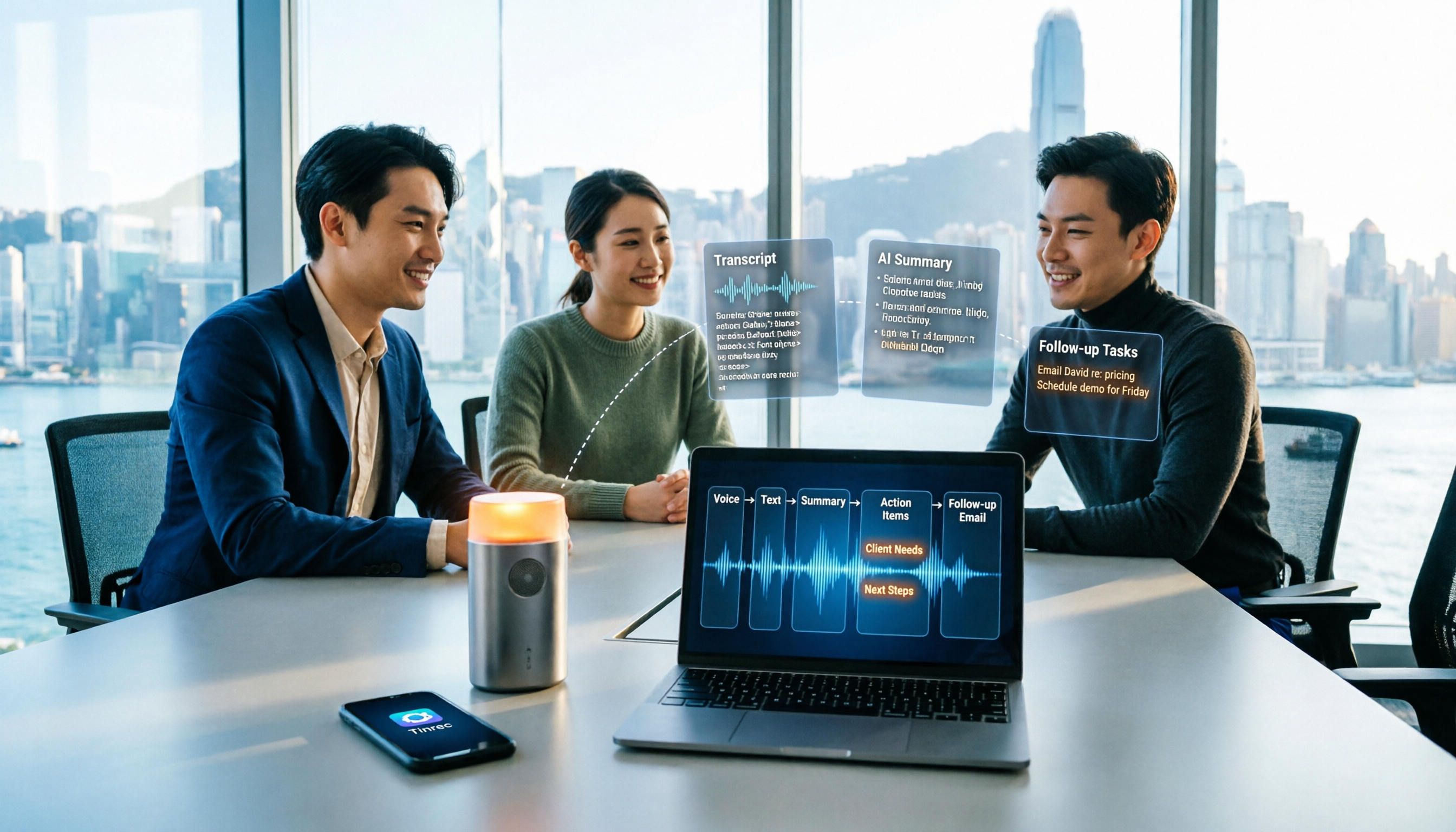
How to Take Sales Meeting Notes in 2026: 5 Steps from Recording to Customer Follow-Up
Sales meeting notes shouldn't wait until the meeting ends. This article breaks down the complete process in 5 steps, from recording, transcription, AI summaries to customer follow-up, and compares Tinrec and Otter.ai dimension by dimension to see which is better suited for Hong Kong sales teams communicating in Chinese.

5 AI Meeting Knowledge Base Tools Tested and Compared in 2026: Can Meeting Notes Become Searchable Team Assets?
Meeting notes aren't just about speed—you need to find them later. This article approaches the topic from a purchasing decision perspective, breaking down the core capabilities of AI meeting knowledge base tools, real-world use cases, and 5 key buying considerations. It uses Tinrec to demonstrate a complete workflow: bot-free online meeting recording, transcripts and real-time translation, AI summaries and action items, AI Q&A, and team spaces with seat governance.
2026 AI Meeting Agent Tools: Record Zoom Without Bots, Auto-Generate Action Items
Two-hour meeting, then another two hours to organize? This guide shows you how to choose an AI meeting agent tool, breaking down four key aspects: bot-free recording, AI summaries and action items, AI follow-up questions, and team spaces. It also compares Tinrec with Otter.ai, Granola, and PLAUD Note, and provides clear recommendations based on scenarios.

Tinrec vs Granola 2026: 5-Dimension Comparison for Chinese Meetings
Meetings are easy, but taking notes is hard. Can AI meeting agents really help? This article compares Tinrec and Granola across 5 dimensions, with brief reviews of Otter.ai and Notta, covering bot-free recording, post-meeting summaries and action items, AI Q&A, and team seat management to help you save overtime after every meeting.

2026 Meeting AI Agent Solutions: Bot-Free Recording + Auto-Generated Action Items
The meeting is over, but the work has just begun. This article addresses the real pain points of mid-level managers, explaining 4 key factors for choosing a meeting AI agent solution. It tests Tinrec's bot-free online meeting recording, AI Q&A, and action item extraction, compares it with Otter.ai, Granola, and Notta, and provides selection advice for team plan seat and usage management.

Tinrec vs Otter.ai 2026: 5-Dimension Comparison — Which Free AI Meeting Agent Is Right for You?
Before searching for a free AI meeting agent, understand how free quotas work. This article compares Tinrec and Otter.ai across 5 practical dimensions, with brief notes on Notta and Granola, covering differences in Chinese/Cantonese meeting support, bot-free recording, post-meeting AI Q&A, and team data management. Includes a pitfalls guide and selection advice to help you save time writing meeting minutes.

Tinrec vs Fireflies.ai 2026: 5-Dimension Comparison — Which Generates Deliverable Meeting Reports?
After a meeting ends, the transcript is just the starting point. This article compares Tinrec and Fireflies.ai from the perspective of AI meeting agents generating reports, across 5 dimensions: Chinese transcription, bot-free recording, post-meeting report generation, team collaboration, and pricing/quotas. It also provides selection advice for different budgets and scenarios.