
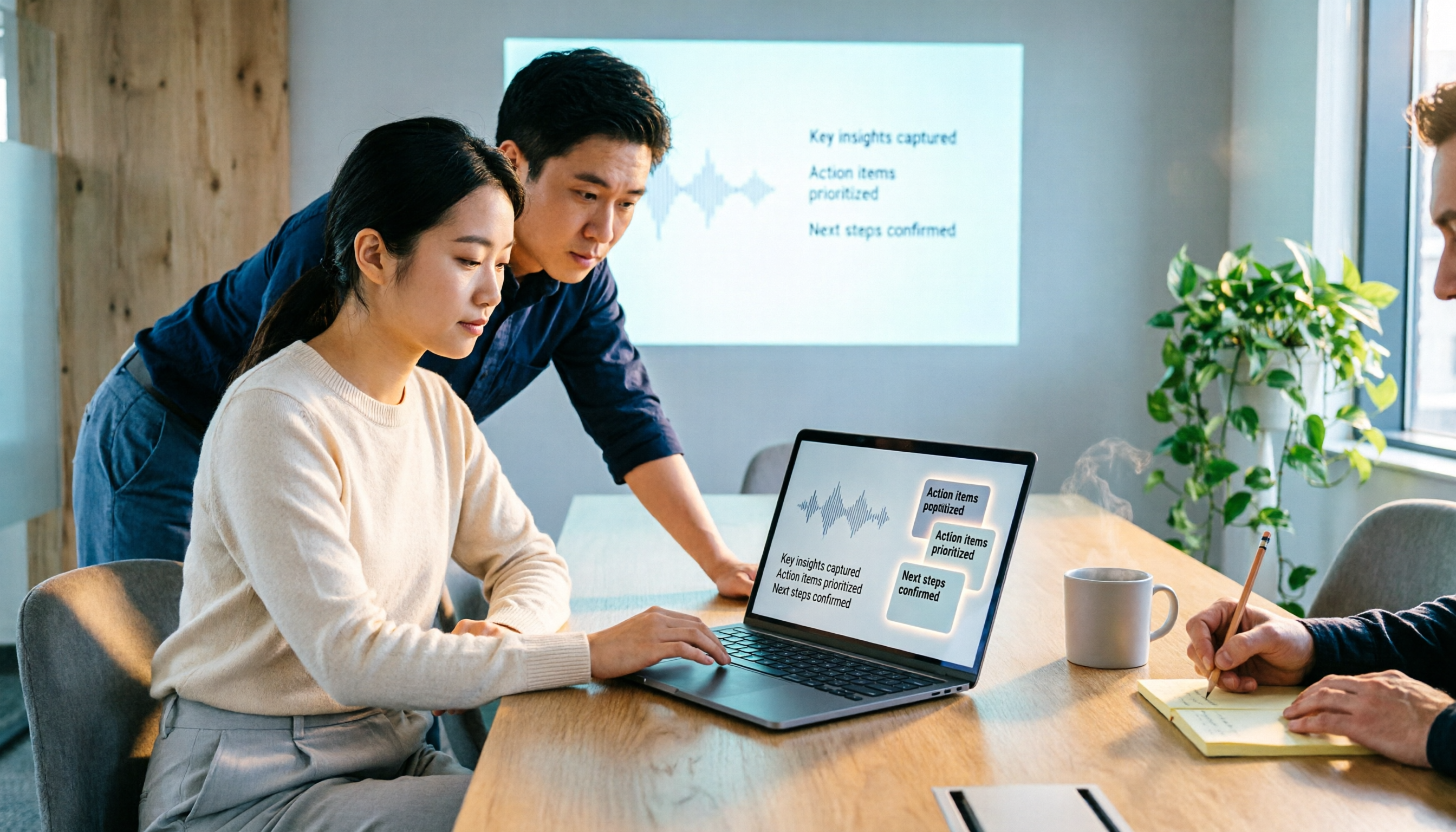
Turn recordings into transcripts and summaries in minutes
Upload audio or video for multilingual transcription, AI notes, and action items
2026 Comparison of 5 Google Meet Meeting Notes Solutions: Is Tinrec's Bot-Free Recording the Most Time-Saving?
Google Meet makes meetings smooth, but the real test comes after
Many people search for 'google meet best' thinking: which video conferencing tool is the best? Honestly, Google Meet is a top contender when it comes to being simple, requiring no installation, and letting you start a meeting with just a link. Reviews from PCMag and Forbes both note that Google Meet's strengths are easy setup, smooth integration with Google accounts and Workspace, and the free version offers HD video and easy-to-join meeting links.
But the real workplace isn't just about the meeting itself. After the meeting ends, you still face three things: where is the transcript, who is responsible for action items, and where to find last meeting's conclusions. Many teams record and manually re-listen, or type frantically during the meeting, resulting in not listening attentively and still having incomplete notes.
This article doesn't talk about the vague 'which platform is best', but uses actual meeting workflows to compare 5 post-meeting recording solutions: Google Meet built-in recording, Otter.ai, Granola, Notta, and Tinrec. The focus is only one: which one lets you get usable transcripts, summaries, and action items fastest after a Google Meet meeting.
Before choosing a Google Meet meeting notes solution, understand these 4 key points
1. Recording method: Can your solution actually record? Not all Google Meet versions can record. According to PCMag, meeting recording, transcripts, 1080p, breakout rooms, and waiting rooms are only available in Business Standard and above; the free version is mainly for meetings up to one hour. If you think 'Google Meet must have recording', you'll discover there's no file after the meeting—that's the first pitfall. The value of third-party desktop recording tools is that they don't tie you to a Google Workspace plan.
2. Chinese and mixed Chinese-English recognition experience Taiwanese teams rarely meet in pure Chinese or pure English; it's usually mixed like 'this campaign needs to launch next week'. When choosing a tool, don't just check if it supports Chinese; check if it can handle mixed Chinese-English, proper nouns, and multiple speakers taking turns. This is also where Tinrec focuses more deeply.
3. Post-meeting output: Transcript is just the starting point Getting only a transcript is like getting a book without a table of contents. What really saves time is: automatic summaries, chapters, action item extraction, and AI Q&A that lets you ask follow-up questions about the meeting content. This directly determines whether you spend 10 minutes or 1 hour organizing after the meeting.
4. Team data ownership and permissions Meetings recorded with personal accounts are often lost after an employee leaves. For team solutions, check whether data belongs to the team, whether there is member and seat management, and whether usage and activity logs can be viewed. This isn't just for large companies; any team with more than 3 people will encounter this.
Tinrec (Miao Ting Lu Yin) — Our top choice after testing
Tinrec (Miao Ting Lu Yin) is an AI meeting notes and collaboration tool for individuals and teams. It supports real-time recording, bot-free online meeting recording via desktop, audio and video file import, real-time translation, and automatically generates summaries, chapters, action items, and mind maps. Its biggest difference isn't 'converting voice to text', but turning meetings into searchable, queryable data that can be handed over to the team for continued use.
The actual workflow with Google Meet is like this: before the meeting starts, open the Tinrec desktop app and select to capture computer system audio. It doesn't need a bot account to join the meeting, and it won't add a 'Tinrec Notetaker' to the participant list. During the meeting, the transcript is generated synchronously; when a participant says 'we need to give the client a quote by this Friday', that statement stays in the transcript and won't be missed because you looked down to take notes.
After the meeting, Tinrec generates a summary, chapters, and action items. You can directly ask questions about the meeting, such as 'What is the client's bottom line on budget?' or 'Who is responsible for next week's demo?' It answers based on the meeting semantics, not just throwing a bunch of keyword search results at you. This is especially noticeable in Chinese meetings because you don't have to search through a 40-minute transcript yourself.
Another practical scenario is cross-language meetings. Tinrec supports real-time translation, allowing you to switch between original text, translation, or bilingual view. For those who need to meet with foreign colleagues but whose native language is Chinese, this is more direct than throwing it into a translation tool afterward. Post-meeting results can also be exported to Notion, Google Docs, OneNote, Dropbox, etc., or through Agent post-processing to generate reports, tables, and documents.
Stop organizing recordings by hand
Upload audio or video and automatically get a transcript, summary, and action items
Tinrec's advantages can be summarized in three points. First, bot-free recording of computer playback audio from Google Meet, Zoom, Microsoft Teams, and Webex is especially convenient for external meetings. Second, after the meeting, it doesn't just give a transcript but directly provides summaries, action items, and queryable meeting data. Third, the team version offers independent team spaces, member roles and seat management, usage analysis, audit logs, and an audio recycle bin; meeting data belongs to the team and won't scatter due to personal account changes.
Limitations should also be clear. Tinrec is not a bot that 'automatically joins all calendar meetings'; you need to actively open the desktop app to start recording. It also doesn't have an official partnership with Google Meet; it processes meeting audio played on the computer. The free version offers basic quota; heavy use or team collaboration requires payment; the team version is priced per paid seat, and actual prices and benefits are subject to the official purchase page.
If you frequently hold Chinese or mixed Chinese-English meetings on Google Meet and need transcripts, summaries, action items afterward, or even want to preserve data for the team, Tinrec is currently the most fitting choice.
Besides Tinrec, what other options are there?
Google Meet built-in recording and transcript: If your company already uses Google Workspace Business Standard or above, built-in recording, transcripts, and Gemini meeting notes are convenient, and participants hardly need to learn a new tool. But the free version lacks full recording capability, and cross-platform organization, post-meeting AI Q&A, and team data preservation are limited. Suitable for teams that 'already have the company plan and just want to install one less software'.
Otter.ai: A mature choice for English meetings. Basic is free with 300 minutes per month; Pro annual billing is about USD 8.49/user/month. It has strong English business meeting intelligence and many integrations. But if you mainly hold Chinese meetings, Tinrec is more fitting for Chinese transcripts, real-time bilingual translation, and team data preservation; Otter is better for English-dominant teams.
Granola: A bot-free AI meeting notes tool. Basic is free; Business is USD 14/user/month. It emphasizes 'user handwritten notes + AI enhancement' with a lightweight interface. But Granola doesn't support uploading pre-recorded audio and doesn't save meeting audio files; if you need to keep recordings, re-import files after meetings, or hand them to the team for archiving, Tinrec is more complete in this regard.
Notta: A multilingual transcription tool. Free is 120 minutes per month, max 3 minutes per session; Pro annual billing is about USD 8.17/month; Business annual billing is about USD 16.67/seat/month. It's suitable for file transcription and translation, but bot-free recording of live meetings and team spaces are not its main battlefield; Tinrec puts 'recording during meetings + post-meeting collaboration' in the same workflow.
Pitfall guide: The 4 most common mistakes when choosing a Google Meet meeting notes tool
Pitfall 1: Assuming everyone has Google Meet built-in recording. The free version and some plans don't have full recording and transcripts; Business Standard and above include them. The correct approach is to confirm your company plan first, then decide whether to use desktop recording to fill the gap.
Pitfall 2: Only comparing transcription minutes, ignoring post-meeting output. A 1000-minute transcript without summaries and action items still requires you to read from the beginning. When choosing a tool, put 'summary quality, action item extraction, AI Q&A' as important as minutes.
Pitfall 3: Leaving meeting data in personal accounts. Personal versions are convenient, but if team meetings are only stored in personal cloud, data scatters when people leave. For team versions, look at team spaces, roles and seats, usage and auditing, not just 'multiple people can log in'.
Pitfall 4: Assuming tools automatically join all meetings. Including Tinrec, most bot-free solutions require you to actively open the desktop app to record; Google Meet also doesn't guarantee official integration with third-party tools. Set expectations correctly so you don't buy and then find 'why didn't it record automatically'.
Conclusion: Which one should you choose?
Google Meet is indeed best at being 'simple, easy to join, no training needed'; but 'post-meeting notes' is not its home turf. Rather than forcing Google Meet to do everything, let it focus on the meeting and hand post-meeting organization to the right tool.
- Company already has Google Workspace Business Standard or above and only wants built-in features → Google Meet built-in recording and transcript.
- Chinese or mixed Chinese-English meetings, need transcript + summary + action items → Tinrec.
- Need bot-free recording of Google Meet, Zoom, Teams, Webex → Tinrec.
- Want post-meeting AI Q&A, real-time translation, export to Notion/Google Docs → Tinrec.
- Team needs to share meeting data, manage seats and usage → Tinrec team version.
- English meetings dominant, already used to Otter ecosystem → Otter.ai (few exceptions in this article).
- Only use simple notes, don't need to keep audio → Granola.
If you don't want to spend time re-listening to meetings, we suggest starting with Tinrec's free version and testing with a real Google Meet meeting to see if the transcript and summary meet your needs; if the workflow feels smooth, then consider upgrading or introducing the team version. For most Taiwanese office workers, this is more practical than buying the highest plan at once.
References
- Google Meet Review: The Ultimate Video Calling Choice for Workspace Users | PCMag
- Google Meet Review: Features, Pros And Cons – Forbes Advisor
- Google Meet: Online Web and Video Conferencing Calls | Google Workspace
- Google Meet Reviews 2026. Verified Reviews, Pros & Cons | Capterra
- Google Meet Reviews, Pros and Cons - 2026 Software Advice
Turn every recording into actionable outcomes
Get 60 free transcription minutes when you sign in. No credit card required.
Related Reading
You might also like

Google Meet Screen Sharing Not Working in 2026: 5-Step Troubleshooting and Meeting Notes Solutions
When Google Meet screen sharing fails, most people blame the network first, but the issue is often browser version, host management permissions, or system screen recording permissions. This article tests a 5-step troubleshooting sequence and provides backup meeting notes solutions for when sharing fails.

Google Meet vs Microsoft Teams in 2026: Which Is Better for Your Team?
Is Google Meet better than Microsoft Teams? This article compares them across ecosystem, meeting size, hardware load, and post-meeting organization, and explains how Tinrec enables bot-free recording, Chinese transcripts, AI summaries, and team knowledge retention across Meet, Teams, and Zoom. The conclusion: there's no universal winner—only the better fit.

Google Meet on CarPlay in 2026: 3 Meeting Note Tools Tested — Who Organizes Your Meeting After the Drive?
In April 2026, Google Meet officially added support for Apple CarPlay, finally letting you join meetings by voice while driving. But in the car you can only listen — no screen, and no transcript after the meeting. This hands-on comparison tests Tinrec, Otter.ai, and Notta, and breaks down the Google Meet CarPlay workflow and limitations, helping you find the smoothest combo between 'attending' and 'organizing.'

5 Google Meet Best Practices Tested for 2026: Which Ones Actually Save Post-Meeting Time?
From in-meeting hand raising, pinning, and chat to post-meeting transcripts, summaries, and action items, we break down common misconceptions and practical approaches to Google Meet best practices, and show how Tinrec turns meeting content into searchable, queryable team knowledge.

How to Buy a Google Meet Subscription in 2026: Workspace + Google One Explained
Google Meet doesn't have a standalone subscription. This guide covers the differences between Google Workspace and eligible Google One plans in 2026, purchase steps, free version limits, and pitfalls to avoid. It also explains how Tinrec can help with post-meeting organization.

2026 Comparison of 3 Google Meet Breakout Room Post-Meeting Tools: How Tinrec Turns Discussions into Action Items
Google Meet breakout rooms let large meetings split into small group discussions, but conclusions often end up scattered. This article starts from real pain points, explains breakout room use cases and limitations, and uses Tinrec as an example to demonstrate how no-bot recording, real-time transcription, AI summaries, action item extraction, and team spaces can turn breakout discussions into searchable, trackable team knowledge.

3 Google Meet Whiteboard Tools Tested for 2026: Start Drawing in One Click
Google Meet doesn't have a built-in whiteboard, so you need a third-party add-on. This hands-on comparison of Whiteboard for Google Meet, Collaborative Whiteboard, and the discontinued Jamboard helps you choose based on launch method, viewer pricing, and content saving. Plus, learn how to turn whiteboard discussions into searchable meeting notes with Tinrec.

2026 Comparison of 3 Google Meet Background & Meeting Notes Tools: Free Stock Photos, Built-in Blur, and Tinrec
What's the easiest way to change your Google Meet background? We tested 3 background and meeting notes solutions: Google Meet's built-in blur and image library, free background websites, and the Tinrec meeting notes tool. From background dimensions and browser requirements to post-meeting transcript organization, we help you understand it all at once.

Google Meet vs Zoom in 2026: Is Google Meet Really Better Than Zoom?
Which is better, Google Meet or Zoom? The answer depends on which dimension you compare. Using the latest 2026 data, this article compares free time limits, ease of use, meeting features, host controls, and ecosystem integration, then covers a post-meeting recording step most people overlook, helping you choose the combination that truly fits you.