

Turn recordings into transcripts and summaries in minutes
Upload audio or video for multilingual transcription, AI notes, and action items
Open your calendar: this week you have a client meeting on Google Meet, an internal weekly on Microsoft Teams, and a Zoom interview. The meetings themselves aren't the most tiring part—it's what comes after: links scattered across chat, recordings stored on different platforms, transcripts nowhere to be found, and ultimately relying on memory.
This article directly answers: "Is Google Meet better than Microsoft Teams?" The conclusion up front: there's no universal winner—only the better fit. Rather than just looking at free-tier minutes, judge by four angles: ecosystem, meeting scenario, hardware load, and post-meeting organization. If you meet across platforms, you can hand off post-meeting organization to Tinrec, turning meeting content from Meet, Teams, and Zoom into searchable, queryable data.
Choosing the wrong meeting platform hurts after the meeting, not during it
Video meeting platforms rarely fail at "can we meet"—they fail after the meeting. First, cross-company meetings bounce between Google Meet and Microsoft Teams, with links and passwords scattered across Gmail, Outlook, and chat. Second, recordings and transcripts stay on different platforms, so finding "who said they'd change the budget last week" means manual digging. Third, internal meetings use Teams while external client meetings use Meet, leaving no single place for the team to retain meeting data.
If you've encountered these three situations, the problem isn't just platform choice—it's the lack of a cross-platform post-meeting workflow.
Before choosing a meeting platform, understand these 4 key points
1. Ecosystem matters more than the feature list. If your team already uses Gmail, Google Drive, and Google Calendar, Google Meet has the lowest login friction; if your team is deep into Microsoft 365, Outlook, and OneDrive, Microsoft Teams puts chat, files, and meetings in one workspace with lower switching costs. According to public comparisons, the migration cost of choosing the wrong ecosystem often hurts more than the price difference between plans.
2. Meeting size and event format. Google Meet paid plans at the Business Plus tier support up to 500 participants and 24-hour meetings; Microsoft Teams webinar mode supports up to 1,000 interactive participants, extendable to 10,000 view-only attendees with Premium and E3/E5 licenses. If your company often hosts large online events, Teams' native webinar has an edge; for regular department meetings, Meet's browser-based join is more straightforward.
3. Hardware and login friction. Google Meet emphasizes joining from a browser without installing a client; Microsoft Teams has deep desktop integration, but its background processes are often noted to consume more RAM than Meet, which is tougher on old laptops or low-spec computers. Rather than reading specs, actually run a meeting on your company's oldest computer.
4. Post-meeting organization. Built-in transcription can save the day, but common limitations include: fixed summary formats, no cross-platform data exchange, and difficult handover when team members leave. The question to ask is "After the meeting, can we use AI to extract conclusions and action items?"—not just "Is there a transcript?"
Tinrec—whether you use Meet or Teams, hand off post-meeting organization to it
Tinrec is an AI meeting notes and collaboration tool for individuals and teams. It's not meant to replace Google Meet or Microsoft Teams as a meeting platform, but to fill the "post-meeting" gap: turning meeting recordings, online meeting audio, and existing audio/video files into transcripts, summaries, chapters, action items, and queryable meeting data. For teams using Meet, Teams, and Zoom simultaneously, this is more practical than buying yet another meeting platform.
Bot-free recording captures cross-platform meetings. Tinrec's desktop app directly captures computer system audio, handling online meetings on Zoom, Google Meet, Microsoft Teams, Webex, and more without adding a meeting bot. This is especially useful for external client meetings: you don't need to ask the other party to switch to your preferred platform, and there's no extra bot in the participant list. To be clear: Tinrec does not "automatically join all calendar meetings"—users still need to actively open the desktop app to start recording.
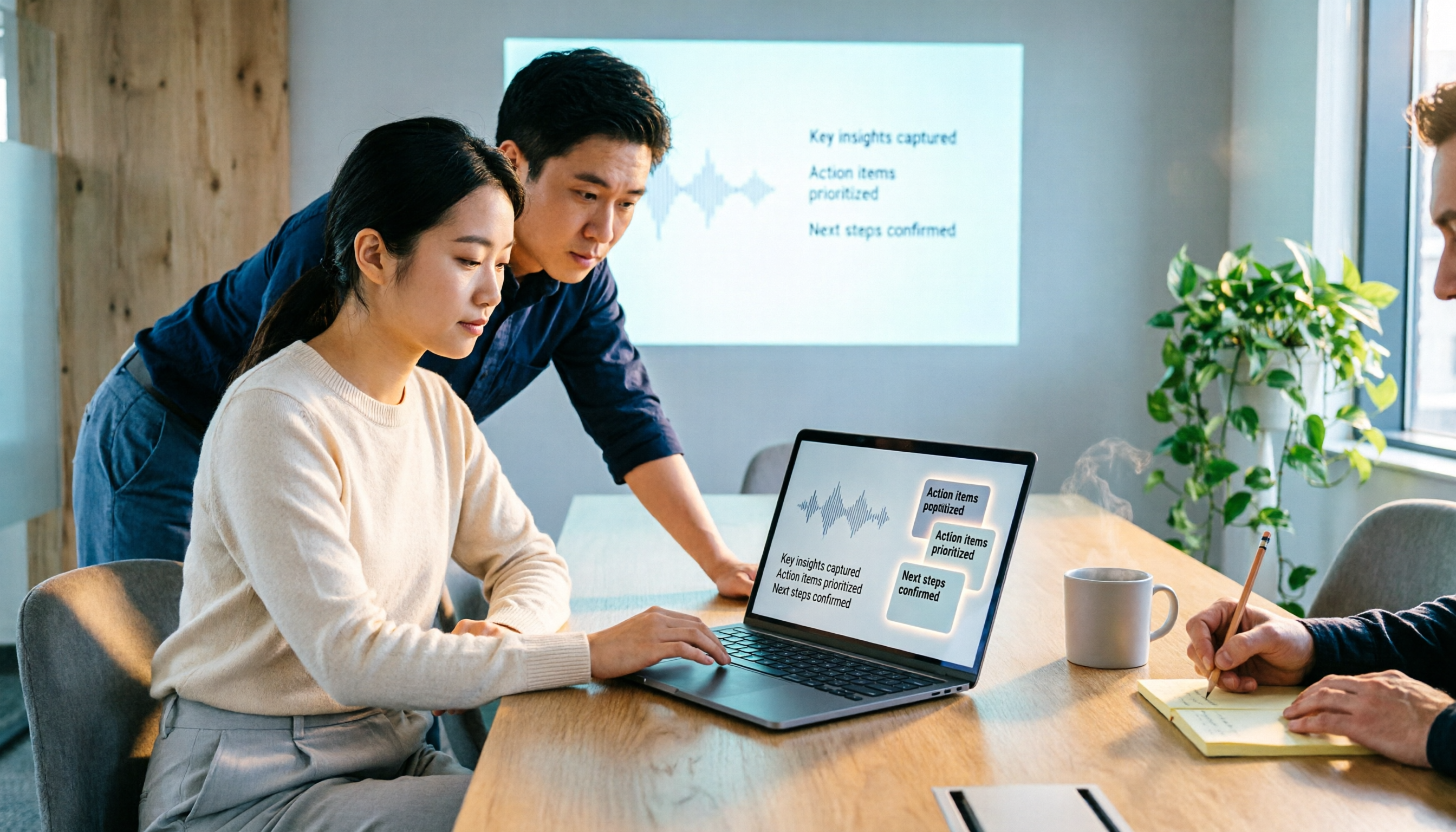
Post-meeting isn't just a transcript—it includes summaries, action items, and AI Q&A. For a 60-minute meeting, few people read the transcript from start to finish. Tinrec generates AI summaries, chapters, and key points, and extracts action items from the discussion. More importantly, AI Q&A: you can directly ask "What was the budget cap the client mentioned?" or "Who's responsible for delivering the proposal next week?" It answers based on meeting content rather than just returning keyword search results. For those tracking progress, this is much faster than manual Ctrl+F.
Stop organizing recordings by hand
Upload audio or video and automatically get a transcript, summary, and action items
Chinese and mixed Chinese-English meetings are a focus. Taiwan teams commonly mix Chinese and English; Tinrec handles Chinese, Traditional Chinese, and multilingual meeting content, and supports real-time translation and bilingual viewing. Actual transcription quality is affected by recording quality, accents, background noise, overlapping speakers, and technical terminology; the product description also avoids promising a fixed accuracy rate, and important content should still be verified against the transcript timestamps and recording.
The team edition turns meetings into team assets. Personal edition data is managed by the individual; the team edition is a separate team space where meeting data belongs to the team, with member invitations, role and seat management, shared import quota, usage analytics, audit logs, audio recycle bin, and team hotwords. Roles determine who can manage the team; seats determine whether members can record, upload, edit, and export; active members without seats can still view, play, and read team data. The point of this design: when a member leaves or loses a seat, meeting data doesn't disappear with the individual—it's handed over to the team. The team edition currently offers eligible teams a 7-day trial with 1 free seat and 300 minutes of shared team import quota; paid seats provide 2,000 minutes of shared team import quota per month, and real-time recording is currently not deducted by minutes under an active plan and seat. Actual pricing, currency, and promotions are subject to the official purchase page.
Limitations should also be clear. Tinrec is not suitable as a batch tool for "one-time bulk file transcription"; if you need to upload dozens of long files at once for subtitles, tools like TurboScribe are a better fit. Tinrec's strengths are real-time meetings, post-meeting summaries, Q&A, action items, and team knowledge retention. The free edition lets you experience the basic workflow; heavy users can choose a plan based on meeting volume.
Where do Google Meet and Microsoft Teams each excel? Which is right for you?
Google Meet: simple meetings for Google Workspace teams. If your company already uses Gmail, Google Calendar, and Google Drive, Meet's advantages are low login friction, browser-based joining, and simple meeting controls. It suits department stand-ups, client video calls, and quick one-on-ones. Public comparisons generally agree that Meet is more direct for "just having a good video meeting"; but large webinars, native whiteboard integration, and unified chat-file collaboration aren't its strong suit. Paid plans at the Business Plus tier support up to 500 people and 24-hour meetings, enough for most small and medium teams.
Microsoft Teams: for deep Microsoft 365 users. If your company uses Outlook, OneDrive, and SharePoint, Teams puts chat, file collaboration, meetings, and calls in one workspace, so internal communication doesn't require switching apps. Its webinar mode supports up to 1,000 interactive participants, extendable to 10,000 view-only attendees with Premium and E3/E5, giving it an edge for large company events. The trade-off is a more complex interface and background processes that consume more resources; it's less friendly to old computers. Microsoft also offers Microsoft 365 options without Teams for companies that don't need Teams chat, reducing costs.
So the phrase "Google Meet better than Teams" only holds under specific conditions: your team is on Google Workspace, your meeting needs are mainly simple video calls, and you don't want to install desktop software. Conversely, if your team is on Microsoft 365 and needs integrated chat and file collaboration, Teams makes more sense. Rather than asking which is universally stronger, ask "where does my team start work every day?"
Pitfall guide: the 3 most common mistakes when choosing a meeting platform
Pitfall 1: Looking only at free-tier participant limits and ignoring migration costs. Free tiers are tempting, but the time to migrate company email, calendar, and cloud storage often costs more than a year's subscription. First inventory which mailbox and document system your team uses daily, then discuss switching platforms.
Pitfall 2: Treating the meeting platform as a post-meeting organization tool. Built-in transcription is convenient, but summaries, action items, cross-meeting Q&A, and team knowledge retention are usually a separate matter. Rather than expecting one platform to do everything, separate "meeting" and "post-meeting organization": choose the meeting platform by ecosystem, and choose a cross-platform tool like Tinrec for post-meeting organization.
Pitfall 3: Ignoring recording consent and information security. Before recording, confirm company policy and local regulations, and obtain participant consent when necessary. Both major platforms have security mechanisms like transport encryption, but the real risks often lie in usage habits: sharing meeting links carelessly, storing recordings on personal desktops, and taking data when leaving. The point of the team edition isn't more features—it's clear data ownership, seats, and audit processes.
Conclusion: Is Google Meet better than Teams? Look at your workflow first
There's no universal winner—only the better fit. Use this decision list:
- Team deeply uses Google Workspace, meetings mainly joined quickly via browser → Google Meet.
- Team deeply uses Microsoft 365, needs integrated chat, files, and meetings → Microsoft Teams.
- Frequently meet across Meet, Teams, and Zoom, need Chinese transcripts, summaries, and AI Q&A after meetings → Tinrec.
- Need to keep meeting data in a team space, manage members, seats, usage, and audits → Tinrec Team Edition.
- Only occasionally transcribe English files, free quota is large → consider English-oriented tools like Otter.ai.
If you're stuck at "we've chosen a platform, but post-meeting is still messy," rather than switching meeting platforms again, first shore up your post-meeting workflow. Tinrec offers a free edition to experience basic recording, transcription, and summary workflows; if it fits your needs, upgrade based on meeting volume. Don't pay upfront, and don't buy a year for a single meeting.
Comparison basis: public comparisons from Tactiq, Pumble, Read.ai, SecuMeet, and Tinrec product data; platform pricing and features are subject to official pages.
References
- Is Google Meet Better Than Teams?
- Google Meet vs MS Teams (2026): Which One is Better?
- r/smallbusiness on Reddit: Microsoft Teams vs Google Meet (purely for external meetings)?
- Microsoft Teams vs Google Meet, Which One to Choose
- Google Meet vs. Microsoft Teams: A Comprehensive Comparison for Business
Turn every recording into actionable outcomes
Get 60 free transcription minutes when you sign in. No credit card required.
Related Reading
You might also like

Google Meet Screen Sharing Not Working in 2026: 5-Step Troubleshooting and Meeting Notes Solutions
When Google Meet screen sharing fails, most people blame the network first, but the issue is often browser version, host management permissions, or system screen recording permissions. This article tests a 5-step troubleshooting sequence and provides backup meeting notes solutions for when sharing fails.

Google Meet on CarPlay in 2026: 3 Meeting Note Tools Tested — Who Organizes Your Meeting After the Drive?
In April 2026, Google Meet officially added support for Apple CarPlay, finally letting you join meetings by voice while driving. But in the car you can only listen — no screen, and no transcript after the meeting. This hands-on comparison tests Tinrec, Otter.ai, and Notta, and breaks down the Google Meet CarPlay workflow and limitations, helping you find the smoothest combo between 'attending' and 'organizing.'

5 Google Meet Best Practices Tested for 2026: Which Ones Actually Save Post-Meeting Time?
From in-meeting hand raising, pinning, and chat to post-meeting transcripts, summaries, and action items, we break down common misconceptions and practical approaches to Google Meet best practices, and show how Tinrec turns meeting content into searchable, queryable team knowledge.

How to Buy a Google Meet Subscription in 2026: Workspace + Google One Explained
Google Meet doesn't have a standalone subscription. This guide covers the differences between Google Workspace and eligible Google One plans in 2026, purchase steps, free version limits, and pitfalls to avoid. It also explains how Tinrec can help with post-meeting organization.
2026 Comparison of 5 Google Meet Meeting Notes Solutions: Is Tinrec's Bot-Free Recording the Most Time-Saving?
Many people search for 'google meet best' but overlook that post-meeting organization is the real pain point. This article starts with Google Meet's recording limitations and post-meeting gaps, then tests and compares 5 meeting notes solutions: Google Meet built-in, Otter.ai, Granola, Notta, and Tinrec. It also covers selection criteria, pitfalls to avoid, and scenario-based recommendations.

2026 Comparison of 3 Google Meet Breakout Room Post-Meeting Tools: How Tinrec Turns Discussions into Action Items
Google Meet breakout rooms let large meetings split into small group discussions, but conclusions often end up scattered. This article starts from real pain points, explains breakout room use cases and limitations, and uses Tinrec as an example to demonstrate how no-bot recording, real-time transcription, AI summaries, action item extraction, and team spaces can turn breakout discussions into searchable, trackable team knowledge.

3 Google Meet Whiteboard Tools Tested for 2026: Start Drawing in One Click
Google Meet doesn't have a built-in whiteboard, so you need a third-party add-on. This hands-on comparison of Whiteboard for Google Meet, Collaborative Whiteboard, and the discontinued Jamboard helps you choose based on launch method, viewer pricing, and content saving. Plus, learn how to turn whiteboard discussions into searchable meeting notes with Tinrec.

2026 Comparison of 3 Google Meet Background & Meeting Notes Tools: Free Stock Photos, Built-in Blur, and Tinrec
What's the easiest way to change your Google Meet background? We tested 3 background and meeting notes solutions: Google Meet's built-in blur and image library, free background websites, and the Tinrec meeting notes tool. From background dimensions and browser requirements to post-meeting transcript organization, we help you understand it all at once.

Google Meet vs Zoom in 2026: Is Google Meet Really Better Than Zoom?
Which is better, Google Meet or Zoom? The answer depends on which dimension you compare. Using the latest 2026 data, this article compares free time limits, ease of use, meeting features, host controls, and ecosystem integration, then covers a post-meeting recording step most people overlook, helping you choose the combination that truly fits you.