

Turn recordings into transcripts and summaries in minutes
Upload audio or video for multilingual transcription, AI notes, and action items
Monday Morning at 9 AM, the Question You Were Asked
"What was decided in last week's cross-departmental meeting?"
If you spent three minutes flipping through notes and still couldn't find the answer—this article is for you.
I lead a team of 10 and have about 15 meetings a week: weekly meetings, project progress meetings, one-on-ones, cross-departmental coordination, and reports to my boss. What I used to dread most wasn't the meeting itself, but the aftermath. Because decisions, action items, and who promised what all became my work the moment the meeting ended.
These three situations are even more troublesome:
- Assigning a task to a subordinate, then asking about progress two days later, and they say "I thought it was next week"—verbal instructions, no record.
- In a 50-minute online meeting, to find the sentence "what ratio should the budget be split by," I spent 40 minutes re-listening to the recording.
- After a cross-departmental meeting, both sides have different understandings of the same issue, but no one can produce the conversation from that time.
The common thread in these problems isn't "no recording," but that the meeting content hasn't become something searchable, trackable, and shareable. The "meeting AI agent" solutions that have emerged in recent years fill exactly this gap.
Before Choosing a Meeting AI Agent Solution, Understand These 4 Key Points
1. How does it join the meeting? There are two common approaches: one is to send a "meeting bot" to join as a participant, adding an account to the attendee list; the other is to capture the computer's system audio directly via a desktop app, without disturbing anyone in the meeting room. In external meetings, when clients see a strange bot on the list, it doesn't look good.
2. Does it give you a transcript or usable output? A transcript is just raw material. What really saves time is summaries, chapters, action items, and whether you can directly ask questions about the content. If a solution only gives you a 30-page transcript, you're just trading listening time for reading time.
3. Will the recording be kept? Some tools only keep text, not audio. Normally that's fine, but when you need to verify a number, a promise, or a tone, without the original recording you can only rely on memory.
4. Is governance sufficient for multi-user sharing? Personal use and team use are two different things. Teams face questions like: who can view, who can edit, who owns the data after a member leaves, and is usage tracked? This usually only appears in team plans, so ask about it when choosing a solution.
Tinrec—The One Our Team Kept After Testing
Tinrec is an AI meeting notes and collaboration tool for individuals and teams, covering iOS, Android, and web, with a desktop version for handling online meetings.
Record online meetings without a bot. Most of my meetings are on Zoom and Teams. Tinrec's desktop version captures the computer's system audio directly, so I don't need to add an extra account to the attendee list, and clients won't see a strange participant. Open Tinrec to start recording, and the transcript grows as the meeting goes on. To be clear: it's "you actively start recording," not automatically joining every meeting on your calendar.
After recording, you can ask it directly. This is the main reason I kept it. Last month, to review a whole quarter of customer interviews, I didn't need to re-listen; I just asked: "What is the most common complaint from customers?" It didn't give me keyword search results, but an answer based on the entire content. If I manually Ctrl+F for the same question, it would take me about half an hour.
The post-meeting output is the key. After the meeting ends, the summary, chapters, and action items are already organized; when needed for delivery, you can generate reports, tables, or documents, and export to tools you normally use like Notion and Google Docs. What I save isn't typing time, but those two hours after the meeting.
Hands-on experience. I tested with an internal meeting recording that mixed Chinese and English, had many technical terms, and people talking over each other. Such conditions are unfriendly to any tool. Tinrec's transcript still required manual proofreading, but the amount was within my acceptable range—I would go back to the recording for important numbers, and I wouldn't skip this step. Actual performance is affected by recording quality, noise, accents, overlapping speech, and technical terms; no tool can guarantee 100%.
Stop organizing recordings by hand
Upload audio or video and automatically get a transcript, summary, and action items
The value of the team plan is governance. We now centralize department meetings in a team space: active members can share and view, admins manage roles and seats—only with a seat can you record, upload, edit, and export; members without a seat can still read and play. There are also usage analytics, audit logs, team hotwords, and an audio recycle bin (retained for 30 days). When a member leaves or loses their seat, their team resources must be handed over to other members, so data doesn't leave with the person. For pricing, the first eligible team trial is 7 days, 1 free seat, 300 minutes of team shared import quota; monthly USD 29.80 per paid seat, annual USD 199 per paid seat (about USD 16.58/month), each paid seat has 2,000 minutes of team shared import quota per month, and real-time recording within the team package is currently not deducted by minutes. Actual prices and benefits are subject to the official purchase page.
Limitations to be honest about. The free version provides a basic quota, enough for light users, but those who meet daily need to upgrade; also, for English business meetings, Otter.ai's maturity is still higher.
Who is it for? People who have several meetings a week, need to submit records after meetings, need transcription for Chinese and mixed Chinese-English, and want data to stay with the team rather than scattered in personal accounts.
Besides Tinrec, What Other Options Are There?
Otter.ai: A veteran choice for English meetings, free version 300 minutes per month, Pro annual billing about USD 8.49 per user per month, including 1,200 minutes of in-app recording per month. If your meetings are almost all in English and mainly online, it's very mature. But Chinese meetings and team data accumulation are not its strong suit, while Tinrec is closer to our needs for Chinese content and post-meeting output.
Granola: Also takes the bot-free route, using desktop system audio plus your own notes for enhancement, Basic free, Business USD 14 per user per month. Note that it doesn't support uploading existing audio files, nor does it save meeting audio—so when you need to verify numbers afterward, you lack a basis. Tinrec keeps recordings, can import historical files, and provides a team space.
Notta: The competitor with the highest overlap with Tinrec, offering multi-platform transcription, translation, and team plans. Free version 120 minutes per month with a maximum of 3 minutes per session, Pro annual billing about USD 8.17 per month, Business annual about USD 16.67 per seat per month. Its transcription is good, but bot-free online meeting recording, AI Q&A, and Agent post-meeting output are where Tinrec is more complete.
Pitfall Guide: The 3 Most Common Mistakes When Adopting a Meeting AI Agent
Pitfall 1: Thinking "having a transcript" equals "having a record." A transcript is raw material, not a finished product. What really needs to be kept are decisions, owners, and deadlines. When choosing a tool, first see if it can automatically extract action items, not how fast it transcribes.
Pitfall 2: Not clarifying who owns the data after a member leaves. This is the most common pitfall. If meeting data is stored in personal accounts, when the person leaves, the data goes with them. For team plans, confirm: resources belong to the team, there are role and seat distinctions, and handover is possible when members change.
Pitfall 3: Sending AI summaries directly as conclusions. AI may make mistakes with technical terms, accents, and tone. My approach: treat the summary as a draft, go back to the recording and transcript timestamps for important numbers and promises, and confirm before sending out.
Summary: Which One Should Your Team Choose?
- Need Chinese/mixed Chinese-English meeting records, plus post-meeting action items and Q&A → Tinrec
- Don't want a bot appearing on the attendee list → Tinrec (desktop version captures system audio)
- Meeting data should stay with the team, need to manage seats and usage → Tinrec team plan
- Value historical audio import and recording retention → Tinrec
- Almost all-English online meetings, limited budget → Otter.ai free version can be used first
I suggest running two or three of your own meetings with the free version first, testing with your most realistic recording conditions: see how much of the transcript you need to edit, whether the summary can be used directly, and how accurately action items are captured. If it works, then consider upgrading; no need to pay from the start.
References
- "Hypernet Technology" - Video conferencing, enterprise communication integration, meeting room design and meeting reservation. Expert in overall design and planning of meeting room and communication integration.
- Integration planning for small, medium, and large meeting equipment / Digital smart meeting room / Cloud video sharing meeting Meeting Lab / Environmental control system - Cloud Accurate Technology
- What is a smart meeting room? Master the benefits, feature suggestions, and application examples of smart meeting rooms in one article - DC Sales Portal
- 2026 Top 6 AI Meeting Notes Apps: Comparison of Accurate Transcription, Automatic Summaries, and Action Items - Tinrec Blog
- AI Meeting Notes Organization Tips! 6 Steps to Use Gemini Notebook and Command Templates, Voice-to-Text, No Fear of Mixed Chinese-English | 104 Workplace Power
Turn every recording into actionable outcomes
Get 60 free transcription minutes when you sign in. No credit card required.
Related Reading
You might also like

2026 Comparison of 4 Meeting Data Centralization Solutions: Stop Treating Cloud Storage as Organization
Centralizing meeting data isn't just dumping attachments into a shared cloud drive. This article examines common pitfalls, breaks down four common approaches to meeting data management, and uses Tinrec as an example to explain real-time transcription, AI summaries and action items, AI Q&A, team spaces, and seat governance. It concludes with 5 purchasing considerations and FAQs.

Tinrec vs Notta 2026: 5-Dimension Comparison — Which Is Better for Team Meeting Databases?
A mid-level manager who holds 15 meetings a week compares Tinrec and Notta across 5 dimensions to help you choose the right team meeting database. From bot-free recording and AI action item extraction to team spaces and pricing quotas, get it all in one article.
How to Take Sales Meeting Notes in 2026: 5 Steps from Recording to Customer Follow-Up
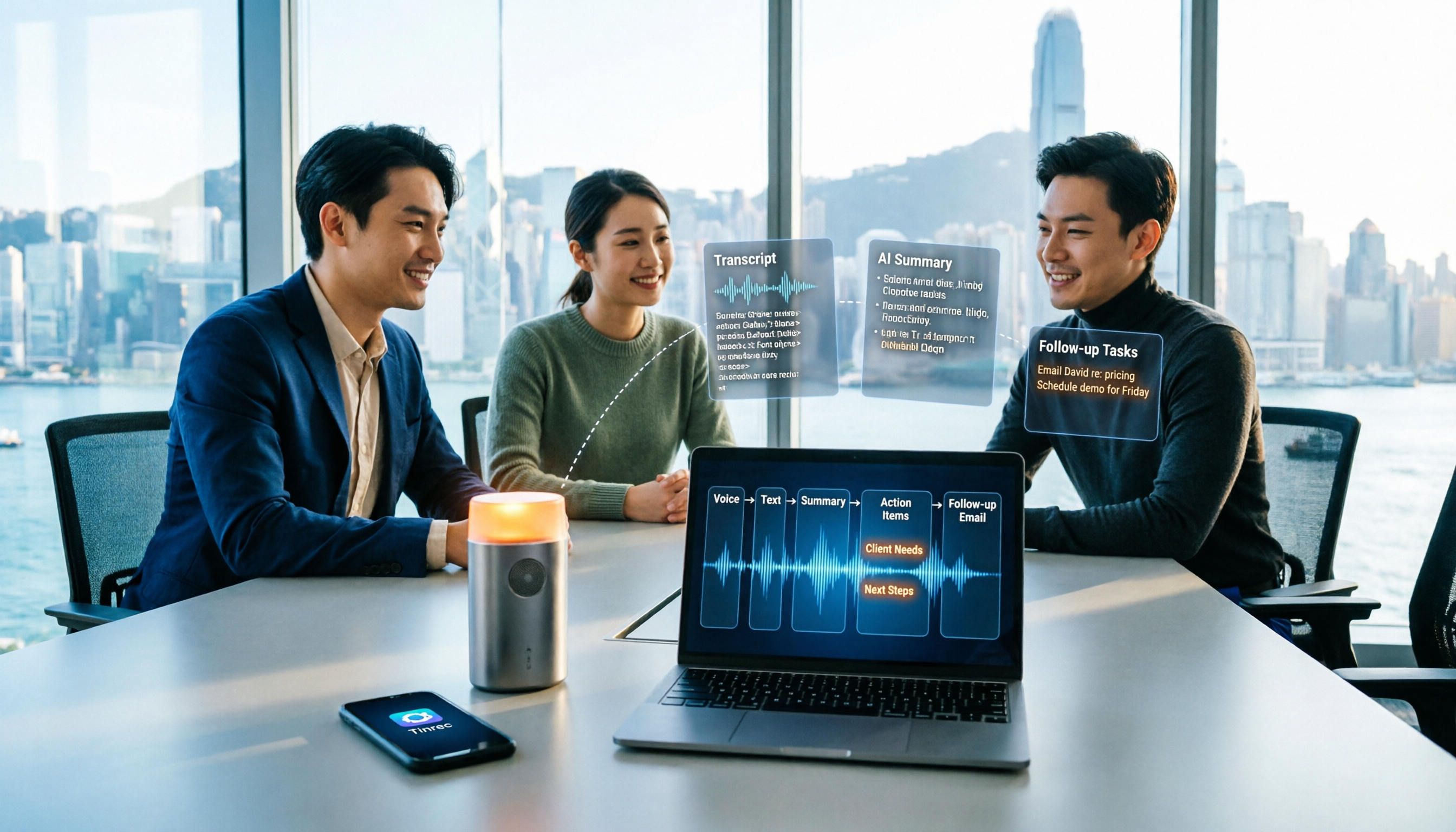
Sales meeting notes shouldn't wait until the meeting ends. This article breaks down the complete process in 5 steps, from recording, transcription, AI summaries to customer follow-up, and compares Tinrec and Otter.ai dimension by dimension to see which is better suited for Hong Kong sales teams communicating in Chinese.

5 AI Meeting Knowledge Base Tools Tested and Compared in 2026: Can Meeting Notes Become Searchable Team Assets?
Meeting notes aren't just about speed—you need to find them later. This article approaches the topic from a purchasing decision perspective, breaking down the core capabilities of AI meeting knowledge base tools, real-world use cases, and 5 key buying considerations. It uses Tinrec to demonstrate a complete workflow: bot-free online meeting recording, transcripts and real-time translation, AI summaries and action items, AI Q&A, and team spaces with seat governance.
2026 AI Meeting Agent Tools: Record Zoom Without Bots, Auto-Generate Action Items
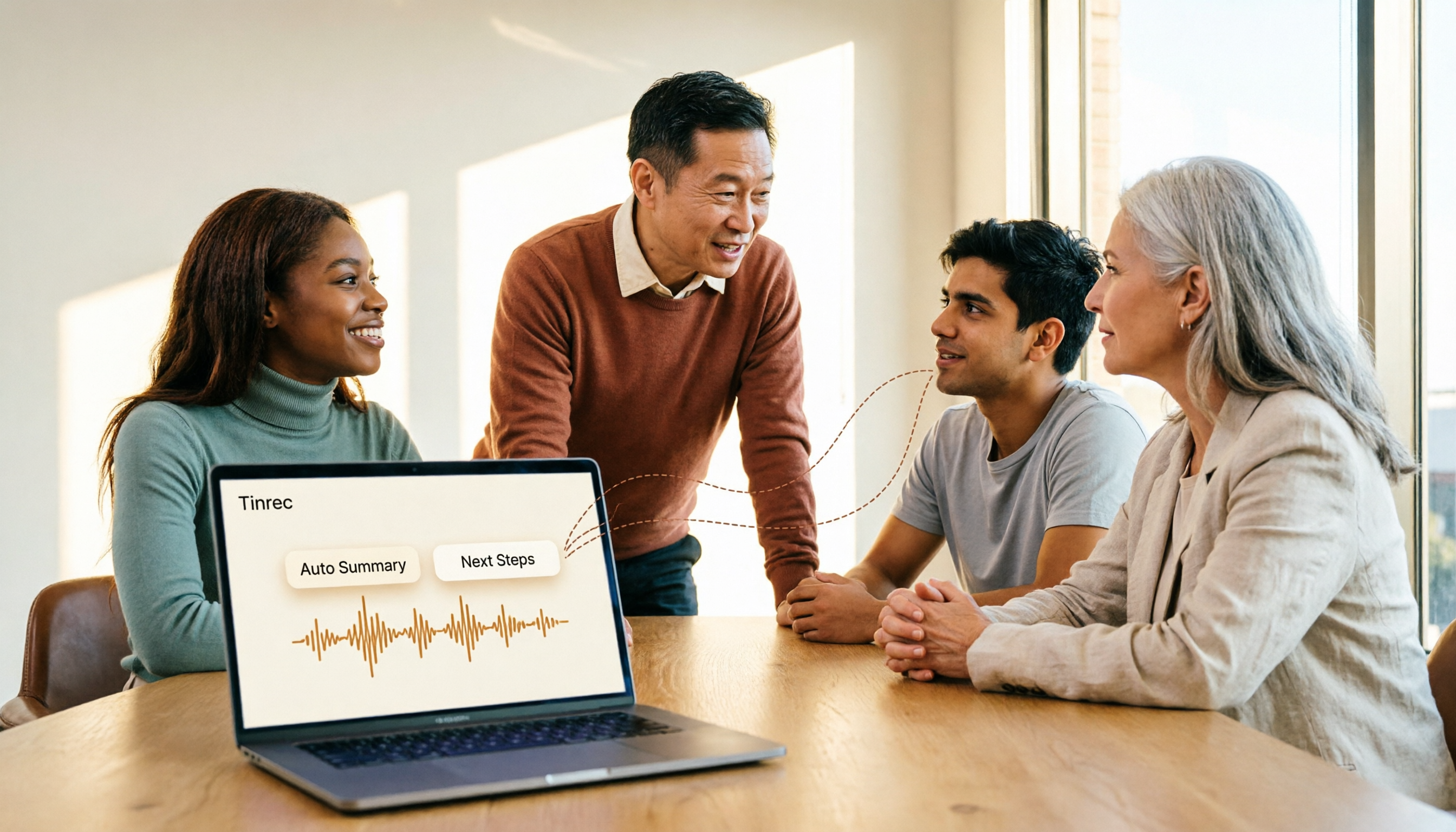
Two-hour meeting, then another two hours to organize? This guide shows you how to choose an AI meeting agent tool, breaking down four key aspects: bot-free recording, AI summaries and action items, AI follow-up questions, and team spaces. It also compares Tinrec with Otter.ai, Granola, and PLAUD Note, and provides clear recommendations based on scenarios.

Tinrec vs Granola 2026: 5-Dimension Comparison for Chinese Meetings
Meetings are easy, but taking notes is hard. Can AI meeting agents really help? This article compares Tinrec and Granola across 5 dimensions, with brief reviews of Otter.ai and Notta, covering bot-free recording, post-meeting summaries and action items, AI Q&A, and team seat management to help you save overtime after every meeting.

Tinrec vs Otter.ai 2026: 5-Dimension Comparison — Which Free AI Meeting Agent Is Right for You?
Before searching for a free AI meeting agent, understand how free quotas work. This article compares Tinrec and Otter.ai across 5 practical dimensions, with brief notes on Notta and Granola, covering differences in Chinese/Cantonese meeting support, bot-free recording, post-meeting AI Q&A, and team data management. Includes a pitfalls guide and selection advice to help you save time writing meeting minutes.

2026 Smart Meeting Agent Comparison: Tinrec vs Otter.ai — Which Is Better for Chinese-Speaking Teams?
Smart meeting agents don't just transcribe meetings—they also summarize, extract action items, and answer questions. This article compares Tinrec and Otter.ai across five dimensions: meeting capture, Chinese-language experience, post-meeting organization, team governance, and pricing, to help you decide which one fits your meeting scenarios.

Tinrec vs Fireflies.ai 2026: 5-Dimension Comparison — Which Generates Deliverable Meeting Reports?
After a meeting ends, the transcript is just the starting point. This article compares Tinrec and Fireflies.ai from the perspective of AI meeting agents generating reports, across 5 dimensions: Chinese transcription, bot-free recording, post-meeting report generation, team collaboration, and pricing/quotas. It also provides selection advice for different budgets and scenarios.