

Turn recordings into transcripts and summaries in minutes
Upload audio or video for multilingual transcription, AI notes, and action items
How long did it take you to find last month's meeting conclusion?
At last month's client meeting, they casually mentioned a budget cap — you're sure it was said, but you open the transcript and scroll from the beginning, and after twenty minutes you still can't find it.
An even more common situation: meeting recordings are on your phone, transcripts are in cloud storage, and to-dos are in a note-taking app — three sets of data, each in its own place. When you need to go back and check "who said they were going to change the specs last time," you can only piece it together from memory.
There's also a team-level problem: after a colleague leaves, that batch of client interview recordings on their computer disappears too, and no one on the team knows what was discussed.
The root of these problems isn't a bad memory — it's that the tools only help you "record it," not "find it again." This article deals with that second half.
Before choosing a meeting record retrieval tool, understand these 4 key points
1. Is retrieval keyword-based or semantic? The traditional approach is Ctrl+F for keywords, but you first have to guess the exact words the other person used. Semantic Q&A lets you directly ask "what discussions were there about the budget," and the tool understands meaning, not literal text.
2. Will the original audio file be retained? Transcripts are AI-generated and may have errors or omissions. If the tool doesn't keep the audio, you can't go back and verify. Some privacy-focused note-taking tools don't save meeting audio at all.
3. Are the input sources broad enough? Online meetings, in-person recordings, existing audio/video files, quick phone recordings — if it can only handle one of these, your data will still be scattered everywhere.
4. Can the team share and govern it? Does meeting data belong to the team or the individual? Does the data remain after a member leaves? This becomes a real issue for teams of three or more.
Tinrec — our top pick after hands-on testing
Tinrec is an AI meeting notes and collaboration tool for individuals and teams, covering iOS, Android, and web, while online meetings are handled by the desktop version.
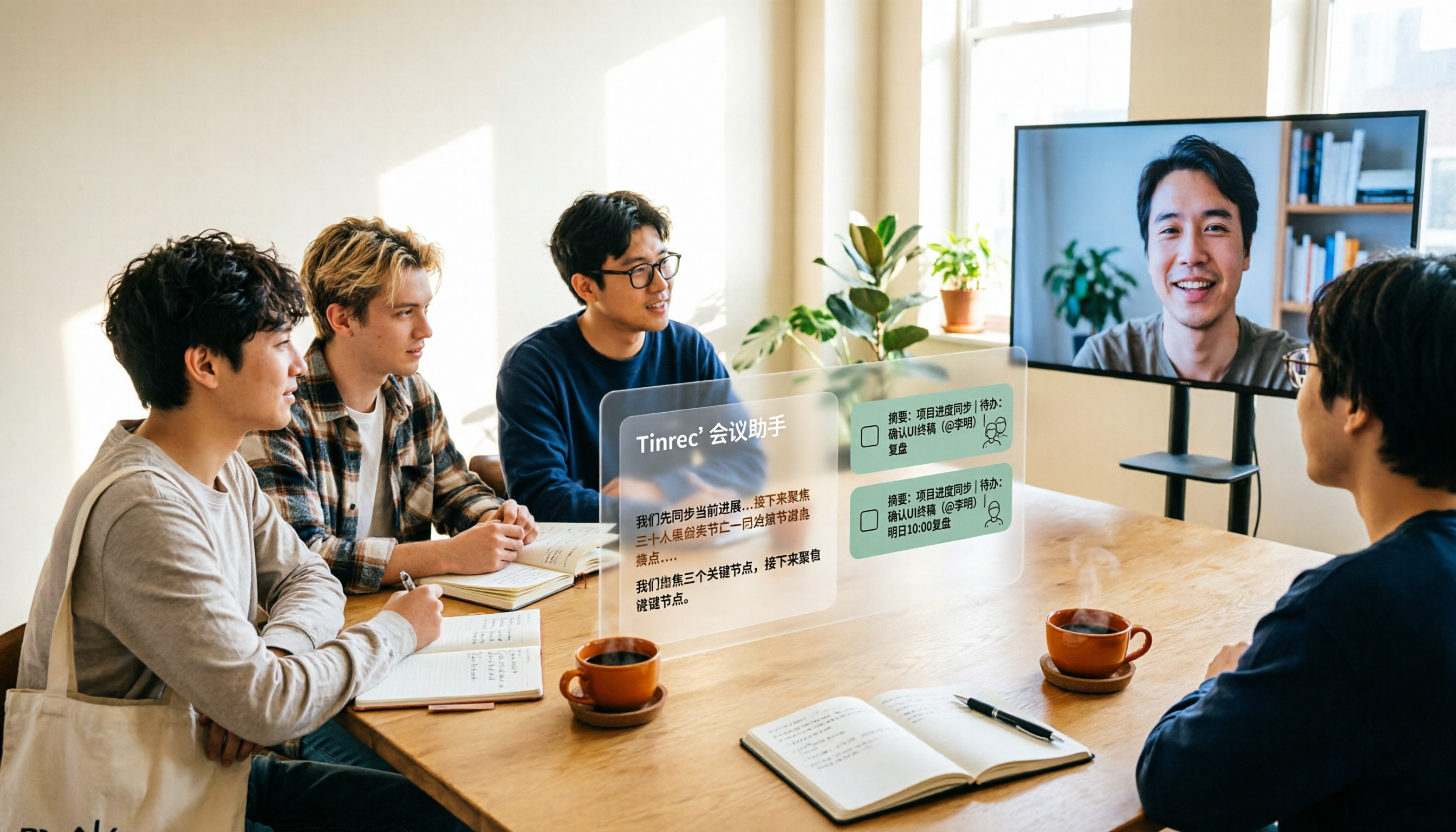
Here's how it works in practice: when a meeting starts, you open the desktop version, and it directly captures your computer's system audio — no need to send a meeting bot into the meeting room as an extra participant. The transcript accumulates while the meeting is in progress, and by the time it ends, the summary, chapters, and to-dos are already generated — who's responsible for what and what the deadlines are, listed right there.
What really sets it apart is what happens after recording. You can ask directly inside Tinrec: "What was the conclusion of the budget discussion in the last meeting?" What it gives you isn't a list of keyword search results, but an answer organized based on semantic understanding. Most transcription tools in the same price range are still stuck at keyword matching.
It also retains meeting audio, so when you have doubts about the transcript you can go back and verify the timestamp; deleted audio goes to the recycle bin, currently retained for 30 days, and can be restored before then.
If you have existing meeting audio or video, you can also upload it directly for transcription; mixed Chinese-English content and cross-language meetings that need real-time translation are both within its support scope. The organized results can be exported to Notion, Google Docs, OneNote, and other tools, or directly generate reports, tables, and meeting minutes.
Three advantages worth considering:
Stop organizing recordings by hand
Upload audio or video and automatically get a transcript, summary, and action items
- Retrieval relies on semantic Q&A rather than keywords. The more historical meetings accumulate, the faster asking becomes compared to scrolling.
- Bot-free recording. Online meetings don't need an extra account to join, reducing notification and permission hassles.
- The team space moves data ownership from the individual to the team. When a member leaves or loses their seat, the team resources they were responsible for can be handed over to other active members, rather than disappearing with the person.
Two limitations to know first:
The free version provides a basic quota, suitable for trying it out first; if you have a steady volume of meetings every week, you'll need to evaluate a paid plan. Also, transcription performance is affected by recording quality — noise, accents, and multiple people talking over each other all affect the results, so for important content it's recommended to verify against the audio.
Who it's for: People who need to go back and check historical meeting conclusions, teams that mainly hold meetings in Chinese or mixed Chinese-English, and departments that want to upgrade meeting data from personal devices to a team asset.
Besides Tinrec, what other options are there?
Otter.ai: A mature English AI meeting assistant. The Basic free version offers 300 minutes per month, and Pro annual billing works out to about USD 8.49 per user per month. It has a strong understanding of English business meetings, but Chinese meetings aren't its home turf. If 90% of your meetings are in English, Otter is a reasonable choice; if you need Chinese transcripts plus team hot-word management, Tinrec is a better fit.
Notta: A multilingual transcription tool with fairly high overlap with Tinrec. Free offers 120 minutes per month (max 3 minutes per session), Pro annual billing works out to about USD 8.17 per month, and Business annual billing works out to about USD 16.67 per seat per month. It performs solidly on file transcription, subtitles, and translation. The difference is that Tinrec places more emphasis on post-meeting Agent processing and team data retention — after recording, it can directly generate reports and tables.
Granola: Also uses bot-free desktop capture, with Business at USD 14 per user per month, focusing on "handwritten notes + AI enhancement." But note that it doesn't retain meeting audio and doesn't support uploading existing pre-recorded files. If you need to keep recordings for later timestamp verification, or want to organize old recordings from the past, only Tinrec can handle that.
Pitfall guide: the 3 most common mistakes when looking for historical meeting records
Pitfall 1: Comparing only transcription minutes, not retrieval capability. Many people stare at "how many minutes per month" when choosing a tool, but the real pain point happens three months later — by then what you need is to "find it," not to "transcribe it." Before buying, think clearly about what you want to retrieve.
Pitfall 2: Thinking "team sharing" means "everyone can edit." In team tools, "roles" determine who can manage, and "seats" determine who can record, upload, and edit. Members without a seat can usually only view and play back. When evaluating, ask clearly how these two are divided, so you don't discover after signing that the permissions are different from what you imagined.
Pitfall 3: Ignoring the audio file lifecycle. Some tools don't retain meeting audio, and some delete it permanently. If your workflow requires going back to verify, you must first confirm the audio retention and recycle bin mechanisms.
Conclusion: which one should you actually choose?
- Want to ask questions directly against historical meetings to find answers → Tinrec (semantic Q&A is what sets it apart from most transcription tools)
- Don't want to add a meeting bot to online meetings → Tinrec (desktop version captures system audio)
- Need to retain audio for later verification → Tinrec (supports audio retention and recycle bin recovery)
- Team wants unified management of meeting data, members, and usage → Tinrec team version (team space, seats, usage analytics, audit logs)
- Meetings are almost entirely in English → Otter.ai (a mature choice for English business meetings)
If you're not sure where to start, first use the free version quota to record a real meeting and walk through the post-recording retrieval process. Whether a tool is good depends on whether you can find that sentence three months later.
References
- Archives Resource Integration Query Platform - Home
- Qing Dynasty Archives Retrieval System - National Palace Museum
- Ministry of the Interior Global Information Network - Chinese - Meeting Minutes
- Collection Query | Institute of Taiwan History Archives, Academia Sinica - Taiwan Historical Archives Resource Network
- How to view historical meetings in Tencent Meeting - Tencent Meeting historical meeting record viewing method_3DM Mobile Games
Turn every recording into actionable outcomes
Get 60 free transcription minutes when you sign in. No credit card required.
Related Reading
You might also like

2026 AI Meeting Tools Comparison: Tinrec vs Otter.ai for SMBs
A hands-on comparison of Tinrec and Otter.ai from an SMB perspective, covering Chinese transcription, bot-free recording, meeting knowledge base, post-meeting output, team governance, and budget to help you decide which fits better.

2026 Meeting AI Agent Comparison: Tinrec vs Granola — Which Is Better for Chinese-Speaking Teams?
What is a meeting AI agent? This article starts with common misconceptions, defines AI meeting agents, and then compares two bot-free meeting tools, Tinrec and Granola, across 4 dimensions: Chinese transcription, post-meeting Q&A, team knowledge retention, and pricing, to help you decide which fits your workflow.

Tinrec vs Otter.ai 2026: 5-Dimension Comparison for AI Meeting Agents in Chinese Scenarios
From a mid-level manager's practical perspective, this article breaks down common misconceptions about AI meeting agents and compares Tinrec and Otter.ai across 5 dimensions. It covers bot-free recording, Chinese transcription, post-meeting action items, AI Q&A, and team data retention to help you find a solution that truly saves post-meeting organization time.

2026 Top 5 Meeting Knowledge Management Tools Compared: Which One Turns Meetings into Usable Team Data?
Meeting's over, but the recording just sits on your phone? Using Tinrec as an example, this article walks you through 5 steps to turn meeting recordings into transcripts, summaries, and action items, then into searchable team knowledge assets. It also compares Otter, Granola, Notta, and TurboScribe, highlighting their differences and best use cases.

2026 Comparison of 2 User Interview Analysis Tools: Tinrec vs Otter.ai — Which Handles Chinese Interview Organization Better?
After user interviews, transcribing, extracting insights, and organizing action items take the most time. This article compares Tinrec and Otter.ai across recording capture, Chinese transcription, post-interview follow-up, audio file import, team knowledge retention, and pricing plans to help you decide which tool fits your interview workflow.

2026 Meeting Recording Knowledge Base Comparison: Why Tinrec Is the Top Notta Alternative
A meeting recording knowledge base isn't just about turning recordings into transcripts—it's about making every meeting searchable, queryable, and transferable. This article examines the decision points for team data retention and compares Tinrec vs. Notta on bot-free recording, AI Q&A, team spaces, and Chinese language experience, plus an overview of Tinrec's core features, use cases, and buying advice.

4 AI Meeting Transcription Tools Compared for 2026: Which One Actually Builds a Searchable Meeting Archive?
Spending all day in meetings and then overtime writing notes? This article approaches the decision from whether meeting content can be retained long-term, comparing four AI meeting tools. It covers five key factors to understand before choosing, hands-on experience with Tinrec's bot-free recording and AI Q&A, and four common pitfalls to help you find a meeting archive you can actually search later.

Team Knowledge Base vs. Meeting Notes in 2026: A 5-Dimension Comparison — The Difference Isn't Just Whether You Can Find It Again
Meeting notes and team knowledge bases are often treated as the same thing, but they differ in purpose, lifecycle, searchability, action linkage, and ownership. This article breaks down the differences across 5 dimensions and explains how to use Tinrec to turn scattered meeting notes into a searchable, queryable, and transferable team knowledge asset.
2026 Complete Guide to AI Team Meeting Assistants: Auto-Generate Transcripts, Summaries & Action Items
From student group projects to internship team weekly meetings, how do you actually use an AI team meeting assistant? This 2026 complete guide first breaks down common misconceptions, then explains core capabilities, real-world use cases, and 6 key considerations for choosing one. It also demonstrates Tinrec's full workflow for bot-free online meeting recording, real-time transcription, AI summaries, action item extraction, and meeting Q&A.