

Turn recordings into transcripts and summaries in minutes
Upload audio or video for multilingual transcription, AI notes, and action items
How to Choose Meeting Collaboration Tools in 2026: 5 Steps to Tell Them Apart from Project Management Tools
Before picking a tool, ask yourself one question: is your team missing "tasks," or is it missing "what was said in the meeting"? If after every weekly meeting someone asks "what did we decide last week," what you're missing is a meeting collaboration tool. If tasks are already written out clearly but no one is tracking progress, you need a project management tool. Below, we compare Tinrec and project management tools like Asana across 5 dimensions.
Meeting Collaboration Tools vs. Project Management Tools | Quick Overview
The two types of tools solve problems at different stages. Project management tools (Asana, Trello, Jira, monday.com, ClickUp, and the like) are built around "once things are decided, how do we track them." Meeting collaboration tools are built around "things come out of conversations—how do we make sure nothing gets missed."
Tinrec is the latter: an AI meeting notes and collaboration tool for individuals and teams that turns meetings into searchable, collaborative, actionable team knowledge.
| Item | Meeting Collaboration Tool (Tinrec) | Project Management Tool (Asana as example) |
|---|---|---|
| Core positioning | AI meeting notes and team collaboration | Task, project, and progress management |
| Primary input | Live recording, online meetings, audio/video files, mobile | Manually created tasks, boards, timelines |
| Free version | Free version offers basic quota | Free version supports basic task management and up to 10 team members (source data) |
| Strongest at | Turning conversations into searchable, queryable, actionable knowledge | Assigning, scheduling, and tracking confirmed work |
Here's the breakdown across 5 dimensions.
Dimension 1 | Meeting Notes: Who Actually Turns Conversations into Text?
Project management tools like Asana aren't recording or transcription tools. Someone has to type the meeting content into tasks before the data appears in the system—in other words, it records "conclusions," not "process." What was said during those 60 minutes, who raised which objection—that usually isn't captured automatically.
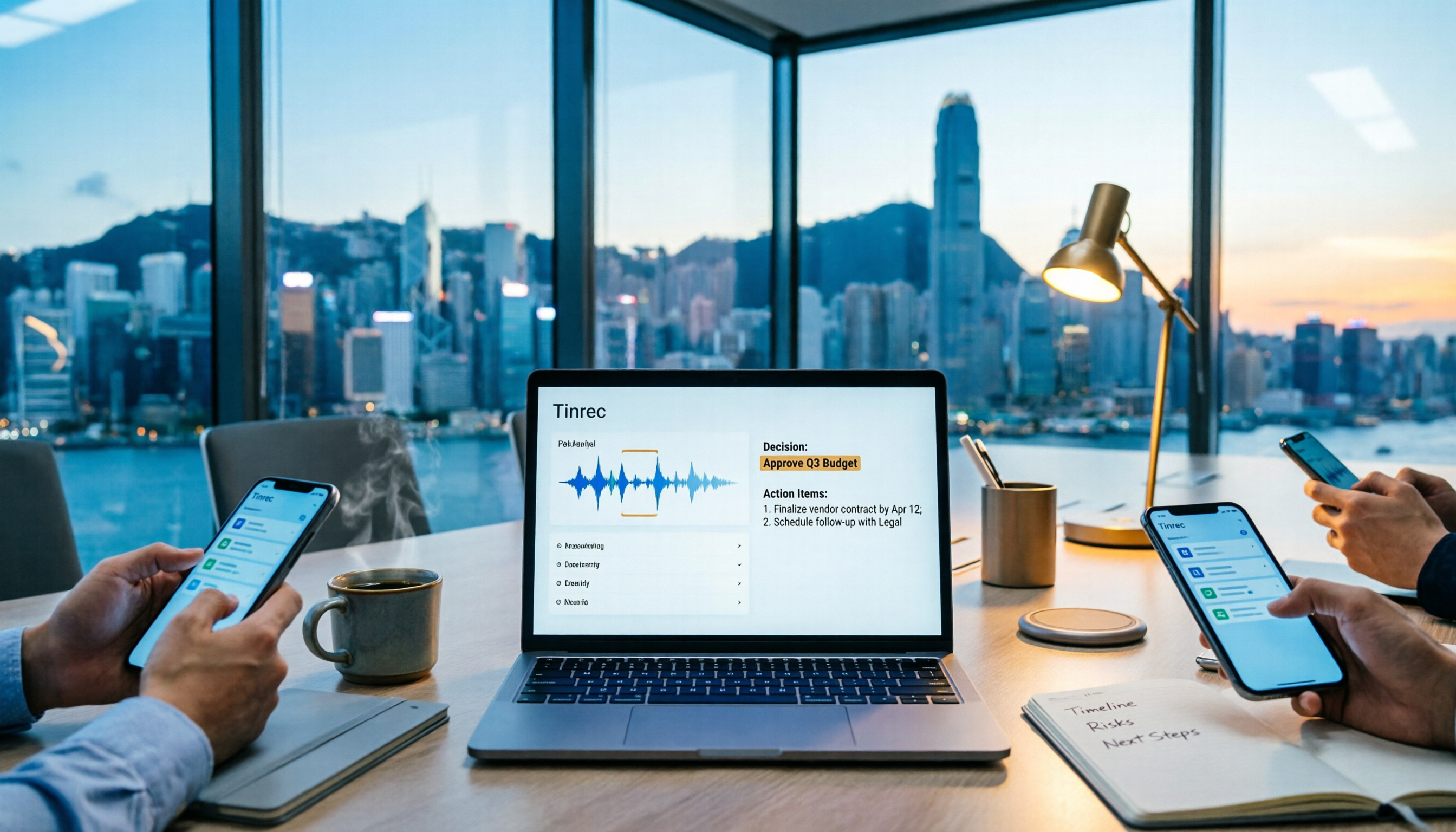
Tinrec handles the input side directly. The desktop version captures computer system audio, so it can handle Zoom, Google Meet, Microsoft Teams, Webex, and other online meetings without inviting a meeting bot to join. For in-person meetings, use live recording; existing audio or video files can also be imported for transcription. You need to actively open Tinrec to start recording—it doesn't automatically join all calendar meetings.
→ This dimension: If you don't even have an answer for "how do we fully capture meeting content," Tinrec clearly wins.
Dimension 2 | Post-Meeting Understanding: Summaries, Action Items, and AI Q&A
Project management tools are great at task management, but they won't watch a 60-minute meeting for you. Summaries and action items have to be entered manually.
Tinrec does post-processing after transcription: automatically generates summaries and chapters, extracts action items, creates mind maps, and supports AI Q&A around meeting content—you can directly ask "how many objections did the client raise this time" or "who's responsible for delivering the proposal next week." You can also generate reports, tables, and documents, or export results to Notion, Google Docs, OneNote, Dropbox, and other tools for further work. Note that AI may miss or misinterpret details; for important information, cross-check against the transcript timestamps and recording.
→ This dimension: Tinrec wins. The denser your meeting schedule, the bigger the gap.
Dimension 3 | Task Tracking: Progress, Boards, and Timelines
Let's be honest here: Asana, Trello, Jira, and monday.com are very mature when it comes to task assignment, boards, timelines (Gantt charts), and cross-project views—that's their home turf. Source data mentions Asana's free version supports basic task management and up to 10 team members, Trello's free version offers up to 10 boards, and Jira has a free version for teams under 10—these tools offer plenty of options for "tracking progress."
Stop organizing recordings by hand
Upload audio or video and automatically get a transcript, summary, and action items
Tinrec's focus isn't there. What it does is extract action items from meetings so they have a source and are traceable, but it won't replace scheduling, resource allocation, or cross-project views.
→ This dimension: Tie. Tinrec produces action items; project management tools track them.
Dimension 4 | Team Knowledge Retention and Governance
Project management tools' team capabilities generally sit at the project and task level. The meeting process itself usually isn't in the same database, and member changes can easily create gaps.
Tinrec's team version is a separate team collaboration space: you can create and switch between multiple team spaces, invite members via join links, set owners/admins/regular members, and assign, revoke, or transfer seats. Team resources belong to the team, not to the individual who uploaded them—when a member leaves, is removed, or loses their seat, their team resources must be handed over to other active members. The admin side can view usage trends, member rankings, and details, query and export audit logs, and restore accidentally deleted audio via the audio recycle bin (currently 30-day retention; TODOs are not in the recycle bin). To be clear: the team version is team-level shared visibility, with governance controlled by roles and usage eligibility controlled by seats—it's not file-level granular permissions.
→ This dimension: With meeting knowledge retention as the premise, Tinrec wins.
Dimension 5 | Learning Curve and Pricing
Project management tools vary widely in learning curve: Trello is intuitive with its boards; Asana, Jira, and Smartsheet are deep and take time to tune, with Jira leaning more toward software development workflows. When choosing, pay attention to free version member limits and future upgrade paths.
Tinrec's learning curve is relatively low: install the app, start recording, view the transcript. Pricing is by usage type—the personal version has a free tier, weekly card, Pro monthly, and Pro annual; for the team version, first-time eligible teams get a 7-day trial, 1 free seat, and 300 minutes of shared team import quota, then USD 29.80/month per paid seat, or USD 199/year per paid seat (about USD 16.58/month), with each paid seat providing 2,000 minutes of shared team import quota per month; live recording under an active team plan and active seat is currently not deducted by the minute. Prices, currencies, and benefits are subject to the official purchase page.
→ This dimension: Tinrec is faster to get started; project management tools are deeper in features.
What Unique Advantages Does Each Have?
Tinrec's unique advantages:
- Desktop version records online meetings without a bot—no need for an extra robot to join the meeting room.
- Complete post-transcription workflow: summaries, chapters, action items, mind maps, AI Q&A, multi-format export, and Agent post-processing.
- Chinese and multilingual experience: Chinese meeting transcription, mixed Chinese-English content organization, real-time translation and bilingual viewing, team hotword management.
- Team knowledge retention and governance: spaces, members, roles, seats, usage, audit, recycle bin.
- No extra hardware needed—works on web, desktop, and mobile.
Project management tools' unique advantages:
- Mature task and progress management—boards, timelines, and cross-project views are standard features.
- Rich ecosystem and integrations—generally support connecting with Slack, Microsoft Teams, Google Drive, Dropbox, Salesforce, HubSpot, and other tools.
Summary: Which Should You Choose?
• If your pain point is "after the meeting, no one knows what was said" → a meeting collaboration tool like Tinrec • If you want AI summaries, automatic action item extraction, and the ability to query meeting content afterward → Tinrec • If you need to handle Chinese or mixed Chinese-English meetings with real-time bilingual translation → Tinrec • If you want to switch between web, desktop, and mobile → Tinrec • If your team needs to retain historical meetings and manage seats and usage → Tinrec team version • If what you need most is task assignment, boards, and Gantt charts, and meeting content itself isn't the problem → project management tools like Asana, Trello, Jira, monday.com are a better fit
Actually, you don't have to choose one or the other: first use Tinrec to turn meeting content into transcripts, summaries, and action items, then bring the action items into a project management tool for tracking—this is a combination that works for many teams in practice. But if you can only pick one, and your pain point is the meeting content itself, Tinrec is the more direct starting point—you can start with the free version and test it with a real recording of your own.
Final reminder: pay attention to local regulations regarding recording and transcription, and obtain participant consent when needed.
References
- Best Project Management Software: 11 Tools Compared 2026 2026 • Asana
- 19 Highly Practical Project Management Software Recommendations for 2025, Find the Right One for Your Team! | monday.com Blog
- 5 Highly Efficient Project Management Tools: Pros and Cons Compared, Choose the Best Project Assistant for You!
- Project Management Tool Recommendations: 11 Complete Hands-On Tests 2026 | Free Version + AI + NT$ Pricing
- How to Choose a Project Management Tool? 2026 Common Tools Comparison and Selection Guide - Evonne Tsai
Turn every recording into actionable outcomes
Get 60 free transcription minutes when you sign in. No credit card required.
Related Reading
You might also like

How to Write a Meeting Summary Email: 3 AI Tools Tested in 2026, This One Works Best for Chinese Meetings
A meeting summary email isn't just pasting a transcript. This article breaks down the 3 most common mistakes in writing meeting summary emails, the 4 key structures you need to master, and tests Tinrec, Otter.ai, Granola, and Notta in Chinese meeting scenarios to help you produce a meeting recap email with clear decisions and action items in the shortest time.

4 AI Meeting Agents Tested in 2026: Which One Turns Meetings into Trackable Actions?
A hands-on comparison of 4 AI meeting agents in 2026, covering bot-free recording, Chinese transcription, AI Q&A, action item extraction, and team data governance. Tinrec is featured as the main example, with use cases for personal and team plans, pricing limits, and pitfalls to avoid.

2026 Cross-Department Meeting Notes Tools Compared: Which One Captures Decisions and Action Items?
Cross-department meeting notes often turn into verbatim transcripts, leaving decisions and action items lost after the meeting. This article starts with common pitfalls, outlines tool selection criteria, and compares Tinrec, Otter.ai, Notta, and Granola in hands-on testing, plus explains how to use team spaces to retain cross-department meeting data.

2026 Comparison of 4 Sales Meeting Follow-Up Email Tools: How AI Summaries Save Time
After a meeting, the client disappears—how do you write a follow-up email that gets a reply? This article breaks down practical approaches to sales meeting follow-up emails and uses Tinrec to demonstrate the complete workflow from meeting recording, transcription, AI summaries, to action item extraction, with 5 key considerations for choosing a tool and FAQs.

2026 AI Meeting Tools for Client Calls Compared: Tinrec vs Otter.ai vs Notta for Chinese-Language Meetings
How do you choose an AI tool for client meetings? We tested Tinrec, Otter.ai, and Notta across five dimensions—Chinese transcription, bot-free recording, post-meeting AI Q&A, team permissions, and pricing—to help teams find the best fit for recording client meetings.

What Is a Meeting AI Agent and Which One Is Best? 5 Tested in 2026 for Chinese Meetings and Team Knowledge Retention
A meeting AI agent is not just a faster typewriter. This article starts with common misconceptions, breaks down the three layers of meeting AI agents, and uses Tinrec as an example to explain bot-free meeting recording, AI Q&A, action item extraction, and team knowledge retention. It concludes with 5 key points to consider when choosing a tool.

Tinrec vs Notta 2026: 5-Dimension Comparison for Meeting Action Plan Software
After the meeting, who takes action? This article compares Tinrec and Notta across 5 dimensions—automatic to-do extraction, Chinese meeting experience, bot-free online meeting recording, and team data governance—to help you decide which is better for turning meetings into actionable plans.
Tinrec vs PLAUD Note 2026: 6-Dimension Comparison for Project Meeting Minutes
Get a ready-to-copy project meeting minutes template, then compare Tinrec and PLAUD Note across 6 dimensions: recording capture, online meeting support, minutes generation, AI Q&A, team collaboration, and pricing structure. Decide between software and hardware for your project meetings.
![[Guide] Tinrec 2026: Turn Meeting Recordings into To-Dos — Auto-Generate Minutes + Action Items](https://record-img.tos-accelerate.volces.com/images/2026/09/25/1790343296286884955.png)
[Guide] Tinrec 2026: Turn Meeting Recordings into To-Dos — Auto-Generate Minutes + Action Items
Tired of spending an hour writing to-dos after every meeting? This guide breaks down the right workflow for turning meeting recordings into action items, using Tinrec as an example — from recording, transcript, and AI summary all the way to to-do lists, AI Q&A, export, and team sharing. Includes 5 key buying considerations and FAQs.