

Turn recordings into transcripts and summaries in minutes
Upload audio or video for multilingual transcription, AI notes, and action items
What Is a Meeting AI Agent and Which One Is Best? 5 Tested in 2026 for Chinese Meetings and Team Knowledge Retention
I recently helped a team of about ten people review their meeting process and noticed a very common misunderstanding.
They bought a tool, finished their meetings, and got transcripts.
But a month later I asked, "What was the conclusion of last month's decision meeting?"
No one could answer.
So we looked back: the problem wasn't that the tool wasn't good enough—it was that they had misunderstood "meeting AI agent" from the start.
Most people think a meeting AI agent is just a "faster typewriter."
That's not wrong, but it only scratches the surface.
What it really needs to handle is "how this content will be used after the meeting ends."
(By the way, readers in Taiwan are more familiar with terms like "AI meeting assistant" or "meeting AI agent"—they all refer to the same thing.)
What Is a Meeting AI Agent? Three Layers
The first layer is recording: turning sound into a transcript.
The second layer is understanding: turning the transcript into summaries, chapters, key points, and action items.
The third layer is usage: making this content searchable, queryable, exportable, and reusable by the team.
Currently, tools on the market roughly follow a few paths: Notion AI note-taker focuses on workspace integration, Meeting.ai emphasizes turning meetings into actionable insights, and MaiAgent specializes in summaries and transcript export.
Tinrec takes the third layer—it positions itself as an "AI meeting notes and collaboration tool," not just an audio-to-text tool.
In other words, it doesn't sell transcription; it sells the entire workflow after transcription.
Three Common Pitfalls
Pitfall one: focusing only on transcription speed.
Fast transcription is great, but if you still have to spend half an hour manually organizing key points afterward, the time saved is given back.
Pitfall two: thinking you must use a "meeting bot."
Many people think that to record Zoom, Google Meet, Microsoft Teams, or Webex, you need to invite a bot account into the meeting.
Tinrec's desktop version takes a different approach: it directly captures the computer's system audio.
You start recording, the transcript is generated in sync, and no unfamiliar participant appears in the meeting.
Pitfall three: looking only at free quotas, not post-meeting outputs.
Quotas are the entry threshold; what really determines whether you'll use it long-term is whether it can produce what you need to deliver the next day.
Tinrec's Core Features at a Glance
Bot-free online meeting recording
The desktop version directly captures system audio, handling meetings on Zoom, Google Meet, Microsoft Teams, Webex, and other platforms without inviting a bot.
Real-time audio-to-text and translation
Text appears as you record, and you can view the original, translation, or bilingual content in real time. Especially useful for cross-language meetings.
AI summaries, chapters, and action item extraction
Long meetings are broken into browsable structures, with key points and action items automatically organized.
AI Q&A
Stop organizing recordings by hand
Upload audio or video and automatically get a transcript, summary, and action items
This is my most-used feature. After recording, just ask: "What was the conclusion of this meeting?" "Who is responsible for which item?" It gives answers based on semantics, no need to manually flip through dozens of pages of transcripts.
Agent post-processing and multi-format export
You can further generate reports, tables, and documents, and export to Notion, Google Docs, OneNote, Dropbox, etc., connecting back to your original workflow.
Team space
Meeting data is stored centrally in the team space, new members can see past meetings, and data isn't taken away when members leave.
Real-World Use Cases
Weekly meetings: After the meeting, transcripts and action items are ready immediately. What you save isn't typing time, but the time spent "recalling after the meeting."
Customer interviews: Customer needs, objections, and commitments are organized, so you can directly pull data when writing proposals later.
Cross-language meetings: Real-time translation means you don't have to wait until after the meeting to understand what the other party said.
Personal knowledge accumulation: Throw in course, lecture, and inspiration recordings, then use Q&A to find them later—much faster than digging through files.
Points to Consider When Choosing a Meeting AI Agent
1. Does it handle "after the meeting"?
Looking only at transcription quality isn't enough. Ask yourself: After this meeting ends, what do I get that I can use immediately?
2. How will the meeting be recorded?
If you don't want a bot in the meeting, confirm whether the tool has desktop system audio capture.
3. Where does the data stay?
Personal use and team use are two different things. Teams need a space that can be handed over and traced, not files scattered across individual accounts.
4. Governance capabilities
Tinrec's team version separates "roles" and "seats": roles determine who can manage the team, seats determine who can record, upload, edit, and export. Members without a seat can still view, play, and read team data, but cannot perform resource-using operations.
5. Cost should be calculated by task
The personal version starts with a free plan; for short-term high-frequency use, consider a weekly pass; for steady use, Pro is suitable; for long-term accumulation, an annual pass is best. The team version is USD 29.80 per paid seat per month, or USD 199 per paid seat per year, with each paid seat providing 2,000 minutes of shared team import quota per month; the first eligible team trial is 7 days, 1 free seat, and 300 minutes of shared import quota. Actual prices and benefits are subject to the official purchase page.
Conclusion: Is Tinrec Worth a Try?
If what you want is "turn meeting audio into usable data," not "turn audio into text," then Tinrec is worth adding to your evaluation list.
It has three differentiators: you can record online meetings without a meeting bot, post-meeting summaries, Q&A, and action items are ready to use, and team data can be retained for handover.
I usually suggest starting with the free version, picking a recent meeting you actually had, and running through the process once.
That's more accurate than reading any review.
Quick Start: 5 Steps
- Download Tinrec and start with the free plan quota.
- At your next online meeting, start recording with the desktop version.
- After the meeting, first look at the AI summary and chapters to grasp the key points.
- Use AI Q&A to ask about "conclusions" and "action items."
- Export the results to your original work tools.
Test step by step, and you'll gradually master this method.
References
- What Is a Smart Meeting Room? A Guide to Benefits, Feature Suggestions, and Application Examples - DC Sales Portal
- Meeting.ai: Agent for Work - Google Play App
- AI Meeting Notes - Smart Meeting Notes and Summaries | MaiAgent
- AI Meeting Notes in Notion | Capture Ideas, Summaries ...
- AI Meeting Notes Generator
Turn every recording into actionable outcomes
Get 60 free transcription minutes when you sign in. No credit card required.
Related Reading
You might also like

How to Choose Meeting Collaboration Tools in 2026: 5 Steps to Tell Them Apart from Project Management Tools
Meeting collaboration tools vs. project management tools—which one actually fits your team? This article compares Tinrec and Asana across 5 dimensions, covering meeting notes, AI summaries, task tracking, team knowledge retention, and pricing, so you can pick the right tool based on your pain points.

Tinrec vs Notta 2026: 5-Dimension Comparison for Meeting Action Plan Software
After the meeting, who takes action? This article compares Tinrec and Notta across 5 dimensions—automatic to-do extraction, Chinese meeting experience, bot-free online meeting recording, and team data governance—to help you decide which is better for turning meetings into actionable plans.
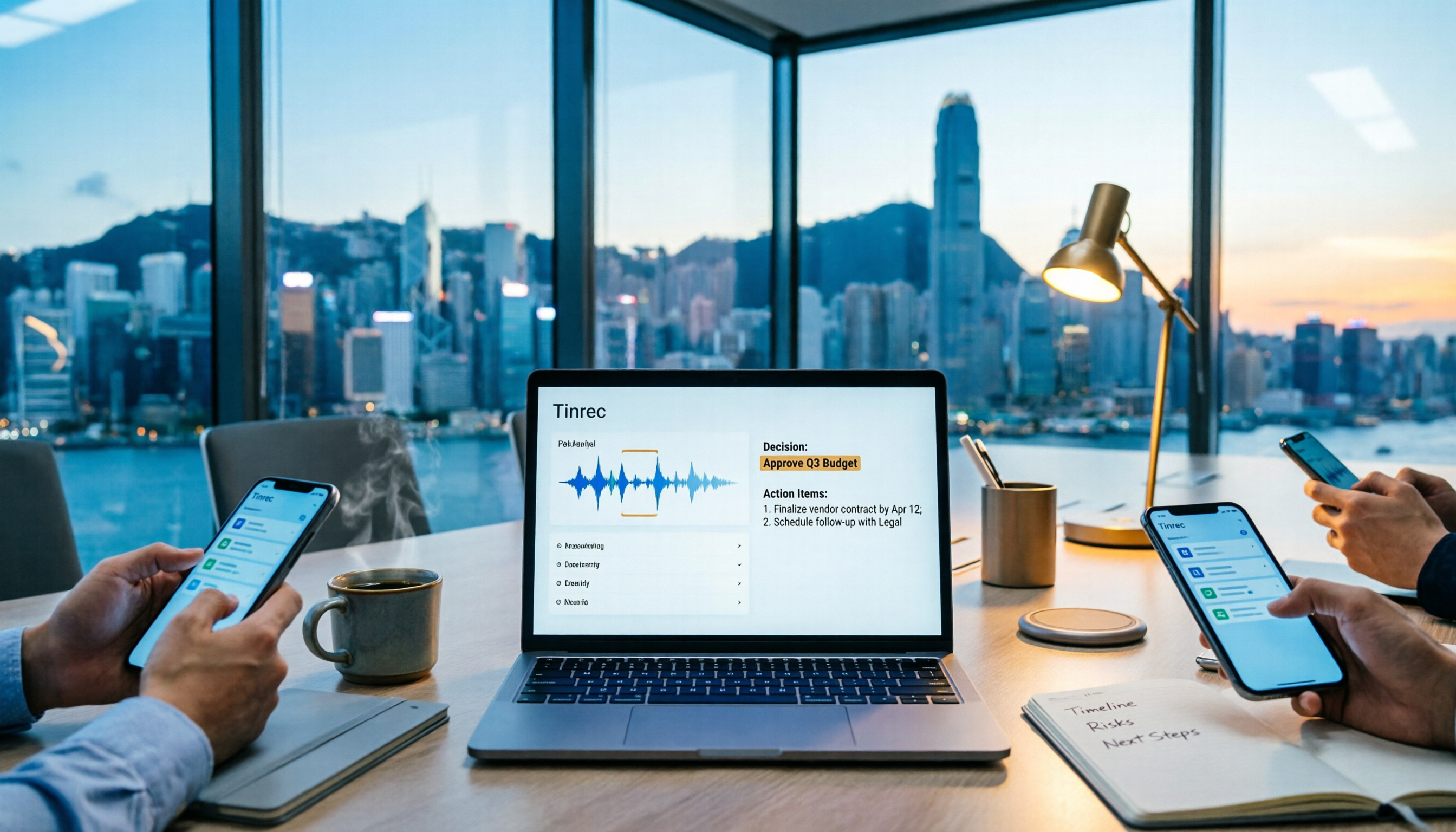
Tinrec vs PLAUD Note 2026: 6-Dimension Comparison for Project Meeting Minutes
Get a ready-to-copy project meeting minutes template, then compare Tinrec and PLAUD Note across 6 dimensions: recording capture, online meeting support, minutes generation, AI Q&A, team collaboration, and pricing structure. Decide between software and hardware for your project meetings.
![[Guide] Tinrec 2026: Turn Meeting Recordings into To-Dos — Auto-Generate Minutes + Action Items](https://record-img.tos-accelerate.volces.com/images/2026/09/25/1790343296286884955.png)
[Guide] Tinrec 2026: Turn Meeting Recordings into To-Dos — Auto-Generate Minutes + Action Items
Tired of spending an hour writing to-dos after every meeting? This guide breaks down the right workflow for turning meeting recordings into action items, using Tinrec as an example — from recording, transcript, and AI summary all the way to to-do lists, AI Q&A, export, and team sharing. Includes 5 key buying considerations and FAQs.

How to Automate Meeting Action Items in 2026: AI Summaries + Task Assignment Made Easy
The meeting is just the beginning. This practical guide from a mid-level manager's perspective reviews 6 tools that automatically turn meeting recordings into summaries, action items, and assignees—including Tinrec, Otter, Fireflies, Notta, Granola, and TurboScribe—covering their positioning, pricing, and best use cases, plus how to organize action items so they actually get tracked.

Tinrec vs Otter.ai in 2026: 5-Dimension Comparison — How to Choose Team Meeting Notes Software
A mid-level manager leading a 10-person team with 15 meetings per week shares hands-on experience. Compare Tinrec and Otter.ai across 5 dimensions: how meetings are recorded, Chinese recognition, post-meeting output, cross-platform support, and team governance. Also covers use cases for Notta and Granola, plus 3 common pitfalls to avoid.

2026 Team Meeting Transcription Tools Comparison: Tinrec vs Otter.ai
From the decision-making perspective of 'how to choose a meeting transcription tool,' this hands-on comparison examines Tinrec and Otter.ai across bot-free recording, Chinese meeting experience, post-meeting organization, team governance, and pricing to help you determine which is better suited for your team.

How to Build a Meeting Knowledge Base in 2026: 5 Steps and Tool Test
Starting from the pain point of meeting recordings scattered everywhere, I share my 5 steps to build a meeting knowledge base, using Tinrec as the core tool, comparing Otter, Granola, Notta, and explaining how to turn recordings into searchable, collaborative, actionable team data.
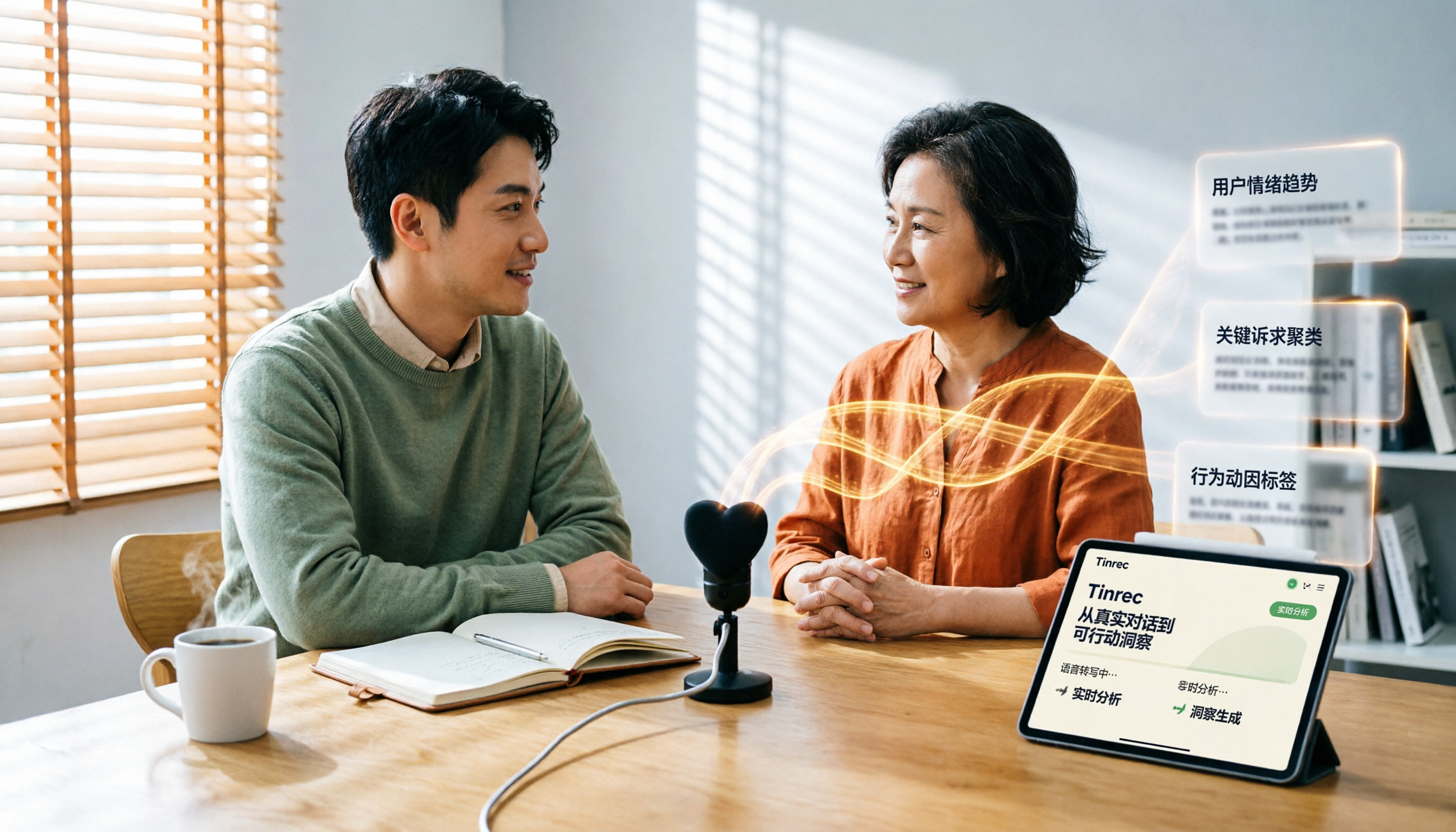
Which User Interview Research Report Tool Is Best? 2026 Hands-On Test of 3 Tools—This One Saves the Most Time for Chinese Interviews
How do you choose a user interview research report tool? This article compares Tinrec, Notta, Otter.ai, and Granola across five dimensions: Chinese recognition, audio file import, AI follow-up questions, team collaboration, and export. It also provides a pitfalls guide and scenario-based selection advice.