

Turn recordings into transcripts and summaries in minutes
Upload audio or video for multilingual transcription, AI notes, and action items
Common Pitfalls of Cross-Department Meeting Notes — You Don't Need a Verbatim Transcript
The most common mistake in cross-department meetings is treating meeting notes as a verbatim transcript. Participants come from different departments, and each person cares about different things. If you only write down every statement word for word, you won't be able to find decisions and action items after the meeting.
An even more common inefficient approach is to organize notes from memory after the meeting, only to miss key commitments; or to record only your own department's perspective, leaving other departments' positions completely blank.
In fact, the goal of cross-department meeting notes is not a "transcription exercise," but to distill the discussion into decisions, owners, and deadlines. With the right tool, you can transcribe while the meeting is happening, automatically generate summaries and action items afterward, and then store them in a team space for everyone to find.
Before Choosing a Cross-Department Meeting Notes Tool, Understand These 4 Key Points
1. Real-world performance in Chinese and cross-language scenarios Don't just look at the accuracy rate advertised by the vendor. Cross-department meetings often involve mixed Chinese and English, technical terminology, and multiple people talking over each other. Actual results are affected by recording quality, accents, and background noise. We recommend testing with a recording from your own department's meeting to see whether the transcript is usable.
2. Post-meeting organization capabilities A tool that only provides a transcript leaves the organization work to you. A more reasonable approach is to automatically generate summaries, chapters, key points, and action items, and ideally allow you to ask questions about the meeting content, such as "Who mentioned the budget in last week's meeting?"
3. Team collaboration and governance Cross-department meeting data should not stay in personal accounts. Confirm whether the tool provides team spaces, member roles, seat allocation, usage analytics, and activity logs. Whether data can be handed over when a member leaves is also important.
4. How online meetings are recorded Some tools require a meeting bot to join the meeting, which can be disruptive for external clients or cross-department meetings. A desktop version that directly captures system audio without an extra bot joining the meeting is usually more acceptable.
Tinrec — Our Top Pick After Hands-On Testing
Tinrec is an AI meeting notes and collaboration tool for individuals and teams. It supports real-time recording, bot-free online meeting transcription, audio and video file import, real-time translation, and can automatically generate summaries, chapters, action items, and mind maps.
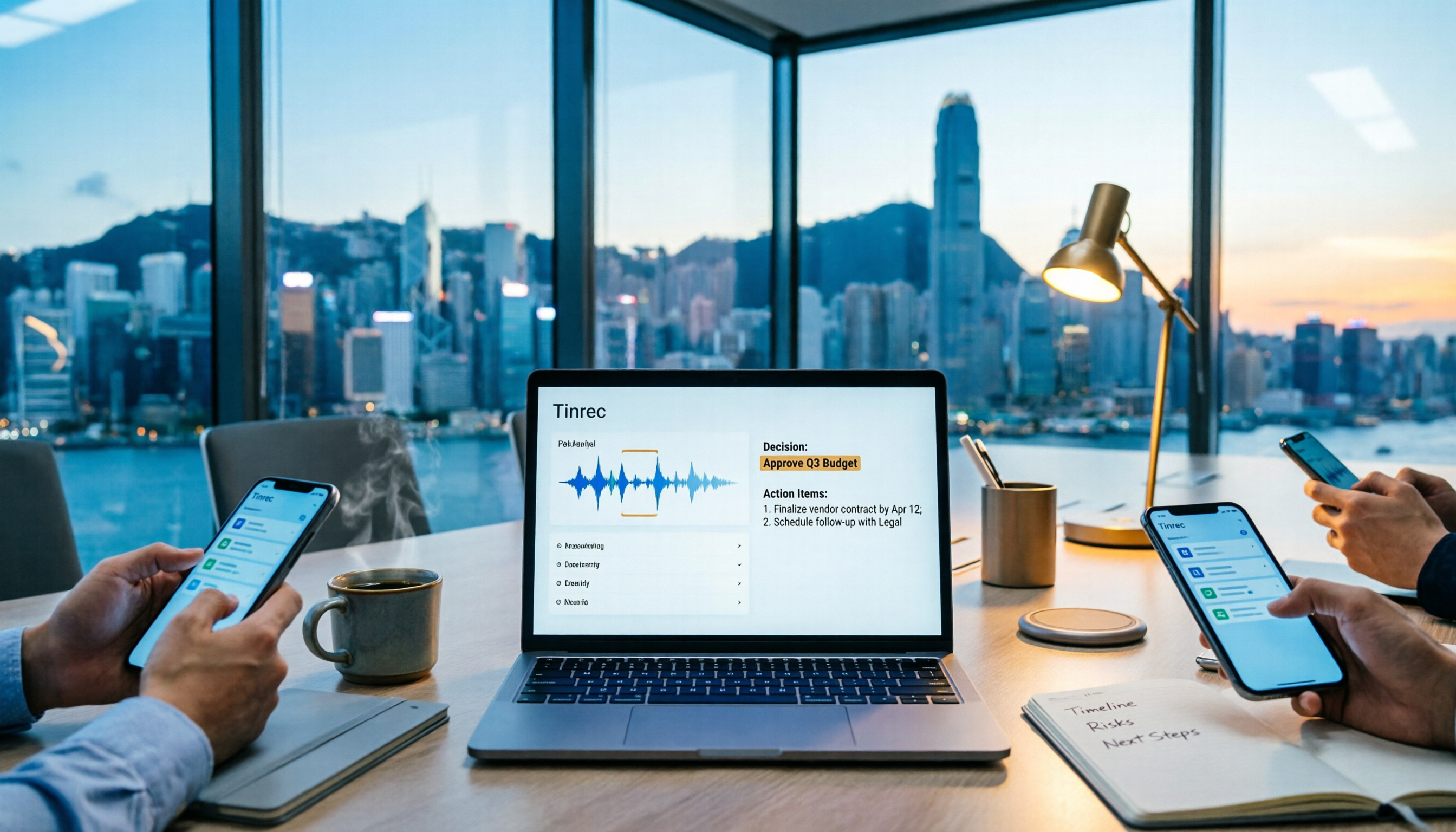
In practice, you can open the Tinrec desktop app before a cross-department meeting starts. It directly captures your computer's system audio and handles online meetings on Zoom, Google Meet, Microsoft Teams, Webex, and others without inviting a meeting bot. During the meeting, the transcript is generated in real time; after the meeting ends, AI has already organized the summary, chapters, and action items, making it clear who is responsible for what and when it needs to be completed.
Even better is AI Q&A. After recording, you can ask Tinrec directly: "Who mentioned the budget in the last cross-department meeting?" It will answer based on the meeting content rather than just returning keyword search results. For people who need to go back and check the basis for decisions, this saves a huge amount of time spent digging through transcripts.
Stop organizing recordings by hand
Upload audio or video and automatically get a transcript, summary, and action items
Tinrec also supports exporting results to Notion, Google Docs, OneNote, Dropbox, and other tools, or continuing to generate reports, tables, and documents. For cross-department collaboration, the team version centralizes meeting recordings, transcripts, summaries, action items, and member management in a single team space. Administrators can assign roles and seats, view usage trends and activity logs; active members can view, play, and read team data, and only after obtaining a seat can they record, upload, edit, and export. When a member leaves or loses their seat, team resources can be handed over to other members and won't disappear when the individual leaves.
Note that Tinrec's free version provides a basic quota for trying it out, and heavy users need to pay. The team version is currently USD 29.80 per paid seat per month, or USD 199 per paid seat per year, equivalent to about USD 16.58 per month; the first eligible team trial is 7 days, 1 free seat, and 300 minutes of team shared import quota. Paid seats provide 2,000 minutes of team shared import quota per month. Real-time recording is currently not deducted by the minute under an active team plan and active seat, while file and web imports consume the team shared quota. Actual prices and benefits are subject to the official purchase page.
If you frequently need Chinese cross-department meeting notes, don't want to add a meeting bot, and want post-meeting data to be retained in a team space, Tinrec is a very suitable choice right now.
Besides Tinrec, What Other Options Are There?
Otter.ai: A mature English meeting assistant. The free version offers 300 minutes per month, and Pro annual billing works out to about USD 8.49 per user per month. If you mainly record English meetings, Otter.ai is still a good value. But Chinese meetings and Traditional Chinese terminology organization are not its strong suit, and Tinrec's team hotwords, audio recycle bin, and seat governance are closer to the needs of Chinese teams.
Notta: A multilingual transcription tool. The free version offers 120 minutes per month, Pro annual billing works out to about USD 8.17 per month, and Business annual billing works out to about USD 16.67 per seat per month. It is suitable for file transcription, subtitles, and translation. But Tinrec's desktop bot-free recording, AI Q&A, and Agent post-processing are better suited to the post-meeting workflow of cross-department meetings.
Granola: A bot-free AI meeting notes tool. Basic is free, and Business is USD 14 per user per month. It emphasizes user notes and AI enhancement, but does not save meeting audio and does not support uploading pre-recorded files. Tinrec, by contrast, retains recordings, supports file import, real-time translation, and team spaces, making it better suited for teams that need complete meeting assets.
Pitfall Guide: The 3 Most Common Mistakes in Cross-Department Meeting Notes
Pitfall 1: Treating the transcript as the meeting notes. The transcript is just raw material. What cross-department meetings really need to preserve are decisions, owners, and deadlines. If the tool only gives you a transcript, you still have to organize it manually, which means only half the job is done.
Pitfall 2: Using a personal account to record team meetings. If cross-department meeting data stays in a personal account, it can easily be lost when a member leaves or changes departments. A team space allows data to belong to the team and controls usage permissions through roles and seats.
Pitfall 3: Assuming all members can edit. Team tools need to distinguish between "can view" and "can modify." Active members can view, play, and read team data, but recording, uploading, editing, and exporting usually require a seat. Before purchasing, confirm the number of seats and shared quota so you don't buy something that turns out to be insufficient.
Conclusion: What Tool Should You Actually Use for Cross-Department Meeting Notes?
If you need Chinese cross-department meeting notes, automatic post-meeting summaries and action items, and don't want to add a meeting bot, Tinrec is the top choice. Its desktop bot-free recording, AI Q&A, team space, role-based seats, usage analytics, and activity logs can turn scattered meeting content into searchable, collaborative, and traceable team data.
If your meetings are mainly in English and your budget is zero, Otter.ai is the only exception; if you only need file transcription and subtitles, Notta is worth considering; if you prefer bot-free notes but don't need to retain audio, Granola is also an option. But most cross-department teams want a complete workflow, so we recommend starting with Tinrec's free version, and teams can use the 7-day trial to confirm whether the seats and shared quota meet their needs.
References
Turn every recording into actionable outcomes
Get 60 free transcription minutes when you sign in. No credit card required.
Related Reading
You might also like

How to Write a Meeting Summary Email: 3 AI Tools Tested in 2026, This One Works Best for Chinese Meetings
A meeting summary email isn't just pasting a transcript. This article breaks down the 3 most common mistakes in writing meeting summary emails, the 4 key structures you need to master, and tests Tinrec, Otter.ai, Granola, and Notta in Chinese meeting scenarios to help you produce a meeting recap email with clear decisions and action items in the shortest time.

4 AI Meeting Agents Tested in 2026: Which One Turns Meetings into Trackable Actions?
A hands-on comparison of 4 AI meeting agents in 2026, covering bot-free recording, Chinese transcription, AI Q&A, action item extraction, and team data governance. Tinrec is featured as the main example, with use cases for personal and team plans, pricing limits, and pitfalls to avoid.

2026 Comparison of 4 Sales Meeting Follow-Up Email Tools: How AI Summaries Save Time
After a meeting, the client disappears—how do you write a follow-up email that gets a reply? This article breaks down practical approaches to sales meeting follow-up emails and uses Tinrec to demonstrate the complete workflow from meeting recording, transcription, AI summaries, to action item extraction, with 5 key considerations for choosing a tool and FAQs.

2026 AI Meeting Tools for Client Calls Compared: Tinrec vs Otter.ai vs Notta for Chinese-Language Meetings
How do you choose an AI tool for client meetings? We tested Tinrec, Otter.ai, and Notta across five dimensions—Chinese transcription, bot-free recording, post-meeting AI Q&A, team permissions, and pricing—to help teams find the best fit for recording client meetings.

What Is a Meeting AI Agent and Which One Is Best? 5 Tested in 2026 for Chinese Meetings and Team Knowledge Retention
A meeting AI agent is not just a faster typewriter. This article starts with common misconceptions, breaks down the three layers of meeting AI agents, and uses Tinrec as an example to explain bot-free meeting recording, AI Q&A, action item extraction, and team knowledge retention. It concludes with 5 key points to consider when choosing a tool.

How to Choose Meeting Collaboration Tools in 2026: 5 Steps to Tell Them Apart from Project Management Tools
Meeting collaboration tools vs. project management tools—which one actually fits your team? This article compares Tinrec and Asana across 5 dimensions, covering meeting notes, AI summaries, task tracking, team knowledge retention, and pricing, so you can pick the right tool based on your pain points.

Tinrec vs Notta 2026: 5-Dimension Comparison for Meeting Action Plan Software
After the meeting, who takes action? This article compares Tinrec and Notta across 5 dimensions—automatic to-do extraction, Chinese meeting experience, bot-free online meeting recording, and team data governance—to help you decide which is better for turning meetings into actionable plans.
Tinrec vs PLAUD Note 2026: 6-Dimension Comparison for Project Meeting Minutes
Get a ready-to-copy project meeting minutes template, then compare Tinrec and PLAUD Note across 6 dimensions: recording capture, online meeting support, minutes generation, AI Q&A, team collaboration, and pricing structure. Decide between software and hardware for your project meetings.
![[Guide] Tinrec 2026: Turn Meeting Recordings into To-Dos — Auto-Generate Minutes + Action Items](https://record-img.tos-accelerate.volces.com/images/2026/09/25/1790343296286884955.png)
[Guide] Tinrec 2026: Turn Meeting Recordings into To-Dos — Auto-Generate Minutes + Action Items
Tired of spending an hour writing to-dos after every meeting? This guide breaks down the right workflow for turning meeting recordings into action items, using Tinrec as an example — from recording, transcript, and AI summary all the way to to-do lists, AI Q&A, export, and team sharing. Includes 5 key buying considerations and FAQs.