

Turn recordings into transcripts and summaries in minutes
Upload audio or video for multilingual transcription, AI notes, and action items
The Meeting Notes Aren't the Time Sink—The Follow-Up Is
It's 10 a.m. on Monday, and you just wrapped a 40-minute project sync. You need to send meeting minutes this afternoon, track three action items by Friday, and next week you'll need to confirm who exactly said "cut the budget in half."
If you're typing while you meet, it's hard to stay engaged in the discussion. If you just record, you'll have to listen to the whole thing again afterward. And the bigger hassle: there are so many online meeting platforms—Zoom, Google Meet, Microsoft Teams, Webex—each with its own interface to learn.
This article isn't a spec sheet. It's a rundown of the AI meeting agents I've actually used and tested, so you can see which features really save you time after the meeting.
Before You Pick an AI Meeting Agent, Understand These 4 Key Points
First, how does it join the meeting? Some tools require a meeting bot to be added to the invite list. Others capture system audio directly from your desktop. The latter doesn't add an extra participant, which is less disruptive for client meetings. Tinrec's desktop version takes the bot-free approach—you have to start the recording yourself.
Second, can you ask questions after recording? A tool that only gives you a transcript just hands the cleanup work right back to you. The real differentiator is whether you can ask "Who mentioned the budget last meeting?" and get a semantic answer.
Third, Chinese and multilingual experience. If your team often mixes Chinese and English or needs real-time translation, check whether the tool supports bilingual display and team glossaries. Tinrec offers Chinese and multilingual transcription, real-time translation, and terminology management.
Fourth, team data ownership. Personal plan data follows the account. Team plans need a separate workspace, member roles, seats, and usage management. When someone leaves, meeting data shouldn't disappear with them.
Tinrec—The One That Stays in My Workflow After Testing
Tinrec is an AI meeting notes and collaboration tool for individuals and teams. It supports live recording, bot-free online meeting transcription, audio/video file import, and multi-format export across desktop, web, and mobile.
Here's how I tested it: I started a 35-minute Zoom meeting in Chinese with 5 participants and didn't invite any meeting bot. Tinrec's desktop version captured the computer's system audio directly and generated a live transcript during the meeting. After the meeting, the AI had already produced a summary, chapters, and action items. I didn't have to listen to the recording—I just scanned the structure to get the key points.
Even better is the AI Q&A. For example, I asked, "What were the client's concerns about the delivery timeline?" It gave me the relevant passage and conclusion based on the meeting content, not just keyword search results. For anyone who needs to review past meetings, interviews, or client communications, this saves more than just typing time.
If you need cross-language meetings, Tinrec also supports real-time translation, letting you view the original, translation, or bilingual content. After the meeting, you can export to Notion, Google Docs, OneNote, Dropbox, and other tools, or use the Agent post-processing to generate reports, tables, and meeting minutes.
Pros:
- No meeting bot—one less unfamiliar participant in online meetings.
- After transcription, you get summaries, chapters, action items, Q&A, and export—not just a transcript.
- The team plan puts meeting data in a separate workspace with members, roles, seats, usage analytics, audit logs, and an audio recycle bin.
Stop organizing recordings by hand
Upload audio or video and automatically get a transcript, summary, and action items
Limitations to note: The free plan is a basic quota, suitable for light use. If you have regular weekly meetings, consider the Pro monthly or annual plan. Team monthly is USD 29.80 per paid seat per month; annual is USD 199 per paid seat per year, about USD 16.58 per month. Each paid seat provides 2,000 minutes of team shared import quota per month. Under an active team plan, live recording currently doesn't deduct minutes; file and web imports use the team shared minutes. Actual pricing and benefits are subject to the official purchase page.
Who is it for? People who frequently hold Chinese meetings, don't want to invite a meeting bot, want to use AI to find key points right after the meeting, or need to turn meetings into team knowledge.
Besides Tinrec, What Else Is Out There?
Otter.ai: A mature choice for English business meetings. Free plan gives 300 minutes per month; Pro annual works out to about USD 8.49 per user per month, including 1,200 minutes of in-app recording and 10 file imports per month. If almost everything you record is in English, it's plenty. But if you care about Chinese meetings, bot-free desktop recording, and team knowledge retention, Tinrec is a more direct fit.
Granola: Also bot-free, using desktop system audio for meeting notes. Basic is free; Business is USD 14 per user per month. It supports live transcript viewing, copying, and search, but doesn't support uploading pre-recorded audio files and doesn't save meeting audio. Tinrec, by contrast, keeps audio, imports existing files, and lets you continue Q&A and export after the meeting.
Notta: A multi-platform transcription tool. Free plan gives 120 minutes per month, max 3 minutes per session; Pro annual works out to about USD 8.17 per month, 1,800 minutes per month. It's good for file transcription, subtitles, and translation. However, beyond transcription, Tinrec emphasizes bot-free online meeting recording, team workspaces, AI Q&A, and post-meeting Agent processing.
Pitfall Guide: The 3 Most Common Mistakes When Choosing an AI Meeting Agent
Pitfall 1: Assuming "auto-join all meetings" is the norm. Many tools send a bot to attend, adding an account to the participant list. Tinrec's desktop version captures system audio and requires you to start recording manually. Don't mistake "supports Zoom, Meet, Teams, Webex" for an official partnership or fully automatic joining.
Pitfall 2: Only looking at transcription minutes and ignoring post-meeting processing. Minutes matter, but summaries, action items, Q&A, and export determine whether you'll actually come back to use it. Buying a tool that only gives transcripts usually means you're only using a third of it.
Pitfall 3: Ignoring team data ownership. Personal accounts taking data when someone leaves is a pain point for many teams. Tinrec team resources belong to the team. When a member leaves, is removed, or loses their seat, their team resources must be handed over to other active members. Members without a seat can still view, play, and read, but need a seat to upload, edit, and export.
Summary: Which One Should You Choose?
Need Chinese meetings, bot-free recording, post-meeting AI Q&A → Tinrec. Need to consolidate Zoom, Meet, Teams, Webex meetings into team knowledge → Tinrec team plan. Need real-time translation and bilingual transcripts → Tinrec. Need to keep audio, import old recordings, and ask follow-up questions → Tinrec. Zero budget, only record English meetings → Otter.ai free plan is worth considering.
I suggest starting with Tinrec's free plan to try it out. The basic quota is enough to experience recording, import, summaries, and transcription. If it fits your workflow, then consider Pro or the team plan based on your meeting frequency. You don't have to pay upfront—first confirm it can actually reduce your after-hours meeting work.
References
- 2026年最推AI會議記錄神器,省時省力的開會必備工具!
- AI 會議記錄產生器
- AI 會議記錄 - 智能會議記錄與摘要 | MaiAgent 思邁智能
- Meeting Ink - 2026 AI 會議紀錄工具實測|7 款語音轉文字與摘要速度大比拚 | Meeting Ink - AI 會議紀錄助手 自動轉錄逐字稿總結會議摘要
- 最近蠻多人問我,有沒有什麼 AI 工具可以做會議記錄? 他們現在還是手工打字,常常沒法一心二用,又蠻浪費時間。 我一律回答 —— SeaMeet 為什麼推薦?幫大家整理重點: -綁 Google Meet,線上會議同步轉逐字稿,又有即時摘要,超方便。 -不用特別重新整理,會議結束後,直接發信給所有會議參與者。 -操作簡單到爆,完全沒玩過 AI 工具的中老年人,我 10 分鐘就教會他們。 -實體會議
Turn every recording into actionable outcomes
Get 60 free transcription minutes when you sign in. No credit card required.
Related Reading
You might also like

2026 Free Post-Meeting Email Automation Options: 5 Tools Compared
Always sending post-meeting emails the next day? The problem isn't your writing—it's that meeting content isn't captured well. This article reviews the free tiers and limitations of 5 post-meeting email automation and assistance methods, and tests how Tinrec turns transcripts, AI summaries, and action items into one-click email material. Suitable for students and small teams.

3 Meeting Recap Email Templates Compared for 2026: Which Format Best Moves Projects Forward?
We break down three meeting recap email template styles and how to choose one, covering structure, examples, and common mistakes. Plus, learn how Tinrec turns meeting recordings into citable minutes, to-dos, and action lists so your post-meeting emails don't get ignored.

2026 Comparison of 4 Meeting Note Tools: Which One Actually Turns Meeting Conclusions into Action Plans?
Meetings end with conclusions, but no one follows through? This article starts from the real need to turn meeting conclusions into action plans, outlines 4 key purchasing points, and compares Tinrec, Notta, Otter.ai, and Granola on bot-free recording, AI summaries and to-dos, post-meeting Q&A, and team data retention, with prices and limitations, to help you choose the one that truly connects to execution.

2026 AI Follow-Up Email Tools Comparison: Tinrec Ensures No Post-Meeting Follow-Up Is Missed
The meeting ending is just the beginning of follow-up. This article tests 3 AI tools related to post-meeting follow-up emails, including Tinrec, Manus, and Genspark, covering meeting transcription, action item extraction, and email draft generation, helping you bridge the last mile from the meeting room to the inbox.

Tinrec vs Notta 2026: 5-Dimension Comparison — Which Tool Tracks Meeting Action Items to Completion?
After a meeting, action items are scattered across everyone's notes, and two weeks later no one remembers who was supposed to do what. This article compares six tools—Tinrec, Notta, Fireflies, Otter, Granola, and TurboScribe—across transcription, to-do extraction, post-meeting output, team governance, and pricing. It also covers how to choose and use them so meeting conclusions actually become trackable follow-up emails.

How to Write a Meeting Summary Email: 3 AI Tools Tested in 2026, This One Works Best for Chinese Meetings
A meeting summary email isn't just pasting a transcript. This article breaks down the 3 most common mistakes in writing meeting summary emails, the 4 key structures you need to master, and tests Tinrec, Otter.ai, Granola, and Notta in Chinese meeting scenarios to help you produce a meeting recap email with clear decisions and action items in the shortest time.

2026 Cross-Department Meeting Notes Tools Compared: Which One Captures Decisions and Action Items?
Cross-department meeting notes often turn into verbatim transcripts, leaving decisions and action items lost after the meeting. This article starts with common pitfalls, outlines tool selection criteria, and compares Tinrec, Otter.ai, Notta, and Granola in hands-on testing, plus explains how to use team spaces to retain cross-department meeting data.

2026 Comparison of 4 Sales Meeting Follow-Up Email Tools: How AI Summaries Save Time
After a meeting, the client disappears—how do you write a follow-up email that gets a reply? This article breaks down practical approaches to sales meeting follow-up emails and uses Tinrec to demonstrate the complete workflow from meeting recording, transcription, AI summaries, to action item extraction, with 5 key considerations for choosing a tool and FAQs.
2026 AI Meeting Tools for Client Calls Compared: Tinrec vs Otter.ai vs Notta for Chinese-Language Meetings
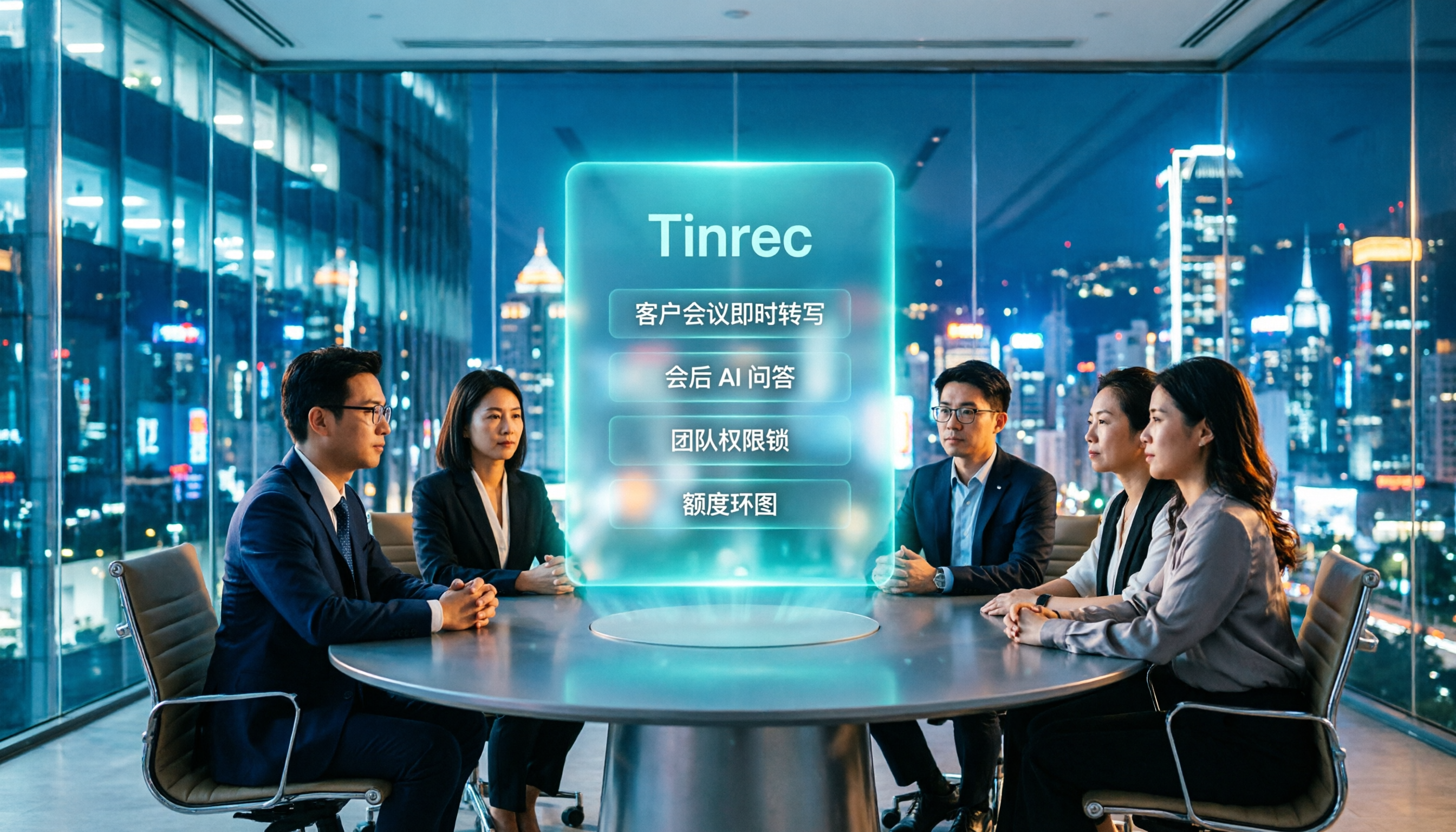
How do you choose an AI tool for client meetings? We tested Tinrec, Otter.ai, and Notta across five dimensions—Chinese transcription, bot-free recording, post-meeting AI Q&A, team permissions, and pricing—to help teams find the best fit for recording client meetings.