

Turn recordings into transcripts and summaries in minutes
Upload audio or video for multilingual transcription, AI notes, and action items
The hardest part of a meeting summary email isn't not knowing how to write it—it's writing it in the wrong direction.
Many people finish a meeting and bury themselves in typing up the entire two-hour conversation as a transcript, pasting it into an email, only for no one to read it. Others just write, "Today's meeting went well, thanks everyone," which communicates nothing.
This article focuses on "how to write a meeting summary email," breaking down common mistakes, the key points to master, and the approach I found most time-saving after testing it myself.
Before Writing a Meeting Summary Email, Avoid These 3 Common Mistakes
Mistake 1: Treating meeting minutes as a meeting summary email.
Meeting minutes are usually complete, with detailed dialogue, and are archived as doc files. A meeting recap, on the other hand, tends to be a simple bullet list of key points, decisions, and follow-up actions, meant to be sent to relevant people as soon as possible. The two have different purposes—don't mix them up.
Mistake 2: Sending it two or three days after the meeting.
A meeting recap should be concise and ideally completed and sent right after the meeting ends. If you delay until the next day or later, everyone has already forgotten the details and has to recall them.
Mistake 3: Sending it only to attendees.
For internal company meetings, the recap should be sent to all participants as well as those who didn't attend but should be informed. For external meetings with clients, you can send it to the client and attach it for other internal participants.
Before Writing a Meeting Summary Email, Understand These 4 Key Points
The subject line should make the purpose clear at a glance. The subject sets the purpose of the email. It's recommended to include the meeting name and date, e.g., "[Meeting Recap] 6/12 Marketing Weekly Decisions and Action Items," not just "Meeting Notes."
Distinguish between recipients and CC. Besides the main contact, relevant people (your manager, the other party's manager, project collaborators) should be CC'd so stakeholders can track progress. When replying, remember to use "Reply All," not just reply to the sender. But don't CC everyone indiscriminately, as that can cause confusion.
Use a fixed structure in the body. It's recommended to list items as "Topic → Discussion Points → Decisions → Action Items (who, what, when)." Write only the core points for each item, use simple and direct language, and avoid personal jargon and abbreviations to ensure everyone can understand.
Make the next steps clear at the end. The conclusion should summarize key points, explain next actions, and thank the recipients for reading. For clients, you can use "The above is the meeting minutes for this session. If you have any questions, please feel free to contact me," which is more appropriate than just writing "The above."
Tinrec (Miao Ting Recording) — The Fastest Path to Turning Meeting Content into an Email Draft
Tinrec is an AI meeting notes and collaboration tool for individuals and teams, supporting iOS, Android, and web. It doesn't just convert audio to text; it organizes meeting recordings into searchable, summarizable, and queryable data—for those writing meeting summary emails, it's like having your draft prepared for you.
During a meeting, open Tinrec's desktop version, and it directly captures your computer's system audio without inviting a meeting bot to join Zoom, Google Meet, Microsoft Teams, or Webex. It generates a transcript while the meeting is ongoing, and after the meeting, the AI has already generated a summary, chapters, and action items—who is responsible for what and when it's due, directly serving as material for the "Decisions and Action Items" section of your email.
Stop organizing recordings by hand
Upload audio or video and automatically get a transcript, summary, and action items
Even better is the AI Q&A. For details you didn't catch during the meeting, you can directly ask it: "What decisions were made in this meeting?" It answers based on semantic understanding rather than throwing a bunch of keyword search results at you, making summary writing especially effortless without having to re-listen to the recording.
For output, Tinrec supports multi-format export to Notion, Google Docs, OneNote, Dropbox, and other tools, and can also use Agent post-processing to generate reports, tables, and documents. For team use, the team version provides an independent team space where meeting data belongs to the team, and you can manage members, roles, seats, usage analytics, audit logs, and an audio recycle bin.
Limitations should also be clear: the free version offers a basic quota, suitable for trying it out; for regular weekly use, consider the Pro monthly or annual plan. The team version offers a 7-day trial for first-time eligible users, 1 free seat, and 300 minutes of shared team import quota; paid seats are USD 29.80/seat/month, or USD 199/seat/year, equivalent to about USD 16.58/month, with each paid seat providing 2,000 minutes of shared team import quota per month. Actual prices are subject to the official purchase page.
Also note that transcription quality can be affected by recording quality, noise, accents, and overlapping speakers. For important content, it's recommended to cross-check with transcript timestamps and the recording.
Who is it for? If you frequently hold Chinese meetings, want to save time manually organizing summaries and action items, and hope post-meeting materials can be searched and reused, Tinrec is a very handy choice.
Besides Tinrec, What Other Options Are There?
Otter.ai: A mature English AI meeting assistant with a free version offering 300 minutes per month. It also provides a desktop app, but if you mainly handle Chinese meetings, Tinrec is more attuned to Chinese experience and real-time translation. Those mainly recording English meetings can consider Otter.
Granola: A bot-free AI meeting note tool that emphasizes handwritten notes plus AI enhancement. However, it doesn't support uploading pre-recorded audio files and doesn't save meeting audio—if you need to keep recordings, re-listen later, or organize existing files, Tinrec is more complete in this regard.
Notta: Covers multi-platform transcription and translation, with a free version offering 120 minutes per month and a maximum of 3 minutes per session. But Tinrec's bot-free online meeting recording, AI Q&A, and Agent post-processing can push meeting content directly to the stage where it can be written into an email.
Pitfall Guide: The 3 Most Common Mistakes in Writing Meeting Summary Emails
Pitfall 1: Copying the transcript verbatim. A meeting recap is not a transcript; keep only decisions, key points, and action items, and put other details in attachments or cloud links.
Pitfall 2: Not clearly stating who does what and when. Action items without an owner and deadline are as good as no decision. Each action must have "person + task + time."
Pitfall 3: Using "The above" as the ending. In Chinese, "The above" is somewhat top-down; for clients, it's better to change it to "The above is the meeting minutes for this session. If you have any questions, please feel free to contact me."
Summary: How Exactly Should a Meeting Summary Email Be Written?
In short, remember three things: state the meeting and date in the subject line, list decisions and action items by topic in the body, and send it to those who need to know as soon as possible after the meeting.
To save time, my sequence is to first use Tinrec to record the meeting, let it produce a summary and action items, then organize them into an email following the structure above. Chinese meetings, bot-free recording, and post-meeting querying and exporting—this is the smoothest combination I've found after testing.
If you haven't tried it yet, you can first check whether Tinrec's free version quota is enough for you, and consider upgrading if it works well.
References
- How to Quickly Write Meeting Minutes into an Email Meeting Summary and Forward to Everyone with One Click
- [Chinese Email Format] 7 Key Points for Business/Job Application Emails + Writing Examples! Copy, Modify, Done in 3 Minutes | 104 Workplace
- How to Do Meeting Minutes Well? Record These 4 Parts! Complete Template Sharing
- How to Write Chinese Business Letters? 8 Major Email Etiquette + Practical Examples
- A Corporate Slave's Training: Essential Email Writing Key Points and Techniques for Social Survival | Naturalist's Study
Turn every recording into actionable outcomes
Get 60 free transcription minutes when you sign in. No credit card required.
Related Reading
You might also like

2026 Free Post-Meeting Email Automation Options: 5 Tools Compared
Always sending post-meeting emails the next day? The problem isn't your writing—it's that meeting content isn't captured well. This article reviews the free tiers and limitations of 5 post-meeting email automation and assistance methods, and tests how Tinrec turns transcripts, AI summaries, and action items into one-click email material. Suitable for students and small teams.

3 Meeting Recap Email Templates Compared for 2026: Which Format Best Moves Projects Forward?
We break down three meeting recap email template styles and how to choose one, covering structure, examples, and common mistakes. Plus, learn how Tinrec turns meeting recordings into citable minutes, to-dos, and action lists so your post-meeting emails don't get ignored.

2026 Comparison of 4 Meeting Note Tools: Which One Actually Turns Meeting Conclusions into Action Plans?
Meetings end with conclusions, but no one follows through? This article starts from the real need to turn meeting conclusions into action plans, outlines 4 key purchasing points, and compares Tinrec, Notta, Otter.ai, and Granola on bot-free recording, AI summaries and to-dos, post-meeting Q&A, and team data retention, with prices and limitations, to help you choose the one that truly connects to execution.

2026 AI Follow-Up Email Tools Comparison: Tinrec Ensures No Post-Meeting Follow-Up Is Missed
The meeting ending is just the beginning of follow-up. This article tests 3 AI tools related to post-meeting follow-up emails, including Tinrec, Manus, and Genspark, covering meeting transcription, action item extraction, and email draft generation, helping you bridge the last mile from the meeting room to the inbox.

Tinrec vs Notta 2026: 5-Dimension Comparison — Which Tool Tracks Meeting Action Items to Completion?
After a meeting, action items are scattered across everyone's notes, and two weeks later no one remembers who was supposed to do what. This article compares six tools—Tinrec, Notta, Fireflies, Otter, Granola, and TurboScribe—across transcription, to-do extraction, post-meeting output, team governance, and pricing. It also covers how to choose and use them so meeting conclusions actually become trackable follow-up emails.

4 AI Meeting Agents Tested in 2026: Which One Turns Meetings into Trackable Actions?
A hands-on comparison of 4 AI meeting agents in 2026, covering bot-free recording, Chinese transcription, AI Q&A, action item extraction, and team data governance. Tinrec is featured as the main example, with use cases for personal and team plans, pricing limits, and pitfalls to avoid.

2026 Cross-Department Meeting Notes Tools Compared: Which One Captures Decisions and Action Items?
Cross-department meeting notes often turn into verbatim transcripts, leaving decisions and action items lost after the meeting. This article starts with common pitfalls, outlines tool selection criteria, and compares Tinrec, Otter.ai, Notta, and Granola in hands-on testing, plus explains how to use team spaces to retain cross-department meeting data.

2026 Comparison of 4 Sales Meeting Follow-Up Email Tools: How AI Summaries Save Time
After a meeting, the client disappears—how do you write a follow-up email that gets a reply? This article breaks down practical approaches to sales meeting follow-up emails and uses Tinrec to demonstrate the complete workflow from meeting recording, transcription, AI summaries, to action item extraction, with 5 key considerations for choosing a tool and FAQs.
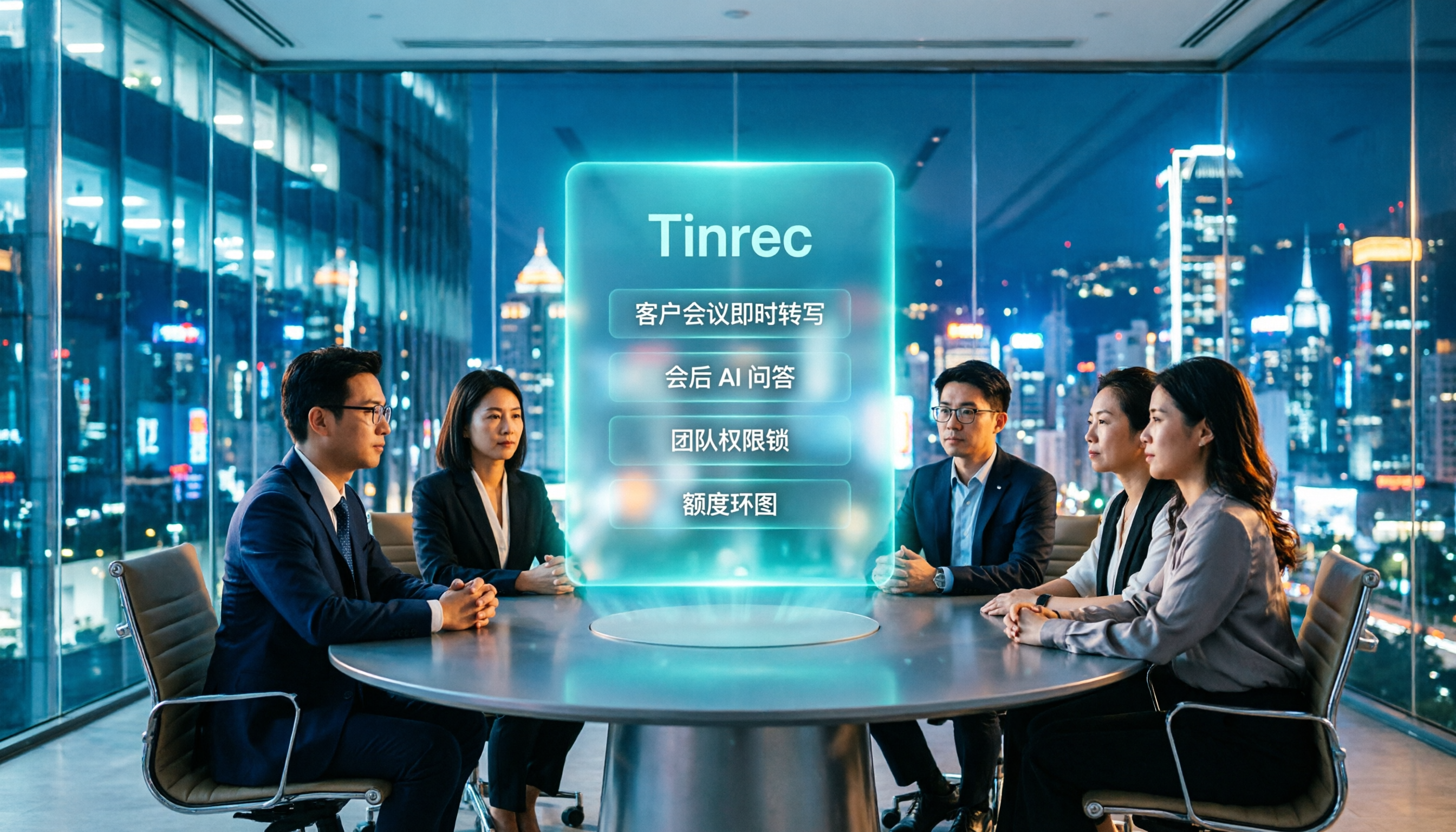
2026 AI Meeting Tools for Client Calls Compared: Tinrec vs Otter.ai vs Notta for Chinese-Language Meetings
How do you choose an AI tool for client meetings? We tested Tinrec, Otter.ai, and Notta across five dimensions—Chinese transcription, bot-free recording, post-meeting AI Q&A, team permissions, and pricing—to help teams find the best fit for recording client meetings.