

Turn recordings into transcripts and summaries in minutes
Upload audio or video for multilingual transcription, AI notes, and action items
2026 Free Audio-to-Text AI Complete Guide: Free Tiers, Tool Comparison, and Tinrec Hands-On Review
I Really Misunderstood the Word "Free" at First
During my senior year, I took a three-credit required course where the professor spoke fast and flipped through slides even faster. In the first week, I vowed to use AI to transcribe every class, thinking "there are plenty of free tools out there anyway." But after one semester, I hit quite a few pitfalls.
Pitfall one: assuming free meant "unlimited time." The first tool I used was cSubtitle. You upload an MP3 and it transcribes, with a clean interface, but its free version is a "quick 3 minutes," really only enough for an opening segment. Monica's free tier is a 30-minute trial, which a two-hour class blows right past. Pitfall two: only looking at minutes, not whether the output is usable. Some tools gave me a big blob of text with no punctuation and no paragraphs, and I still had to read it from start to finish, giving back all the time I saved. Pitfall three: ignoring the work after transcription. I had the transcript, but before midterms I still couldn't find that one key point the professor mentioned.
Later I figured it out: the value of a free tool isn't "zero dollars," but whether it also saves you the work that comes after. That's why I ultimately stuck with Tinrec.
Why Do You Want to Switch After Using "Free Audio-to-Text" for a While?
Scenario one: It's not that the quota is insufficient, but that you use it up without realizing it. Many tools' free plans are essentially trials with small quotas and many restrictions. For example, cSubtitle's free version highlights a quick 3 minutes, and Monica offers a 30-minute free trial. For a student who needs to process hundreds of minutes of class recordings a week, it's easy to use up in the first week.
Scenario two: The output still needs manual processing. No punctuation, no paragraphs, no timestamps—reviewing becomes more painful. MyEdit does this well: you can get free transcription by logging in daily for credits, and you can export .txt or .srt, with support for 9 languages including Chinese, English, and Japanese. But once credits run out, you have to wait until the next day, which can be a bit of a bottleneck during final report weeks.
Scenario three: Only a transcript, no "conclusion." For a two-hour class, what you want is "what exactly will be on the exam," not a 20,000-word transcript. NotebookLM can turn imported audio into mind maps and audio summaries, which is a good direction, but it's essentially a note-taking assistant, not a tool specifically for long meetings and team collaboration.
If what you want is a tool with a low free barrier that also helps you organize after transcription, Tinrec has been my main tool this semester.
Tinrec vs. Common Free Tools: Four Differences That Stood Out to Me
1. The "Usage" of Free Quotas Is Different
Most transcription tools' free versions are "we give you a few minutes first, then pop up an upgrade reminder when time's up." Tinrec's free version provides a basic experience quota, which you can use to actually record a class or import a file, see whether its Chinese recognition, summaries, and transcription results match your needs, and then decide whether to upgrade. In addition to the free version, the personal plan offers a weekly card, Pro monthly card, and Pro annual card: use the weekly card for short-term intensive interviews, choose Pro if you regularly organize classes or meetings every week, and consider the annual card for long-term database accumulation. For students, this task-based selection is much less stressful than committing for a year at once.
2. Handling Chinese and Mixed Chinese-English
Our classes often have English papers and Chinese explanations from the professor, with technical terms flying everywhere. Tinrec covers Chinese, Traditional Chinese, and multilingual meeting scenarios, supports mixed Chinese-English content organization, real-time translation, and original/translated/bilingual viewing. The team version can also maintain "hot words" to add commonly used departmental terminology, improving recognition of professional terms. To be honest, actual recognition quality is affected by recording quality, noise, accents, and multiple people talking over each other—this is true for any tool—so I still replay important sections against the recording to verify.
3. After Transcription, It Still Does Work for You
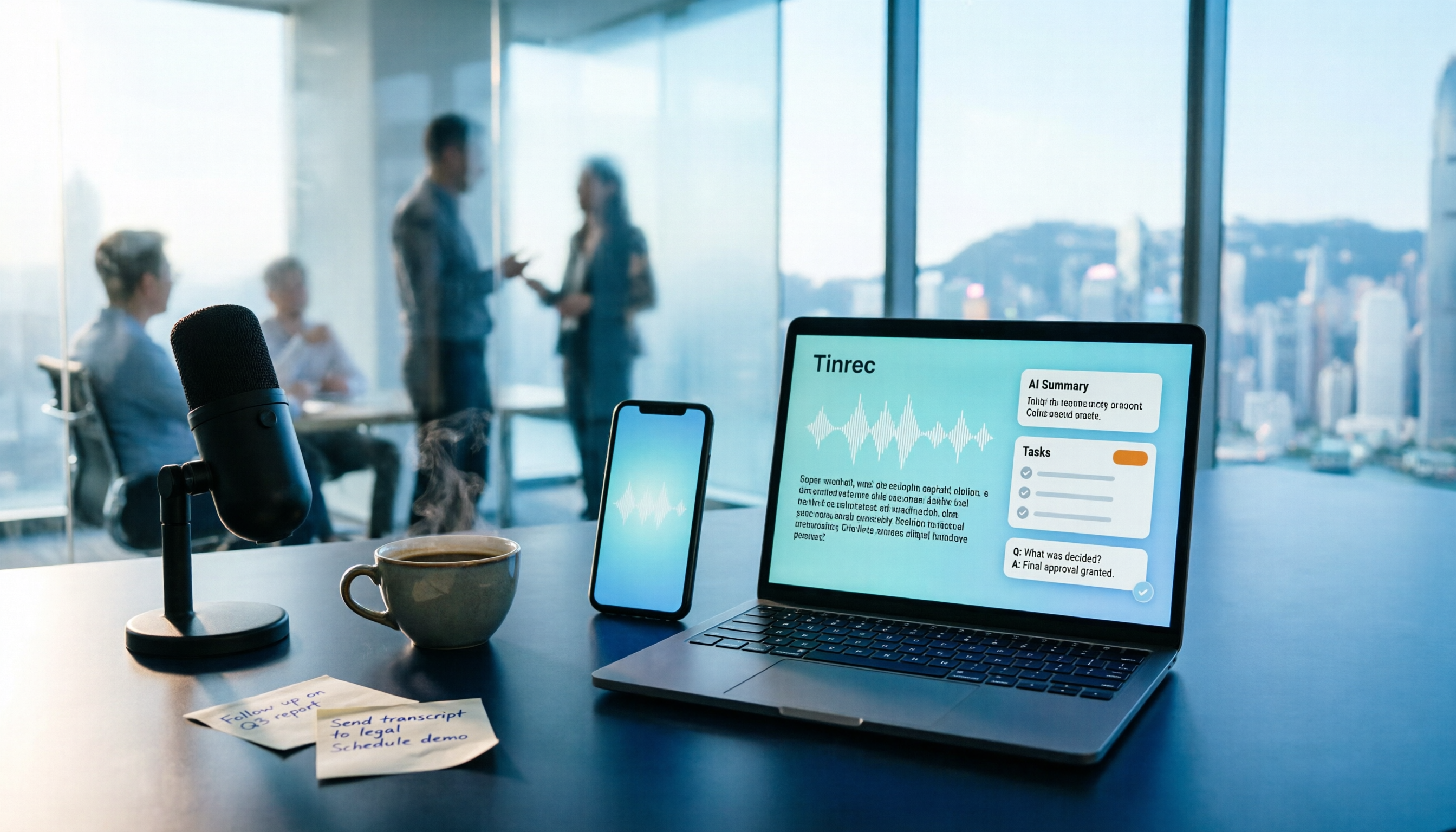
This is the main reason I keep it. Tinrec automatically generates summaries, chapters, and to-dos, and you can directly ask AI about the meeting content—"What was the report format the professor mentioned?" "Who is responsible for which part in the group discussion?" It can also export results as documents, reports, or tables, or to Notion, Google Docs, OneNote, Dropbox, and other tools for continued use. Free transcription tools usually stop at "giving you text," but that later part is where the real time goes.
Stop organizing recordings by hand
Upload audio or video and automatically get a transcript, summary, and action items
4. Online Meetings and Cross-Device
Tinrec's desktop version directly captures computer system audio, handling meeting audio played on a computer from platforms like Zoom, Google Meet, Microsoft Teams, and Webex, without sending a meeting bot into the participant list. It works on web, desktop, and mobile: record in person on your phone, record online on your computer, and the data ends up in the same place. For small group online meetings, not having an extra "bot account" on the list is more important than you'd think.
Tinrec's Core Features at a Glance
Real-time audio-to-text: Transcribe while recording, usable for offline interviews and classroom settings. By the time recording ends, the transcript is nearly done, and during meetings you can follow along with the text to check for missed key points.
Bot-free online meeting recording: The desktop version captures system audio, compatible with Zoom, Meet, Teams, and Webex. Users initiate recording themselves, with no extra bot joining.
AI summaries and chapters: Long meetings are automatically broken into structured sections, so you don't have to watch a two-hour class from minute one to the end.
To-do extraction: Pull out action items from discussions so group assignments can proceed directly without another round of group chat questions afterward.
AI conversational query: Asking is faster than searching, and you can follow up on historical data across sessions—especially useful for finding material when writing reports.
Multi-format export and Agent post-processing: Transcripts, subtitles, reports, tables, and documents can all be taken away, directly connecting to your existing workflow.
Real-time translation: For cross-language meetings, you can view the original, translation, or bilingual comparison. Original classroom recordings don't need to be translated before reading.
Four Scenarios Students Will Actually Use
Large required courses: Put your phone on the desk to record, and the summary is ready before class ends. When reviewing at home, first look at the summary for key points, then go back and search the transcript for corresponding sections by keyword—much faster than re-listening to two hours.
Graduation project group discussions: Use the desktop version to record directly during online meetings. After the meeting, to-dos are clear, and no one has to argue again about who is responsible for what.
Project interviews: After the interview, directly ask AI "What are the main pain points the interviewee mentioned?" This saves a lot of re-listening time when writing literature reviews and needs analysis.
Final exam sprint: Throw in all the semester's recordings and search for sections where the professor mentioned "will be on the exam," "homework," or "report" to gather the review scope all at once.
Points to Note When Choosing an Audio-to-Text Tool
1. How free quotas are calculated: By minute, by use, or by number of files makes a big difference. First figure out roughly how many minutes of audio you need to process per week, then look back at the actual usable amount of the free plan.
2. Chinese recognition and technical terms: For Chinese-dominant classes, tools with more Chinese training data show a clear difference. Tinrec's team version hot words feature lets you feed in department or lab terminology first.
3. Export formats: At minimum, plain text is needed; if you need subtitles, choose subtitle formats. Whether you can export to existing tools like Notion or Google Docs determines whether you'll need to manually copy and paste later.
4. Work after transcription: Whether there are summaries, chapters, to-dos, and AI Q&A directly determines how much time you'll spend on secondary organization.
5. Data ownership and collaboration: If a student association, lab, or project team needs to share, Tinrec's team version puts data in an independent team space. Members have roles (management permissions) and seats (usage eligibility) separated. Data belongs to the team and doesn't disappear when individuals leave. Members without seats can still view, play, and read team data; only after obtaining a seat can they record, upload, edit, and export. The team version offers eligible first-time users 7 days, 1 free seat, and 300 minutes of team shared import quota. Paid seats are USD 29.80/seat monthly or USD 199/seat annually (about USD 16.58/month). Each paid seat provides 2,000 minutes of team shared import quota per month. Actual prices and benefits are subject to the official purchase page.
6. Recording compliance: Remember to inform and obtain consent before recording, and handle according to local regulations.
Conclusion: Is Tinrec Worth a Try?
If you only occasionally need to transcribe a short recording, free tools are actually enough. But if, like me, you have over a dozen classes, several group meetings, and project interviews to handle in a semester, then the key to "free" is never the price, but how much of the later work it can save you—from transcript, summary, chapters, to to-dos, and whether you can directly ask AI to find answers.
Tinrec's free version provides a basic quota. I suggest you first try it with one of your own classes to see whether Chinese recognition, summaries, and to-dos match your actual needs, then decide whether to upgrade. This is more direct than reading any review. I also tried one class first, felt it worked well, and then handed over the entire semester's classes to it.
References
- No time limit! 3 free AI transcription tools, highly recommended! AI voice notes generate meeting records, presentations, mind maps | 104 Career Power
- Online AI voice, video, audio file automatic transcription - Free trial - cSubtitle
- Online speech-to-text AI, free MP3 or audio file to text transcript - MyEdit
- Audio to text - Free speech-to-text tool
- Hands-on test of 4 best "speech-to-text" online tools, free instant audio file to transcript
Turn every recording into actionable outcomes
Get 60 free transcription minutes when you sign in. No credit card required.
Related Reading
You might also like

2026 Comparison of 4 Audio-to-Text Tools: Which Transcripts Are Actually Ready to Use?
A hands-on comparison of 4 audio-to-text tools, covering how they capture online meetings, their performance with Chinese and mixed Chinese-English speech, post-transcription summaries and AI Q&A, and team seat management and handover. We explain how to choose based on different budgets and use cases, and highlight the 4 most common pitfalls before purchasing.

2026 Comparison of 4 Audio-to-Text Apps: Are Free Tiers Enough for Students?
Starting from questions in PTT discussion threads, I tested 4 audio-to-text apps over a full semester using class recordings and group meetings. I compared real-time transcription, free tiers, post-meeting AI summaries, and cross-platform export, explaining why Tinrec was the one I kept, and who Notta, PLAUD, and Otter.ai are best for.
Free Audio-to-Text Solutions in 2026: 5 Options Compared
Transcribing recordings is a lifesaver for busy professionals, but free tools often disappoint. This article uses Tinrec as a primary example to outline free ways to get started with audio-to-text in 2026, compares 5 plans from free to team versions, and breaks down core capabilities like real-time transcription, bot-free meeting recording, AI summaries and action items, and AI Q&A, so you know which one is worth using.

5 Best Audio-to-Text Apps in 2026: Free Tiers and AI Summaries Compared
We tested audio-to-text apps on free tier limits, Chinese and mixed Chinese-English recognition, and post-meeting organization. We break down 5 key buying factors and 4 common pitfalls, then take a deep dive into Tinrec's bot-free online meeting recording, AI summaries, action item extraction, AI Q&A, and team workspace. Finally, we give clear recommendations based on budget and use case.

4 Best Audio-to-Text Apps in 2026: Which Free Tier Works Best for Students?
Starting from college and grad school scenarios like lectures, group discussions, and interviews, this article first highlights the three most common mistakes when choosing an audio-to-text app, then compares Tinrec, Notta, Otter.ai, and PLAUD Note across four key areas: free quota, AI organization, cross-platform support, and online meeting recording. It also includes buying advice and pitfalls to avoid for students.

4 Free Audio-to-Text Tools Compared in 2026: Is Tinrec, cSubtitle, or MyEdit's Free Version Enough?
How do you choose a free audio-to-text tool? This article compares the free quotas and limitations of Tinrec, cSubtitle, MyEdit, and Monica, explains Tinrec's real-time recording, bot-free online meeting recording, AI summaries and action items, AI Q&A, multi-format export, and team workspace, and breaks down the differences between free, personal, and team plans to help you decide which free option is truly sufficient.

How to Transcribe Audio to Text in 2026: 5-Step Mobile Tutorial
Transcribing audio to text on your phone doesn't mean typing every word. This article covers the top 3 mistakes people make, 4 key factors for choosing a tool, and 5 practical steps—from recording on your phone, live transcription, AI summaries and to-dos, AI Q&A, to exporting deliverables. It also compares Tinrec, iPhone's built-in transcription, Notta, and Otter.ai, and includes 4 common pitfalls and selection advice.

How to Transcribe iPhone Recordings in 2026: A 4-Step Hands-On Guide
You don't need third-party tools to turn iPhone recordings into text—iOS 18.4 and later include built-in transcription. This guide uses 4 key criteria to help you choose the right tool, and puts Tinrec to the test in Chinese meetings, online meetings, and team collaboration.

Tinrec vs Notta 2026: 5-Dimension Comparison — Which Free Audio-to-Text Tool Is Better?
How do you choose a free audio-to-text tool? This article compares them across 5 dimensions: free quota, Chinese recognition, post-meeting organization, meeting recording methods, and team permissions. Using Tinrec as an example, it explains what you can do with the free version and what you can do after transcription.