

Turn recordings into transcripts and summaries in minutes
Upload audio or video for multilingual transcription, AI notes, and action items
Most People Take the Wrong First Step When Looking for an Audio-to-Transcript App
When most people search for an "audio-to-transcript app," their first move is to look at who has the biggest ads or who ranks first, then download it.
After recording a meeting, they realize: the transcript is there, but you still have to read it from start to finish. The real time-consuming work of organizing hasn't been saved at all.
Another common situation is treating the tool as a "voice recorder replacement" for convenience, then letting it sit. Two weeks later, when you need to find out "who said they'd handle this item," you're scrolling page by page.
The problem usually isn't that the tool isn't powerful enough—it's that you didn't think clearly at the start: do you want "turn voice into text" or "turn meetings into usable data"?
These two things are very different.
Before Choosing, Understand These 4 Key Points
1. Accuracy Depends on Test Conditions, Not Marketing Numbers
Almost every company says they're accurate. But what really separates them is real-world environments: "air conditioning noise in the conference room, people talking over each other, mixed Chinese and English."
We recommend testing with your own recording—it's more reliable than any spec sheet.
2. Can You Keep Using It After Transcription?
A tool that only gives you a transcript is just handing the work right back to you. Whether it has summaries, chapters, action item extraction, and whether you can ask questions about the content—that's the key to saving time.
3. How Online Meetings Are Recorded
One way is to send a "meeting bot" to join as a participant; the other is to capture system audio directly from your computer, without an extra account appearing on the list. The latter is usually less disruptive for external client meetings.
4. Where Data Lives and Whether Teams Can Share It
For personal use, it's not a big issue. But as soon as colleagues need to view meeting records together, you have to ask: who owns the data, can you still find it after a member leaves, and is there permission and usage management?
Tinrec — Our Top Recommendation After Testing
Tinrec is an AI meeting notes and collaboration tool for individuals and teams, supporting iOS, Android, and web, with a desktop version for handling online meetings on your computer.
Its biggest difference from ordinary transcription tools is that it handles the entire meeting workflow.
During meetings, you can record online meetings directly with the desktop version. Tinrec captures computer system audio to handle meetings on Zoom, Google Meet, Microsoft Teams, Webex, and other platforms—no need to invite a meeting bot, so no unfamiliar account appears on the list during external presentations or client meetings.
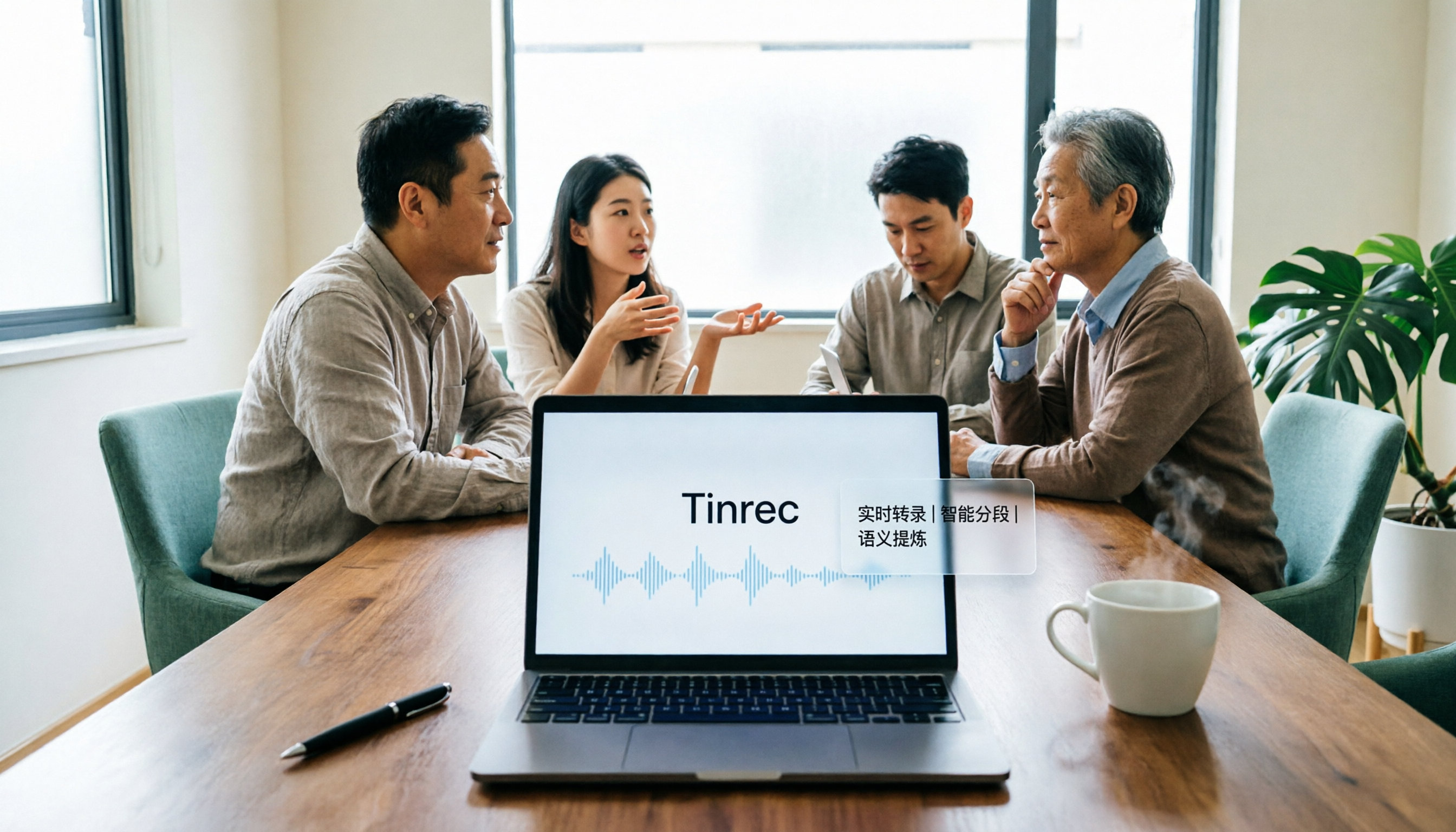
While the meeting is happening, the transcript is generated in real time. For cross-language meetings, you can view the original, translation, or bilingual content as it records.
After the meeting is where it really stands out. The system automatically generates summaries and chapters, breaking a one-hour discussion into browsable sections, and extracts action items from the conversation—who's responsible for what, at a glance.
Even better is AI Q&A. You can ask questions directly about one or multiple past meetings, such as "What constraints were mentioned when we discussed the budget last time?" It responds based on content semantics, rather than dumping keywords for you to search through.
For output, besides common file formats, you can also send results to Notion, Google Docs, OneNote, Dropbox, and other tools for further processing. The built-in Agent post-processing can generate reports, tables, and documents based on meeting content—ideal for direct delivery after meetings.
To be honest about limitations: Tinrec's free version provides a basic quota, suitable for trying the workflow first. If you have a steady volume of meetings every week, consider a paid plan. The company offers weekly cards, Pro monthly, and annual plans—choose based on your usage pace.
Stop organizing recordings by hand
Upload audio or video and automatically get a transcript, summary, and action items
For team use, you need the team version, not multiple people sharing one account. Currently, first-time eligible teams can try 7 days, 1 free seat, and 300 minutes of shared team import quota. Paid seats are USD 29.80/seat/month monthly, or USD 199/seat/year annually (about USD 16.58/month). Each paid seat provides 2,000 minutes of shared team import quota per month. Under active seats, real-time recording currently does not deduct minutes.
The team version also includes team spaces, member and seat management, usage analytics, audit logs, and an audio recycle bin. Meeting data belongs to the team; when a member leaves, resources can be transferred to other members and won't disappear with their personal account.
Simply put, if you have meetings every week, they often involve Chinese or mixed Chinese-English, and you want to ask key points directly after recording, Tinrec is currently the smoothest choice.
Besides Tinrec, What Other Options Are There?
Good Tape: Built by Danish news organization Zetland using OpenAI Whisper technology, it supports over 40 languages, can output with time codes, convert to .srt subtitle files, and export to PDF, Word, and Excel. Transfers are encrypted, data stays within the EU, and files are kept for 3 days without registration. It was designed from the start for journalists and researchers, with fine control over transcript formatting details. However, it mainly stops at "turning recordings into usable text." Post-recording AI Q&A, action item extraction, and team data retention are areas where Tinrec focuses more.
Yating: A veteran local tool from Taiwan, billed by recording duration, and a choice many used early on for Chinese transcripts. If you only occasionally convert a Chinese recording to text, it's worth evaluating; but it lacks Tinrec's desktop version approach of capturing system audio directly without a bot for online meetings, and it doesn't have AI Q&A around meeting content.
Otter.ai: A mature choice for English meetings, with a free version offering 300 minutes per month. If almost all your recordings are English meetings, Otter.ai is a reasonable option; but for Chinese meetings, mixed Chinese-English, or turning meeting data into shared team assets, Tinrec offers better completeness.
Pitfall Guide: The 3 Most Common Mistakes When Choosing a Transcription Tool
Pitfall 1: Only looking at official claimed accuracy. Numbers from a quiet recording studio are completely different from a conference room with echo and people talking over each other. Instead of comparing marketing, test with a recording of your own meeting—you'll see the difference in ten minutes.
Pitfall 2: Ignoring whether the recording itself is kept. Some tools only give you the transcript and don't keep the audio. If a sentence in the transcript looks odd, you have no way to verify it. Tinrec keeps the recording, and the transcript can be matched back to timestamps—especially important when organizing quotes or confirming commitments.
Pitfall 3: Treating the transcript as the end goal. Using the tool only as "audio to text" means you're only using a third of its capability. After recording, directly asking it "What was the conclusion of this meeting?" or "What are the action items?" is much faster than manually scrolling through a 30-minute transcript.
Pitfall 4: Team sharing one account. It looks like saving money short-term, but in reality data ownership is messy and things break when a member leaves. The point of a team version isn't "multiple people using it together," but managing roles, seats, usage, and data handover.
Conclusion: Which One Should You Choose?
It depends on where your main needs lie:
- Chinese meetings, mixed Chinese-English, need both transcript and summaries/action items → Tinrec
- Online meetings where you don't want a bot joining the list → Tinrec desktop version
- Want to ask AI directly for key points after recording, without manually scrolling → Tinrec
- Need to turn meeting data into shared team assets and handover → Tinrec team version
- Pure English meetings, limited budget → Otter.ai
- Mainly organizing interview transcripts and subtitle files → Good Tape
We suggest starting with Tinrec's free version, recording a real meeting, and seeing the quality of summaries and action items. If it works for you, consider upgrading—no need to pay from the start.
References
- Good Tape: Audio-to-Transcript Software Recommendation! The Tool That Best Understands Journalists' Needs | Comprehensive AI Tool Introduction - Future Commerce
- Yating, Good Tape, Vocol.ai Tested: This AI Transcription Software Has the Best Value! | BusinessNext
- Good Tape - App Store - Apple
- Good Tape - Google Play App
- Overtaking Yating, Journalists Cry Tears of Joy—What Makes Good Tape So Amazing? | CommonWealth Magazine
Turn every recording into actionable outcomes
Get 60 free transcription minutes when you sign in. No credit card required.
Related Reading
You might also like

2026 AI Meeting Notes Showdown: Tinrec vs Granola on Context Understanding and Post-Meeting Workflows
Nobody wants to re-listen to a meeting recording—that's the biggest pain point of AI meeting tools. This article focuses on context understanding and compares Tinrec and Granola across five dimensions: audio retention, input sources, Chinese language and translation, post-meeting outputs, and team governance, helping you decide which tool better fits your meeting scenarios.

Tinrec vs Microsoft Word Copilot (2026): 5-Dimension Comparison for AI Meeting Minutes in Word
Discover how Tinrec and Microsoft Word Copilot compare in generating AI meeting minutes for Word across 5 key dimensions: audio capture, Chinese transcription, post-meeting organization, Word delivery, and team collaboration. Find the most time-saving workflow for your meetings.

2026 AI Agent Meeting Tools Compared: Which Is Fastest for Chinese Meeting Notes and Action Items?
We tested four AI Agent meeting tools—Tinrec, Otter.ai, Notta, and Granola—comparing bot-free recording, Chinese transcription, post-meeting summaries and action items, AI Q&A, and team knowledge retention to help you choose the most time-saving solution for meeting notes.

2026 AI Meeting Productivity Tools: Bot-Free Recording + Auto Summaries & Action Items
Many people treat AI meeting tools as simple transcript generators, but what really impacts efficiency is post-meeting organization and follow-up. This article uses Tinrec to demonstrate how to go from bot-free recording, real-time transcription, AI summaries, and action item extraction to team workspace retention, and also covers purchasing checkpoints and FAQs.
2026 AI Meeting Assistant Comparison: Tinrec vs. Granola — Which Is Better for Chinese-Speaking Teams?
Starting from the most common misconception about AI meeting assistants, this comparison tests Tinrec and Granola across five dimensions: Chinese-language meeting experience, audio retention, post-meeting outputs, team governance, and cross-device use—helping you decide which workflow truly fits your team.

2026 Comparison of 4 Meeting Productivity Agents: Which One Actually Saves Post-Meeting Time?
The real work starts after the meeting ends. This article uses the same Chinese meeting recording to test the post-meeting workflows of Tinrec, Otter.ai, Fireflies.ai, and Notta—covering bot-free recording, summary and action items, AI Q&A, and team knowledge retention—to help you decide which meeting productivity agent truly saves time.

2026 AI Meeting Notes Tools Compared: Tinrec vs Otter.ai vs Notta vs Granola — Which Turns Meetings into Usable Data?
Stop taking notes yourself: a hands-on comparison of Tinrec, Otter.ai, Notta, and Granola covering transcripts, summaries, action items, and AI Q&A, plus buying criteria, team seat and pricing details, and pitfalls to avoid.

4 AI Agents That Generate Excel Files Tested: Which One Actually Produces a Usable .xlsx?
After a meeting, turning notes into an Excel file often means replaying the entire recording. This article starts from "where does the data come from" and compares four approaches: Tinrec, Excel's built-in Agent mode, Gemini Notebook Agent, and Aspose.Cells AI Generator. It also covers 5 key selection criteria, 4 common mistakes, and practical recommendations.

2026 Free AI Agent PPT Generation Options: 5 Tools Compared
AI Agent PPT generation tools are proliferating, but the real question is where the content comes from. This article reviews five available options in 2026, including Microsoft Copilot, MiniMax Agent, ChatPPT, and two self-hostable open-source projects. It also explains how to use Tinrec to turn meeting recordings into usable presentation material, with a pitfalls guide and selection advice.