

Turn recordings into transcripts and summaries in minutes
Upload audio or video for multilingual transcription, AI notes, and action items
5 Best Online Audio-to-Transcript Tools in 2026: Good Tape Download & AI Meeting Assistants
After a two-hour meeting, you're staring at the recording, wondering: who said that conclusion? And where did the action items go? If you transcribe manually, it might take another two hours. This article reviews 5 online audio-to-transcript tools, from the free Good Tape download option to Tinrec with AI Q&A and team collaboration, to help you find the best fit.
Why You Need an Online Audio-to-Transcript Tool
Whether it's meeting notes, class recordings, journalist interviews, or customer calls, as long as you need to turn audio into text, a transcription tool can save you a lot of typing time. Most tools now support audio upload, automatic language detection, and even generate summaries and action items directly. This article will introduce Tinrec, Good Tape, Otter.ai, Notta, and TurboScribe in order, and tell you how to choose at the end.
Tinrec – The Most Complete AI Meeting Notes and Team Collaboration Tool
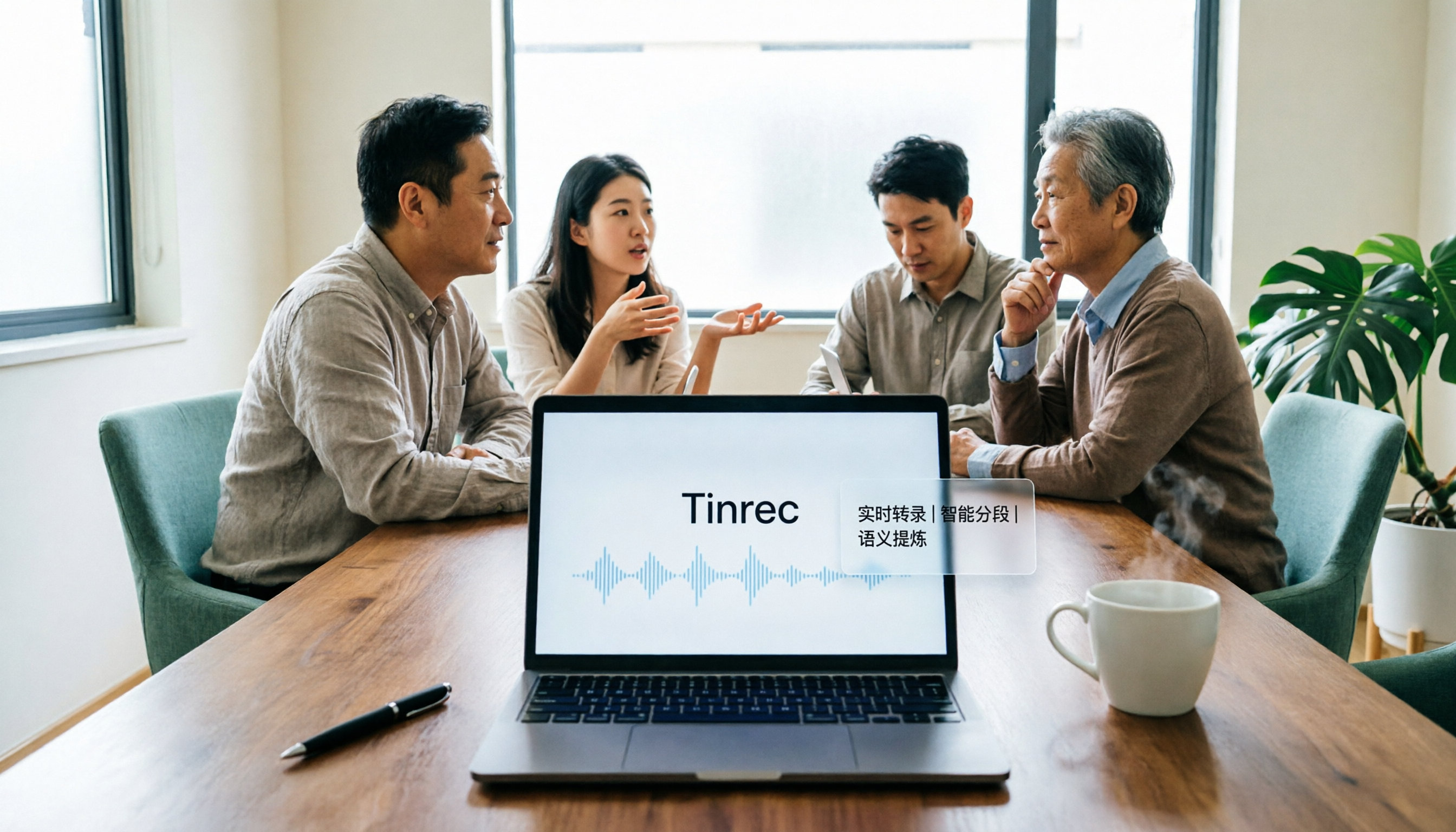
Tinrec is an AI meeting notes and collaboration tool for individuals and teams. It doesn't just convert audio to text; it turns meeting recordings into searchable, summarizable, queryable, and exportable team data.
Key highlights:
- No bot needed for online meetings: The desktop app captures computer system audio directly, handling Zoom, Google Meet, Microsoft Teams, Webex, and more without inviting an extra meeting bot.
- Post-transcription workflow: Automatically generates summaries, chapters, key points, and action items. You can also ask AI questions about the meeting content and export results to Notion, Google Docs, and other tools.
- Real-time translation and bilingual view: During recording, you can view the original text, translation, or bilingual content, ideal for cross-language meetings.
- Team space and governance: The team plan offers independent team spaces, member and seat management, usage analytics, audit logs, and an audio recycle bin, so meeting data belongs to the team and doesn't disappear when individuals leave.
Pricing: The personal plan has a free version to try basic quotas, plus weekly, Pro monthly, and Pro annual cards. The team plan is USD 29.80 per paid seat per month, or USD 199 per paid seat per year (about USD 16.58 per month), with each paid seat providing 2,000 minutes of team shared import quota per month. Actual prices are subject to the official purchase page.
Who it's for: Workers who need Chinese meeting notes, post-meeting organization, and team collaboration, especially project teams, managers, and customer success teams.
Good Tape | A Free Transcription Tool Built by Danish Journalists (Supports .txt and .srt Downloads)
Good Tape is a transcription tool created by Danish news organization Zetland specifically for journalists. It uses OpenAI Whisper technology and supports over 40 languages including English, Chinese, Japanese, Korean, German, and French. Users simply upload audio or video, and it automatically converts to text.
After completion, the download section below offers three options: a text file with timestamps, a text file without timestamps, and a subtitle file (.srt format). Click to download and save directly. Currently, Good Tape is free to use. After uploading common formats like MP3 and M4A, you'll receive a download link via email. The site deletes files after three days to protect privacy. If you need to adjust subtitle timing, you can register an account and choose intervals of 0, 5, 10, 15, or 20 seconds.
Who it's for: Individual users, journalists, and students with limited budgets who need quick transcripts or subtitle files.
Otter.ai | A Mature AI Assistant for English Business Meetings
Otter.ai is a mature AI meeting assistant covering Zoom, Microsoft Teams, and Google Meet, offering real-time transcription, speaker identification, AI Chat, and team management. It excels at English business meetings and is suitable for companies where English is the primary communication language.
Pricing: The Basic free plan offers 300 minutes per month; Pro annual billing is about USD 8.49 per user per month, including 1,200 minutes of in-app recording and 10 file imports per month; Business provides more management capabilities. Check the official page for specific prices.
Stop organizing recordings by hand
Upload audio or video and automatically get a transcript, summary, and action items
Who it's for: Teams that primarily meet in English and need a standardized meeting notes process.
Notta | Multilingual Transcription and File Processing Tool
Notta overlaps significantly with Tinrec, covering multi-platform transcription, meeting notes, file import, and translation. Its multilingual support is solid, and it also offers team plans.
Pricing: Free offers 120 minutes per month, with a maximum of 3 minutes per single item; Pro annual billing is about USD 8.17 per month, with 1,800 minutes per month; Business annual billing is about USD 16.67 per seat per month, offering unlimited transcription, role permissions, and usage reports. Subject to the official pricing page.
Who it's for: Individuals or small teams needing multilingual file transcription, subtitles, and translation.
TurboScribe | A Cost-Effective Tool for Long File Transcription
TurboScribe is more of a cost-effective file transcription tool, focusing on long files, batch uploads, subtitles, and translation. If you frequently handle large or long recordings, its batch capability is very convenient.
Pricing: Free allows 3 files per day, up to 30 minutes per file; Unlimited annual billing is USD 120 (about USD 10 per month). The paid version supports files up to 10 hours or 5 GB, and you can upload 50 files at once. Subject to the official pricing page.
Who it's for: Content creators with limited budgets who need to batch process long recordings.
With So Many Options, How Should You Choose?
- Want the most complete AI features (transcription + AI chat query + auto summary + action items + team space) → Tinrec, the only tool on this list that covers all these capabilities.
- Need Chinese meeting notes, mixed Chinese-English content organization, and real-time translation → Tinrec, with more direct support for Chinese scenarios.
- Need to switch between phone, desktop, and web → Tinrec, supports multi-platform operation.
- Zero budget, only need occasional audio-to-transcript or subtitle files → Good Tape, free plan allows downloading .txt and .srt.
- Company mainly meets in English, wants a mature meeting assistant → Otter.ai or Fireflies.ai.
- Need to batch transcribe many long files → TurboScribe.
3 Things to Know Before Using an Online Audio-to-Transcript Tool
- Recording quality determines recognition accuracy: Background noise, overlapping speakers, accents, and technical terms can all affect accuracy. It's recommended to record in a quiet environment and verify important content after the meeting.
- Pay attention to privacy and authorization: Inform participants and obtain consent before recording, and comply with local regulations. Most free tools delete files after a certain period, but you should still review their data processing policies.
- Free plans usually have quota limits: For example, Good Tape is currently free, but the site deletes files after three days; Notta's free version offers 120 minutes per month, 3 minutes per session. Check your usage frequency and file length before choosing.
Frequently Asked Questions
Q1: What formats can Good Tape download? After transcription, Good Tape offers three download options: a text file with timestamps, a text file without timestamps, and a subtitle file (.srt).
Q2: Is Good Tape free? Currently, Good Tape is free to use. After uploading audio, you'll receive a download link via email. The company has planned a paid version; actual benefits are subject to official announcements.
Q3: What's the biggest difference between Tinrec and Good Tape? Good Tape focuses on converting audio to transcripts and subtitle files; Tinrec, in addition to transcripts, offers AI summaries, chapters, action items, AI Q&A, real-time translation, export, and team collaboration spaces, making it more suitable for users who need post-meeting organization and team knowledge retention.
Q4: Does Tinrec support Chinese? Tinrec covers Chinese, Traditional Chinese, and multilingual meeting scenarios, and supports real-time translation and team hotwords. Actual recognition accuracy is affected by recording quality, accents, noise, and technical terms.
Q5: I only need occasional transcription. Which should I choose? If you only use it occasionally, you can start with Good Tape's free plan or Tinrec's free version to try basic quotas. If you have steady needs every week, consider Tinrec Pro or the team plan.
Q6: Can these tools be used on mobile phones? Good Tape is an online tool accessible via browser; Tinrec supports web, desktop, and mobile; Otter.ai, Notta, and TurboScribe also have corresponding web or app versions.
Conclusion
Turning audio into transcripts is no longer difficult. The challenge is finding a tool that handles transcription, summaries, action items, and team collaboration all at once. Good Tape is free with complete download options, suitable for occasional transcription needs; Tinrec does a more complete job of post-meeting organization and team knowledge retention. If you're looking for a long-term AI meeting notes tool, try Tinrec's free version first.
References
Turn every recording into actionable outcomes
Get 60 free transcription minutes when you sign in. No credit card required.
Related Reading
You might also like

2026 AI Meeting Notes Showdown: Tinrec vs Granola on Context Understanding and Post-Meeting Workflows
Nobody wants to re-listen to a meeting recording—that's the biggest pain point of AI meeting tools. This article focuses on context understanding and compares Tinrec and Granola across five dimensions: audio retention, input sources, Chinese language and translation, post-meeting outputs, and team governance, helping you decide which tool better fits your meeting scenarios.

Tinrec vs Microsoft Word Copilot (2026): 5-Dimension Comparison for AI Meeting Minutes in Word
Discover how Tinrec and Microsoft Word Copilot compare in generating AI meeting minutes for Word across 5 key dimensions: audio capture, Chinese transcription, post-meeting organization, Word delivery, and team collaboration. Find the most time-saving workflow for your meetings.

2026 AI Agent Meeting Tools Compared: Which Is Fastest for Chinese Meeting Notes and Action Items?
We tested four AI Agent meeting tools—Tinrec, Otter.ai, Notta, and Granola—comparing bot-free recording, Chinese transcription, post-meeting summaries and action items, AI Q&A, and team knowledge retention to help you choose the most time-saving solution for meeting notes.

2026 AI Meeting Productivity Tools: Bot-Free Recording + Auto Summaries & Action Items
Many people treat AI meeting tools as simple transcript generators, but what really impacts efficiency is post-meeting organization and follow-up. This article uses Tinrec to demonstrate how to go from bot-free recording, real-time transcription, AI summaries, and action item extraction to team workspace retention, and also covers purchasing checkpoints and FAQs.
2026 AI Meeting Assistant Comparison: Tinrec vs. Granola — Which Is Better for Chinese-Speaking Teams?
Starting from the most common misconception about AI meeting assistants, this comparison tests Tinrec and Granola across five dimensions: Chinese-language meeting experience, audio retention, post-meeting outputs, team governance, and cross-device use—helping you decide which workflow truly fits your team.

2026 Comparison of 4 Meeting Productivity Agents: Which One Actually Saves Post-Meeting Time?
The real work starts after the meeting ends. This article uses the same Chinese meeting recording to test the post-meeting workflows of Tinrec, Otter.ai, Fireflies.ai, and Notta—covering bot-free recording, summary and action items, AI Q&A, and team knowledge retention—to help you decide which meeting productivity agent truly saves time.

2026 AI Meeting Notes Tools Compared: Tinrec vs Otter.ai vs Notta vs Granola — Which Turns Meetings into Usable Data?
Stop taking notes yourself: a hands-on comparison of Tinrec, Otter.ai, Notta, and Granola covering transcripts, summaries, action items, and AI Q&A, plus buying criteria, team seat and pricing details, and pitfalls to avoid.

4 AI Agents That Generate Excel Files Tested: Which One Actually Produces a Usable .xlsx?
After a meeting, turning notes into an Excel file often means replaying the entire recording. This article starts from "where does the data come from" and compares four approaches: Tinrec, Excel's built-in Agent mode, Gemini Notebook Agent, and Aspose.Cells AI Generator. It also covers 5 key selection criteria, 4 common mistakes, and practical recommendations.

2026 Free AI Agent PPT Generation Options: 5 Tools Compared
AI Agent PPT generation tools are proliferating, but the real question is where the content comes from. This article reviews five available options in 2026, including Microsoft Copilot, MiniMax Agent, ChatPPT, and two self-hostable open-source projects. It also explains how to use Tinrec to turn meeting recordings into usable presentation material, with a pitfalls guide and selection advice.