

Turn recordings into transcripts and summaries in minutes
Upload audio or video for multilingual transcription, AI notes, and action items
2026 Comparison of 2 Audio-to-Text Tools: After Good Tape, Why Tinrec Is More Recommended for Meeting Organization
Many people think that finding a transcription tool is just about uploading an audio file and waiting for the text to appear.
But what really slows down efficiency is usually not the transcription speed.
It's the organization, search, and action after transcription.
Good Tape's online version is a familiar choice for many. It can generate transcripts by uploading audio, supports multiple languages, and is especially friendly for journalist interviews.
However, if you're dealing with weekly online meetings, cross-department discussions, or need to turn meeting content into team knowledge, you may find that just getting a transcript means the work is only half done.
That's why I later turned my attention to Tinrec.
Why are people starting to look for Good Tape alternatives?
Good Tape's common use case is uploading interviews or audio files already recorded on your phone or computer and letting it automatically convert them to text.
It's simple to use and emphasizes privacy. Files are kept for three days without registration, which is convenient for those who need a transcript on a temporary basis.
But if you need synchronous recording during meetings, automatic summary and action items after meetings, or even team access to historical meetings, Good Tape's design is more geared toward one-time file transcription.
This isn't to say Good Tape is bad, but rather that the tools have different positioning.
If you have similar needs, Tinrec is worth checking out.
Tinrec vs Good Tape: What's different in the core experience?
1. How online meetings are recorded
Meeting notes are most feared when left for later. If you only start looking for the recording after the meeting ends, many details can no longer be confirmed.
Tinrec's desktop version can directly capture computer system audio, handling online meetings on Zoom, Google Meet, Microsoft Teams, Webex, etc., without inviting a meeting bot to join, and can generate transcripts in real time.
Good Tape, on the other hand, focuses on file upload, suitable for scenarios where you already have a recording.
If you want text to be captured during the meeting, Tinrec's approach is more direct.
2. Organization after transcription
A transcript is just raw material. What really takes time is finding conclusions, key points, and action items from a large block of text.
Tinrec automatically generates summaries, chapters, key points, and action items, and also allows AI Q&A around the meeting content.
Good Tape mainly outputs transcripts and SRT subtitle files.
If you want meeting minutes that can be directly used for reporting or tracking actions, Tinrec can save you a round of reorganization.
3. Team collaboration and knowledge retention
If only one person's computer has the transcript of a meeting, it's troublesome to find it next time.
Tinrec provides team spaces where meeting data is centrally stored, and members can view, play, and read. Admins can manage roles, seats, usage, and audits.
Good Tape is more of a personal transcription tool.
When a team needs to share meeting records, track action items, and hand over data, Tinrec's team capabilities are more complete.
4. Export and further processing
If transcription results can only stay within the tool, it's hard to integrate them into existing workflows.
Tinrec supports exporting results to Notion, Google Docs, OneNote, Dropbox, etc., and can further generate reports, tables, and documents.
Good Tape offers TXT and SRT downloads.
If you want transcripts to directly become data usable by the team, Tinrec's integration is smoother.
5. Chinese meetings and team terminology
Chinese meetings often have mixed Chinese and English, technical terms, and unique company jargon.
Tinrec covers Chinese, Traditional Chinese, and multilingual meeting scenarios, supports mixed Chinese-English content organization, real-time translation, and can maintain common terms through team hotwords.
Good Tape supports multiple languages including Chinese and has a certain level of quality for general Chinese transcription.
If you care about recognizing internal team terminology and bilingual comparison, Tinrec provides corresponding management mechanisms.
Stop organizing recordings by hand
Upload audio or video and automatically get a transcript, summary, and action items
Overview of Tinrec's core features
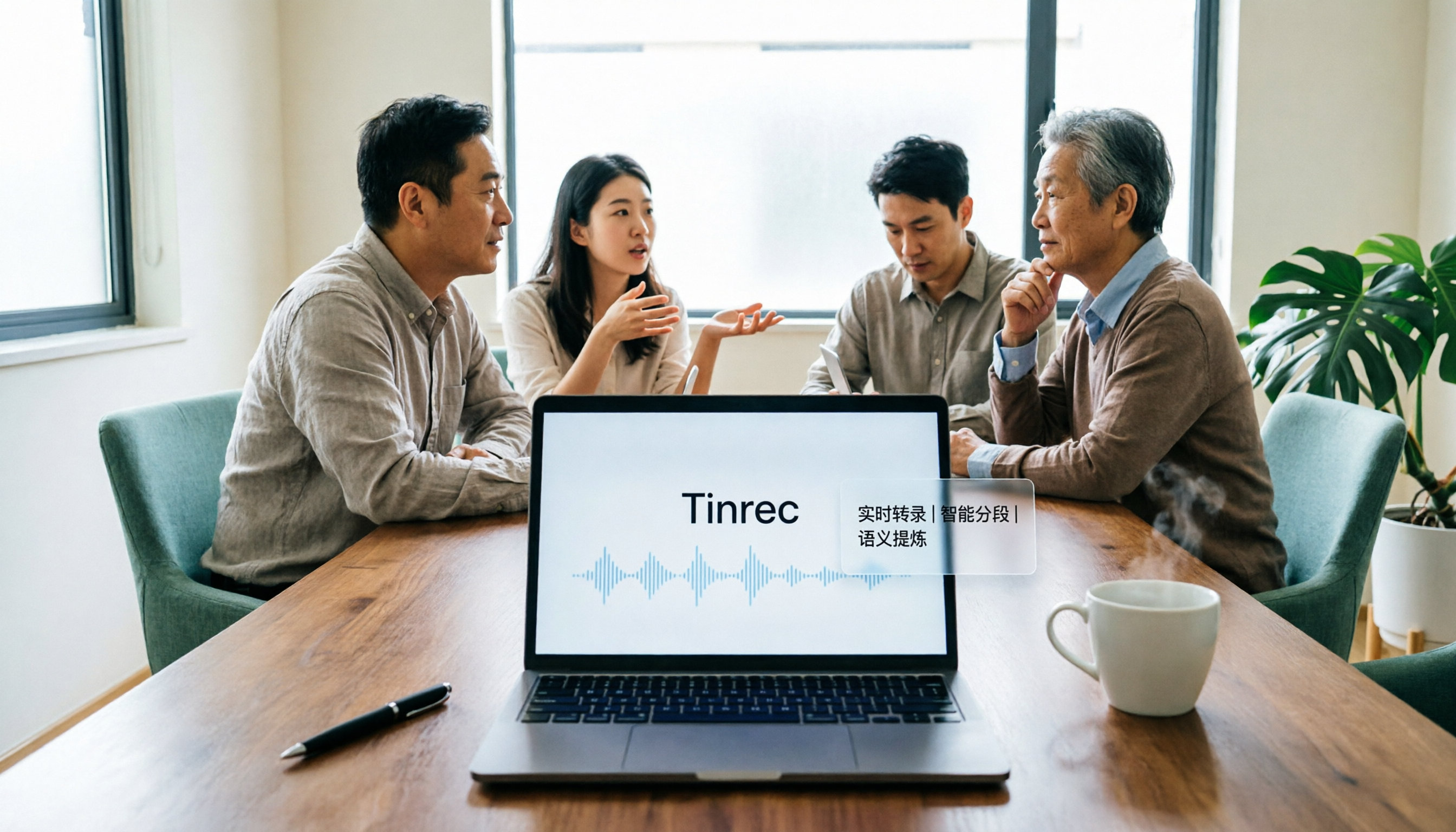
Real-time audio to text Open Tinrec, and text appears as you record. During meetings, you can follow the transcript to confirm no key points are missed, and the transcript is ready as soon as the meeting ends.
Bot-free online meeting recording The desktop version records online meetings by capturing system audio, without needing an extra bot to join. It works the same way for Zoom, Google Meet, Microsoft Teams, Webex, and other platforms.
AI summary, chapters, and action items After a long meeting, Tinrec automatically organizes a summary, chapters, and action items. You can first look at the summary for the big picture, then click into chapters to review details.
AI Q&A This is my most-used feature. After recording a meeting, just ask Tinrec—"What was the conclusion of this meeting?" "Who is responsible for what?"—and it will give you answers based on semantic understanding, without manually flipping through the entire transcript.
Multi-format export and Agent post-processing Tinrec can export meeting results to common formats and third-party tools, and can also generate reports, tables, and documents through Agent, allowing meeting content to continue being processed.
Team space and governance The team version provides independent spaces, centrally storing Audio, Folder, and TODO, and supports members, roles, seats, usage analysis, and audit logs. When members change, team data can be handed over and won't disappear with an individual's departure.
Practical use cases
Weekly stand-ups and decision meetings For regular weekly meetings, the biggest fear is that no one remembers the previous decisions. Use Tinrec's desktop version to record meetings, and summaries and action items are automatically generated afterward. Before the next meeting, simply search the previous meeting data to quickly review action progress.
Customer interviews and requirement discussions Customer interviews contain a lot of requirements, objections, and commitments. Use Tinrec to record and transcribe, then use AI Q&A to ask "What concerns did the customer mention?" "What did we promise?" to organize follow-up actions faster.
Course and lecture learning When attending classes or lectures, record and generate transcripts simultaneously. After class, use AI summaries for quick review, and when you need to cite a certain part, you can search for keywords in the transcript.
Personal inspiration and long-term notes Some ideas come too fast to type—record them with Tinrec first. These recordings are converted into searchable text, accumulating into a personal knowledge base that you can retrieve later when needed.
Points to consider when choosing an audio-to-text tool
Does it support real-time meeting recording If you frequently attend online meetings, whether the tool can generate text synchronously during the meeting directly affects post-meeting organization efficiency. Tinrec's desktop version supports bot-free recording, capturing transcripts right during the meeting.
Does it retain audio files Some tools only keep text and don't save the original audio. Tinrec supports retaining recordings and provides a team recycle bin, so accidentally deleted files can be restored within the retention period.
Post-meeting organization capabilities Whether transcripts can automatically become summaries, chapters, action items, and Q&A is key to saving time. Tinrec builds these organization steps into the workflow, reducing manual copy-pasting.
Team permissions and data ownership When used by a team, pay attention to whether data belongs to individuals or the team. Tinrec's team version meeting data belongs to the team, with usage permissions managed through roles and seats.
Export and integration flexibility Whether the tool can export results to commonly used services like Notion, Google Docs, etc., determines whether it can fit into your existing workflow. Tinrec offers multiple export options in this regard.
Conclusion: Is Tinrec worth a try?
If you're looking for a tool that can handle online meetings, automatically organize summaries and action items, and let teams share meeting data, Tinrec is currently one of the few choices on the market that can satisfy all these needs simultaneously.
It puts recording, transcription, summarization, Q&A, export, and team collaboration into one workflow.
You don't have to upload files first, then manually organize, and finally paste text elsewhere.
Especially for users who need Chinese meeting records, don't want to invite meeting bots, and want to retain team data, Tinrec's design is closer to actual work scenarios.
It's recommended to start with Tinrec's free version and test it with your own meeting recordings.
That's more direct than reading any review.
Quick start: Organize your first meeting with Tinrec
- Create a Tinrec account, choose personal use or create a team space.
- During online meetings, open the desktop version and select to record system audio.
- After the meeting, wait for automatic generation of transcript, summary, and chapters.
- Check action items and confirm owners and follow-up actions.
- Use AI Q&A to ask for meeting details, such as "What was the decision?"
- Export results to Notion, Google Docs, or team space for continuous tracking.
Test step by step, and you'll gradually master the method of turning meetings into team data.
References
Turn every recording into actionable outcomes
Get 60 free transcription minutes when you sign in. No credit card required.
Related Reading
You might also like

2026 AI Meeting Notes Showdown: Tinrec vs Granola on Context Understanding and Post-Meeting Workflows
Nobody wants to re-listen to a meeting recording—that's the biggest pain point of AI meeting tools. This article focuses on context understanding and compares Tinrec and Granola across five dimensions: audio retention, input sources, Chinese language and translation, post-meeting outputs, and team governance, helping you decide which tool better fits your meeting scenarios.

Tinrec vs Microsoft Word Copilot (2026): 5-Dimension Comparison for AI Meeting Minutes in Word
Discover how Tinrec and Microsoft Word Copilot compare in generating AI meeting minutes for Word across 5 key dimensions: audio capture, Chinese transcription, post-meeting organization, Word delivery, and team collaboration. Find the most time-saving workflow for your meetings.

2026 AI Agent Meeting Tools Compared: Which Is Fastest for Chinese Meeting Notes and Action Items?
We tested four AI Agent meeting tools—Tinrec, Otter.ai, Notta, and Granola—comparing bot-free recording, Chinese transcription, post-meeting summaries and action items, AI Q&A, and team knowledge retention to help you choose the most time-saving solution for meeting notes.

2026 AI Meeting Productivity Tools: Bot-Free Recording + Auto Summaries & Action Items
Many people treat AI meeting tools as simple transcript generators, but what really impacts efficiency is post-meeting organization and follow-up. This article uses Tinrec to demonstrate how to go from bot-free recording, real-time transcription, AI summaries, and action item extraction to team workspace retention, and also covers purchasing checkpoints and FAQs.
2026 AI Meeting Assistant Comparison: Tinrec vs. Granola — Which Is Better for Chinese-Speaking Teams?
Starting from the most common misconception about AI meeting assistants, this comparison tests Tinrec and Granola across five dimensions: Chinese-language meeting experience, audio retention, post-meeting outputs, team governance, and cross-device use—helping you decide which workflow truly fits your team.

2026 Comparison of 4 Meeting Productivity Agents: Which One Actually Saves Post-Meeting Time?
The real work starts after the meeting ends. This article uses the same Chinese meeting recording to test the post-meeting workflows of Tinrec, Otter.ai, Fireflies.ai, and Notta—covering bot-free recording, summary and action items, AI Q&A, and team knowledge retention—to help you decide which meeting productivity agent truly saves time.

2026 AI Meeting Notes Tools Compared: Tinrec vs Otter.ai vs Notta vs Granola — Which Turns Meetings into Usable Data?
Stop taking notes yourself: a hands-on comparison of Tinrec, Otter.ai, Notta, and Granola covering transcripts, summaries, action items, and AI Q&A, plus buying criteria, team seat and pricing details, and pitfalls to avoid.

4 AI Agents That Generate Excel Files Tested: Which One Actually Produces a Usable .xlsx?
After a meeting, turning notes into an Excel file often means replaying the entire recording. This article starts from "where does the data come from" and compares four approaches: Tinrec, Excel's built-in Agent mode, Gemini Notebook Agent, and Aspose.Cells AI Generator. It also covers 5 key selection criteria, 4 common mistakes, and practical recommendations.

2026 Free AI Agent PPT Generation Options: 5 Tools Compared
AI Agent PPT generation tools are proliferating, but the real question is where the content comes from. This article reviews five available options in 2026, including Microsoft Copilot, MiniMax Agent, ChatPPT, and two self-hostable open-source projects. It also explains how to use Tinrec to turn meeting recordings into usable presentation material, with a pitfalls guide and selection advice.