

Turn recordings into transcripts and summaries in minutes
Upload audio or video for multilingual transcription, AI notes, and action items
2026 Voice-to-Text App Comparison: Good Tape vs Tinrec for Chinese Meetings
The Real Tiredness Comes After the Meeting, Not During It
Have you ever counted? A 45-minute project meeting ends, and you spend nearly an hour organizing the notes?
First, transfer the recording from your phone to your computer, put on headphones, and listen from the beginning. Every time you hear something important, you pause, rewind, and type. When three people talk over each other, you have to listen three times just to guess who said what. By the time the notes are done, the meeting room has long gone cold, and half the action items are forgotten.
Field interviews are even trickier. A reporter records in a noisy place, only to find back at the office that the background noise is too loud and the whole audio file is unusable, forcing them to reschedule.
These problems aren't because you're "not serious enough"—it's because you chose the wrong tool. Most people treat recording apps as just a way to "save the audio," but they don't handle the most time-consuming part: organizing after recording. This article will discuss how to pick a tool that truly saves time.
Before Choosing a Voice-to-Text App, Understand These 4 Key Points
1. Don't just look at official accuracy numbers. Many tools claim "98% accuracy," but that's usually measured in a quiet studio. Real meeting rooms have air conditioning, keyboard sounds, and multiple people talking over each other, so performance drops noticeably. The practical approach is to test with your own recordings to see how it performs with "your accent, your environment," especially for Chinese meetings.
2. How to record online meetings? For Zoom, Google Meet, Teams, etc., there are three common methods: invite a "meeting bot" to join as a participant, use the platform's built-in recording, or use desktop software to capture system audio directly. The first two often lead to the awkwardness of "everyone knows you're recording when the bot joins." The third doesn't require an extra participant.
3. What else can the tool do after recording? Just turning audio into a transcript is only half the job. What really saves time is automatic summaries, extracting action items, breaking long meetings into chapters, and even letting you ask questions directly about the meeting content (e.g., "Who mentioned the budget in the last meeting?"). The difference here is often bigger than transcription itself.
4. Should data stay in personal accounts or team spaces? If you're meeting for your company, meeting notes are actually team assets. Whether the tool can store notes centrally, let new colleagues search historical meetings, and retain data when a colleague leaves is far more important than getting 100 extra free minutes.
Tinrec – Our Top Recommendation After Testing
Tinrec is an AI meeting notes and collaboration tool for individuals and teams, supporting web, desktop, and mobile, and handling Chinese, Traditional Chinese, and multilingual meetings.
Its biggest difference from ordinary recording apps is that it handles "after the meeting." During online meetings, Tinrec's desktop version captures system audio directly, without inviting any bot to Zoom, Google Meet, Microsoft Teams, or Webex. Participants won't see an extra account, and you don't need a separate phone recording nearby. The transcript is generated in real-time during the meeting, and you can view the original text, translation, or bilingual content simultaneously on screen.
After the meeting is where it truly saves time. The system automatically generates summaries, chapters, and key points, and extracts action items from the discussion—who is responsible for what, what the deadlines are—listed directly as a checklist.
If you want to confirm a detail, you can ask questions directly about the meeting content, such as "What was the conclusion of this meeting?" or "Who is responsible for next week's proposal?" It will give you answers based on semantics, not just a list of keyword search results. This is especially useful for long meetings that last one or two hours.
The recorded data doesn't just sit in a single app. Transcripts, summaries, and reports can be exported to Notion, Google Docs, OneNote, Dropbox, etc., for further editing. Content that needs to be submitted to a supervisor can also be post-processed with Agent to generate reports, tables, or meeting minutes.
Three most practical features we found:
- Bot-free recording for online meetings: The desktop version captures computer audio directly, so no AI account appears in the participant list.
- Ask questions after recording: Not just a transcript, but also follow-up questions and analysis about the meeting content, turning the meeting into a conversational data source.
- Team version turns notes into team assets: Meetings are stored in a team space, members can view and share, admins can manage roles, seats, usage, and audits, and data can be handed over when a colleague leaves.
Stop organizing recordings by hand
Upload audio or video and automatically get a transcript, summary, and action items
Team plan pricing: Monthly team plan is USD 29.80 per paid seat per month; annual is USD 199 per paid seat per year (about USD 16.58 per month). Each paid seat provides 2,000 minutes of team shared import quota per month; real-time recording within the team is currently not deducted by minutes. There is also a 7-day free trial with 1 free seat and 300 minutes of shared import quota. Actual prices and promotions are subject to the official purchase page.
Limitations to note: The free version offers basic quota, suitable for light users who occasionally organize one or two recordings; heavy users who meet daily will need to upgrade to a paid plan. Also, transcription quality is affected by recording quality, noise, accent, and overlapping speech. For important content, it's recommended to cross-check with transcript timestamps and audio playback.
Who it's for: If you frequently hold Chinese online meetings, want to get summaries and action items directly after recording, or need to switch between phone and computer, Tinrec is currently a relatively complete choice for Chinese experience. When used by a team, its team space, seat management, and usage analysis are more suitable for keeping traceable records than a simple recording app.
Besides Tinrec, What Other Options Are There?
Good Tape App: A Privacy-Focused Recording and Transcription Tool
Good Tape is a recording and transcription app available on iOS and Android, with recordings synced in real-time to a goodtape.io account. It officially supports over 100 languages, encrypted transmission and storage, and emphasizes that it won't use your data to train AI models—great for privacy-conscious users. It's free to download, works with any plan, has no recording length limit, and the app shows real-time volume health; it can continue recording in the background even when closed. However, its core is still recording plus transcription, lacking Tinrec's AI Q&A and automatic action item extraction for meeting content, as well as team space and seat governance collaboration features.
Otter.ai: A Veteran Choice for English Meetings
Otter.ai is a mature tool for English meeting notes. The free version offers 300 minutes per month; Pro annual is about USD 8.49 per user per month, with speaker identification, AI Chat, and team management. If your meetings are entirely in English, it's a cost-effective choice. However, Chinese meetings are not its strong suit, and it lacks Tinrec's Chinese team hotwords and post-meeting Agent report generation. If Chinese is your primary language, we suggest trying both before deciding.
Notta: A Direct Competitor for Multilingual Transcription
Notta is positioned similarly to Tinrec, covering multi-platform transcription, meeting notes, file import, translation, and team plans. Free version: 120 minutes per month, max 3 minutes per session; Pro annual: about USD 8.17 per month, 1,800 minutes per month; Business annual: about USD 16.67 per seat per month. The difference is that Tinrec emphasizes bot-free recording for online meetings, post-meeting AI Q&A and Agent post-processing, and independent role and seat governance.
Pitfall Guide: 4 Most Common Mistakes When Choosing a Voice-to-Text Tool
Pitfall 1: Only looking at official accuracy claims. "98% accuracy" is usually a lab condition number. Real meetings have air conditioning, keyboards, and multiple people talking over each other, so the gap can be large. We suggest testing with your own recordings, especially Chinese content with accents, before deciding.
Pitfall 2: Ignoring that "real-time meetings" and "post-event files" are two different needs. Many people buy a transcription tool only to find it excels at single-file transcription but isn't good at real-time online meetings; others buy a meeting tool only to find it can't import existing audio files. First clarify which type you handle most often, then choose the tool.
Pitfall 3: Treating the transcript as the end goal. If you only use the tool as "audio to text," you're only using part of its capabilities. With Tinrec's AI Q&A, after recording you can directly ask "What was the conclusion of this meeting?" or "Who is responsible for next week's proposal?"—much faster than Ctrl+F in a 30-minute transcript. Before buying, confirm whether it has summary, action items, and Q&A features after transcription.
Pitfall 4: Leaving team data in personal accounts. If meeting notes only exist in a colleague's personal account, they leave when the colleague leaves. For team use, choose a tool with team space and data handover mechanisms for better security.
Conclusion: Which One Should You Choose?
If you just want a tool to "quickly turn phone recordings into text" and care especially about privacy, Good Tape App is a reasonable choice—free download, no recording length limit, supports over 100 languages, and has everything you need.
But if you're dealing with meetings, especially Chinese meetings, the situation is different:
- Frequently hold Chinese meetings on Zoom, Meet, Teams, and don't want a bot to join → Tinrec (desktop bot-free recording)
- After recording, want to ask AI directly "What was the conclusion?" "Who is responsible for what?" → Tinrec (AI Q&A and action item extraction)
- Need to use across phone and computer, and export notes to Notion, Google Docs → Tinrec (multi-platform + multi-format export)
- Team needs to share meeting notes, manage seats and usage → Tinrec Team version (team space, roles, seats, audit)
- Only handle English meetings, limited budget → Otter.ai (free 300 minutes/month)
We suggest starting with Tinrec's free version. Throw in a recent Chinese meeting recording and see if the transcript, summary, and action items meet your expectations. If you like it, consider upgrading.
References
Turn every recording into actionable outcomes
Get 60 free transcription minutes when you sign in. No credit card required.
Related Reading
You might also like

2026 Comparison of 3 Speech-to-Text Tools: When Google Docs Isn't Enough, How Tinrec Takes Over Meeting Notes
Many people search for 'speech to text Google Docs' to find a free way to transcribe, but Google Docs' voice typing is better for real-time dictation. It falls short for meeting recordings, summaries, action items, and team sharing. This article uses Tinrec as an example to show what speech-to-text can do, its core capabilities, practical use cases, and purchasing considerations, plus answers to common questions.

Tinrec vs Notta 2026: 5-Dimension Comparison for Chinese Meeting Transcription
Still unsure how to choose a speech-to-text app after scrolling through forums? This article breaks down three common pitfalls, compares Tinrec and Notta across five key dimensions, and includes positioning differences for Otter.ai and PLAUD Note, four pitfalls to avoid, and scenario-based recommendations to help you decide which tool truly saves post-meeting cleanup time.
4 Speech-to-Text AI Tools Tested and Compared in 2026: What Dcard Users Really Want to Know
There's a lot of discussion on Dcard and PTT about speech-to-text AI, but most people start by asking the wrong questions. This article addresses common misconceptions, outlines 4 key factors for choosing a tool, and compares Tinrec, Notta, Granola, and PLAUD in real tests, covering their free tiers, pricing, and limitations to help you find the one that truly saves time on meeting notes.

2026 Voice-to-Text App Comparison: Yating Transcript vs Tinrec — Which Should Students Choose?
Starting from the pain point of students taking notes in class, this hands-on comparison tests Yating Transcript and Tinrec, two apps popular on Dcard, across five dimensions: AI post-class organization, online meeting recording, file import and export, group project sharing, and Taiwanese accent recognition. It also provides selection advice for different student scenarios.

2026 Speech-to-Text Showdown: Google AI vs. Tinrec for Chinese Meetings — Which Saves More Time?
Starting from the backend API positioning of Google Cloud Speech-to-Text, this hands-on comparison tests out-of-the-box speech-to-text solutions. Using Tinrec as the primary example, it walks you through real-time transcription, bot-free online meeting recording, AI summaries, action item extraction, AI Q&A, and team spaces, plus 5 buying considerations and FAQs.
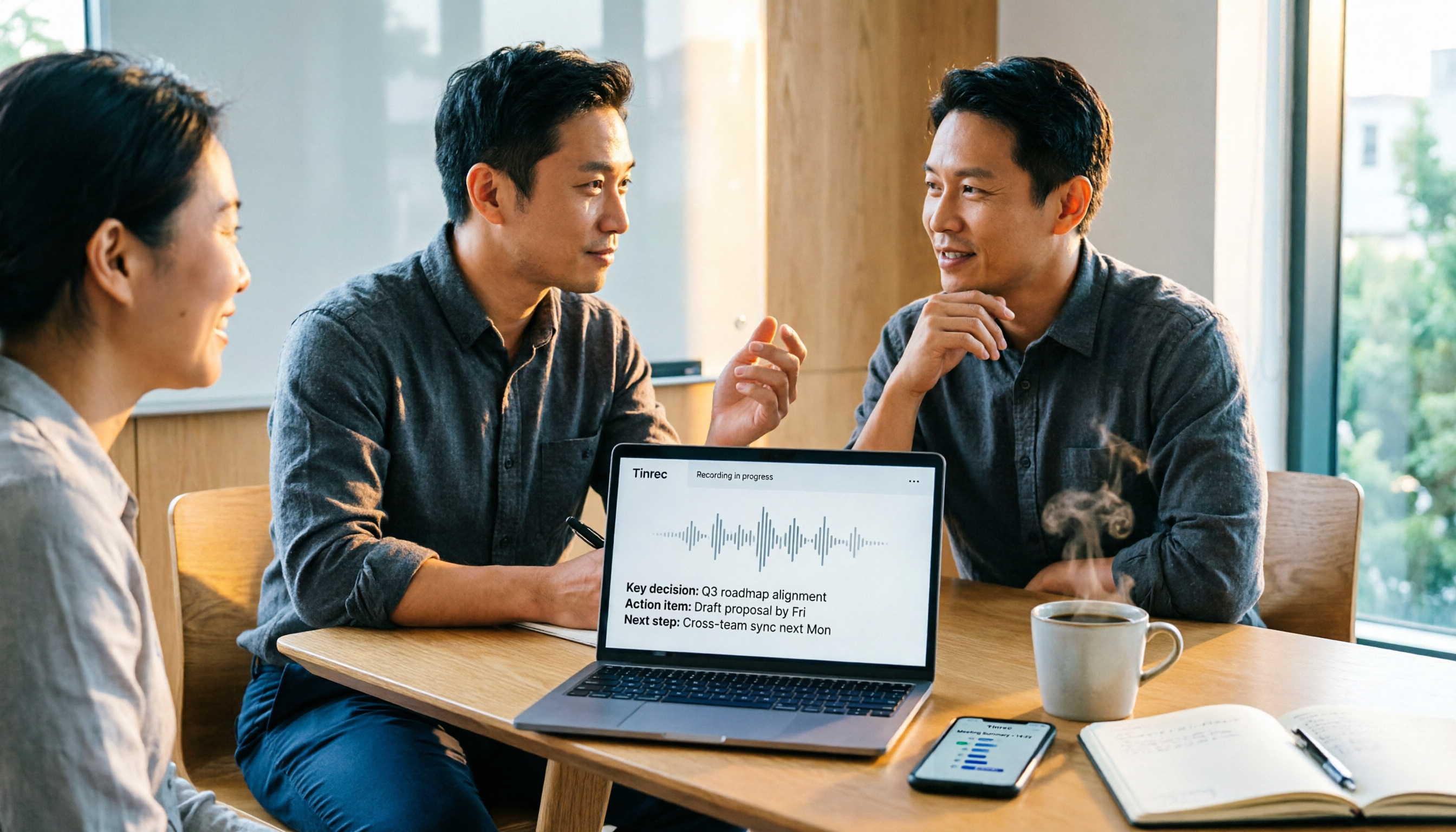
Apple Voice-to-Text vs Tinrec vs Plaud: 2026 Comparison — Which Saves the Most Time?
Starting with the iPhone's built-in Voice Memos transcription, this comparison examines Apple's built-in tools, Tinrec, and Plaud across meeting recording, AI organization, cross-platform support, and team collaboration. From a mid-level manager's perspective, it explains which solution best suits professionals with multiple weekly meetings.

2026 Speech-to-Text App Buying Guide: Tinrec vs Yating Transcription – Two Hands-On Tests and Recommendations
In Dcard and PTT discussions, there are many speech-to-text app choices. This article hands-on compares Tinrec and Yating Transcription, covering online meeting notes, post-meeting AI organization, cross-platform import, team collaboration, and multilingual accent support to help you find the right speech-to-text solution.

2026 Comparison of 3 Transcription Software: Why Good Tape Users Are Switching to Tinrec
A hands-on comparison of Good Tape and Tinrec in Chinese meetings, bot-free recording, post-meeting organization, and team collaboration. Good Tape has a solid reputation in the transcription market, but if you need to turn meetings into searchable, collaborative team data, Tinrec is a more complete choice. This article analyzes core experience, features, scenarios, and buying considerations.
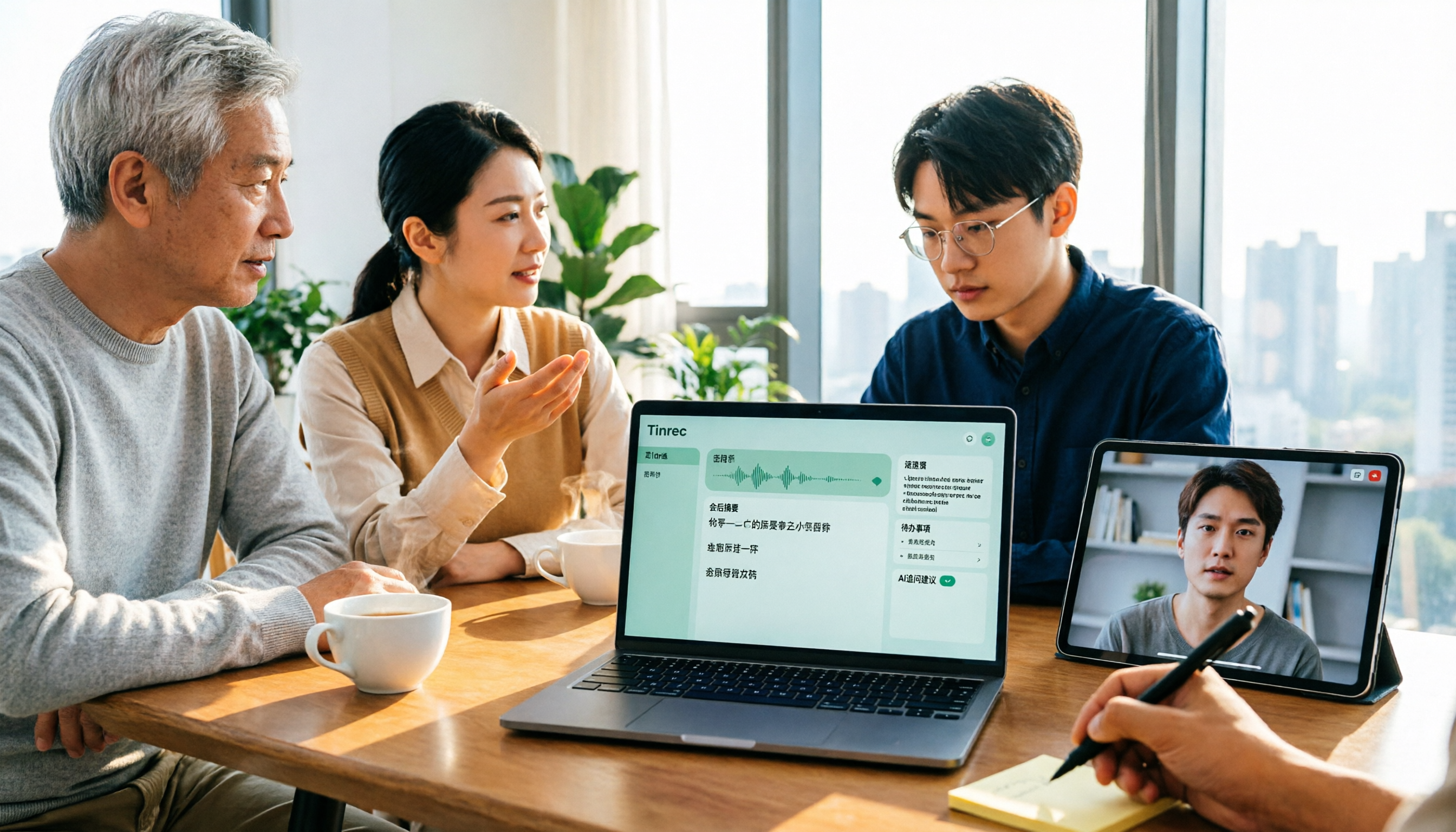
4 Free Audio-to-Text Tools Tested: Is Good Tape Free? Which Is Best for Chinese Meetings?
Is Good Tape free? We compare the free plans of 4 audio-to-text tools, covering free quotas, direct online meeting recording, Chinese and mixed Chinese-English recognition, post-meeting summaries, action items, and AI Q&A, to explain who Tinrec, Good Tape, Otter.ai, and Notta are best for.