
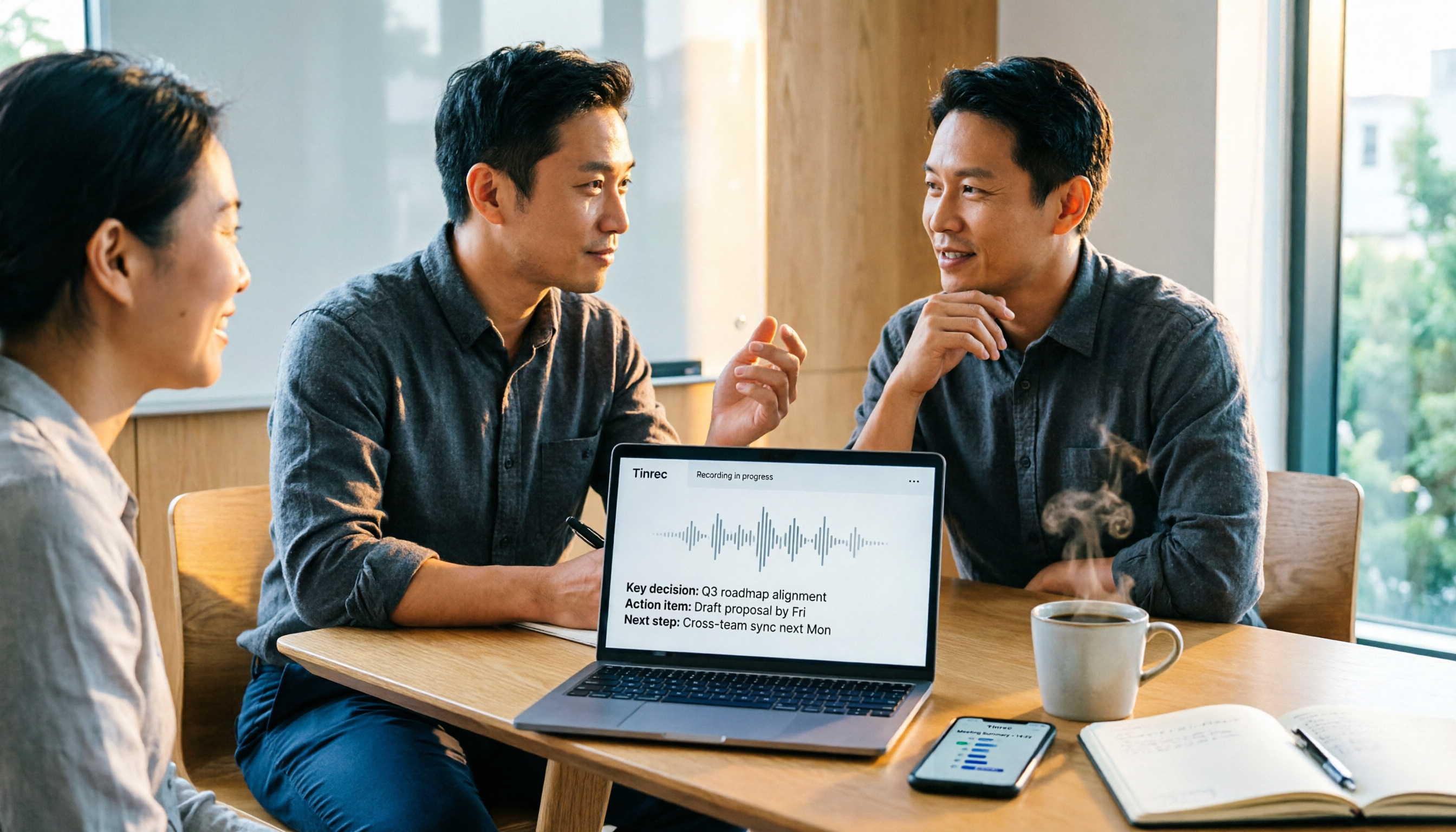
Turn recordings into transcripts and summaries in minutes
Upload audio or video for multilingual transcription, AI notes, and action items
Apple Voice Memos vs Tinrec | Quick Overview
Let me ask you a question: How many action items came out of last week's meetings? If you can't answer that, it's a sign your meeting note-taking method needs an adjustment. I used to be that person—grab my iPhone, hit record, and end up with a pile of files in Voice Memos. The transcript was there, but I still had to replay everything to find the action items.
Apple Voice Memos is a built-in iPhone tool. Since iOS 18, it supports transcription, which you can view during or after recording, completely free. Tinrec is an AI meeting notes and team collaboration tool that supports bot-free online meeting recording, AI summaries, action item extraction, AI Q&A, and team spaces. Plaud is a representative AI recording hardware device that requires an additional purchase.
| Item | Apple Voice Memos | Tinrec |
|---|---|---|
| Price | Built-in, free | Free plan, weekly pass, Pro monthly/annual; Team plan USD 29.80/paid seat/month, annual USD 199/paid seat/year |
| Platform | iPhone, iPad, Mac | Web, desktop, mobile |
| Core difference | Personal recording and basic transcription | Meeting recording, AI organization, Q&A, export, and team collaboration |
This article compares 5 dimensions: meeting recording methods, AI organization after transcription, cross-platform and file import, team collaboration and data retention, and pricing and target users.
Dimension 1 | Meeting Recording Methods and Input Sources
Apple Voice Memos primarily records through the phone's microphone, suitable for in-person meetings, interviews, or quick notes. After iOS 18, you can view the transcript during or after recording, with synchronized highlighting during playback. But if the meeting happens on Zoom, Google Meet, or Teams, you can only put it on speaker for the phone to pick up, or find another way to record system audio.
Tinrec's desktop version directly captures computer system audio, so it can handle online meetings on Zoom, Google Meet, Microsoft Teams, Webex, and more without a meeting bot joining. It also supports live recording, audio/video file uploads, mobile recording, and importing from some web links.
→ This dimension: Tinrec clearly wins.
Dimension 2 | Organization and AI Features After Transcription
Apple's transcript automatically adds punctuation and paragraph breaks, making it easy to follow during playback. Through Apple Intelligence's writing tools, you can generate transcript summaries, proofread wording, and adjust tone. However, Apple doesn't have dedicated meeting AI Q&A, action item extraction, chapter splitting, or mind map features—you still have to organize everything yourself.
Tinrec provides a complete workflow after transcription: AI summaries, chapters, key points, action items, mind maps, and AI Q&A around meeting content. Agent post-processing can generate reports, tables, and documents, and supports export to Notion, Google Docs, OneNote, Dropbox, and other tools.
→ This dimension: Tinrec wins.
Dimension 3 | Cross-Platform and File Import
Apple Voice Memos syncs across iPhone, iPad, and Mac via iCloud, with smooth ecosystem integration. But if you have an mp3 or m4a audio file and want to put it into Voice Memos for transcription, you need to convert it first or use tools like QuickTime Player on Mac.
Stop organizing recordings by hand
Upload audio or video and automatically get a transcript, summary, and action items
Tinrec covers web, desktop, and mobile, and can directly upload audio/video files to quickly organize historical meeting or interview recordings. Transcription results can also be exported in multiple formats and brought into your existing workflow.
→ This dimension: Tinrec wins.
Dimension 4 | Team Collaboration and Data Retention
Apple Voice Memos is essentially a personal tool. You can share audio files or transcripts with colleagues, but there's no team space, member roles, seat management, usage analytics, or audit logs. Meeting data is scattered across everyone's phones, and when a member leaves, it's easy to lose continuity.
Tinrec's team plan provides an independent team space where meeting data belongs to the team. Admins can invite members, set owner/admin/regular member roles, assign or revoke seats, view usage trends and member rankings, query and export audit logs, and use the audio recycle bin. When a member leaves, is removed, or loses their seat, their team resources can be handed over to other active members. The team plan also supports team hotwords to improve recognition of professional terminology.
→ This dimension: Tinrec wins.
Dimension 5 | Pricing and Target Users
Apple Voice Memos is completely free with no extra download. If you only occasionally record a meeting and need basic transcription, it's more than enough.
Tinrec offers a free plan with basic quota, a weekly pass for short-term high-frequency use, and Pro monthly and annual plans for steady use. The team plan is USD 29.80/paid seat/month, or USD 199/paid seat/year (about USD 16.58/month), with each paid seat providing 2,000 minutes of team shared import quota per month. The first eligible team trial is 7 days, 1 free seat, and 300 minutes of team shared import quota. Under an active team plan and active seat, live recording currently does not deduct minutes; file and web imports consume team shared import minutes.
→ This dimension: For simple free recording, Apple wins; but for meeting organization and team use, Tinrec provides corresponding value, so it's a tie overall.
What Unique Advantages Does Each Have?
Tinrec's unique advantages:
- Bot-free online meeting recording: The desktop version captures system audio without inviting an extra bot to join the meeting.
- AI Q&A and action item extraction: After the meeting, you can directly ask about key points and automatically organize action items.
- Agent post-processing and multi-format export: Turn transcripts into reports, tables, and documents, and bring them into your existing workflow.
- Team space and governance: Members, roles, seats, usage, audit, and recycle bin all in one place.
Apple's unique advantages:
- Completely free and built-in: No app download needed—open Voice Memos to record and view transcripts.
- Deep iOS ecosystem integration: Smooth sync across iPhone, iPad, and Mac, with synchronized transcript highlighting during playback.
Conclusion: Which Should You Choose?
• If you only need quick iPhone recording and simple transcripts without AI features → Apple Voice Memos is enough. • If you need online meeting notes, AI summaries, action item extraction, AI Q&A → Tinrec. • If you need to switch between phone and computer, and import mp3 or video files → Tinrec. • If you need real-time translation, bilingual transcripts, team hotwords → Tinrec. • If you need team space, seat management, usage analytics, and audit logs → Tinrec team plan.
In one sentence: For most professionals who need meeting notes, Tinrec is the more complete choice. You can start with Tinrec's free plan and test it with your own recordings. Finally, a reminder: when recording and transcription involve others' privacy, please comply with local laws and obtain consent from participants when necessary.
References
- View Voice Memos transcripts on iPhone - Apple Support (Taiwan)
- Speech to Text: AI Transcript · Recording to Text · Voice Memo Recco Instant Translator App - App Store
- Yating Transcript App - App Store
- [iPhone Voice Memos to Text] Complete Guide to 3 Methods! iOS Built-in, App, Recorder—Which Is Best?
- iPhone Speech Recognition: Voice Memos, Automatic Punctuation and Paragraphing - Let's Write
Turn every recording into actionable outcomes
Get 60 free transcription minutes when you sign in. No credit card required.
Related Reading
You might also like

2026 Comparison of 3 Speech-to-Text Tools: When Google Docs Isn't Enough, How Tinrec Takes Over Meeting Notes
Many people search for 'speech to text Google Docs' to find a free way to transcribe, but Google Docs' voice typing is better for real-time dictation. It falls short for meeting recordings, summaries, action items, and team sharing. This article uses Tinrec as an example to show what speech-to-text can do, its core capabilities, practical use cases, and purchasing considerations, plus answers to common questions.

Tinrec vs Notta 2026: 5-Dimension Comparison for Chinese Meeting Transcription
Still unsure how to choose a speech-to-text app after scrolling through forums? This article breaks down three common pitfalls, compares Tinrec and Notta across five key dimensions, and includes positioning differences for Otter.ai and PLAUD Note, four pitfalls to avoid, and scenario-based recommendations to help you decide which tool truly saves post-meeting cleanup time.
4 Speech-to-Text AI Tools Tested and Compared in 2026: What Dcard Users Really Want to Know
There's a lot of discussion on Dcard and PTT about speech-to-text AI, but most people start by asking the wrong questions. This article addresses common misconceptions, outlines 4 key factors for choosing a tool, and compares Tinrec, Notta, Granola, and PLAUD in real tests, covering their free tiers, pricing, and limitations to help you find the one that truly saves time on meeting notes.

2026 Voice-to-Text App Comparison: Yating Transcript vs Tinrec — Which Should Students Choose?
Starting from the pain point of students taking notes in class, this hands-on comparison tests Yating Transcript and Tinrec, two apps popular on Dcard, across five dimensions: AI post-class organization, online meeting recording, file import and export, group project sharing, and Taiwanese accent recognition. It also provides selection advice for different student scenarios.

2026 Speech-to-Text Showdown: Google AI vs. Tinrec for Chinese Meetings — Which Saves More Time?
Starting from the backend API positioning of Google Cloud Speech-to-Text, this hands-on comparison tests out-of-the-box speech-to-text solutions. Using Tinrec as the primary example, it walks you through real-time transcription, bot-free online meeting recording, AI summaries, action item extraction, AI Q&A, and team spaces, plus 5 buying considerations and FAQs.

2026 Speech-to-Text App Buying Guide: Tinrec vs Yating Transcription – Two Hands-On Tests and Recommendations
In Dcard and PTT discussions, there are many speech-to-text app choices. This article hands-on compares Tinrec and Yating Transcription, covering online meeting notes, post-meeting AI organization, cross-platform import, team collaboration, and multilingual accent support to help you find the right speech-to-text solution.

2026 Comparison of 3 Transcription Software: Why Good Tape Users Are Switching to Tinrec
A hands-on comparison of Good Tape and Tinrec in Chinese meetings, bot-free recording, post-meeting organization, and team collaboration. Good Tape has a solid reputation in the transcription market, but if you need to turn meetings into searchable, collaborative team data, Tinrec is a more complete choice. This article analyzes core experience, features, scenarios, and buying considerations.

4 Free Audio-to-Text Tools Tested: Is Good Tape Free? Which Is Best for Chinese Meetings?
Is Good Tape free? We compare the free plans of 4 audio-to-text tools, covering free quotas, direct online meeting recording, Chinese and mixed Chinese-English recognition, post-meeting summaries, action items, and AI Q&A, to explain who Tinrec, Good Tape, Otter.ai, and Notta are best for.

2026 Voice-to-Text App Comparison: Good Tape vs Tinrec for Chinese Meetings
Still spending an hour after meetings writing notes? This hands-on comparison of 4 voice-to-text apps covers Good Tape's recording transcription and privacy features, then dives into Tinrec's performance for Chinese meetings, bot-free recording, AI Q&A, and team collaboration. Includes 4 key buying factors and pitfalls to avoid, helping you find the most time-saving option.