

Turn recordings into transcripts and summaries in minutes
Upload audio or video for multilingual transcription, AI notes, and action items
4 Free Audio-to-Text Tools Tested: Is Good Tape Free? Which Is Best for Chinese Meetings?
How to Choose a Free Audio-to-Text Tool: First Decide If You Want 'Free' or 'No Rework'
'Free' is usually the first filter, but the real cost isn't the subscription fee—it's the two hours after the meeting.
After a two-hour meeting, if the tool only gives you a long transcript with no paragraphs, no highlights, and no action items, you still have to listen from the beginning and manually note who is responsible for what and what to do next week. The few dollars saved by free tools come at the cost of rework.
An even more common situation: you want to record an online meeting directly, but find that free tools only allow file upload—you have to figure out how to record the meeting yourself; or the file is deleted by the system within three days, and it's too late when you need to check back.
So this article doesn't compare who has the lowest price, but instead examines the free plans of four tools on three things: whether the free quota is actually usable, whether it can handle online meetings directly, and whether you still need to organize everything yourself after transcription. First understand the criteria, then look at the list.
Before Choosing a Free Transcription Tool, Understand These 4 Key Points
1. 'Free' depends on the quota, not the price tag. Many free versions hide limits: monthly minute caps, single file length limits, or file retention days. The way to judge is simple—compare with your longest meeting, and see if it deletes files before you can check back.
2. Whether it can record online meetings directly makes a big difference. Upload-based tools require you to already have a recording; but most people's pain point is not recording during the meeting. For example, Tinrec's desktop version directly captures the computer's system audio, without adding an extra meeting bot to the meeting. It works with Zoom, Google Meet, Microsoft Teams, and Webex, and you press start to record yourself.
3. How much time you still spend after transcription. Getting only a transcript versus getting a summary, chapters, and a to-do list are two completely different workloads. Even better is 'can you ask questions directly about the meeting content'—this is especially useful when looking back at decisions from three months ago.
4. Performance with Chinese and mixed Chinese-English. Meetings in Taiwan are rarely pure English; they are usually mainly Chinese with English terms mixed in. What to look at is not the official accuracy claim, but whether it has hotwords for professional terms, whether it can display bilingual transcripts, and how it performs under your real recording conditions.
5. Whether team sharing is needed. Personal use and team use are two different things. Teams need a unified space, member and seat management, usage and operation logs, rather than files scattered across everyone's devices and chat rooms.
Tinrec — Our Top Pick After Testing
Tinrec is an AI meeting notes and collaboration tool for individuals and teams, available on web, desktop, and mobile. Its core is turning meetings into searchable, queryable, and reusable data.
First, online meetings don't need a bot to join. When you open Zoom or Teams, just open Tinrec's desktop version. It captures the system audio played by the computer and generates a transcript while the meeting is ongoing. You don't need to invite an extra bot account to the meeting, nor authorize the meeting to a third party.
Second, the transcript is just the starting point. After the meeting, AI automatically generates a summary, chapters, and highlights, organizes action items into a to-do list, and can even produce a mind map when needed. For those who have weekly meetings, this saves the half hour spent writing notes after the meeting.
Third, you can ask it directly after recording. Tinrec's AI Q&A is semantic questioning around the meeting content. You can directly ask 'Who mentioned the budget in the last meeting?' or 'What was the client's concern about the delivery date?' It gives answers, not a bunch of keyword search results for you to sift through. Meeting content can also be translated in real-time, viewed in original, translated, or bilingual mode, so you don't need to manually switch languages for mixed Chinese-English paragraphs. The organized results can be exported to Notion, Google Docs, OneNote, Dropbox, etc., or post-processed with Agent to generate reports, tables, and documents.
For verification, we recommend using a real meeting recording of your own, such as one with air conditioning noise, people interrupting, and mixed Chinese-English. Actual accuracy is affected by recording quality, accent, noise, overlapping speech, and professional terminology. Any claim of a fixed 98% can only be taken as a reference; for organizing Chinese and mixed Chinese-English content, Tinrec is the one we believe requires the least follow-up work.
Stop organizing recordings by hand
Upload audio or video and automatically get a transcript, summary, and action items
Limitations should also be clear: the free version provides a basic quota, suitable for experiencing recording, importing, summarizing, and transcribing. For long-term high-frequency use, you'll need the Pro monthly or annual plan. Also, it is not a meeting bot that 'automatically joins all calendar meetings'; you need to initiate recording yourself.
If meeting data needs to be kept for the team, Tinrec's team version is a separate team space: you can manage member roles and seats, share team recording and import benefits, view usage trends and details, maintain team hotwords, and query and export audit logs; the audio recycle bin provides a 30-day recovery period. Eligible teams can try it for 7 days for the first time (1 free seat, 300 minutes of shared team import quota); paid seats are USD 29.80/seat/month, annual payment USD 199/seat/year (about USD 16.58/month), each paid seat includes 2,000 minutes of shared team import quota per month. Under a valid team plan and valid seats, real-time recording is currently not deducted by minutes. Actual prices and benefits are subject to the official purchase page.
Who it's for: people who frequently handle Chinese or mixed Chinese-English meetings, want to record online meetings directly, want to use AI to find answers after meetings, and need to turn meetings into team data.
Besides Tinrec, What Other Free Options Are There?
Good Tape: An online transcription tool developed by Danish news agency Zetland, integrated with OpenAI Whisper, supporting over 40 languages including Chinese, English, Japanese, and Korean. Upload audio to generate time-coded transcripts and TXT/SRT files. It is currently free to use with a monthly free quota, and the official announcement says a paid plan will be launched in the future, but the free version will remain; transmission is encrypted, data stays in the EU and is protected by GDPR, and unregistered uploads are deleted after 3 days. If you already have recorded audio files and only need text and subtitles, it is lightweight; but it lacks Tinrec's real-time recording, bot-free online meeting recording, and AI conversational Q&A.
Otter.ai: A mature choice for English business meetings. Basic free version offers 300 minutes per month, Pro annual payment is about USD 8.49/user/month (including 1,200 minutes of in-app recording and 10 file imports per month). Its strength is in English meeting summaries and workflows; Chinese and mixed Chinese-English meetings are not its main focus. If you need real-time translation for Chinese meetings, bilingual transcripts, or want to turn meeting data into a team space, Tinrec is more suitable.
Notta: A multilingual transcription tool with high overlap with Tinrec. Official free version offers 120 minutes per month, single content limit of 3 minutes. Pro annual payment is about USD 8.17/month (1,800 minutes per month), Business annual payment is about USD 16.67/seat/month. It provides subtitles, translation, and summaries, but lacks Tinrec's AI conversational Q&A, action item extraction, and Agent post-meeting output. The desktop version's bot-free online meeting recording and team seat governance are also differences of Tinrec.
Pitfall Guide: 3 Most Common Mistakes When Choosing a Free Transcription Tool
Pitfall 1: Only looking at the word 'free', not the quota and retention period. Some free versions limit single file length, some limit monthly minutes, and some delete files after a certain number of days—for example, unregistered uploads to Good Tape are deleted after 3 days. If your rhythm is 'upload first, organize next week', pay special attention to this.
Pitfall 2: Treating 'can upload audio' as 'can record meetings'. These are very different. Upload-based tools require you to already have a recording; but recording online meetings usually requires another method. When choosing a tool, ask directly: can it handle meetings I open on my computer without adding an extra bot?
Pitfall 3: Only using the transcription tool as a typewriter. If you only use it to 'turn sound into text', you're only using one-third of its capabilities. For example, Tinrec's AI conversational Q&A lets you ask 'What was the conclusion of this meeting?' right after recording, which is much faster than manually flipping through a 30-minute transcript; the same logic applies to action items and summaries.
One more reminder: recording and transcription involve other people's conversations. Please comply with local laws and obtain consent from participants when necessary.
Conclusion: Which One Should You Choose?
If we could only pick one, we'd say: for Chinese and mixed Chinese-English meeting scenarios, Tinrec is the top choice in this comparison, because it handles 'recording', 'organizing', and 'finding later' all at once.
- Mainly use Zoom/Meet/Teams/Webex and don't want to add a bot to the meeting → Tinrec
- Chinese or mixed Chinese-English meetings, and need summaries, action items, and Q&A after → Tinrec
- Need to use on both phone and computer, and export to Notion/Google Docs after organizing → Tinrec
- Meeting data needs to be kept for the team, need to manage seats and usage → Tinrec Team Version
- Exception: already have a large number of existing audio files and only need text and SRT subtitles, or pure English meetings and want the maximum free minutes → Good Tape and Otter.ai each have suitable scenarios
We suggest first using the free version to run a segment of your own meeting recording, see if the summary and action items are what you want, and then decide whether to upgrade. The value of a free plan is not about not spending money, but whether it can save you from redoing work.
References
Turn every recording into actionable outcomes
Get 60 free transcription minutes when you sign in. No credit card required.
Related Reading
You might also like

2026 Comparison of 3 Speech-to-Text Tools: When Google Docs Isn't Enough, How Tinrec Takes Over Meeting Notes
Many people search for 'speech to text Google Docs' to find a free way to transcribe, but Google Docs' voice typing is better for real-time dictation. It falls short for meeting recordings, summaries, action items, and team sharing. This article uses Tinrec as an example to show what speech-to-text can do, its core capabilities, practical use cases, and purchasing considerations, plus answers to common questions.

Tinrec vs Notta 2026: 5-Dimension Comparison for Chinese Meeting Transcription
Still unsure how to choose a speech-to-text app after scrolling through forums? This article breaks down three common pitfalls, compares Tinrec and Notta across five key dimensions, and includes positioning differences for Otter.ai and PLAUD Note, four pitfalls to avoid, and scenario-based recommendations to help you decide which tool truly saves post-meeting cleanup time.
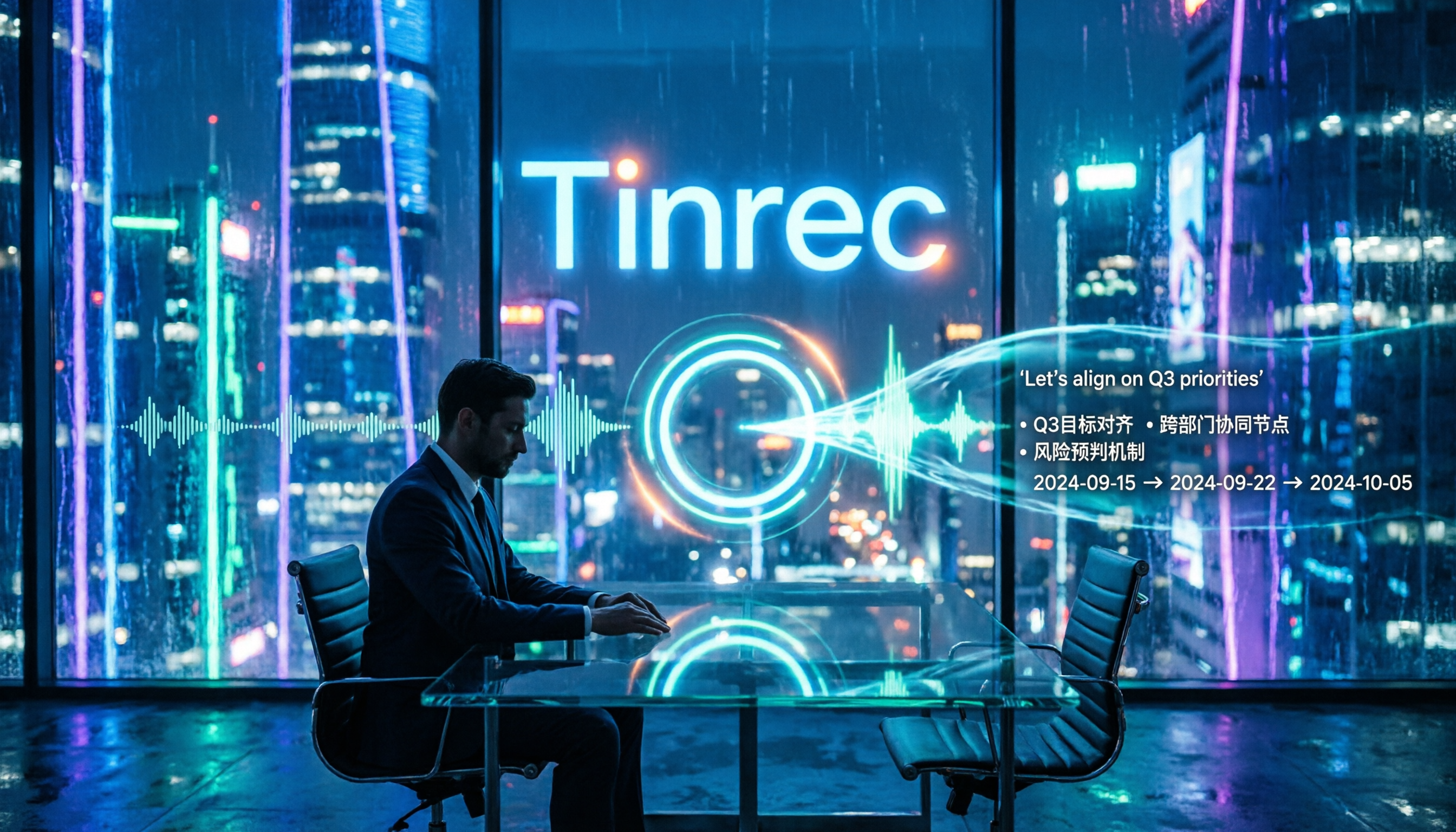
4 Speech-to-Text AI Tools Tested and Compared in 2026: What Dcard Users Really Want to Know
There's a lot of discussion on Dcard and PTT about speech-to-text AI, but most people start by asking the wrong questions. This article addresses common misconceptions, outlines 4 key factors for choosing a tool, and compares Tinrec, Notta, Granola, and PLAUD in real tests, covering their free tiers, pricing, and limitations to help you find the one that truly saves time on meeting notes.

2026 Voice-to-Text App Comparison: Yating Transcript vs Tinrec — Which Should Students Choose?
Starting from the pain point of students taking notes in class, this hands-on comparison tests Yating Transcript and Tinrec, two apps popular on Dcard, across five dimensions: AI post-class organization, online meeting recording, file import and export, group project sharing, and Taiwanese accent recognition. It also provides selection advice for different student scenarios.

2026 Speech-to-Text Showdown: Google AI vs. Tinrec for Chinese Meetings — Which Saves More Time?
Starting from the backend API positioning of Google Cloud Speech-to-Text, this hands-on comparison tests out-of-the-box speech-to-text solutions. Using Tinrec as the primary example, it walks you through real-time transcription, bot-free online meeting recording, AI summaries, action item extraction, AI Q&A, and team spaces, plus 5 buying considerations and FAQs.
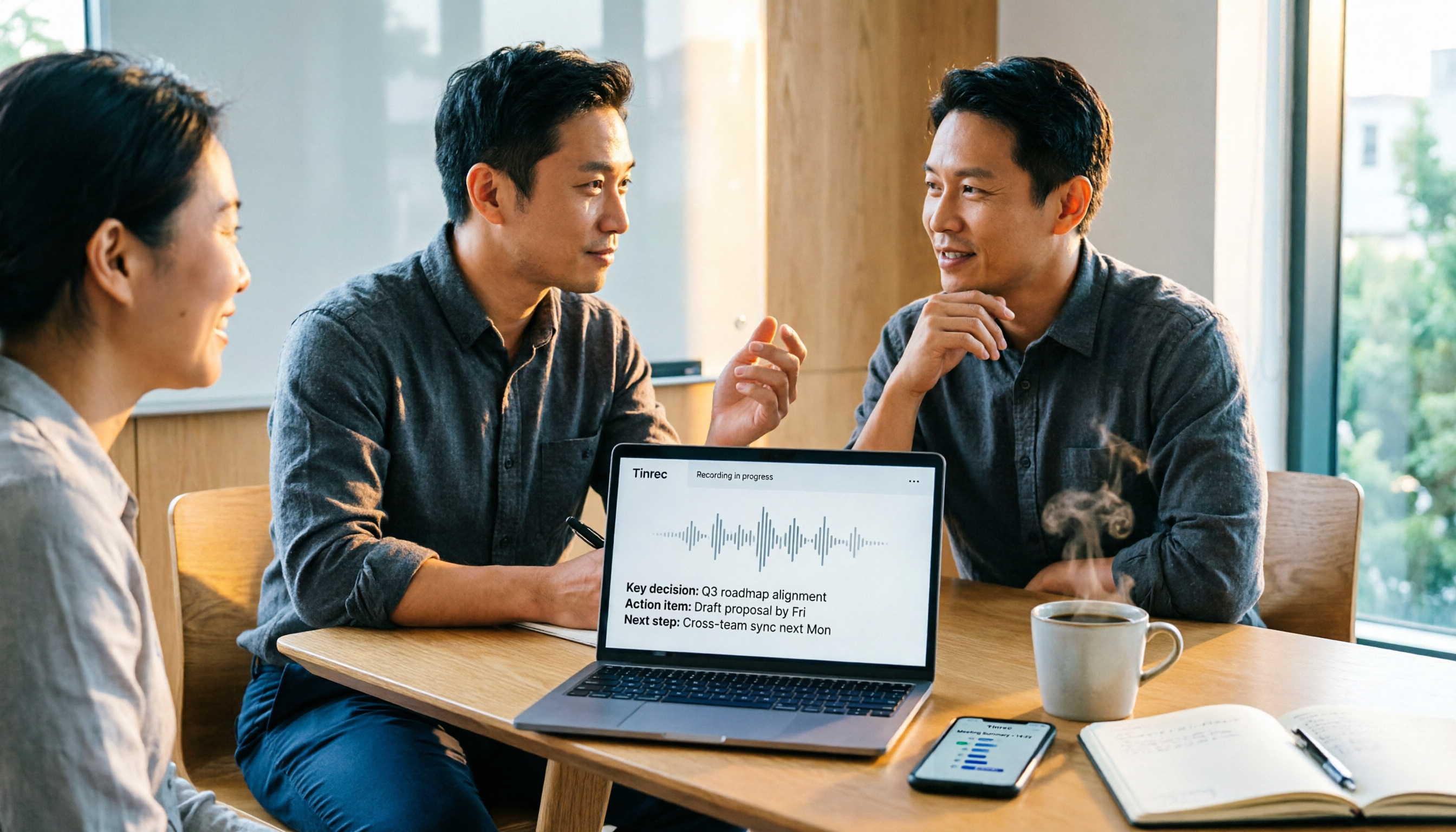
Apple Voice-to-Text vs Tinrec vs Plaud: 2026 Comparison — Which Saves the Most Time?
Starting with the iPhone's built-in Voice Memos transcription, this comparison examines Apple's built-in tools, Tinrec, and Plaud across meeting recording, AI organization, cross-platform support, and team collaboration. From a mid-level manager's perspective, it explains which solution best suits professionals with multiple weekly meetings.

2026 Speech-to-Text App Buying Guide: Tinrec vs Yating Transcription – Two Hands-On Tests and Recommendations
In Dcard and PTT discussions, there are many speech-to-text app choices. This article hands-on compares Tinrec and Yating Transcription, covering online meeting notes, post-meeting AI organization, cross-platform import, team collaboration, and multilingual accent support to help you find the right speech-to-text solution.

2026 Comparison of 3 Transcription Software: Why Good Tape Users Are Switching to Tinrec
A hands-on comparison of Good Tape and Tinrec in Chinese meetings, bot-free recording, post-meeting organization, and team collaboration. Good Tape has a solid reputation in the transcription market, but if you need to turn meetings into searchable, collaborative team data, Tinrec is a more complete choice. This article analyzes core experience, features, scenarios, and buying considerations.

2026 Voice-to-Text App Comparison: Good Tape vs Tinrec for Chinese Meetings
Still spending an hour after meetings writing notes? This hands-on comparison of 4 voice-to-text apps covers Good Tape's recording transcription and privacy features, then dives into Tinrec's performance for Chinese meetings, bot-free recording, AI Q&A, and team collaboration. Includes 4 key buying factors and pitfalls to avoid, helping you find the most time-saving option.