

Turn recordings into transcripts and summaries in minutes
Upload audio or video for multilingual transcription, AI notes, and action items
2026 Comparison of 4 Transcription Toolkits: Beyond Good Tape, Which Saves More Time for Chinese Meetings?
The First Misconception About Transcription Toolkits: What You Lack Isn't a Tool, It's a Workflow
A while ago, a research assistant wrote to me.
He had a batch of interview recordings, tried several transcription services, and ended up going back to typing manually.
I asked him why.
He said, "What came out wasn't usable."
I've heard this too many times.
Most people think the problem is accuracy. But what really holds them back is the part after—punctuation, paragraphing, timestamps, whether it can be edited, whether it can be submitted directly.
Many people find their way here by searching for "Good Tape toolkit." I completely understand that feeling: wanting something that just works with one click.
But a toolkit means—you need a whole workflow, not a single button.
So this article won't talk about stacking specs. I want to talk about: when you connect every step from "recording" to "result," which tool lets you avoid unnecessary detours.
Before Choosing a Transcription Tool, Understand These 4 Key Points
First, accuracy should be judged in real scenarios, not official numbers.
Almost every tool boasts high accuracy. But numbers measured in a quiet recording studio are very different from real meeting rooms.
Air conditioning noise, keyboard sounds, multiple people talking over each other, industry jargon—these are your daily reality.
I suggest trying your own recording, not just looking at ads.
Second, Chinese punctuation and paragraphing determine how much time you'll spend later.
English transcription has fewer punctuation issues. Chinese is different.
If the tool gives you a big block of text without punctuation or sentence breaks, you save typing time but end up with longer proofreading time.
This is the point I think is most easily overlooked.
Third, whether it can be used directly after transcription.
Getting only a transcript means the job is only half done.
What a meeting really needs to produce is: conclusions, action items, who is responsible for what. If the tool can organize these along the way, you save not just typing time but the entire post-meeting work time.
Fourth, where the data is stored and how the team shares it.
Personal use and team use are two different things.
For personal use, you just need to find it yourself. For teams, you need to consider: whether data remains after a member leaves, who can edit, who can only view, and how usage is calculated.
Once you think through these four points, the choice becomes much simpler.
Tinrec—The One I Kept After Testing
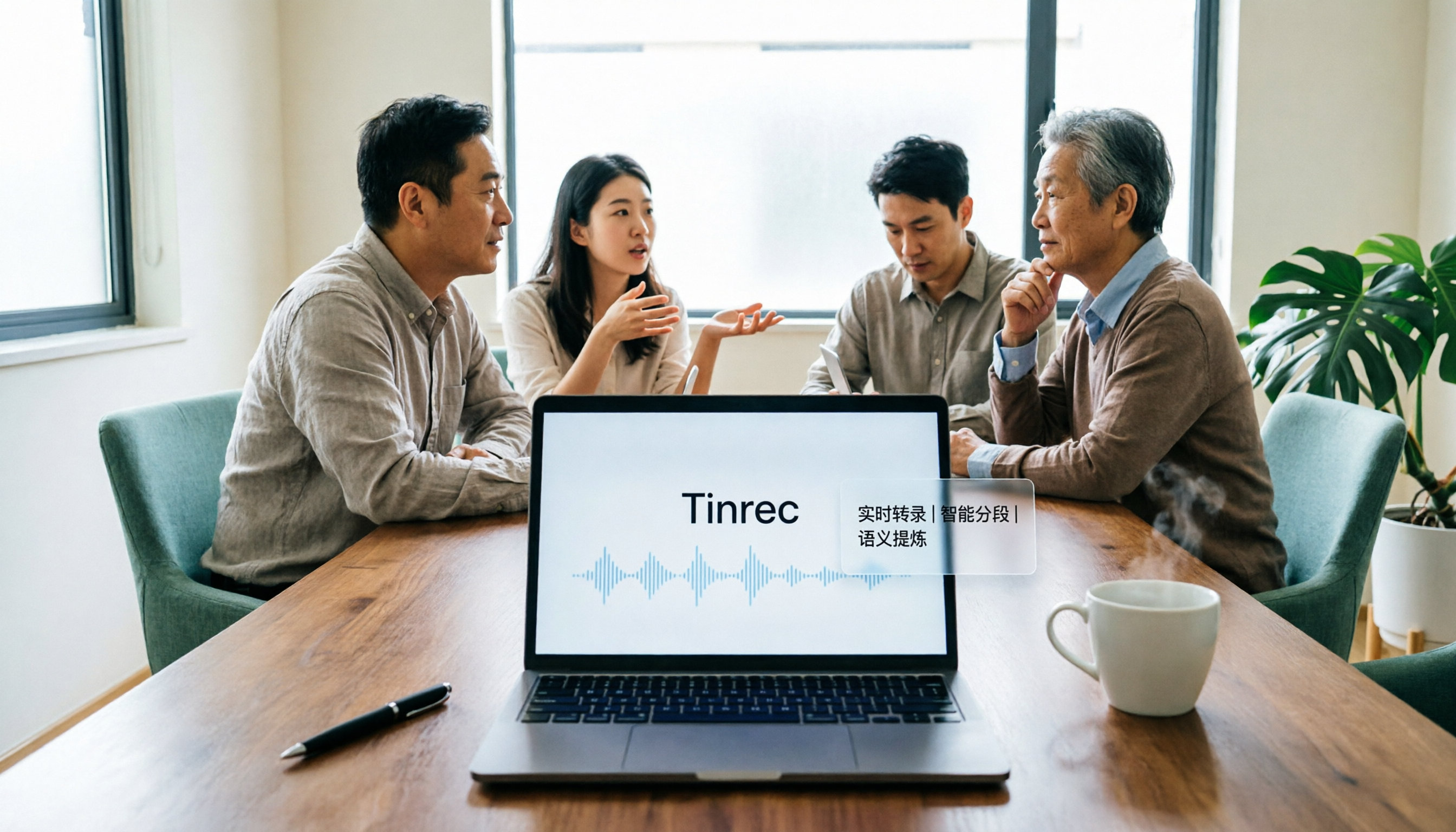
Tinrec is an AI meeting notes and collaboration tool for individuals and teams, covering iOS, Android, web, and desktop.
I kept it in my daily workflow mainly for three reasons.
The first is the recording method. The desktop version directly captures the computer's system audio, so when handling online meetings like Zoom, Google Meet, Microsoft Teams, and Webex, you don't need to invite a meeting bot to join.
My habit is this: open Tinrec before the meeting starts, then forget about it. When the meeting ends, the transcript is already there.
Not having a bot makes a big difference for external client meetings—you don't have to explain upfront, "An AI will join the meeting later."
The second is the post-meeting part. After recording, Tinrec automatically generates summaries, chapters, and action items.
I can quickly see how many sections the meeting had, where the conclusions are, and who needs to do what next. This is much faster than going through a transcript from the beginning.
The third is AI Q&A. This is where I think it truly stands out from most tools.
After recording a meeting, I can directly ask it: "What was the launch time the client mentioned last time?" It doesn't give me keyword search results but answers directly.
The same question can be asked across multiple meetings, connecting context across meetings.
Additionally, it supports real-time translation, allowing you to switch between original text, translation, or bilingual view during recording, greatly reducing the preparation cost for cross-language meetings. Completed transcriptions can also be exported to Notion, Google Docs, OneNote, Dropbox, and other tools for further processing into reports or tables.
Stop organizing recordings by hand
Upload audio or video and automatically get a transcript, summary, and action items
A few advantages I've actually experienced:
- No additional hardware needed, no bot invitation, works on phone, computer, and web.
- From transcript, summary, chapters, action items to export, it's a complete path without moving data between four tools.
- The team version has independent spaces, meeting data belongs to the team, members, seats, usage, and activity logs can be managed, and data doesn't disappear when a member leaves.
I also need to honestly state limitations:
- Actual transcription quality is affected by recording environment, accents, overlapping speech, and technical terms. For important content, I still go back to check against the recording.
- The free quota is good for trying it out; if you have meetings to organize every week, you need to evaluate paid plans. For team version pricing, seats, and shared quotas, please refer to the official purchase page.
Who it's for: If you frequently have meetings in Chinese, need bot-free recording of online meetings, and want to directly use AI to find key points and action items after recording—Tinrec is the one I open most often.
Besides Tinrec, What Other Options Are There?
Good Tape
Created by Danish media Zetland, using Whisper technology, supports over 40 languages, can output text files with timestamps and .srt subtitles, data is within the EU and protected by GDPR. However, Chinese cannot automatically add punctuation, text cannot be edited before export, the free version is slow, and there is no AI conversational query. Suitable for those who only need simple transcription.
Notta
Excels in multilingual transcription and translation, and also has team plans. Its meeting notes are mainly done through a meeting bot or file upload—if you don't want an extra bot participant in the meeting, you have to go the file route. Tinrec's desktop system audio capture can handle this, which is the most practical difference between the two.
Otter.ai
A mature choice for English business meetings, with complete AI summaries and team features. If your meetings are almost all in English, it's worth using. But its support for Chinese meetings is not its main focus, and the Chinese punctuation and organization experience after transcription is a step behind Tinrec.
Pitfall Guide: The 4 Most Common Mistakes When Choosing a Transcription Toolkit
Pitfall 1: Only looking at official accuracy rates. Those numbers are mostly measured under ideal recording conditions. Real meetings have air conditioning noise, echoes, and people talking over each other, so performance drops noticeably. Testing with your own recording is more useful than reading ten reviews.
Pitfall 2: Thinking "transcribing to text" is the end. If you only use the tool as a typewriter, you're only using part of its capability. After recording, directly asking "What was the conclusion of this meeting?" is much faster than manually going through half an hour of transcript.
Pitfall 3: Ignoring Chinese punctuation and editing needs. Some tools produce Chinese without punctuation and cannot be edited before export, so you have to copy the text elsewhere for proofreading. This back-and-forth gives back the time you saved.
Pitfall 4: Using a personal tool as a team solution. Sharing one account among multiple people may seem cost-saving in the short term, but data leaves when a member resigns. Meeting data should belong to the team, not to someone's account.
Conclusion: Which One Should You Choose?
In one sentence: If you handle Chinese meetings and want to continue using the results after recording, Tinrec is my current top choice.
- Mainly Chinese meetings, need bot-free recording of online meetings → Tinrec
- Want to directly use AI to ask key points and extract action items after recording → Tinrec
- Need to continue using on phone, computer, and web → Tinrec
- Need team space, seat allocation, and usage management → Tinrec team version
- Only need to convert English recordings to plain text, limited budget → Otter.ai or Good Tape are both worth trying
To get started quickly, I would begin like this:
- Pick a 5-minute real meeting recording, not a demo file.
- Run a transcription with the free quota, first check if punctuation and paragraphing are smooth.
- Open the desktop version during a meeting and experience bot-free online meeting recording.
- Ask it questions directly after the meeting to test if it can find the conclusions you need.
- Try exporting the results to your original workflow.
- If you use it every week, then evaluate plans and team version needs.
Tools come and go, but what truly remains is the workflow.
Start with one of your own recordings, test step by step, and you'll gradually find the most handy approach.
I will continue to record such workflow experiments on Computer Play, and welcome to write down your scenarios so we can break them down together.
References
- Good Tape: Audio file to transcript software recommendation! The tool that best understands journalists' needs | Comprehensive AI Tool Introduction - Future Business
- Good Tape audio to transcript automation tool, supports multiple languages including Chinese
- Good Tape tutorial | Audio to transcript tool, supports Chinese and 40 other languages | Manager Today
- Overtaking Yating, journalists tear up using it: What makes Good Tape so amazing? | CommonWealth Magazine
- Good Tape features, pros and cons, pricing plans, and usage tutorial all in one! [2024 Update]
Turn every recording into actionable outcomes
Get 60 free transcription minutes when you sign in. No credit card required.
Related Reading
You might also like

2026 AI Meeting Notes Showdown: Tinrec vs Granola on Context Understanding and Post-Meeting Workflows
Nobody wants to re-listen to a meeting recording—that's the biggest pain point of AI meeting tools. This article focuses on context understanding and compares Tinrec and Granola across five dimensions: audio retention, input sources, Chinese language and translation, post-meeting outputs, and team governance, helping you decide which tool better fits your meeting scenarios.

Tinrec vs Microsoft Word Copilot (2026): 5-Dimension Comparison for AI Meeting Minutes in Word
Discover how Tinrec and Microsoft Word Copilot compare in generating AI meeting minutes for Word across 5 key dimensions: audio capture, Chinese transcription, post-meeting organization, Word delivery, and team collaboration. Find the most time-saving workflow for your meetings.

2026 AI Agent Meeting Tools Compared: Which Is Fastest for Chinese Meeting Notes and Action Items?
We tested four AI Agent meeting tools—Tinrec, Otter.ai, Notta, and Granola—comparing bot-free recording, Chinese transcription, post-meeting summaries and action items, AI Q&A, and team knowledge retention to help you choose the most time-saving solution for meeting notes.

2026 AI Meeting Productivity Tools: Bot-Free Recording + Auto Summaries & Action Items
Many people treat AI meeting tools as simple transcript generators, but what really impacts efficiency is post-meeting organization and follow-up. This article uses Tinrec to demonstrate how to go from bot-free recording, real-time transcription, AI summaries, and action item extraction to team workspace retention, and also covers purchasing checkpoints and FAQs.
2026 AI Meeting Assistant Comparison: Tinrec vs. Granola — Which Is Better for Chinese-Speaking Teams?
Starting from the most common misconception about AI meeting assistants, this comparison tests Tinrec and Granola across five dimensions: Chinese-language meeting experience, audio retention, post-meeting outputs, team governance, and cross-device use—helping you decide which workflow truly fits your team.

2026 Comparison of 4 Meeting Productivity Agents: Which One Actually Saves Post-Meeting Time?
The real work starts after the meeting ends. This article uses the same Chinese meeting recording to test the post-meeting workflows of Tinrec, Otter.ai, Fireflies.ai, and Notta—covering bot-free recording, summary and action items, AI Q&A, and team knowledge retention—to help you decide which meeting productivity agent truly saves time.

2026 AI Meeting Notes Tools Compared: Tinrec vs Otter.ai vs Notta vs Granola — Which Turns Meetings into Usable Data?
Stop taking notes yourself: a hands-on comparison of Tinrec, Otter.ai, Notta, and Granola covering transcripts, summaries, action items, and AI Q&A, plus buying criteria, team seat and pricing details, and pitfalls to avoid.

4 AI Agents That Generate Excel Files Tested: Which One Actually Produces a Usable .xlsx?
After a meeting, turning notes into an Excel file often means replaying the entire recording. This article starts from "where does the data come from" and compares four approaches: Tinrec, Excel's built-in Agent mode, Gemini Notebook Agent, and Aspose.Cells AI Generator. It also covers 5 key selection criteria, 4 common mistakes, and practical recommendations.

2026 Free AI Agent PPT Generation Options: 5 Tools Compared
AI Agent PPT generation tools are proliferating, but the real question is where the content comes from. This article reviews five available options in 2026, including Microsoft Copilot, MiniMax Agent, ChatPPT, and two self-hostable open-source projects. It also explains how to use Tinrec to turn meeting recordings into usable presentation material, with a pitfalls guide and selection advice.