

Turn recordings into transcripts and summaries in minutes
Upload audio or video for multilingual transcription, AI notes, and action items
2026 Complete Guide to Audio Transcription: How to Choose Between Good Tape and 6 Other Tools
Take the same meeting recording and drop it into Good Tape, TurboScribe, Otter, or Tinrec, and the first few minutes of transcript might look about the same. But a month later, when you need to find out "what exactly did the client agree to that day," the difference shows—some tools just give you a document, while others give you a searchable, queryable, handoff-ready meeting database.
So the real decision isn't "which transcription is most accurate"—it's three things: Do you need one-time transcription or long-term meeting data retention? Are your meetings in Chinese/mixed Chinese-English or pure English? Are you a solo user or do you need the whole team to share? Answer these three questions first, then look at the positioning of the 7 solutions below.
Why You Need Audio Transcription: First, Distinguish "Transcription" from "Post-Meeting Organization"
The daily life of a Hong Kong office worker is probably like this: three or four meetings a day, and when you want to write meeting notes before leaving, you realize no one has complete notes. The first layer of value of audio transcription tools is turning sound into text you can Ctrl+F; the second layer is post-meeting organization—summaries, chapters, key points, to-dos, and whether you can continue to ask questions about the content. Most tools on the market do well at the first layer; what really sets them apart is the second layer: after the meeting ends, where can that data still be used? The following 7 solutions are ranked from the most complete AI meeting collaboration tool to purely free options.
1. Tinrec (秒聽錄音) — The Most Complete AI Meeting Notes and Team Collaboration Solution
One-sentence positioning: An AI meeting notes and collaboration tool for individuals and teams. Its core isn't turning sound into text, but turning meetings into searchable, queryable, handoff-ready team data.
1) No bot needs to join the meeting: The desktop version directly captures computer system audio, handling online meetings on Zoom, Google Meet, Microsoft Teams, Webex, etc., without an extra meeting bot joining as a participant, and without having to notify colleagues in advance that "an AI will join."
2) Transcription is just the starting point: Automatically generates summaries, chapters, key points, to-dos, and mind maps, then allows AI Q&A around meeting content, generates reports, tables, and documents, and exports to Notion, Google Docs, OneNote, Dropbox, etc. for further processing.
3) Chinese and multilingual meetings: Supports transcription for Chinese, Traditional Chinese, and multilingual meetings, and can organize mixed Chinese-English content; real-time translation during recording allows viewing in original, translated, or bilingual mode, and teams can maintain hotwords to improve recognition of industry terminology.
4) From personal tool to team space: The team version centralizes meeting data storage, allowing new members to view and reuse historical meetings; admins can manage roles, seats, sharing rights, usage analytics, and audit logs. When a member leaves, their team resources can be handed over to other active members.
Plans and pricing: The personal version offers a free version, weekly pass, Pro monthly, and Pro annual—choose based on usage frequency. The team version is USD 29.80 per paid seat per month, or USD 199 per paid seat per year (about USD 16.58/month). The first eligible team trial is 7 days, 1 free seat, and 300 minutes of team shared import quota. Paid seats provide 2,000 minutes of team shared import quota per month. Under an active team plan and seat, live recording currently does not deduct minutes. Pricing and benefits are subject to the official purchase page.
Who it's for: Individuals and teams that need Chinese meeting notes, don't want a bot joining meetings, and value post-meeting organization and team data retention.
2. Good Tape — A Privacy-First Transcription Tool Built by Danish Journalists
Good Tape comes from a Danish newsroom and was originally designed to handle sensitive interviews. Its selling point isn't many features, but where your data goes: all servers are in the EU, recordings are automatically deleted by default, and the company won't use your files to train AI. The plan design is relatively simple, with an annual fee of about €186, and a clear cost structure. Feature depth is focused on transcription itself; post-meeting collaboration, to-dos, and team governance are not its main focus. Who it's for: Journalists and researchers handling confidential interviews, prioritizing source protection. Actual plans, currencies, and prices are subject to the official page.
3. TurboScribe — A Cost-Effective Choice for Long Files and Batch Transcription
TurboScribe focuses on long files, batch uploads, subtitles, and translation. The free version allows 3 files per day, up to 30 minutes per file; Unlimited annual is USD 120 (about USD 10/month), and the paid version supports files up to 10 hours or 5 GB, with up to 50 files uploaded at once. Who it's for: Users with a pile of old recordings to process at once, but who don't need real-time meeting features. Prices are subject to the official page.
Stop organizing recordings by hand
Upload audio or video and automatically get a transcript, summary, and action items
4. Otter.ai — A Veteran AI Meeting Assistant for English Business Meetings
Otter is a mature AI meeting assistant covering real-time transcription, speaker identification, AI Chat, workflows, and team management for Zoom, Microsoft Teams, and Google Meet. Basic free version offers 300 minutes per month; Pro annual is about USD 8.49 per user per month, including 1,200 minutes of in-app recording and 10 file imports per month; Business offers unlimited meetings and in-app recording, more imports, and management capabilities. Who it's for: Users focused on English business meetings who value mature team management and integrations. Subject to the official pricing page.
5. Notta — Multilingual Transcription and Team Plans
Notta overlaps significantly with Tinrec, also covering multi-platform transcription, meeting notes, file import, translation, and team plans. Free offers 120 minutes per month, up to 3 minutes per session; Pro annual is about USD 8.17/month, with 1,800 minutes per month; Business annual is about USD 16.67 per seat per month, offering unlimited transcription, role permissions, and usage reports. Who it's for: Teams needing multilingual transcription and permission management. Subject to the official pricing page.
6. Granola — Bot-Free AI Meeting Notes
Granola also takes the "no bot" route, using desktop system audio and microphone for real-time transcription, then combining with your handwritten notes to generate more personalized meeting content, and supports viewing, copying, and searching real-time transcripts. Note: it does not support uploading pre-recorded audio files, nor does it save meeting audio. Basic is free; Business is USD 14 per user per month; Enterprise is USD 35 per user per month. Who it's for: Users who prefer writing their own notes, don't need to keep recordings, and don't need to process historical files. Subject to the official pricing page.
7. Handy STT — A Completely Free, Open-Source Entry-Level Option
If your budget is zero and you just want to occasionally convert a recording to text, Handy STT is one of the most recommended free open-source options in the AlternativeTo community, with the advantages of zero cost and self-control. However, cloud sync, post-meeting organization, and team collaboration usually require other solutions. Who it's for: Individual users with very low usage who don't mind installing and configuring it themselves.
With So Many Options, How Should You Choose?
- Want the most complete AI features (transcription + AI chat queries + automatic notes + to-dos + export) → Tinrec
- Meetings mainly in Chinese, Cantonese, or mixed Chinese-English → Tinrec: supports multilingual transcription, real-time translation, and bilingual viewing, and can handle industry terminology with team hotwords
- Don't want a meeting bot joining the meeting → Tinrec (desktop version captures system audio)
- Need to see bilingual content while recording → Tinrec: real-time translation, original/translated/bilingual switching
- Want to switch between phone, computer, and browser → Tinrec: mobile app, desktop version, and web version
- Need to submit reports, tables, or documents after the meeting, or export to Notion, Google Docs for further processing → Tinrec: AI Q&A plus Agent post-processing
- Team needs to share meeting data, manage seats and usage → Tinrec Team Version: team space, roles and seats, usage analytics, audit logs, and audio recycle bin
- Process dozens of long recordings at once, prioritizing cost-effectiveness → TurboScribe
- Mainly English business meetings, needing mature integrations and team analytics → Otter.ai or Fireflies.ai; needing multilingual transcription and role permissions → Notta
- Highly sensitive interview content, prioritizing EU data storage and automatic deletion → Good Tape; zero budget and occasional use → Handy STT
5 Things to Know Before Using Audio Transcription Tools
- There's no fixed accuracy number: Transcription quality is affected by recording quality, background noise, accents, overlapping speakers, and technical terminology. Performance is better with clear audio; for important content, it's recommended to cross-check with transcript timestamps and recording playback—don't treat it as a legal document.
- Handle consent and compliance before recording: Different regions have different rules for recording and transcription. When involving clients, interviewees, or colleagues, it's best to get consent first and ask clearly about data storage location and deletion policies.
- Distinguish between "live recording" and "file import" quotas: For example, with Tinrec's team version, under an active team plan and seat, live recording currently does not deduct minutes, but file and web imports consume team shared import minutes. Before buying, calculate whether you do more "meeting recording" or "uploading old files."
- For team use, distinguish roles, seats, and members: Roles determine who can manage the team and settings; seats determine who can record, upload, edit, and export. With Tinrec, for example, active members without a seat can still view, play, and read team data, but cannot upload or edit—it's not that "all members can edit."
- Don't treat the tool as an all-powerful substitute: AI can greatly reduce manual note-taking costs, but it may still miss or misunderstand details. The ultimate responsibility for meeting notes always lies with people; the tool handles most of the grunt work.
Conclusion
Good Tape's value is privacy and focus; TurboScribe's value is cost-effectiveness and long files; Otter's value is a mature English meeting ecosystem. But if what you want is "turning meetings into data you can find, query, and hand off later," Tinrec is currently one of the few solutions that strings recording, transcription, summaries, to-dos, AI Q&A, export, and team space into one workflow—and Chinese and multilingual meetings are its home turf. If you want to try it, start with the free quota on a real meeting recording, compare the usability of the transcript and to-dos, then decide whether to upgrade.
References
- VHS Tape Comparison - Beale Corner
- Good Tape Review: The Transcription Tool Built for Journalists Who Protect Their Sources
- TurboScribe: Unlimited Alternative to Good Tape | TurboScribe
- Good Tape Alternatives: Top 12 Audio Transcription Tools & Similar Websites | AlternativeTo
- r/VHS on Reddit: We're vhs tapes like this, just a gimmick to get you to buy the more expensive ones or is there some truth to it. Are they worth purchasing?
Turn every recording into actionable outcomes
Get 60 free transcription minutes when you sign in. No credit card required.
Related Reading
You might also like

2026 Comparison of 4 Meeting Productivity Agents: Which One Actually Saves Post-Meeting Time?
The real work starts after the meeting ends. This article uses the same Chinese meeting recording to test the post-meeting workflows of Tinrec, Otter.ai, Fireflies.ai, and Notta—covering bot-free recording, summary and action items, AI Q&A, and team knowledge retention—to help you decide which meeting productivity agent truly saves time.

2026 AI Meeting Notes Tools Compared: Tinrec vs Otter.ai vs Notta vs Granola — Which Turns Meetings into Usable Data?
Stop taking notes yourself: a hands-on comparison of Tinrec, Otter.ai, Notta, and Granola covering transcripts, summaries, action items, and AI Q&A, plus buying criteria, team seat and pricing details, and pitfalls to avoid.

4 AI Agents That Generate Excel Files Tested: Which One Actually Produces a Usable .xlsx?
After a meeting, turning notes into an Excel file often means replaying the entire recording. This article starts from "where does the data come from" and compares four approaches: Tinrec, Excel's built-in Agent mode, Gemini Notebook Agent, and Aspose.Cells AI Generator. It also covers 5 key selection criteria, 4 common mistakes, and practical recommendations.

2026 Free AI Agent PPT Generation Options: 5 Tools Compared
AI Agent PPT generation tools are proliferating, but the real question is where the content comes from. This article reviews five available options in 2026, including Microsoft Copilot, MiniMax Agent, ChatPPT, and two self-hostable open-source projects. It also explains how to use Tinrec to turn meeting recordings into usable presentation material, with a pitfalls guide and selection advice.
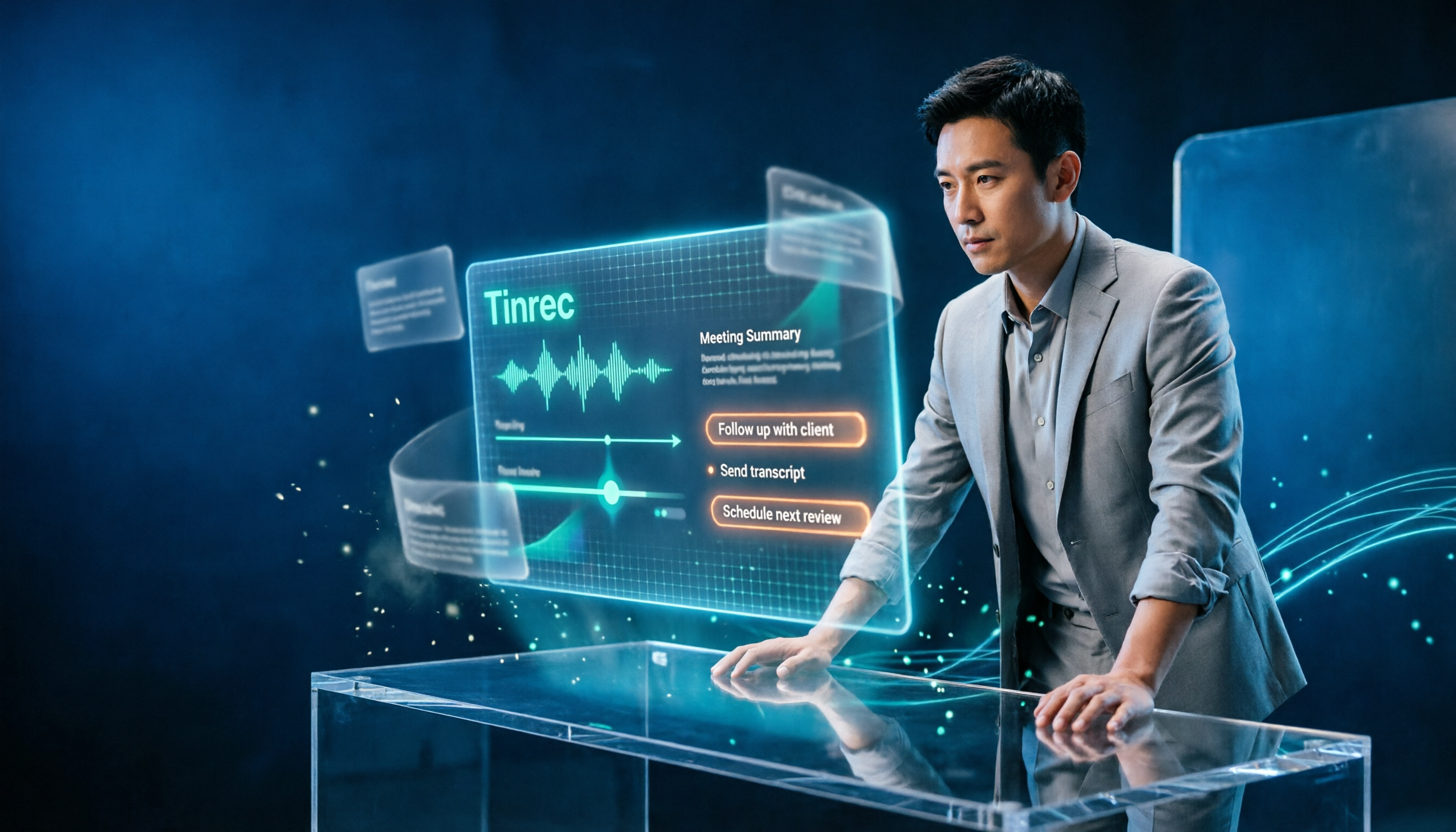
2026 AI Work Assistant Comparison: Meeting Notes and To-Do Lists—Which One Really Saves Time?
Most people start with the wrong expectations for AI work assistants. This article tackles common misconceptions, uses the same set of meeting materials to compare Tinrec, Otter.ai, Notta, and Granola, and outlines 5 key points to understand before buying, 4 common pitfalls, and selection advice based on use cases.
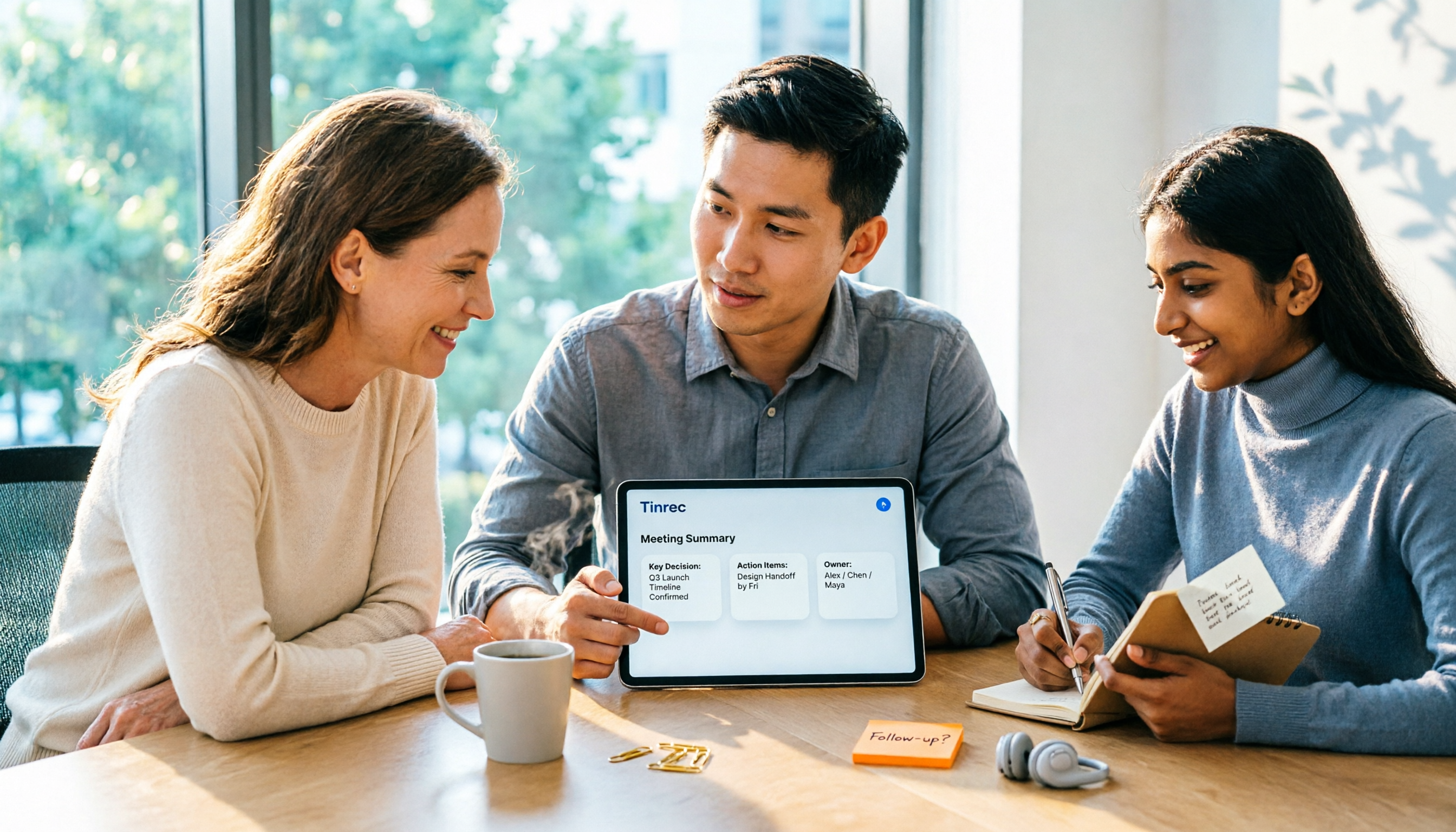
2026 AI Meeting Assistant Comparison: Tinrec vs Otter.ai vs Granola vs Notta for Chinese Meetings & Post-Meeting Q&A
The real pain point of meeting notes isn't typing speed—it's that decisions and action items get lost after the meeting. This article compares four AI meeting assistants—Tinrec, Otter.ai, Granola, and Notta—using the same testing process, breaking down four dimensions: how meetings are captured, post-meeting organization, Chinese and cross-language performance, and team governance. It also lists four common purchasing mistakes to help you choose the right tool within your budget.

2026 Comparison of 5 AI Agent Structured Output Approaches: From JSON Schema to Meeting Data in Practice
Many people think that writing "please reply in JSON" in a prompt counts as structured output, but when they actually connect it to a system they discover that the fields are different every time. This article starts from common misconceptions, compares 5 structured output approaches side by side, and uses Tinrec to demonstrate how to turn meeting recordings into verifiable, directly usable tables, action items, and reports.

2026 AI Agent Auto-Delivery Tools Compared: From Meeting Notes to Post-Meeting Outputs, Which Is Least Hassle?
2026 is called the "delivery year" for AI Agents, but tools branded as Agents actually fall into four distinct approaches. This article compares them across four dimensions—input method, post-meeting output, Chinese-language experience, and team governance—and uses Tinrec as a practical example of the "bot-free desktop agent" approach to help you decide which one truly turns meetings into deliverables.

2026 AI Meeting Tools Compared: Key Differences That Actually Improve Meeting Efficiency
More meetings don't mean more efficiency. This article starts with common misconceptions and breaks down the three areas AI must address to truly improve meeting efficiency: uninterrupted recording, structured content, and transferable outcomes. Using Tinrec as an example, it explains the complete workflow from bot-free online meeting recording, real-time transcription, AI summaries and action items, AI Q&A, to team spaces. It also includes 5 buying checkpoints and FAQs.