
Turn recordings into transcripts and summaries in minutes
Upload audio or video for multilingual transcription, AI notes, and action items
Which Taper Fade Is Best? 2026 Test of 4 Styles—Low Taper Is Easiest to Maintain and Least Likely to Go Wrong
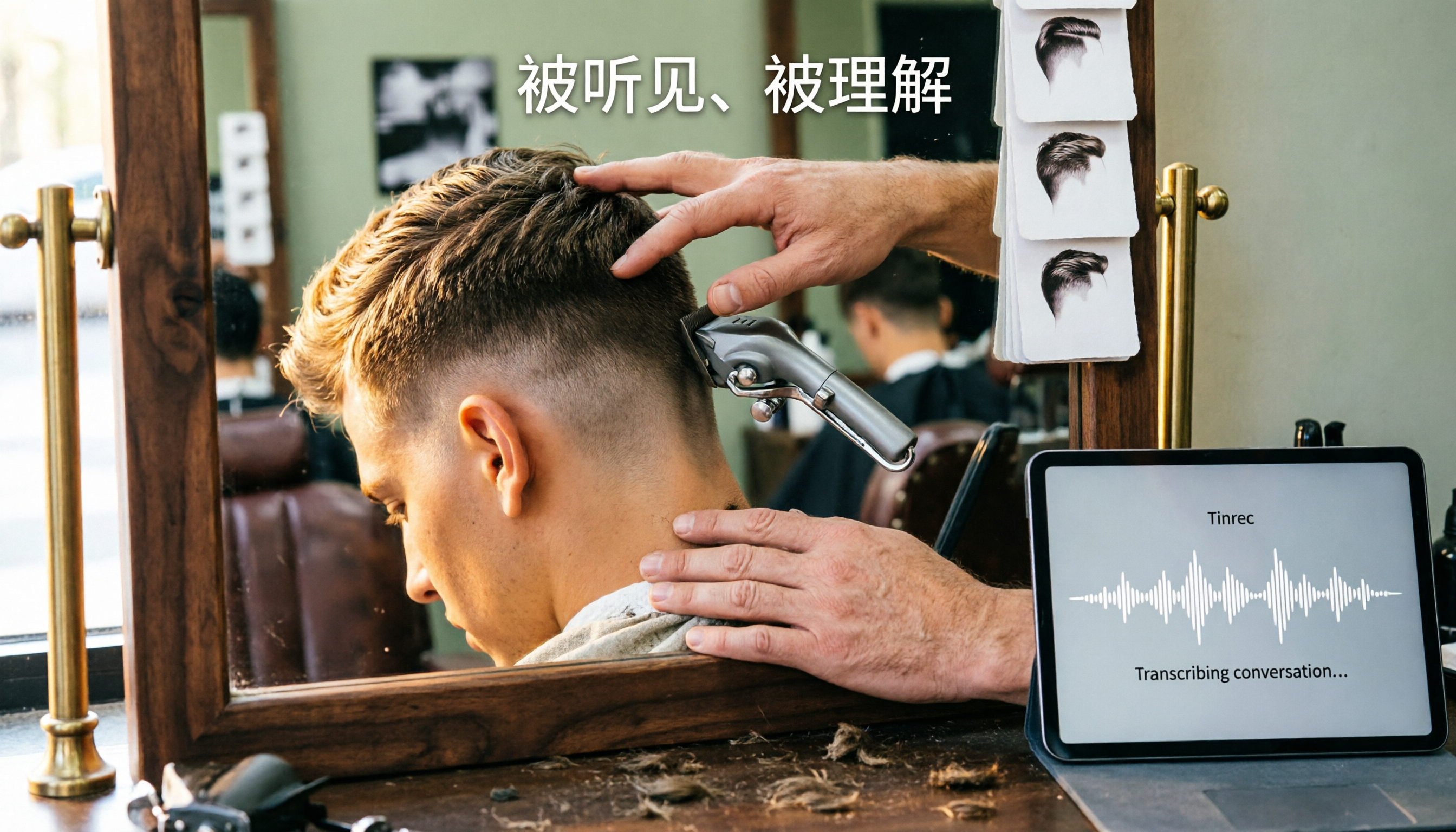
When you walk out of the barbershop and look in the mirror, is it a pleasant surprise or a shock?
"Clean up the sides, keep the top long, natural blend"—you've probably said this more than once.
But the result is different every time. Sometimes it's so sharp it's like you're a different person; other times the line by your ear is as hard as if drawn with a ruler, completely disconnected from the top.
The worst part is that the latter sticks with you for three weeks. Every day you look in the mirror and feel something's off, but you have to wait until it grows out a bit to fix it.
There's an even more common scenario: it looks okay at first, but after ten days the sides start to puff out, and the whole head goes from sharp to unkempt.
If you're Googling "how to cut taper fade to look good" or scrolling through Reddit threads until you question your life, this article is for you.
Bottom line: the same taper fade can look very different, and the problem usually isn't you—it's that you and your barber have different ideas of what "taper" means.
Before Getting a Taper Fade, Understand These 4 Key Points
If you don't clarify these four points, the chance of a bad cut roughly doubles.
1. Where the blend point starts
The difference between low, mid, and high taper is here. Too low, it looks like just a trim; too high, you suddenly look very flashy. According to barbers abroad, changing the blend point completely changes the vibe of the whole head.
2. How much length to leave on the sides
Taper is defined as "leaving some length," usually a #1 or #2 guard. You must specify this upfront, or the barber might accidentally push it to the scalp—that becomes a fade. Honestly, this is the most common communication mishap.
3. How to finish the neckline
Many people only look at the front and discover a messy neckline when they check the back at home. Necklines can be classic, disconnected, or designed; the natural tapered version grows out most subtly. It's also one of the biggest differences between a "good taper" and a "bad taper."
4. Are you willing to touch up every two to three weeks?
This is the most realistic point. A taper can look decent for three to four weeks; a fade starts to blur after about two weeks, and once the closest part grows out, the contrast fades.
So if you only go to the barber once a month, choose a style that lasts.
Low Taper Fade—The One I Recommend Most After Years of Rotating Cuts
If I could only choose one, I'd pick low taper fade.
The logic is simple: place the start of the gradient near the ear, close to your natural hairline. That one move determines why it looks good over time.
In practice: for meetings, client visits, wearing a shirt, the sides are clean but don't expose scalp, avoiding that "just out of the military" look. Whether you want to keep medium-length bangs, slick back, or just blow-dry and go, it won't fight you.
After two to three weeks, the difference is most obvious. Mid and high tapers start showing stepped growth, while low taper still holds up, maybe just a slightly thicker neckline, but not looking like you skipped a cut.
Stop organizing recordings by hand
Upload audio or video and automatically get a transcript, summary, and action items
What the data says: Several barbers agree—taper lasts three to four weeks with style, fade loses sharpness after about two weeks. Among tapers, low taper fade usually lasts longest because the blend point is near the natural hairline, so growth is a gradual thickening, not a sudden line.
Three benefits I find most noticeable:
First, least likely to go wrong. Even with an average barber, low taper has more room for error than mid or high taper.
Second, easiest to manage. I hardly blow-dry in the morning; hair falls into place, which makes a big difference for those rushing out the door.
Third, most versatile. Works for formal and casual, no need to match outfits to your haircut.
Downsides: If you want strong contrast and an obvious "just cut" sharpness, low taper may seem conservative, and friends might ask if you even got a haircut. It lasts long, but the trade-off is subtle change.
Who it suits: Those who want one cut a month, need to look professional at work, and don't want to spend time styling daily. I think this is the majority.
Besides Low Taper, What Other Styles Are There?
Mid Taper Fade
The gradient starts around the temple, with more contrast than low taper, often considered the "standard." Suits those who want sharpness without being too extreme. Note it lasts shorter than low taper, and growth is more noticeable, so consider if you only cut once a month.
High Taper Fade
The start goes up to the sides of the top, with the strongest contrast and most eye-catching. Great for a style change or social media posts, but highest risk—too high and you'll have to explain to your boss "it's intentional." Also, it starts showing growth after two weeks, whereas low taper is much easier to maintain.
Skin Taper
Pushed to the scalp, cleanest, most comfortable in hot weather, and a cheat code to enhance any hairstyle. But it's essentially closer to a fade: strong contrast, short maintenance, frequent touch-ups. If you want durability and easy management, low taper is still more reliable.
Pitfall Guide: 4 Most Common Mistakes with Taper Fade
Pitfall 1: Just saying "shorten the sides a bit."
That's as good as saying nothing. Specify the location and guard number, e.g., "sides #1 to #2, blend point just above the ear." The more specific, the lower the risk.
Pitfall 2: Only bringing a front-view photo.
Barbers themselves say the quality of a taper fade often shows around the ears and neckline. Bring side and back photos, ideally both.
Pitfall 3: Mixing up taper and fade.
Remember: every fade is technically a taper, but taper is not fade. If you say taper but mean fade, or vice versa, you'll get one too short or not sharp enough.
Pitfall 4: Only caring about how it looks right after the cut.
Think about how it will look in two to three weeks. That's why I always recommend low taper—its blend point is near the natural hairline, growth is least noticeable, and it's most forgiving.
Conclusion: Which One Should You Choose?
In short: for durability, easy management, and not worrying about hair daily, choose low taper fade.
By scenario:
- Only cut once a month, need to look presentable at work → low taper fade (most durable, grows out naturally)
- Want obvious sharpness, willing to touch up every two weeks → mid taper fade
- Want a style change, don't mind attention → high taper fade
- Hot weather, want clean, don't mind frequent visits → skin taper
Before your next barber visit, do three things: have side and back photos on your phone, decide if you want taper or fade, and clearly state the blend point.
My most common line: "Low taper, sides #1 to #2, natural neckline, don't push too high." So far, zero bad cuts.
References
- Taper vs. Fade: A Guide For Your Next Cut - StyleSeat
- Taper vs Fade Haircut: What's the Difference? (2026 Guide) - SAYKI
- Which is better, taper or fade | Refine Blog - Hair Salon Barber
- 7 Best Taper Fade Haircuts for Men, According to a Barber | Man of Many
- Taper vs Fade Haircut: Key Differences, Styles & Tips for Men
Turn every recording into actionable outcomes
Get 60 free transcription minutes when you sign in. No credit card required.
Related Reading
You might also like

2026 Comparison of 4 Meeting Productivity Agents: Which One Actually Saves Post-Meeting Time?
The real work starts after the meeting ends. This article uses the same Chinese meeting recording to test the post-meeting workflows of Tinrec, Otter.ai, Fireflies.ai, and Notta—covering bot-free recording, summary and action items, AI Q&A, and team knowledge retention—to help you decide which meeting productivity agent truly saves time.

2026 AI Meeting Notes Tools Compared: Tinrec vs Otter.ai vs Notta vs Granola — Which Turns Meetings into Usable Data?
Stop taking notes yourself: a hands-on comparison of Tinrec, Otter.ai, Notta, and Granola covering transcripts, summaries, action items, and AI Q&A, plus buying criteria, team seat and pricing details, and pitfalls to avoid.

4 AI Agents That Generate Excel Files Tested: Which One Actually Produces a Usable .xlsx?
After a meeting, turning notes into an Excel file often means replaying the entire recording. This article starts from "where does the data come from" and compares four approaches: Tinrec, Excel's built-in Agent mode, Gemini Notebook Agent, and Aspose.Cells AI Generator. It also covers 5 key selection criteria, 4 common mistakes, and practical recommendations.

2026 Free AI Agent PPT Generation Options: 5 Tools Compared
AI Agent PPT generation tools are proliferating, but the real question is where the content comes from. This article reviews five available options in 2026, including Microsoft Copilot, MiniMax Agent, ChatPPT, and two self-hostable open-source projects. It also explains how to use Tinrec to turn meeting recordings into usable presentation material, with a pitfalls guide and selection advice.

2026 AI Work Assistant Comparison: Meeting Notes and To-Do Lists—Which One Really Saves Time?
Most people start with the wrong expectations for AI work assistants. This article tackles common misconceptions, uses the same set of meeting materials to compare Tinrec, Otter.ai, Notta, and Granola, and outlines 5 key points to understand before buying, 4 common pitfalls, and selection advice based on use cases.

2026 AI Meeting Assistant Comparison: Tinrec vs Otter.ai vs Granola vs Notta for Chinese Meetings & Post-Meeting Q&A
The real pain point of meeting notes isn't typing speed—it's that decisions and action items get lost after the meeting. This article compares four AI meeting assistants—Tinrec, Otter.ai, Granola, and Notta—using the same testing process, breaking down four dimensions: how meetings are captured, post-meeting organization, Chinese and cross-language performance, and team governance. It also lists four common purchasing mistakes to help you choose the right tool within your budget.

2026 Comparison of 5 AI Agent Structured Output Approaches: From JSON Schema to Meeting Data in Practice
Many people think that writing "please reply in JSON" in a prompt counts as structured output, but when they actually connect it to a system they discover that the fields are different every time. This article starts from common misconceptions, compares 5 structured output approaches side by side, and uses Tinrec to demonstrate how to turn meeting recordings into verifiable, directly usable tables, action items, and reports.

2026 AI Agent Auto-Delivery Tools Compared: From Meeting Notes to Post-Meeting Outputs, Which Is Least Hassle?
2026 is called the "delivery year" for AI Agents, but tools branded as Agents actually fall into four distinct approaches. This article compares them across four dimensions—input method, post-meeting output, Chinese-language experience, and team governance—and uses Tinrec as a practical example of the "bot-free desktop agent" approach to help you decide which one truly turns meetings into deliverables.

2026 AI Meeting Tools Compared: Key Differences That Actually Improve Meeting Efficiency
More meetings don't mean more efficiency. This article starts with common misconceptions and breaks down the three areas AI must address to truly improve meeting efficiency: uninterrupted recording, structured content, and transferable outcomes. Using Tinrec as an example, it explains the complete workflow from bot-free online meeting recording, real-time transcription, AI summaries and action items, AI Q&A, to team spaces. It also includes 5 buying checkpoints and FAQs.