

Turn recordings into transcripts and summaries in minutes
Upload audio or video for multilingual transcription, AI notes, and action items
2026 Mobile Taiwanese Input Methods: Voice Input & Missing Character Solutions
Always Stuck Typing Taiwanese on Your Phone? The Problem Usually Comes Down to These Three Things
Want to send a LINE message to an elder in Taiwanese, but no matter how you try, you just can't type the Taiwanese characters? The input method's character database isn't sufficient, and after all that effort, all you get are question marks.
Your pronunciation isn't standard enough, so phonetic input gets stuck. You can speak it, but you can't type it, and the more you try, the more frustrated you get.
What's worse, even if you finally find that character, the other person's phone doesn't have the corresponding font installed, so all they see on screen are "tofu blocks"—the message might as well not have been sent.
None of this is your fault; it's a matter of choosing the wrong tool. Taiwanese writing systems are more complex than Chinese—Pe̍h-ōe-jī, Tâi-lô romanization, and Ministry of Education recommended characters coexist, and some characters aren't in standard font libraries. A general-purpose Zhuyin input method simply can't handle it. Choosing a mobile input method designed specifically for Taiwanese can solve most of these three pain points at once.
Before Choosing a Taiwanese Input Method, Understand These 4 Key Points
1. Which input methods are supported Taiwanese writing includes Pe̍h-ōe-jī (Church Romanization), Ministry of Education Tâi-lô romanization, and the Ministry of Education's recommended characters. A good input method should ideally support all three, or at least the one you're used to. Tools that only support a single romanization system will struggle in different situations.
2. How missing characters are handled This is the most overlooked point. Many Taiwanese characters aren't in your phone's built-in font library, so even if you can type them, the other person might see "tofu blocks." Whether it has built-in Ministry of Education standard glyphs and whether it can convert text to images for sending makes a big difference.
3. How friendly tone input is Tâi-lô romanization requires tone marks, but many tools are designed so you can select characters without typing tones, and candidate words are arranged in tone order. For beginners, this directly determines your typing speed.
4. Does it require internet, does it have ads An input method is a tool you use every day. Being available offline, free, and ad-free greatly affects the experience. Confirm these basic conditions before installing.
Ministry of Education Taiwanese Input Method—Official Release, Solves Voice and Missing Characters at Once
If you just want to install one to try first, I'd recommend the "Taiwanese Input Method" released by the Ministry of Education. It's currently the officially led Taiwanese input tool optimized for mobile devices, available on both the App Store and Google Play, and can be installed on phones and tablets.
Voice input is the biggest highlight. If you're not familiar with romanization, you can simply tap the green microphone button in the center above the keyboard, speak Taiwanese into your phone, and the system will convert it to text. For elders or those just starting to learn Taiwanese writing, this bypasses the "learn romanization" barrier.
Specifically addresses missing characters. It has built-in Ministry of Education standard glyphs, so even if the other person's phone doesn't have Taiwanese fonts installed, you can use the "text-to-image" feature to convert text into an image and send it, so communication isn't interrupted by missing characters.
Tâi-lô romanization and dictionary lookup are also integrated. Besides voice, it supports Tâi-lô romanization input and has a built-in dictionary for lookup while typing, suitable for learners studying Taiwanese writing.
Remember to set it up after installation. After installing this app, it won't automatically appear in your keyboard. You need to go to iPhone's "Settings" > "General" > "Keyboard" and add the input method to use it (Android has a similar keyboard settings path).
Stop organizing recordings by hand
Upload audio or video and automatically get a transcript, summary, and action items
Limitations should also be clear. Its voice service occasionally undergoes system adjustments, during which voice input and voice translation may be temporarily unavailable, but romanization input, candidate characters, and dictionary lookup are unaffected. Also, the overall interface serves both beginners and advanced users, with many features, so it takes a few minutes to get familiar with on first open.
Who is it for? Those who want official standard glyphs, need voice input, or frequently encounter missing character issues—this one is the best fit.
Besides the Ministry of Education Version, Two Others to Consider
PhahTaigi Taiwanese Input Method: Maintained by the "Taigi Ke-si-mi" crowdfunding project team, it's free, ad-free, and open source. It supports Pe̍h-ōe-jī, Ministry of Education characters, and romanization. Its biggest feature is "no tone typing"—for single-syllable and multi-syllable words, you don't need to input tones, and candidate words are arranged in tone order; for multi-syllable words, you can even just type the first letter of each syllable (e.g., typing "sbh" brings up "sam-bûn-hî"). After installation, it works offline, available on both iOS and Android. If you prefer Pe̍h-ōe-jī, want offline use, and support open source, this is worth installing. The downside is it was designed earlier for beginners, and its interface and advanced features are still being developed.
FHL Taiwanese & Hakka Input Method: The current version is 3.4.0, supporting both Taiwanese and Hakka, suitable for users who need cross-language input. In comparison, the Ministry of Education version focuses on official standard glyphs and voice input, with features more suited to daily mobile use.
Pitfall Guide: The 3 Most Common Traps When Installing Taiwanese Input Methods
Pitfall 1: Assuming it works right after downloading. Almost all Taiwanese input methods require manually adding the keyboard in system settings. Many people install it, can't find it, and think it's broken. After installing, go to "Settings" > "General" > "Keyboard" to confirm.
Pitfall 2: Ignoring missing character issues. Just because you can type a character doesn't mean the other person can see it. Choose an input method with built-in standard glyphs and text-to-image conversion to truly solve communication problems.
Pitfall 3: Forcing yourself to memorize tones from the start. Many tools support tone-free character selection. Beginners don't need to memorize tone symbols right away—get comfortable typing first, then learn gradually, and it'll be much easier.
Extended: Don't Type—Just "Speak" Taiwanese into Text
Everything above is about "typing"—using a keyboard to input Taiwanese. But if you're dealing with not short phrases but an entire Taiwanese interview, meeting minutes, or an elder's oral recording, that's a different need—it falls under "audio-to-text" tools.
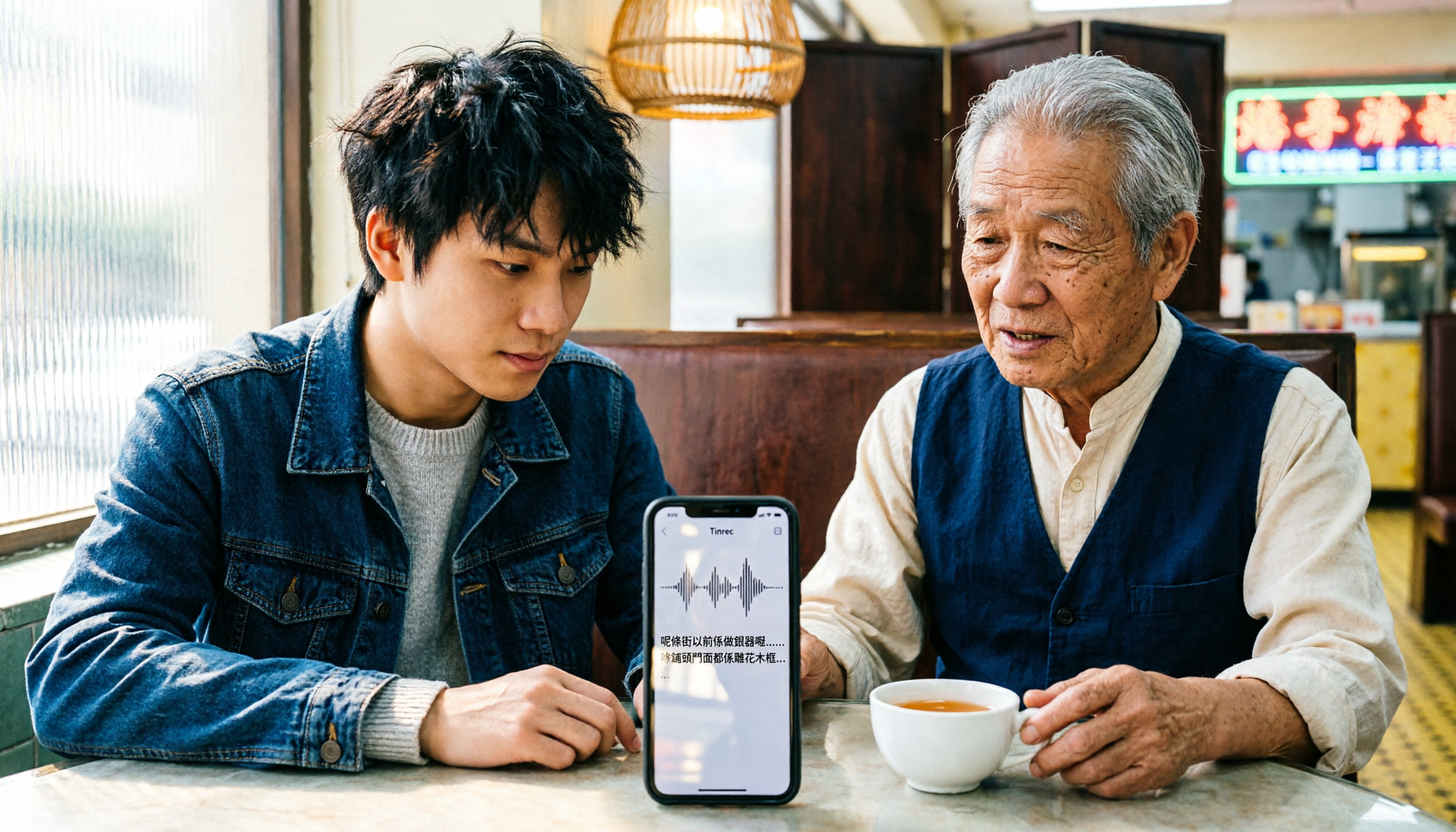
Among such tools, Tinrec is a choice often mentioned in meeting organization scenarios in recent years. It supports real-time audio-to-text, uploading audio and video files for transcription, and automatically generates summaries, chapters, and action items. It can also answer questions about meeting content using AI and export results to Notion, Google Docs, and other tools; the team version also has team spaces, member and seat management, usage analytics, and more. Note that it focuses on Chinese and multilingual meeting scenarios, and actual recognition performance is affected by recording quality, accent, noise, and technical terminology. It is not a Taiwanese "input method." So if your need is Taiwanese character input, go back to the Taiwanese input methods above; if you want to organize long meetings or interview recordings into searchable, queryable data, audio-to-text tools are the right choice.
Summary: Which One Should You Actually Install?
- Want official standard glyphs, voice input, missing character solutions → Ministry of Education Taiwanese Input Method
- Prefer Pe̍h-ōe-jī, want offline use, support open source → PhahTaigi Taiwanese Input Method
- Need to type both Taiwanese and Hakka → FHL Taiwanese & Hakka Input Method
- Dealing not just with typing but long Taiwanese recording organization → Falls under audio-to-text tools; consider meeting organization tools like Tinrec
Whichever you choose, remember three things: after installation, go to system settings to enable the keyboard; confirm how missing characters are handled; and make good use of tone-free character selection. With the right tool, typing Taiwanese on your phone can actually be smooth.
References
Turn every recording into actionable outcomes
Get 60 free transcription minutes when you sign in. No credit card required.
Related Reading
You might also like

WhatsApp Voice to Text vs Tinrec in 2026: Which Handles Cantonese Transcripts Better?
Can WhatsApp's built-in voice message transcription handle Cantonese? This hands-on comparison puts WhatsApp's built-in transcription and Tinrec side by side across five dimensions: audio sources, Cantonese and mixed Chinese-English scenarios, post-transcription processing, team collaboration, and setup cost and pricing. Find out which one fits your situation.
iPhone Cantonese Transcription in 2026: Built-in Voice Memos vs. Tinrec — Which Is Enough?
Recording Cantonese on iPhone — should you stick with the built-in Voice Memos transcript, or install a dedicated AI recording tool? This article compares iPhone's built-in Voice Memos with Tinrec across six dimensions: recording sources, Cantonese and mixed Chinese-English recognition, post-meeting organization, online meetings, cross-platform use, and team collaboration. It also covers pricing and FAQs to help you decide which approach fits your needs.

3 Taiwanese Input Methods Compared: Which One Should You Install on Your Phone or Computer?
Can't find a keyboard that types Taiwanese Hokkien? This article compares three tools: FHL Taiwanese & Hakka Input Method, PhahTaigi Taiwanese Input Method, and Ministry of Education Taiwanese Input Method. It covers download sources, input methods, candidate word design, offline use, and target users, with setup steps and FAQs to help you choose.

4 Best Cantonese to English Translation Apps in 2026: From Single Sentences to Meeting Transcripts
Can you understand Cantonese meetings and Hong Kong client interviews but dread the post-meeting wrap-up? This article breaks down how to choose a Cantonese to English translation app using 4 key criteria, and compares Tinrec, Cantonese Translation Assistant, Otter.ai, and Notta to help you match the right tool to your needs.

4 WhatsApp Voice-to-Text Tools Tested in 2026: What Android Users Who Speak Cantonese Should Choose
Can WhatsApp voice-to-text recognize Cantonese on Android? This article addresses common misconceptions and compares four approaches: WhatsApp's built-in transcription, WeChat, iMyFone VoxBox, and Tinrec. It covers three key buying factors: platform language differences, privacy risks, and free quotas. It also explains how Tinrec turns a Cantonese voice message into a searchable, queryable, and actionable transcript with to-dos.

3 Taiwanese Input Method Apps for Mobile Tested and Compared in 2026: How to Choose Between Missing Characters and Speech-to-Text?
Struggling to type Taiwanese on your phone? This article starts with common misconceptions, compares keyboard-based Taiwanese input methods with audio-to-text tools, and uses Tinrec to demonstrate how to turn Taiwanese conversations, interviews, and bilingual meetings into searchable, organized transcripts and action items, with 5 key purchasing considerations and an FAQ.

Cantonese to English Translation App 2026: Cantonese Transcription + Real-Time English Bilingual Comparison
When looking for a Cantonese to English translation app, first clarify whether you need to 'look up a word' or 'turn an entire Cantonese conversation into an English record.' This article compares Tinrec and Otter.ai across 5 dimensions—Cantonese/Chinese context, recording method, post-meeting organization, team collaboration, and pricing/quotas—to give you scenario-based recommendations.

Taiwanese Hokkien Input Methods in 2026: 3 Ways to Type and Tinrec Transcription Guide
How do you type in Taiwanese Hokkien? This guide covers three common input methods (romanization, character selection, and speech-to-text) and shows how Tinrec turns Taiwanese Hokkien interviews, meetings, and class recordings into searchable transcripts, summaries, and action items. It also explains the differences between the personal and team plans.

4 WhatsApp Voice-to-Text Methods Tested for 2026: Which Is Easiest for Cantonese Transcription on iPhone?
Transcribing WhatsApp Cantonese voice messages on iPhone: what are the limitations of the built-in transcription, iOS Shortcuts, and third-party tools? This guide covers setup steps and use cases for 4 methods, explains the iOS 16+ requirement, the two conflicting claims about Cantonese support, and what you can do when you want to turn customer conversations and meeting content into searchable, queryable data—not just read a single voice message.