
Turn recordings into transcripts and summaries in minutes
Upload audio or video for multilingual transcription, AI notes, and action items
2026 Comparison of 5 Cantonese Subtitle Tools: Download Movie Subtitles or Generate Your Own?
When looking for Cantonese subtitles, the first decision is usually not about the tool, but the approach: do you want to "download a subtitle file someone else made" or "turn your own video into subtitles that you can edit and reuse"?
Neither path is inherently better. Downloading subtitles is suitable if you just want to understand a film and someone has already made subtitles for it. Generating your own is suitable if you have self-made videos, interview footage, company videos, or if no one has made subtitles for that film.
The difference is: one uses someone else's work, the other turns your content into data that can be edited, searched, and reused.
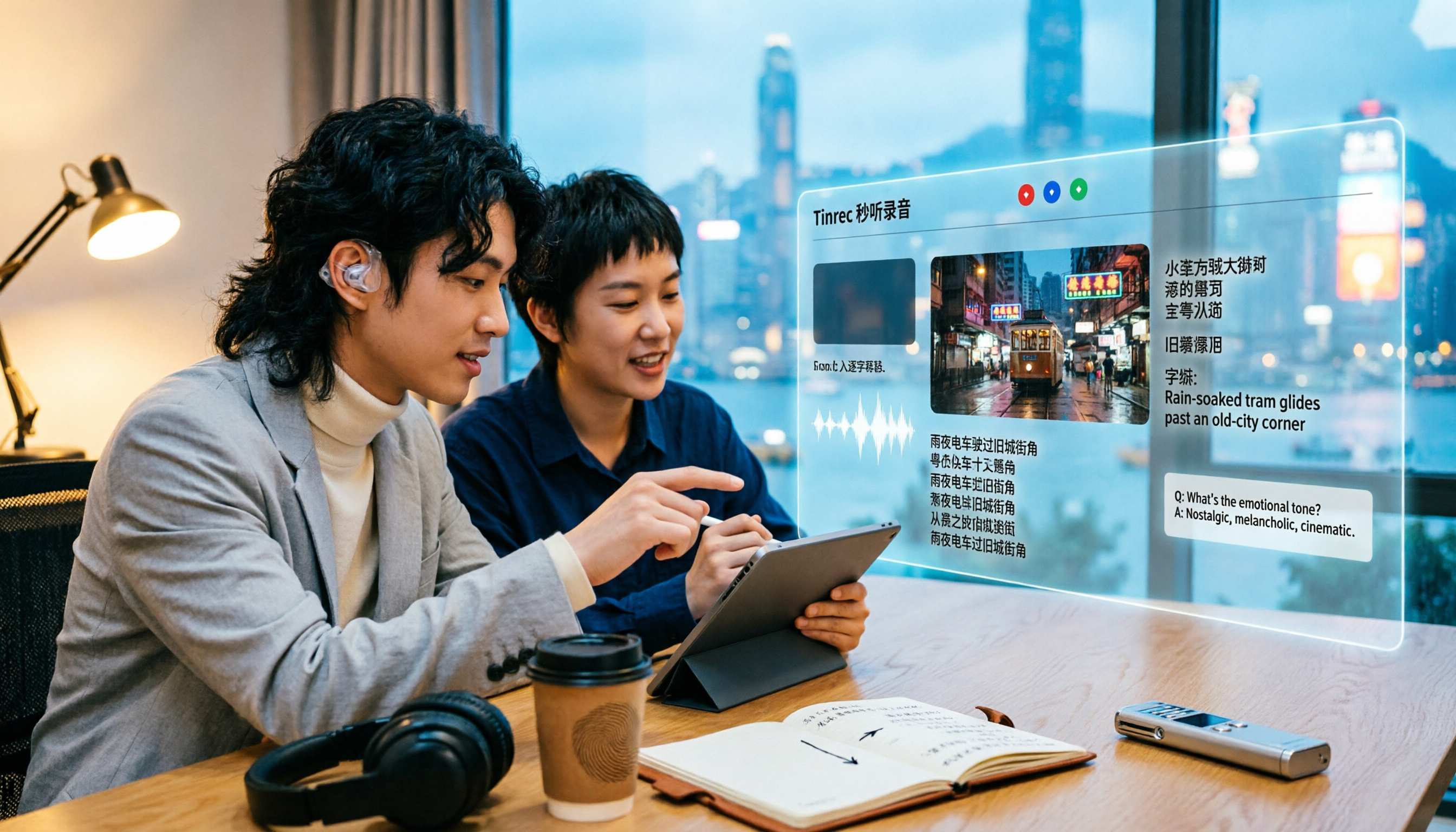
Tinrec is an AI meeting notes and collaboration tool for individuals and teams. It converts audio and video files into transcripts, then organizes them into summaries, chapters, and action items, and supports AI Q&A, real-time translation, and multi-format export. It works on web, desktop, and mobile. The free version provides basic quota to try transcription, import, and summarization, making it suitable for creators, content teams, and general office workers who need to produce their own subtitles and text data.
Five Ways to Obtain Cantonese Subtitles: What's the Difference?
Before choosing a tool, first see which need you belong to:
- Subtitle download sites: Subtitle files already made by others; download and attach to a player to watch.
- Built-in subtitles on video platforms: Subtitles or dubbed tracks provided by the platform.
- Online subtitle generation tools: Upload a video, and the cloud generates subtitles for you.
- Desktop recording plus transcription: Capture the sound playing on your computer and transcribe while playing.
- AI recording hardware: Use a device to record on the go, then organize in the app.
The first three are more about "getting a subtitle file," while the last two are about "turning content into your own data." If you want the latter, the focus will be on how much you can do after transcription—this is exactly the area Tinrec focuses on.
What Can Cantonese Subtitles Do for You?
Scenario 1: Adding Cantonese subtitles to self-made videos
You shot a vlog, short film, or product introduction in Cantonese. Previously, you had to transcribe by ear and sync each sentence. Now, drop the video file into Tinrec, get the transcript first, then proofread and correct sentence by sentence—much faster.
Scenario 2: Cantonese interviews and documentary footage
A one-hour interview might take three hours to transcribe. Tinrec first produces a complete transcript, and can also generate summaries and chapters, allowing you to quickly locate "what is being discussed where" without re-listening from the beginning.
Scenario 3: Adding bilingual subtitles to foreign language videos
For foreign film clips or cross-language meetings, you need Chinese and the original language side by side. Tinrec's real-time translation supports original text, translation, or bilingual view, and subtitles and transcripts can be compared together.
Scenario 4: Turning scattered audio and video into a searchable database
You've accumulated a pile of videos and interviews but can't find a specific sentence. Tinrec stores transcripts centrally, and later you can directly ask AI questions like "Who mentioned the budget?" without re-watching the entire video.
What Are the Core Capabilities of a Cantonese Subtitle Workflow?
Audio and video file import and transcription
Not just real-time recording, but also import existing audio and video files. For those who want to add subtitles after editing, this is the most practical entry point: material in, text out.
Handling mixed Chinese-English and multilingual content
Videos from Taiwan and Hong Kong often mix English into sentences. Tinrec covers Chinese, Traditional Chinese, and multilingual content, and can organize mixed Chinese-English sentences into readable transcripts.
Real-time translation and bilingual view
During recording or transcription, you can switch between original text, translation, or bilingual display, suitable for cross-language videos and situations requiring dual subtitles.
AI summary and chapters
The most troublesome part of long videos is finding the key points. Tinrec automatically generates summaries and chapters, breaking long content into browsable structures, making it much faster to go back to a certain topic.
AI Q&A and multi-format export
After transcription, you can directly ask Tinrec questions, and it will answer based on semantics. The organized content can also be exported in common formats and brought into your existing document or editing workflow for further processing.
Practical Application Scenarios
Self-media and video creators
A ten-minute video often takes an extra one or two hours for voiceover script and subtitles. Use Tinrec to transcribe first, and you only need to proofread and punctuate. You can also rewrite the transcript into a post or script. One material, one transcription, multiple uses.
Stop organizing recordings by hand
Upload audio or video and automatically get a transcript, summary, and action items
Interviewers and researchers
The most time-consuming part of an interview is not the conversation but the organization. Tinrec first produces a transcript, then gives summaries and chapters. You can directly mark key paragraphs, and when you need to quote, go back to the transcript timestamp to verify the original audio, avoiding taking things out of context.
Film review and commentary channels
When you need to quote movie clips and have bilingual subtitles, first transcribe the clip audio, then correct against the original text. Translation and original text side by side, the audience can understand, and your production time won't explode.
Content teams and internal company videos
For multi-person collaboration projects, subtitles should not exist only on someone's computer. Tinrec's team version provides an independent team space. Videos and transcripts belong to the team. Members can view and play, while those with seats are responsible for uploading, editing, and exporting. Administrators can view usage and operation logs.
5 Points to Note When Choosing a Cantonese Subtitle Tool
1. First distinguish whether you want to "watch" or "produce"
If you just want to understand a movie, downloading subtitles is fastest. But to produce editable and reusable subtitles, you need a transcription tool. Tinrec is positioned for the latter, and transcription is just the starting point; summaries, Q&A, and export are where it truly saves time.
2. Handling mixed Chinese-English and proper nouns
Cantonese content often mixes English words, and names, brand names, and technical terms are more prone to errors. Tinrec supports mixed Chinese-English content organization, and the team version can maintain team hotwords to make recognition of common terms more stable.
3. Can it connect back to your original workflow?
After subtitles are produced, they usually need to go into editing or document software. Tinrec supports multi-format export and can also bring results to Notion, Google Docs, OneNote, Dropbox, etc., for continued use without copying and pasting entire sections.
4. File sources and content length
If you have existing video files, confirm that the tool supports file import, not just real-time recording. Tinrec supports real-time recording, audio/video file import, and mobile recording. The desktop version can also directly capture computer system sound, handling online meetings without additional bots joining.
5. Authorization, copyright, and team governance
Before recording and transcribing, please confirm that you own the content rights or have obtained relevant consent, and comply with local laws. Downloaded third-party subtitles are generally only suitable for personal study and not recommended for commercial use or redistribution. If data is to be used by a team, Tinrec's team version can manage usage qualifications through roles and seats, and when members leave, data can be handed over to other members.
Frequently Asked Questions
Q1: Where can I find Cantonese subtitles?
The fastest way is subtitle download sites or built-in subtitle tracks on video platforms. The former usually provides multilingual subtitle files, while the latter is provided by the platform. Note two things: downloaded subtitles are mostly for personal study and not recommended for commercial use or redistribution; obscure films and self-made videos almost never have ready-made subtitles, so you have to generate your own—this is exactly what tools like Tinrec handle.
Q2: Does Tinrec support Cantonese?
Tinrec covers Chinese, Traditional Chinese, and multilingual content, and supports mixed Chinese-English organization and real-time translation. Traditional Chinese video material can also be processed. Actual recognition performance is affected by accent, speech rate, environmental noise, and overlapping speakers. It is recommended to try a segment with your own footage first before deciding whether to process a large amount.
Q3: Is the free version enough?
The free version provides basic quota to experience recording, import, summarization, and transcription. If you occasionally organize a video, start with the free version; if you have regular output every week, consider the Pro monthly or annual plan; for short-term intensive projects, the weekly plan is more suitable.
Q4: Can it handle full-length movies?
Yes, Tinrec supports audio and video file import and transcription. Long films can be transcribed first, then segmented using summaries and chapters. Note that file import uses plan quota, and the team version shares the team's import quota. Please refer to your purchased plan for actual available amount.
Q5: After subtitles are made, can they be shared with the team?
Yes. The team version provides an independent team space, and data belongs to the team. Active members can view and play even without a seat; after obtaining a seat, they can upload, edit, and export. Administrators can manage roles, seats, usage, and audit logs.
Q6: Are there copyright or legal issues when converting videos to subtitles?
Before recording and transcribing, you should confirm that you own the content rights or have obtained consent, and comply with local laws. Third-party subtitles are also only suitable for personal study and not recommended for commercial use or redistribution.
Conclusion
The key to Cantonese subtitles is not "which tool is the strongest," but first clarifying what you want: if you just want to understand a film, subtitle download sites are enough; if you want to turn your own videos into editable, searchable, and reusable data, then transcription and subsequent organization are the focus.
Tinrec's value lies in the part after transcription—transcript, bilingual translation, summary chapters, AI Q&A, and multi-format export, and finally settling into team space. The free version provides basic quota. Try it with the most troublesome video you have first, see how much time it saves you, and then decide whether to go further.
References
- CantoSub | Hong Kong | Cantonese | AI Subtitle Generation!
- Online Automatic Cantonese Subtitle Generation 2026 | Subanana
- 7 Best Sites to Download Movie and Series Subtitles
- Disney+ Multiple Movies with Cantonese Dubbing and Subtitles, Netizens: Bringing Back Childhood Memories | Now News
- Subanana Hong Kong-made Cantonese Subtitle Tool Review: YouTube Video Auto Subtitles Super Convenient | Tech Gadgets
Turn every recording into actionable outcomes
Get 60 free transcription minutes when you sign in. No credit card required.
Related Reading
You might also like
2026 Comparison of 3 Cantonese Input Method Practice Solutions: Jyutping, Fanqie, or AI-Assisted—Which Is Most Effective?
Struggling to practice Cantonese input methods? This article compares Jyutping input, Cantonese Fanqie input, and Tinrec AI speech-to-text assistance, analyzing which method best improves Jyutping accuracy. From pain points and selection criteria to hands-on testing and pitfalls to avoid, find the practice path that suits you best.

Best Cantonese Voice Input Tools in 2026: Testing 2 Options, Tinrec Excels at Post-Meeting Organization
This article compares VoiceIn and Tinrec, two Cantonese voice tools. VoiceIn is ideal for quick voice input in the Chrome browser, while Tinrec focuses on meeting recording transcription, AI summaries, to-dos, and team collaboration. If you need to turn Cantonese meetings into searchable, organized data, Tinrec is the more complete choice.

3 Cantonese Input Methods Compared: Is Google Input Tools Worth Installing?
Can't type characters like '嘅', '咗', '唔', or '啲'? This article compares Google Input Tools (Cantonese), Online Cantonese Input Method, and gcantonese-ime, explaining Google's Cantonese typing logic, where it works, and its limitations to help you choose the best option for your typing needs.

4 Free Cantonese Subtitle Tools Tested and Compared in 2026: Is the Free Version Enough and How to Choose?
A comparison of free Cantonese subtitle tools in 2026: Subanana, pyTranscriber, Whisper Desktop, and CantoSub, covering their differences and proofreading tips. Also compares them with Tinrec across five dimensions: input sources, post-meeting organization, export, team collaboration, and free quota, to help you choose the right tool for your needs.

Taigi AI Labs vs Ministry of Education Taiwanese Input Method: 5-Dimension Comparison for Mac Users in 2026
How to choose a Taiwanese input method for macOS in 2026? This article compares Taigi AI Labs, the Ministry of Education Taiwanese Input Method, and Lohankha across 5 dimensions: macOS version, input schemes, candidate characters, voice dictionary, and stability. It also covers installation steps and FAQs to help Mac users find the right Taiwanese typing tool.

2026 Cantonese Subtitle AI Free Options: 4 Tools Compared
2026 Cantonese subtitle AI free options compared: Tinrec, Subanana, CantoSub, and Otter.ai. Compare free quotas, Cantonese and mixed Chinese-English recognition, post-meeting organization, plus 5 key buying factors and 4 common pitfalls to avoid.

Tinrec vs Otter.ai 2026: 5-Dimension Comparison for Cantonese Speech-to-Text
Which tool should you use for Cantonese speech-to-text? This article compares Tinrec and Otter.ai, two AI meeting tools, across 5 dimensions: Cantonese and mixed Chinese-English recognition, online meeting recording methods, post-meeting summaries and AI follow-up, file import and audio retention, and pricing and team governance. It ends with FAQs to help you decide which one fits your situation.

How to Organize Cantonese Subtitles in 2026: AI Transcripts + Action Items in One Go
Want to add subtitles to Cantonese videos or meeting recordings? This article starts with common pitfalls, tests automatic subtitle tools like Subanana, CantoSub, and Zeemo, and takes a deep dive into how Tinrec turns Cantonese content into transcripts, summaries, action items, and team data. Learn to choose the right tool and stop wasting time.

4 Cantonese Speech-to-Text Tools Tested in 2026: Which One Actually Saves You Time?
Tired of endlessly editing Cantonese meeting transcripts? We tested Tinrec, Notta, Granola, and TurboScribe with the same set of Cantonese and mixed Chinese-English meeting recordings, comparing transcription usability, post-meeting organization, free tiers, and team data ownership. We also highlight 4 common pitfalls to help you find a solution that truly saves time after meetings.