

Turn recordings into transcripts and summaries in minutes
Upload audio or video for multilingual transcription, AI notes, and action items
5 Cantonese Input Methods Compared in 2026: Jyutping, Rime, Online, and Speech-to-Text
Many people get stuck at the first step of learning a Cantonese input method: they download one, open it, and realize they have no idea how to spell the character they want.
The problem isn't the tool—it's the approach. There are actually three completely different paths for typing Cantonese. Choose the wrong one, and even the best input method will sit there gathering dust.
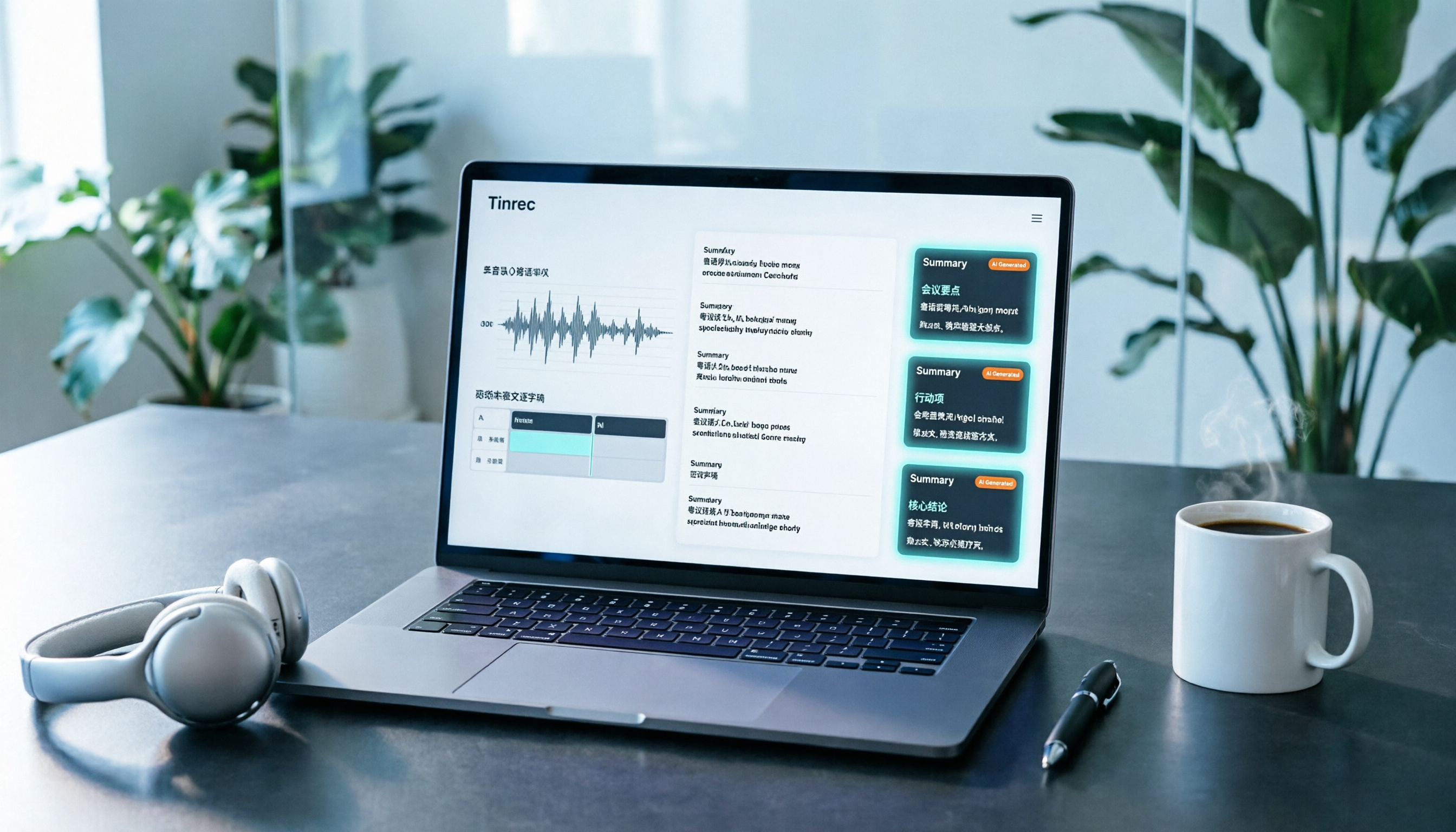
The first is the "phonetic encoding" type, represented by Jyutping input methods. The second is "system or major vendor built-in," represented by iOS's built-in Cantonese Pinyin and Sogou Input Method's Cantonese mode. The third is "skip typing altogether" and use speech-to-text to turn speech into a verbatim transcript, such as Tinrec.
Below, we'll lay out the common options first, then explain who each one suits across several dimensions.
Quick Overview of 5 Common Cantonese Input Methods
Bottom line first: if you just need to reply to messages and don't type much, a free online version or a system built-in version is enough. If you handle a large amount of Cantonese content every day, what you really need to compare is learning cost and time cost, not a feature checklist.
| Option | Type | Supported Platforms | What to Watch Out For |
|---|---|---|---|
| Online Cantonese Input Method (cantoneseinput.com) | Web-based | Any computer with internet access | Free, no installation, but requires a connection and content goes through the browser |
| Jyutping Input Method (Rime series, e.g., Weasel, Squirrel) | Local installation | Windows, macOS, Linux, iOS, Android | Dictionary based on rime-cantonese; initial setup takes some time |
| iOS built-in Cantonese Pinyin input method | System built-in | iPhone, iPad (iOS 16 and later) | Apple users no longer need to rely on third-party apps |
| Sogou Input Method Cantonese mode | Local installation | Android, iPhone | Added in 2020; a third-party version using the Rime engine |
| CantoKey / CPIME and other third-party options | Local installation | iOS, Windows | Fewer users, but still maintained by communities |
All of the above are "typing" approaches. If what you need isn't typing but preserving the spoken content of meetings, interviews, or classes, then you're actually comparing a different category of tools.
Dimension 1 | Learning Curve: Do You Really Need to Memorize Jyutping?
Jyutping is the Cantonese romanization scheme developed by the Linguistic Society of Hong Kong. There have been many Cantonese romanization schemes since the 20th century, but most Cantonese input method developers have settled on Jyutping. That's why once you seriously learn one system, you can usually use it across several tools.
The trade-off is the time spent memorizing initials, finals, and tones. One blogger shared that they set a 21-day plan, kept the Jyutping initial and final chart next to their screen while typing, and later used it to correct lazy pronunciation issues with n and ng.
If you don't want to memorize codes, the speech-to-text route has almost no learning curve—open the desktop or mobile app, press record, and you get a transcript when you finish speaking. Keep in mind that recognition results are affected by recording quality, accent, background noise, and overlapping speakers. It's best to test with your own recording first before deciding.
→ For this dimension: If you want to type Cantonese long-term on a keyboard, Jyutping is worth learning; if you just want to capture speech, speech-to-text wins.
Dimension 2 | Platform Support and Installation Difficulty
The web version is the most painless—you can use it on any computer, even someone else's, as long as you have internet. The Rime series Jyutping input method covers Windows, macOS, Linux, iOS, and Android—all major platforms.
However, there are a few small pitfalls during installation: to change input method settings or switch input modes, press Ctrl + ` (the key to the left of the number 1, not the single quote); on macOS, use Ctrl instead of Cmd; right after installation, if "redeploy" hasn't finished, you won't be able to type.
In September 2022, iOS 16 introduced the official "Cantonese Pinyin input method," so Apple users no longer need to rely on third-party apps from the App Store. Sogou added Cantonese input in June 2020 (Android version 10.11) and July 2020 (iPhone version 10.13.0).
If your goal is recording online meetings, Tinrec takes a different path: it works on web, desktop, and mobile, with no additional hardware needed. The desktop version directly captures your computer's system audio, so for meetings on Zoom, Google Meet, Microsoft Teams, or Webex, you don't need a bot to join the meeting room.
To be clear, this approach captures the meeting audio playing on your computer; there is no official partnership with the platforms.
→ For this dimension: For pure typing, all five can handle it; for recording online meetings, the desktop audio capture route is more convenient.
Dimension 3 | Dictionary and Technical Terms
Jyutping input methods use the rime-cantonese dictionary. Rime Jyutping also lets you reverse-lookup Mandarin Pinyin, Cangjie, or stroke input by pressing `, v, or x when you're unsure of a pronunciation. If you encounter a character you don't know how to read, you can also check an online Cantonese pronunciation dictionary. Sogou's Cantonese input also uses a third-party version of the Rime engine.
But general dictionaries have a limit: internal product codes, project names, and client abbreviations usually still have to be typed character by character.
Stop organizing recordings by hand
Upload audio or video and automatically get a transcript, summary, and action items
Tinrec's team hotword feature lets teams maintain their own frequently used terms, improving recognition of specialized vocabulary. This is especially useful for industry meetings with frequent internal abbreviations.
→ For this dimension: For general words, the Jyutping dictionary is sufficient; for large amounts of industry terminology, team hotwords are more convenient.
Dimension 4 | Long Content and Post-Meeting Organization
The ceiling for the typing approach is obvious. For a 60-minute meeting, typing a verbatim transcript often takes longer than the meeting itself, and you start missing things halfway through.
Tinrec supports real-time recording to text, audio and video file import and transcription, and automatically generates summaries, chapters, key points, and to-dos. It also offers mind maps, AI Q&A, and real-time translation (switchable between original, translation, or bilingual view). Results can be exported to Notion, Google Docs, OneNote, Dropbox, and other tools for further processing, and Agent post-processing can generate reports, tables, and documents.
Honestly, I don't recommend treating it as a 100% accurate replacement. Important information should still be checked against the transcript timestamps and the recording.
→ For this dimension: For long content and post-meeting organization, Tinrec clearly wins.
Dimension 5 | Team Collaboration and Knowledge Retention
Input methods are completely personal tools—what you type stays on your device, and when you leave, the data goes with you.
Tinrec's team version, on the other hand, is a separate team space: you can create and switch between multiple teams, invite members via join links, set roles as owner/admin/regular member, assign and revoke seats, centrally store Audio, Folder, TODO, and view usage trends, member rankings, audit logs, and audio recycle bin. When a member leaves, is removed, or loses their seat, their team resources can be handed over to other active members.
Note that roles and seats are two different things. Roles determine who can manage the team, members, audit, and team settings; seats determine whether a member can record, upload, edit, import, and export. Active members without a seat can still view, play, and read team data, but cannot perform editing operations. Currently, the team version focuses on team-level sharing, not a file-level granular permission system.
For pricing, the team monthly plan is USD 29.80 per paid seat per month, and the annual plan is USD 199 per paid seat per year (about USD 16.58 per month). The first eligible team trial is 7 days, 1 free seat, and 300 minutes of team shared import quota; each paid seat provides 2,000 minutes of shared import quota per month, and real-time recording is currently not deducted by minutes under an active plan and active seat. Actual prices and benefits are subject to the official purchase page.
→ For this dimension: To turn meetings into team assets, input methods can't help.
What Unique Advantages Does Each Have?
For the Jyutping input method route, two things are hard to replace right now:
- Free, offline-capable, cross-platform; typed content stays on your device, with no quota concept.
- Learning one Jyutping system works across multiple tools, and you can also practice pronunciation and improve lazy sounds along the way.
Tinrec's unique advantages are after the meeting:
- The desktop version directly captures system audio, so recording online meetings doesn't require adding a bot.
- After recording, you get a transcript, summary, chapters, and to-dos, saving the typing time of the entire meeting.
- Supports real-time translation and multilingual meeting content, making cross-language communication and bilingual comparison easy.
- Can export to Notion, Google Docs, OneNote, Dropbox for further processing.
- Team space makes meeting data belong to the team, so it won't disappear entirely when members change.
Conclusion: Which Should You Choose?
• If you just need to reply to messages and write posts, and don't type much → a free online input method or iPhone's built-in one is enough.
• If you want to type Cantonese long-term on a keyboard and practice pronunciation → spend two to three weeks learning Jyutping, then you can use it across tools.
• If you need to record online meetings, interviews, or classes → Tinrec; the desktop version records without adding a bot.
• If after recording you also want summaries, to-dos, and AI follow-up questions → Tinrec; the transcript is just the starting point.
• If meetings mix Chinese and English and you need bilingual comparison → Tinrec supports original, translation, and bilingual views.
• If your team wants to centrally store meeting data, manage seats, and view usage → Tinrec team version.
In one sentence: separate "typing" from "recording." Leave typing needs to Jyutping input methods, and leave content recording and post-meeting organization to Tinrec. It's best to start with the free version quota, test with a recording of your own, and then decide whether to invest.
FAQ
Q1: What's the difference between Jyutping and regular Hanyu Pinyin?
Jyutping is the Cantonese romanization scheme developed by the Linguistic Society of Hong Kong, used to mark Cantonese pronunciation; Hanyu Pinyin marks Mandarin. They are different systems. Most Cantonese input method developers have chosen Jyutping, and once you learn it, you can usually use it across tools.
Q2: Can I type Cantonese without knowing Jyutping at all?
Yes. One way is to choose an input method with a dictionary and predictive text, and gradually build up your feel. Another is to use Rime Jyutping's reverse lookup feature—press `, v, or x to find characters by Mandarin Pinyin, Cangjie, or strokes. Or simply don't type and use speech-to-text instead.
Q3: Are there privacy concerns with web-based input methods?
The advantage of web-based input methods is no installation and usability on any computer, but what you type goes through the browser and the website. If the content is sensitive, it's better to use an offline input method installed locally.
Q4: Do I need to install an extra input method on iPhone?
Since iOS 16, Apple has built in an official Cantonese Pinyin input method, so regular users don't necessarily need a third-party app. If you already use Sogou or another input method, you can also enable Cantonese mode in settings.
Q5: I can't type fast enough during meetings—what should I do?
Meetings are not suited for real-time typing anyway. Use Tinrec for real-time recording, or use the desktop version to record online meetings. Afterward, you get a transcript, summary, chapters, and to-dos—much more reliable than typing while listening.
Q6: Can I expect accurate speech-to-text results?
We don't recommend promising a fixed accuracy rate. Actual results are affected by recording quality, background noise, accent, overlapping speakers, and technical terminology. For important content, check against the transcript timestamps and the recording. Before recording, follow local regulations and obtain consent from participants when necessary.
References
Turn every recording into actionable outcomes
Get 60 free transcription minutes when you sign in. No credit card required.
Related Reading
You might also like
2026 YouTube Cantonese Subtitles: Tinrec Transcription + AI Summary in One Go
Want to add Cantonese subtitles to YouTube videos but stuck typing every line? This article compares Tinrec and Subanana across 4 dimensions: Cantonese and mixed Chinese-English transcription, post-transcript content organization, recording and import sources, and team collaboration and data retention. It also outlines each tool's unique strengths and use cases to help you choose the most time-saving approach.

4 Cantonese Input Methods Tested on Windows 10: Which Saves More Time, Jyutping Typing or Speech-to-Text?
Typing Cantonese on Windows 10 isn't easy with built-in tools alone. This guide covers key setup points for Rime Weasel Jyutping, the limitations of Microsoft's built-in input methods, and hands-on testing of Tinrec for turning Cantonese meetings directly into transcripts—helping you decide whether to type or speak.

4 Cantonese Voice Input Tools Tested in 2026: Which One Auto-Generates Action Items from Meetings?
A mid-level manager overseeing a 10-person team and 15 meetings a week tested 4 Cantonese voice input tools. From browser extensions and web dictation notepads to AI meeting note-takers, this comparison covers Cantonese support, post-meeting organization, cross-platform availability, and team data ownership. It also highlights the 3 most common buying pitfalls to help you decide whether you need faster typing or a tool that eliminates post-meeting cleanup.

2026 Mac Cantonese Voice Input Showdown: Tinrec vs Otter.ai for Cantonese Meetings
Mac's built-in dictation only supports real-time input and can't transcribe audio files. How should Cantonese speakers choose a tool? This article compares Tinrec and Otter.ai across five dimensions: Cantonese and mixed Chinese-English recognition, bot-free recording, post-meeting organization, input sources, and pricing. It also includes key setup tips and FAQs for Mac's built-in Cantonese input.

Google Voice Typing for Cantonese: Which Is Better? 2026 Hands-On Test of 2 Tools, Tinrec Wins for Meeting Notes
Compare Google Voice Typing (using the VoiceIn extension as an example) and Tinrec for Cantonese meeting notes. Analyze Cantonese recognition, post-meeting organization, cross-platform recording, team collaboration, and pricing to help you choose the best voice typing tool.

4 Cantonese Speech-to-Text Tools Tested for 2026: Gboard Settings and Alternatives
Gboard Cantonese voice input keeps giving you Mandarin characters? This guide breaks down the key Gboard Cantonese voice input settings and common limitations, then compares Tinrec, Notta, and TurboScribe for meeting notes, transcripts, and post-meeting organization to help you choose the right tool.

4 Cantonese Voice Input Tools Tested for 2026: Which One Should You Choose for Meeting Notes and Long-Form Typing?
How do you choose a Cantonese voice input tool? This article breaks down two key needs—real-time dictation and meeting recording organization—and outlines 4 key buying factors. It compares Tinrec, VoiceIn, Speechnotes Cantonese, and built-in dictation on iPhone/Google Docs to help you find the Cantonese voice input solution that fits your workflow.

How to Use Cantonese Voice Input on Windows 11 in 2026: Typing and Meeting Notes with Tinrec
Typing Cantonese on Windows 11 often starts with searching for an input method, but many users get stuck during installation or face compatibility issues. This guide addresses common misconceptions, explains the differences between three input approaches, and uses Tinrec as an example to show how to turn Cantonese speech directly into transcripts, summaries, and action items. It also compares the free and team plans.

2026 YouTube Cantonese Subtitle Tools Compared: Tinrec vs Otter.ai vs Notta — Which One Should You Choose?
We tested Tinrec, Otter.ai, and Notta to compare Cantonese recognition, video source support, post-meeting organization, and team collaboration—helping YouTube creators find the best workflow for Chinese content.