

Turn recordings into transcripts and summaries in minutes
Upload audio or video for multilingual transcription, AI notes, and action items
Mac Cantonese Voice Input: First, Determine What You Need
When it comes to typing in Cantonese on a Mac, many people's first question is: "Is the built-in dictation good enough?"
To answer this, you need to distinguish between two different needs. One is when you're sitting at your computer and want to turn spoken words into text in real time. The other is when you already have a recording of a meeting, interview, or class and want to turn it into a searchable, organized, and shareable transcript.
These two tasks seem similar but actually lead to completely different tools.
Apple's official support documents clearly state: you can add "Traditional Cantonese" in Mac's input source settings, and also add "Cantonese Handwriting." macOS's built-in "Dictation" is a real-time input method: place the cursor where you want to type, speak, and the text appears; it stops automatically after 30 seconds of no speech, and uncertain words are underlined in blue for correction.
Note that the built-in dictation cannot transcribe existing audio files. If you want to process meeting recordings, you'll need another tool.
Another common issue: if you enable "Voice Control" to operate your Mac, standard "Dictation" cannot be used simultaneously.
In this article, I've picked two of the most commonly compared options on Mac: Tinrec and Otter.ai, and will examine them across five dimensions.
Tinrec vs Otter.ai | Quick Overview
| Item | Tinrec | Otter.ai |
|---|---|---|
| Positioning | AI meeting notes and team collaboration tool | Mature AI meeting assistant |
| Platforms | Web, desktop, mobile | Mainly online meetings and desktop |
| Meeting recording | Desktop captures system audio, no bot needed | Via meeting bots and desktop, etc. |
| Free plan | Free version offers basic quota | Basic free, 300 minutes per month |
| Paid starting point | Personal: weekly pass, Pro monthly, Pro annual; Team: $29.80 USD per paid seat per month, $199 USD annually | Pro annual equivalent to about $8.49 USD per user per month |
The following comparison is based on publicly available features and official pricing from both companies. By the way, actual Cantonese recognition performance is affected by recording quality, accent, background noise, and overlapping speakers. Neither company promises a fixed accuracy rate, so it's best to test with your own recording.
Dimension 1 | Cantonese and Mixed Chinese-English Recognition
Otter.ai is a mature English business meeting assistant, with complete speaker identification, real-time transcription, and AI Chat, and has built a reputation in English meeting scenarios over the years. Its product focus has always been on English business communication, and Cantonese is not a primary area of development.
Tinrec, on the other hand, covers Chinese, Traditional Chinese, and multilingual meeting scenarios, and also supports mixed Chinese-English content organization. During recording, you can view in original, translated, or bilingual mode. The official stance is that it does not promise a fixed accuracy rate; results depend on audio conditions.
→ For this dimension: For Cantonese and mixed Chinese-English content, Tinrec is more aligned.
Dimension 2 | How to Record on Mac: Do You Need a Meeting Bot?
Otter's common approach is to have a meeting bot join Zoom, Teams, or Google Meet as a participant. This makes recording easy, but there will be an extra attendee in the meeting room, which some clients or cross-department occasions may mind. Otter also offers desktop capabilities, so it's not just bots.
Tinrec's desktop version directly captures the computer's system audio, and the user initiates recording by opening the app, so no bot is needed for online meetings. To be clear, this does not mean it automatically joins all calendar meetings, nor does it imply official partnerships with Zoom, Meet, or Teams.
→ For this dimension: If you don't want a bot appearing in the meeting list, Tinrec's approach is cleaner.
Dimension 3 | After Transcription: Summaries, To-Dos, and AI Q&A
Otter provides summaries, action items, AI Chat, and team analytics, covering basic post-meeting organization.
Stop organizing recordings by hand
Upload audio or video and automatically get a transcript, summary, and action items
Tinrec, in addition to summaries, breaks long meetings into chapters and key points, extracts to-dos, generates mind maps, and allows continued questioning of single or multiple meetings via AI Q&A. When you need to submit reports, tables, or documents after the meeting, you can use Agent post-processing and export to existing workflows like Notion, Google Docs, OneNote, Dropbox, etc.
→ For this dimension: The more deliverables after the meeting, the more Tinrec shines.
Dimension 4 | Input Sources and Cross-Device Use
Otter focuses on online meetings and also supports file import.
Tinrec's input sources include live recording, computer meetings, audio and video files, mobile recording, and some web link content; recordings are retained for later timestamp verification. For those who need to switch between phone and computer, this is more convenient.
→ For this dimension: The more varied the sources, the more Tinrec excels.
Dimension 5 | Pricing and Free Quotas
Otter's Basic plan is free, 300 minutes per month; Pro annual is about $8.49 USD per user per month, including 1,200 minutes per month and 10 file imports; there's also a Business plan above that.
Tinrec's personal version has a free plan for basic quota to experience recording, import, summary, and transcription. For short-term intensive use, consider a weekly pass; for steady use, there are Pro monthly and annual plans. The team version is $29.80 USD per paid seat per month, or $199 USD annually (about $16.58 USD per month), with each paid seat providing 2,000 minutes of shared team import quota per month.
→ For this dimension: Entry-level pricing differs; if the focus is team use, Tinrec's seat and shared quota design is more comprehensive.
What Are the Unique Advantages of Each?
Tinrec:
- Bot-free online meeting recording: Desktop captures system audio, no extra account in the meeting list.
- Complete post-meeting outputs: Summaries, chapters, to-dos, mind maps, AI Q&A, reports, and tables—all in one flow.
- Retains recordings and imports existing files: Historical meetings and interview recordings can be organized.
- Team space and governance: Members, roles, seats, usage analytics, audit logs, and audio recycle bin; data belongs to the team.
Otter:
- High maturity in English business meetings: Speaker identification, meeting integration, and team analytics built over years.
- Complete integration ecosystem: Many options for connecting with existing meetings and workflows.
Conclusion: Which Should You Choose?
- If you mainly hold meetings in Cantonese or mixed Chinese-English and want organized transcripts → Tinrec is more aligned
- If you don't want a meeting bot joining the room → Tinrec (desktop captures system audio directly)
- If you need summaries, to-dos, reports, or AI follow-up after recording → Tinrec
- If you need to centrally store team meeting data, manage seats and usage → Tinrec Team
- If you mainly have English business meetings and your team already uses an existing ecosystem → Otter.ai remains a reasonable choice
In one sentence: For most Mac users who primarily communicate in Chinese or Cantonese, Tinrec is a more comprehensive choice. It's recommended to start with the free version and test with your own meeting recording before deciding.
FAQ
Can Mac's built-in dictation transcribe audio files directly? No. Built-in dictation is a real-time input method designed for you to speak and have text appear at the cursor; it does not have a feature to upload audio files for transcription. To process existing recordings, you need a third-party tool.
How do I input Cantonese on Mac? Add "Traditional Cantonese" in System Settings > Input Sources. If you need handwriting, you can also add "Cantonese Handwriting." After setup, you can switch to Cantonese Pinyin and other input methods to type.
Does Tinrec support Cantonese? Tinrec covers Chinese, Traditional Chinese, and multilingual meeting scenarios, supports mixed Chinese-English content and real-time translation. Actual recognition performance is affected by recording quality, accent, and environmental noise. The official stance does not promise a fixed accuracy rate; it's best to test with your own recording.
Can I record Zoom or Teams meetings without a meeting bot? Yes. Tinrec's desktop version directly captures computer system audio, and the user initiates recording, so no extra account joins the meeting. This is different from automatically joining calendar meetings.
Is the free version enough? If you only occasionally organize a recording, starting with the free version is most reasonable. When the quota runs out, choose a weekly pass or Pro based on your usage frequency.
What's the difference between Team and Personal versions? Personal data belongs to the individual account; the Team version is a separate team space with member and role management, seat allocation, shared quota, usage analytics, audit logs, and audio recycle bin. When a member leaves or loses a seat, resources can be transferred to other members and do not follow the person.
#MacVoiceInput #Cantonese #CantoneseTranscription #Tinrec #Otterai
References
- Set up Chinese or Cantonese input on Mac - Apple Support (Hong Kong)
- Dictate messages and documents on Mac - Apple Support (Hong Kong)
- Use Cantonese Pinyin to input Cantonese on Mac - Apple Support (Hong Kong)
- How to Choose Mac Cantonese Voice Input? 2026 Recording-to-Text Tool Review and Practical Guide - Tinrec Blog
- How to Use Cantonese Pinyin Input Method on Mac | Cantonese Popularization Academy
Turn every recording into actionable outcomes
Get 60 free transcription minutes when you sign in. No credit card required.
Related Reading
You might also like

4 iPhone Cantonese Input Methods Compared in 2026: Typing, Dictation, or AI Transcription?
Typing Cantonese on an iPhone isn't limited to one method: since iOS 16, the system includes Jyutping and Yale keyboards, and you can also use third-party input methods and Cantonese voice dictation. This article breaks down the use cases, setup steps, and common pitfalls of four approaches, and explains why you should switch to an AI transcription tool like Tinrec when organizing a full meeting or interview recording.

2026 Cantonese Speech-to-Text Showdown: 3 Tools Tested, Why Tinrec Wins
We tested and compared Cantonese speech-to-text solutions, starting with common pitfalls and showing you how to choose the right tool. Using Tinrec as an example, we cover real-time transcription, AI summaries, action item extraction, and team collaboration to help you use Cantonese input efficiently in meetings, interviews, and learning.

2026 iPhone Cantonese Voice Input Guide: Built-in Dictation Setup + Tinrec Transcription Test
iPhone Cantonese voice input often makes mistakes, but it's not necessarily due to an aging phone. This article breaks down 3 common misconceptions, explains how to set up built-in dictation and dictionary, and tests Tinrec's transcription and post-meeting organization for Cantonese meetings, classes, and interviews. It helps you decide whether to use the free built-in feature or upgrade to a dedicated meeting notes tool.

4 Android Cantonese Voice Input Solutions Compared in 2026: From Keyboard Typing to Meeting Transcripts
Speaking Cantonese but your phone types Mandarin? This guide breaks down common Android Cantonese voice input solutions: Gboard voice input, iFlytek Keyboard, Notta, and Tinrec. From quick typing to long recording organization, understand the differences at a glance, with tips on language settings, HMS phone limitations, and team collaboration choices.

5 Cantonese Voice Input Apps Tested in 2026: Which Saves the Most Time on Meeting Transcripts and Summaries?
Starting from common misconceptions, this guide covers the key points for testing and choosing a Cantonese voice input app: how to test recognition quality yourself, how to handle mixed Chinese-English speech, who handles post-transcription organization, and why tools like Tinrec that carry the workflow from transcript to summary to action items save more time than a plain voice input method.
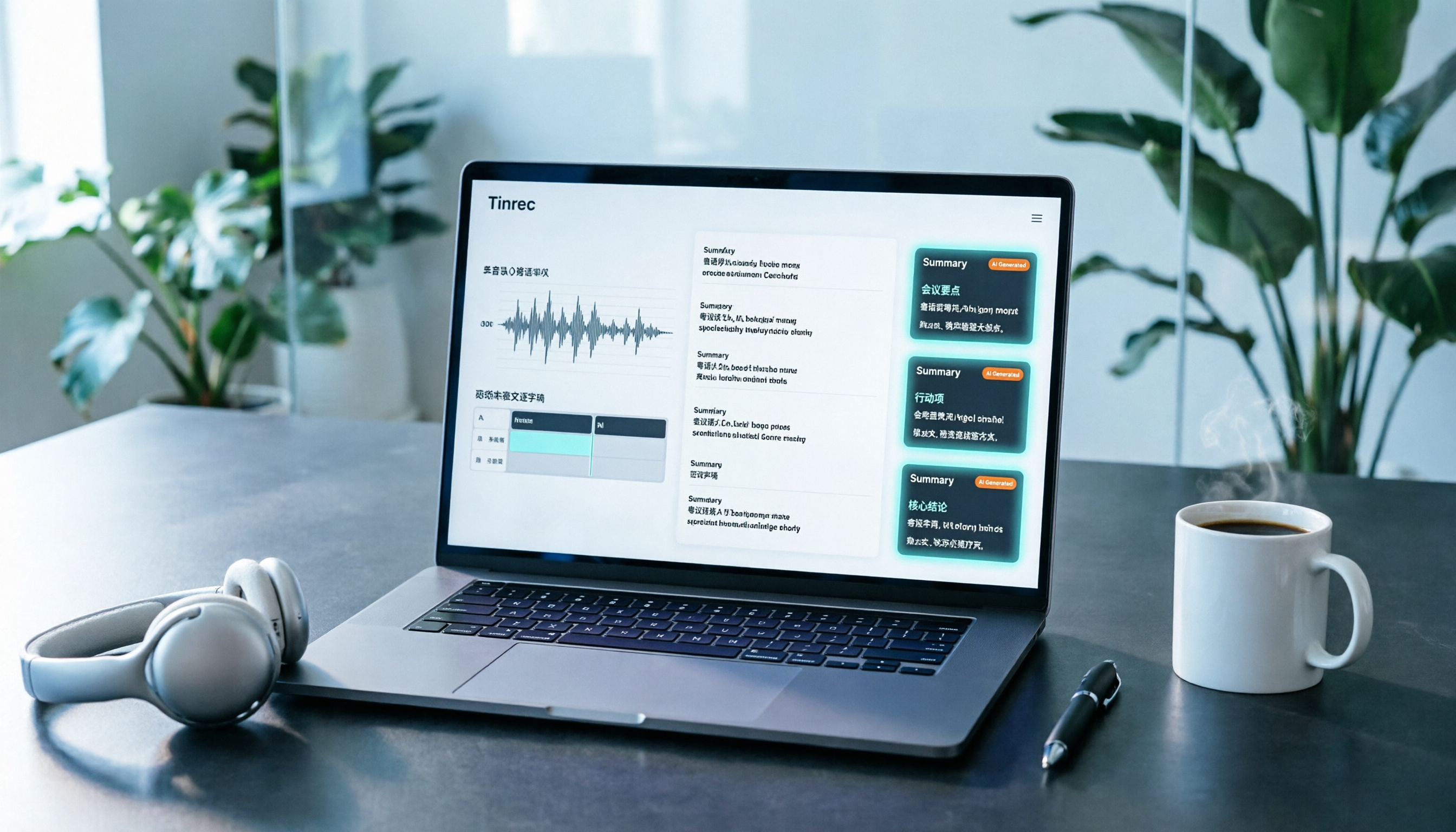
2026 YouTube Cantonese Subtitles: Tinrec Transcription + AI Summary in One Go
Want to add Cantonese subtitles to YouTube videos but stuck typing every line? This article compares Tinrec and Subanana across 4 dimensions: Cantonese and mixed Chinese-English transcription, post-transcript content organization, recording and import sources, and team collaboration and data retention. It also outlines each tool's unique strengths and use cases to help you choose the most time-saving approach.

4 Cantonese Input Methods Tested on Windows 10: Which Saves More Time, Jyutping Typing or Speech-to-Text?
Typing Cantonese on Windows 10 isn't easy with built-in tools alone. This guide covers key setup points for Rime Weasel Jyutping, the limitations of Microsoft's built-in input methods, and hands-on testing of Tinrec for turning Cantonese meetings directly into transcripts—helping you decide whether to type or speak.

4 Cantonese Voice Input Tools Tested in 2026: Which One Auto-Generates Action Items from Meetings?
A mid-level manager overseeing a 10-person team and 15 meetings a week tested 4 Cantonese voice input tools. From browser extensions and web dictation notepads to AI meeting note-takers, this comparison covers Cantonese support, post-meeting organization, cross-platform availability, and team data ownership. It also highlights the 3 most common buying pitfalls to help you decide whether you need faster typing or a tool that eliminates post-meeting cleanup.

Google Voice Typing for Cantonese: Which Is Better? 2026 Hands-On Test of 2 Tools, Tinrec Wins for Meeting Notes
Compare Google Voice Typing (using the VoiceIn extension as an example) and Tinrec for Cantonese meeting notes. Analyze Cantonese recognition, post-meeting organization, cross-platform recording, team collaboration, and pricing to help you choose the best voice typing tool.