

Turn recordings into transcripts and summaries in minutes
Upload audio or video for multilingual transcription, AI notes, and action items
4 Cantonese Voice Input Tools Tested in 2026: Which One Auto-Generates Action Items from Meetings?
The Meeting Is Just the Beginning—You Don't Need a Typing Tool, You Need a Workflow That Closes the Loop
Let me ask you something: How many action items came out of your meetings last week? If you can't answer that, don't blame your memory—most people simply don't have a tool to help them keep track.
I manage a team of 10 and sit through about 15 meetings a week. The scene that used to play out most often: my boss assigns three things in a meeting, I nod vigorously, then I get back to my desk and open my notebook—only half a page of keywords. Two days later, when I need to follow up, I have to awkwardly ask, "Who was supposed to handle that thing from last time?" And the reply is, "Not me." That moment is really uncomfortable.
Another scenario is even more common: an online meeting conducted in Cantonese, with air conditioning hum, keyboard clatter, and three people talking over each other. You want to produce a transcript afterward, only to find that most voice input tools on the market are English-first. Cantonese is either unsupported or riddled with so many errors that you'd have to retype everything.
Then there's cross-department coordination. The communication itself isn't hard; what's hard is the follow-up after the conversation—who agreed to what, when it's due, what was decided last time. If all of that lives only in your memory and other people's verbal promises, something will eventually fall through the cracks.
Ultimately, what you need isn't just a dictation tool that turns speech into text. You need a workflow that handles recording, transcription, organization, and tracking from start to finish. What follows is what I learned after trying a round of tools.
Before Choosing a Cantonese Voice Input Tool, Understand These 4 Key Points
1. The recognition engine determines whether Cantonese works at all Most voice input tools rely on Google or Apple speech recognition engines. Whether "Cantonese (Hong Kong)" is in the language pack is the first hurdle. Some tools only say "supports Chinese," but actually run a Mandarin model—feeding Cantonese into that is a disaster. When evaluating a tool, first check if Cantonese appears in the language menu. That matters more than any spec sheet.
2. After input, does anyone help you organize? "Converting to text" is only the first layer. The real difference is what comes after: Can it automatically generate summaries? Can it extract action items from the discussion? Can you ask questions directly about the meeting content? If a tool only gives you a long transcript, you still have to read through it yourself—that saves typing but not organizing.
3. Cross-platform and meeting sources Today you record on an iPhone, tomorrow you host a Zoom meeting on a Windows PC, and the day after you need to process an MP4 someone sent you. Whether a tool can handle all these sources determines if it truly fits into your workflow or just gathers dust after a month.
4. Is the free tier enough for you to "really use" it? Almost all free versions have minute limits. The point isn't how many minutes the free version gives—it's whether those minutes are enough to test if the tool is accurate in your meeting scenarios. If the limit is so low that you can only speak for a few minutes at a time, you can't evaluate performance on long meetings with multiple people talking over each other.
Tinrec—The One I'm Still Using
First, positioning: Tinrec is an AI meeting notes and collaboration tool for individuals and teams, available on iOS, Android, and web. Its main focus is on "what you still need to do after the meeting ends."
No bot needs to join your online meeting. This is the biggest difference from many similar tools. Tinrec's desktop version directly captures your computer's system audio, processing sound from Zoom, Google Meet, Microsoft Teams, Webex, and other platforms. You don't need to invite a bot account into the meeting room, so there's no awkward "sudden stranger in the meeting." For teams like ours that have many external meetings, this is very practical.
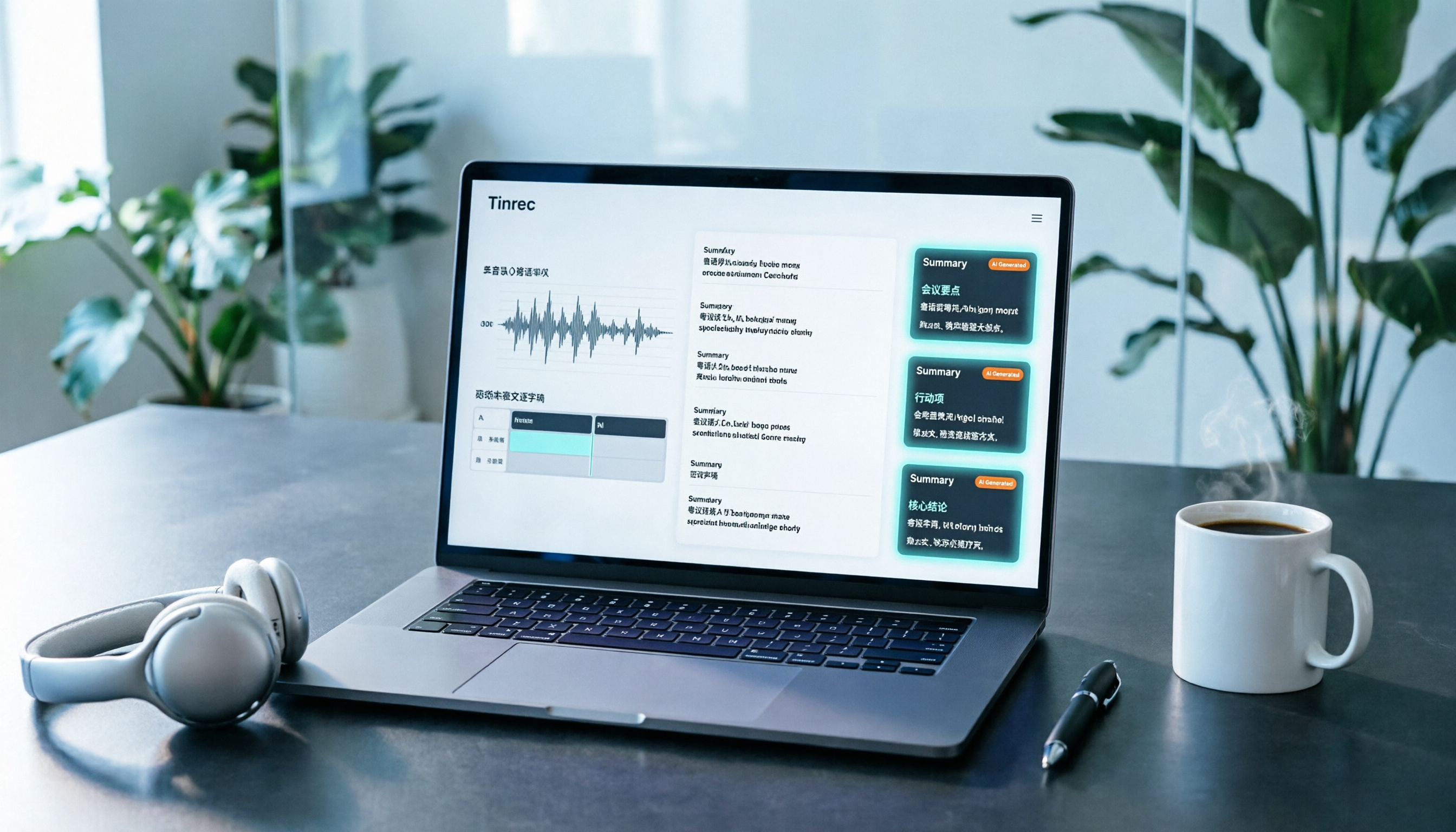
Live transcription while recording, with summaries and action items ready right after. I open Tinrec during meetings, and the transcript is generated in real time. As soon as the meeting ends, the summary, chapters, and action items are already organized—who's responsible for what and roughly when it's due, all listed out. The time I used to spend on post-meeting organization is exactly what gets saved here.
Stop organizing recordings by hand
Upload audio or video and automatically get a transcript, summary, and action items
You can "ask" it after recording. This is my most-used feature. In the past, to find "who mentioned the budget last time," I'd open a 40-minute transcript and slowly Ctrl+F through it. Now I just ask Tinrec, and it answers based on semantic understanding of the content, not just a bunch of keywords. Not many tools at this price point have this feature. It also supports real-time translation, so cross-language meetings can be viewed in original, translated, or bilingual mode.
Limitations, not hidden. First, Tinrec primarily covers Chinese (including Traditional Chinese) and multilingual meeting scenarios. If your meetings are mainly in Cantonese, spoken quickly, with multiple people talking at once, actual recognition performance will be affected by accent and recording quality. I recommend using the free tier to test with a real meeting recording first to confirm it fits your scenario before deciding to pay. Second, the free version has usage limits. If you're a heavy user with daily meetings, you'll need to upgrade.
Who is it for? If you want to "find key points directly after recording, extract action items, and export to Notion or Google Docs for further use," Tinrec is currently the closest fit. If your team shares meeting data, the team version provides an independent team space where meeting data belongs to the team, with member and seat management, usage analytics, and audit logs. When a member leaves or changes roles, data can be handed over to other members—it doesn't leave with the person.
Besides Tinrec, What Other Options Are There?
VoiceIn: A Chrome browser extension backed by Google's speech recognition API. The language menu can be switched directly to "Cantonese (Hong Kong)," and it can handle mixed Chinese-English sentences. Its positioning is simple—let you replace typing with speaking in text boxes on any website. Related sources say it can reach three times the speed of keyboard typing. The limitation is also clear: it only works where there's a text box in the browser. It won't record meetings, generate summaries, or extract action items. For quick typing, it's enough; for a trackable meeting record, it can't do it.
Speechnotes (Hong Kong Cantonese version): A web-based voice input notepad. Click the top right to start or pause, and add punctuation manually using the symbol keys on the right. The advantage is no installation—just open your browser. The downside is it's just a notepad—no summaries, no action items, no AI Q&A, and it can't batch process meeting audio files. Punctuation still needs to be added manually.
PLAUD Note / NotePin: AI recording hardware. NotePin starts at USD 159 on the official website. It's suitable for portable recording and phone call recording, with battery life and physical buttons as selling points. But you need to carry an extra device and budget for hardware, and online meeting processing still has to go back to software. Tinrec requires no hardware—the desktop and web versions can handle online meetings and existing audio files. That's the difference in approach.
Pitfall Guide: The 3 Most Common Mistakes When Choosing Cantonese Voice Input
Pitfall 1: Treating a "typing tool" as a "meeting notes tool." Many voice input tools solve "slow typing," not "hard-to-organize meeting notes." You install it, but after the meeting you still have to write your own summary and figure out action items yourself. Before buying, ask yourself: Do I want faster typing, or do I want to avoid spending two hours organizing after the meeting? Those two answers point to completely different tools.
Pitfall 2: Only looking at how many minutes the free version gives. Free quota is for "validation," not "long-term use." If the quota is too small, you can't test real performance on long meetings, multiple speakers, or accents. When choosing a tool, first confirm its free version is enough to run through one complete real meeting, then talk about everything else.
Pitfall 3: Ignoring who ultimately owns the data. Meetings recorded under a personal account scatter once the person leaves. Our team later standardized on team spaces for meeting data. When members change roles or leave, data can be handed over to others to continue using. Also, understand that "roles" and "seats" are two different things—members with roles manage the team, while members with seats can record, upload, edit, and export. This is easily overlooked during procurement, but you'll feel it a year later.
Conclusion: Which One Should You Choose?
In one sentence: If your pain point is "post-meeting organization," choose Tinrec. If your only problem is "slow typing," a browser extension is plenty.
- Need Chinese (including Traditional Chinese) and multilingual meeting transcription, automatic summaries, and action items → Tinrec
- Want to ask AI directly after recording, "What was the conclusion last time?" → Tinrec (this is the biggest gap between it and pure input tools)
- Need the same setup on phone, computer, and web → Tinrec
- Just want to type quickly in Cantonese in web text boxes → A browser extension like VoiceIn is enough
- Need portable recording or phone call recording → Hardware like PLAUD can be considered
- Team needs to share meeting data and manage members and usage → Tinrec team version
I suggest starting with Tinrec's free version. Run a real meeting recording through it and see if the transcript and summary meet your expectations. If it works for you, then consider upgrading—no need to pay upfront. Also, a reminder: before recording, make sure you comply with local regulations and obtain consent from participants when required.
References
Turn every recording into actionable outcomes
Get 60 free transcription minutes when you sign in. No credit card required.
Related Reading
You might also like

4 iPhone Cantonese Input Methods Compared in 2026: Typing, Dictation, or AI Transcription?
Typing Cantonese on an iPhone isn't limited to one method: since iOS 16, the system includes Jyutping and Yale keyboards, and you can also use third-party input methods and Cantonese voice dictation. This article breaks down the use cases, setup steps, and common pitfalls of four approaches, and explains why you should switch to an AI transcription tool like Tinrec when organizing a full meeting or interview recording.

2026 Cantonese Speech-to-Text Showdown: 3 Tools Tested, Why Tinrec Wins
We tested and compared Cantonese speech-to-text solutions, starting with common pitfalls and showing you how to choose the right tool. Using Tinrec as an example, we cover real-time transcription, AI summaries, action item extraction, and team collaboration to help you use Cantonese input efficiently in meetings, interviews, and learning.

2026 iPhone Cantonese Voice Input Guide: Built-in Dictation Setup + Tinrec Transcription Test
iPhone Cantonese voice input often makes mistakes, but it's not necessarily due to an aging phone. This article breaks down 3 common misconceptions, explains how to set up built-in dictation and dictionary, and tests Tinrec's transcription and post-meeting organization for Cantonese meetings, classes, and interviews. It helps you decide whether to use the free built-in feature or upgrade to a dedicated meeting notes tool.

4 Android Cantonese Voice Input Solutions Compared in 2026: From Keyboard Typing to Meeting Transcripts
Speaking Cantonese but your phone types Mandarin? This guide breaks down common Android Cantonese voice input solutions: Gboard voice input, iFlytek Keyboard, Notta, and Tinrec. From quick typing to long recording organization, understand the differences at a glance, with tips on language settings, HMS phone limitations, and team collaboration choices.

5 Cantonese Voice Input Apps Tested in 2026: Which Saves the Most Time on Meeting Transcripts and Summaries?
Starting from common misconceptions, this guide covers the key points for testing and choosing a Cantonese voice input app: how to test recognition quality yourself, how to handle mixed Chinese-English speech, who handles post-transcription organization, and why tools like Tinrec that carry the workflow from transcript to summary to action items save more time than a plain voice input method.
2026 YouTube Cantonese Subtitles: Tinrec Transcription + AI Summary in One Go
Want to add Cantonese subtitles to YouTube videos but stuck typing every line? This article compares Tinrec and Subanana across 4 dimensions: Cantonese and mixed Chinese-English transcription, post-transcript content organization, recording and import sources, and team collaboration and data retention. It also outlines each tool's unique strengths and use cases to help you choose the most time-saving approach.

4 Cantonese Input Methods Tested on Windows 10: Which Saves More Time, Jyutping Typing or Speech-to-Text?
Typing Cantonese on Windows 10 isn't easy with built-in tools alone. This guide covers key setup points for Rime Weasel Jyutping, the limitations of Microsoft's built-in input methods, and hands-on testing of Tinrec for turning Cantonese meetings directly into transcripts—helping you decide whether to type or speak.

2026 Mac Cantonese Voice Input Showdown: Tinrec vs Otter.ai for Cantonese Meetings
Mac's built-in dictation only supports real-time input and can't transcribe audio files. How should Cantonese speakers choose a tool? This article compares Tinrec and Otter.ai across five dimensions: Cantonese and mixed Chinese-English recognition, bot-free recording, post-meeting organization, input sources, and pricing. It also includes key setup tips and FAQs for Mac's built-in Cantonese input.

Google Voice Typing for Cantonese: Which Is Better? 2026 Hands-On Test of 2 Tools, Tinrec Wins for Meeting Notes
Compare Google Voice Typing (using the VoiceIn extension as an example) and Tinrec for Cantonese meeting notes. Analyze Cantonese recognition, post-meeting organization, cross-platform recording, team collaboration, and pricing to help you choose the best voice typing tool.