
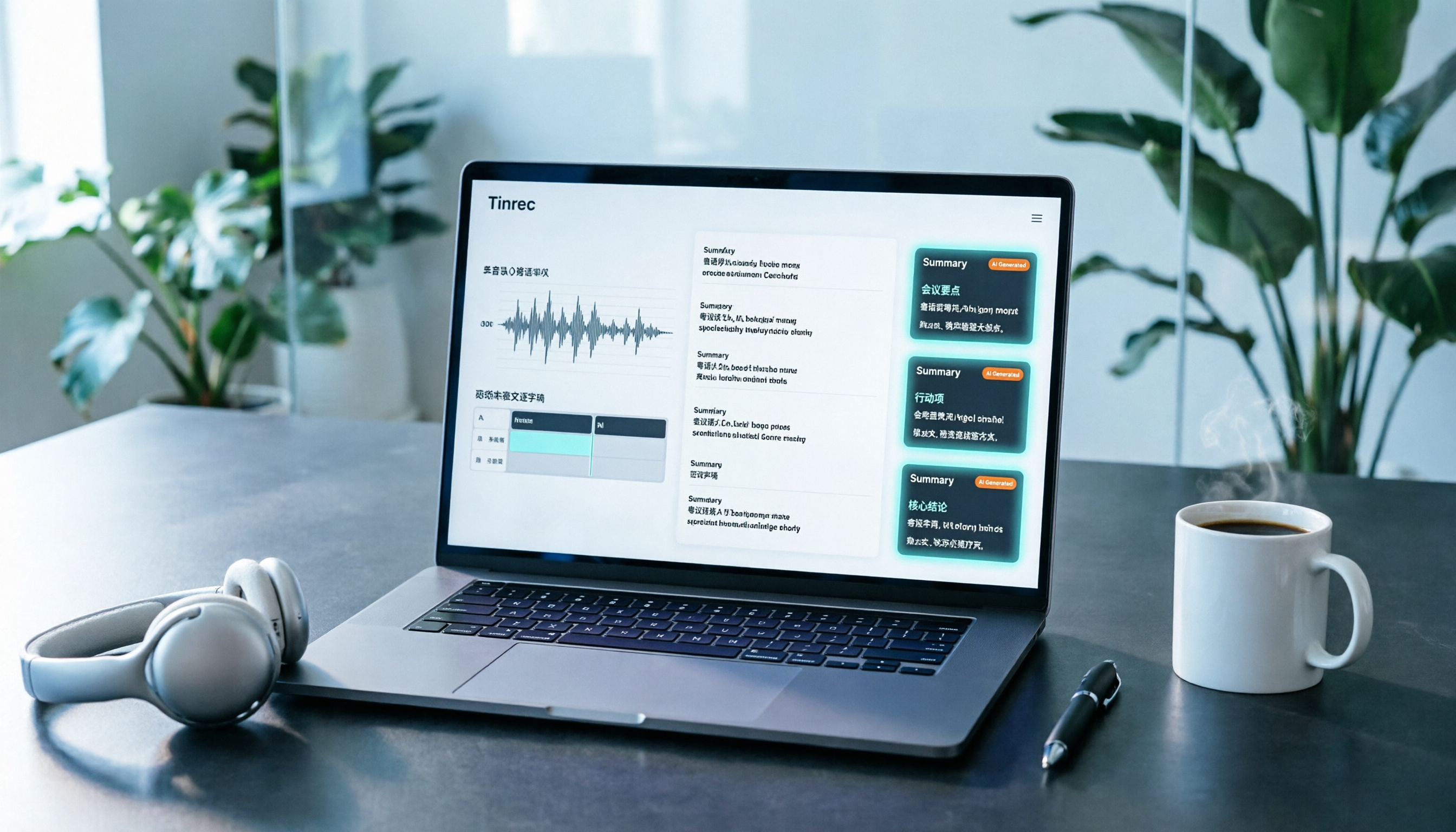
Turn recordings into transcripts and summaries in minutes
Upload audio or video for multilingual transcription, AI notes, and action items
Tinrec vs Subanana | Quick Overview
After filming a 10-minute Cantonese video, the most time-consuming part is often not editing, but transcribing by ear. Listening to the whole thing, typing each line, and syncing subtitles to the timeline can take half a day. A few days later, when you need to write a video description, cut highlights, or reply to viewer questions, you have to listen to the same video again.
This article approaches the same question: for Cantonese content, how do Tinrec and Subanana differ?
- Tinrec: An AI meeting notes and collaboration tool that supports live recording, bot-free online meeting transcription, audio/video file import, AI summaries/chapters/todos, AI Q&A, and team spaces.
- Subanana: A Cantonese subtitle web tool made by Hong Kong developers. According to source reports, it is free to use, can add subtitles to YouTube videos, and exports .srt files.
| Item | Tinrec | Subanana |
|---|---|---|
| Positioning | AI meeting notes and team collaboration | Cantonese subtitle web tool |
| Main input | Live recording, desktop online meetings, audio/video files, mobile, some web links | Video source (per source reports) |
| Main output | Transcript, summary, chapters, todos, AI Q&A, multi-format export | .srt subtitle file |
| Cost | Free version available; paid and team plans per official page | Free per source reports; actual pricing subject to official announcement |
Below is a comparison across 4 dimensions, followed by selection advice.
Dimension 1 | Cantonese and Mixed Chinese-English Transcription
According to source reports, Subanana is designed specifically for Cantonese, but when Hong Kong speakers mix Chinese and English, English words are sometimes treated as Cantonese sounds, resulting in unnatural transliterations. In testing, accuracy was about half. The upside is that these odd transliterations remind users to listen back and manually correct.
Tinrec's approach is to put Chinese meeting transcription and mixed Chinese-English content organization into one workflow, and it can use team hotwords to maintain product names, proper nouns, and other common terms. Actual performance is also affected by recording quality, background noise, accents, and overlapping speakers. For important content, it is recommended to cross-check with transcript timestamps and the original audio.
→ This dimension: Neither should skip human proofreading; it's a tie.
Dimension 2 | From Transcript to Reusable Content
Subanana's core value is turning videos into uploadable subtitle files, part of the subtitle production process. Meeting summaries, todos, and follow-up questions are not mentioned in the source content.
Tinrec treats the transcript as a starting point: it can automatically generate AI summaries, chapters, and key points, extract todos from discussions, produce mind maps, and answer follow-up questions via AI Q&A across single or multiple meetings. When you need deliverables, you can use Agent post-processing to generate reports, tables, and documents, or export to Notion, Google Docs, OneNote, Dropbox, and other tools for further work.
→ This dimension: Tinrec clearly wins.
Dimension 3 | Recording and Import Sources
According to source reports, Subanana supports multiple video sources, making it a practical helper for YouTubers, KOLs, or Vloggers to add subtitles. It mostly processes existing video material.
Stop organizing recordings by hand
Upload audio or video and automatically get a transcript, summary, and action items
Tinrec has broader sources: live recording on site with simultaneous transcription; desktop version directly captures computer system audio to handle Zoom, Google Meet, Microsoft Teams, Webex, and other online meetings without pulling a meeting bot into the meeting; it can also upload existing audio/video files and record on mobile. Some public web videos can be imported via link, but this is a supplementary capability, not suitable as a primary use.
→ This dimension: Tinrec wins, especially for creators who also need to document the filming process itself.
Dimension 4 | Team Collaboration and Data Retention
Subanana is mainly for individual use in the source content; team spaces, member permissions, or usage management are not mentioned.
Tinrec's team version is a separate team space: you can create and switch between multiple teams, invite members via join link, set owners, admins, and regular members, and use "seats" to determine who can record, upload, edit, and export; members without a seat can still view, play, and read team data. Team resources belong to the team. When a member leaves, is removed, or loses their seat, their team resources can be handed over to other active members. There are also usage analytics, audit logs, team hotwords, and an audio recycle bin (retained for 30 days). The first eligible team trial is 7 days, 1 free seat, and 300 minutes of team shared import quota; team monthly is USD 29.80 per paid seat per month, annual is USD 199 per paid seat per year (about USD 16.58 per month), and each paid seat has 2,000 minutes of team shared import quota per month. Actual prices and benefits are subject to the official purchase page.
→ This dimension: Tinrec wins.
What Are Each Tool's Unique Strengths?
Tinrec's strengths
- Bot-free online meeting recording: The desktop version captures system audio without inviting an extra bot into the meeting; this also means Tinrec is not an official partner of Zoom, Meet, Teams, and other platforms.
- Continue working after the transcript: summaries, chapters, todos, AI Q&A, real-time translation, and bilingual viewing. One transcript can generate reports or documents.
- Chinese and multilingual scenarios: Chinese transcription, mixed Chinese-English organization, multilingual transcription, and team hotwords for technical terms.
- Clear data ownership: team spaces, roles and seats, usage, audit, and recycle bin all have corresponding mechanisms.
Subanana's strengths
- A web tool designed specifically for Cantonese, quick to learn. Source reports mention using 3 shortcut keys to segment subtitles.
- Directly outputs .srt subtitle files, the shortest workflow for those who just want to get YouTube subtitles done.
Conclusion: Which Should You Choose?
- Just want to quickly produce Cantonese .srt subtitles ready for YouTube → A dedicated subtitle tool like Subanana has the shortest workflow.
- Beyond subtitles, want to turn content into summaries, key points, and todos → Tinrec, where the transcript is just the starting point.
- Need to take notes during meetings without adding another bot → Tinrec desktop bot-free recording.
- Are a channel team needing shared materials, member management, and usage tracking → Tinrec team version.
- Needs are simple, just occasionally adding Cantonese subtitles to a few videos → Trying a free tool first is reasonable.
In one sentence: For most creators who want to keep using content after subtitles, Tinrec is the more complete choice. Start with the free version quota, test with one of your own videos, and see if the transcription results and organization workflow fit your habits.
References
- Subanana Hong Kong-made Cantonese subtitle tool review: YouTube auto-subtitles super convenient | Tech Gadgets
- YouTube video Cantonese to written Chinese subtitles? Compared 3 tools' price and quality - HDcourse
- Cantonese subtitle generation free speech-to-text tool recommendation! Can output written Chinese - OMP Online Marketing Player
- Essential for Cantonese users: How to quickly generate YouTube subtitles with TrySubtitle
- YouTube Subtitle Generator | AI Cantonese Auto Subtitles | CantoSub
Turn every recording into actionable outcomes
Get 60 free transcription minutes when you sign in. No credit card required.
Related Reading
You might also like
4 iPhone Cantonese Input Methods Compared in 2026: Typing, Dictation, or AI Transcription?
Typing Cantonese on an iPhone isn't limited to one method: since iOS 16, the system includes Jyutping and Yale keyboards, and you can also use third-party input methods and Cantonese voice dictation. This article breaks down the use cases, setup steps, and common pitfalls of four approaches, and explains why you should switch to an AI transcription tool like Tinrec when organizing a full meeting or interview recording.

2026 Cantonese Speech-to-Text Showdown: 3 Tools Tested, Why Tinrec Wins
We tested and compared Cantonese speech-to-text solutions, starting with common pitfalls and showing you how to choose the right tool. Using Tinrec as an example, we cover real-time transcription, AI summaries, action item extraction, and team collaboration to help you use Cantonese input efficiently in meetings, interviews, and learning.

2026 iPhone Cantonese Voice Input Guide: Built-in Dictation Setup + Tinrec Transcription Test
iPhone Cantonese voice input often makes mistakes, but it's not necessarily due to an aging phone. This article breaks down 3 common misconceptions, explains how to set up built-in dictation and dictionary, and tests Tinrec's transcription and post-meeting organization for Cantonese meetings, classes, and interviews. It helps you decide whether to use the free built-in feature or upgrade to a dedicated meeting notes tool.
4 Android Cantonese Voice Input Solutions Compared in 2026: From Keyboard Typing to Meeting Transcripts
Speaking Cantonese but your phone types Mandarin? This guide breaks down common Android Cantonese voice input solutions: Gboard voice input, iFlytek Keyboard, Notta, and Tinrec. From quick typing to long recording organization, understand the differences at a glance, with tips on language settings, HMS phone limitations, and team collaboration choices.

5 Cantonese Voice Input Apps Tested in 2026: Which Saves the Most Time on Meeting Transcripts and Summaries?
Starting from common misconceptions, this guide covers the key points for testing and choosing a Cantonese voice input app: how to test recognition quality yourself, how to handle mixed Chinese-English speech, who handles post-transcription organization, and why tools like Tinrec that carry the workflow from transcript to summary to action items save more time than a plain voice input method.

4 Cantonese Input Methods Tested on Windows 10: Which Saves More Time, Jyutping Typing or Speech-to-Text?
Typing Cantonese on Windows 10 isn't easy with built-in tools alone. This guide covers key setup points for Rime Weasel Jyutping, the limitations of Microsoft's built-in input methods, and hands-on testing of Tinrec for turning Cantonese meetings directly into transcripts—helping you decide whether to type or speak.

4 Cantonese Voice Input Tools Tested in 2026: Which One Auto-Generates Action Items from Meetings?
A mid-level manager overseeing a 10-person team and 15 meetings a week tested 4 Cantonese voice input tools. From browser extensions and web dictation notepads to AI meeting note-takers, this comparison covers Cantonese support, post-meeting organization, cross-platform availability, and team data ownership. It also highlights the 3 most common buying pitfalls to help you decide whether you need faster typing or a tool that eliminates post-meeting cleanup.

2026 Mac Cantonese Voice Input Showdown: Tinrec vs Otter.ai for Cantonese Meetings
Mac's built-in dictation only supports real-time input and can't transcribe audio files. How should Cantonese speakers choose a tool? This article compares Tinrec and Otter.ai across five dimensions: Cantonese and mixed Chinese-English recognition, bot-free recording, post-meeting organization, input sources, and pricing. It also includes key setup tips and FAQs for Mac's built-in Cantonese input.

Google Voice Typing for Cantonese: Which Is Better? 2026 Hands-On Test of 2 Tools, Tinrec Wins for Meeting Notes
Compare Google Voice Typing (using the VoiceIn extension as an example) and Tinrec for Cantonese meeting notes. Analyze Cantonese recognition, post-meeting organization, cross-platform recording, team collaboration, and pricing to help you choose the best voice typing tool.