

Turn recordings into transcripts and summaries in minutes
Upload audio or video for multilingual transcription, AI notes, and action items
4 AI Transcription Tools Tested for 2026: Which One Saves the Most Post-Meeting Time?
Last Wednesday at 8 PM, I was still in the conference room scrolling through voice memos on my phone. During that afternoon's cross-department meeting, my boss casually asked me, "What was the budget conclusion from last time?" I flipped through my notes for three minutes and couldn't find it.
I manage a team of 10 and have about 15 meetings a week—weekly meetings, project progress meetings, one-on-ones, cross-department coordination. What used to bother me most wasn't the meetings themselves, but the aftermath: decisions, action items, who promised what—all had to be recalled and organized by me alone.
So I spent two months rotating through several popular AI transcription tools on the market. This isn't a spec sheet comparison; it's the selection logic I developed after actually hitting pitfalls, and which one I ultimately kept using.
What Can AI Transcription Tools Do for You?
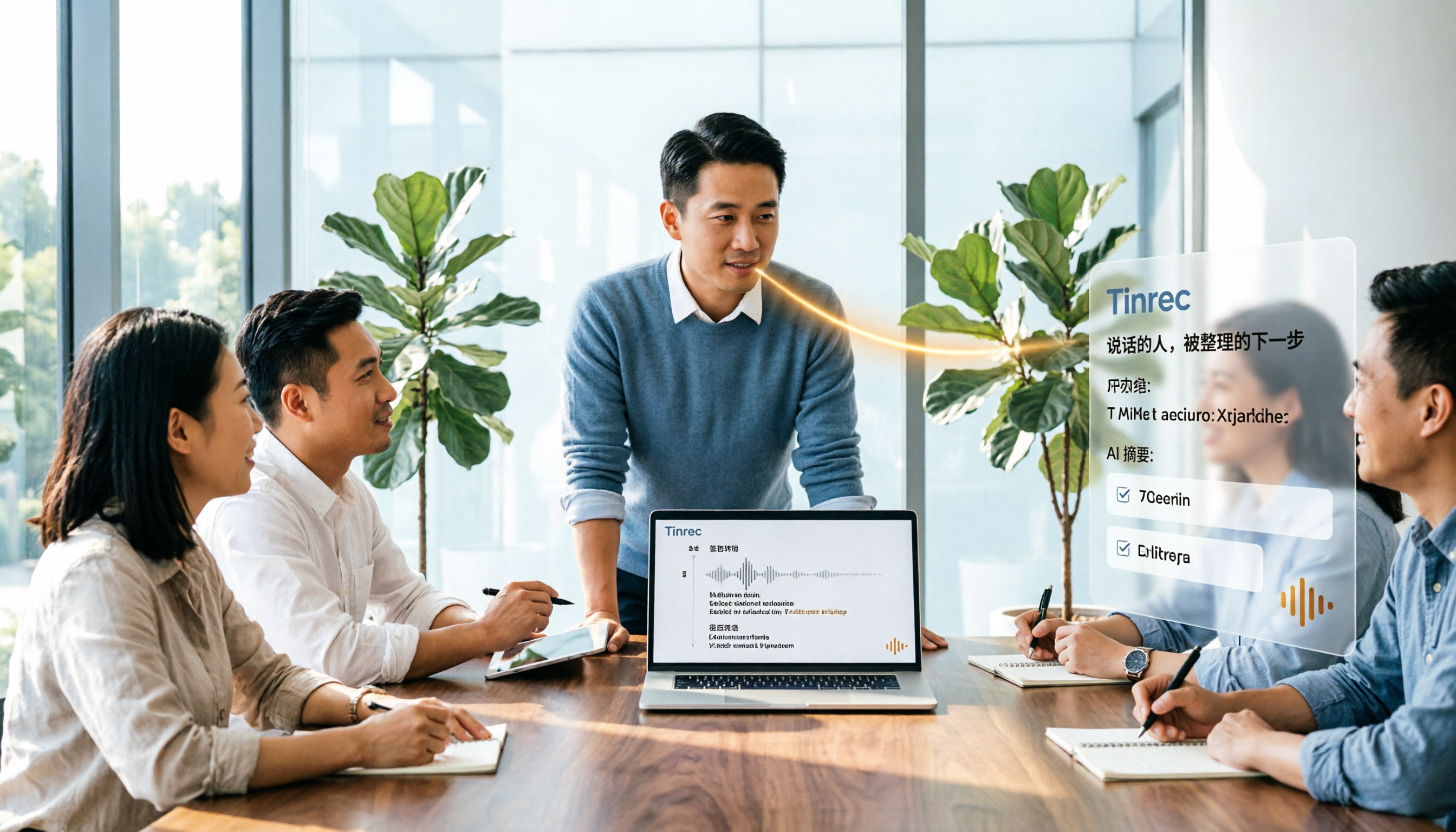
Scenario 1: Generate readable notes within 5 minutes after a meeting A two-hour meeting used to take me another hour to organize afterward. With Tinrec, for example, by the time the meeting ends, the summary, chapters, conclusions, and action items are already listed—who's responsible for what and when it's due, all at a glance.
Scenario 2: Verbal instructions have a record to check later I assign tasks to my subordinates, and two days later when I ask about progress, they say they forgot—after this happens three times, I can't stand it. Now the meeting transcript is kept, action items are extracted directly from the conversation, and tracking doesn't rely on memory.
Scenario 3: When reporting upward, you can find evidence When my boss asks, "What was that decision from last quarter?" I no longer flip through paper notes. Tinrec lets you ask questions directly about the meeting content, such as "Who mentioned the budget cap?" and it will search for the answer semantically.
Scenario 4: Organizing materials from interviews, courses, one-on-ones Interview records and external interview recordings used to require listening through again to catch key points. Now after importing the audio file, transcripts and summaries are generated directly, and you can go back to the timestamp when you need to cite a section.
Core Capabilities: Don't Just Look at "Transcription," Look at What Happens After
Real-time transcription: text appears as you record
During in-person meetings or interviews, Tinrec transcribes while recording, so you can confirm in real time whether key points are missed, instead of discovering recording quality issues only afterward.
Bot-free online meeting recording
This has had the biggest impact on me. Tinrec's desktop version directly captures your computer's system audio, handling online meetings on Zoom, Google Meet, Microsoft Teams, Webex, etc., without adding a meeting bot to the room or having an external account appear on the participant list. Note: you still need to actively open Tinrec to start recording; it's not the kind of mode that automatically joins all calendar meetings.
AI summary and chapters
It's not about condensing the transcript into a useless paragraph, but structured breakdown: meeting topic, discussion highlights, conclusions, and action items listed separately. Long meetings can also be quickly skimmed using chapters.
Action item extraction
Pulling out "who needs to do what by when" from the discussion—this is the most time-consuming part of post-meeting follow-up, and also where I feel the biggest impact.
AI Q&A
After transcription, you can directly ask: "What were the client's concerns about pricing?" "How many people opposed this in the meeting?" Tinrec answers based on the meeting content, much faster than keyword searching the transcript.
Multi-format export and further processing
Results can be brought into existing workflows like Notion, Google Docs, OneNote, Dropbox, and can further generate reports, tables, and meeting minutes without typing from scratch.
Real-time translation and bilingual view
For international meetings, Tinrec lets you view the original text, translation, or bilingual content during recording, and can also handle mixed Chinese-English meetings.
Practical Use Cases
Department weekly meetings A fixed weekly meeting, with the focus on action item tracking. I record with Tinrec and then directly view the action item list. When checking progress during the week, I follow this list instead of relying on impressions.
Cross-department project meetings These meetings are most prone to "everyone saying different things." The transcript is kept, so when disputes arise, you can look back at who said what at what time—much more effective than reminding each other.
Stop organizing recordings by hand
Upload audio or video and automatically get a transcript, summary, and action items
Client interviews and requirements communication Client needs, concerns, and commitments are scattered throughout the conversation. After Tinrec organizes the summary and key points, I directly export the follow-up materials to the sales team without re-listening to the recording.
One-on-one meetings One-on-one content is sensitive; what I need is a reviewable record, not frantically taking notes on the spot. With a transcript, I can focus on the conversation itself.
5 Things to Note When Choosing an AI Transcription Tool
1. Recognition performance for Chinese and mixed Chinese-English Meetings in Taiwanese workplaces are rarely pure Chinese or pure English, with lots of jargon and product codes. Don't just look at official marketing—test with your own meeting recordings. Tinrec supports Chinese, Traditional Chinese, and multilingual scenarios, and also offers a team hotword feature to add company-specific terminology, making recognition closer to actual needs. Actual performance is still affected by recording quality, noise, accents, and overlapping speakers.
2. How the meeting is recorded Some tools rely on a meeting bot joining the room, others on platform built-in features. Tinrec uses desktop system audio capture, adding no extra participants. If you often meet with external clients like I do, this difference is very practical.
3. Can it help you organize after transcription The transcript is just raw material. What really saves time is summaries, chapters, action items, and AI Q&A. Tinrec positions itself as a meeting notes and collaboration tool, not just a transcription service—this is the main reason I ultimately chose it.
4. Who owns the team's data and who can use it Personal version data belongs to the individual account; the team version has an independent team space, and data belongs to the team. Tinrec's team version distinguishes "roles" and "seats": roles determine who can manage members and team settings, seats determine whether you can record, upload, edit, and export. Valid members without a seat can still view, play, and read team data. When a member leaves or is removed, resources can be transferred to other members, so data doesn't follow the person.
5. Quota and pricing structure—don't just look at free The free version is suitable for occasionally organizing a recording; for short-term intensive meetings, consider a weekly pass; for stable weekly needs, the Pro monthly plan is suitable; for long-term data accumulation, look at the annual plan. The team version currently offers a 7-day trial for first-time eligible users, 1 free seat, and 300 minutes of team shared import quota; after payment, it's USD 29.80/seat/month, or USD 199/seat/year, about USD 16.58/month, with each paid seat providing 2,000 minutes of team shared import quota per month. Under a valid team plan and seat, real-time recording is currently not deducted by minutes; file and web imports use the team shared quota. Actual prices and promotions are subject to the official purchase page.
FAQ
Q1: Is the free version enough? Depends on your meeting frequency. If you only have two or three meetings a week and occasionally organize recordings, start with the free version to experience the workflow; if you have meetings every day like me, going straight to a paid plan is more practical—what you save is half an hour to an hour of organizing time every day.
Q2: Which meeting platforms are supported? Tinrec's desktop version handles online meetings by capturing system audio, applicable to common platforms like Zoom, Google Meet, Microsoft Teams, Webex. This means "it can handle the meeting audio played on your computer from these platforms," and does not imply an official partnership with these platforms.
Q3: Can accuracy be guaranteed? It's not advisable to trust any fixed number. Actual performance depends on recording quality, ambient noise, accents, simultaneous speakers, and the amount of specialized terminology. In practice, AI can greatly reduce manual note-taking costs, but for important content, it's recommended to cross-check with transcript timestamps and recording playback.
Q4: Can all team members edit team data? No, this is a common misunderstanding. The team version is primarily shared at the team level; valid members can read team data, but to actually record, upload, edit, import, and export, you need a seat.
Q5: Can deleted recordings be recovered? After audio enters the team recycle bin, it can be restored before permanent cleanup begins; the current retention period is 30 days. There is also a corresponding process for permanent deletion. Also note that recording and transcription involve personal data and local regulations; when necessary, obtain consent from participants first.
Conclusion
What really eats up time after a meeting isn't typing—it's "recalling, finding people, confirming." If an AI transcription tool only gives you a transcript, you still have to read it yourself; being able to automatically generate summaries, extract action items, and let you find answers through Q&A is what truly saves time.
If you have more than three meetings a week and need both upward reporting and downward tracking, I'd suggest starting with Tinrec's free version to experience what it's like to have the notes already there when the meeting ends; when the team starts needing shared meeting data, seat management, and usage tracking, then evaluate the team version. Free quotas and benefits for each version are subject to the official page announcements.
References
- No time limit! 3 free AI transcription tools, highly recommended! AI voice notes generate meeting minutes, presentations, mind maps | 104 Career Power
- Asking the Threads experts, any recommended AI tools that can turn audio files into transcripts?
- EP10 | Boss wants meeting minutes: How to choose an AI transcription tool? – Knowledge Nomad Studio
- Want to turn audio files into transcripts for free? 5 must-recommend "transcription" tools to help you get it done quickly
- [AI Voice Notes] 5 highly recommended AI transcription tools! Help you generate transcripts and meeting minutes highlights, free vs subscription, pros and cons comparison | 104 Career Power
Turn every recording into actionable outcomes
Get 60 free transcription minutes when you sign in. No credit card required.
Related Reading
You might also like

2026 Comparison of 3 Speaker Summary Tools: How Tinrec Helps You Know Who Said What
In meetings with multiple speakers, it's hard to remember who said what afterward. This article compares 3 speaker summary tools and uses Tinrec as an example to show how AI transcription, Q&A, and summaries can quickly organize each speaker's viewpoints and action items.

4 Free Transcription Generators Compared in 2026: Which Offers the Best Free Quota and Chinese Recognition?
There are many free transcription generators, but what really matters is how the free quota is calculated, how accurately Chinese and mixed Chinese-English are recognized, and whether the transcript can be used directly. This article uses Tinrec as an example to break down 4 common free approaches, core capabilities, practical use cases, and 5 key purchasing considerations, and answers common questions.

How Long Can iPhone Record? 2026 Guide: 48-Hour Limit + AI Meeting Notes
How long can an iPhone record? Apple's built-in Voice Memos can record up to about 48 hours with enough storage and battery, but the real challenge is what you do with the recording afterward. This guide clears up 3 common misconceptions and practical limits, then shows how Tinrec turns recordings into transcripts, summaries, chapters, and action items in real time. It also covers 5 key factors for choosing a recording-to-text tool and answers frequently asked questions.

4 Online Transcription Tools Tested for 2026: Which Is Best for Chinese Meetings?
Online transcription tools aren't just about speed. We tested Tinrec, Notta, Otter.ai, and TurboScribe, comparing them on Chinese meeting support, bot-free recording, AI Q&A, action item extraction, and team data ownership. We also cover 4 common buying pitfalls to help you find a solution that truly saves post-meeting cleanup time.

5 AI Meeting Summary Tools Tested in 2026: Which Has the Best Free Tier and Chinese Summaries?
Pasting a transcript into ChatGPT to summarize a meeting is a common mistake. This article, from a student's hands-on testing perspective, first highlights three pitfalls, then compares Tinrec and PLAUD Note across six dimensions, with one-sentence takeaways for Notta, Otter.ai, and Granola. It concludes with practical advice on whether free tiers are sufficient and which classes they suit.
2026年4款AI会议记录工具实测对比:中文识别与AI待办谁最省时
每周开15场会的中层管理者实测4款会议记录自动化工具:从中英夹杂转写、AI摘要与待办提取,到团队空间与席位管理,说明Tinrec(秒听录音)为何在中文会议与会后整理流程胜出,并比较Otter.ai、Granola、Notta各自适合谁、限制在哪里。

Tinrec vs Granola 2026: 5-Dimension Comparison for Turning Recordings into Actionable To-Dos
Many people think that handing a recording to AI and asking for a summary will automatically produce a to-do list, but what they get is text that can't be tracked. This article focuses on 'turning recordings into trackable to-dos' and compares Tinrec and Granola across 5 dimensions: Chinese to-do recognition, recording sources, to-do output format, AI follow-up questions, and team data retention. It includes practical steps and FAQs to help you decide which workflow to use.

2026 AI Meeting Summary Tools Compared: 4 Options from Free to Paid
Compare 4 AI meeting summary tools in 2026, covering free and paid plans, Chinese transcription, bot-free recording, and team collaboration. Tinrec is the top recommendation, with Otter.ai, Notta, and Granola also reviewed for their strengths and limitations, helping professionals find the right meeting summary tool.

Tinrec vs Otter.ai in 2026: A 5-Dimension Comparison for Chinese Meeting Notes
How do you choose meeting note software in 2026? This article compares Tinrec and Otter.ai across 5 practical dimensions, outlines how Notta and Granola differ, and includes common pitfalls and tips to help you find the right AI meeting notes tool for Chinese meetings and team collaboration.