

Turn recordings into transcripts and summaries in minutes
Upload audio or video for multilingual transcription, AI notes, and action items
2026 Comparison of 3 Speaker Summary Tools: How Tinrec Helps You Know Who Said What
What's the worst part of a meeting? It's not the meeting itself, but afterward when you remember what everyone said but can't recall who committed to what. Especially when five people are speaking at once, traditional recording only lets you replay a two-hour audio file, and transcripts read like a running log. This is the decision-making focus that "speaker summary" aims to solve: you need meeting records that are organized by person, queryable, and exportable—not just a pile of text.
Some tools on the market already support speaker summaries, but quality varies widely. This article uses Tinrec as the main test subject to show you what this feature can do, its core capabilities, and four key points to consider when choosing.
What Can Speaker Summary Do for You?
Speaker summary isn't about condensing a transcript into a paragraph; it's about separately organizing "who," "said what," and "committed to what." The following three scenarios are the most relatable for office workers.
Scenario 1: Understand everyone's stance 5 minutes after a meeting Previously, after a two-hour meeting, you'd spend another hour organizing meeting notes and might miss a colleague's side comment. With Tinrec, after the meeting, AI has already generated a transcript, summary, and chapters. You can directly ask AI: "What was Manager Wang's attitude toward the budget?" "Who opposed this plan?" It answers based on semantic understanding, saving time from repeatedly listening to recordings.
Scenario 2: Record who requested what in client meetings The biggest fear in client meetings is missing commitments. Tinrec's transcript preserves original speech, and action item extraction organizes action items from the discussion. After the meeting, you can ask AI: "What budget constraints did the client mention?" "Who is responsible for providing the quote?" This is more reliable than flipping through paper notes.
Scenario 3: Track who is responsible for what in team collaboration After team meetings, each person's tasks are often scattered throughout the conversation. Tinrec's team space can centrally store meeting materials and quickly confirm via AI Q&A: "Who promised to update the spec sheet last week?" New members can also view past meetings without asking "What was discussed last time?"
What Are the Core Capabilities of Speaker Summary?
To achieve speaker summary, a tool needs the following capabilities. Tinrec has corresponding designs for each aspect.
Real-time transcription Transcribes while recording, not after. Tinrec's real-time transcription lets you see text synchronously during the meeting to confirm no key points are missed. The transcript preserves original speech for easy keyword search later.
AI semantic summary Not just condensing the transcript into a paragraph, but structured organization—meeting topic, discussion conclusions, action items, and responsible persons listed separately. Tinrec's AI summary and chapter features let you quickly grasp the structure and key points of long meetings.
AI conversational query After transcription, you can directly ask Tinrec questions—"Who mentioned the budget in the meeting?" "What was the client's feedback?"—and it answers based on semantic understanding. This is the most direct way to achieve speaker summary: replace manual organization with Q&A.
Action item extraction and export Tinrec can organize action items from meeting discussions and supports multi-format export, bringing results to Notion, Google Docs, OneNote, and other workflows. You can also use Agent post-processing to generate reports, tables, and meeting minutes.
Stop organizing recordings by hand
Upload audio or video and automatically get a transcript, summary, and action items
Team space and governance For team use, Tinrec's team version provides an independent team space where meeting data belongs to the team. Admins can manage members, roles, and seats, view usage analytics and audit logs. When a member leaves, team resources can be handed over to other active members and won't disappear with the individual account.
Practical Application Scenarios
Meeting notes Weekly stand-ups, project reviews, cross-department meetings—use Tinrec desktop version to capture system audio without a meeting bot joining. After the meeting, AI automatically generates summaries and action items, and you can follow up on specific speakers.
Classes and lectures Students or researchers can upload audio files; Tinrec transcribes and generates chapters and key points, and uses AI Q&A to organize the professor's or speaker's viewpoints.
Interviews and research When journalists or researchers interview multiple people, the transcript can be searched by speech content, and AI Q&A can quickly find "who said which key data."
Content creation Podcast or video creators can transcribe interview recordings and use AI to organize them into article outlines or social media post materials.
4 Points to Note When Choosing a Speaker Summary Tool
1. Accuracy and language support Don't just look at official claims. Test with your own recordings. Tinrec supports Chinese, Traditional Chinese, and multilingual meeting scenarios, and supports real-time translation. Actual results are affected by recording quality, noise, accents, and overlapping speakers.
2. Whether AI features are up to par Transcription is just the first step—whether it can help you organize afterward is key. Tinrec's AI conversational query lets you directly ask for key points, and action item extraction and Agent post-processing help turn meetings into deliverable documents.
3. Cross-platform and input sources Confirm the tool supports your commonly used devices. Tinrec has iOS, Android, and web versions; the desktop version can handle audio from Zoom, Google Meet, Microsoft Teams, Webex, and other online meetings without a bot joining. It also supports uploading audio, video files, and mobile recordings.
4. Team collaboration and governance If you need to share meeting data with a team, note whether the tool distinguishes roles and seats. Tinrec's team version focuses on team-level sharing; active members can view, play, and read team data; only after obtaining a seat can they record, upload, edit, and export. Admins can manage seats, usage, and audit logs.
Frequently Asked Questions
Q1: What's the difference between speaker summary and a regular transcript? A: A transcript is the original text record; speaker summary further organizes "who said what, who is responsible for what." Tinrec uses AI Q&A and summaries so you can get answers without manually searching the transcript.
Q2: Can Tinrec directly generate a speaker summary? A: Tinrec's AI Q&A can ask about specific speakers, e.g., "Who mentioned the budget?" and answer based on meeting content. You can also use the transcript with search to manually organize each speaker's viewpoints. Actual results are affected by meeting recording quality.
Q3: What languages does Tinrec support? A: Tinrec covers Chinese, Traditional Chinese, and multilingual meeting scenarios, and supports real-time translation and bilingual viewing. The team version also provides team hotwords to maintain professional terminology and improve recognition.
Q4: Is the free version enough? A: Tinrec's free version provides basic quota, suitable for light use. If you have meetings every week, consider the Pro monthly or annual plan; for team use, there's a 7-day trial including 1 free seat and 300 minutes of team shared import quota.
Q5: Will meeting data disappear after team members leave? A: It won't be taken away by individuals. Team resources belong to the team; when a member exits, is removed, or loses their seat, their responsible team resources need to be handed over to other active members.
Conclusion
Speaker summary isn't future technology; it's a tool that can save you post-meeting organization time now. If you have more than 3 meetings per week, instead of working overtime to listen to recordings, try using AI to turn meetings into searchable, queryable, and actionable data. Tinrec offers a free version with basic quota, and the team version has a 7-day trial. You can experience it with your own meeting recordings and see how AI organizes speaker viewpoints.
References
- "Three routines" to help you write meeting host summary speeches - Fenshu Wenku
- GitHub - PracticalAIWorks/Meeting_minutes · GitHub
- Call API to implement summary function - Work and Study AI Assistant Tongyi Tingwu - Alibaba Cloud
- How to convert real-time recording to meeting minutes with Tingnao AI
- How to take lecture notes with Tongyi Tingwu
Turn every recording into actionable outcomes
Get 60 free transcription minutes when you sign in. No credit card required.
Related Reading
You might also like
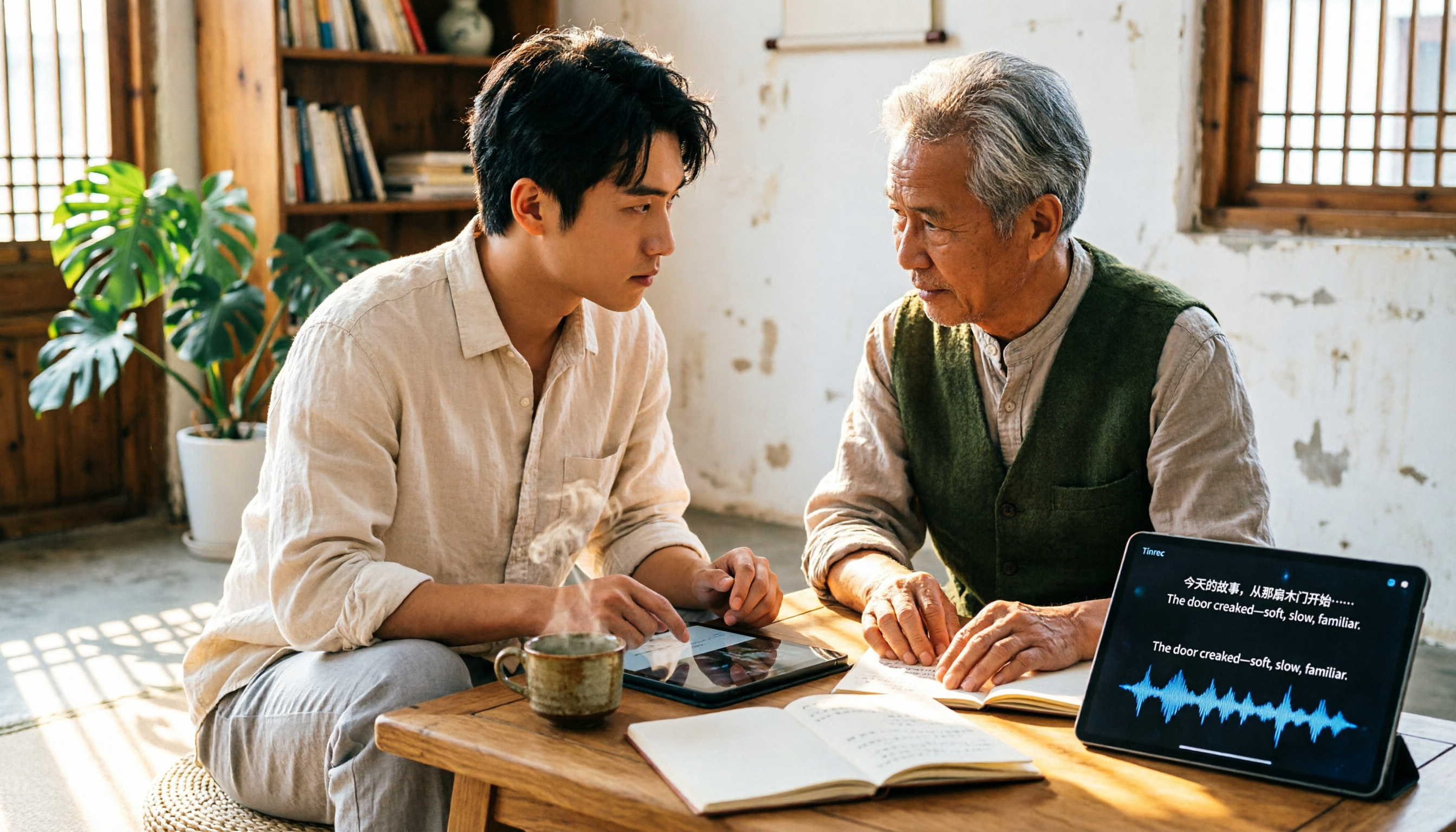
4 Free Transcription Generators Compared in 2026: Which Offers the Best Free Quota and Chinese Recognition?
There are many free transcription generators, but what really matters is how the free quota is calculated, how accurately Chinese and mixed Chinese-English are recognized, and whether the transcript can be used directly. This article uses Tinrec as an example to break down 4 common free approaches, core capabilities, practical use cases, and 5 key purchasing considerations, and answers common questions.

How Long Can iPhone Record? 2026 Guide: 48-Hour Limit + AI Meeting Notes
How long can an iPhone record? Apple's built-in Voice Memos can record up to about 48 hours with enough storage and battery, but the real challenge is what you do with the recording afterward. This guide clears up 3 common misconceptions and practical limits, then shows how Tinrec turns recordings into transcripts, summaries, chapters, and action items in real time. It also covers 5 key factors for choosing a recording-to-text tool and answers frequently asked questions.

4 Online Transcription Tools Tested for 2026: Which Is Best for Chinese Meetings?
Online transcription tools aren't just about speed. We tested Tinrec, Notta, Otter.ai, and TurboScribe, comparing them on Chinese meeting support, bot-free recording, AI Q&A, action item extraction, and team data ownership. We also cover 4 common buying pitfalls to help you find a solution that truly saves post-meeting cleanup time.

5 AI Meeting Summary Tools Tested in 2026: Which Has the Best Free Tier and Chinese Summaries?
Pasting a transcript into ChatGPT to summarize a meeting is a common mistake. This article, from a student's hands-on testing perspective, first highlights three pitfalls, then compares Tinrec and PLAUD Note across six dimensions, with one-sentence takeaways for Notta, Otter.ai, and Granola. It concludes with practical advice on whether free tiers are sufficient and which classes they suit.

4 AI Transcription Tools Tested for 2026: Which One Saves the Most Post-Meeting Time?
A mid-level manager's hands-on review of AI transcription tools: converting speech to text is just the first step. The real key is whether it can automatically generate summaries, action items, and build a team knowledge base. This article shares 5 criteria for choosing an AI transcription tool based on real meeting scenarios, and how Tinrec solves post-meeting follow-up pain points with bot-free recording, AI Q&A, and team spaces.
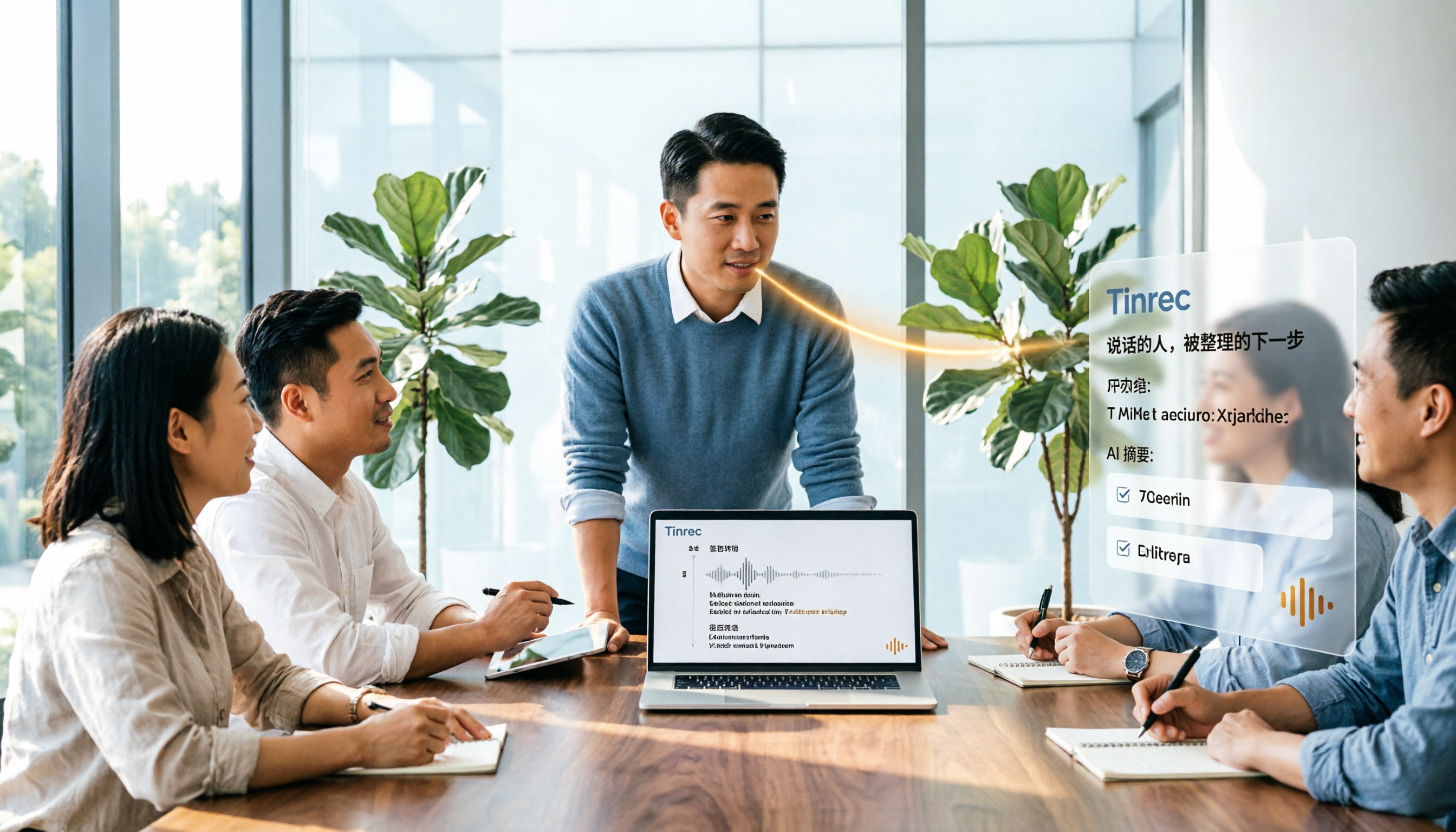
2026年4款AI会议记录工具实测对比:中文识别与AI待办谁最省时
每周开15场会的中层管理者实测4款会议记录自动化工具:从中英夹杂转写、AI摘要与待办提取,到团队空间与席位管理,说明Tinrec(秒听录音)为何在中文会议与会后整理流程胜出,并比较Otter.ai、Granola、Notta各自适合谁、限制在哪里。
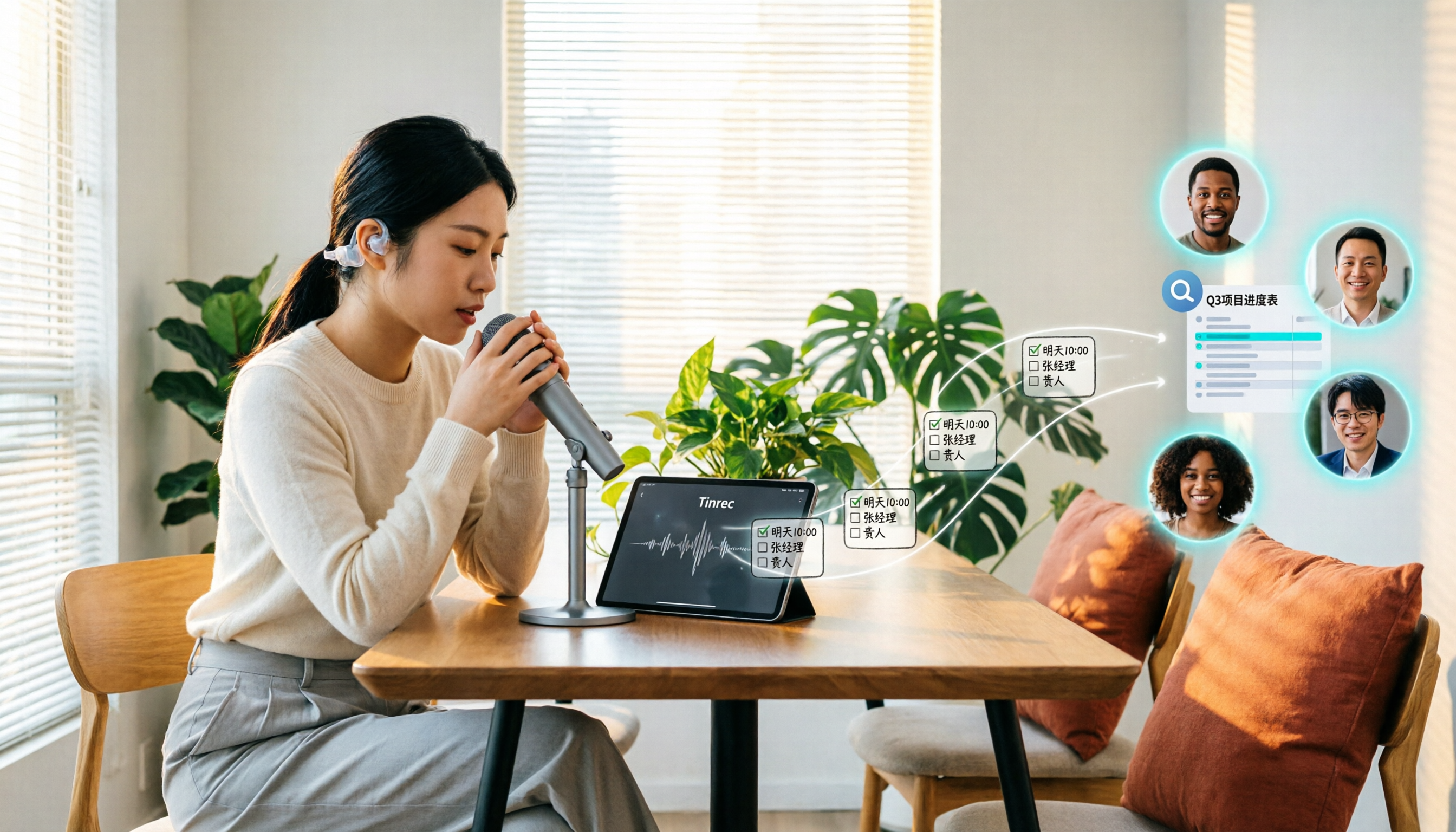
Tinrec vs Granola 2026: 5-Dimension Comparison for Turning Recordings into Actionable To-Dos
Many people think that handing a recording to AI and asking for a summary will automatically produce a to-do list, but what they get is text that can't be tracked. This article focuses on 'turning recordings into trackable to-dos' and compares Tinrec and Granola across 5 dimensions: Chinese to-do recognition, recording sources, to-do output format, AI follow-up questions, and team data retention. It includes practical steps and FAQs to help you decide which workflow to use.

2026 AI Meeting Summary Tools Compared: 4 Options from Free to Paid
Compare 4 AI meeting summary tools in 2026, covering free and paid plans, Chinese transcription, bot-free recording, and team collaboration. Tinrec is the top recommendation, with Otter.ai, Notta, and Granola also reviewed for their strengths and limitations, helping professionals find the right meeting summary tool.

Tinrec vs Otter.ai in 2026: A 5-Dimension Comparison for Chinese Meeting Notes
How do you choose meeting note software in 2026? This article compares Tinrec and Otter.ai across 5 practical dimensions, outlines how Notta and Granola differ, and includes common pitfalls and tips to help you find the right AI meeting notes tool for Chinese meetings and team collaboration.