

Turn recordings into transcripts and summaries in minutes
Upload audio or video for multilingual transcription, AI notes, and action items
2026 Meeting Notes App Comparison: Which AI Summarizer Saves Managers the Most Time?
If you're looking for a meeting notes app, you'll probably be overwhelmed by feature lists first: live transcription, AI summaries, multilingual support, team collaboration... they all look about the same.
But I lead a 10-person team and attend 15 meetings a week, and after trying five of these tools, there are really only two questions you should ask yourself first:
First, the moment the meeting ends, can this tool give you a record you can forward right away?
Second, three months later, when your boss suddenly asks "who said that decision last time," can you find the answer in 3 seconds?
If you can't answer those two questions, a long feature list is useless. Below are the criteria I put together after testing, and why I ended up keeping Tinrec on my phone and computer.
What Can a Meeting Notes App Do for You?
Scenario 1: Get notes 5 minutes after the meeting ends Before, a two-hour meeting meant another hour of organizing afterward. With Tinrec, for example, by the time the meeting ends the AI has already generated a summary, chapters, and action items, so who is responsible for what and what the deadlines are is clear at a glance, and you can copy and paste it to forward to your team.
Scenario 2: Your boss asks "what was the conclusion last time?" Before, you'd flip through notes for 3 minutes and still not find it, which feels awful. Tinrec saves the transcript and summary, so you can search keywords directly, and you can also use AI Q&A to ask "what was the conclusion about the budget in the last meeting?"
Scenario 3: Tasks assigned to subordinates are no longer forgotten The worst part of verbal assignments is when the other person says two days later that they forgot. Tinrec pulls action items out of the discussion, which means every meeting automatically leaves behind an action list, useful for weekly meetings and one-on-ones.
Scenario 4: Cross-department and cross-language meetings When you can't keep up in an international meeting, Tinrec supports live translation, so you can view the original text, the translation, or bilingual content; after the meeting, the data can also be exported to Notion, Google Docs, and other tools for further work.
What Are the Core Capabilities of a Meeting Notes App?
Live transcript It transcribes while recording, not after the recording is done. During the meeting you can watch the text to confirm in real time whether anything important was missed, which is especially useful for managers who need to catch key points immediately.
Bot-free online meeting recording This is what I find most convenient about Tinrec. Its desktop version directly captures computer system audio and can handle meeting audio from Zoom, Google Meet, Microsoft Teams, and Webex without adding a bot account to the meeting. When meeting with external clients, you don't have to explain "why there's a stranger in the meeting room."
AI summary, chapters, and action item extraction Transcription is only the first step. Tinrec breaks long meetings into chapters and pulls out discussion highlights and action items, essentially compressing "one hour of recording" into "content you can read in three minutes."
AI conversational search After the meeting, you can ask Tinrec directly: "What were the three concerns the client mentioned?" "Who is responsible for next week's demo?" It answers based on the meeting content, so you don't have to listen to the recording again yourself.
Export and Agent post-processing Tinrec supports multiple export formats and can bring results into workflows like Notion, Google Docs, OneNote, and Dropbox; you can also use Agent post-processing to turn meeting content into reports, tables, or documents.
Team space and governance The team version keeps meeting data in one shared space, with management roles, seats, shared quotas, usage analytics, audit logs, and an audio recycle bin, turning meeting notes from personal files into team assets.
Real-World Use Cases
Weekly standups and project progress meetings My team's Monday progress meeting is now always recorded with Tinrec. Five minutes after the meeting the summary is out, and I paste the action items section into the group chat, so who is doing what and when it's due is documented in black and white. Before, these things had to wait for a colleague to organize for a long time; now the most mechanical part of the work is removed.
Customer and sales interviews The biggest fear in customer interviews is missing commitments. Use Tinrec to transcribe while you talk, then after the meeting ask the AI directly "what were the client's concerns about pricing," which is much faster than listening to the recording yourself. When handoff is needed, the transcript and summary can also be exported as documents for a colleague to take over.
Stop organizing recordings by hand
Upload audio or video and automatically get a transcript, summary, and action items
Cross-department and cross-language meetings Cross-department meetings often produce "I thought your side would handle it." Tinrec keeps the transcript and action items, so there's a basis for reconciliation afterward. If there are foreign-language participants, live translation lets you keep up in the moment instead of discovering after the meeting that you missed something.
Courses, interviews, and personal knowledge management Not just meetings. Classes, expert interviews, or even a quick voice memo can be put into Tinrec to convert to text, then searched by keyword later, so past content can be reused.
6 Things to Watch When Choosing a Meeting Notes App
1. Check accuracy with your own recordings, not just marketing Tinrec performs consistently with clear audio and common meeting scenarios, but actual results are affected by recording quality, noise, accents, multiple people speaking at once, and technical terminology. It's best to run one of your own meetings through it, which is more accurate than any marketing number.
2. Whether it can organize for you after transcription is the real dividing line A tool that only gives you a transcript still leaves you to read it all yourself. Besides the transcript, Tinrec also has summaries, chapters, action items, and AI Q&A, which is the biggest difference between it and a plain transcription tool.
3. Confirm the online meeting recording method first Some tools rely on a meeting bot joining, which requires the host's consent, and participants will see a strange account. Tinrec uses the desktop version to capture system audio, which is bot-free recording; but note that this is not "automatically joining all calendar meetings," and you still need to start recording yourself.
4. Chinese and multilingual support depends on actual needs Tinrec covers Chinese, Traditional Chinese, and multilingual meetings, and supports mixed Chinese-English content, live translation, and team hotwords. Team hotwords let you maintain company-specific terminology so recognition results better match your industry language.
5. For team collaboration, look at "data ownership," not just "can it be shared" The Tinrec team version keeps data in a team space. Active members can view, play, and read team data even without a seat; only after getting a seat can they record, upload, edit, import, and export. When a member leaves, team resources need to be handed over and won't be taken away by the individual.
6. Calculate price and quota by usage scenario The personal version has a free version, weekly card, Pro monthly card, and annual card, and the choice differs for occasional versus long-term use. The team version is currently USD 29.80 per paid seat per month, or USD 199 per paid seat per year (about USD 16.58 per month), with each paid seat getting 2,000 minutes of team shared import quota per month; eligible teams get a first trial of 7 days, 1 free seat, and 300 minutes of shared import quota. Live recording under an active team plan is currently not deducted by the minute, and quotas and prices are still subject to the official purchase page.
FAQ
Q: Is the Tinrec free version enough? The free version provides a basic quota, suitable for occasionally organizing a meeting or trying out the whole process first. If you hold more than 3 meetings a week regularly, or need team-shared data, it's better to evaluate Pro or the team version directly, because the time saved on organizing usually far exceeds the cost.
Q: Does Tinrec need a meeting bot? No. The Tinrec desktop version records online meetings by capturing computer system audio, without adding an extra account to the meeting. But it's also not "automatically joining all meetings"; you need to start recording yourself.
Q: What is Tinrec's accuracy rate? It's not advisable to answer with a single number. Transcription quality is affected by recording quality, noise, accents, overlapping speakers, and technical terminology. In practice, important content should be checked against transcript timestamps and recording playback.
Q: What's the difference between the team version and the personal version? Personal version data is managed under an individual account; the team version is a separate team space with member invitations, role and seat management, shared quotas, usage analytics, audit logs, an audio recycle bin, and team hotwords. After audio enters the recycle bin, it can be restored before permanent cleanup begins, and the current retention period is 30 days.
Q: After a member leaves, will meeting data be taken away? No. Team resources belong to the team. When a member exits, is removed, or loses a seat, the team resources they were responsible for need to be handed over to other active members.
Q: What should I pay attention to when recording? Depending on local regulations, recording and transcription may require participants' consent, especially for international meetings. This isn't something the tool can solve for you, but you must handle it first.
Conclusion
The value of a meeting notes app isn't "turning sound into text," but automating the most tedious work after a meeting ends. By my own criteria: can it deliver notes 5 minutes after the meeting, can it find a decision in 3 seconds three months later, and can it keep action items from being missed—Tinrec does all three.
If you have more than 3 meetings a week, you can start with the Tinrec free version, run two or three meetings, and see what the AI-generated minutes look like. When you need team sharing, evaluate starting from the 7-day trial and 1 free seat, which is much more practical than buying the highest plan all at once.
References
- Meeting Ink - Transcript, AI Meeting Summary, Speech to Text App - App Store
- AI Meeting Notes - Google Play App
- AI Meeting Notes Software Recommendations: 5 Major App Reviews, Automatic Transcription Makes Meetings Super Easy!
- Notta - Super Accurate Transcript, Speech to Text, Meeting Recording, AI Summary Notes App - App Store
- r/ProductivityApps on Reddit: Does anyone know of a free or cheap app that will do meeting notes for you?
Turn every recording into actionable outcomes
Get 60 free transcription minutes when you sign in. No credit card required.
Related Reading
You might also like

4 Best English Transcription Tools in 2026: Free vs Paid Comparison
Looking for an English transcription tool? This article compares 4 popular options: Tinrec, Otter.ai, Notta, and TurboScribe. From free tiers to mixed Chinese-English recognition, post-meeting organization to team collaboration, we break it down to help you find the best English transcription solution.

Tinrec vs Notta 2026: 5-Dimension Comparison for Chinese Meeting Notes
How to choose a meeting transcription tool? This article compares Tinrec and Notta across five dimensions: meeting capture methods, Chinese and mixed-language transcription, post-meeting AI organization and Q&A, team data ownership, and pricing. It also provides practical selection criteria and four common pitfalls to help you find the right AI meeting notes tool for your team.

2026 Free Transcription App Plans Compared: 4 Top Picks
Compare free plans for Tinrec, Otter.ai, Notta, and Yating in 2026. See free minutes, language support, and post-meeting features to choose the right audio-to-text tool and save time on transcript cleanup.
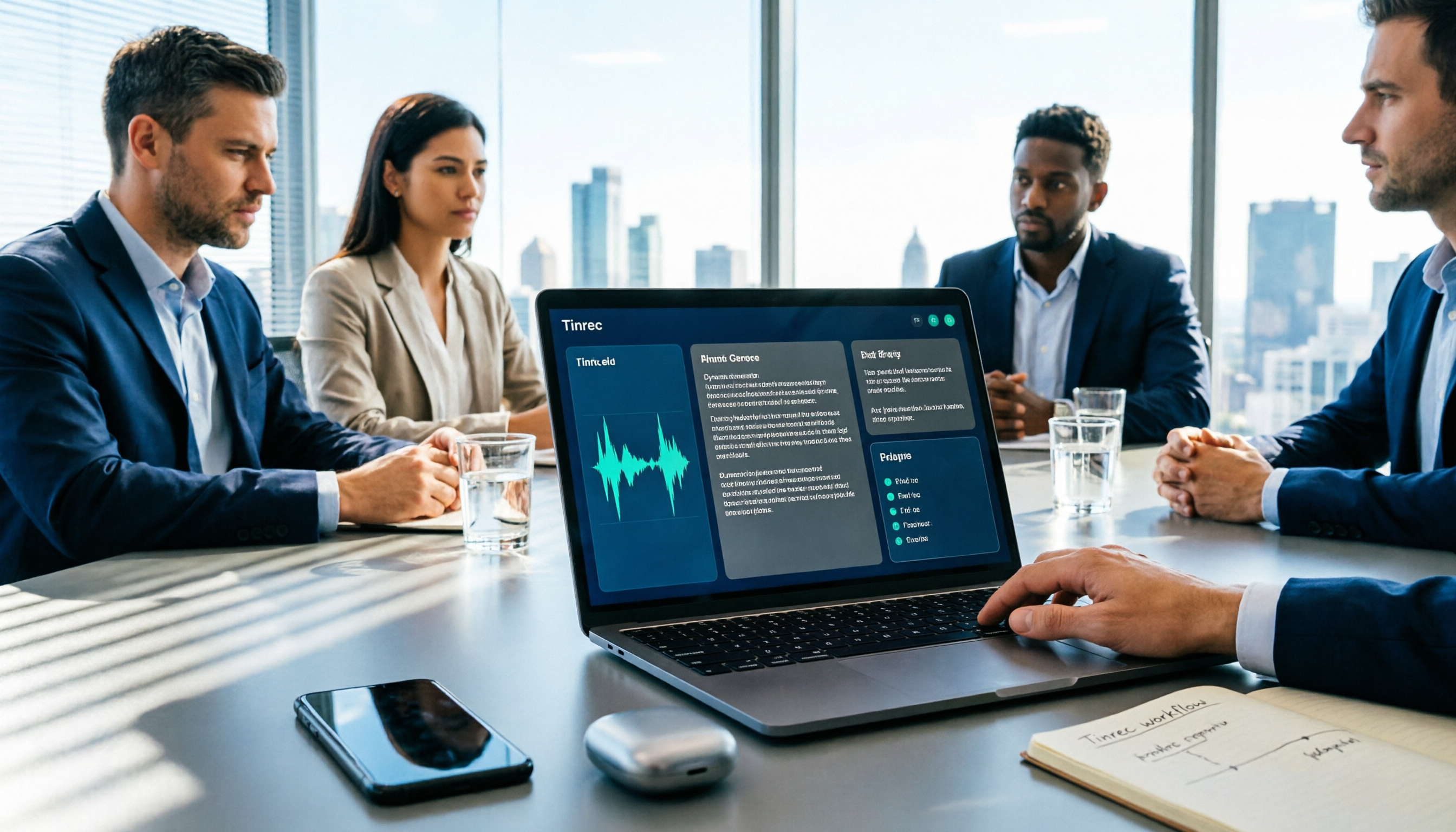
5 Best Meeting Recording Tools in 2026: From Transcripts to Meeting Minutes
Recording a meeting isn't just about placing your phone on the table—the real pain points are the transcript, summary, and action items that follow. This article breaks down the 6 key factors for choosing a meeting recording tool, from recording legality and online meeting capture methods to team permissions and pricing, and demonstrates the complete workflow from recording to action items using Tinrec.
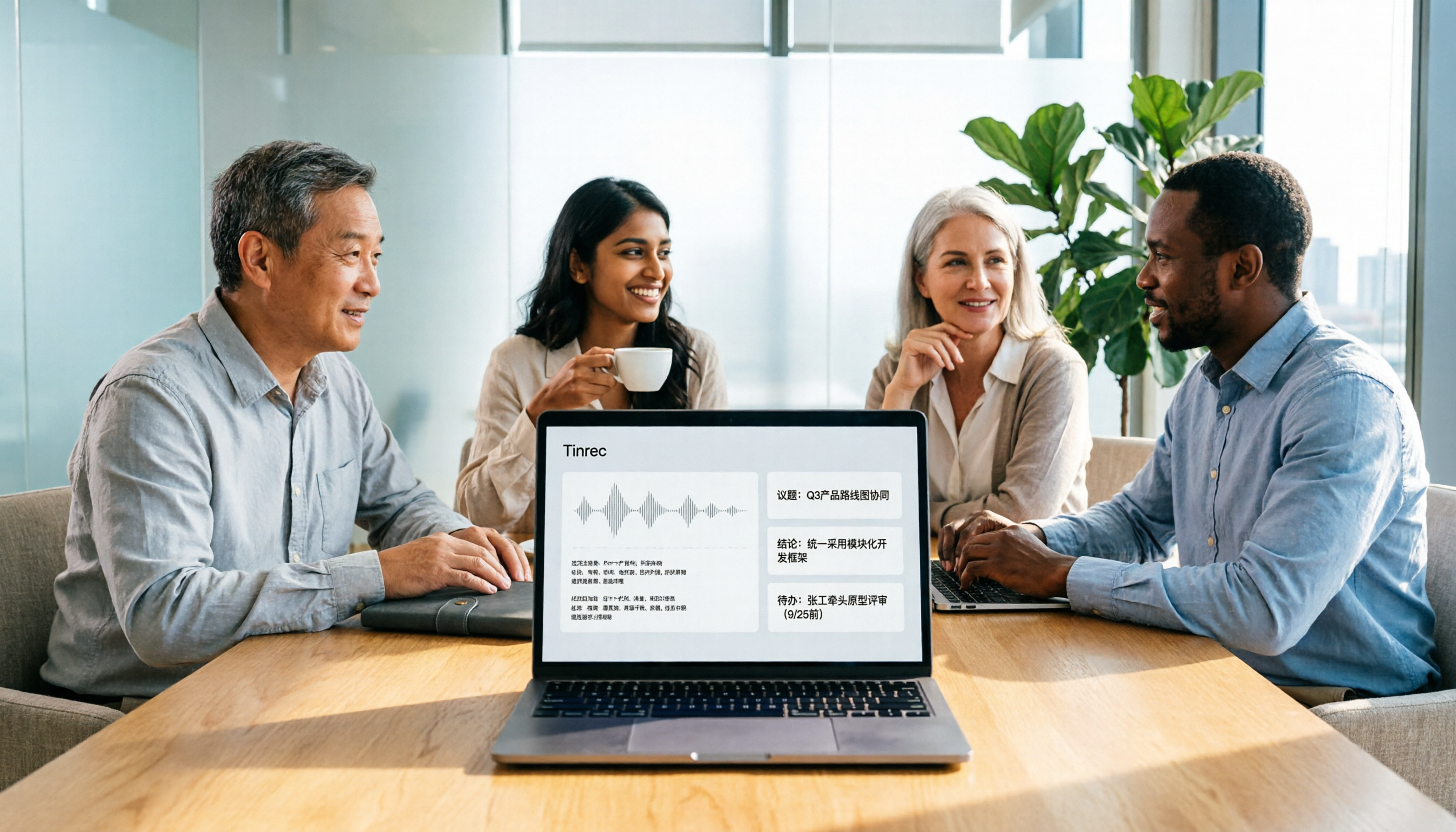
4 Meeting Transcription Tools Tested: Is AI Meeting Summary Good Enough in 2026?
Tired of writing meeting minutes after hours? We tested 4 meeting transcription tools, comparing transcription accuracy, post-meeting organization, language support, and team collaboration. Using Tinrec as the primary example, we show you the difference between tools that only produce transcripts and those that truly help you organize.

2026 Best AI Meeting Transcription Tools Compared: Which Saves the Most Time for Chinese Meetings?
Starting from the decision of which recording-to-meeting-notes tool to choose, this hands-on comparison evaluates Tinrec, Otter.ai, Notta, and Granola on meeting recording methods, Chinese and mixed Chinese-English processing, post-meeting organization, and team collaboration. It also covers 4 key buying factors, 4 common pitfalls, and scenario-based recommendations.

5 Cantonese Speech-to-Text Tools Tested in 2026: Which Saves More Time on Cantonese Transcripts and Post-Meeting Organization?
Looking for a speech-to-text tool that accurately recognizes Cantonese? This article starts with the three most common pitfalls, then covers key points for choosing a Cantonese transcription tool based on real tests, free quotas, and team pricing differences. It also uses Tinrec as an example to demonstrate the complete workflow from recording and transcription to summaries, action items, and team knowledge retention.

5 Best AI Meeting Transcription Tools in 2026: Which Free Plan Is Most Generous?
Tired of replaying meeting recordings to write notes? We break down 5 key factors for choosing an AI meeting transcription tool and compare Tinrec, Granola, Notta, and PLAUD on transcription, AI Q&A, action item extraction, and team collaboration. We also cover free plan limits, pricing, and common pitfalls to help you pick the most time-saving option.

Tinrec vs PLAUD Note 2026: 5-Dimension Comparison — Which Is More Complete for Meeting Transcripts and Post-Meeting Organization?
The biggest pitfall with meeting recording transcripts isn't audio quality — it's that the text gets ignored after transcription. This article compares Tinrec and PLAUD Note across 5 dimensions: meeting capture methods, post-transcript organization, file import and cross-device support, team collaboration and governance, and cost structure, helping you decide between a software workflow and recording hardware.