

Turn recordings into transcripts and summaries in minutes
Upload audio or video for multilingual transcription, AI notes, and action items
2026 Free Transcription App Plans Compared: 4 Top Picks
When searching for a transcription app, most people look for the word "free" first. But in practice, free plans vary widely: some offer only 120 minutes per month with a 3-minute limit per recording; some restrict you to 3 files per day; others have no free tier at all and require an upgrade from the start. This article saves you the trial-and-error by comparing the free plans of 4 popular transcription apps at a glance.
Free Minutes Aren't the Point—What You Need Is "No More Redoing After the Meeting"
A two-hour meeting followed by two hours of organizing notes is a daily reality for many professionals. Just when you're ready to clock out, you're stuck listening to the recording from the beginning, typing as you go, working overtime until 8 or 9 PM.
Cantonese meetings are even trickier. Few transcription tools claim to support Cantonese, and accuracy varies. Mixing Mandarin and English—sometimes called "Chinglish"—challenges tools even more.
AI transcription tools can theoretically save you 80% of typing time, but only if the tool works well for your language and meeting scenario. Choose the wrong tool, and you won't just lose time—you'll add another problem to solve.
Before Choosing a Transcription App, Understand These 4 Key Points
1. How is the free quota calculated? Don't just look at minutes. Many tools say "XXX free minutes per month," but the devil is in the details: Is there a per-recording limit? Does file import count against the same quota? Can you export in the free version? Check these before calling it truly free.
2. Don't trust accuracy claims alone. Official accuracy rates are usually measured in quiet environments with clear audio. Real meeting rooms have air conditioning noise, keyboard clicks, and people talking over each other—performance will drop. The most practical approach is to test with your own real recording.
3. Does it support Cantonese and mixed Chinese-English? For Hong Kong users, this is a make-or-break feature. If the tool doesn't understand Cantonese, you'll have to rewrite the transcript from scratch. Handling mixed Chinese-English also directly affects usability.
4. What can you do after transcription? Just getting a transcript is the baseline. What really saves time is what comes after: automatic summaries, key points, action items? Can you ask questions directly about the meeting content? Are recordings retained? Does it work smoothly across platforms? These determine whether you truly avoid redoing work.
Tinrec (秒聽錄音)—Our Top Pick After Testing
Tinrec (秒聽錄音) is an AI meeting notes and collaboration tool for individuals and teams, available on desktop, web, and mobile app.
No bot for online meetings. Tinrec's desktop version captures system audio directly, so Zoom, Google Meet, Microsoft Teams, and Webex meetings can be transcribed live without inviting a bot to the meeting room or adding an unfamiliar account to the participant list. Note: recording is initiated manually by the user, not automatically joining all your calendar meetings.
More than just a transcript. After the meeting, AI automatically generates summaries and chapters, and extracts action items—who's responsible for what and when it's due, all at a glance. For further processing, export to Notion, Google Docs, OneNote, Dropbox, or use Agent post-processing to generate reports, tables, and documents.
AI Q&A is the biggest differentiator. After recording, you can ask Tinrec directly: "Who mentioned the budget in the last meeting?" It doesn't give you a list of keyword search results—it answers based on semantic understanding. The days of scrolling through a 30-minute transcript to find one sentence are over.
Mixed Chinese-English and real-time translation. Tinrec covers Chinese, Traditional Chinese, and multilingual meeting scenarios. During recording, you can view the original text, translation, or bilingual content. Teams can also customize hotwords to standardize terminology.
Stop organizing recordings by hand
Upload audio or video and automatically get a transcript, summary, and action items
Hands-on impression. We tested with a real Cantonese meeting recording (indoor, with air conditioning background noise, several people taking turns speaking). We could edit the transcript while listening, timestamps matched, and editing didn't require constant back-and-forth. Note: accuracy is affected by recording quality, accent, ambient noise, and overlapping speech. No tool should claim a fixed number; for important content, we recommend verifying with playback.
Limitations. The free version offers a basic quota for trying recording, import, summaries, and transcription. Heavy users should consider a weekly pass or Pro monthly/yearly plan. If your company needs multiple colleagues to use it together and store meeting data centrally, you'll need the Team version—it's a separate team space, not "several people sharing one account." It has members, roles, and seats, and admins can view team usage and audit logs. Prices and benefits are subject to the official purchase page.
Who it's for. If you mainly record Chinese/Cantonese meetings, want to use AI to find key points immediately after recording, or need to switch between computer and phone, Tinrec is currently the best choice.
Besides Tinrec, What Other Options Are There?
Otter.ai: A veteran choice for English business meetings. Free version offers 300 minutes per month—a generous quota. If 90% of your recordings are in English, it's the only alternative recommended in this article. However, its Chinese and Cantonese experience is not its focus, whereas Tinrec handles Chinese meeting transcription, real-time translation, and bilingual transcripts, and can export to Notion or Google Docs for further processing.
Notta: High overlap with Tinrec—multi-platform transcription, meeting notes, file import, translation, and team plans. Free version offers 120 minutes per month, but each recording is limited to 3 minutes, so a normal meeting quickly exhausts it. Tinrec's differences are bot-free online meeting recording, team spaces, AI Q&A, and Agent post-processing.
Yating Transcription: A Taiwan-based product developed specifically for Taiwanese accents. It understands Taiwanese Mandarin, Taiwanese Hokkien, Cantonese, Japanese, and mixed Chinese-English. Available as app and web version. Some users have reported in store reviews that certain platform experiences still need improvement, such as Windows version issues with AAC file import and idle prompts during web editing. In comparison, Tinrec lets you ask AI directly after recording, automatically generates summaries and action items, and eliminates the need to Ctrl+F for keywords.
Pitfall Guide: 3 Most Common Mistakes When Choosing a Transcription App
Pitfall 1: Only looking at the word "free" without checking how the free quota works. Both say "free," but some offer 300 minutes per month, some limit each recording to 3 minutes, and some restrict to 3 files per day. In real usage, the difference can be "enough" versus "completely insufficient." We recommend calculating based on your weekly meeting hours.
Pitfall 2: Trusting official accuracy claims only. Marketing numbers are usually measured in ideal recording conditions. Real meetings have noise, accents, and interruptions. The safest approach: take a real recording of your own, test with the free quota, and see how much editing the transcript requires.
Pitfall 3: Buying it just for "audio-to-text." Using a transcription tool as just a typewriter means using only one-third of its capability. Post-meeting summaries, action items, and AI Q&A are where the real time savings are—asking "What was the conclusion of this meeting?" right after recording is much faster than scrolling through a 30-minute transcript yourself.
By the way: recording and transcription involve personal data, and regulations vary by region. Before recording a meeting, it's best to get participants' consent and check the tool's data processing policy.
Conclusion: Which One Should You Choose?
- Need Chinese + Cantonese meeting transcription → Tinrec (covers Chinese, Traditional Chinese, and multilingual scenarios)
- Want to use AI to find key points and get automatic action items right after recording → Tinrec (AI Q&A + summaries + action items all in one)
- Need cross-platform (record on computer, review on phone, organize on web) → Tinrec
- Company needs to share meeting data and manage members and usage → Tinrec Team version (separate team space + role/seat management)
- Pure English meetings, want a large free quota → Otter.ai (the only exception)
We recommend starting with Tinrec's free version: the basic quota is enough for two or three meetings to see if transcription, summaries, and AI Q&A fit your workflow. Upgrade only if it works for you—no need to pay from the start.
References
- Yating Transcription App - App Store
- Yating Transcription
- No Time Limit! 3 Free AI Transcription Tools, Highly Recommended! AI Voice Notes Generate Meeting Minutes, Presentations, Mind Maps | 104 Career Power
- SoundType AI Ultra-Precise Transcription, Speech-to-Text, AI Dictation - Google Play App
- Yating Transcription - Google Play App
Turn every recording into actionable outcomes
Get 60 free transcription minutes when you sign in. No credit card required.
Related Reading
You might also like

2026 Comparison of 4 AI Meeting Note-Takers for Chinese: Which Saves the Most Time on Chinese Transcription and Post-Meeting Organization?
How to choose an AI meeting note-taker for Chinese? This article compares Tinrec, Notta, Otter.ai, and Granola on Chinese recognition performance, recording methods, and post-meeting organization capabilities. It covers free tiers, team collaboration, and common pitfalls to help you find the most time-saving Chinese meeting note-taking tool.
2026 Comparison of 4 Web Recording Tools: Which One Can Record Both Microphone and System Audio?
The most common reason web recording fails isn't the tool—it's setting the wrong audio source and not organizing the recording afterward. This article first highlights three common pitfalls, then uses Tinrec as an example to explain the core capabilities of web recording, practical use cases, 5 key factors to consider when choosing a tool, and the differences and costs between personal and team plans, ending with an FAQ.
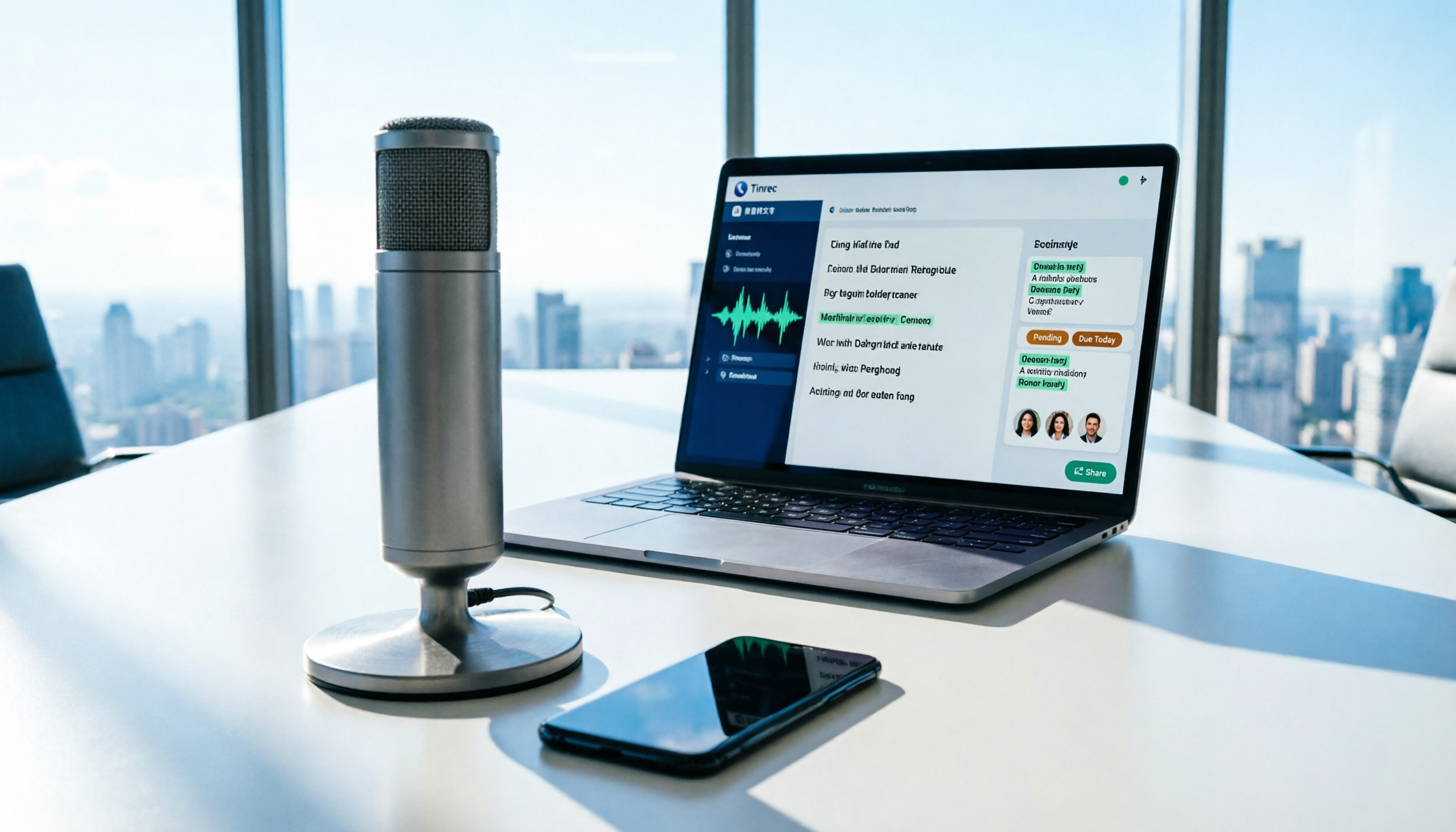
How to Use AI for Meeting Recordings in 2026: A Complete 5-Step Tutorial
Struggling to organize long meeting recordings? This tutorial uses Tinrec as an example to guide you through 5 steps: recording, transcription, proofreading, generating meeting minutes, and exporting/sharing. It also includes troubleshooting FAQs and 3 efficiency-boosting tips to turn your meeting recordings into searchable, collaborative team resources with AI.

2026 AI Meeting Notes Tools Comparison: Tinrec vs Notta — Which Is Better for Chinese-Speaking Teams Across 5 Key Areas?
Starting from common misconceptions, this hands-on comparison of Tinrec and Notta examines 5 key areas: Chinese meeting recording, post-meeting organization, team governance, pricing and quotas, and export workflows. It also answers 6 common questions to help you decide which AI meeting notes workflow best fits your work style.

2026 AI Meeting Recorder Showdown: Tinrec vs PLAUD Note — Which Is Better for Chinese Meetings?
Tinrec or PLAUD Note? We tested both across meeting capture, Chinese transcription, post-meeting AI organization, team collaboration, and pricing to help you decide whether software or recording hardware fits your meeting workflow.

4 Best English Transcription Tools in 2026: Free vs Paid Comparison
Looking for an English transcription tool? This article compares 4 popular options: Tinrec, Otter.ai, Notta, and TurboScribe. From free tiers to mixed Chinese-English recognition, post-meeting organization to team collaboration, we break it down to help you find the best English transcription solution.

Tinrec vs Notta 2026: 5-Dimension Comparison for Chinese Meeting Notes
How to choose a meeting transcription tool? This article compares Tinrec and Notta across five dimensions: meeting capture methods, Chinese and mixed-language transcription, post-meeting AI organization and Q&A, team data ownership, and pricing. It also provides practical selection criteria and four common pitfalls to help you find the right AI meeting notes tool for your team.

5 Best Meeting Recording Tools in 2026: From Transcripts to Meeting Minutes
Recording a meeting isn't just about placing your phone on the table—the real pain points are the transcript, summary, and action items that follow. This article breaks down the 6 key factors for choosing a meeting recording tool, from recording legality and online meeting capture methods to team permissions and pricing, and demonstrates the complete workflow from recording to action items using Tinrec.

4 Meeting Transcription Tools Tested: Is AI Meeting Summary Good Enough in 2026?
Tired of writing meeting minutes after hours? We tested 4 meeting transcription tools, comparing transcription accuracy, post-meeting organization, language support, and team collaboration. Using Tinrec as the primary example, we show you the difference between tools that only produce transcripts and those that truly help you organize.