

Turn recordings into transcripts and summaries in minutes
Upload audio or video for multilingual transcription, AI notes, and action items
2026 Comparison of 4 AI Meeting Note-Takers for Chinese: Which Saves the Most Time on Chinese Transcription and Post-Meeting Organization?
The Meeting Ends, but the Notes Are Just Beginning
It's 3 PM, the online meeting just ended, and you're staring at the recording file on your screen with one thought: this transcript needs to be done before you leave today.
So you play, pause, and type. A 40-minute meeting takes over an hour just to transcribe.
Chinese meetings are even trickier. Teams often mix Mandarin, Taiwanese, and English technical terms, and speakers talk over each other. With typical transcription tools, errors pile up so much that you have to proofread every sentence—wasting even more time.
This article shares my hands-on experience using several popular AI meeting note-takers for Chinese meetings, covering Chinese recognition performance, what they produce after the meeting, and whether the free versions are sufficient.
4 Key Points to Understand Before Choosing an AI Meeting Note-Taker
1. Chinese recognition isn't just about "understanding Chinese"
Many tools support 50+ languages, with Chinese as just one option. What really matters: Does it understand Taiwanese terms? Can it handle mixed Chinese-English? Does it fall apart when multiple people talk over each other? I recommend testing with your own meeting recordings—it's more reliable than official specs.
2. Recording method: "Meeting bot" vs. "Desktop capture"
One approach sends a bot account to join the meeting; the other captures system audio directly from your computer. The former is convenient but adds a stranger to the participant list; the latter doesn't disturb the meeting but requires you to manually start recording.
3. Post-meeting output: Just a transcript, or something more usable?
A transcript is just raw material. What really saves time is what comes after: automatic summaries, chapters, action items, and even the ability to ask questions about the meeting content. If a tool only gives you a transcript, you still have to read through it all yourself.
4. Free tier and team use cases
For occasional personal use, free versions are usually enough. But if you have weekly meetings, check the free minutes and paid thresholds carefully. For team use, confirm whether data is stored in individual accounts or a team workspace.
Tinrec — The Smoothest Tool in This Hands-On Test
Tinrec is an AI meeting note-taking and collaboration tool for individuals and teams, available on web, desktop, and mobile apps (iOS, Android). Chinese meetings are its primary focus.
It records during the meeting and organizes afterward
The last thing you want in an online meeting is an extra bot account on the participant list. Tinrec's desktop version captures system audio directly, so it works with Zoom, Google Meet, Microsoft Teams, and Webex without inviting any bot. No strange attendance records after the meeting. For in-person meetings, just open the mobile app to record and get live transcription.
The transcript is just the start—summaries, action items, and follow-up questions are the real value
After the meeting, Tinrec automatically generates summaries, chapters, and action items. Even more useful is AI Q&A: you can ask "What was the conclusion about the budget in this meeting?" and it answers based on the meeting content, rather than dumping keywords for you to search. You can also ask it to organize the same recording into reports, tables, or documents for post-meeting deliverables.
If the meeting includes foreign language content, Tinrec supports real-time translation during recording, with options to view only the original, only the translation, or bilingual side-by-side.
My own test involved a meeting recording with background noise and mixed Chinese-English, observing how it handled common Taiwanese terms and technical jargon. Actual performance depends on recording quality, accents, and overlapping speech, so rather than trusting any advertised accuracy numbers, test with your own meeting files.
Pros
- No meeting bot: Desktop version captures system audio directly, keeping the participant list clean and avoiding bot permission issues.
- Chinese and mixed Chinese-English are its strong suit: Team glossary feature lets you customize common terms for better recognition of product names and project codes.
- Complete post-meeting workflow: Transcript, summary, chapters, action items, Q&A, mind maps, and export to Notion, Google Docs, OneNote, Dropbox, and more.
Things to note
Stop organizing recordings by hand
Upload audio or video and automatically get a transcript, summary, and action items
The free version is mainly for experiencing the workflow. If you have daily meetings, you'll need a paid plan. Also, Tinrec currently doesn't automatically join all meetings on your calendar—you need to open the desktop app and start recording yourself.
Team use is a different scenario
If meeting notes are team assets, Tinrec's team plan offers a separate team workspace where data belongs to the team, including member and role management, seat allocation, shared recording and import quotas, usage analytics, audit logs, and audio recycle bin. Note that "roles" and "seats" are different: roles determine who can manage the team, seats determine who can record, upload, edit, and export; members without seats can still view, play, and read team data. The team plan offers a 7-day trial (1 free seat, 300 minutes shared import quota). Monthly team pricing is USD 29.80 per paid seat per month, annual is USD 199 per paid seat per year (about USD 16.58 per month). Each paid seat provides 2,000 minutes of team shared import quota per month; real-time recording currently doesn't deduct minutes within an active plan. Prices and benefits are subject to the official purchase page.
Who it's for
For those who have regular weekly Chinese meetings, want to use AI to extract key points afterward, or need to keep meeting data in a team workspace, Tinrec is the one I'd recommend trying first for Chinese scenarios.
Besides Tinrec, What Other Options Are There?
Notta
A multi-platform transcription tool supporting multiple languages and meeting notes, with decent Chinese recognition. Note the free version offers 120 minutes per month, max 3 minutes per upload, and the interface currently lacks Traditional Chinese. It also lacks Tinrec's AI Q&A and team glossary post-processing capabilities. Consider it for occasional short audio files.
Otter.ai
A mature choice for English meetings, with a generous free tier of 300 minutes per month and complete AI Chat and team features. But it mainly serves English business meetings; Chinese is not its strong suit. If 90% of your meetings are in English, Otter.ai is more cost-effective than Tinrec.
Granola
Also takes the bot-free approach, transcribing in real-time via desktop audio and combining with your own notes to generate content. Business plan is USD 14 per user per month. However, it doesn't support uploading pre-recorded audio files and doesn't save meeting audio, so you can't go back to verify the original recording. Chinese experience is also not its focus.
Pitfall Guide: 4 Most Common Mistakes When Choosing an AI Meeting Note-Taker
Only looking at advertised accuracy rates
Many tools claim "98% accuracy," but that's usually tested in quiet environments with a single speaker and standard accent. Real meeting rooms have air conditioning noise, keyboard sounds, and overlapping speech—numbers will drop. The most reliable approach is to test with your own meeting recordings.
Not understanding how the tool joins the meeting
Meeting bots join as an account. If clients or managers don't like an unfamiliar name on the list, choose desktop audio capture like Tinrec desktop or Granola, not bot-type tools.
Only using the tool as "audio-to-text"
Using only the transcript means using only one-third of the tool's capabilities. Asking questions about the meeting content, having AI organize action items, and generating reports—that's where the real time savings are.
Ignoring team data ownership
If meeting notes are to be shared by the team, confirm from the start whether data is stored in a team workspace or individual accounts. If stored in individual accounts, data disappears when a colleague leaves or the account is deactivated. Team plan tools typically handle resource transfer after member departure—ask about this before purchasing.
Conclusion: Which One Should You Choose?
In one sentence: For handling Chinese meetings without adding a meeting bot, Tinrec is my top recommendation from this hands-on test.
- Chinese meetings, mixed Chinese-English meetings → Tinrec (Chinese is its strong suit, customizable team glossary)
- Don't want a bot joining the meeting → Tinrec (desktop version captures system audio directly)
- Want to use AI to find key points, generate action items and reports → Tinrec (AI Q&A and Agent post-processing)
- Team needs to share meeting data → Tinrec team plan (team workspace, seat management, usage and audit)
- Meetings are almost all in English, zero budget → Otter.ai (free 300 minutes, the exception for English meetings)
I suggest starting with Tinrec's free version, recording one of your regular meetings, and seeing if the transcript and summary meet your needs. If the workflow feels right, then decide whether to upgrade or switch to the team plan based on usage frequency—no need to pay upfront.
References
- Meeting Ink - 2026 AI Meeting Notes Tool Hands-On Test | 7 Speech-to-Text and Summary Speed Comparison | Meeting Ink - AI Meeting Notes Assistant Automatic Transcription Summary
- Recently many people ask me if there are AI tools for meeting notes. They still type manually, often can't multitask, and waste time. I always answer — SeaMeet. Why recommend? Here's a summary: - Integrates with Google Meet, syncs transcription for online meetings, with real-time summaries, super convenient. - No need to refresh; after the meeting, automatically emails all participants. - So simple that I taught seniors who've never used AI tools in 10 minutes. - In-person meetings
- 2026's Most Recommended AI Meeting Notes Tool, the Must-Have for Time-Saving Meetings!
- Meeting Ink - Transcription AI Meeting Summary Speech-to-Text - Google Play App
- Still Taking Meeting Notes by Hand? These 3 AI Tools Save Time and Effort (The Third Is Free and Fastest)::I'm Chi
Turn every recording into actionable outcomes
Get 60 free transcription minutes when you sign in. No credit card required.
Related Reading
You might also like

2026 Webcam Recording Guide: From Video Capture to AI Meeting Notes
Can a webcam record video? Yes. This guide covers standard webcam recording methods and compares them with Tinrec's AI meeting notes workflow, showing how to turn recordings into searchable, collaborative, and actionable meeting data.

4 AI Transcription Tools Tested in 2026: Which Saves the Most Time for Chinese Meetings?
Still spending two hours after a meeting to clean up transcripts? This article compares Tinrec, Yating Transcription, Google AI Studio, and Notta from four angles: Chinese recognition, post-meeting organization, online meeting recording methods, and team data retention. It also covers free quotas, pricing, and three common pitfalls in choosing a tool, helping you find the one that saves the most time.

4 Audio-to-Text Apps Tested for 2026: Which Saves the Most Time in Cantonese Meetings?
2026 audio-to-text app comparison. We used the same Cantonese meeting recording with mixed English to compare transcription and post-meeting organization across 4 tools, breaking down 4 key buying factors, pitfalls to avoid, and scenario-based recommendations. We also tested Tinrec's desktop bot-free meeting recording, AI Q&A, and team seat management.

4 Best Browser Audio Recorders in 2026: Which One Transcribes While Recording and Keeps the Audio?
We tested and compared 4 tools for recording browser audio, analyzing recording sources, format limits, transcription, and team collaboration. We cover key buying factors and common pitfalls, and explain how Tinrec turns browser recordings into searchable, actionable transcripts and summaries.

4 AI Transcription Tools Tested in 2026: Which Saves the Most Time on Chinese Meeting Transcripts?
AI transcription isn't just pressing record. This article addresses common misconceptions and compares four AI transcription tools—Tinrec, Notta, Otter.ai, and TurboScribe—on recording methods, Chinese language performance, and post-meeting organization. It also outlines selection criteria and pitfalls to avoid.
2026 Comparison of 4 Web Recording Tools: Which One Can Record Both Microphone and System Audio?
The most common reason web recording fails isn't the tool—it's setting the wrong audio source and not organizing the recording afterward. This article first highlights three common pitfalls, then uses Tinrec as an example to explain the core capabilities of web recording, practical use cases, 5 key factors to consider when choosing a tool, and the differences and costs between personal and team plans, ending with an FAQ.
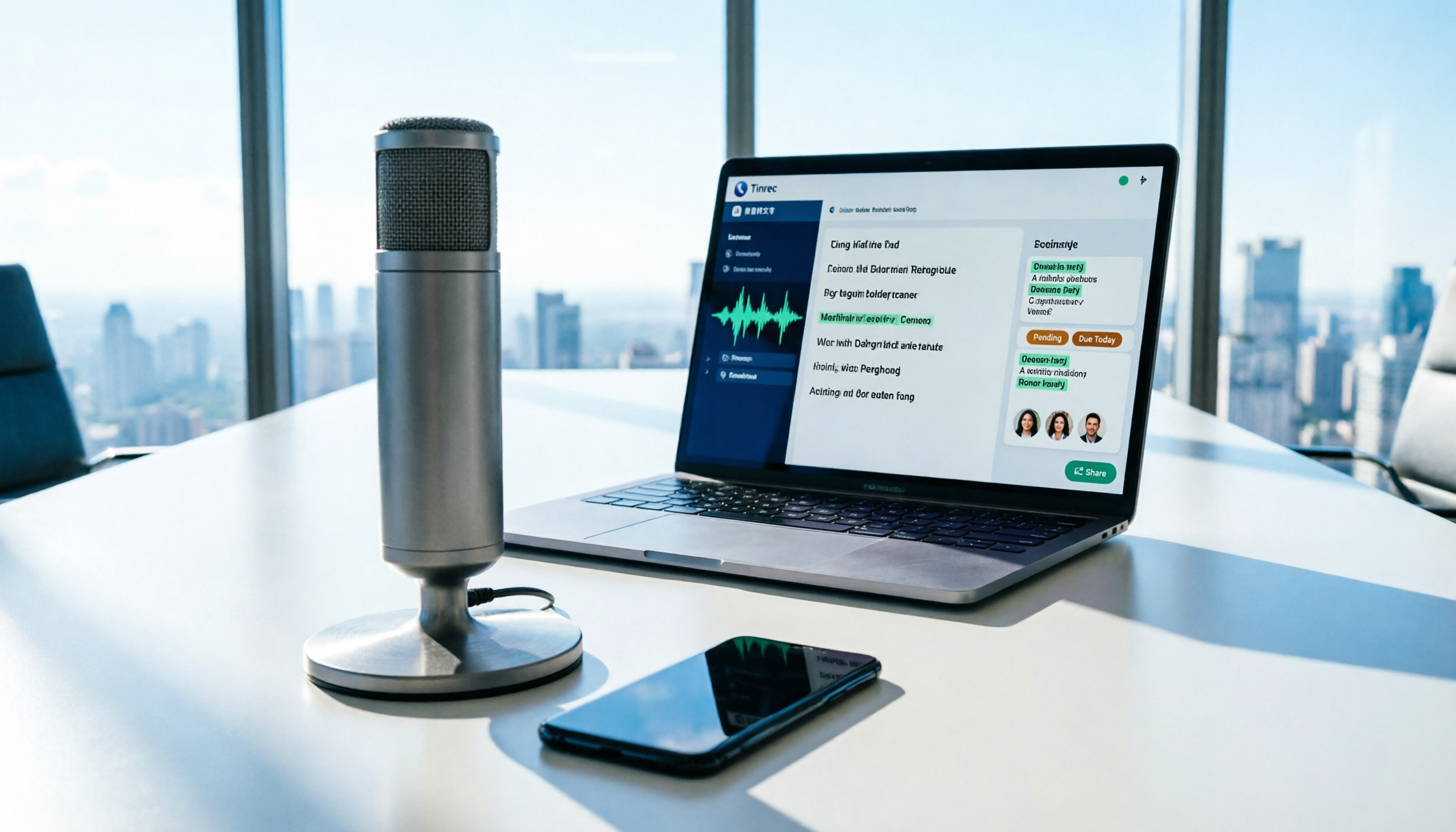
How to Use AI for Meeting Recordings in 2026: A Complete 5-Step Tutorial
Struggling to organize long meeting recordings? This tutorial uses Tinrec as an example to guide you through 5 steps: recording, transcription, proofreading, generating meeting minutes, and exporting/sharing. It also includes troubleshooting FAQs and 3 efficiency-boosting tips to turn your meeting recordings into searchable, collaborative team resources with AI.

2026 AI Meeting Notes Tools Comparison: Tinrec vs Notta — Which Is Better for Chinese-Speaking Teams Across 5 Key Areas?
Starting from common misconceptions, this hands-on comparison of Tinrec and Notta examines 5 key areas: Chinese meeting recording, post-meeting organization, team governance, pricing and quotas, and export workflows. It also answers 6 common questions to help you decide which AI meeting notes workflow best fits your work style.

2026 AI Meeting Recorder Showdown: Tinrec vs PLAUD Note — Which Is Better for Chinese Meetings?
Tinrec or PLAUD Note? We tested both across meeting capture, Chinese transcription, post-meeting AI organization, team collaboration, and pricing to help you decide whether software or recording hardware fits your meeting workflow.