
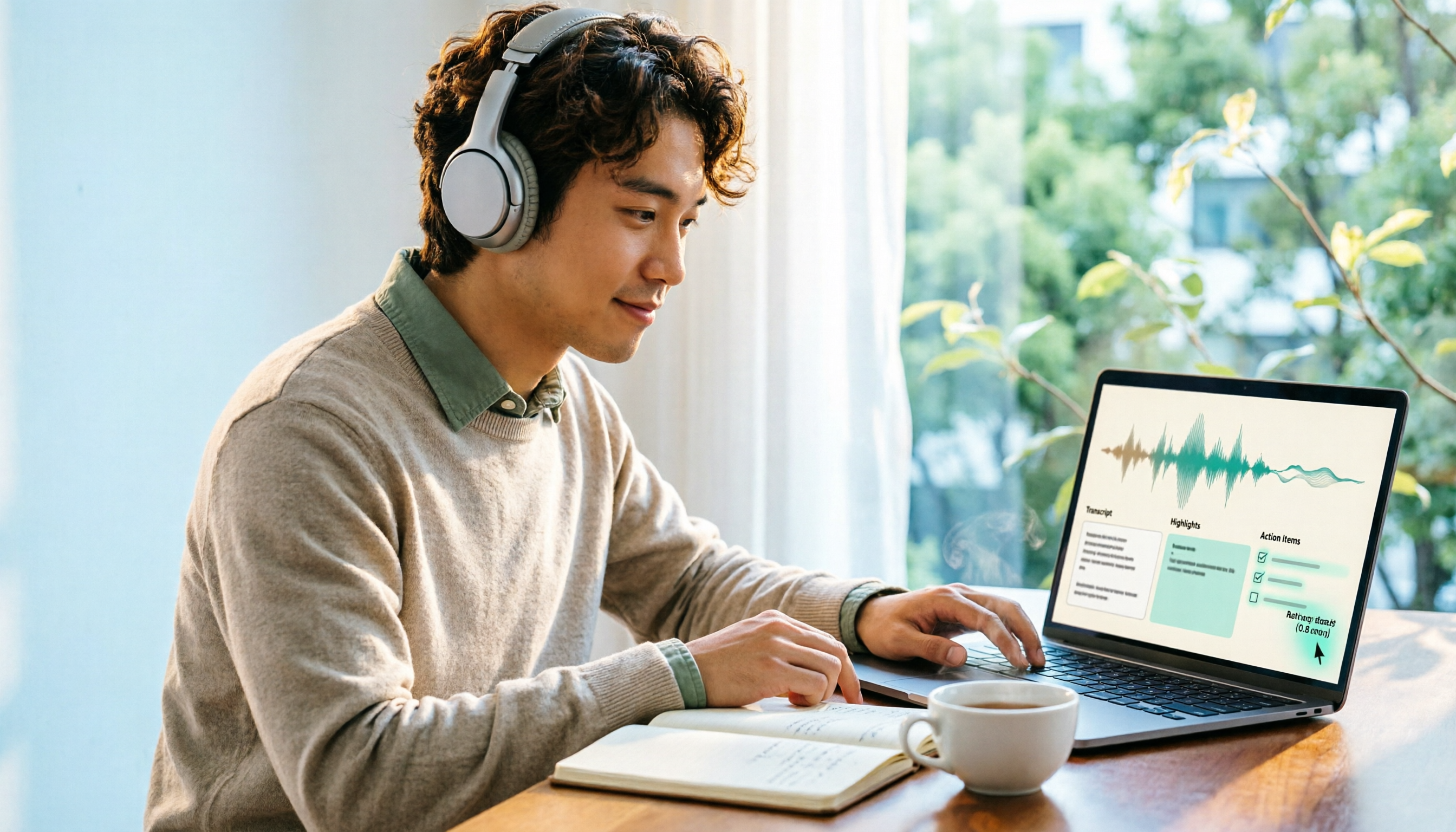
Turn recordings into transcripts and summaries in minutes
Upload audio or video for multilingual transcription, AI notes, and action items
4 Best Browser Audio Recorders in 2026: Which One Transcribes While Recording and Keeps the Audio?
Recording browser audio is easy—the hard part is what you do with it afterward
Before you record browser audio, you need to decide one thing: do you need an audio file, or do you need content that you can search, organize, and act on?
Many people start out just wanting to capture sound from a webpage—maybe an online course, a remote meeting, a podcast, or web music. But after recording, they realize the real hassle is re-listening, finding key points, and turning it into notes.
If you only record short clips occasionally, a free extension is enough. But if you often need to turn recordings into transcripts, summaries, and to-dos, your tool choice will be completely different. This article will help you understand the difference.
Before recording browser audio, understand these 4 key points
The first key point is where the sound comes from. Built-in system recording usually only captures the microphone, not the audio playing inside a webpage. To record browser audio, you need a tool that can capture system audio or browser tab audio.
The second is length and format. Some free tools limit recordings to 20 minutes per session, and you have to manually adjust beyond that. The output format also affects whether you can use it directly afterward.
The third is whether you can organize it right after recording. If all you get is an audio file, you still have to manually re-listen and type. Tools that automatically transcribe, generate summaries, and create to-dos save a lot of time.
The fourth is whether you need cross-platform and team collaboration. If the meetings or courses you record need to be shared with colleagues, it's best to choose a solution with team spaces, member permissions, and usage management.
Looking at these 4 points, Tinrec performs most completely in post-recording organization and team knowledge retention. We'll go into detail later.
Tinrec — turns browser recordings directly into usable data
Tinrec is an AI meeting notes and collaboration tool for individuals and teams. It doesn't just convert audio to text; it helps you organize recordings into searchable, summarizable, queryable, and exportable data.
Tinrec desktop captures system audio from your device, so it can handle online meetings on Zoom, Google Meet, Microsoft Teams, Webex, and more without a meeting bot joining. The same system audio capture capability works for courses or meeting audio playing in your browser. Just open Tinrec desktop and start recording to transcribe while recording.
After recording, Tinrec automatically generates a transcript, AI summary, chapters, and to-dos. We tested a segment of an online meeting recording, and the transcription could be searched and edited directly, while the summary quickly captured the key discussion points. What's more special is AI Q&A: you can directly ask "Who mentioned the budget in this meeting?" or "What are the to-dos for next week?" and it will answer based on semantic understanding, not just throw keyword search results at you.
Output options are diverse. Beyond transcripts, summaries, chapters, to-dos, and mind maps, you can export to Notion, Google Docs, OneNote, Dropbox, and other tools for further use. When you need post-meeting deliverables, you can also generate reports, tables, and documents.
Tinrec also supports real-time translation. During recording, you can view the original text, translation, or bilingual content, which is very helpful for cross-language meetings or courses. The team version further provides team spaces, member and seat management, usage analytics, audit logs, audio recycle bin, and team hotwords, turning meeting recordings into searchable, collaborative, and traceable team data.
Stop organizing recordings by hand
Upload audio or video and automatically get a transcript, summary, and action items
On pricing, the personal version has a free plan, weekly pass, Pro monthly, and Pro annual, so you can choose based on usage frequency. The team version is USD 29.80 per paid seat per month, or USD 199 per paid seat per year (about USD 16.58 per month). Each paid seat provides 2,000 minutes of team shared import quota per month. The first eligible team trial is 7 days, 1 free seat, and 300 minutes of team shared import quota. Actual prices and benefits are subject to the official purchase page.
Limitations should also be clear: the free version has a basic quota, and heavy users need to pay. Also, transcription quality can be affected by recording quality, noise, accents, and overlapping speakers. For important content, we recommend cross-checking with audio playback.
If you frequently need to record online meetings or web courses and want to get transcripts, summaries, and to-dos directly after recording—or even use AI to ask about meeting details—Tinrec is currently the smoothest choice. It's suitable for Chinese meetings, cross-language content, and users who need to retain meeting data for their team.
Besides Tinrec, what other options are there for recording browser audio?
Chrome Audio Capture: A free Chrome extension that can directly record browser tab audio and output MP3 or WAV. Suitable for people who just want to quickly record a piece of web music or a short meeting. But it only records up to 20 minutes, and after recording you only get an audio file—no transcript, summary, or AI Q&A. Tinrec can generate a searchable transcript and summary directly after recording.
EaseUS RecExperts: A Windows/Mac screen recording software that can record system audio and microphone, supports scheduled recording, and exports to MP3, FLAC, AAC, OGG, WAV, and more. Suitable for people who need to record both screen and audio. However, it has no built-in transcript or AI summary, so you still have to organize manually after recording. Tinrec can turn recordings directly into to-dos and meeting minutes.
Audacity: A free, open-source audio editing software that can record computer system audio. It's powerful and free. Suitable for people willing to set it up manually and who need audio post-production. But it has a higher setup barrier and no cloud transcription or AI Q&A. Tinrec desktop can record online meetings with one click and transcribe in real time, with a much lower organization barrier.
Pitfall guide: 3 most common mistakes when recording browser audio
Pitfall 1: Assuming built-in system recording can record browser audio. Most system recording only captures the microphone, not the audio playing inside a webpage. The correct approach is to choose a tool that can capture system audio or tab audio, such as Tinrec desktop or Chrome Audio Capture.
Pitfall 2: Ignoring recording length and format limits. Some free tools default to 20 minutes, and you have to adjust settings beyond that, but developers may not recommend it. Before recording, confirm your content length and then choose a suitable tool.
Pitfall 3: Not organizing after recording, letting audio files pile up and afraid to delete them. If you need to repeatedly look up meeting or course key points, only having audio files is painful. Choose a tool that can automatically transcribe, generate summaries, and offer AI Q&A to turn recordings into searchable, queryable data. Tinrec's AI Q&A is designed for this pain point.
Conclusion: Which one should you choose?
If you only need to quickly record a piece of browser audio and don't plan to organize it, Chrome Audio Capture is enough.
If you need to record both screen and system audio, consider EaseUS RecExperts.
If you like to post-produce audio yourself and don't mind manual setup, Audacity is a free, good choice.
But if after recording a web meeting or course you want to directly get transcripts, summaries, and to-dos, and also use AI to ask about details, or need to share data with your team, Tinrec will be a more complete choice. It connects recording and post-meeting use, rather than just giving you an audio file.
We suggest starting with Tinrec's free version, recording a segment of your usual meeting or course, and seeing if the transcription and summary meet your needs before deciding whether to upgrade. That's the most stress-free way.
References
- Chrome Audio Capture: Record web audio and save as MP3 or WAV
- Browser audio recording tutorial: 4 recommended recording tools to easily capture website audio - EaseUS
- How to record browser audio? Review and practical guide to 5 efficient audio-to-text tools - Tinrec Blog
- r/software on Reddit: I need to record a website with sound for a few minutes, I don't want to use a microphone, I want to capture sound directly from the computer. What software do you recommend?
- Chrome Audio Capture: Easily record web audio as MP3
Turn every recording into actionable outcomes
Get 60 free transcription minutes when you sign in. No credit card required.
Related Reading
You might also like

2026 Webcam Recording Guide: From Video Capture to AI Meeting Notes
Can a webcam record video? Yes. This guide covers standard webcam recording methods and compares them with Tinrec's AI meeting notes workflow, showing how to turn recordings into searchable, collaborative, and actionable meeting data.

4 AI Transcription Tools Tested in 2026: Which Saves the Most Time for Chinese Meetings?
Still spending two hours after a meeting to clean up transcripts? This article compares Tinrec, Yating Transcription, Google AI Studio, and Notta from four angles: Chinese recognition, post-meeting organization, online meeting recording methods, and team data retention. It also covers free quotas, pricing, and three common pitfalls in choosing a tool, helping you find the one that saves the most time.

4 Audio-to-Text Apps Tested for 2026: Which Saves the Most Time in Cantonese Meetings?
2026 audio-to-text app comparison. We used the same Cantonese meeting recording with mixed English to compare transcription and post-meeting organization across 4 tools, breaking down 4 key buying factors, pitfalls to avoid, and scenario-based recommendations. We also tested Tinrec's desktop bot-free meeting recording, AI Q&A, and team seat management.

4 AI Transcription Tools Tested in 2026: Which Saves the Most Time on Chinese Meeting Transcripts?
AI transcription isn't just pressing record. This article addresses common misconceptions and compares four AI transcription tools—Tinrec, Notta, Otter.ai, and TurboScribe—on recording methods, Chinese language performance, and post-meeting organization. It also outlines selection criteria and pitfalls to avoid.

2026 Comparison of 4 AI Meeting Note-Takers for Chinese: Which Saves the Most Time on Chinese Transcription and Post-Meeting Organization?
How to choose an AI meeting note-taker for Chinese? This article compares Tinrec, Notta, Otter.ai, and Granola on Chinese recognition performance, recording methods, and post-meeting organization capabilities. It covers free tiers, team collaboration, and common pitfalls to help you find the most time-saving Chinese meeting note-taking tool.
2026 Comparison of 4 Web Recording Tools: Which One Can Record Both Microphone and System Audio?
The most common reason web recording fails isn't the tool—it's setting the wrong audio source and not organizing the recording afterward. This article first highlights three common pitfalls, then uses Tinrec as an example to explain the core capabilities of web recording, practical use cases, 5 key factors to consider when choosing a tool, and the differences and costs between personal and team plans, ending with an FAQ.
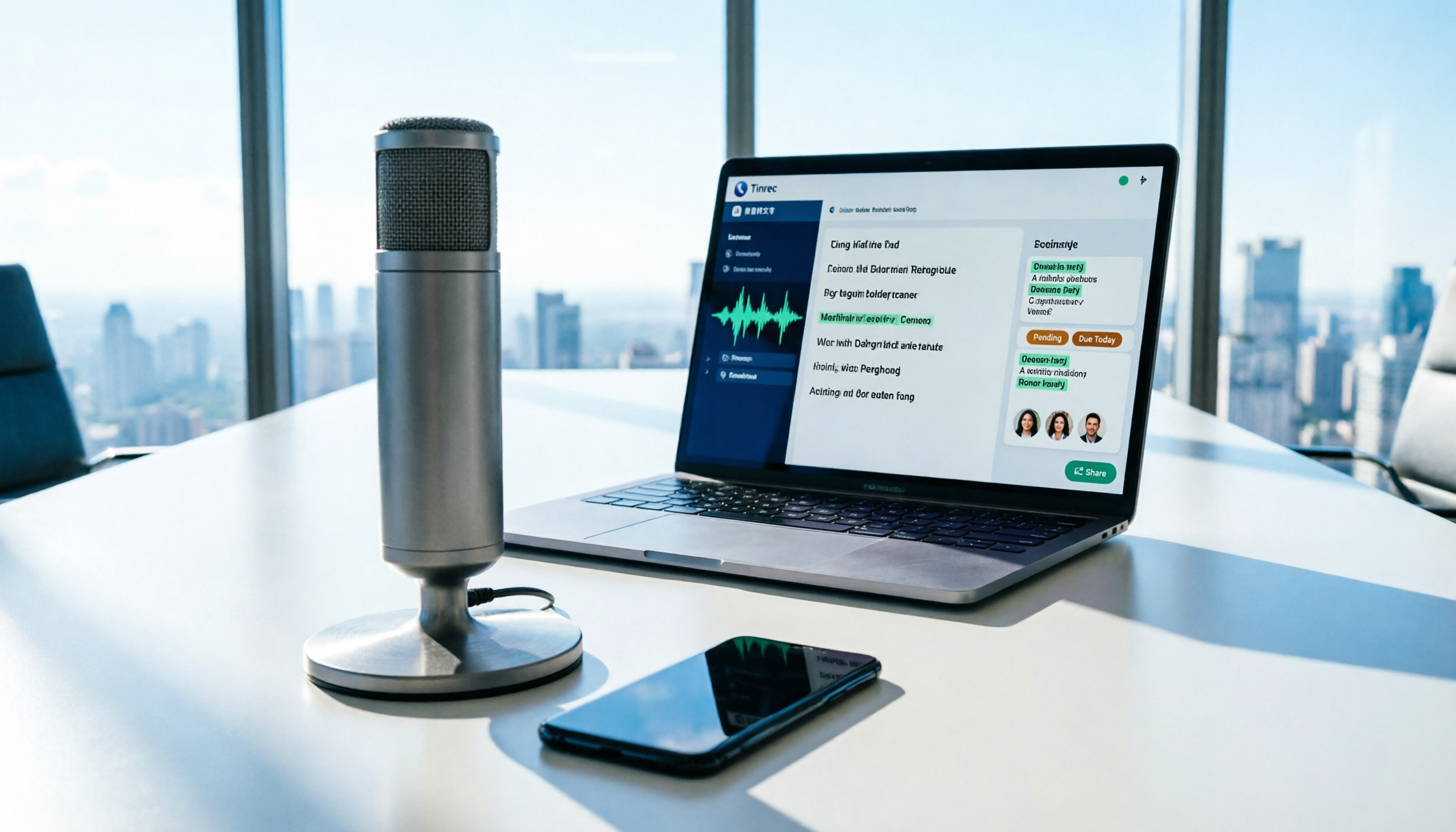
How to Use AI for Meeting Recordings in 2026: A Complete 5-Step Tutorial
Struggling to organize long meeting recordings? This tutorial uses Tinrec as an example to guide you through 5 steps: recording, transcription, proofreading, generating meeting minutes, and exporting/sharing. It also includes troubleshooting FAQs and 3 efficiency-boosting tips to turn your meeting recordings into searchable, collaborative team resources with AI.

2026 AI Meeting Notes Tools Comparison: Tinrec vs Notta — Which Is Better for Chinese-Speaking Teams Across 5 Key Areas?
Starting from common misconceptions, this hands-on comparison of Tinrec and Notta examines 5 key areas: Chinese meeting recording, post-meeting organization, team governance, pricing and quotas, and export workflows. It also answers 6 common questions to help you decide which AI meeting notes workflow best fits your work style.

2026 AI Meeting Recorder Showdown: Tinrec vs PLAUD Note — Which Is Better for Chinese Meetings?
Tinrec or PLAUD Note? We tested both across meeting capture, Chinese transcription, post-meeting AI organization, team collaboration, and pricing to help you decide whether software or recording hardware fits your meeting workflow.