

Turn recordings into transcripts and summaries in minutes
Upload audio or video for multilingual transcription, AI notes, and action items
4 AI Transcription Tools Tested in 2026: Which Saves the Most Time for Chinese Meetings?
Still Spending Two Hours After a Meeting? The Problem Isn't Your Typing Speed
Your 3 PM project meeting ends, and you're left with a 55-minute recording and a half-finished meeting note.
You put on headphones and play it from the start, typing as you listen. Someone interrupts, someone gets cut off by a phone call, and just figuring out "who said this" takes over ten minutes.
You finally finish the transcript, but when your boss asks "So what's the conclusion, and who's responsible for this?" you still have to go through it all over again.
What's worse, you might need to use this recording again next week. Client interviews, class notes, cross-department discussions—every time you re-listen, you lose another chunk of time.
If this sounds familiar, what you really need isn't just a tool that turns voice into text, but an assistant that helps you organize key points, extract action items, and let you look things up later.
Before Choosing an AI Transcription Tool, Understand These 4 Key Points
1. Real-world performance in Chinese contexts
Meetings in Taiwan are rarely "pure Chinese." Taiwanese Mandarin, mixed Chinese and English, and product jargon are the norm. Instead of looking at official accuracy numbers, try a free version with a real meeting recording—the gaps show up in a noisy conference room.
2. What you can do after transcription
Just having a transcript is like turning the problem from "listening to a 55-minute recording" into "reading a 30,000-word article." So look for: automatic summaries, chapters, action items, and the ability to ask questions directly about the content.
3. How to record online meetings
Some tools require a meeting bot to join the room, while others capture the computer's system audio directly. The latter is much friendlier for external client meetings—you don't want clients to see a stranger's account in the participant list.
4. Where your data ends up
Free tools often lose everything after transcription, and recordings may not be kept. For team use, ask one more question: if a member leaves, will these meeting materials disappear with them?
Tinrec: The Most Recommended After Testing
Tinrec is an AI meeting notes and collaboration tool for individuals and teams, supporting Chinese, mixed Chinese-English, and multilingual meeting scenarios, available on web, desktop, and mobile.
Record online meetings without a meeting bot
Tinrec's desktop version captures system audio directly, handling Zoom, Google Meet, Microsoft Teams, Webex, and other online meetings without inviting an extra bot. Note that it requires the user to start recording manually—it doesn't automatically join every meeting on your calendar, which is actually more reassuring.
Ask it questions right after recording
This is the biggest difference from most transcription tools. After a meeting, you can directly ask "Who mentioned the budget last time?" or "What concerns did the client have about delivery?" It gives answers based on semantics, not a list of keyword search results for you to sift through. Anyone who's done interviews or research knows this saves at least half an hour.
From transcript to ready-to-share materials
Beyond the transcript itself, it automatically generates AI summaries, chapters, key points, action items, and mind maps. It can also produce reports, tables, and documents, then export to Notion, Google Docs, OneNote, or Dropbox for further editing. This compresses the workflow of "listening to recordings, typing transcripts, writing notes, organizing action items" into one step.
Team version turns meetings into team assets
The team version is a separate team space, not a shared account. It offers member and seat management, usage analytics, audit logs, team hotwords, and an audio recycle bin (deleted items recoverable within 30 days). When a member leaves or is removed, data belongs to the team and is transferred to other active members—it won't be taken away by individuals.
Pricing and limitations, written honestly
Stop organizing recordings by hand
Upload audio or video and automatically get a transcript, summary, and action items
The personal version has a free tier for basic quota, plus weekly, Pro monthly, and annual plans for short-term sprints or long-term accumulation. The team version offers a 7-day trial for first-time eligible users, including 1 free seat and 300 minutes of shared team import quota; monthly payment is USD 29.80 per paid seat, annual payment is USD 199 per paid seat (about USD 16.58/month). Each paid seat gets 2,000 minutes of shared team import quota per month. Real-time recording currently does not deduct minutes under an active plan and seat.
Honestly, whether the quota is enough depends on your meeting density. Also note that recognition quality is affected by recording quality, background noise, accents, multiple people talking over each other, and technical jargon. For important content, we recommend cross-checking with the recording. Before recording, don't forget to check local regulations and get consent from participants.
Who it's for
People who often handle Chinese meetings, don't want a bot joining meetings, want to ask about key points right after recording, or need to retain meeting data for the team.
Besides Tinrec, What Other Options Are There?
Yating Transcription
A local Taiwanese speech-to-text service with the slogan "You talk, we type." 104 Job Bank's review lists it as a "local Taiwan recommendation." Its strength is good multi-speaker recognition; its weakness is slower transcription speed. If your need is simply converting recordings into a Chinese transcript and you prefer a local service, give it a try. However, if you care more about "asking AI for conclusions right after the meeting and pulling out action items," that kind of post-meeting workflow is where Tinrec shines.
Google AI Studio (Gemini)
A completely free DIY route. Upload an audio file to Google AI Studio, use prompts to ask Gemini to transcribe, label speakers, and summarize key points—not many steps. Note that the official recommendation is to keep files under 20 minutes for better accuracy, and you still need to proofread homophones. It's suitable for occasional one or two recordings, but there's no team space, no action item tracking, and you have to start over each time—Tinrec automates these steps and keeps the results.
Notta
Known for multilingual transcription and translation, it also has a team plan. Free version: 120 minutes per month, max 3 minutes per item; Pro annual: about USD 8.17/month (1,800 minutes per month); Business annual: about USD 16.67 per seat per month, offering unlimited transcription and role permissions. If you need bulk document transcription and subtitle processing, it's an option. Tinrec's differences are desktop system audio recording without a bot, post-meeting report and table generation, and team usage, audit, and recycle bin governance.
Pitfall Guide: The 3 Most Common Mistakes When Choosing an AI Transcription Tool
Pitfall 1: Only looking at official accuracy claims.
Many services boast high accuracy, but that's usually measured in quiet environments. Real conference rooms have air conditioning noise, keyboard sounds, and multiple people talking over each other—performance will differ noticeably. We recommend running your own recording through a free version, not just looking at ads.
Pitfall 2: Ignoring whether recordings are retained.
Some tools only give you a note and don't keep the original audio. When a colleague says "That's not what was said," you want to check but find nothing to listen to. Recordings are the original evidence—whether they can be kept makes a big difference.
Pitfall 3: Only using the tool as "audio-to-text."
If you only use it to produce transcripts, you're using only a third of its capabilities. Features like Tinrec's AI Q&A and action item extraction let you ask "What three things need to be delivered this week?" right after recording—much faster than manually scanning a 40-minute transcript.
Conclusion: Which One Should You Choose?
Simply put, first look at your meeting language and what you need to do afterward, then decide on the tool.
- Chinese meetings, don't want a bot joining online meetings → Tinrec
- Want to ask AI for key points right after recording and pull out action items → Tinrec
- Need to use on phone, computer, and web seamlessly → Tinrec
- Meeting data needs to be kept for the team, with seat and usage management → Tinrec Team
- Almost only record English meetings → Otter.ai free version, 300 minutes per month
- Only occasionally transcribe one or two recordings, zero budget → Google AI Studio
Overall, if your meetings are in Chinese or mixed Chinese-English and you have to deal with all the post-meeting organization, Tinrec is currently the smoothest choice. We suggest trying the free version first with a real meeting to run through the entire workflow. If it works for you, then consider upgrading—no need to pay from the start.
References
- Yating Transcription
- No Time Limit! 3 Free AI Transcription Tools, Highly Recommended! AI Voice Notes Generate Meeting Minutes, Presentations, Mind Maps | 104 Job Bank
- Home | Vocol.ai Voice Collaboration Platform
- Google AI Studio Transcription Tutorial: Free AI Audio-to-Text Tips - Mr. Mad
- [AI Voice Notes] 5 Highly Recommended AI Transcription Tools! Generate Transcripts and Meeting Notes, Free vs Subscription, Pros and Cons Comparison | 104 Job Bank
Turn every recording into actionable outcomes
Get 60 free transcription minutes when you sign in. No credit card required.
Related Reading
You might also like

2026 Webcam Recording Guide: From Video Capture to AI Meeting Notes
Can a webcam record video? Yes. This guide covers standard webcam recording methods and compares them with Tinrec's AI meeting notes workflow, showing how to turn recordings into searchable, collaborative, and actionable meeting data.

4 Audio-to-Text Apps Tested for 2026: Which Saves the Most Time in Cantonese Meetings?
2026 audio-to-text app comparison. We used the same Cantonese meeting recording with mixed English to compare transcription and post-meeting organization across 4 tools, breaking down 4 key buying factors, pitfalls to avoid, and scenario-based recommendations. We also tested Tinrec's desktop bot-free meeting recording, AI Q&A, and team seat management.

4 Best Browser Audio Recorders in 2026: Which One Transcribes While Recording and Keeps the Audio?
We tested and compared 4 tools for recording browser audio, analyzing recording sources, format limits, transcription, and team collaboration. We cover key buying factors and common pitfalls, and explain how Tinrec turns browser recordings into searchable, actionable transcripts and summaries.

4 AI Transcription Tools Tested in 2026: Which Saves the Most Time on Chinese Meeting Transcripts?
AI transcription isn't just pressing record. This article addresses common misconceptions and compares four AI transcription tools—Tinrec, Notta, Otter.ai, and TurboScribe—on recording methods, Chinese language performance, and post-meeting organization. It also outlines selection criteria and pitfalls to avoid.

2026 Comparison of 4 AI Meeting Note-Takers for Chinese: Which Saves the Most Time on Chinese Transcription and Post-Meeting Organization?
How to choose an AI meeting note-taker for Chinese? This article compares Tinrec, Notta, Otter.ai, and Granola on Chinese recognition performance, recording methods, and post-meeting organization capabilities. It covers free tiers, team collaboration, and common pitfalls to help you find the most time-saving Chinese meeting note-taking tool.
2026 Comparison of 4 Web Recording Tools: Which One Can Record Both Microphone and System Audio?
The most common reason web recording fails isn't the tool—it's setting the wrong audio source and not organizing the recording afterward. This article first highlights three common pitfalls, then uses Tinrec as an example to explain the core capabilities of web recording, practical use cases, 5 key factors to consider when choosing a tool, and the differences and costs between personal and team plans, ending with an FAQ.
How to Use AI for Meeting Recordings in 2026: A Complete 5-Step Tutorial
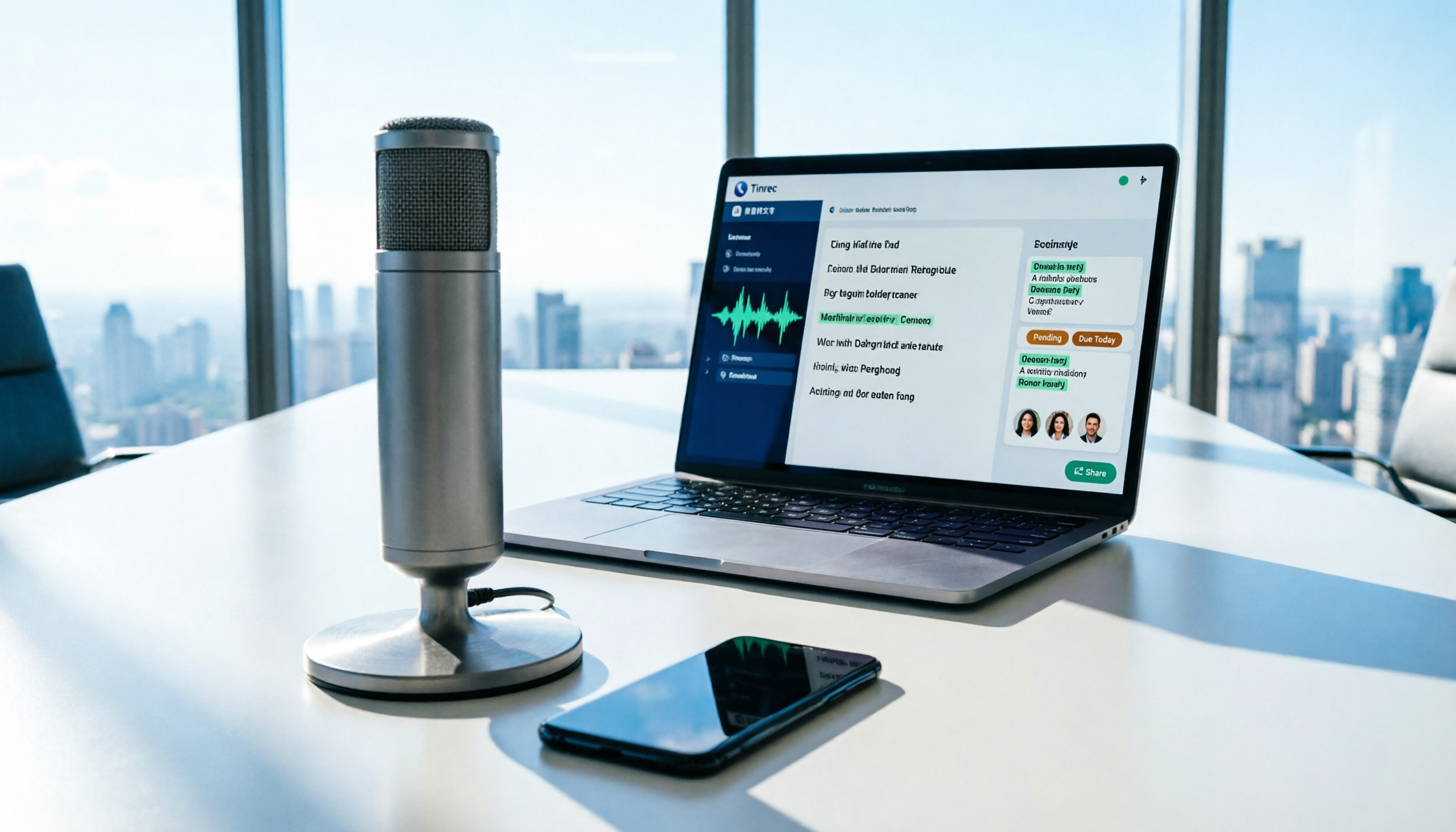
Struggling to organize long meeting recordings? This tutorial uses Tinrec as an example to guide you through 5 steps: recording, transcription, proofreading, generating meeting minutes, and exporting/sharing. It also includes troubleshooting FAQs and 3 efficiency-boosting tips to turn your meeting recordings into searchable, collaborative team resources with AI.

2026 AI Meeting Notes Tools Comparison: Tinrec vs Notta — Which Is Better for Chinese-Speaking Teams Across 5 Key Areas?
Starting from common misconceptions, this hands-on comparison of Tinrec and Notta examines 5 key areas: Chinese meeting recording, post-meeting organization, team governance, pricing and quotas, and export workflows. It also answers 6 common questions to help you decide which AI meeting notes workflow best fits your work style.

2026 AI Meeting Recorder Showdown: Tinrec vs PLAUD Note — Which Is Better for Chinese Meetings?
Tinrec or PLAUD Note? We tested both across meeting capture, Chinese transcription, post-meeting AI organization, team collaboration, and pricing to help you decide whether software or recording hardware fits your meeting workflow.