

Turn recordings into transcripts and summaries in minutes
Upload audio or video for multilingual transcription, AI notes, and action items
2026 AI Meeting Recorder Showdown: Tinrec vs PLAUD Note — Which Is Better for Chinese Meetings?
Meeting notes take time, but first you need to answer one question: should you use software or hardware? That's the fundamental difference between Tinrec and PLAUD Note. One is a cross-platform AI meeting notes and collaboration tool; the other is a portable AI recording device. This article compares them across five dimensions to help you see which one better fits your meeting situation.
Tinrec vs PLAUD Note | Quick Overview
Tinrec is an AI meeting notes and collaboration tool for individuals and teams. It supports live recording, bot-free online meeting transcription, audio and video file imports, and automatically generates summaries, chapters, action items, and mind maps. PLAUD Note is a representative AI recording device focused on portable recording, phone call recording, and long battery life. It requires a dedicated device and app.
| Item | Tinrec | PLAUD Note |
|---|---|---|
| Core positioning | AI meeting notes and team collaboration software | AI recording hardware |
| Main input | Live recording, online meetings, audio and video files, mobile devices | Hardware recording, phone call recording |
| Starting cost | Free version available; Pro monthly/annual plans; team plan separate | Hardware purchase required (NotePin from USD 159), plus subscription |
We'll compare across five dimensions: meeting capture method, Chinese and multilingual experience, post-meeting AI organization, team collaboration, and pricing and acquisition cost.
Dimension 1 | Meeting Capture: Bot-Free vs Hardware Recording
PLAUD Note's advantage is portability—pick up the device and record. It's suitable for in-person meetings, interviews, and phone calls. However, if you mainly use Zoom, Google Meet, Microsoft Teams, or Webex on your computer, PLAUD Note requires extra audio handling and cannot directly capture computer system sound.
Tinrec's desktop version directly captures computer system sound. It doesn't need a meeting bot to join the meeting to record online meetings and generate live transcripts. For office workers who frequently meet on computers, this saves a device and a step.
→ This dimension: Tinrec is more direct for online meeting recording.
Dimension 2 | Chinese and Multilingual Meeting Transcription Experience
PLAUD Note's transcription depends on hardware and app; Chinese performance is affected by device, distance, and environment. It offers summaries, templates, and Q&A, but mainly around recorded content.
Tinrec covers Chinese, Traditional Chinese, and multilingual meeting scenarios. It supports mixed Chinese-English content organization, live translation, and bilingual viewing, and can maintain professional terminology through team hotwords. Actual results still depend on recording quality, accent, noise, and overlapping speakers; we do not recommend promising a fixed accuracy rate.
→ This dimension: Tinrec offers more complete support for Chinese meetings and cross-language scenarios.
Dimension 3 | Post-Meeting Organization and AI Post-Processing
PLAUD Note can automatically analyze recording content, organize it into action items, and format it according to preset templates to reduce omissions.
Tinrec not only provides transcripts but also generates AI summaries, chapters, key points, and action items. It supports AI Q&A around meeting content and can further generate reports, tables, and documents. Output can be exported to Notion, Google Docs, OneNote, Dropbox, and other tools for continued use.
→ This dimension: Tinrec's post-meeting workflow is more complete.
Dimension 4 | Team Collaboration and Data Retention
PLAUD Note has team membership and device management, but meeting data is mainly tied to individual accounts and devices.
Tinrec's team plan provides an independent team space. Meeting data belongs to the team and includes members, roles, seats, shared benefits, usage analytics, audit logs, and an audio recycle bin. When a member leaves, data is not taken away by the individual and can be handed over to other active members.
→ This dimension: Tinrec is better suited for organizations that need to accumulate team meeting assets.
Stop organizing recordings by hand
Upload audio or video and automatically get a transcript, summary, and action items
Dimension 5 | Pricing and Acquisition Cost
PLAUD Note requires purchasing hardware first. The US website shows NotePin USD 159 and Note Pro USD 189, plus subscription plans: Starter 300 minutes per month, Pro USD 99.99/year (1,200 minutes per month), Unlimited USD 239.99/year.
Tinrec's personal version has a free version to try first, as well as weekly, Pro monthly, and annual plans. The team plan is USD 29.80 per paid seat per month, or USD 199 per paid seat per year (about USD 16.58 per month). Each seat provides 2,000 minutes of team shared import quota per month. Live recording is currently not deducted by minutes under an active team plan. Prices and benefits are subject to the official purchase page.
→ This dimension: If you don't want to buy extra hardware, Tinrec has a lower entry barrier. If you already need a portable recording device, PLAUD Note's hardware value makes sense.
What Unique Advantages Does Each Have?
Tinrec's unique advantages:
- Bot-free online meeting recording: Desktop version captures system sound without inviting an extra bot.
- Complete post-meeting workflow: Summaries, chapters, action items, AI Q&A, mind maps, Agent-generated documents, and multi-format export.
- Team data retention: Team space, roles, seats, usage, audit, and recycle bin.
- Cross-platform use: Works on web, desktop, and mobile without extra hardware.
PLAUD Note's unique advantages:
- Portable hardware recording: Suitable for in-person meetings, interviews, and phone calls.
- Standalone device: Doesn't rely on a computer; long battery life for long recordings.
Conclusion: Which Should You Choose?
• If you frequently hold online meetings on your computer and need Chinese transcripts, summaries, and action items → Tinrec
• If you want to continue AI follow-up questions around meeting content and export results to your existing workflow → Tinrec
• If you need to share meeting data with your team and manage members and seats → Tinrec
• If you need portable recording, phone call recording, and don't mind carrying an extra device → PLAUD Note has its value
• If your budget is limited and you want to try before deciding → Tinrec's free version lets you test with your own recordings
In one sentence: For most users who mainly hold online meetings with Chinese content, Tinrec is the more complete choice. But if you specifically need the convenience of hardware recording, PLAUD Note is still a device worth considering. We suggest starting with Tinrec's free version, running your own meeting recording through the workflow, and then deciding if it meets your needs.
FAQ
What's the biggest difference between Tinrec and PLAUD Note?
Tinrec is a software tool, cross-platform, no extra hardware needed. PLAUD Note is recording hardware that requires purchasing a device and using an app. If you mainly meet on a computer, Tinrec's desktop version can directly record system sound.
Is Tinrec's free version enough?
The free version provides basic quota to experience recording, import, summaries, and transcription. If you only occasionally organize a recording, start with the free version. If you have regular weekly meetings, consider a Pro plan.
Can PLAUD Note record online meetings?
PLAUD Note mainly records through its hardware microphone, suitable for in-person meetings and phone calls. To record online meetings on a computer, you need to handle the audio source separately, unlike Tinrec's desktop version which can directly capture system sound.
Which meeting platforms does Tinrec support?
Tinrec's desktop version can handle audio from Zoom, Google Meet, Microsoft Teams, Webex, and other online meetings played on a computer, without a meeting bot joining.
What's the difference between Tinrec's team and personal versions?
The personal version manages data under an individual account. The team version provides an independent team space where meeting data belongs to the team, plus members, roles, seats, shared benefits, usage analytics, audit logs, and an audio recycle bin.
Can transcription accuracy be guaranteed?
We do not recommend promising a fixed accuracy rate. Actual results depend on recording quality, noise, accent, overlapping speakers, and technical terminology. Tinrec can significantly reduce manual organization costs, but important information should be verified with transcript timestamps and recording playback.
References
- Organizing meeting minutes is painful? 5 NotebookLM AI note transformation tricks, accurate translation even with mixed Chinese-English and technical terms | BusinessNext
- Meeting Ink - 2026 AI meeting notes tool test | 7 speech-to-text and summary speed comparison | Meeting Ink - AI meeting notes assistant automatic transcription and summary
- AI meeting notes software recommendations: 5 major app tests, automatic transcription makes meetings easy!
- Notta - Super accurate transcript, speech to text, meeting recording, AI summary app - App Store
- 2026's most recommended AI meeting notes tool, the time-saving must-have for meetings!
Turn every recording into actionable outcomes
Get 60 free transcription minutes when you sign in. No credit card required.
Related Reading
You might also like

2026 Webcam Recording Guide: From Video Capture to AI Meeting Notes
Can a webcam record video? Yes. This guide covers standard webcam recording methods and compares them with Tinrec's AI meeting notes workflow, showing how to turn recordings into searchable, collaborative, and actionable meeting data.

4 AI Transcription Tools Tested in 2026: Which Saves the Most Time for Chinese Meetings?
Still spending two hours after a meeting to clean up transcripts? This article compares Tinrec, Yating Transcription, Google AI Studio, and Notta from four angles: Chinese recognition, post-meeting organization, online meeting recording methods, and team data retention. It also covers free quotas, pricing, and three common pitfalls in choosing a tool, helping you find the one that saves the most time.

4 Audio-to-Text Apps Tested for 2026: Which Saves the Most Time in Cantonese Meetings?
2026 audio-to-text app comparison. We used the same Cantonese meeting recording with mixed English to compare transcription and post-meeting organization across 4 tools, breaking down 4 key buying factors, pitfalls to avoid, and scenario-based recommendations. We also tested Tinrec's desktop bot-free meeting recording, AI Q&A, and team seat management.

4 Best Browser Audio Recorders in 2026: Which One Transcribes While Recording and Keeps the Audio?
We tested and compared 4 tools for recording browser audio, analyzing recording sources, format limits, transcription, and team collaboration. We cover key buying factors and common pitfalls, and explain how Tinrec turns browser recordings into searchable, actionable transcripts and summaries.

4 AI Transcription Tools Tested in 2026: Which Saves the Most Time on Chinese Meeting Transcripts?
AI transcription isn't just pressing record. This article addresses common misconceptions and compares four AI transcription tools—Tinrec, Notta, Otter.ai, and TurboScribe—on recording methods, Chinese language performance, and post-meeting organization. It also outlines selection criteria and pitfalls to avoid.

2026 Comparison of 4 AI Meeting Note-Takers for Chinese: Which Saves the Most Time on Chinese Transcription and Post-Meeting Organization?
How to choose an AI meeting note-taker for Chinese? This article compares Tinrec, Notta, Otter.ai, and Granola on Chinese recognition performance, recording methods, and post-meeting organization capabilities. It covers free tiers, team collaboration, and common pitfalls to help you find the most time-saving Chinese meeting note-taking tool.
2026 Comparison of 4 Web Recording Tools: Which One Can Record Both Microphone and System Audio?
The most common reason web recording fails isn't the tool—it's setting the wrong audio source and not organizing the recording afterward. This article first highlights three common pitfalls, then uses Tinrec as an example to explain the core capabilities of web recording, practical use cases, 5 key factors to consider when choosing a tool, and the differences and costs between personal and team plans, ending with an FAQ.
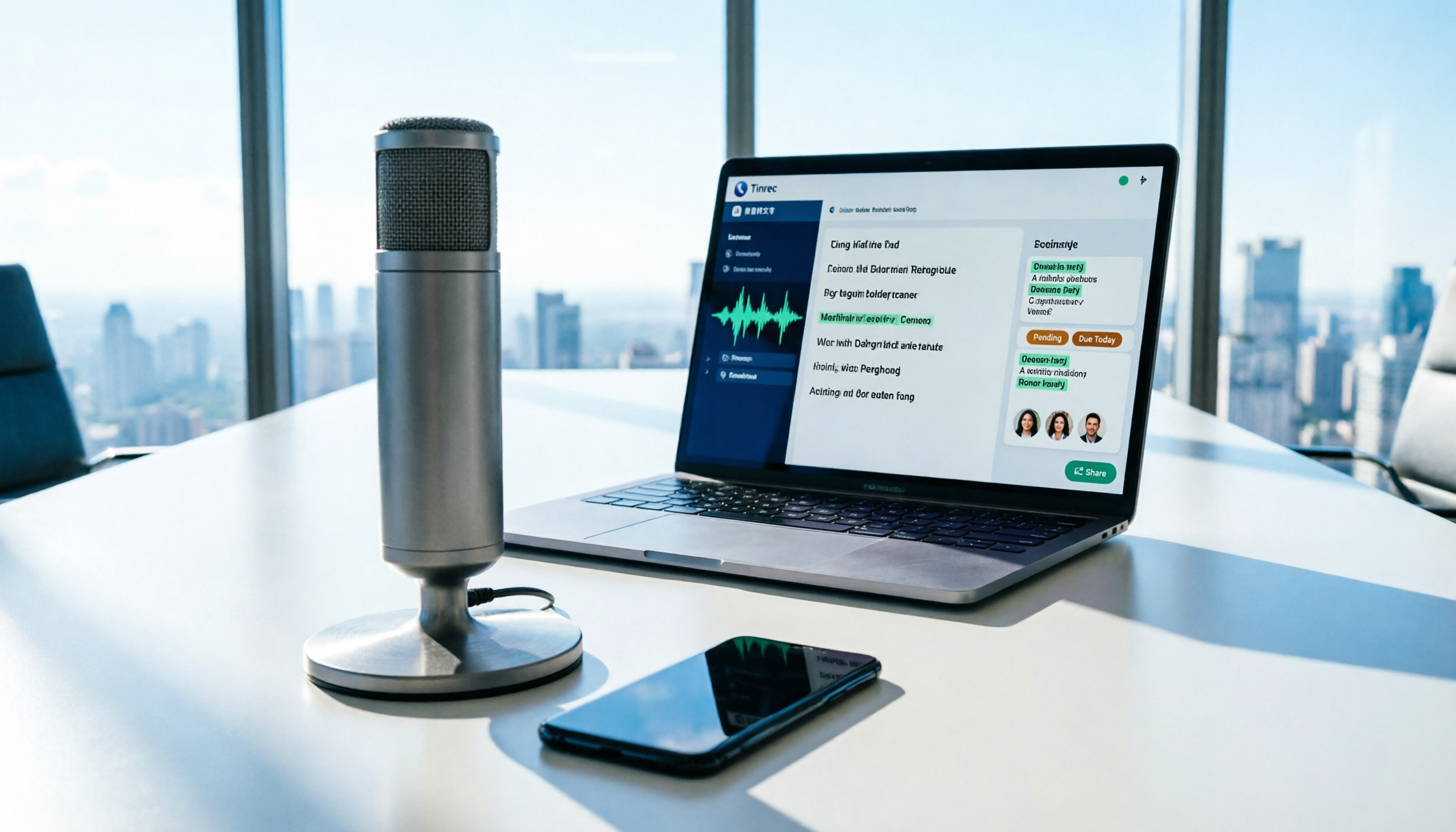
How to Use AI for Meeting Recordings in 2026: A Complete 5-Step Tutorial
Struggling to organize long meeting recordings? This tutorial uses Tinrec as an example to guide you through 5 steps: recording, transcription, proofreading, generating meeting minutes, and exporting/sharing. It also includes troubleshooting FAQs and 3 efficiency-boosting tips to turn your meeting recordings into searchable, collaborative team resources with AI.

2026 AI Meeting Notes Tools Comparison: Tinrec vs Notta — Which Is Better for Chinese-Speaking Teams Across 5 Key Areas?
Starting from common misconceptions, this hands-on comparison of Tinrec and Notta examines 5 key areas: Chinese meeting recording, post-meeting organization, team governance, pricing and quotas, and export workflows. It also answers 6 common questions to help you decide which AI meeting notes workflow best fits your work style.