

Turn recordings into transcripts and summaries in minutes
Upload audio or video for multilingual transcription, AI notes, and action items
Why Does AI Transcription Still Take You Twice as Long to Organize?
Let's start with the most common misconception: treating AI transcription as simply "throw in a recording, get a transcript out."
In reality, a 1-hour meeting produces tens of thousands of words in a transcript. If the tool only gives you text, you still have to read through it from start to finish, pick out key points, figure out who said what, and organize action items.
You switched tools, but your work hours haven't actually decreased.
The second misconception is focusing only on the word "accuracy." Chinese meetings include mixed Chinese-English, technical jargon, air conditioning noise, and multiple people talking over each other. The same tool can perform very differently in different environments.
The third misconception is thinking of "recording" and "transcription" separately. For online meetings, you need to consider how to record; for interviews and courses, you need to consider whether you can import existing audio files; for teams, you need to consider who ultimately holds the data.
If you're stuck on these points, the problem usually isn't that the tool isn't powerful enough—it's that you chose the wrong workflow.
Before Choosing an AI Transcription Tool, Understand These 4 Key Points
1. How does it "hear" your meeting? There are three common methods: a meeting bot joins the meeting, a desktop app directly captures the computer's system audio, or you manually upload a recording file. The bot is the most convenient but appears on the participant list; desktop capture doesn't add a participant; uploading files is suitable for organizing existing recordings. First, think clearly about whether your meeting can accept an extra unknown account.
2. After the transcript, what else does it give you? This is the most easily overlooked point. Summaries, chapters, action items, AI Q&A, translation, export formats—these determine how much longer you'll spend after getting the transcript. A tool that only gives text leaves the most time-consuming part to you.
3. Performance with Chinese and mixed Chinese-English Meetings in Taiwan are rarely all Chinese or all English. When choosing a tool, it's best to test it directly with a recording of your own meeting—that's more meaningful than looking at accuracy numbers on the official website.
4. Quotas, seats, and data ownership For individual use, check if the monthly quota is sufficient; for team use, look at how members, roles, and seats are allocated, and whether data remains after a member leaves. Many people only discover problems after purchasing.
Tinrec — The One I Use Most After Trying Them All
Tinrec is an AI meeting notes and collaboration tool for individuals and teams, supporting iOS, Android, web, and desktop. It doesn't just convert sound to text; it turns meetings into searchable, queryable, exportable data.
Record online meetings without a meeting bot. The desktop version directly captures the computer's system audio and can handle Zoom, Google Meet, Microsoft Teams, Webex, and other meetings without an extra bot account joining. Open Tinrec before the meeting and start recording—participants won't see an unfamiliar account on the list. This is especially useful for external client meetings.
The transcript is just the starting point. After recording, Tinrec automatically generates summaries, chapters, and action items; when bilingual support is needed, you can view the original text, translation, or bilingual content while recording. If you need to submit a report, you can also use Agent post-processing to generate meeting minutes, tables, and documents.
What truly sets it apart is AI Q&A. After recording a meeting, you can directly ask it "Who mentioned the budget in the last meeting?" "What was the conclusion?" It doesn't give you keyword search results; it answers directly based on semantics. Most transcription tools in the same price range don't have this feature yet.
Performance reference: Marketing Data Science once shared a business case where, after switching a 1-hour recording to AI transcription, manual processing time dropped from 2 hours to about 1.3 hours, with AI transcription cost around NT$45 per hour; under 16KHz sampling conditions, a 1-hour recording can be completed in about 9 minutes. Such numbers vary depending on recording quality and manual workflow, but the direction is clear—what's saved is organization time, not just typing time.
What I find useful:
Stop organizing recordings by hand
Upload audio or video and automatically get a transcript, summary, and action items
- One tool handles live recording, online meetings, existing audio files, and mobile recordings—no need to switch apps for different scenarios.
- It handles mixed Chinese-English in Chinese meetings well, and team hotwords let you maintain company-specific terminology.
- The team version centralizes transcripts, summaries, and action items in one space; new members can see past meetings, and data stays with the team when members leave.
Limitations to note: The free version offers a basic quota, suitable for trying it out; if you have several meetings to organize every week, you'll need to consider a paid plan. Also, file import consumes the team's shared quota, while live recording isn't deducted by the minute—the two are calculated differently. The team version offers team-level shared visibility, not file-level granular permissions.
Who it's for: People who frequently hold online meetings, need Chinese transcripts, and want to use AI to find key points directly after recording. If you lead a team and need to retain meeting data rather than scatter it across personal accounts, the team version's member, seat, and usage management will better fit your needs.
Besides Tinrec, What Other AI Transcription Options Are There?
Notta is the closest competitor, offering multi-platform transcription, translation, and team plans, with decent Chinese performance. The free version offers 120 minutes per month, up to 3 minutes per session; Pro annual billing is about USD 8.17 per month. It leans toward being a "quick transcription tool," while Tinrec adds bot-free online meeting recording, AI Q&A, and Agent post-processing. If you only need to convert files to text, Notta is sufficient.
Otter.ai is a veteran choice for English meetings. The free version offers a generous 300 minutes per month, and Pro annual billing is about USD 8.49 per user per month. It has a strong understanding of English business meetings, but Chinese is not its focus. If almost all your meetings are in English, Otter.ai may be more cost-effective than Tinrec; conversely, for Chinese or mixed Chinese-English meetings, Tinrec's experience will be smoother.
TurboScribe takes the high-cost-performance file transcription route. The free version allows 3 files per day, up to 30 minutes per file; Unlimited annual billing is USD 120 (about USD 10 per month). After paying, files can be up to 10 hours long, and you can upload 50 files at once. It has advantages over Tinrec for long audio files and batch processing, but lacks live meeting recording, AI Q&A, and team spaces—it's a file transcription tool, not a meeting workflow.
Other options: There are also telecom-provided solutions on the market, such as Taiwan Mobile's "AI Transcription Brother," which focuses on app, web, and desktop multi-platform sync, not limited to specific meeting software, suitable for enterprises already in that ecosystem.
Pitfall Guide: The 4 Most Common Mistakes When Choosing an AI Transcription Tool
Pitfall 1: Only looking at the accuracy rate on the official website. "98% accuracy" is usually measured in a quiet environment. Real meetings have air conditioning noise, keyboard sounds, and multiple people talking over each other—the numbers will drop. It's best to test the free version with a recording of your own meeting; that's more useful than any spec sheet.
Pitfall 2: Ignoring the difference in "how to record." Meeting bots are convenient but appear on the participant list, which can be awkward for external client meetings; desktop capture of system audio doesn't add a participant. Before purchasing, confirm whether your meeting type can accept a bot.
Pitfall 3: Forgetting recording and data compliance. Before recording, remember to check local regulations and obtain participant consent. Also, think clearly about whose account the data ultimately resides in—data in personal accounts follows the person, while data in team spaces stays with the team.
Pitfall 4: Treating the transcript as the end goal. If you only use AI transcription as "recording to text," you're only using one-third of its capabilities. After recording, directly ask AI "What was the conclusion of this meeting?"—it's much faster than manually flipping through a 30-minute transcript.
Conclusion: Which One Should You Choose?
To sum up in one sentence: the real value of AI transcription isn't "faster typing," but "turning meetings into reusable data."
- Need Chinese/mixed Chinese-English transcripts, plus post-meeting summaries, action items, and AI Q&A → Tinrec
- Don't want a meeting bot to join, but need to record Zoom, Meet, Teams → Tinrec (desktop captures system audio)
- Cross-platform use on mobile and computer, data should stay with the team → Tinrec (iOS, Android, web, desktop, team space)
- Mainly record English meetings, limited budget → Otter.ai
- Only need to convert long audio files or large batches of files to text → TurboScribe
- Multilingual file transcription, want to lower the monthly fee threshold → Notta
If unsure, it's best to first run a free version on one of your own meetings, see if the transcript is directly readable and if the summary captures key points, then decide whether to pay. Whether a tool is good or not, you'll know after trying it once.
References
- Still Using Manual Transcription? Python Completes "Automated Transcription" Business Case Sharing
- Still Using Manual Transcription? Learn AI Transcription Quickly in 6 Hours - Marketing Data Science
- The Sound of Data Leaks: How to Avoid the Threat of AI Transcription | HENNGE Taiwan Blog
- AI Transcription Brother | Taiwan Mobile Enterprise Services
- Free AI Realistic Text-to-Speech | Speechify
Turn every recording into actionable outcomes
Get 60 free transcription minutes when you sign in. No credit card required.
Related Reading
You might also like

2026 Webcam Recording Guide: From Video Capture to AI Meeting Notes
Can a webcam record video? Yes. This guide covers standard webcam recording methods and compares them with Tinrec's AI meeting notes workflow, showing how to turn recordings into searchable, collaborative, and actionable meeting data.

4 AI Transcription Tools Tested in 2026: Which Saves the Most Time for Chinese Meetings?
Still spending two hours after a meeting to clean up transcripts? This article compares Tinrec, Yating Transcription, Google AI Studio, and Notta from four angles: Chinese recognition, post-meeting organization, online meeting recording methods, and team data retention. It also covers free quotas, pricing, and three common pitfalls in choosing a tool, helping you find the one that saves the most time.
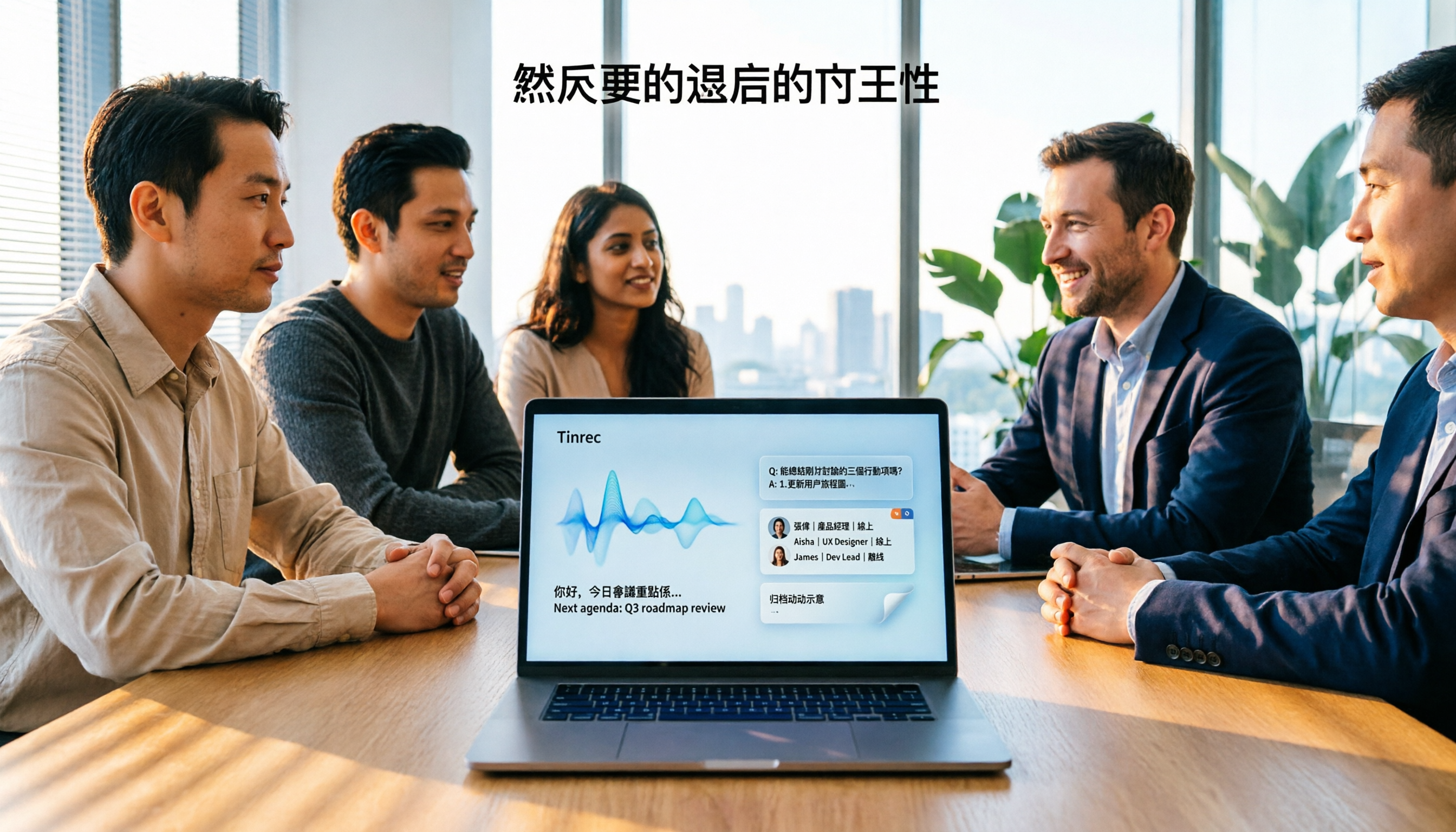
4 Audio-to-Text Apps Tested for 2026: Which Saves the Most Time in Cantonese Meetings?
2026 audio-to-text app comparison. We used the same Cantonese meeting recording with mixed English to compare transcription and post-meeting organization across 4 tools, breaking down 4 key buying factors, pitfalls to avoid, and scenario-based recommendations. We also tested Tinrec's desktop bot-free meeting recording, AI Q&A, and team seat management.
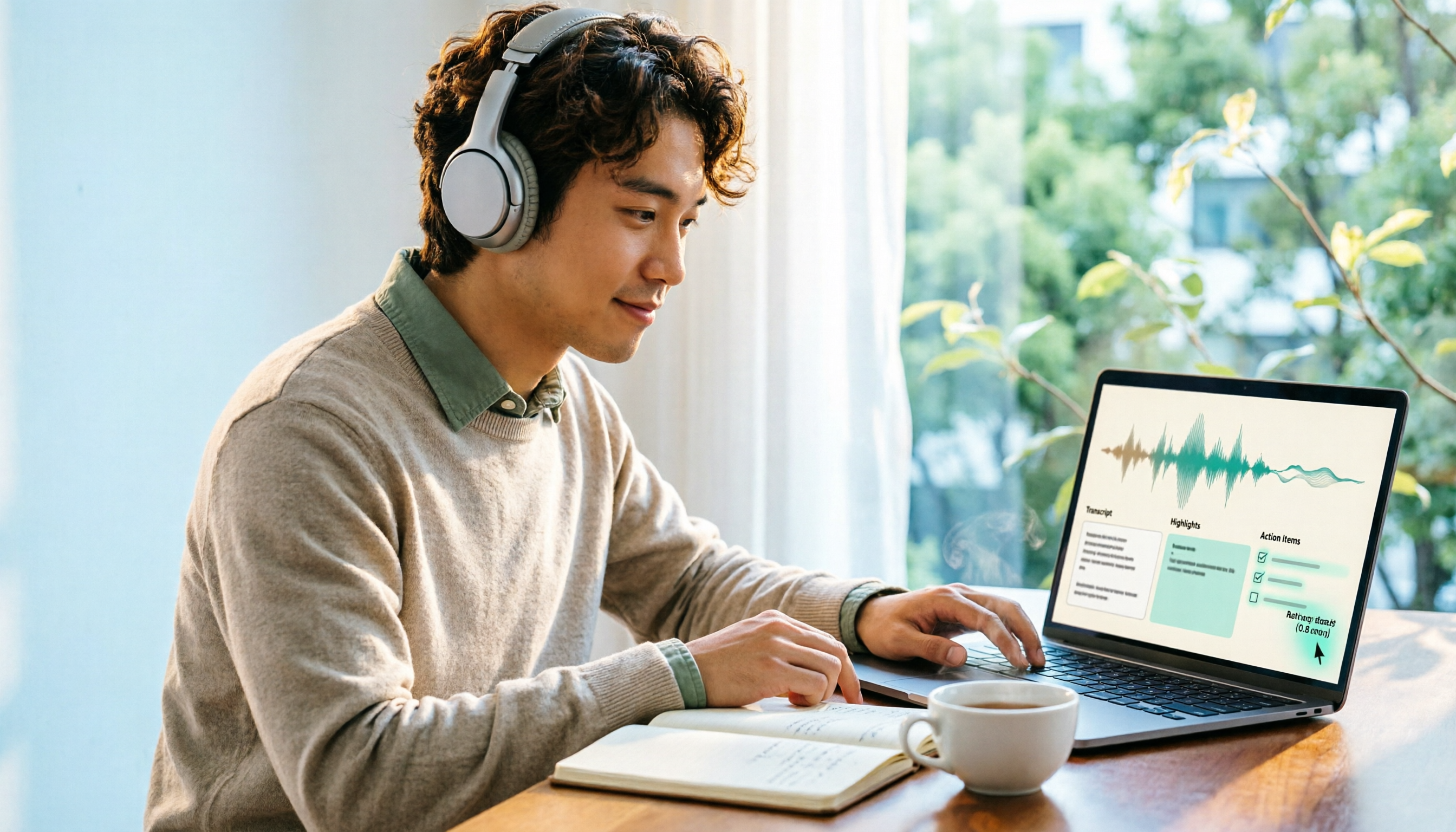
4 Best Browser Audio Recorders in 2026: Which One Transcribes While Recording and Keeps the Audio?
We tested and compared 4 tools for recording browser audio, analyzing recording sources, format limits, transcription, and team collaboration. We cover key buying factors and common pitfalls, and explain how Tinrec turns browser recordings into searchable, actionable transcripts and summaries.

2026 Comparison of 4 AI Meeting Note-Takers for Chinese: Which Saves the Most Time on Chinese Transcription and Post-Meeting Organization?
How to choose an AI meeting note-taker for Chinese? This article compares Tinrec, Notta, Otter.ai, and Granola on Chinese recognition performance, recording methods, and post-meeting organization capabilities. It covers free tiers, team collaboration, and common pitfalls to help you find the most time-saving Chinese meeting note-taking tool.
2026 Comparison of 4 Web Recording Tools: Which One Can Record Both Microphone and System Audio?
The most common reason web recording fails isn't the tool—it's setting the wrong audio source and not organizing the recording afterward. This article first highlights three common pitfalls, then uses Tinrec as an example to explain the core capabilities of web recording, practical use cases, 5 key factors to consider when choosing a tool, and the differences and costs between personal and team plans, ending with an FAQ.
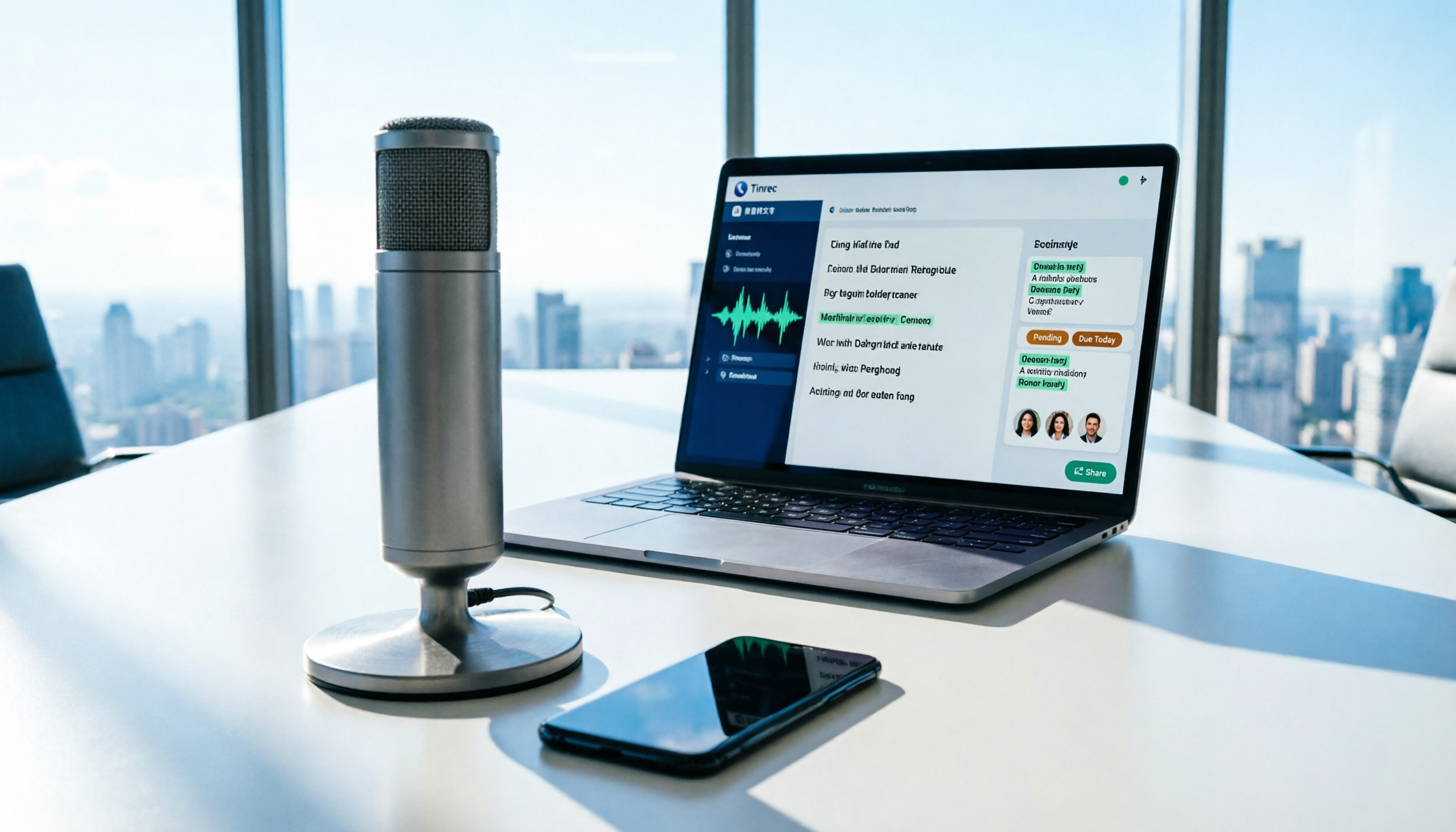
How to Use AI for Meeting Recordings in 2026: A Complete 5-Step Tutorial
Struggling to organize long meeting recordings? This tutorial uses Tinrec as an example to guide you through 5 steps: recording, transcription, proofreading, generating meeting minutes, and exporting/sharing. It also includes troubleshooting FAQs and 3 efficiency-boosting tips to turn your meeting recordings into searchable, collaborative team resources with AI.

2026 AI Meeting Notes Tools Comparison: Tinrec vs Notta — Which Is Better for Chinese-Speaking Teams Across 5 Key Areas?
Starting from common misconceptions, this hands-on comparison of Tinrec and Notta examines 5 key areas: Chinese meeting recording, post-meeting organization, team governance, pricing and quotas, and export workflows. It also answers 6 common questions to help you decide which AI meeting notes workflow best fits your work style.
2026 AI Meeting Recorder Showdown: Tinrec vs PLAUD Note — Which Is Better for Chinese Meetings?
Tinrec or PLAUD Note? We tested both across meeting capture, Chinese transcription, post-meeting AI organization, team collaboration, and pricing to help you decide whether software or recording hardware fits your meeting workflow.