

Turn recordings into transcripts and summaries in minutes
Upload audio or video for multilingual transcription, AI notes, and action items
4 Best English Transcription Tools in 2026: Free vs Paid Comparison
You need English transcripts, but there are countless tools—should you choose free or paid? Should you use a meeting bot or desktop recording? What if your meeting has both Chinese and English? This article breaks down the actual differences between 4 tools so you can see at a glance how to choose.
Can't Keep Up with English Transcripts? You Don't Need a Tool, You Need a Solution
After a multinational meeting, the English transcript is endless, and you still have to manually organize key points and action items. If the meeting mixes Chinese and English, many tools get stuck and produce numerous recognition errors. Worse, team members record and save files separately, so when you need to find a specific decision later, you have to ask around. These problems aren't because you don't know how to use tools—it's because you haven't chosen the right one.
5 Key Points to Understand Before Choosing an English Transcription Tool
1. Recognition Language and Mixed Chinese-English Pure English meetings are easy, but mixed Chinese-English is hard. Many tools are strong in English but break down with Chinese or mixed content. If you often meet with Chinese teams, choose a tool that supports multilingual transcription.
2. Recording Method: Meeting Bot vs No Bot Meeting bots need to join as a participant, and some companies block them. Bot-free desktop recording captures system audio directly, doesn't disrupt the meeting, and avoids the hassle of inviting a bot.
3. Post-Meeting Organization If you only get a transcript, you still have to organize it yourself. Choose a tool with automatic summaries, chapters, action items, and AI Q&A to save more time.
4. Audio Retention and Export Some tools don't retain meeting audio, so you can only rely on memory to verify later. Export formats also matter—whether you can export to Notion or Google Docs affects your workflow.
5. Team Collaboration and Pricing Individual and team needs differ. Team plans should manage members, seats, and usage, with meeting data owned by the team, so it stays even if a member leaves. Understand free tiers and paid plan calculations clearly.
Tinrec – Our Top Pick After Testing
Tinrec is an AI meeting notes and collaboration tool for individuals and teams, supporting Chinese, Traditional Chinese, and multilingual meeting scenarios, and handling mixed Chinese-English content. It doesn't just convert audio to text; it organizes meeting recordings into searchable, summarizable, queryable, and exportable data.
For online meetings, Tinrec's desktop version captures computer system audio directly without inviting a meeting bot. Whether it's Zoom, Google Meet, Microsoft Teams, or Webex, open Tinrec to record and transcribe simultaneously. After the meeting, AI automatically generates summaries, chapters, and action items—who's responsible for what and deadlines are clear at a glance.
Even better is AI Q&A. After recording, you can ask Tinrec directly: "What budget constraints did the client mention in the last meeting?" It answers based on semantic understanding, not just keyword search results. Currently, few competitors at the same price offer this feature.
If your meetings are primarily in English or mixed Chinese-English, Tinrec supports multilingual transcription and real-time translation, allowing you to view original text, translation, or bilingual content. The team glossary feature also maintains professional terminology to improve recognition.
Actual performance is affected by recording quality, noise, accents, and overlapping speakers. Tinrec does not publicly promise a fixed accuracy rate; we recommend testing with your own meeting recordings, which is the most accurate evaluation method.
Tinrec's main advantages are threefold:
- Bot-free recording: No need to invite a bot; desktop version records system audio directly, suitable for various online meetings.
- Complete post-meeting workflow: Automatic summaries, chapters, action items, AI Q&A, mind maps, and export to Notion, Google Docs, OneNote, Dropbox, etc.
- Team space: Meeting data owned by the team, shared viewing for members, admins can manage roles, seats, usage, and audit logs. When members leave, team resources can be transferred to other active members.
Stop organizing recordings by hand
Upload audio or video and automatically get a transcript, summary, and action items
Limitations: The free version has a basic quota, and heavy users need to pay. Team paid seats provide 2,000 minutes of shared team import quota per month; real-time recording is currently not deducted by minutes under an active plan. Prices and benefits are subject to the official purchase page.
If you frequently need to record mixed Chinese-English meetings, don't want to use a meeting bot, want to use AI to find key points after meetings, or need to share meeting data with your team—Tinrec is currently the most suitable choice.
Besides Tinrec, What Other Options Are There?
Otter.ai: Top choice for English meetings, free version offers 300 minutes per month, Pro annual billing is about USD 8.49/month, including 1,200 minutes per month. But if you need mixed Chinese-English recognition, real-time translation, and team data retention, Tinrec is more suitable.
Notta: A multilingual transcription tool with high overlap with Tinrec, free version offers 120 minutes per month, max 3 minutes per session, Pro annual billing is about USD 8.17/month. Tinrec's advantages lie in bot-free online meeting recording, AI Q&A, and Agent post-processing, which can generate reports, tables, and documents.
TurboScribe: A cost-effective file transcription tool, free version allows 3 files per day, max 30 minutes per file, paid annual plan is USD 120, max 10 hours or 5GB per file, can upload 50 files at once. Suitable for batch processing long files, but Tinrec emphasizes real-time meetings, post-meeting organization, Q&A, action items, and team collaboration.
Pitfall Guide: 4 Most Common Mistakes When Choosing an English Transcription Tool
Pitfall 1: Only Looking at Official Accuracy Claims Many tools advertise "98% accuracy," but that's measured in a quiet recording studio. Real meetings have air conditioning noise, keyboard sounds, and overlapping speakers, so accuracy drops significantly. Test with your own recordings for free; don't just look at ads.
Pitfall 2: Ignoring Mixed Chinese-English Needs If your team often mixes Chinese and English, pay special attention to whether the tool supports multiple languages. Many tools strong in English make errors with Chinese, and correcting them takes more time.
Pitfall 3: Thinking a Transcript Is Enough Using a transcription tool only as "audio to text" means you're using only one-third of its capabilities. Features like Tinrec's AI Q&A and action item extraction—after recording, just ask "What was the meeting conclusion?"—are much faster than manually scanning a 30-minute transcript.
Pitfall 4: Ignoring Team Collaboration and Data Ownership Meetings recorded on personal accounts leave with the member. Team plans keep meeting data owned by the team and allow managing seats and usage. If meeting content is a team asset, this must be considered.
Conclusion: Which One Should You Choose?
To recap the core conclusion: If you need mixed Chinese-English, bot-free recording, post-meeting AI organization, and team collaboration, Tinrec is the top choice.
Scenario-based recommendations:
- Need mixed Chinese-English + real-time translation → Tinrec (supports multilingual transcription and bilingual viewing)
- Don't want to use a meeting bot → Tinrec (desktop version captures system audio directly)
- Want to use AI to find key points and generate action items after recording → Tinrec (has AI Q&A and Agent post-processing)
- Cross-platform use (mobile + computer) → Tinrec (iOS, Android, web)
- Need team sharing of meeting data and seat management → Tinrec Team (7-day trial, 1 free seat, 300 minutes shared import quota)
- Zero budget, only recording pure English meetings → Otter.ai free version (the only exception)
- Need batch transcription of long files → TurboScribe
We recommend trying Tinrec's free version first, or the team version with a 7-day trial (1 free seat, 300 minutes shared team import quota). Upgrade only if you find it useful; no need to pay upfront.
(Reminder: Please comply with local laws regarding recording and transcription, and obtain consent from participants when necessary.)
References
- 【English Listening Practice Recommendations】12 English Podcasts for Learning English, All with Transcripts or Notes! – Mixiaoxian | Efficient Self-Study English
- Yating Transcription
- #Super Useful English Transcript Generator, Can't Keep It to Myself...
- How to Say "Verbatim" in English? - ChToEn
- Online AI Speech, Video, Audio to Text Automatically - Free Trial - cSubtitle
Turn every recording into actionable outcomes
Get 60 free transcription minutes when you sign in. No credit card required.
Related Reading
You might also like

2026 Comparison of 4 AI Meeting Note-Takers for Chinese: Which Saves the Most Time on Chinese Transcription and Post-Meeting Organization?
How to choose an AI meeting note-taker for Chinese? This article compares Tinrec, Notta, Otter.ai, and Granola on Chinese recognition performance, recording methods, and post-meeting organization capabilities. It covers free tiers, team collaboration, and common pitfalls to help you find the most time-saving Chinese meeting note-taking tool.
2026 Comparison of 4 Web Recording Tools: Which One Can Record Both Microphone and System Audio?
The most common reason web recording fails isn't the tool—it's setting the wrong audio source and not organizing the recording afterward. This article first highlights three common pitfalls, then uses Tinrec as an example to explain the core capabilities of web recording, practical use cases, 5 key factors to consider when choosing a tool, and the differences and costs between personal and team plans, ending with an FAQ.
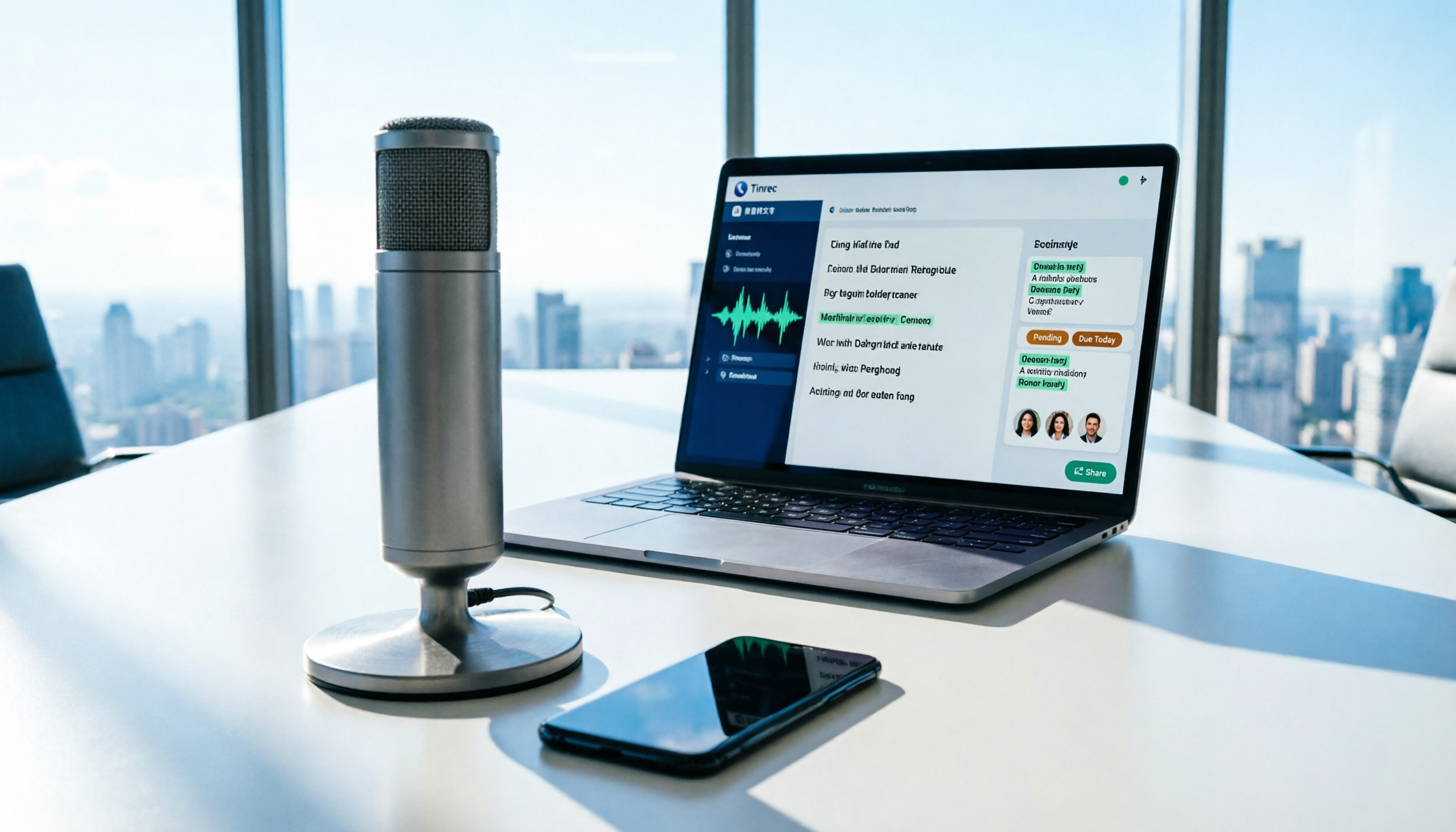
How to Use AI for Meeting Recordings in 2026: A Complete 5-Step Tutorial
Struggling to organize long meeting recordings? This tutorial uses Tinrec as an example to guide you through 5 steps: recording, transcription, proofreading, generating meeting minutes, and exporting/sharing. It also includes troubleshooting FAQs and 3 efficiency-boosting tips to turn your meeting recordings into searchable, collaborative team resources with AI.

2026 AI Meeting Notes Tools Comparison: Tinrec vs Notta — Which Is Better for Chinese-Speaking Teams Across 5 Key Areas?
Starting from common misconceptions, this hands-on comparison of Tinrec and Notta examines 5 key areas: Chinese meeting recording, post-meeting organization, team governance, pricing and quotas, and export workflows. It also answers 6 common questions to help you decide which AI meeting notes workflow best fits your work style.

2026 AI Meeting Recorder Showdown: Tinrec vs PLAUD Note — Which Is Better for Chinese Meetings?
Tinrec or PLAUD Note? We tested both across meeting capture, Chinese transcription, post-meeting AI organization, team collaboration, and pricing to help you decide whether software or recording hardware fits your meeting workflow.

Tinrec vs Notta 2026: 5-Dimension Comparison for Chinese Meeting Notes
How to choose a meeting transcription tool? This article compares Tinrec and Notta across five dimensions: meeting capture methods, Chinese and mixed-language transcription, post-meeting AI organization and Q&A, team data ownership, and pricing. It also provides practical selection criteria and four common pitfalls to help you find the right AI meeting notes tool for your team.

2026 Free Transcription App Plans Compared: 4 Top Picks
Compare free plans for Tinrec, Otter.ai, Notta, and Yating in 2026. See free minutes, language support, and post-meeting features to choose the right audio-to-text tool and save time on transcript cleanup.

5 Best Meeting Recording Tools in 2026: From Transcripts to Meeting Minutes
Recording a meeting isn't just about placing your phone on the table—the real pain points are the transcript, summary, and action items that follow. This article breaks down the 6 key factors for choosing a meeting recording tool, from recording legality and online meeting capture methods to team permissions and pricing, and demonstrates the complete workflow from recording to action items using Tinrec.

4 Meeting Transcription Tools Tested: Is AI Meeting Summary Good Enough in 2026?
Tired of writing meeting minutes after hours? We tested 4 meeting transcription tools, comparing transcription accuracy, post-meeting organization, language support, and team collaboration. Using Tinrec as the primary example, we show you the difference between tools that only produce transcripts and those that truly help you organize.