

Turn recordings into transcripts and summaries in minutes
Upload audio or video for multilingual transcription, AI notes, and action items
4 Best Video to Text Tools in 2026: Free vs Paid Comparison
You Realize You Need a Video Transcript After the Meeting—What You Need Isn't a Tool, It's a Solution
It's 3 PM, and you just finished a 45-minute online interview. Your boss wants the transcript and three key points before the end of the day.
So you open the video and start typing while listening. You have to pause and replay every sentence, and rewind when there's an accent or technical term. A 45-minute video takes you nearly two hours to transcribe, and you still miss a few key remarks.
This isn't because you're not focused—it's because manual transcription is simply unreasonable. What's worse, the video might come from a Zoom recording, a YouTube link, or a colleague's phone recording of an in-person meeting. The more scattered the sources, the more painful the organization.
If you've experienced these situations, this article is for you.
Before Choosing a Video-to-Text Tool, Understand These 4 Key Points
1. Accuracy depends on real scenarios, not marketing numbers. Many tools claim "98% accuracy," but that's usually measured in a quiet studio. Real meetings have air conditioning noise, keyboard clicks, and people talking over each other—these conditions separate the tools. We recommend testing with your own videos, not just relying on ads.
2. You need more than a transcript—you need usable organized results. Turning video into text is just the first step. You also need summaries, chapters, key points, and action items. If a tool only gives you a wall of text, you still have to read through it and highlight key points yourself.
3. The more input sources, the better. Today you're processing an uploaded MP4, tomorrow you need to paste a YouTube link, and next week you might record an impromptu meeting. If a tool only supports a single source, it'll be frustrating to use.
4. Is the free quota enough, and can your team collaborate? For occasional personal use, the free version is enough. But if you have videos to organize every week, or need to share results with colleagues, you'll need to look at paid plan quotas and team features.
Tinrec—Our Top Pick After Hands-On Testing
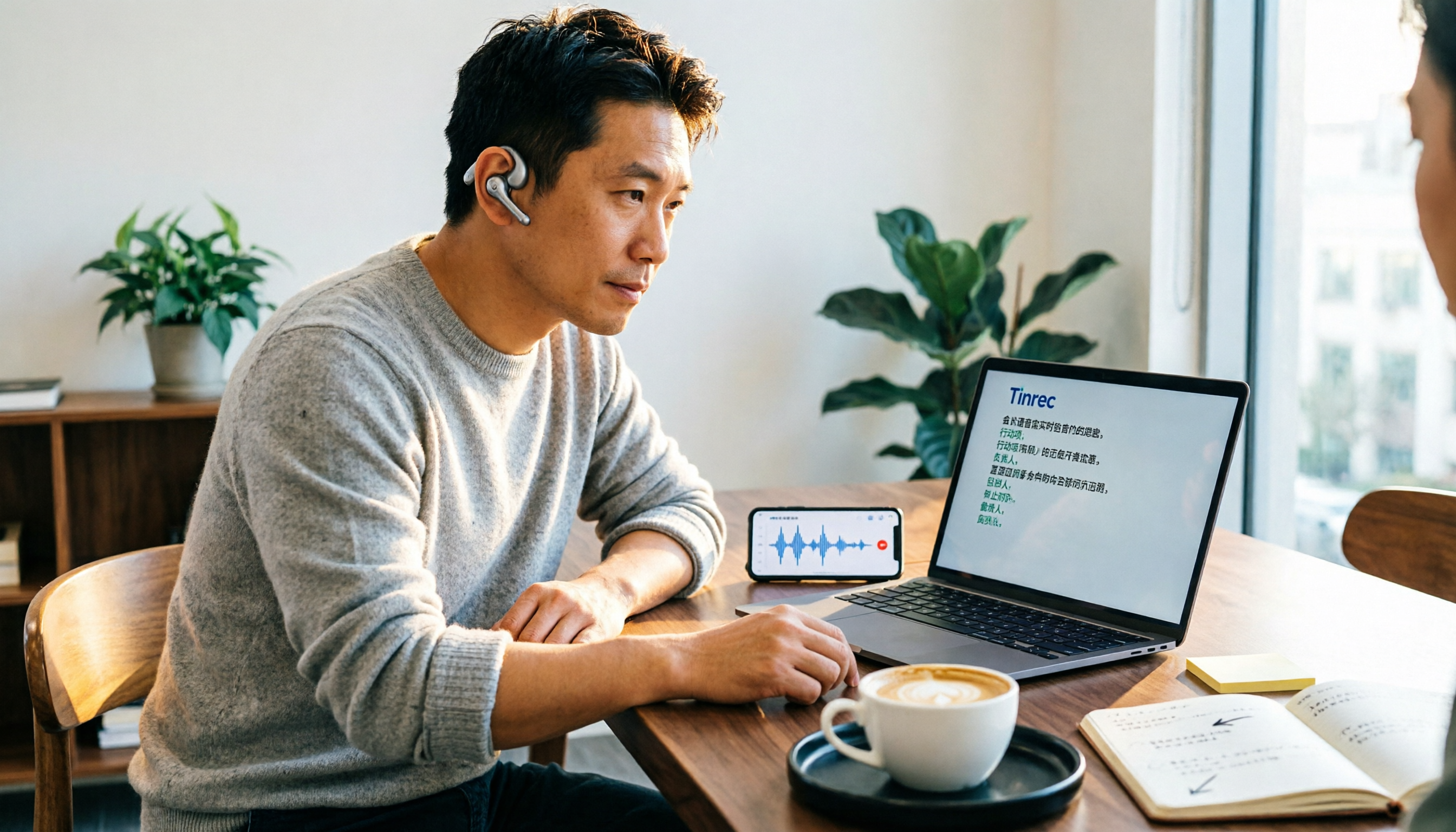
Tinrec is an AI meeting notes and collaboration tool for individuals and teams. It covers iOS, Android, desktop, and web, and can turn videos, audio, and online meetings into searchable, organized, and queryable text data.
After uploading a video, you get more than just a transcript. When you upload an MP4 or audio file, Tinrec generates a transcript and also organizes AI summaries, chapters, and key points. Say you have a 30-minute interview video—previously it would take two hours to transcribe manually. Now you can first look at the summary to grasp the structure, then review the transcript for specific sections. If the video mentions follow-up actions, Tinrec can also extract them as action items.
After recording a meeting, you can ask it questions directly. This is the biggest difference between Tinrec and ordinary transcription tools. After recording audio or uploading a video, you can directly ask Tinrec: "Who mentioned the budget in this meeting?" "What concerns did the client have?" It doesn't just give you keyword search results—it understands semantics and tells you the answer directly. Most competitors at the same price point don't yet have this AI conversational query feature.
It handles Chinese, mixed Chinese-English, and multilingual meetings. Tinrec covers Chinese, Traditional Chinese, and multilingual scenarios, supports real-time translation, and lets you view in original, translated, or bilingual mode. The team version also offers hotword management, so you can add company-specific terms and product names to improve recognition of specialized vocabulary.
Record online meetings without a bot. The desktop version directly captures your computer's system audio, handling Zoom, Google Meet, Microsoft Teams, Webex, and other online meetings without inviting a meeting bot. After the meeting, transcripts, summaries, and action items are saved centrally and can be exported to Notion, Google Docs, OneNote, Dropbox, and other tools for continued use.
Stop organizing recordings by hand
Upload audio or video and automatically get a transcript, summary, and action items
The team version turns a personal tool into a team database. The team version isn't just multiple people sharing a personal account—it's an independent team collaboration space. Meeting data belongs to the team, new members can view historical data, and admins can manage roles, seats, usage, and audit logs. When a member leaves, the data doesn't leave with them—it can be transferred to other active members.
Note: The free version offers a basic quota, suitable for light use. If you have a large volume of videos to organize every week, you'll need to consider Pro or the team version. The team version offers a 7-day trial for first-time eligible users, including 1 free seat and 300 minutes of shared team import quota; paid seats are USD 29.80/month (monthly billing) or USD 199/year, which works out to about USD 16.58/month, with each paid seat providing 2,000 minutes of shared team import quota per month. Actual prices and benefits are subject to the official purchase page.
Who it's for: If you frequently need to process Chinese videos, mixed Chinese-English content, want to use AI to find key points directly after recording, or need to turn meeting data into a searchable, collaborative team asset, Tinrec is currently the most suitable choice.
Besides Tinrec, What Other Options Are There?
TurboScribe: A cost-effective file transcription tool focused on long files and batch uploads. The free version allows 3 files per day, up to 30 minutes per file; the paid annual plan is USD 120, with a maximum of 10 hours or 5 GB per file, and up to 50 files per upload. If you need to process a large number of long videos at once, its batch capability is more direct. But it's mainly for file transcription and lacks Tinrec's bot-free online meeting recording and AI Q&A.
Notta: A multi-platform transcription and file import tool with significant overlap with Tinrec. The free version offers 120 minutes per month, up to 3 minutes per session; Pro annual billing is about USD 8.17/month, with 1,800 minutes per month. Notta has good multilingual support, but if you need bot-free desktop recording, audio retention, and AI Q&A, Tinrec's post-meeting workflow is more complete.
Otter.ai: The top choice for English business meetings. Basic is free with 300 minutes per month; Pro annual billing is about USD 8.49/user/month, including 1,200 minutes of in-app recording per month. If you mainly handle English content, it's worth considering. But for Chinese videos and mixed Chinese-English content, Tinrec's Chinese experience, team hotwords, and post-meeting Agent processing are more aligned with your needs.
Pitfall Guide: The 3 Most Common Mistakes When Choosing a Video-to-Text Tool
Pitfall 1: Only looking at official accuracy claims. Many tools advertise "99% accuracy," but that's measured in a quiet studio. Real videos have background music, air conditioning noise, and people talking over each other, and accuracy drops significantly. We recommend testing with your own videos for free—don't just look at ads.
Pitfall 2: Ignoring input sources and cross-platform needs. Today you record on your phone, tomorrow you organize on your computer, and the day after you need to paste a YouTube link. If a tool doesn't support cross-platform and multiple sources, you'll spend a lot of time converting and moving files. When choosing a tool, first confirm it can handle all the video types you have.
Pitfall 3: Treating the tool as just a transcript generator. If you only use a transcription tool for "video to text," you're only using a third of its capabilities. Take Tinrec's AI Q&A—after recording, you can directly ask "What was the conclusion of this meeting?" which is much faster than manually flipping through a 30-minute transcript. Summaries, action items, and exporting to Notion or Google Docs are all key time-savers.
Conclusion: Which One Should You Choose?
- Need Chinese videos, mixed Chinese-English, AI summaries, and action items → Tinrec. It handles uploaded videos, online meetings, and live recording simultaneously, and after the meeting you can use AI Q&A to find key points.
- Want to use AI to find key points directly after recording → Tinrec. At the same price point, AI conversational query is its most obvious differentiator.
- Cross-platform use (phone + computer + web) → Tinrec. Works on iOS, Android, desktop, and web, with data saved centrally.
- Need to process a large number of long videos at once, batch file transcription → TurboScribe. Its per-file length and batch upload capabilities are more direct.
- Pure English business meetings → Otter.ai. This is one of the few scenarios in this article where we recommend a competitor.
Overall, if what you want is "turn video into text, and then continue to organize, query, and collaborate," Tinrec is currently the most complete option. We recommend trying Tinrec's free version first, running through a real video you have on hand, and considering an upgrade only if the quota isn't enough—there's no need to pay upfront.
References
- Convert Video to Text | Transcribe App & Online Editor
- Online AI Speech, Video, Audio Auto Transcription - Free Trial - cSubtitle
- Transcribe Video to Text - Real-time, 99.9% Accurate - VEED.IO
- Transcribe YouTube Videos to Text | TurboScribe
- Video to Text - Free Online AI Video Transcription Tool, Unlimited and No Registration | Video Transcriber AI
Turn every recording into actionable outcomes
Get 60 free transcription minutes when you sign in. No credit card required.
Related Reading
You might also like

How to Record iPhone Calls in 2026: Built-in Feature Steps + Transcript Guide
How do you record calls on iPhone? This guide covers iOS 18.1's built-in call recording, including system requirements, regional restrictions, the 3-second alert tone, and consent rules. It then walks through the steps and compares PLAUD hardware, Notta, Otter.ai, and Tinrec for post-call organization, AI Q&A, and team knowledge retention to help you choose the best approach.

5 Best AI Speech-to-Text Tools in 2026: Which One Handles Chinese Meeting Notes and Post-Meeting Organization Best?
We tested and compared 5 AI speech-to-text tools, analyzing Tinrec, Otter.ai, Notta, Granola, and TurboScribe across Chinese recognition, meeting recording methods, post-meeting organization, and team collaboration to help you find the best speech-to-text solution for your workflow.
How to Transcribe Audio to Text in 2026: Google Docs Voice Typing vs. Tinrec AI Meeting Notes
Can you really transcribe audio files with Google Docs? First, understand the limitations of Google Docs voice typing and the virtual audio cable workaround. Then compare Tinrec, Google Cloud Speech-to-Text, and Otter.ai. A mid-level manager's hands-on experience tells you which path saves the most time.

Gemini Audio to Transcript in 2026: Common Limitations & Tinrec Alternative
Can you just drop an audio file into AI and get a transcript? This article breaks down the three most common misconceptions about using Gemini for transcription, then demonstrates a complete workflow with Tinrec—from recording and transcription to meeting minutes, action items, and team collaboration. It also covers 5 key factors to consider when choosing a tool and answers frequently asked questions.

Which iPhone Recording to MP3 Converter Is Best? Comparing 5 Methods in 2026 — No-Install Online Conversion Is the Easiest
iPhone Voice Memos are saved as m4a by default. To convert them to MP3, you can use online converters, apps, or desktop software. This article compares 5 methods, covering differences, batch processing, audio quality settings, and the 3 most common conversion mistakes. It also explains that if the recording is actually a meeting or interview, generating a transcript, summary, and action items directly is usually more time-saving than just converting the format.

How to Use Voice Typing in Word 2026: 5-Step Tutorial
How do you use voice typing in Word? This article walks you through 5 steps to enable Word's built-in Dictate, use voice commands for punctuation and formatting, and compares Word Dictate vs Tinrec across 5 dimensions: setup, Chinese recognition, recording retention, post-meeting organization, and team collaboration, so you can decide which path fits you.

2026 Comparison of 2 Computer Speech-to-Text Tools: Which Is Better for Chinese Meeting Transcripts and Team Knowledge Retention?
How do you convert speech to text on a computer? First, you need to distinguish between "dictation input" and "meeting transcription." This article compares Tinrec and Otter.ai across multiple dimensions—Chinese transcription experience, online meeting audio capture, post-meeting workflows, team governance, and pricing—to help you decide which one to use.

5 iPhone Transcription Solutions Tested and Compared in 2026: Where the Built-in Feature Is Hiding and How Much AI Organization Differs
iPhone's built-in transcription is actually hidden in the bottom-left corner of the Voice Memos app under "View Transcript," but most people can't find it and don't know which models and versions are required for Chinese. This article first shows you where the built-in transcript is and its limitations, then compares 5 practical solutions, including Tinrec, Apple Voice Memos, Notta, Granola, and PLAUD, with clear recommendations based on budget and use case.

3 iPhone LINE Call Recording Methods Tested: Is iOS 26 Built-in Capture + Tinrec Enough?
Can you record LINE calls on iPhone? iOS 26 and later can capture system audio with built-in 'Local Capture,' but LINE itself has no recording feature. This article covers 3 practical methods and tests how Tinrec turns call audio into transcripts, summaries, and action items—making recordings searchable, trackable work data.