

Turn recordings into transcripts and summaries in minutes
Upload audio or video for multilingual transcription, AI notes, and action items
"Just drop your audio into AI and the text will appear"—that's the first impression many people have of transcription tools. After actually trying it, you'll likely run into these issues: the file uploads successfully and text is generated, but what you get is a giant wall of text with no paragraphs, no speaker labels, and no highlights. Ask the AI to add timestamps, and the first few seconds might line up, but then it gradually drifts. Want to turn it into meeting minutes? You'll have to copy it into Word or Google Docs and reformat it yourself.
The core issue was never "can AI transcribe?" but "can this transcript be used directly after transcription?" Below, we'll first clarify three common misconceptions, then explain what capabilities a ready-to-deliver workflow should have, and use Tinrec as an example to demonstrate a complete process from recording and transcription to meeting minutes.
Can Gemini Turn Audio into a Transcript? Let's Clear Up Three Misconceptions
Misconception 1: Text output equals a transcript. Gemini currently supports uploading common audio formats like MP3, M4A, and WAV, and can generate text fairly quickly. In one online test, a 20-minute audio file was transcribed in about 1 minute. But this is closer to "rough text conversion": paragraphs, speakers, and sections all require back-and-forth prompting in the chat, and the output format can't be standardized.
Misconception 2: Ask AI to add timestamps and they'll be accurate. Real-world experience shows that when requesting subtitle format, the text can be generated, but the timestamps only match for the first few seconds and then gradually drift. If your use case is video subtitles or you need to replay and verify by timestamp, this directly affects usability.
Misconception 3: Transcription is the end. The real value of a transcript lies in the organization that follows—what were the conclusions, who is responsible for what, what are the action items. If you have to open another document and retype everything each time, the time saved is actually limited. Also, generation stability varies across devices and interfaces; in tests, the web version had a higher success rate. There's also a limit on how many files can be processed in a single command.
So the answer to "Can Gemini turn audio into a transcript?" is: if you just need a block of text, yes; but if you need meeting materials that can be archived, searched, and handed off, the workflow needs to be designed separately.
| Approach | What You Get | Common Limitations |
|---|---|---|
| Direct transcription with general AI chat tools | A continuous block of text | Inconsistent formatting, timestamps drift, no team space |
| Meeting bot joining online meetings | Transcript, summary | Requires inviting a bot, some participants may object |
| Tinrec desktop bot-free recording + post-meeting organization | Transcript, summary, chapters, action items, Q&A, and export | Requires manually starting recording, doesn't auto-join all meetings |
What Can Audio-to-Transcript Do for You?
Scenario 1: After a meeting, get readable meeting minutes directly. Previously, after a two-hour meeting, you'd spend another hour organizing notes. Now, with Tinrec as an example, as the meeting ends, AI has already organized the summary, chapters, conclusions, and action items. Who's responsible for what and by when is clear at a glance—no need to re-listen from the beginning.
Scenario 2: Interviews and classes—turn re-listening time into understanding time. A one-hour interview recording can be transcribed and summarized in one go. With Tinrec, after transcription you can ask questions directly in the chat, such as "What were the interviewee's concerns about pricing?" without manually searching for keywords.
Scenario 3: Content creation—the transcript itself is a material library. Podcasts, livestreams, and lecture videos can all be converted to text, then AI summaries can extract the structure, making it faster to rewrite into articles, social posts, or subtitle scripts.
Scenario 4: Team accumulation—make every meeting searchable data. With Tinrec's team plan, meeting recordings, transcripts, summaries, and action items are centralized in one team space. New members can browse past meetings directly without asking "Who said that last decision?"
What Core Capabilities Should a Good Workflow Have?
1. Wide input sources. Beyond uploading existing audio files, it should handle real-time scenarios. Tinrec supports live recording, audio/video file import, mobile recording, and the desktop version can capture computer system audio to handle Zoom, Google Meet, Microsoft Teams, Webex, and other online meetings without an extra meeting bot.
2. Structured organization, not just a block of text. The transcript is just raw material. Tinrec further generates AI summaries, chapters, and highlights, breaking long meetings into browsable structures and extracting action items from discussions, solving the "transcript without highlights" problem in one go.
3. Ability to ask follow-up questions. Tinrec supports AI chat queries. You can directly ask "What was the budget cap mentioned in the meeting?" or "What were the three objections the client raised?" The system answers based on meeting content, more intuitive than built-in keyword search in transcripts.
Stop organizing recordings by hand
Upload audio or video and automatically get a transcript, summary, and action items
4. Output that fits your existing workflow. If organized content can only stay in the tool, its value is diminished. Tinrec supports multi-format export, allowing you to bring results to Notion, Google Docs, OneNote, Dropbox, and other tools for further processing. It can also generate reports, tables, and documents via Agent post-processing.
5. Governance for team use. Tinrec's team plan provides an independent team space and distinguishes roles and seats: roles determine who can manage the team, members, and audits; seats determine whether members can record, upload, edit, and export. Admins can also view usage trends, member rankings, and details, query and export audit logs, and handle accidentally deleted data via the audio recycle bin.
Practical Use Cases
Online meeting notes. For cross-department weekly meetings or client meetings held on a computer, start recording with Tinrec desktop. The system captures computer playback audio without pulling a bot into the meeting. After the meeting, transcript, summary, and action items are completed simultaneously—ideal for project teams needing archiving and handoff.
In-person meetings and on-site interviews. For occasions without a meeting link, use live recording. Tinrec transcribes while recording, so you can check in real time if any key points are missed during the interview, then move directly to organization.
Classes and lectures. A 90-minute class transcribed with Tinrec, combined with chapters and summaries for review, is far more efficient than repeatedly rewinding the recording. For cross-language learning, you can also use real-time translation to view in original, translated, or bilingual format.
Customer interviews and sales follow-up. Customer needs, concerns, and commitments can be organized into a list via Tinrec's summary and action item extraction, then directly turned into internal records or draft replies after the meeting. When recording, remember to obtain consent from participants in accordance with local regulations.
5 Things to Consider When Choosing an Audio-to-Transcript Tool
1. Chinese and mixed Chinese-English recognition performance. Meetings in Taiwan often mix Chinese and English, along with product codes and jargon. We recommend testing with your own recordings and checking if the tool has terminology management. Tinrec supports Chinese, Traditional Chinese, and multilingual meeting scenarios; the team plan also allows maintaining team hotwords to improve recognition of specialized vocabulary.
2. Does the recording method fit your meeting type? If your meetings often include external clients, inviting an extra bot might be a concern. Tinrec desktop captures system audio directly without a bot. But remember, this is user-initiated recording, not automatic joining of all calendar meetings.
3. What can you do after transcription? Tools that only output transcripts save typing time; tools that generate summaries, chapters, action items, and support Q&A save organization time. Tinrec completes the latter half of the workflow, including summaries, action items, AI Q&A, translation, and multi-format export.
4. Team governance capabilities. If meeting data is for the whole department, confirm whether the tool distinguishes roles and seats, allows viewing usage and audit logs, and how data is handed over when members leave. Tinrec's team plan makes these independent features and ensures team resources belong to the team, not carried away by individual accounts.
5. Quotas and pricing. Even if both say "minutes," live recording and file import may be calculated differently, and team plans involve shared quotas. Tinrec's team plan paid seats provide 2,000 minutes of team shared import quota per month; file and web imports consume the team shared quota; under an active team plan and active seat, live recording currently does not deduct by minutes. The personal plan offers a free version, weekly pass, Pro monthly, and Pro annual, choose based on usage frequency. Actual prices and benefits are subject to the official purchase page.
FAQ
Q1: Can Gemini turn audio into a transcript? Yes, you can upload audio and generate text, but it's more like rough text conversion. Formatting, paragraphs, and timestamps require repeated requests in the chat, and there's no team space or meeting data management. If you need "meeting minutes ready for archiving," consider a tool designed for meetings, such as Tinrec.
Q2: Which meeting platforms does Tinrec support? The desktop version works by capturing computer system audio, handling Zoom, Google Meet, Microsoft Teams, Webex, and other meetings played on the computer without a meeting bot. It does not imply official partnerships with these platforms.
Q3: How to assess transcript accuracy? Accuracy is affected by recording quality, background noise, accents, overlapping speakers, and specialized terminology. Don't rely solely on official numbers. A practical approach is to test with your own recordings and keep the habit of replaying for verification; for important content, refer to the recording.
Q4: What can the free version do? Tinrec offers a free version so you can experience recording, import, summary, and transcription with basic quota. Once you confirm the workflow meets your needs, choose a weekly pass, Pro monthly, or Pro annual based on usage frequency.
Q5: What's the difference between personal and team plans? Personal plan data is managed by the individual account; the team plan is an independent collaborative space where meeting data belongs to the team, with added capabilities like member invitations, role and seat management, shared benefits, usage analytics, audit logs, and audio recycle bin. First-time eligible teams also get a 7-day trial with 1 free seat and 300 minutes of team shared import quota.
Q6: Do I need consent before recording? Yes. Most regions have regulations on recording and personal data processing. Before recording, inform participants and obtain consent, and handle meeting data in accordance with company policies.
Conclusion
Back to the original question: Can Gemini turn audio into a transcript? If you just need a block of text, the answer is yes; but if you need "meeting materials ready to use right after the meeting"—with paragraphs, summaries, action items, searchable, and handoff-ready—then it's not just about transcription, but the entire post-meeting workflow.
Take Tinrec as an example: desktop bot-free recording, real-time transcription and translation, AI summaries and action items, chat queries, multi-format export, and team space role and seat management—exactly corresponding to each part of this workflow. We suggest trying the free version to transcribe a meeting recording you have on hand and experience what "no need to organize transcripts yourself" feels like.
References
- Gemini can also turn audio files into transcripts for free, 20 minutes of content transcribed in 1 minute - KOC
- Can Gemini turn audio into a transcript? 2026 comparison and testing of 5 efficient audio-to-text tools - Tinrec Blog
- Using Gemini to organize transcripts is super convenient | Hami Book. Quick Read
- Can Gemini turn audio into a transcript? 2026 audio-to-text tool comparison and practical guide - Tinrec Blog
- Works on mobile and web! A quick guide to using Gemini audio upload and transcript features | SOGI | LINE TODAY
Turn every recording into actionable outcomes
Get 60 free transcription minutes when you sign in. No credit card required.
Related Reading
You might also like

Where Is iPhone Voice Memo Transcription in 2026? 4 Steps to Find It and Turn It Into Meeting Notes
iPhone's built-in Voice Memos app can already generate transcripts, but many first-time users can't find where they're hidden, which models support them, or whether they need to update for Chinese. This article walks you through 4 steps to find and copy transcripts, and compares built-in features with AI meeting tools like Tinrec to help you decide whether to use the built-in option or switch tools.

2026 AI Speech-to-Text Comparison: Tinrec vs Otter.ai for Chinese Meetings
How to choose an AI speech-to-text tool? This in-depth comparison of Tinrec and Otter.ai covers Chinese recognition, meeting recording methods, post-meeting organization, team collaboration, and pricing to help you find the best fit for Chinese meetings and team knowledge retention.

4 MP3 Transcription Tools Tested in 2026: Which Free Version Is Good Enough?
Looking for an MP3 transcription tool? We tested 4 popular options, comparing Chinese recognition, summary and to-do extraction, AI Q&A, free quotas, and team collaboration, with Tinrec as the main test subject, to help you avoid common pitfalls like focusing only on free versions or settling for raw transcripts.

Best Transcription Tools in 2026: We Tested 4, and This One Handles Chinese Meetings Best
What is a transcript, and why do most people no longer type them out by hand? This article first explains what a transcript is and how it differs from meeting minutes, then outlines 4 key factors for choosing a transcription tool. We tested and compared 4 options—Tinrec, Otter.ai, Notta, and PLAUD Note—and provide clear recommendations based on budget and use case.
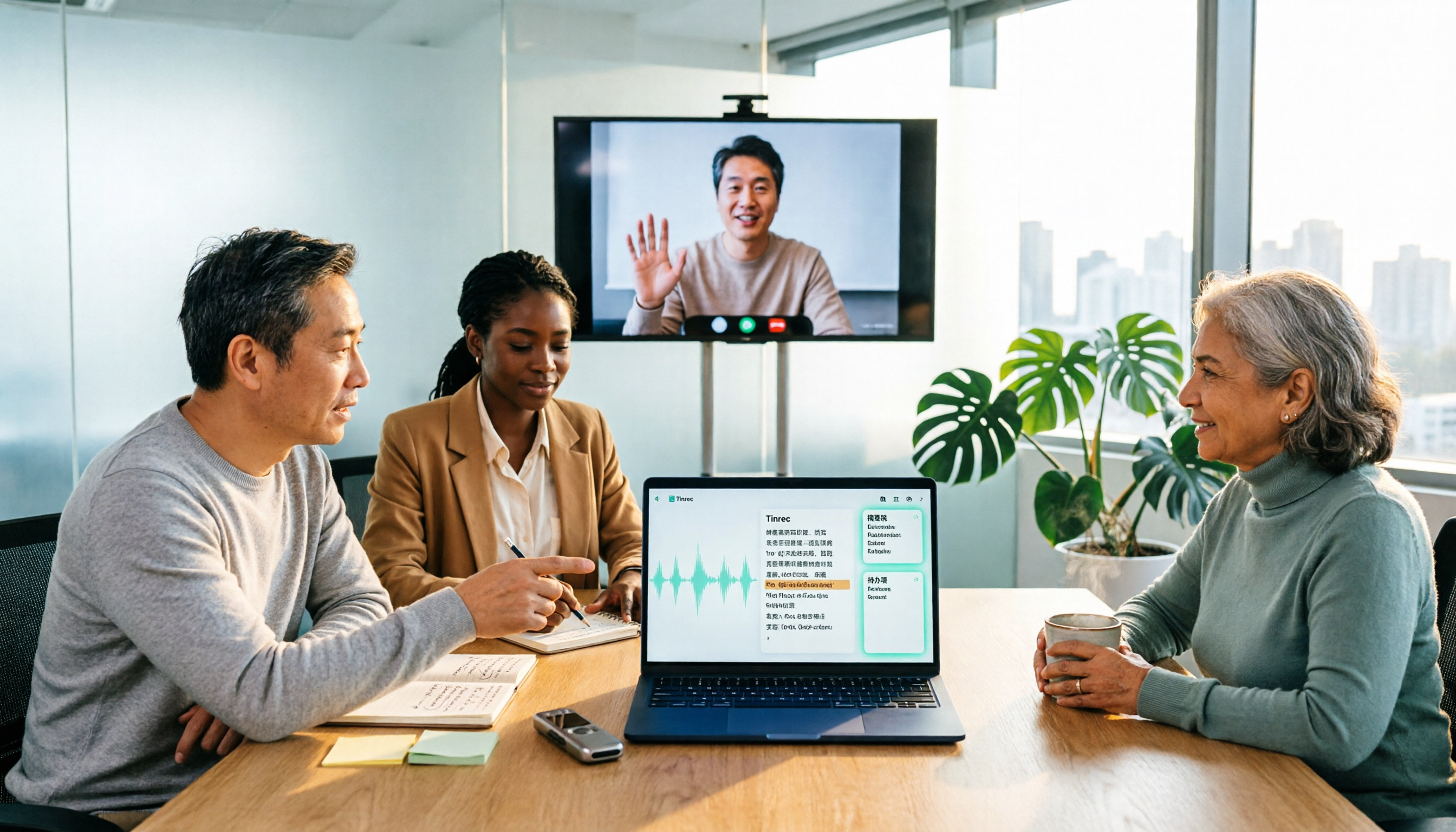
2026 Comparison of 3 Online MP3-to-Text Tools: Which Offers the Best Free Tier, Chinese Recognition, and Team Collaboration?
There are countless online MP3-to-text tools, but are the free ones enough? This article focuses on Tinrec and Notta, comparing them across five dimensions: online meeting recording methods, Chinese and mixed Chinese-English recognition, post-transcription summaries and action items, export and audio retention, and team spaces and governance. It honestly lists free quotas and paid prices to help you decide which approach suits your meetings, interviews, and team scenarios.

How to Record iPhone Calls in 2026: Built-in Feature Steps + Transcript Guide
How do you record calls on iPhone? This guide covers iOS 18.1's built-in call recording, including system requirements, regional restrictions, the 3-second alert tone, and consent rules. It then walks through the steps and compares PLAUD hardware, Notta, Otter.ai, and Tinrec for post-call organization, AI Q&A, and team knowledge retention to help you choose the best approach.

5 Best AI Speech-to-Text Tools in 2026: Which One Handles Chinese Meeting Notes and Post-Meeting Organization Best?
We tested and compared 5 AI speech-to-text tools, analyzing Tinrec, Otter.ai, Notta, Granola, and TurboScribe across Chinese recognition, meeting recording methods, post-meeting organization, and team collaboration to help you find the best speech-to-text solution for your workflow.
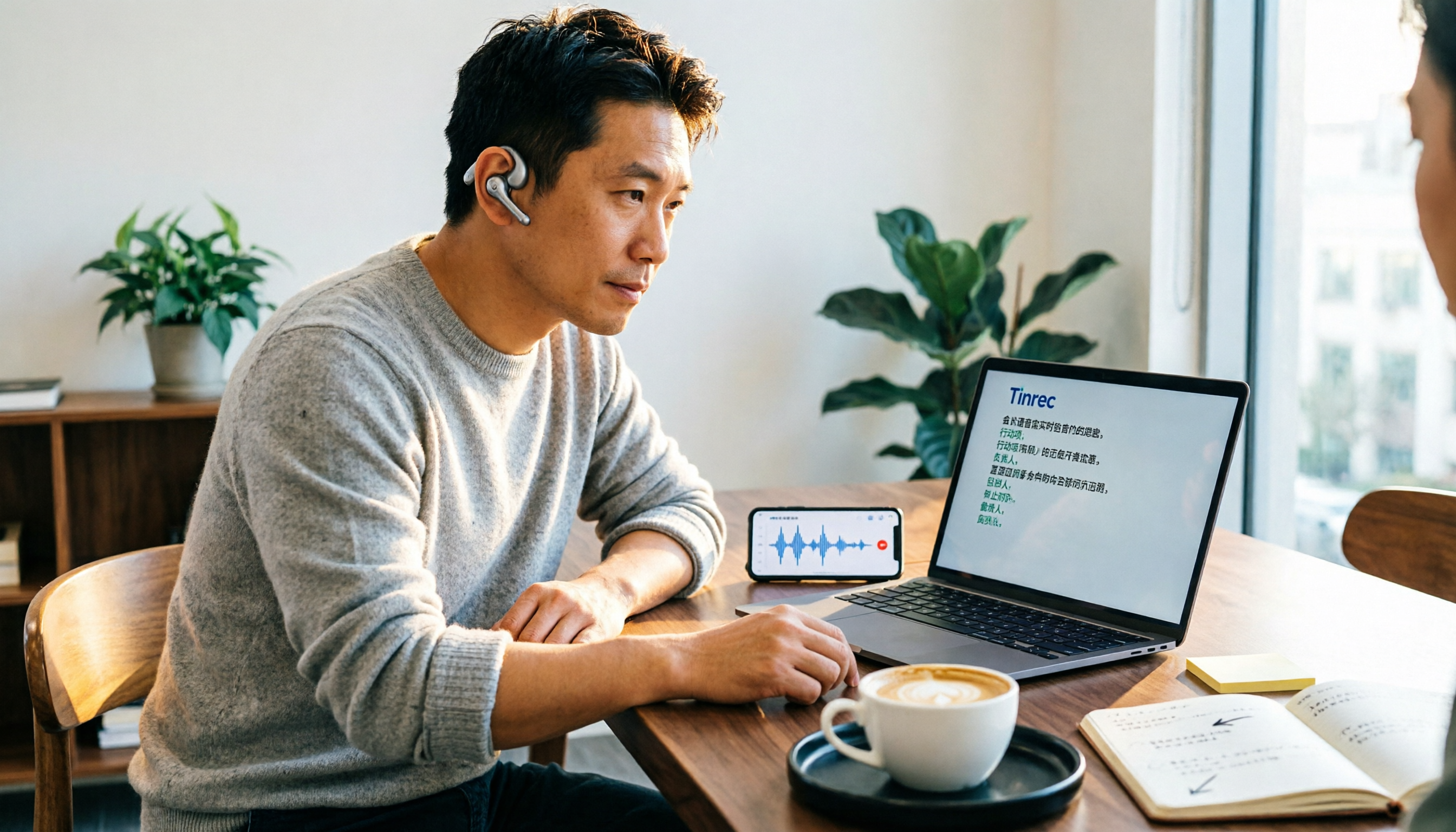
How to Transcribe Audio to Text in 2026: Google Docs Voice Typing vs. Tinrec AI Meeting Notes
Can you really transcribe audio files with Google Docs? First, understand the limitations of Google Docs voice typing and the virtual audio cable workaround. Then compare Tinrec, Google Cloud Speech-to-Text, and Otter.ai. A mid-level manager's hands-on experience tells you which path saves the most time.

Which iPhone Recording to MP3 Converter Is Best? Comparing 5 Methods in 2026 — No-Install Online Conversion Is the Easiest
iPhone Voice Memos are saved as m4a by default. To convert them to MP3, you can use online converters, apps, or desktop software. This article compares 5 methods, covering differences, batch processing, audio quality settings, and the 3 most common conversion mistakes. It also explains that if the recording is actually a meeting or interview, generating a transcript, summary, and action items directly is usually more time-saving than just converting the format.