

Turn recordings into transcripts and summaries in minutes
Upload audio or video for multilingual transcription, AI notes, and action items
2026 AI Speech-to-Text Comparison: Tinrec vs Otter.ai for Chinese Meetings
You just finished a one-hour online meeting and you're staring at the recording, wondering if you missed any action items or decisions—this is a daily reality for many office workers. You want to use AI to convert speech to text, but there are countless tools: some are inaccurate with Chinese, some require inviting a bot to the meeting, and others only give you a transcript, leaving the organization to you. In this comparison, I focus on Chinese meetings and team collaboration, pitting Tinrec against Otter.ai—two frequently mentioned tools—to see which better fits the needs of Chinese-speaking users.
Tinrec vs Otter.ai | Quick Overview
Tinrec is an AI meeting notes and collaboration tool for individuals and teams, featuring bot-free online meeting recording, Chinese transcription, post-meeting summaries, action item extraction, and team knowledge retention. Otter.ai is a mature AI meeting assistant centered on English business meetings, offering real-time transcription, speaker identification, AI Chat, and team management.
Basic information:
- Tinrec: Supports web, desktop, and mobile; free version offers basic quota; team plan is USD 29.80 per paid seat per month, or USD 199 per paid seat per year (about USD 16.58/month). Key differentiators are bot-free desktop recording, Chinese meetings, and team spaces.
- Otter.ai: Supports web and app; Basic free plan includes 300 minutes per month; Pro annual billing is about USD 8.49 per user per month, including 1,200 minutes of in-app recording and 10 file imports per month. Key differentiators are its English business meeting mindset and workflow integrations.
- Comparison dimensions: Chinese and multilingual recognition, meeting recording methods, post-meeting organization and AI Q&A, team collaboration and knowledge retention, pricing and free quotas.
Dimension 1 | Chinese and Multilingual Meeting Recognition
Otter.ai has long accumulated experience in English meeting transcription, but Chinese is not its main strength. Its product positioning focuses on English business scenarios; if meetings heavily use Chinese or mixed Chinese-English, transcription results may require more manual correction. Tinrec explicitly covers Chinese, Traditional Chinese, and multilingual meeting scenarios, and supports real-time translation, allowing you to view original text, translation, or bilingual content during meetings. It also offers team hotwords to improve recognition of specialized terminology.
→ In this dimension: Tinrec is better suited for Chinese-dominant meetings.
Dimension 2 | Meeting Recording Methods: Bot-free vs Meeting Assistant
Otter.ai supports platforms like Zoom, Microsoft Teams, and Google Meet, and can participate via meeting bot or desktop client. It's convenient for those already used to Otter's workflow, but if you don't want an extra bot joining the meeting, you'll need to adjust settings or use another method. Tinrec's desktop version directly captures computer system audio; users manually start recording without inviting a meeting bot. This is more intuitive for teams that value meeting privacy and don't want to add to the participant list. Note that Tinrec currently does not automatically join all calendar meetings; you still need to initiate recording manually.
→ In this dimension: Tinrec wins for its "bot-free" experience.
Dimension 3 | Post-Meeting Organization and AI Q&A
Otter offers summaries, action items, AI Chat, and other features, allowing you to ask questions about meeting content—this part is quite mature. Tinrec also has AI summaries, chapters, action item extraction, and AI Q&A, and can further generate reports, tables, and documents (Agent post-processing), with multi-format export to Notion, Google Docs, OneNote, Dropbox, and other tools. For those who need to turn meeting results directly into work output, Tinrec's post-processing chain is more complete.
Stop organizing recordings by hand
Upload audio or video and automatically get a transcript, summary, and action items
→ In this dimension: Tinrec is more comprehensive in post-meeting workflow.
Dimension 4 | Team Collaboration and Knowledge Retention
Otter's Business plan offers team management capabilities, suitable for organizations already focused on English meetings. Tinrec's team plan centers on an independent team space, where meeting data belongs to the team, and provides member and role management, seat allocation, usage analytics, audit logs, and audio recycle bin. Members without a seat can still view team data; only after obtaining a seat can they record, upload, and edit. This design ensures that when team members change, data doesn't disappear with individuals leaving.
→ In this dimension: Tinrec is more aligned with team data governance and Chinese team scenarios.
Dimension 5 | Pricing and Free Quotas
Otter's free version offers 300 minutes per month; Pro annual billing is about USD 8.49 per user per month, including 1,200 minutes of in-app recording and 10 file imports per month. Suitable for individual English meeting use. Tinrec's personal plan offers a free version, weekly pass, Pro monthly, and Pro annual, choose based on usage frequency; team plan is USD 29.80 per paid seat per month, or USD 199 per paid seat per year (about USD 16.58/month), with each paid seat providing 2,000 minutes of team shared import quota per month. Prices and benefits are subject to the official purchase page.
→ In this dimension: Each has its own plan; for long-term Chinese team use, Tinrec's team quota and governance design are more complete.
What Unique Advantages Does Each Have?
Tinrec's unique advantages:
- Bot-free desktop recording: Directly captures system audio without adding meeting participants.
- Chinese and real-time translation: Covers Chinese, Traditional Chinese, and multiple languages, supports bilingual viewing.
- Team space and governance: Roles, seats, usage, audit, recycle bin all in one.
- Agent post-processing: Can generate reports, tables, and documents based on meetings.
Otter.ai's unique advantages:
- Mature English business meeting mindset: Deep accumulation in English scenarios, complete workflow integration.
- Team and enterprise features: Business plan offers more mature management capabilities.
Conclusion: Which Should You Choose?
- If you need Chinese meeting transcription and real-time translation → Tinrec
- If you don't want to invite a meeting bot and want to record computer system audio directly → Tinrec
- If you need to turn meetings into action items, reports, tables, and export to common tools → Tinrec
- If you need team space, seat management, and knowledge retention → Tinrec
- If you mainly meet in English and are already familiar with Otter's workflow → Otter.ai is still sufficient
In one sentence: For most Chinese-speaking users and teams, Tinrec is the more complete choice. We recommend trying Tinrec's free version first and testing with your own meeting recordings.
FAQ
Q1: Is Tinrec free to use? Yes, Tinrec's personal plan offers a free version so you can experience basic recording, import, summary, and transcription quotas. Actual quotas are subject to the official website.
Q2: Which meeting platforms does Tinrec support? Tinrec's desktop version can handle audio from Zoom, Google Meet, Microsoft Teams, Webex, and other meetings played on your computer, without needing a meeting bot to join.
Q3: Is Tinrec's Chinese recognition accurate? Tinrec covers Chinese, Traditional Chinese, and multilingual meetings, and supports team hotwords. Actual performance is affected by recording quality, noise, accents, overlapping speakers, and specialized terminology. For important content, we recommend cross-checking with transcript timestamps.
Q4: Does Otter.ai support Chinese? Otter.ai primarily targets English business meetings; Chinese support is not its core strength. If meetings are mainly in Chinese, more manual correction may be needed.
Q5: What's the difference between Tinrec's team and personal plans? Personal plan data is managed under an individual account; team plan provides an independent team space where meeting data belongs to the team, plus member, role, seat, shared benefits, usage analytics, audit logs, and recycle bin capabilities.
Q6: Can team members without a seat view data? Active members without a seat can view, play, and read team data; only after obtaining a seat can they record, upload, edit, import/export, and use team resources.
References
- AI Speech-to-Text Tool Recommendations: 8 Comparisons, Which Is Best for Meeting Notes, Transcripts, and Voice Input? — Leading Age
- Speech-to-Text: AI Voice Input and Transcription | Google Cloud
- Audio to Text - Free Speech-to-Text Tool
- [AI Voice Notes] Top 5 AI Transcription Tools! Generate Transcripts and Meeting Notes, Free vs Subscription, Pros and Cons | 104 Career Force
- Online AI Voice, Video, Audio File Auto Transcription - Free Trial - cSubtitle
Turn every recording into actionable outcomes
Get 60 free transcription minutes when you sign in. No credit card required.
Related Reading
You might also like
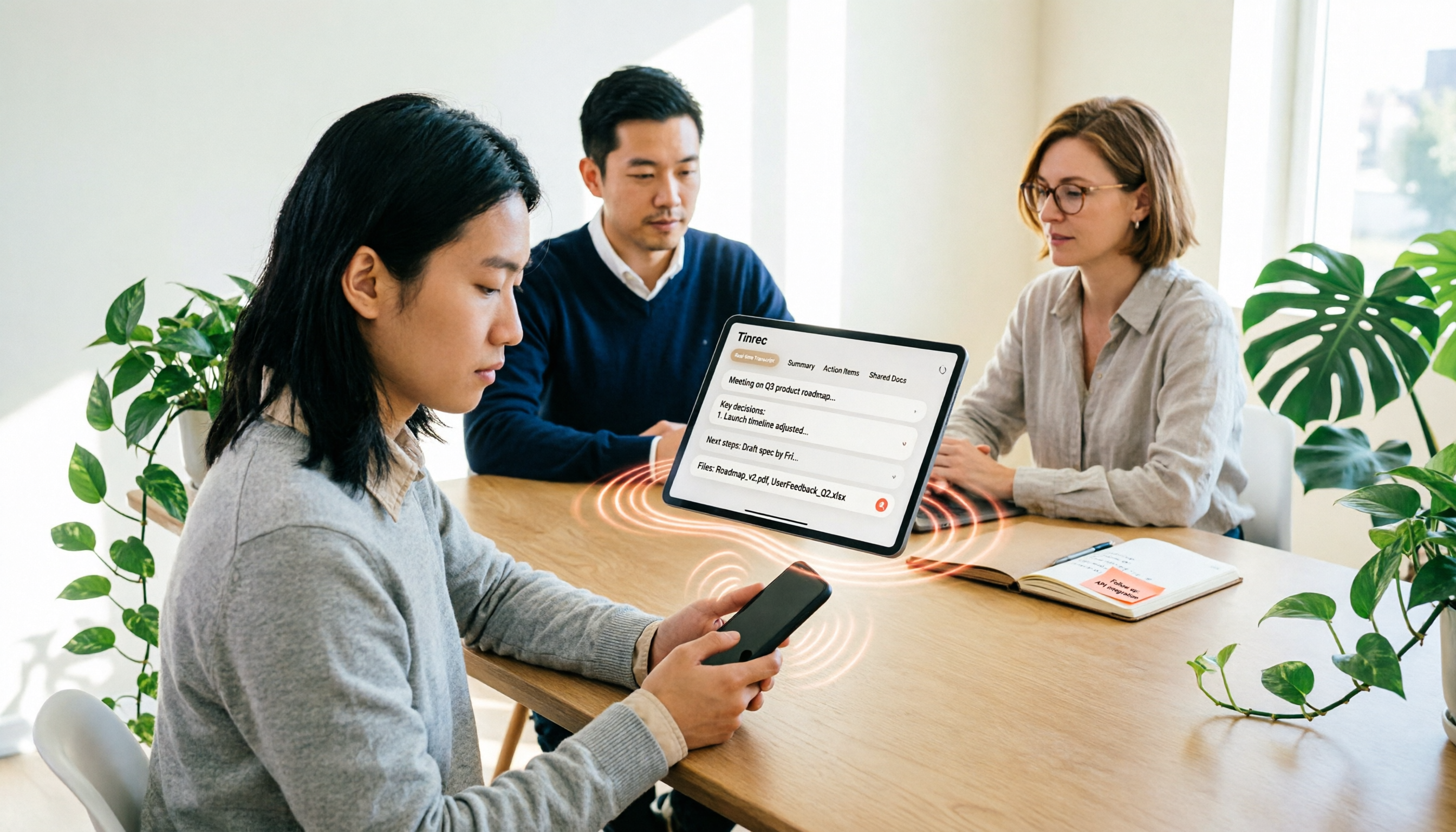
iPhone Voice to Text in 2026: Built-in Transcription vs. Tinrec — 3 Methods Compared
iPhone voice-to-text has two main paths: the built-in Voice Memos transcription, or AI meeting tools like Tinrec that turn transcripts into summaries, action items, and team data. This article compares them across 5 dimensions and includes step-by-step instructions for using the built-in transcription, helping you decide which approach fits your needs.

Word Speech-to-Text vs Tinrec: 2026 Comparison of Dictation Limits and AI Meeting Notes
Can Word do speech-to-text? Yes, but most people only use half of its potential. This article explains what Word's built-in dictation is really for and its three common limitations, then shows how Tinrec fills the gap with post-meeting organization, AI summaries, action item extraction, AI Q&A, and team collaboration—turning meeting recordings into usable data.

2026 Comparison of 4 Meeting Recording Tools: Which AI Meeting Notes App Saves the Most Time?
This hands-on comparison tests four meeting recording tools in 2026—Tinrec, Otter.ai, Notta, and PLAUD—evaluating Chinese recognition, bot-free recording, AI post-meeting organization, and team collaboration to determine which saves the most time on meeting notes.

5 Transcription Tools Tested and Compared in 2026: What Is a Transcript? How to Choose for Chinese Meetings?
What is a transcript? Starting from real-world selection needs, this article helps you understand the purpose of transcripts, the core capabilities of AI transcription tools, and key purchasing considerations. Using Tinrec as an example, it explains how bot-free meeting recording, AI summaries, action item extraction, and team spaces turn transcripts into searchable, collaborative, and actionable meeting data. Suitable for professionals and teams who need Chinese meeting notes.

5 Best Video to Text Tools in 2026: Which One Saves the Most Time for Chinese Video Transcription?
Video to text is more than just converting audio to words. This article explores three common pitfalls, explains what a truly time-saving workflow looks like, and demonstrates a complete process using Tinrec—from uploading videos and bot-free meeting recording to AI summaries, action item extraction, Q&A, and export. It concludes with a buying checklist and FAQs.

Where Is iPhone Voice Memo Transcription in 2026? 4 Steps to Find It and Turn It Into Meeting Notes
iPhone's built-in Voice Memos app can already generate transcripts, but many first-time users can't find where they're hidden, which models support them, or whether they need to update for Chinese. This article walks you through 4 steps to find and copy transcripts, and compares built-in features with AI meeting tools like Tinrec to help you decide whether to use the built-in option or switch tools.
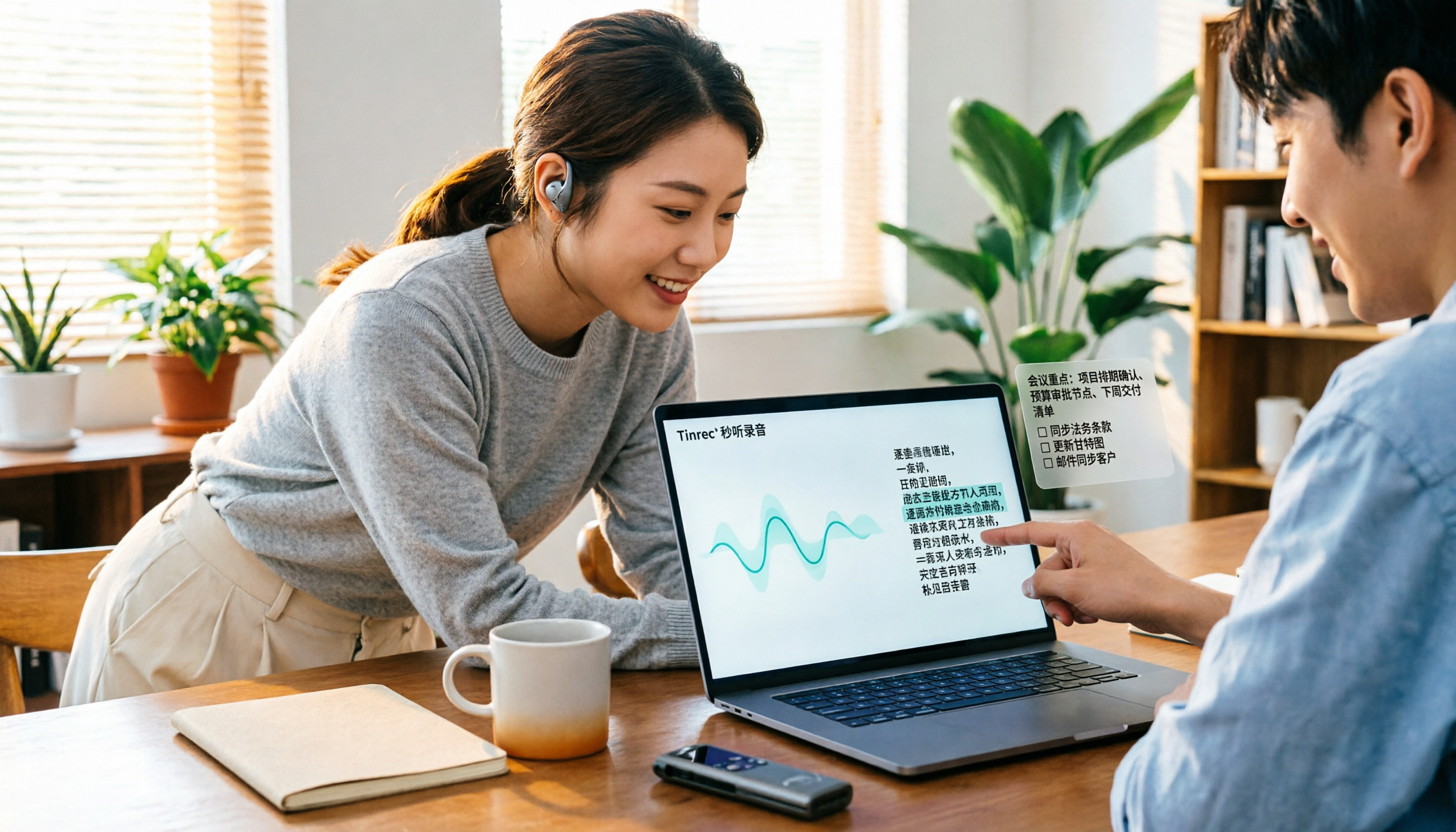
4 MP3 Transcription Tools Tested in 2026: Which Free Version Is Good Enough?
Looking for an MP3 transcription tool? We tested 4 popular options, comparing Chinese recognition, summary and to-do extraction, AI Q&A, free quotas, and team collaboration, with Tinrec as the main test subject, to help you avoid common pitfalls like focusing only on free versions or settling for raw transcripts.

Best Transcription Tools in 2026: We Tested 4, and This One Handles Chinese Meetings Best
What is a transcript, and why do most people no longer type them out by hand? This article first explains what a transcript is and how it differs from meeting minutes, then outlines 4 key factors for choosing a transcription tool. We tested and compared 4 options—Tinrec, Otter.ai, Notta, and PLAUD Note—and provide clear recommendations based on budget and use case.
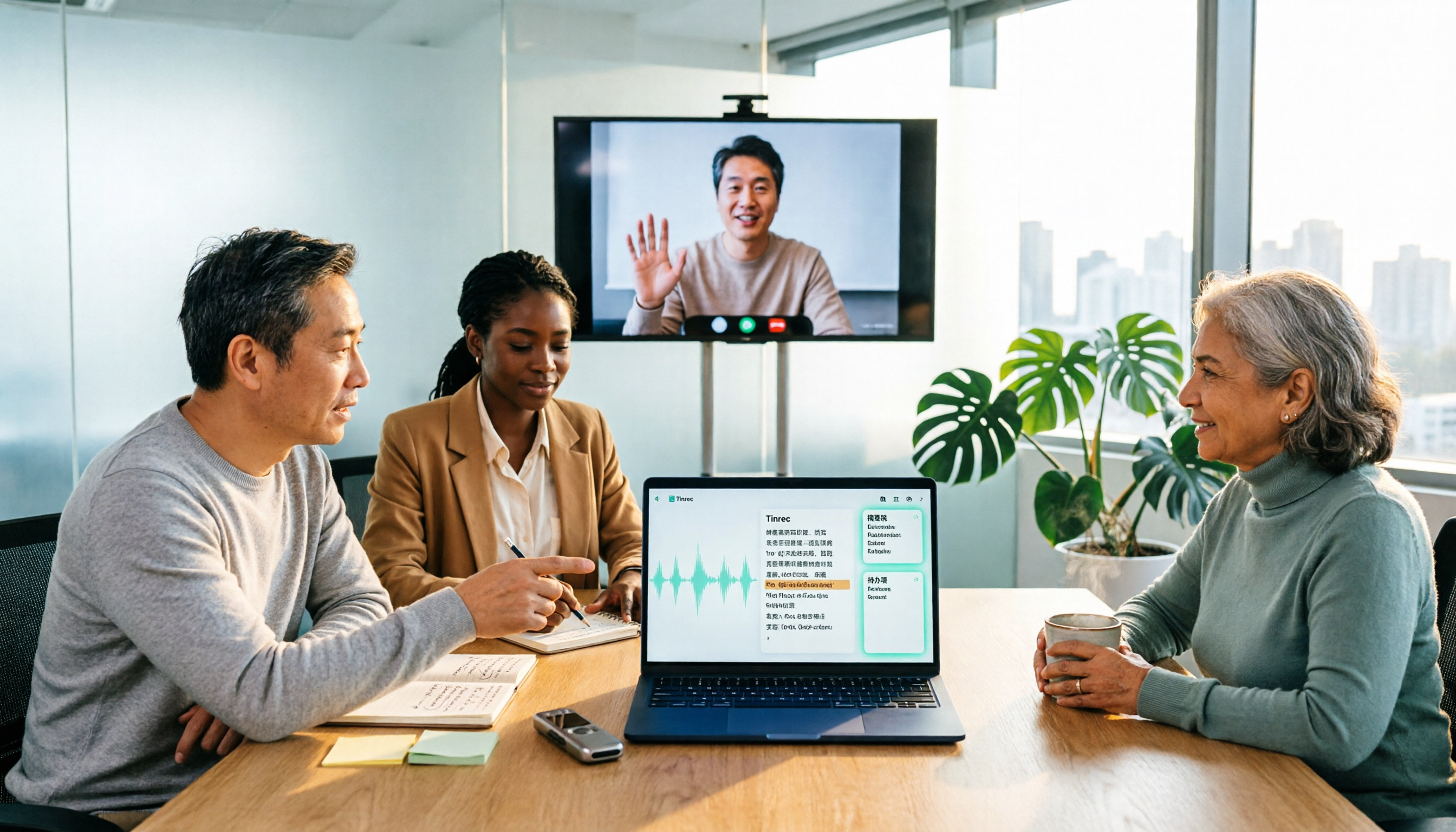
2026 Comparison of 3 Online MP3-to-Text Tools: Which Offers the Best Free Tier, Chinese Recognition, and Team Collaboration?
There are countless online MP3-to-text tools, but are the free ones enough? This article focuses on Tinrec and Notta, comparing them across five dimensions: online meeting recording methods, Chinese and mixed Chinese-English recognition, post-transcription summaries and action items, export and audio retention, and team spaces and governance. It honestly lists free quotas and paid prices to help you decide which approach suits your meetings, interviews, and team scenarios.